Inside Acer Aspire 1 (A114-32) – disassemby and upgrade options
So, how does a passively-cooled laptop look inside? Let’s see!
Check out all Acer Aspire 1 (A114-32) prices and configurations in our Specs System or read more in our In-Depth review.
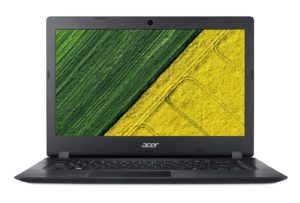
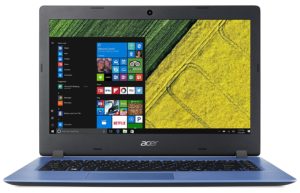
1. Remove the bottom plate
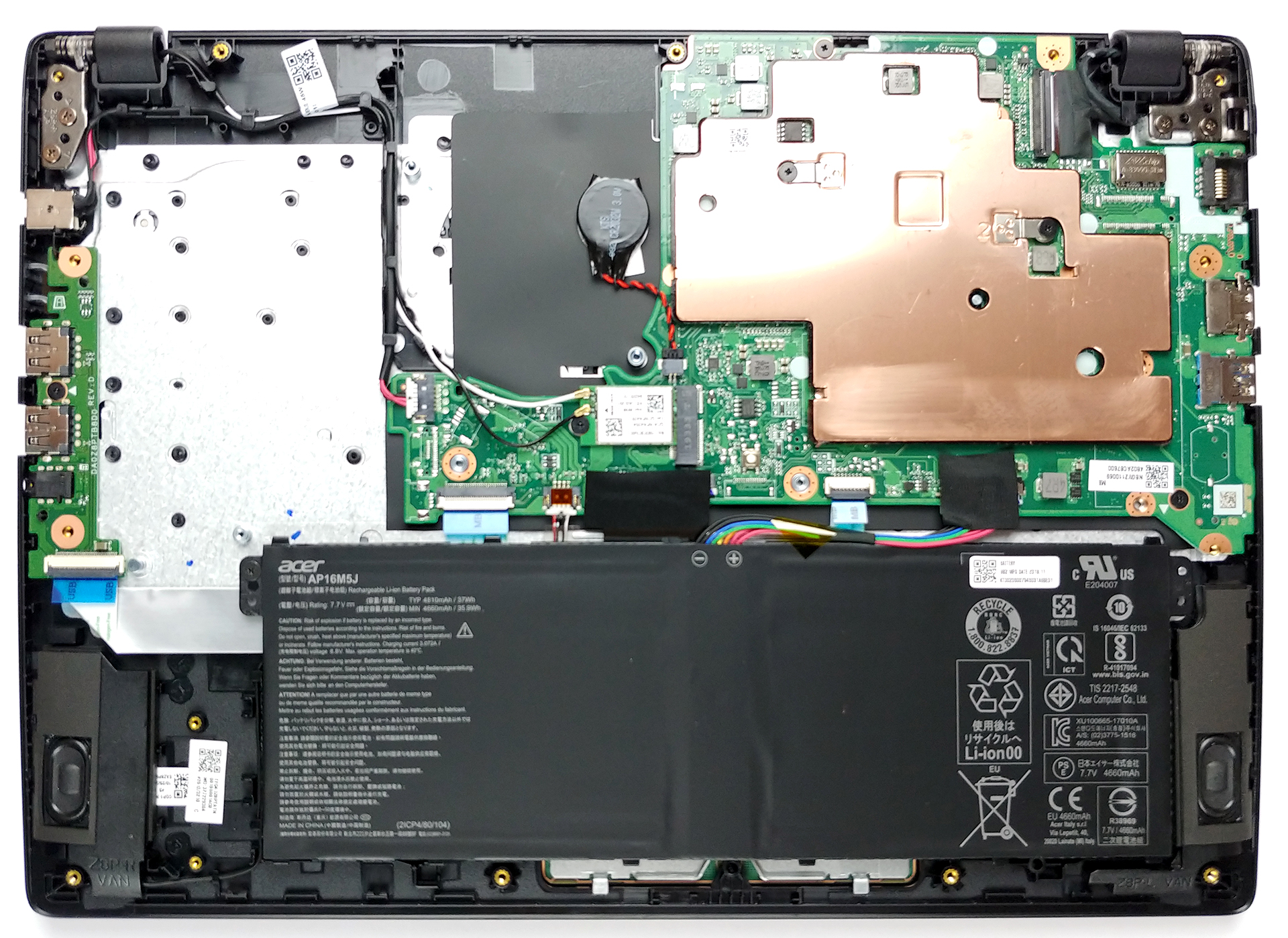
For a budget-oriented device, this one has quite a lot of screws. The exact number on the bottom plate is 15 and they are of a Phillips type. After you unscrew them, you just need to pop the side of the laptop with a plastic pry tool and the panel will come off extremely easy. Sadly, there are no options to upgrade either the RAM nor the storage.
2. Battery
As expected, the battery unit is rather small – 37Wh. If you want to replace it, it is held by only a single Phillips-head screw.

4. Cooling system
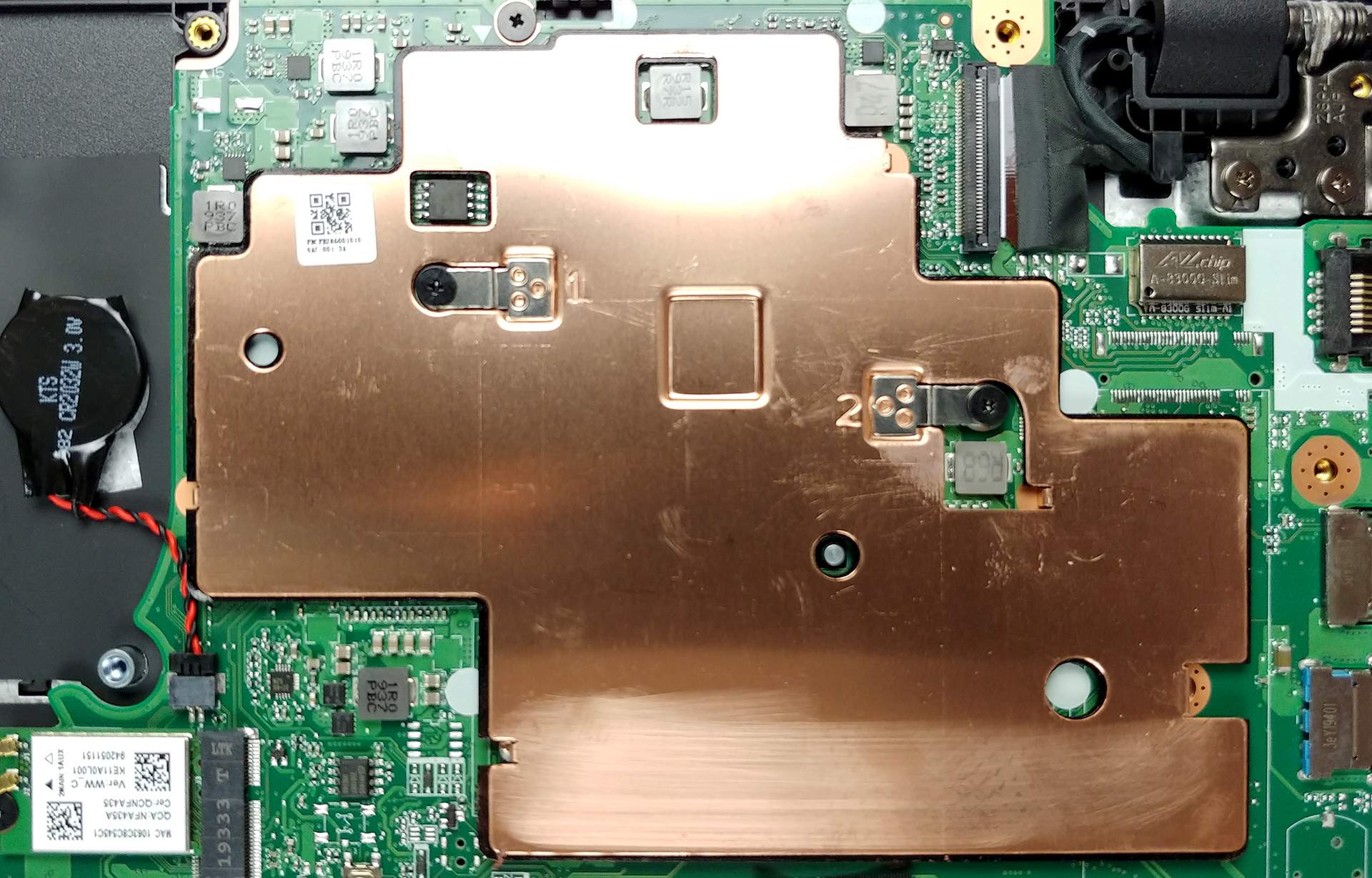
Since there are no moving parts in this notebook, it is safe to say that it stays completely silent at any time given. Ultimately, this means that the CPU is passively cooled by what looks like a rather big copper plate.
Check out all Acer Aspire 1 (A114-32) prices and configurations in our Specs System or read more in our In-Depth review.
 Author: Alex Iliev

![[August 2026] Amazon Global: Top 10 Best-Selling Laptops – Apple MacBook Neo Dominates the Charts as Budget and Mid-Range Windows Portables Fight for Volume](https://laptopmedia.com/wp-content/uploads/2026/09/Best-Selling-Laptops-GLOBAL-Top-10-400x225.jpg)
![[August 2026] Best-Selling Laptop Brands on Amazon Global – Apple Dominates Revenue While HP Leads in Model Variety](https://laptopmedia.com/wp-content/uploads/2026/09/GLOBAL-Best-Brands-400x225.jpg)
![[August 2026] Amazon Global: Top 10 Best-Selling Gaming Laptops – HP Victus 15 Captures the Crown as Budget-Friendly Models Dominate the Charts](https://laptopmedia.com/wp-content/uploads/2026/09/Best-Selling-Gaming-Laptops-GLOBAL-Top-10-400x225.jpg)
![[August 2026] Best-Selling Laptop Brands on Amazon Japan – Apple Dominates Market Share and Revenue Led by Strong Unit Sales](https://laptopmedia.com/wp-content/uploads/2026/09/CO.JP-Best-Brands-1-400x225.jpg)
![[August 2026] Best-Selling Laptop Brands on Amazon USA – Apple Dominates Market Revenue and Volume Despite Lower Model Diversity](https://laptopmedia.com/wp-content/uploads/2026/09/COM-Best-Brands-1-400x225.jpg)

there is any possibilitty ti upgrade hardisc
Yes. But it’s not something easy. You can soldering an usb cable on the mainboard on one of the usb ports that laptop have. At this cable must be attached an adapter for SSD : usb to ssd. This you will do it if you don’t want to keep the ssd outside of the laptop.
what abt using an sd card. It has a card reader. Just get a good quality card.
Do you mean usb to sata?
bullshit , there are places for sata connectors and m.2 on board , just solder properly and thats all
yes , you can solder m.2 socket as well with two capacitors and two zero ohm resistors on board
You can? How does one do that, id like to mod mine and add an m.2 ssd