_000044.jpg)


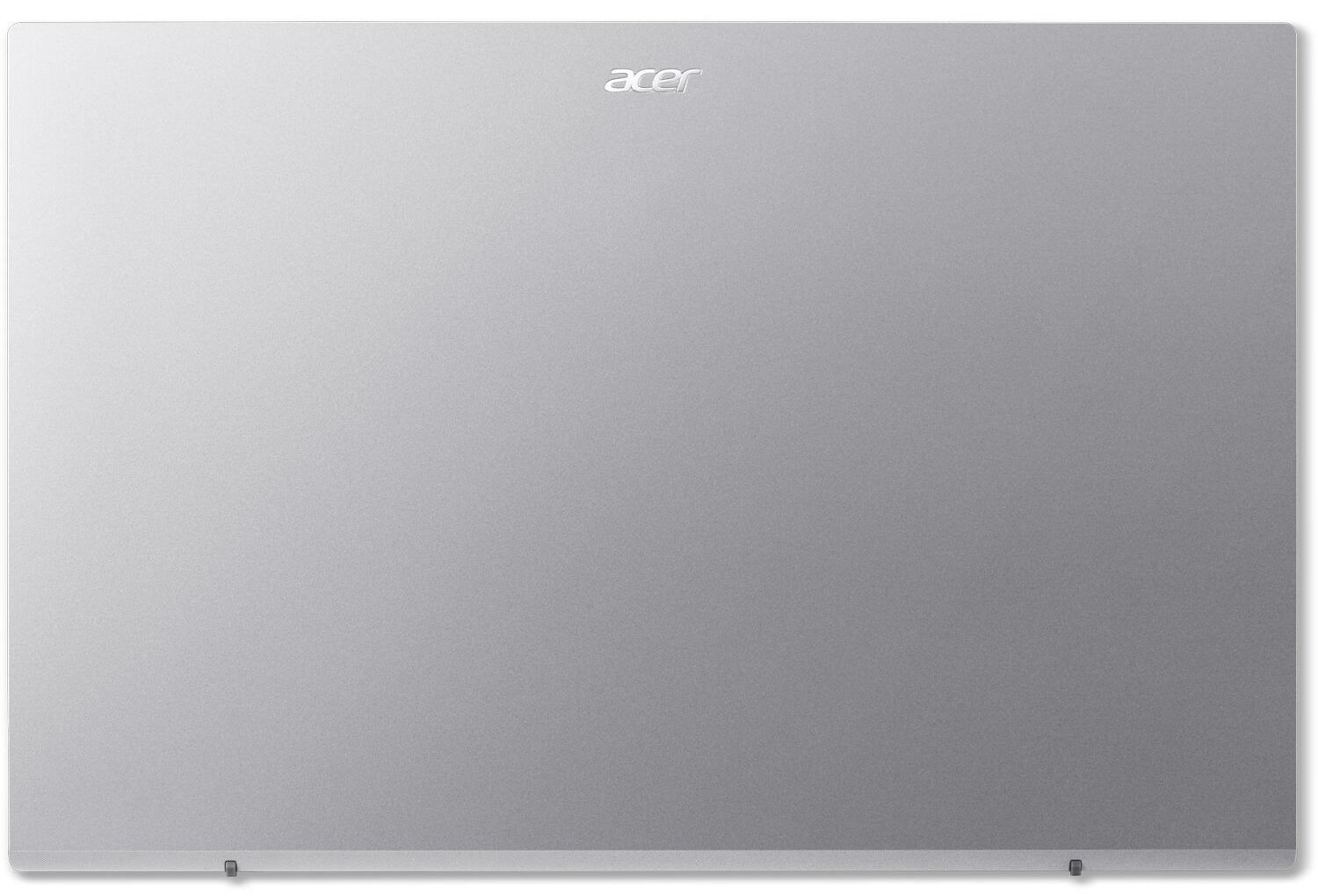
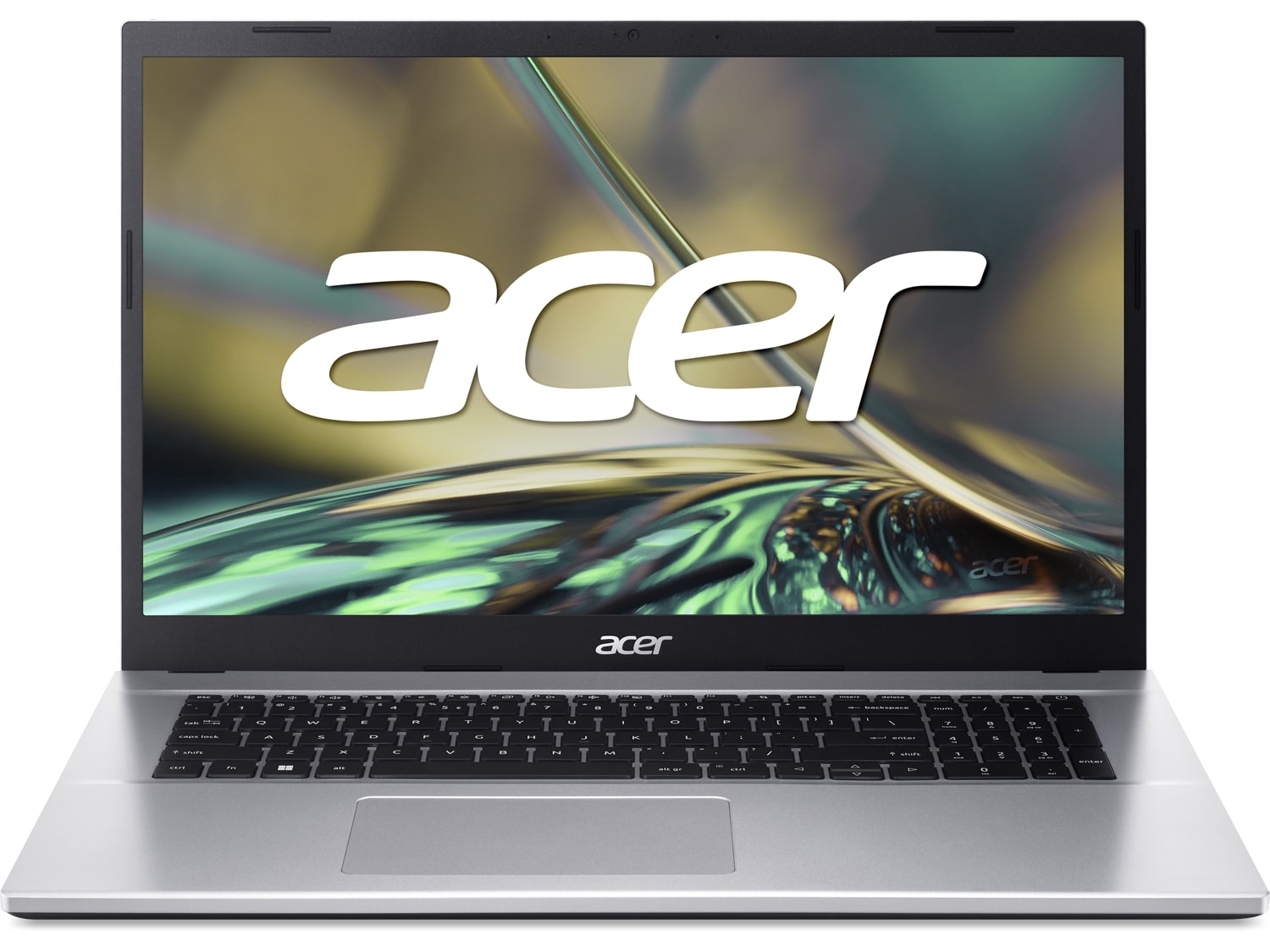
- Date Published: 20 Jan 2025
- Intel Core i7-1255U
- Intel Iris Xe Graphics G7 (96EU)
- 17.3”, Full HD (1920 x 1080), IPS
- 1000GB SSD
- 64GB RAM
- 2.23 kg (4.9 lbs)
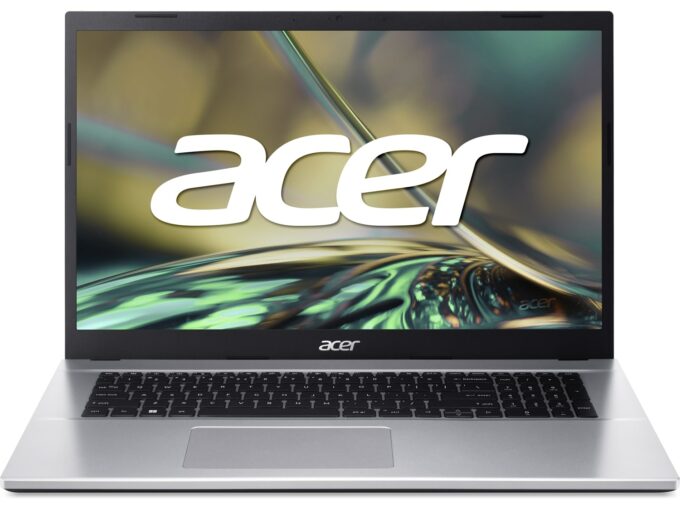
Specs

- HDD/SSD
- 1000GB SSD
- M.2 Slot
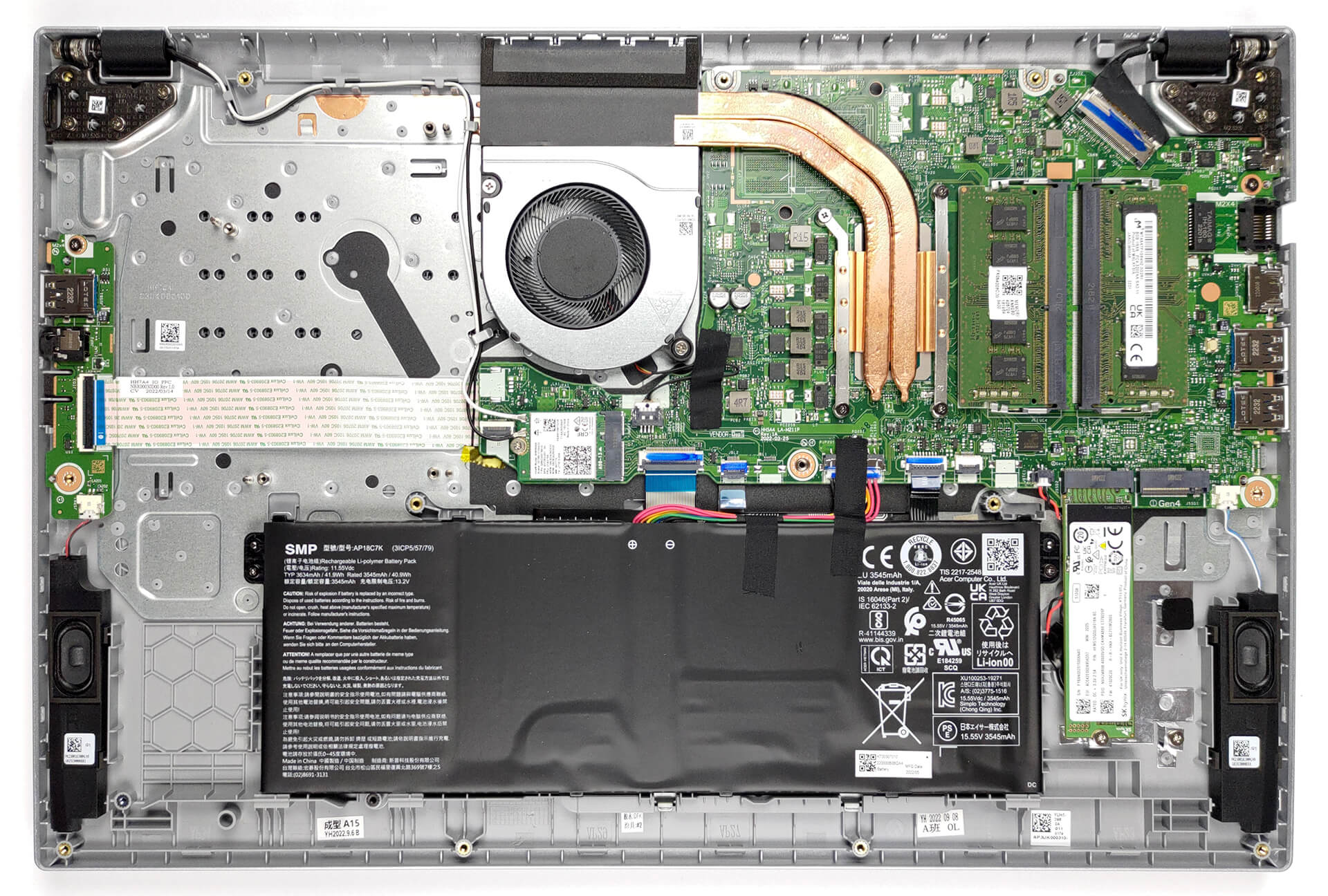
- 1x 2280 M.2 PCIe 4.0 x4 + 1x 2280 M.2 PCIe 3.0 x4 See photo
- RAM
- 64GB RAM
- OS
- Windows 11 Pro
- Body Material
- Plastic / Polycarbonate
- Dimensions
- 402.1x 265.9 x 20.90 mm (15.83" x 10.47" x 0.82")
- Weight
- 2.23 kg (4.9 lbs)
- Ports and connectivity
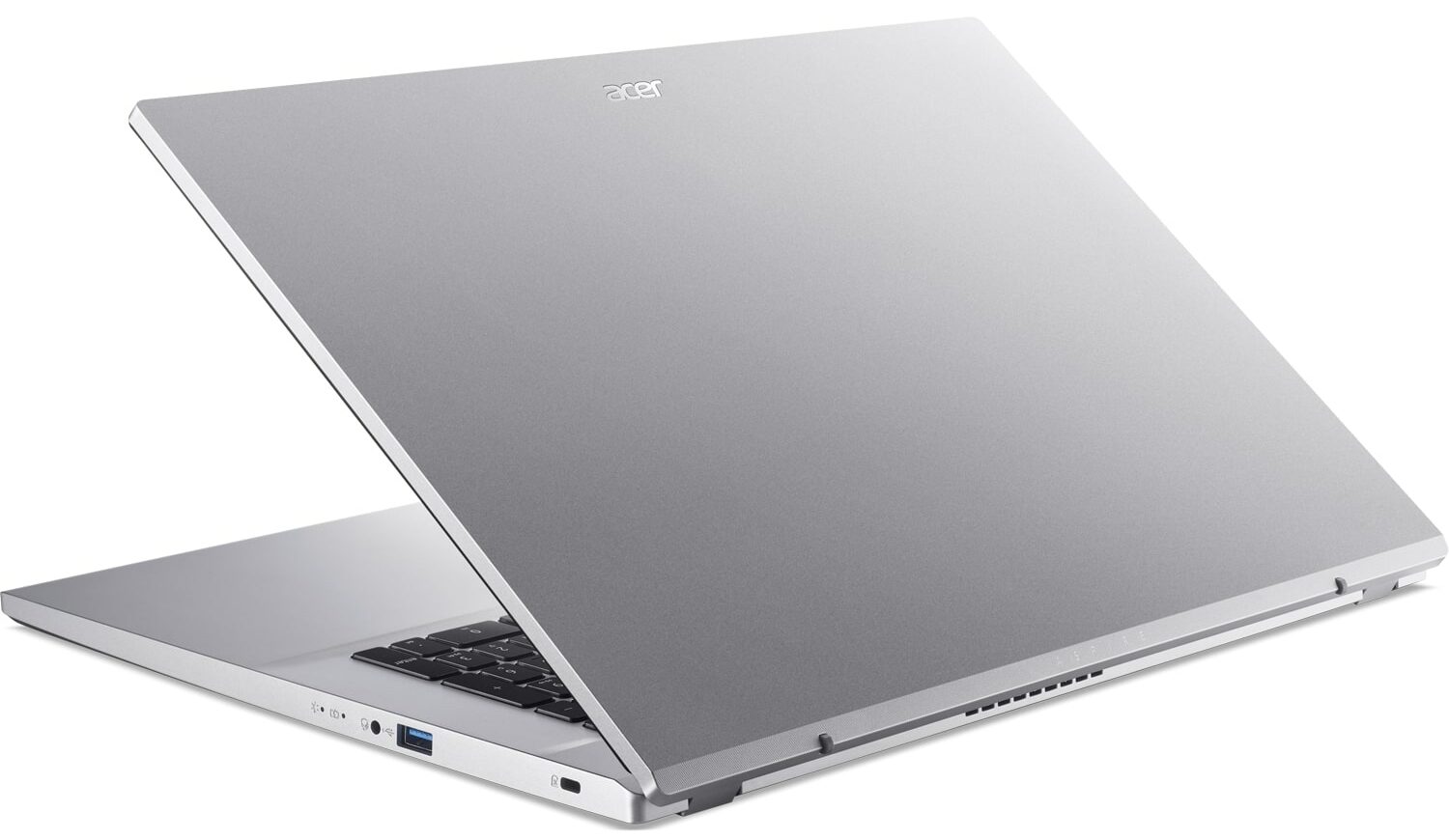
- 3x USB Type-A
- 3.2 Gen 1 (5 Gbps)
- HDMI
- Card Reader
- Ethernet LAN
- 10, 100, 1000 Mbit/s
- Wi-Fi
- 802.11ac
- Bluetooth
- 5.0
- Audio jack
- 3.5mm Combo Jack
- Features
- Fingerprint reader
- Web camera
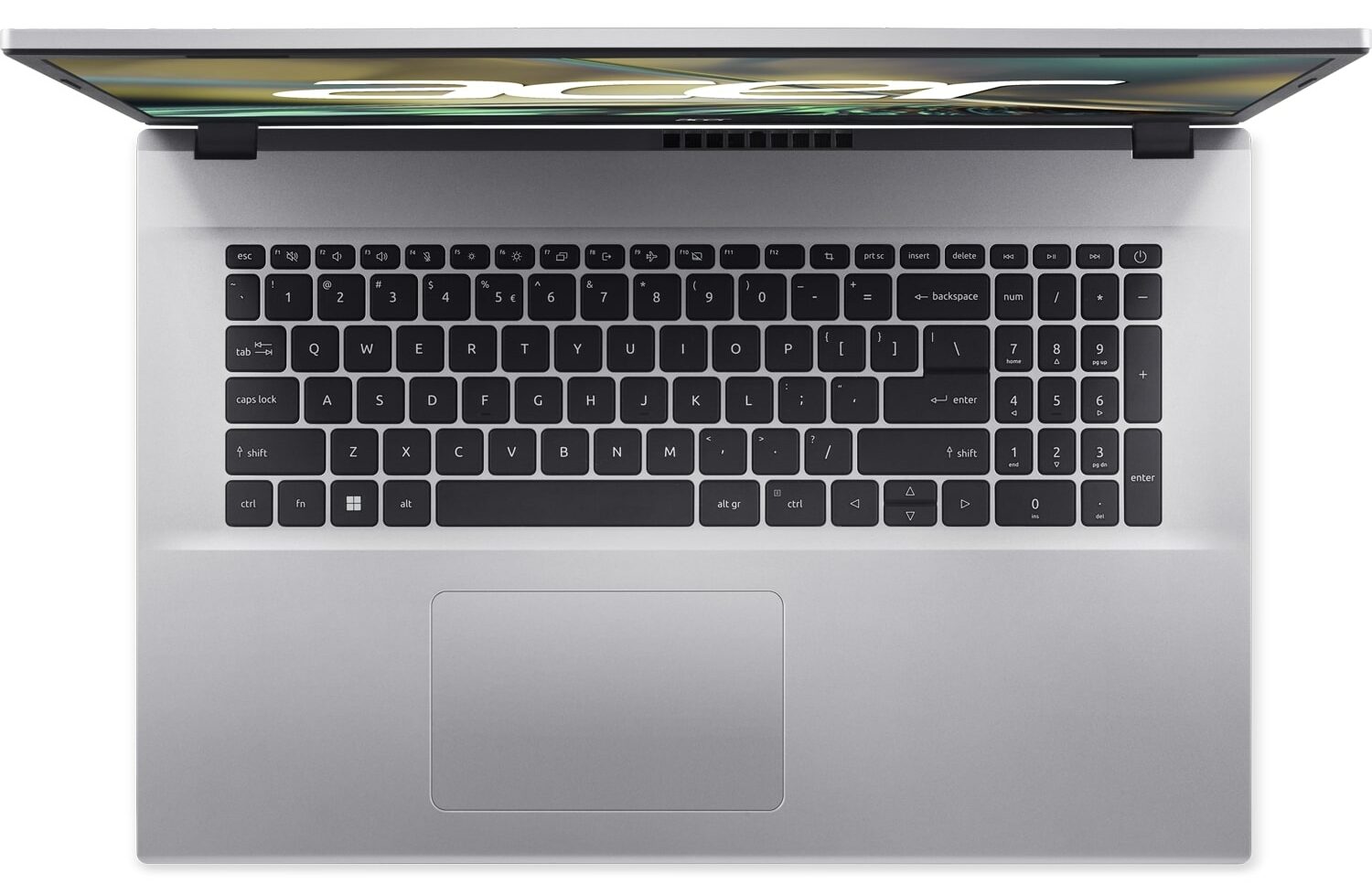
- Backlit keyboard
- Microphone
- Speakers
- 2x Stereo Speakers
- Security Lock slot
Portability
Review
Acer Aspire 3 in-depth review
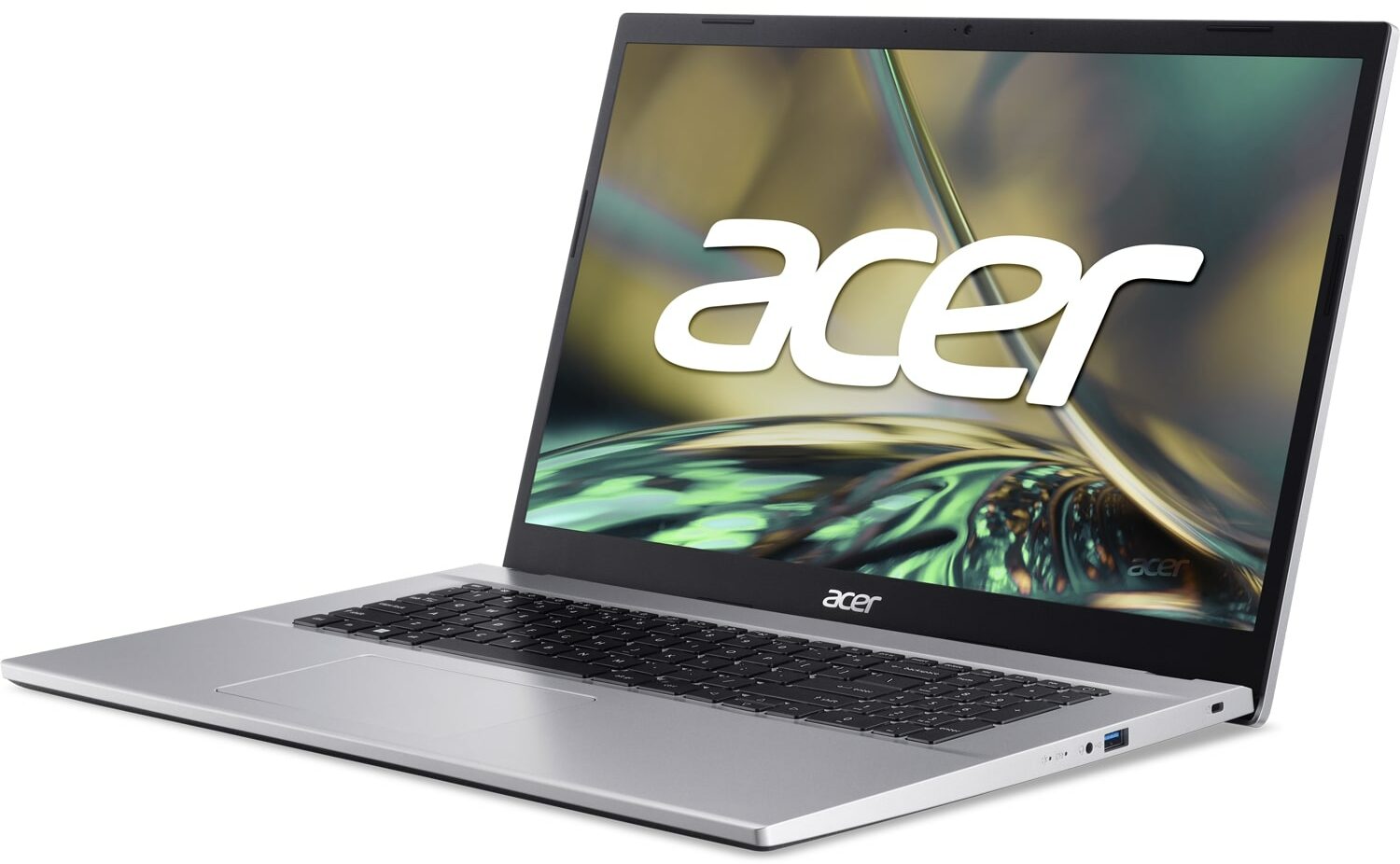
As usual, Acer is a key player in the 17-inch affordable notebook market. Today, we are going to tell you everything about the Aspire 3 (A317-54). In a nutshell, it is a large device with a rather low weight, reasonably high performance, and fair price.This is thanks to Intel's 12th Gen processors, which not only offer a good power capacity, but also great efficiency. Especially the Alder Lake U-series, which we find in this particular notebook.In addition to that, we are happy to see a 1080p IPS display, although you shouldn't expect accurate color representation. After all, we are talking about an everyday media consumption machine - not one that is meant for content creation.But let's take a quick look at the changed design before we pop the bottom panel open to see what yo[...]
Read the full review
Pros
- 2x SODIMM, 2x M.2 PCIe x4 (one supports Gen 4 SSDs)
- Surprisingly good performance and cooling
- Good price
- No PWM (Innolux N173HCE-E3C (CMN176F))
Cons
- Not the best input devices
- No SD card reader
- Lacks a USB Type-C port
- Unimpressive build quality
- Only 55% sRGB coverage (Innolux N173HCE-E3C (CMN176F))
Disassembly, maintenance and upgrade options
It's great to see an affordable laptop that isn't limited in terms of upgradeability.Check out all Acer Aspire 3 (A317-54) prices and configurations in our Specs System, or read more in our In-Depth review.1. Remove the bottom plate To access this laptop's internals, you need to undo 14 Phillips-head screws. Then, just pry the bottom panel with a plastic tool and remove it from the chassis.2. Remove the battery Here, we find a 42Wh battery pack. It lasts for 9 hours of Web browsing, or 6 hours of video playback. To take it out, unplug the connector from the motherboard, [...]
Read more


![[June 2026] Best-Selling Laptop Brands on Amazon Global – Apple’s Unrivaled Dominance in Units and Revenue](https://laptopmedia.com/wp-content/uploads/2026/07/GLOBAL-Best-Brands-400x225.jpg)
![[June 2026] Amazon Global: Top 10 Best-Selling Laptops – Apple’s New MacBook Neo Storms to #1, Reshaping the Market with Affordability](https://laptopmedia.com/wp-content/uploads/2026/07/Best-Selling-Laptops-GLOBAL-Top-10-400x225.jpg)
![[June 2026] Amazon Global: Top 10 Best-Selling Gaming Laptops – Acer’s Nitro V 16S AI Dominates Sales, While ASUS Leads Overall Revenue](https://laptopmedia.com/wp-content/uploads/2026/07/Best-Selling-Gaming-Laptops-GLOBAL-Top-10-400x225.jpg)
![[June 2026] Global Ranking of Best-Selling Laptop GPUs on Amazon – NVIDIA RTX 5060 is the Top-Selling Dedicated GPU](https://laptopmedia.com/wp-content/uploads/2026/07/Best-Selling-GPUs-GLOBAL-Top-10-400x225.jpg)
![[June 2026] Global Ranking of Best-Selling Laptop CPUs on Amazon – Apple M5 Dominates, AMD Ryzen 7 260 Gets Solid Premium Share](https://laptopmedia.com/wp-content/uploads/2026/07/Best-Selling-CPUs-GLOBAL-Top-10-400x225.jpg)