Acer Aspire 3


- Date Published: 24 Jul 2025
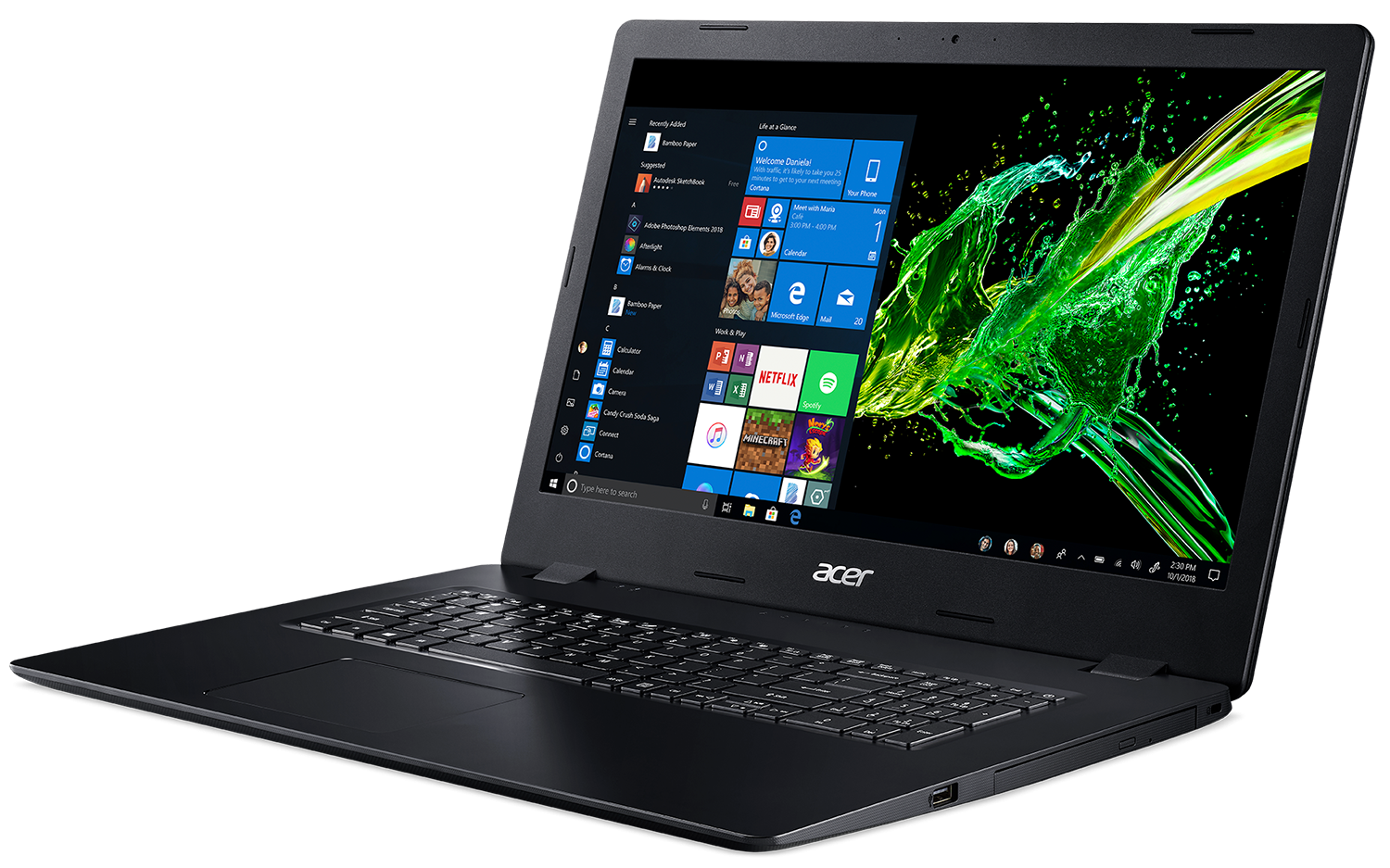
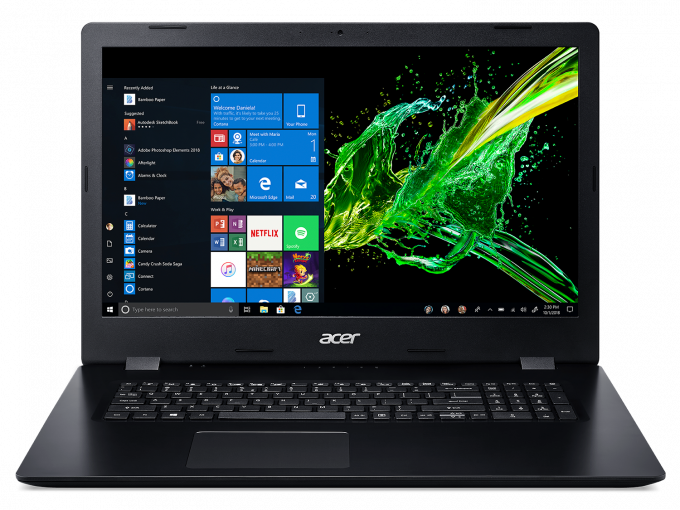
- Intel Pentium Silver N5000
- Intel UHD Graphics 605
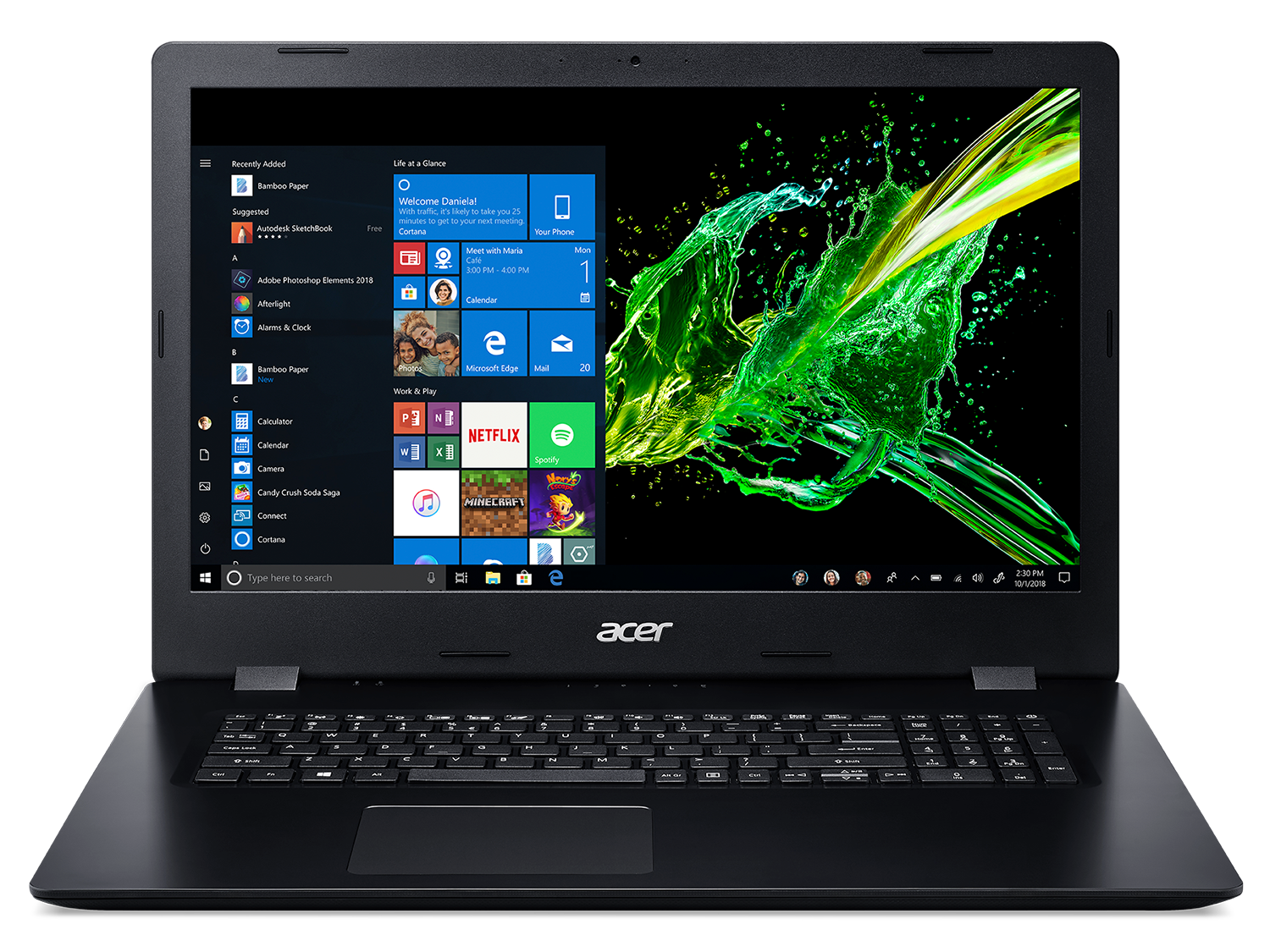
- 17.3”, Full HD (1920 x 1080), IPS
- 256GB SSD
- 8GB RAM
- 2.80 kg (6.2 lbs)
Specs
- HDD/SSD
- 256GB SSD
- RAM
- 8GB RAM
- OS
- No OS
- Dimensions
- 419.5 x 289.5 x 24.6 mm (16.52" x 11.40" x 0.97")
- Weight
- 2.80 kg (6.2 lbs)
- Ports and connectivity
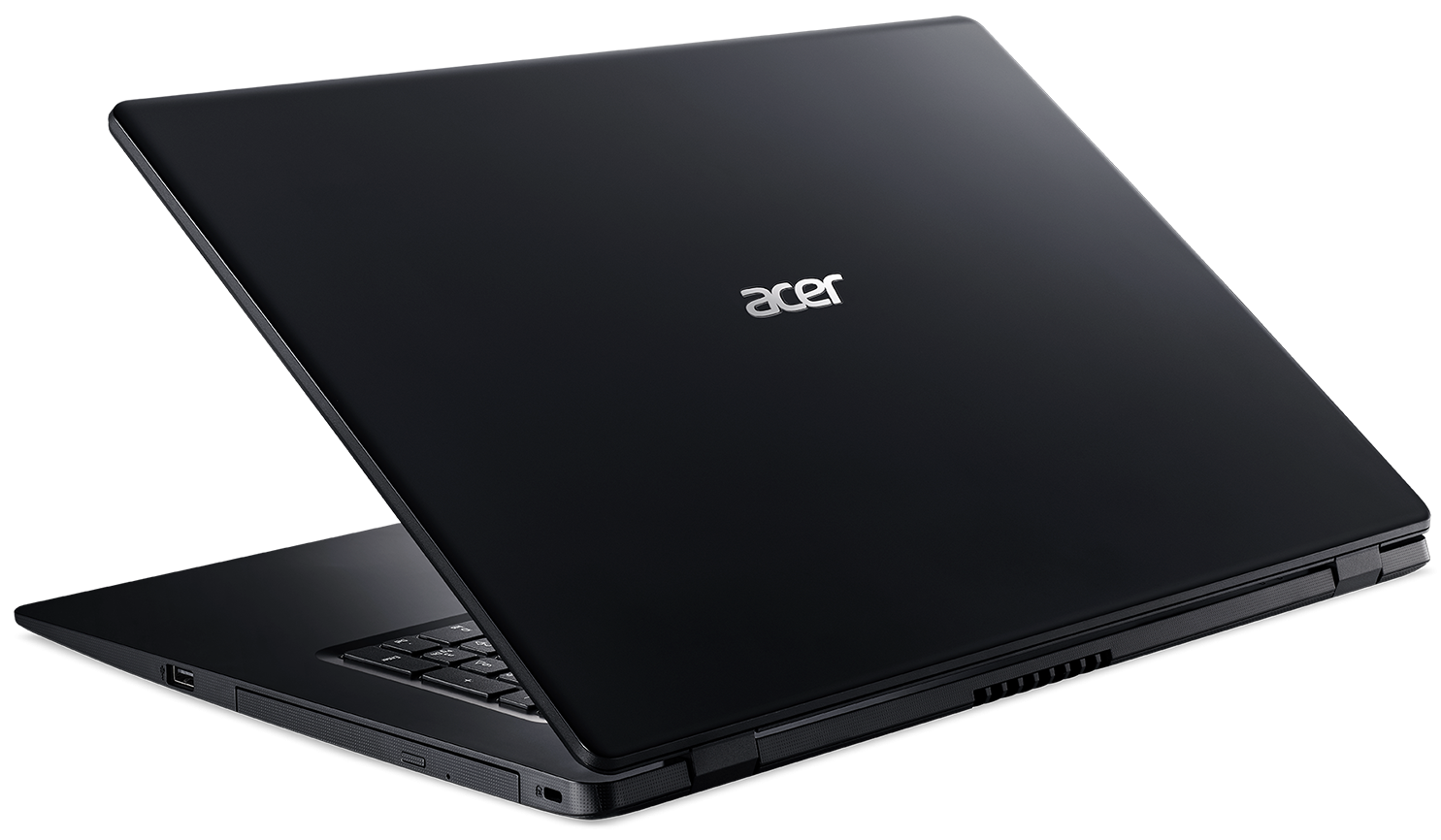
- 2x USB Type-A
- 2.0
- 1x USB Type-C
- 3.2 Gen 1 (5 Gbps)
- HDMI
- Card Reader
- Ethernet LAN
- 10, 100, 1000 Mbit/s
- Wi-Fi
- 802.11ac
- Bluetooth
- 4.2
- Features
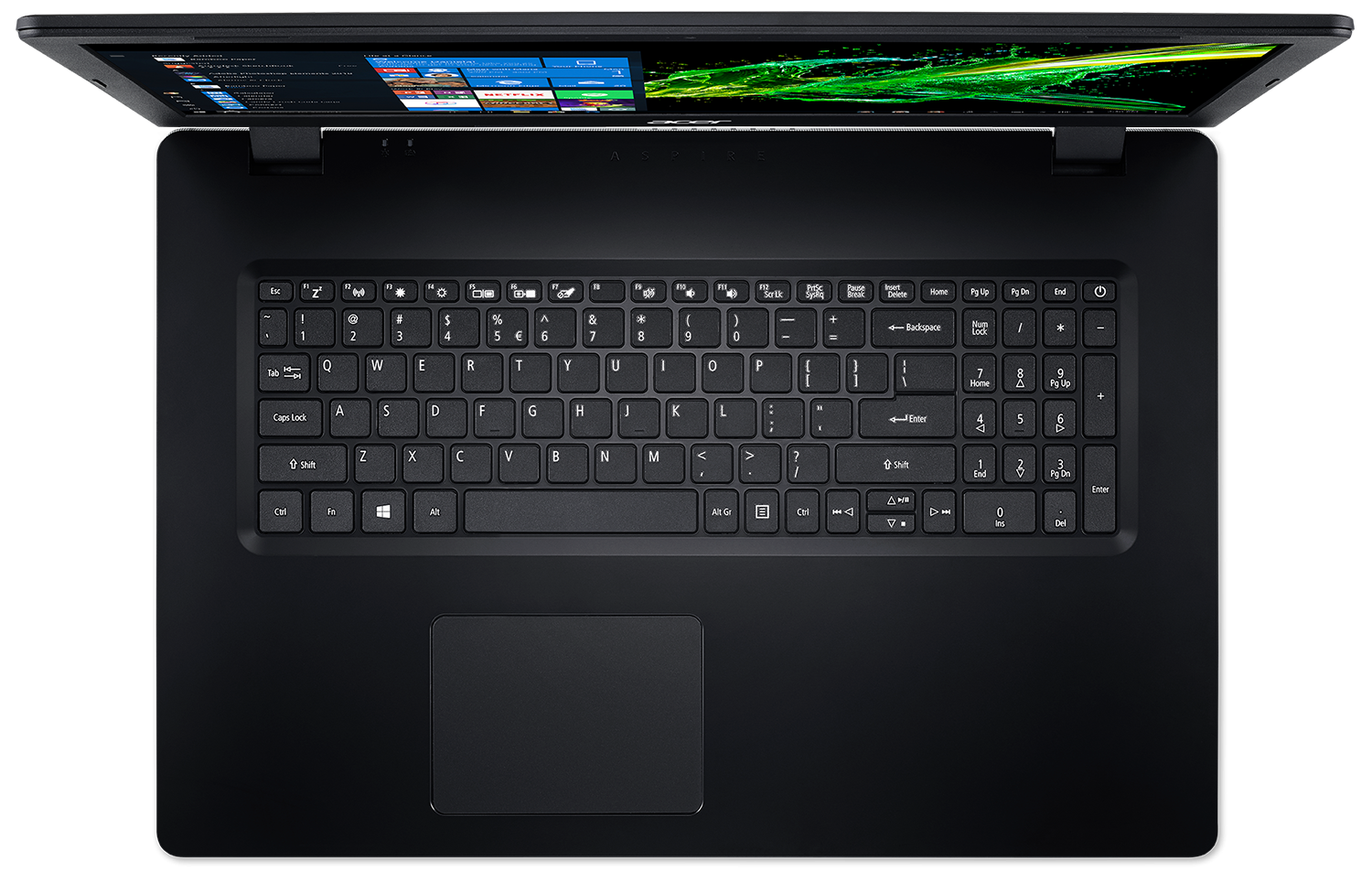
- Fingerprint reader
- Backlit keyboard
- Microphone
- Speakers
- 2x
- Security Lock slot
Portability
Review
Acer Aspire 3 in-depth review
The wide variety of Acer Aspire 3 notebooks continue with a 17-inch model. It is the Aspire 3 (A317-32) and it sits near the top of the imaginary affordability chart. Of course, under the cost-cutting, there is a sensibly priced laptop that is going to diversify the homes of (possibly) a lot of people.First off, why pick a 17-inch laptop? Well, one of the main reasons for that is if you are not going to bring it with you wherever you go - on a vacation, a work trip, or weekend in the woods. However, if you like having a desktop PC at home, but miss all of the opportunities to bring it with you in the kitchen, in bed, and most importantly - in the bathroom, then a 17-incher is a great choice.With that said, let's pay a little bit more attention to the Aspire 3 (A317-32), which curr[...]
Read the full review
Pros
- Extremely low price
- Decent touchpad
- Large screen that has surprisingly accurate color representation with the help of our profiles
- Doesn't use PWM for brightness adjustment
- Has an optical drive reader/writer
Cons
- Poor build quality
- Covers only 63% of sRGB (Innolux N140BGA-EB3 (CMN14C4))
- Poor viewing angles and contrast ratio
- Lacks USB Type-C and SD card reader
Disassembly, maintenance and upgrade options
Even though this is not the most powerful laptop on the market, it is very tempting to get it just to have something at home that you can take from the desk and watch a movie in the kitchen or in the bed.Check out all Acer Aspire 3 (A317-32) prices and configurations in our Specs System or read more in our In-Depth review.1. Remove the bottom plate As a device that has an optical drive option, first, you need to remove it, in order to access the rest of the internals. This is extremely easy to do - just unscrew the appropriate middle screw, and you should be able to pull it away[...]
Read more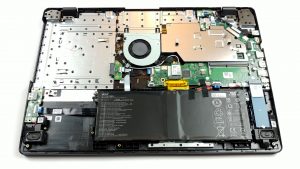


![[June 2026] Best-Selling Laptop Brands on Amazon Global – Apple’s Unrivaled Dominance in Units and Revenue](https://laptopmedia.com/wp-content/uploads/2026/07/GLOBAL-Best-Brands-400x225.jpg)
![[June 2026] Amazon Global: Top 10 Best-Selling Laptops – Apple’s New MacBook Neo Storms to #1, Reshaping the Market with Affordability](https://laptopmedia.com/wp-content/uploads/2026/07/Best-Selling-Laptops-GLOBAL-Top-10-400x225.jpg)
![[June 2026] Amazon Global: Top 10 Best-Selling Gaming Laptops – Acer’s Nitro V 16S AI Dominates Sales, While ASUS Leads Overall Revenue](https://laptopmedia.com/wp-content/uploads/2026/07/Best-Selling-Gaming-Laptops-GLOBAL-Top-10-400x225.jpg)
![[June 2026] Global Ranking of Best-Selling Laptop GPUs on Amazon – NVIDIA RTX 5060 is the Top-Selling Dedicated GPU](https://laptopmedia.com/wp-content/uploads/2026/07/Best-Selling-GPUs-GLOBAL-Top-10-400x225.jpg)
![[June 2026] Global Ranking of Best-Selling Laptop CPUs on Amazon – Apple M5 Dominates, AMD Ryzen 7 260 Gets Solid Premium Share](https://laptopmedia.com/wp-content/uploads/2026/07/Best-Selling-CPUs-GLOBAL-Top-10-400x225.jpg)
