Acer Chromebook 311 (CB311-9H-C12A)
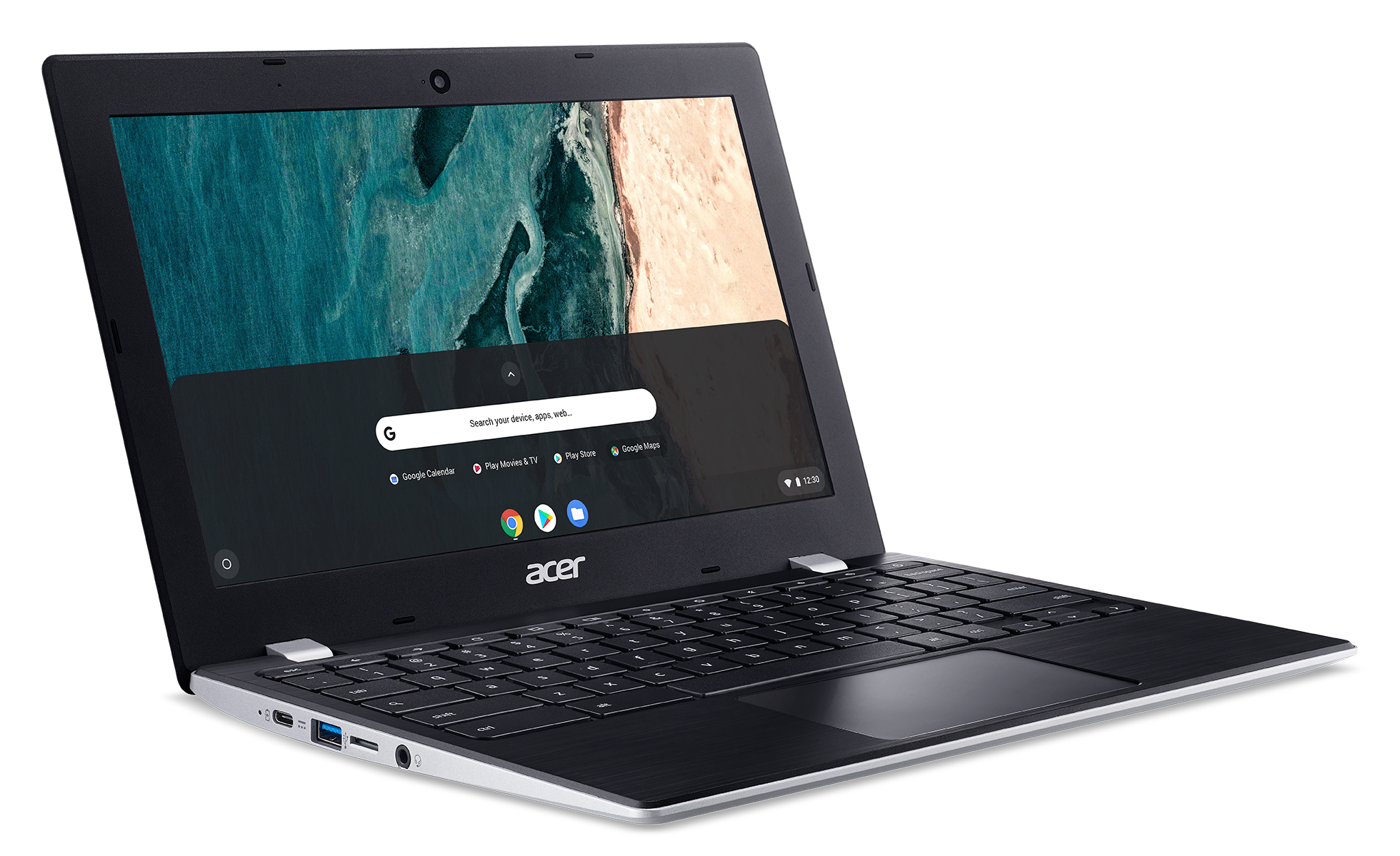
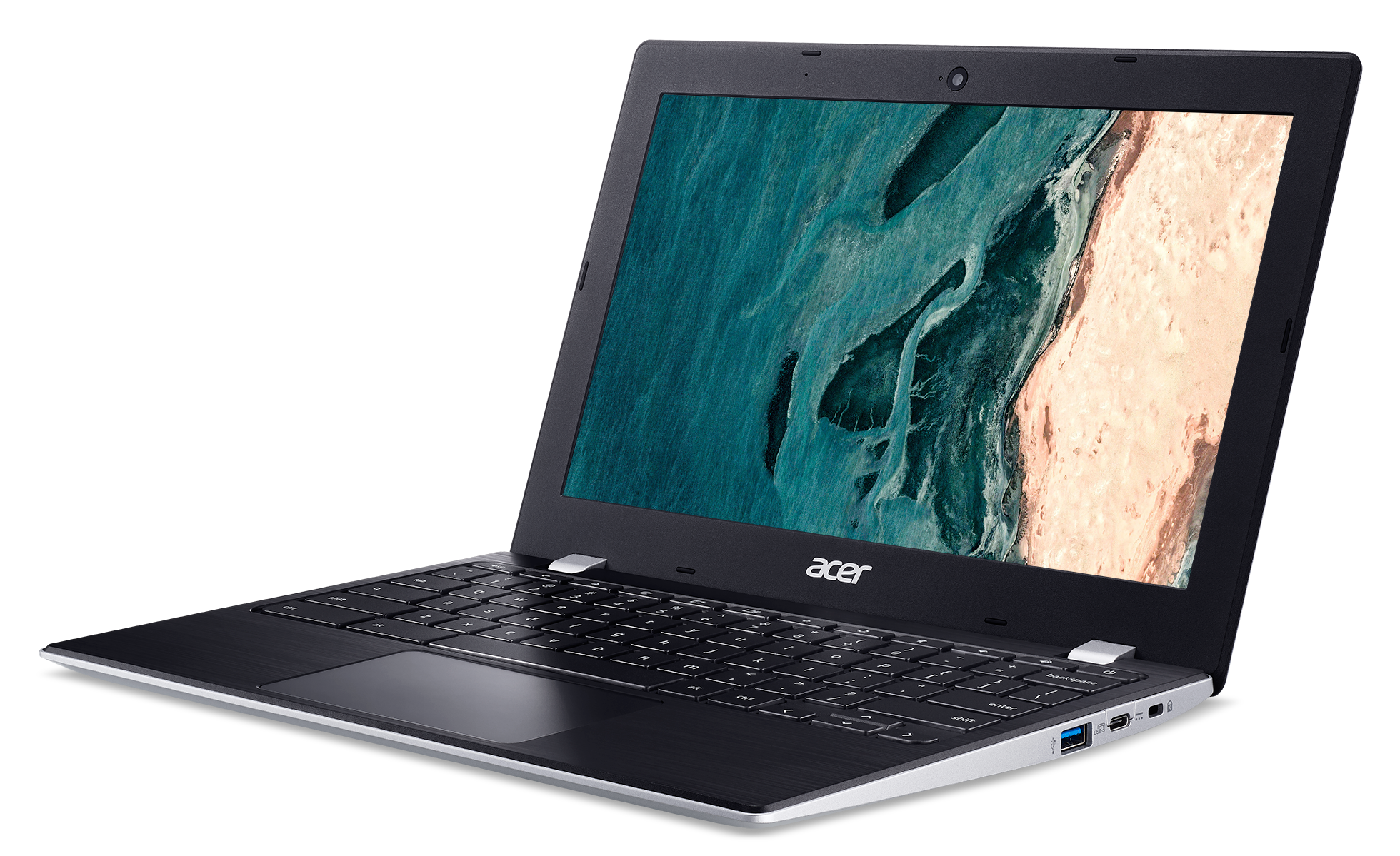
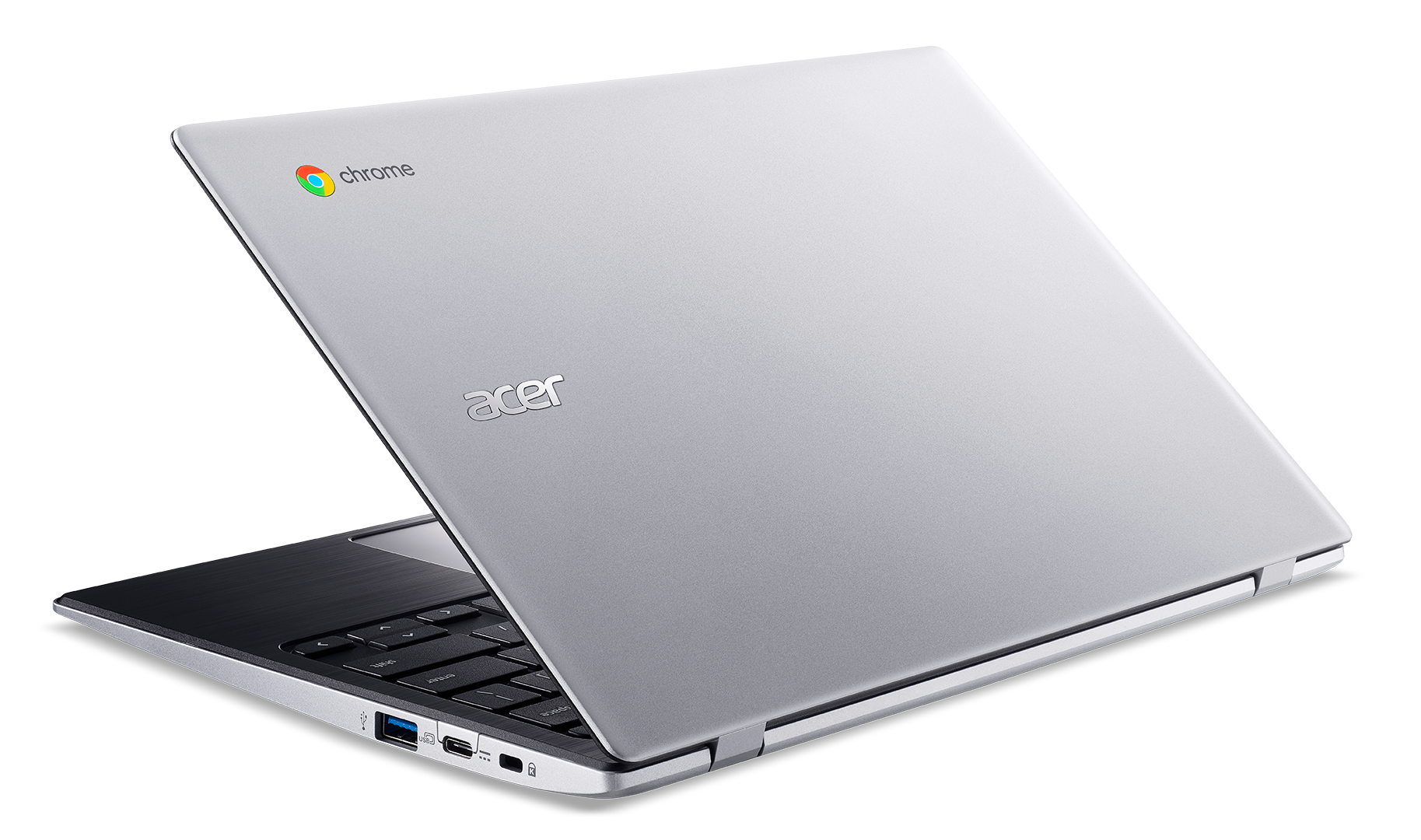
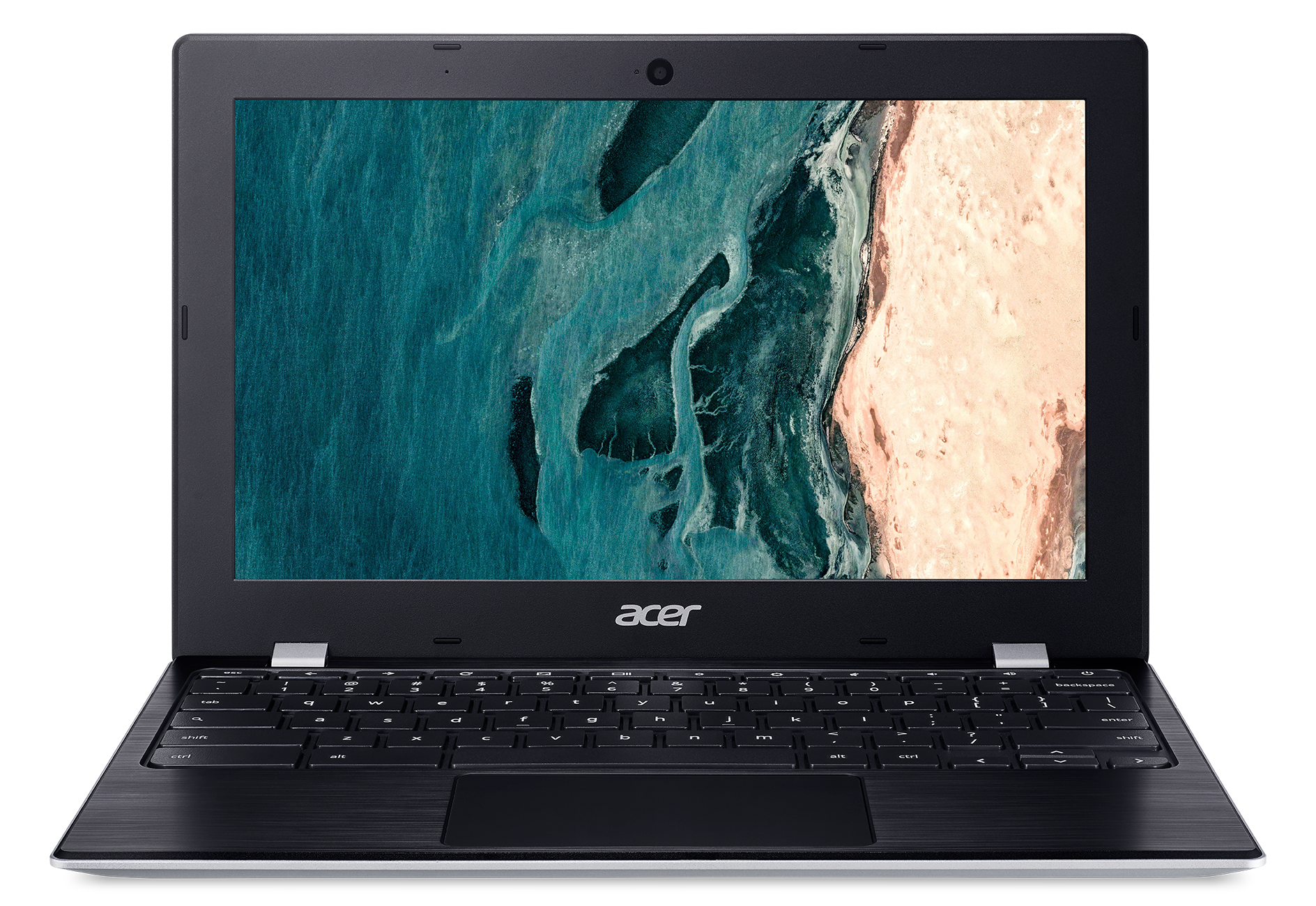
- Date Published: 05 Nov 2020
- Intel Celeron N4000
- Intel UHD Graphics 600
- 11.6”, HD (1366 x 768), IPS
- 32GB SSD
- 4GB LPDDR4
- 1.10 kg (2.4 lbs)
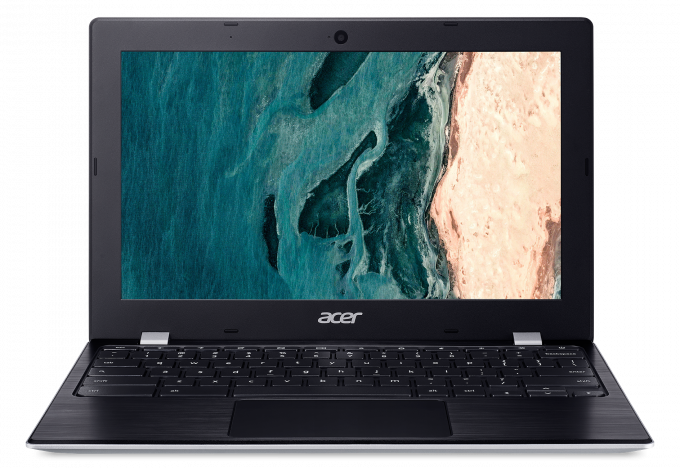
Review
Acer Chromebook 311 (CB311-9H-C12A) in-depth review
What if you only need your laptop for browsing the Web, occasionally sending mails and watching movies? Well, that's exactly what Chrome OS is made for. No matter whether you get it for your kid, for yourself or even for your employees. This browser-based operating system is far more capable than just scrolling through the Web.In fact, with the development of Android, which sits at the base of Chrome OS, far more capabilities have opened for the users. Now, the Chromebook 311 (CB311-9H) is quite a budget offering. It features a 6W Intel processor (for better or for worse), 4GB of LPDDR4 memory and eMMC storage. Indeed, it's not going to blow your mind in terms of performance, but if you are really into buying something based on Chrome OS, you are definitely not on the market for po[...]
Read the full review
Pros
- Snappy experience
- The OS loads in an instant
- Two USB Type-C ports that charge the laptop and can output DisplayPort
- Its display has comfortable viewing angles and good contrast ratio (BOE BOE07A0)
- Doesn't use PWM to adjust screen brightness (BOE BOE07A0)
- MicroSD card storage expansion
Cons
- All-plastic build
- Covers only 56% of sRGB
- Memory and storage are soldered to the motherboard
- Feels clunky and dated because of its fat bezels
Disassembly, maintenance and upgrade options
This is a neat little Chromebook that sadly doesn't offer anything to upgrade. However, here is a quick guide on how to get inside of it.Check out all Acer Chromebook 311 (CB311-9H) prices and configurations in our Specs System or read more in our In-Depth review.1. Remove the bottom plate There are a total of 12 Phillips-head screws holding the bottom panel of this Chromebook 311 in place. After you remove them, pry the plate up with a plastic tool, carefully working your way around the device. Then, just pop it up and you'll see the internals.2. Battery In terms of batt[...]
Read more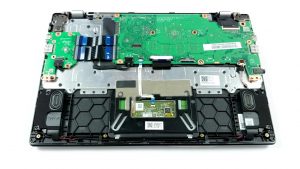


![[June 2026] Best-Selling Laptop Brands on Amazon Global – Apple’s Unrivaled Dominance in Units and Revenue](https://laptopmedia.com/wp-content/uploads/2026/07/GLOBAL-Best-Brands-400x225.jpg)
![[June 2026] Amazon Global: Top 10 Best-Selling Laptops – Apple’s New MacBook Neo Storms to #1, Reshaping the Market with Affordability](https://laptopmedia.com/wp-content/uploads/2026/07/Best-Selling-Laptops-GLOBAL-Top-10-400x225.jpg)
![[June 2026] Amazon Global: Top 10 Best-Selling Gaming Laptops – Acer’s Nitro V 16S AI Dominates Sales, While ASUS Leads Overall Revenue](https://laptopmedia.com/wp-content/uploads/2026/07/Best-Selling-Gaming-Laptops-GLOBAL-Top-10-400x225.jpg)
![[June 2026] Global Ranking of Best-Selling Laptop GPUs on Amazon – NVIDIA RTX 5060 is the Top-Selling Dedicated GPU](https://laptopmedia.com/wp-content/uploads/2026/07/Best-Selling-GPUs-GLOBAL-Top-10-400x225.jpg)
![[June 2026] Global Ranking of Best-Selling Laptop CPUs on Amazon – Apple M5 Dominates, AMD Ryzen 7 260 Gets Solid Premium Share](https://laptopmedia.com/wp-content/uploads/2026/07/Best-Selling-CPUs-GLOBAL-Top-10-400x225.jpg)
