Acer Nitro 17


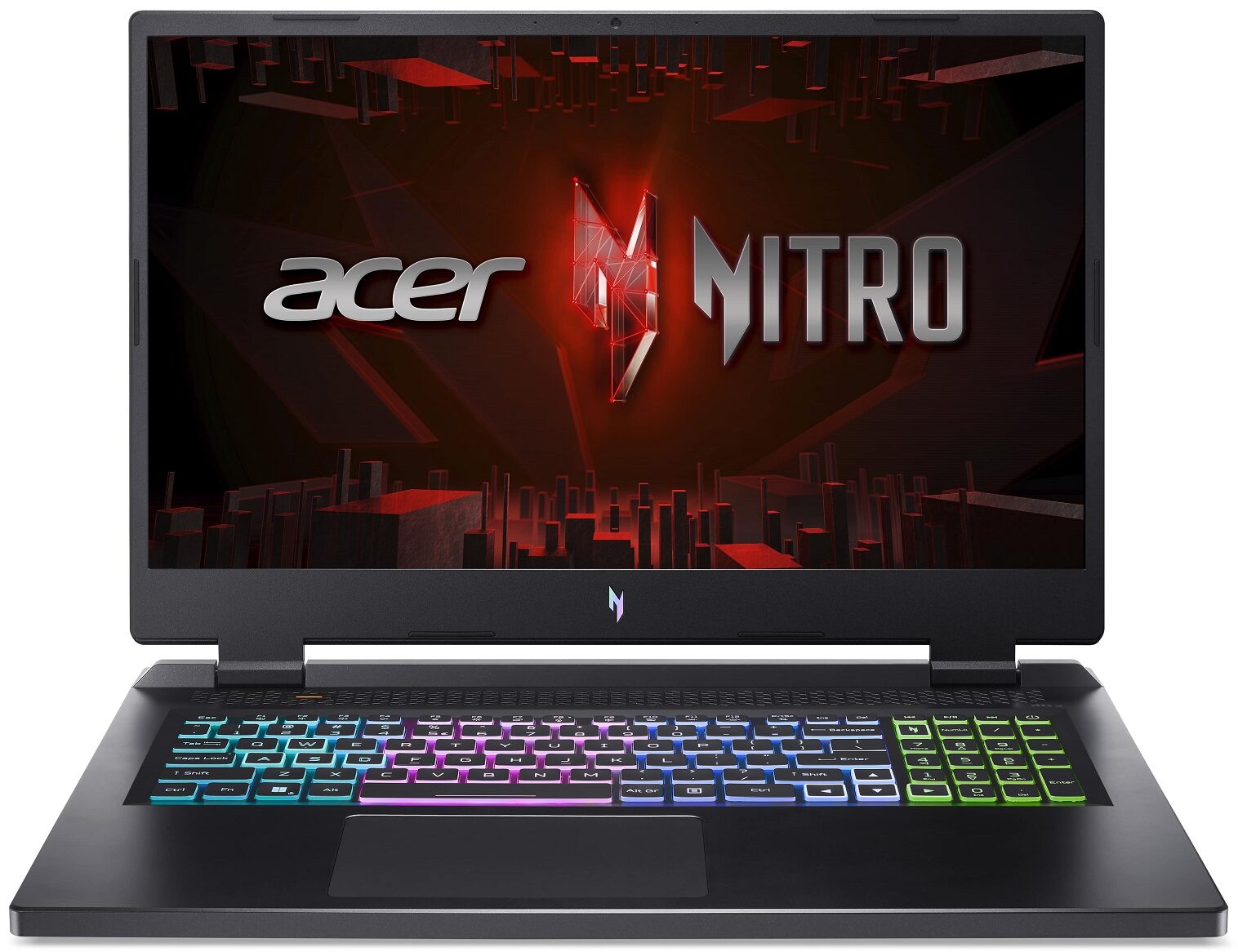
- Date Published: 02 Feb 2025
- Intel Core i7-13700HX
- NVIDIA GeForce RTX 4060 (Laptop, 140W)
- 17.3", QHD (2560 x 1440), 165 Hz, IPS
- 1000GB SSD
- 24GB RAM
- 3.25 kg (7.2 lbs)

Review
Acer Nitro 17 in-depth review
The Acer Nitro 17 (AN17-71) is part of a rebranding scheme going on at the Taiwanese company. It also features a new logo, which looks pretty cool in our opinion. But looks are all but everything when it comes to gaming devices.It is equipped with Intel's 55W HX-series processors, part of the 13th Gen family. They are not very efficient, but as we found in other devices we've tested, these CPUs are extremely powerful.With that said, it is good to see that Acer now removed the exclusivity of the Helios subbrand when it comes to liquid metal. Being fully aware that it needs to throw everything in the textbook at the Intel Core i7-13700HX, which is capable of reaching a power target of 170W with no problem.In addition to that, the laptop is offered with quite powerful graphics ca[...]
Read the full review
Pros
- Low GPU temperatures
- 2x M.2 PCIe x4 Gen 4 slots, 2x DDR5 RAM SODIMM slots in dual channel, Wi-Fi 6
- Covers 99% of the DCI-P3 color gamut and has accurate color representation (BOE NE173QHM-NY6 (BOE0B7C))
- Snappy panel with quick response times (BOE NE173QHM-NY6 (BOE0B7C)
- No PWM (BOE NE173QHM-NY6 (BOE0B7C))
- G-Sync support + MUX switch
- Wide port selection
- The keyboard remains cool after long gaming sessions
Cons
- Plastic body
- Quite heavy
Disassembly, maintenance and upgrade options
Even though, the Nitro series is pretty affordable, it is quite adept when it comes to upgradeability.Check out all Acer Nitro 17 (AN17-71) prices and configurations in our Specs System, or read more in our In-Depth review.1. Remove the bottom plate To access this notebook's internals, you need to undo a total of 11 Phillips-head screws. Then, pry the bottom panel with a plastic tool, and lift it away from the chassis.2. Remove the battery Inside, you get a 90.6Wh battery pack. It lasts for 7 hours of Web browsing, or 6 hours and 30 minutes of video playback. To take it o[...]
Read more
DISPLAY: 17.3-inch, 2560 x 1440, IPS
- Name
- BOE NE173QHM-NY6
- Diagonal
- 17.3"
- Pixel density
- 169.78 ppi
- Brightness
- 374 cd/m2
- sRGB
- 100%
- Panel Type
- IPS
- Resolution
- 2560 x 1440
- Becomes "Retina" from
- 20 inches (52 cm)
- Contrast
- 1110:1
- dE Color Checker
- 3.0 2.2

Buy our profiles for BOE NE173QHM-NY6
In addition to receiving efficient and health-friendly profiles, by buying LaptopMedia's products you also support the development of our labs, where we test devices in order to produce the most objective reviews possible.

Office Work
Office Work should be used mostly by users who spend most of the time looking at pieces of text, tables or just surfing. This profile aims to deliver better distinctness and clarity by keeping a flat gamma curve (2.20), native color temperature and perceptually accurate colors.

Design and Gaming
This profile is aimed at designers who work with colors professionally, and for games and movies as well. Design and Gaming takes display panels to their limits, making them as accurate as possible in the sRGB IEC61966-2-1 standard for Web and HDTV, at white point D65.

Health-Guard
Health-Guard eliminates the harmful Pulse-Width Modulation (PWM) and reduces the negative Blue Light which affects our eyes and body. Since it’s custom tailored for every panel, it manages to keep the colors perceptually accurate. Health-Guard simulates paper so the pressure on the eyes is greatly reduced.



![[June 2026] Best-Selling Laptop Brands on Amazon Global – Apple’s Unrivaled Dominance in Units and Revenue](https://laptopmedia.com/wp-content/uploads/2026/07/GLOBAL-Best-Brands-400x225.jpg)
![[June 2026] Amazon Global: Top 10 Best-Selling Laptops – Apple’s New MacBook Neo Storms to #1, Reshaping the Market with Affordability](https://laptopmedia.com/wp-content/uploads/2026/07/Best-Selling-Laptops-GLOBAL-Top-10-400x225.jpg)
![[June 2026] Amazon Global: Top 10 Best-Selling Gaming Laptops – Acer’s Nitro V 16S AI Dominates Sales, While ASUS Leads Overall Revenue](https://laptopmedia.com/wp-content/uploads/2026/07/Best-Selling-Gaming-Laptops-GLOBAL-Top-10-400x225.jpg)
![[June 2026] Global Ranking of Best-Selling Laptop GPUs on Amazon – NVIDIA RTX 5060 is the Top-Selling Dedicated GPU](https://laptopmedia.com/wp-content/uploads/2026/07/Best-Selling-GPUs-GLOBAL-Top-10-400x225.jpg)
![[June 2026] Global Ranking of Best-Selling Laptop CPUs on Amazon – Apple M5 Dominates, AMD Ryzen 7 260 Gets Solid Premium Share](https://laptopmedia.com/wp-content/uploads/2026/07/Best-Selling-CPUs-GLOBAL-Top-10-400x225.jpg)
