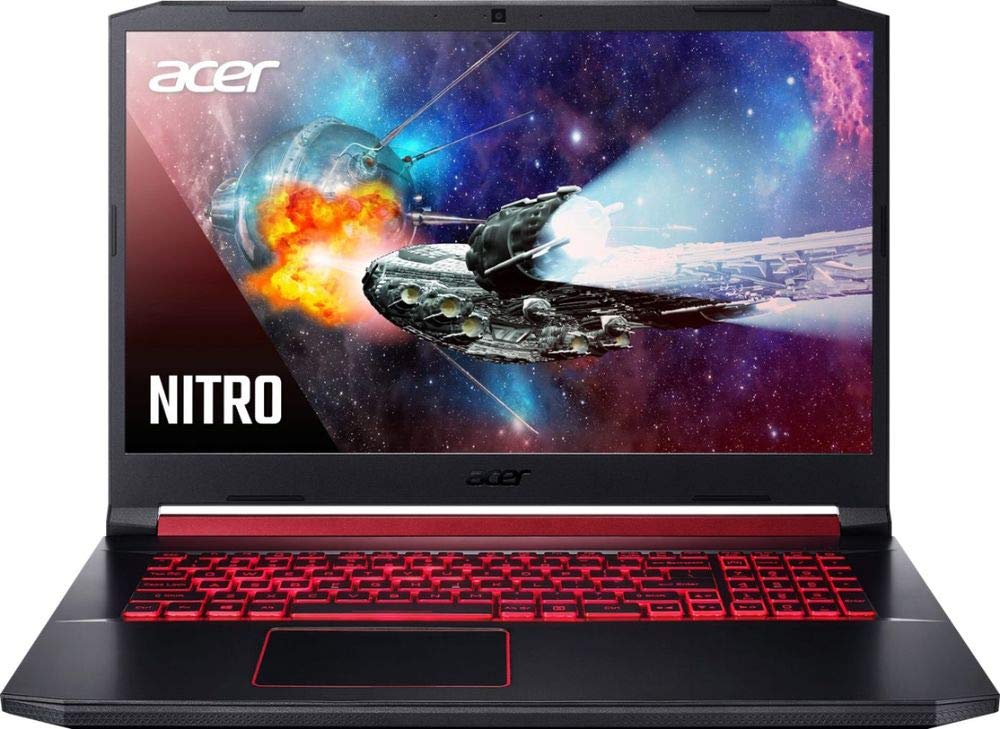
Acer Nitro 5 AN517-51
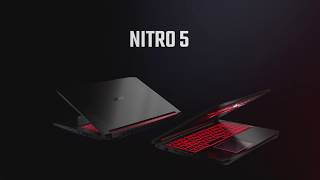
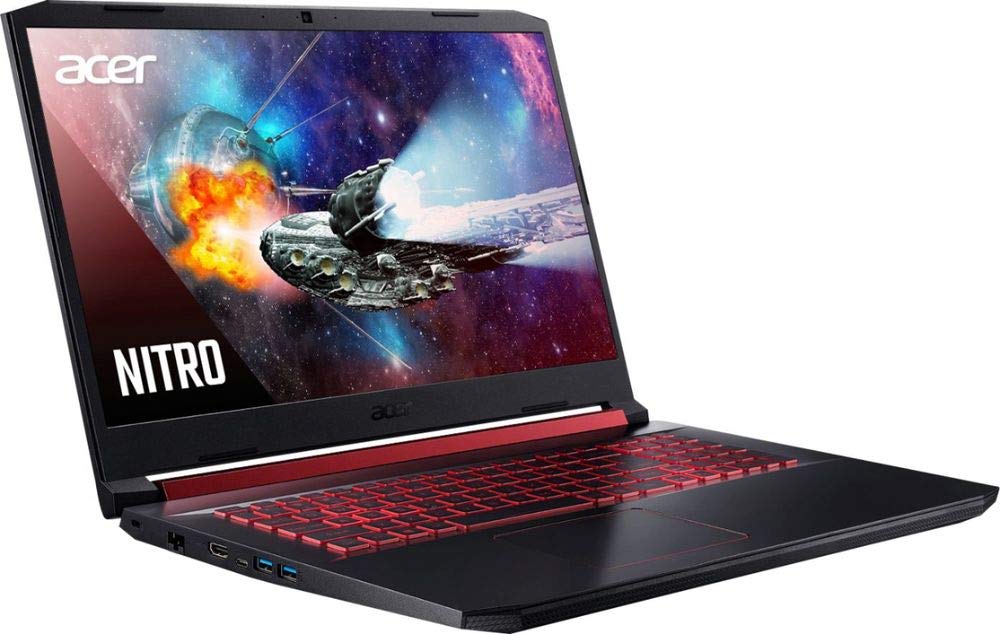
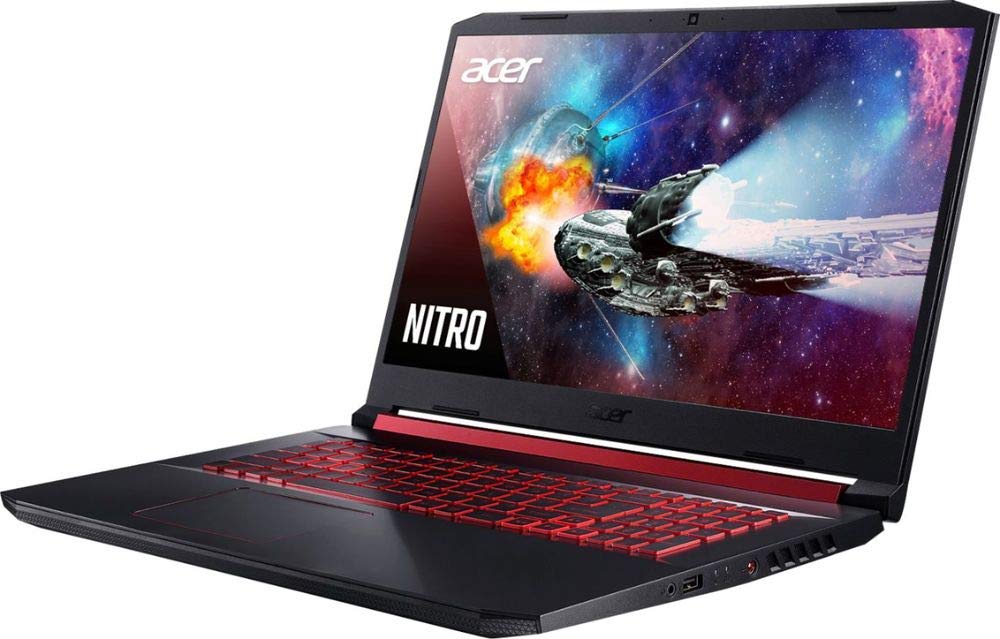
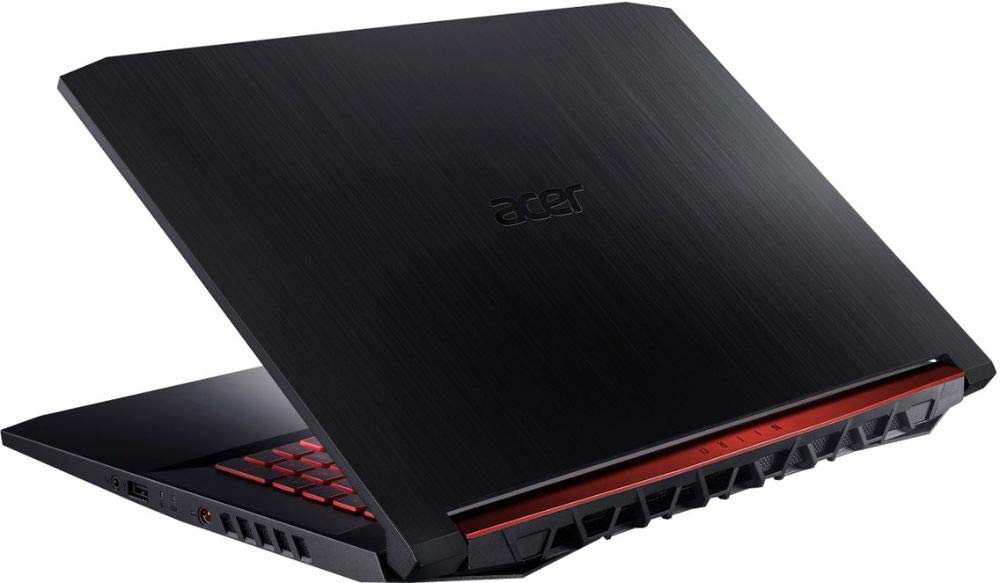
- Date Published: 08 May 2019
- Intel Core i5-9300H
- NVIDIA GeForce GTX 1650 (Laptop)
- 17.3”, Full HD (1920 x 1080), IPS
- 512GB SSD
- 8GB DDR4
- 3.00 kg (6.6 lbs)
Review
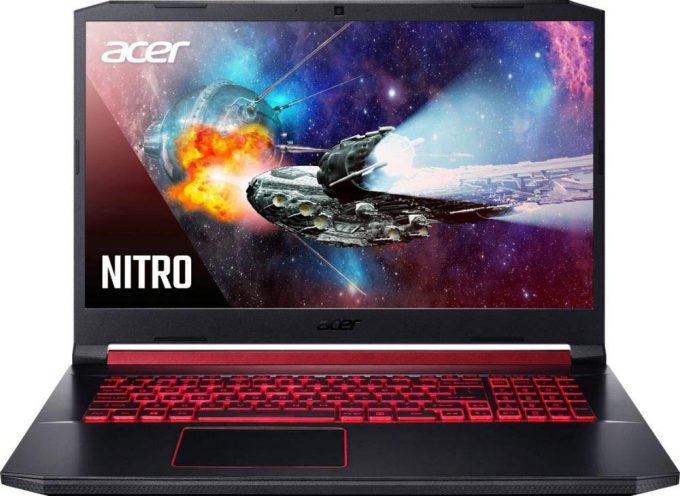
Acer Nitro 5 AN517-51 in-depth review
It took us a while, but we were finally able to get our hands on the 17-inch version of the Acer Nitro 5 2019. Otherwise, it is called the Nitro 5 (AN517-51) and it is more or less an enlarged version of the 15-inch model. As such, it features the Coffee Lake processors from Intel, maxing out with the Core i7-9750H, which has six cores and twelve threads.As far as the graphics card comes, you can go from the GTX 1050 all the way to GTX 1660 Ti. Currently, there are no Ray-tracing-enabled GPUs, you can get the Nitro 5(AN517-51) equipped with. Additionally, the notebook features the CoolBoost technology from Acer that according to them, gives you up to 10% increased fan speed. You can control and monitor that through the NitroSense that comes with your PC (or if you buy the device witho[...]
Read the full review
Pros
- Decently priced
- Has two M.2 PCIe slots, as well as a 2.5" SATA drive slot
- Covers 92% of sRGB and our Gaming and Web design profile makes it appropriate for color-sensitive work (BOE NV173FHM-N46 (BOE0839))
- Doesn't use PWM to adjust its brightness levels (BOE NV173FHM-N46 (BOE0839))
- Large arrow keys
Cons
- Lacks an SD card reader and Thunderbolt connectivity
- NumberPad keys are small
Disassembly, maintenance and upgrade options
After the Nitro 5 (AN515-54) has won our Best GTX 1660 Ti laptop award, it was time to check out its 17-inch brother. Honestly, on the inside, it seems like they have just taken the motherboard from the 15-inch model and put it into the bigger one. Take a look.Check out all Acer Nitro 5 (AN517-51) prices and configurations in our Specs System or read more in our In-Depth review.1. Remove the bottom plate There are 12 Phillips-head screws that hold this notebook's bottom panel in place. After you unscrew them, there is a slow prying process, that requires you to pop every single [...]
Read more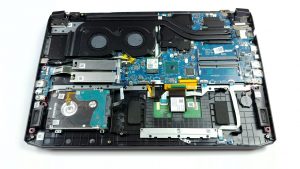


![[June 2026] Best-Selling Laptop Brands on Amazon Global – Apple’s Unrivaled Dominance in Units and Revenue](https://laptopmedia.com/wp-content/uploads/2026/07/GLOBAL-Best-Brands-400x225.jpg)
![[June 2026] Amazon Global: Top 10 Best-Selling Laptops – Apple’s New MacBook Neo Storms to #1, Reshaping the Market with Affordability](https://laptopmedia.com/wp-content/uploads/2026/07/Best-Selling-Laptops-GLOBAL-Top-10-400x225.jpg)
![[June 2026] Amazon Global: Top 10 Best-Selling Gaming Laptops – Acer’s Nitro V 16S AI Dominates Sales, While ASUS Leads Overall Revenue](https://laptopmedia.com/wp-content/uploads/2026/07/Best-Selling-Gaming-Laptops-GLOBAL-Top-10-400x225.jpg)
![[June 2026] Global Ranking of Best-Selling Laptop GPUs on Amazon – NVIDIA RTX 5060 is the Top-Selling Dedicated GPU](https://laptopmedia.com/wp-content/uploads/2026/07/Best-Selling-GPUs-GLOBAL-Top-10-400x225.jpg)
![[June 2026] Global Ranking of Best-Selling Laptop CPUs on Amazon – Apple M5 Dominates, AMD Ryzen 7 260 Gets Solid Premium Share](https://laptopmedia.com/wp-content/uploads/2026/07/Best-Selling-CPUs-GLOBAL-Top-10-400x225.jpg)
