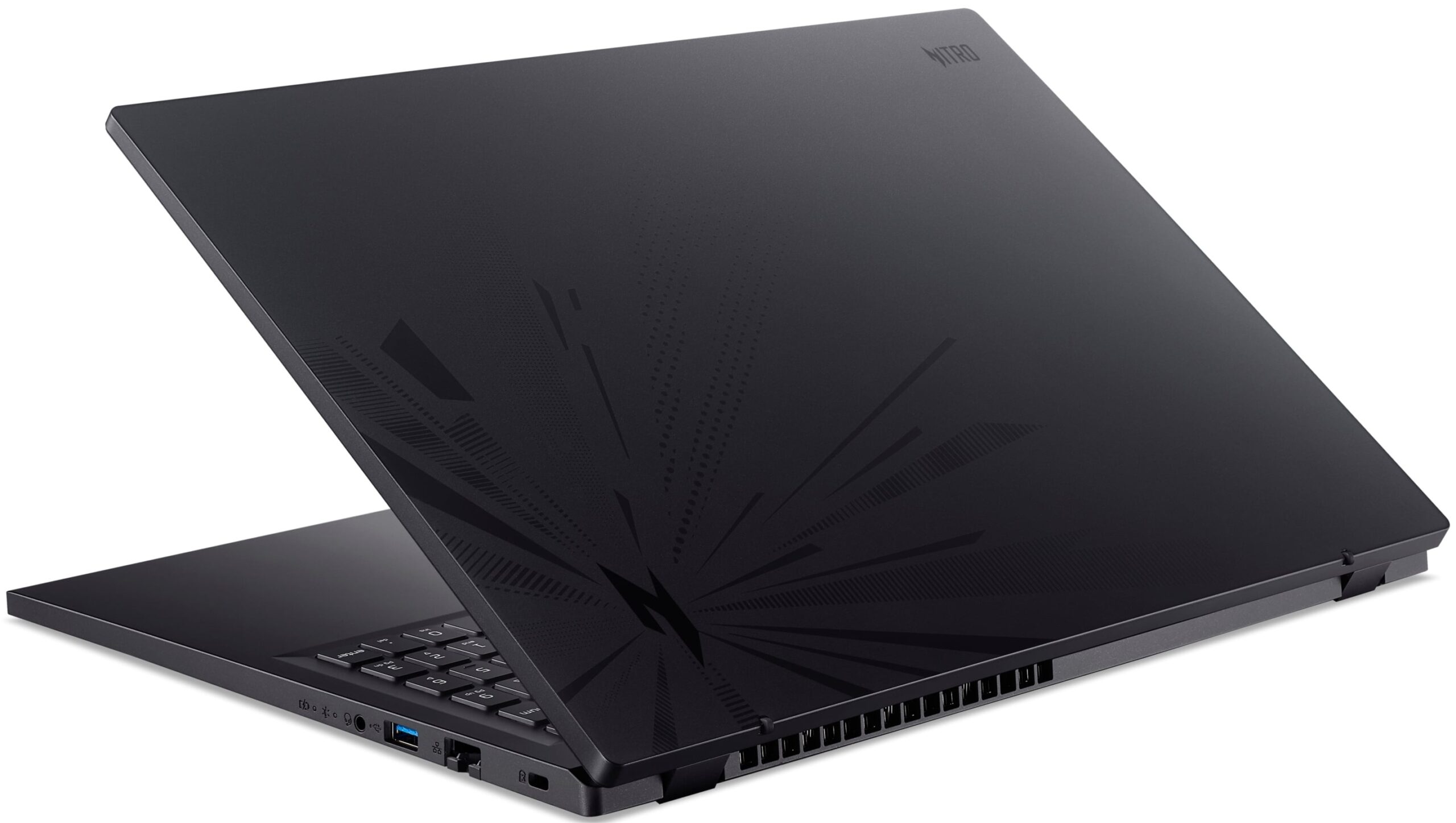
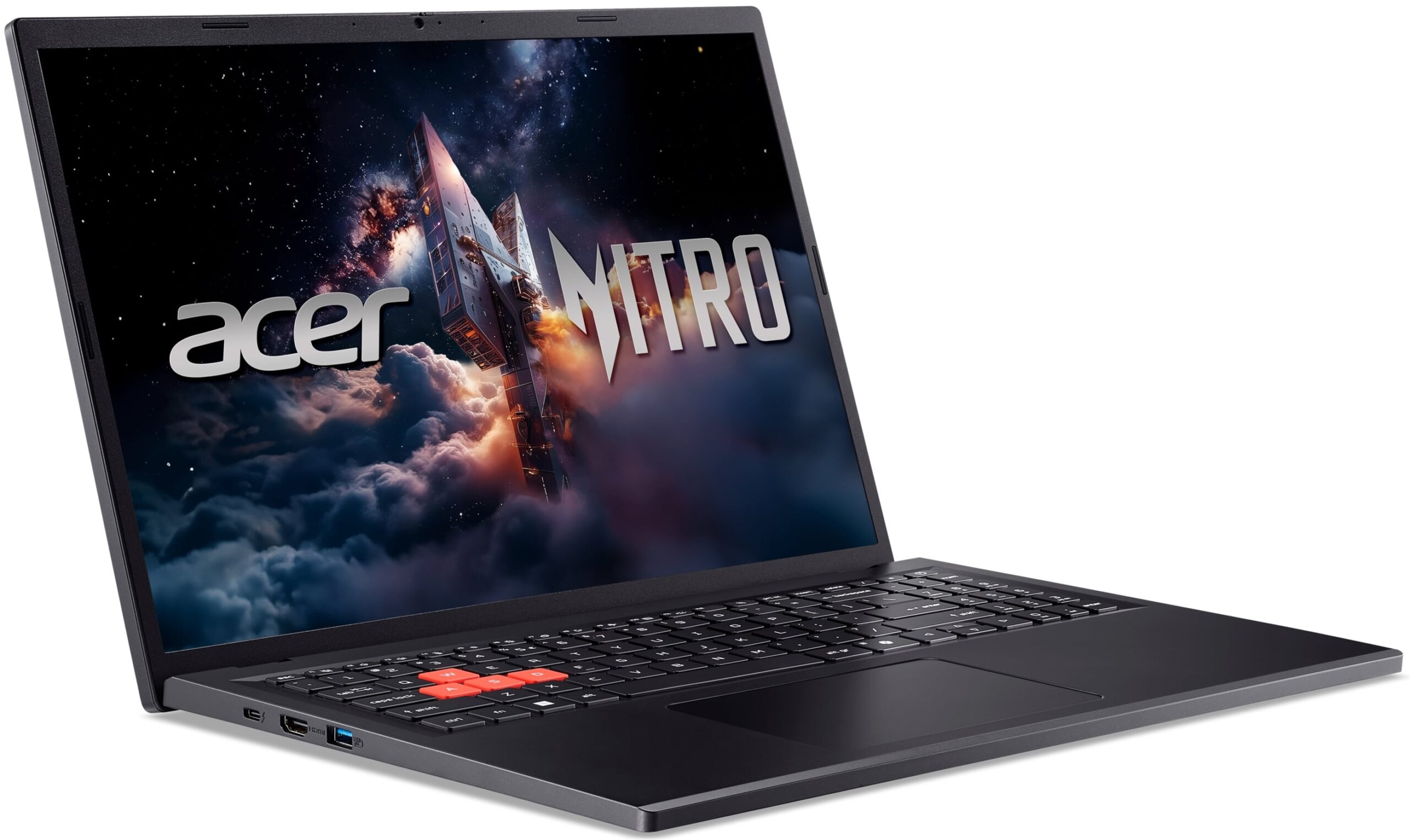
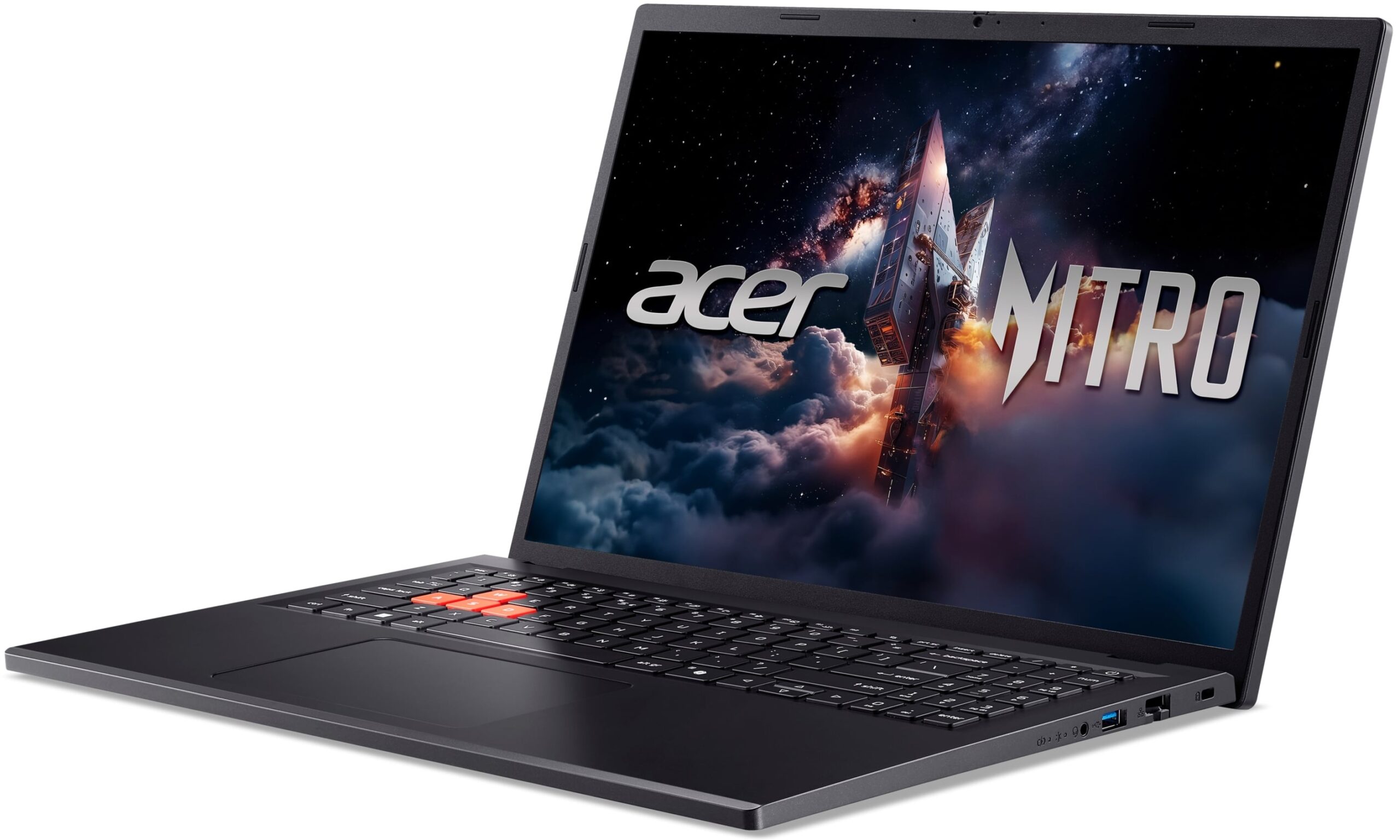
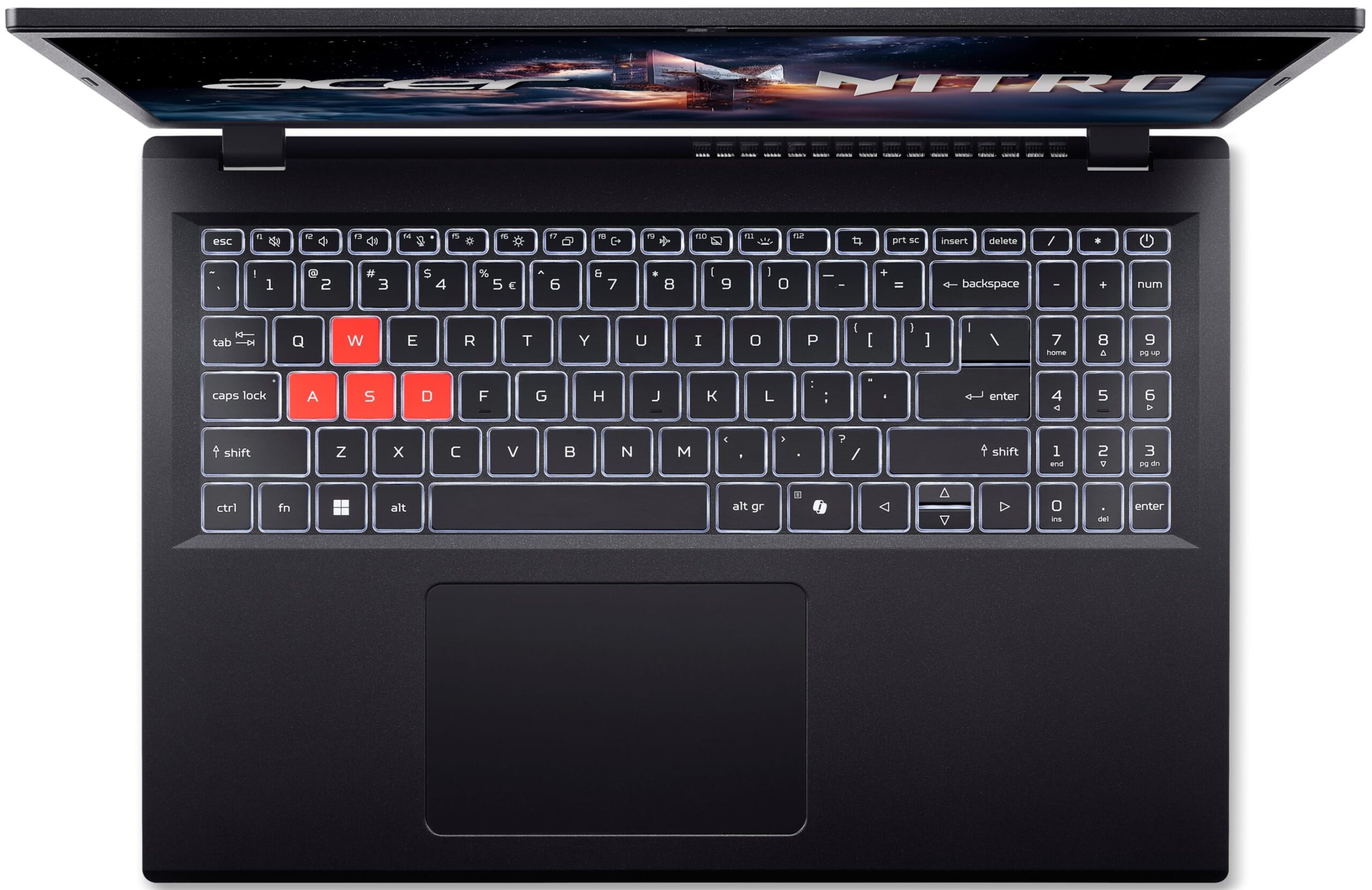
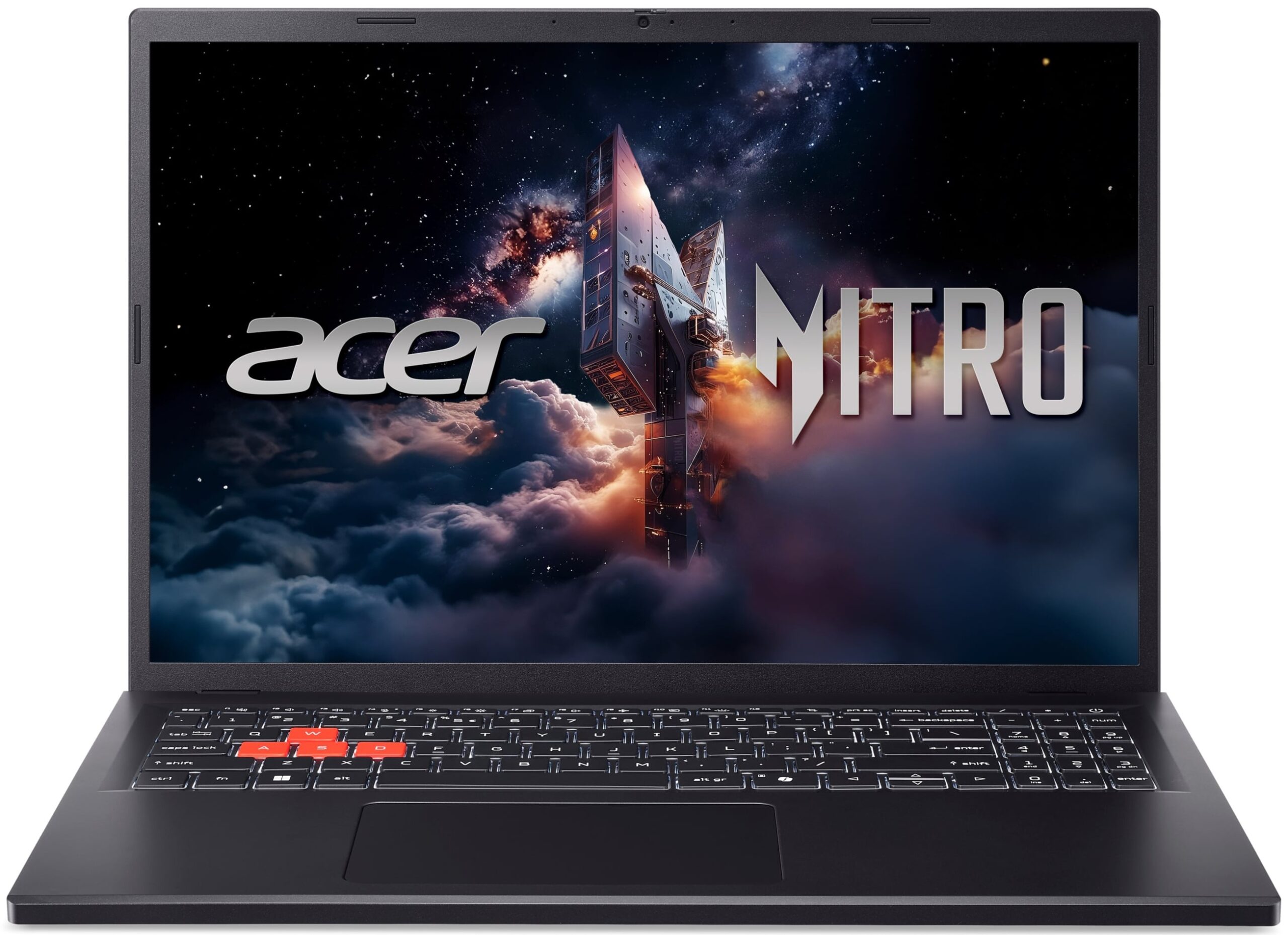
Acer Nitro Lite 16
- Date Published: 20 May 2026
- Intel Core i7-13620H
- NVIDIA GeForce RTX 3050 (Laptop, 6GB)
- 16.0″, WUXGA (1920 x 1200), 165 Hz, IPS
- 512GB SSD
- 16GB RAM
- 1.95 kg (4.3 lbs)
Specs

- HDD/SSD
- 512GB SSD
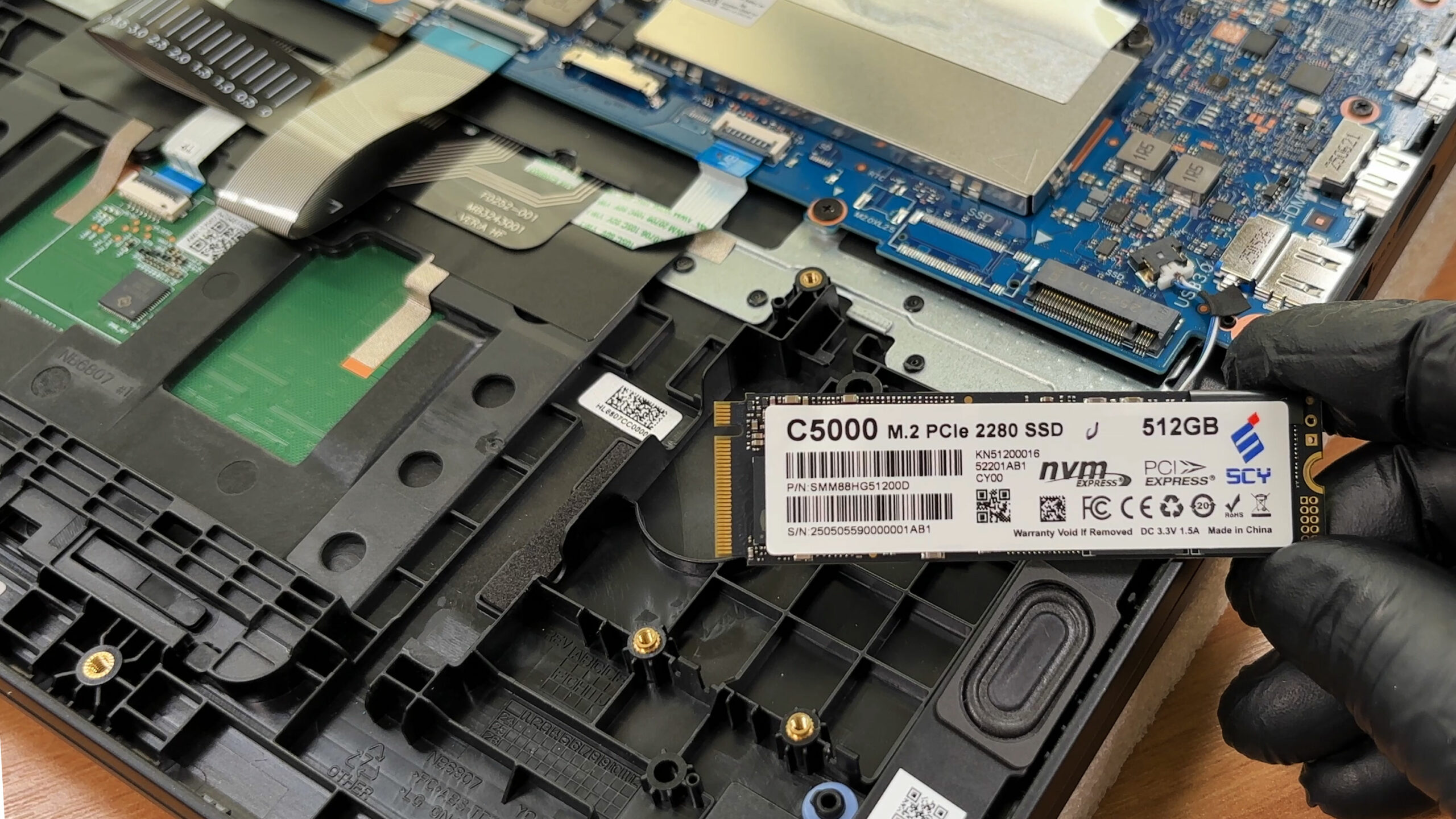
- M.2 Slot
- 1x 2280 M.2 NVMe PCIe 4.0 x4 See photo
- RAM
- 16GB RAM
- OS
- No OS
- Body Material
- Plastic / Polycarbonate
- Dimensions
- 362.2 x 248.47 x 22.9 mm (14.26" x 9.78" x 0.90")
- Weight
- 1.95 kg (4.3 lbs)
- Ports and connectivity
- 1x USB Type-A
- 3.2 Gen 1 (5 Gbps)
- 1x USB Type-A
- 3.2 Gen 1 (5 Gbps), Sleep and Charge
- 1x USB Type-C
- Thunderbolt 4, Power Delivery (PD)
- HDMI
- 2.1
- Card Reader
- Ethernet LAN
- 10, 100, 1000 Mbit/s
- Wi-Fi
- Wi-Fi 6
- Bluetooth
- 5.0
- Audio jack
- 3.5mm Combo Jack
- Features
- Fingerprint reader
- Web camera
- FHD
- Backlit keyboard
- Microphone
- 2x Digital Microphones
- Speakers
- 2x Stereo Speakers
- Security Lock slot
- Kensington Lock
Portability
Review
Acer Nitro Lite 16 in-depth review
The Acer Nitro Lite 16 (NL16-71G) enters the crowded budget gaming market with a clear goal: to offer a reliable, big-screen experience without the hefty price tag. It presents a "lite" version of the popular Nitro formula, stripping away some of the aggressive styling and premium features to focus on the essentials. At first glance, it seems to tick the right boxes with a sturdy chassis, decent port selection, and a focus on cooling. But in a segment where every dollar counts, do the trade-offs Acer made to keep the price down make it a smart buy, or are you better off looking elsewhere?You can check the prices and configurations in our Specs System: https://laptopmedia.com/series/acer-nitro-lite-16-nl16-71g/Specs, Drivers, What's in the boxDrivers All drivers and u[...]
Read the full review
Pros
- Excellent thermal management keeps the system cool
- Sturdy build quality with fingerprint-resistant finish
- PWM-free display is safe for eyes
- Physical privacy shutter for the webcam
- Thunderbolt 4 and 2.5G Ethernet ports
- Good battery life for its class
Cons
- The base display has poor color coverage (51% sRGB)
- Only one USB-C port, which is also used for charging
- Limited upgradeability (1x M.2 slot, partially soldered RAM)
- Restrained CPU and GPU performance compared to rivals
Disassembly, maintenance and upgrade options
Before you start: Power the laptop down completely, unplug the charger, and hold the power button for a few seconds to discharge residual power. Use a plastic pry tool and keep screw lengths organized for reassembly. Opening the bottom panelRemove the bottom cover screws (note if any are different lengths). Work a thin plastic pick around the edges to release the clips, then lift the panel away. Disconnect the battery first before touching the SSD, RAM, or Wi-Fi module. Internal layout overviewOnce inside, the layout is easy to read[...]
Read more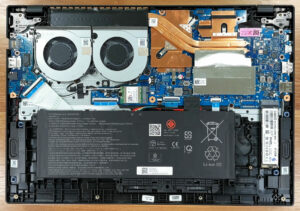


![[June 2026] Best-Selling Laptop Brands on Amazon Global – Apple’s Unrivaled Dominance in Units and Revenue](https://laptopmedia.com/wp-content/uploads/2026/07/GLOBAL-Best-Brands-400x225.jpg)
![[June 2026] Amazon Global: Top 10 Best-Selling Laptops – Apple’s New MacBook Neo Storms to #1, Reshaping the Market with Affordability](https://laptopmedia.com/wp-content/uploads/2026/07/Best-Selling-Laptops-GLOBAL-Top-10-400x225.jpg)
![[June 2026] Amazon Global: Top 10 Best-Selling Gaming Laptops – Acer’s Nitro V 16S AI Dominates Sales, While ASUS Leads Overall Revenue](https://laptopmedia.com/wp-content/uploads/2026/07/Best-Selling-Gaming-Laptops-GLOBAL-Top-10-400x225.jpg)
![[June 2026] Global Ranking of Best-Selling Laptop GPUs on Amazon – NVIDIA RTX 5060 is the Top-Selling Dedicated GPU](https://laptopmedia.com/wp-content/uploads/2026/07/Best-Selling-GPUs-GLOBAL-Top-10-400x225.jpg)
![[June 2026] Global Ranking of Best-Selling Laptop CPUs on Amazon – Apple M5 Dominates, AMD Ryzen 7 260 Gets Solid Premium Share](https://laptopmedia.com/wp-content/uploads/2026/07/Best-Selling-CPUs-GLOBAL-Top-10-400x225.jpg)