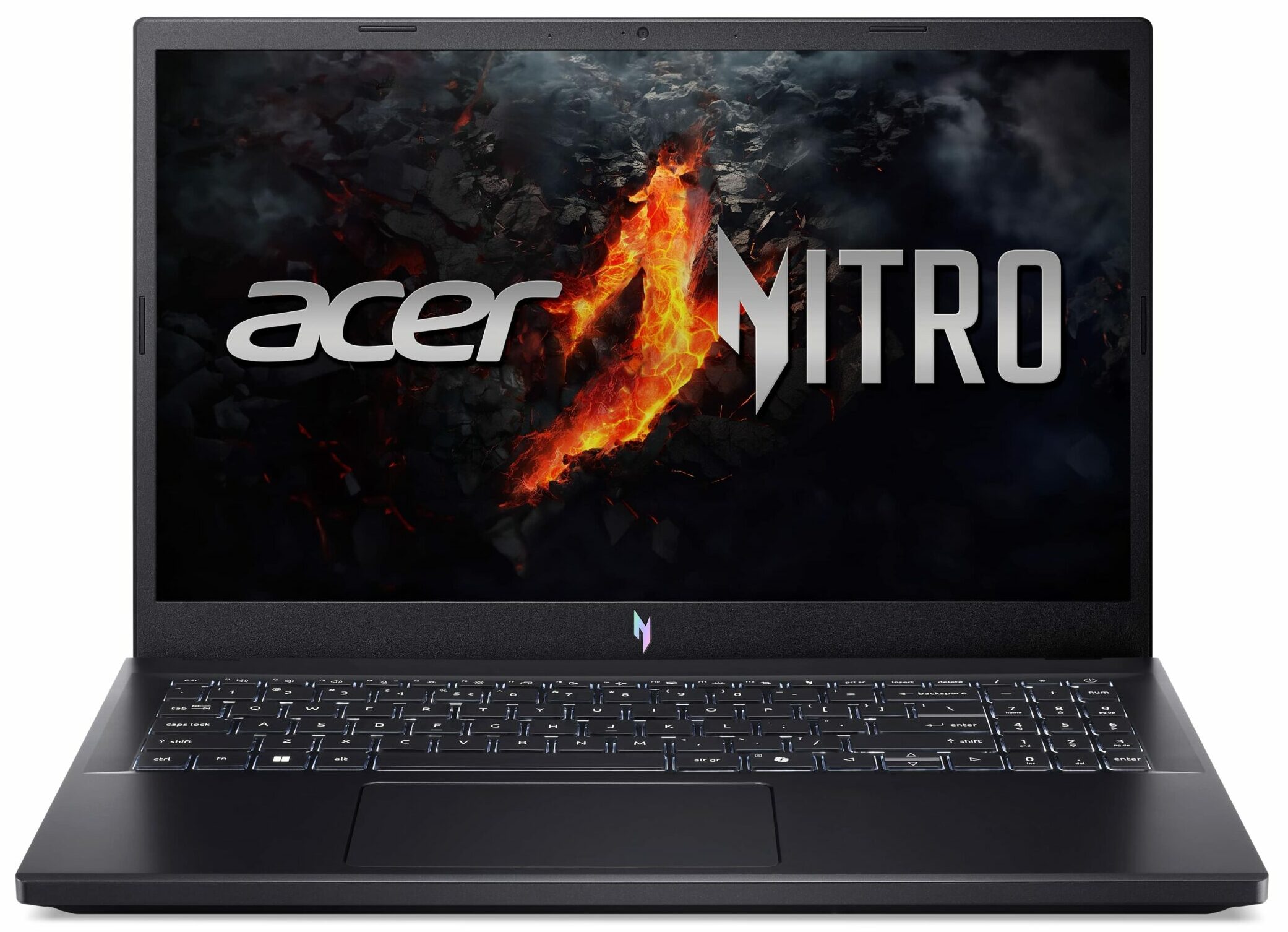
Acer Nitro V 15
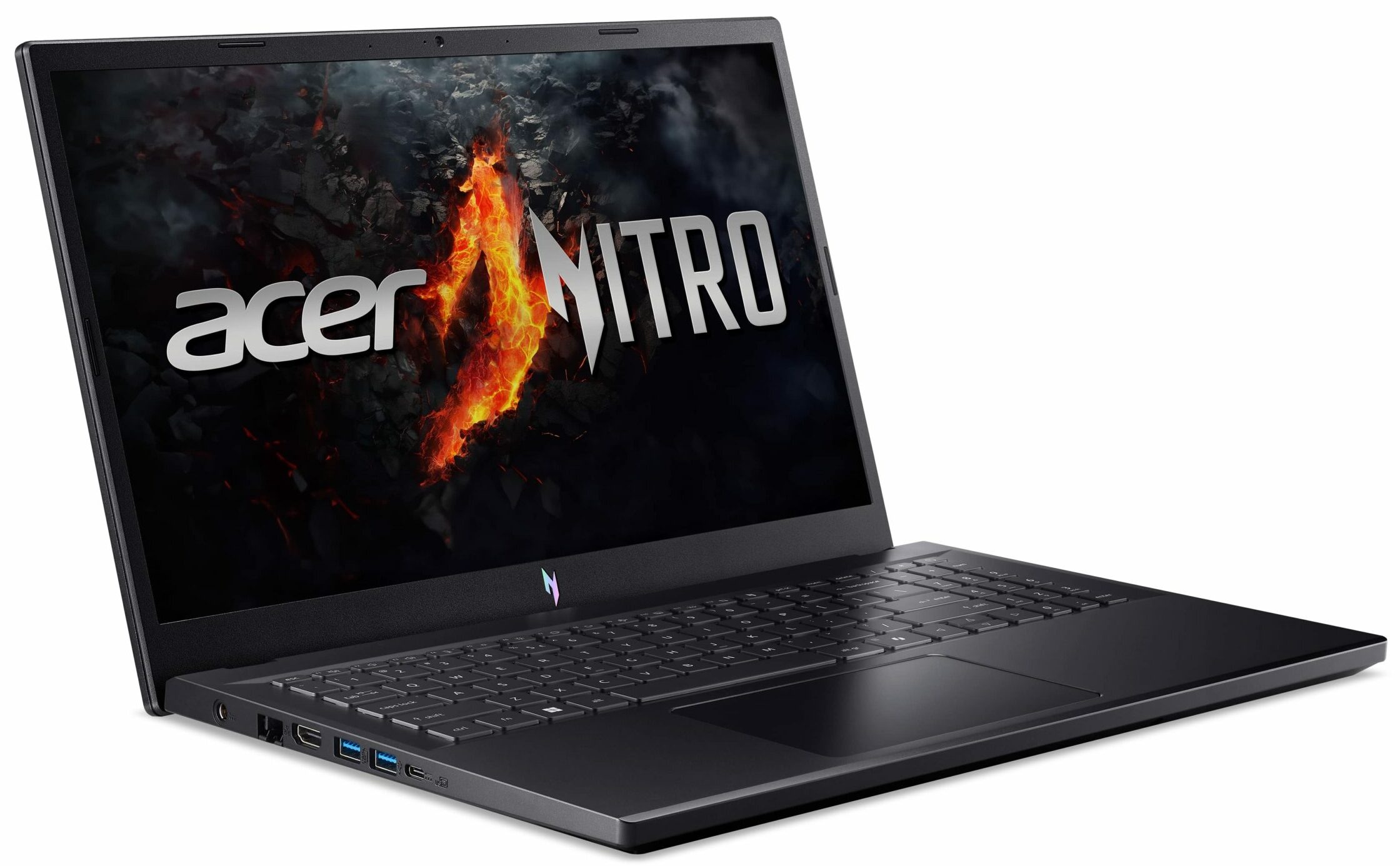
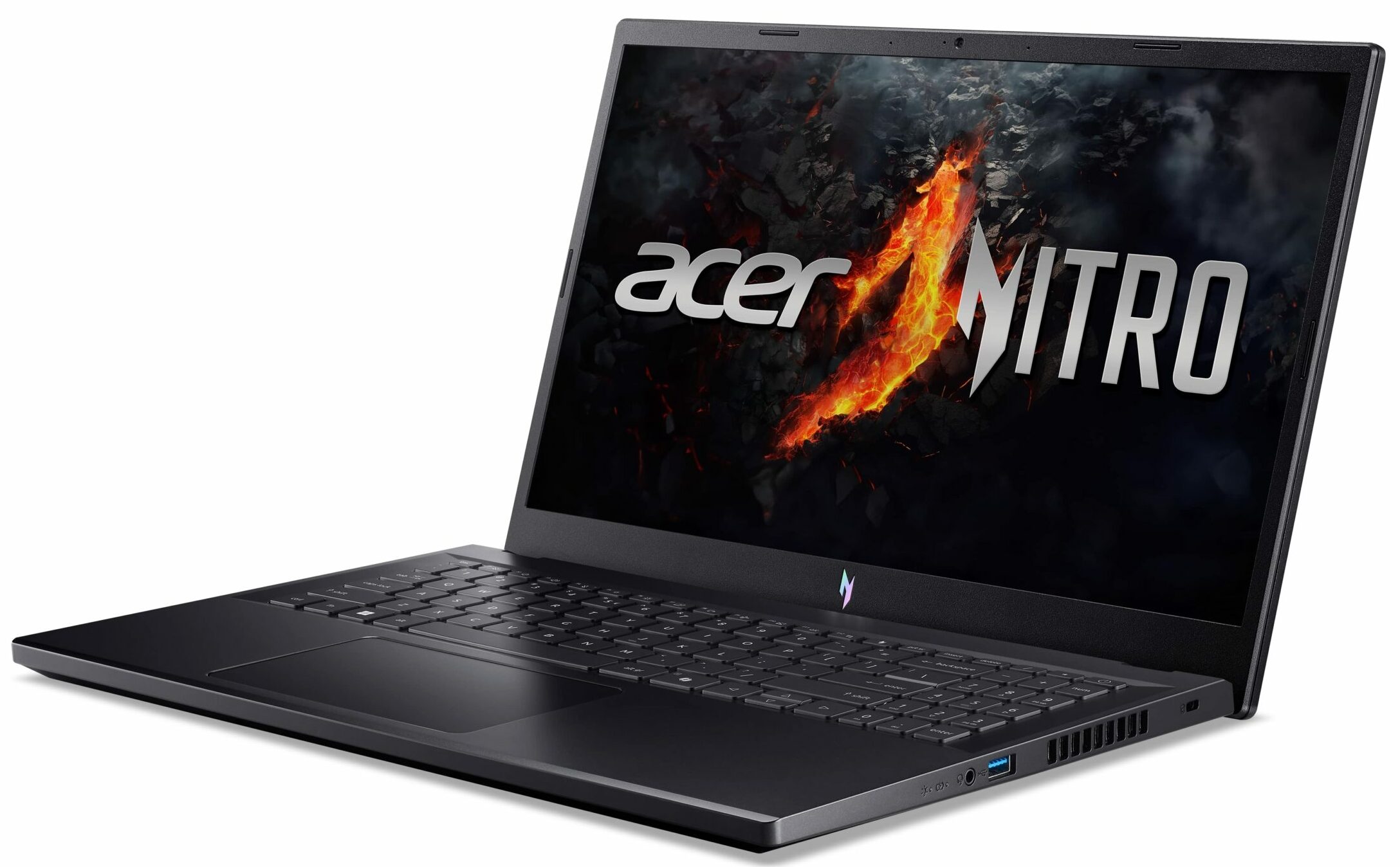
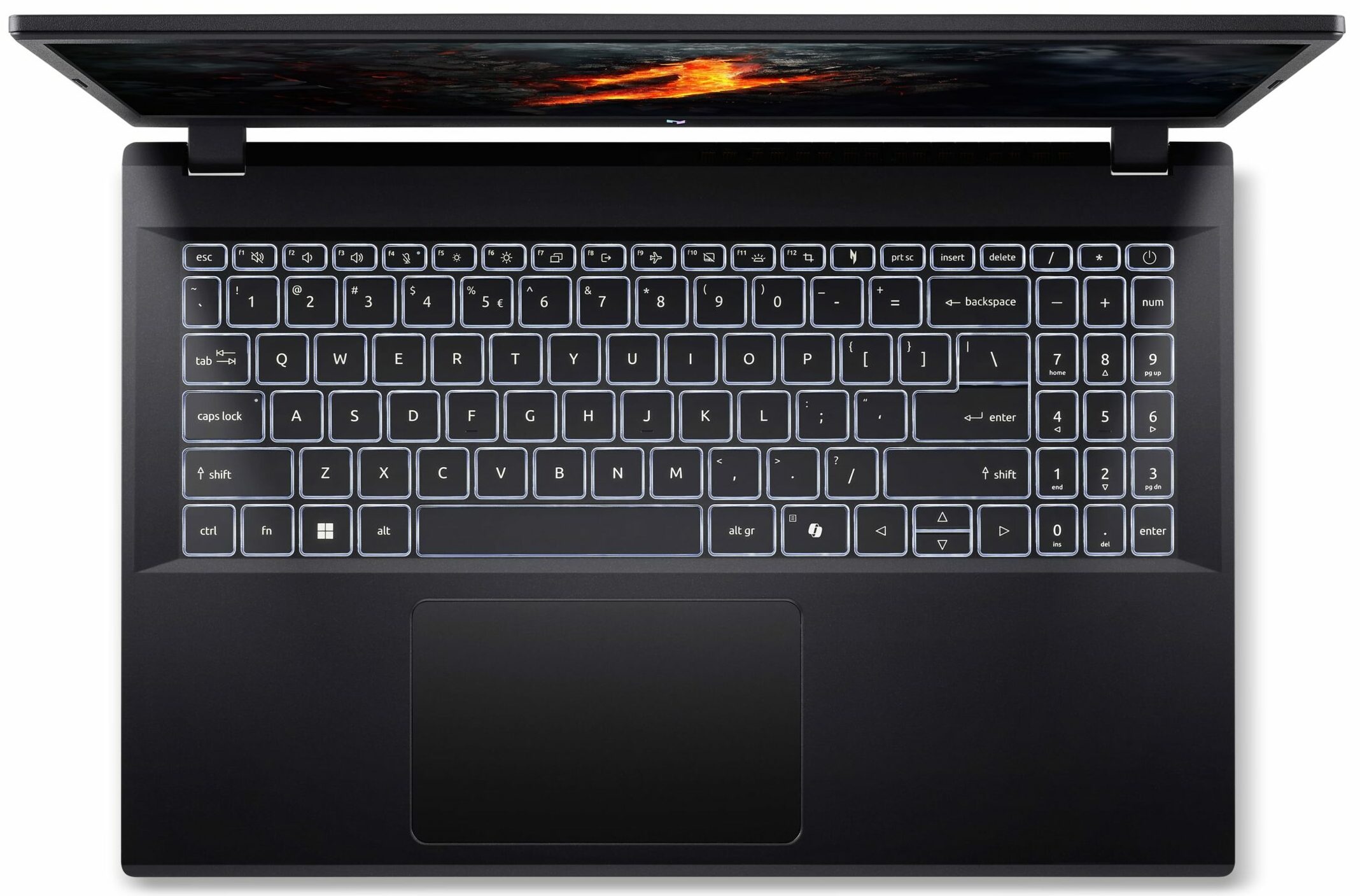
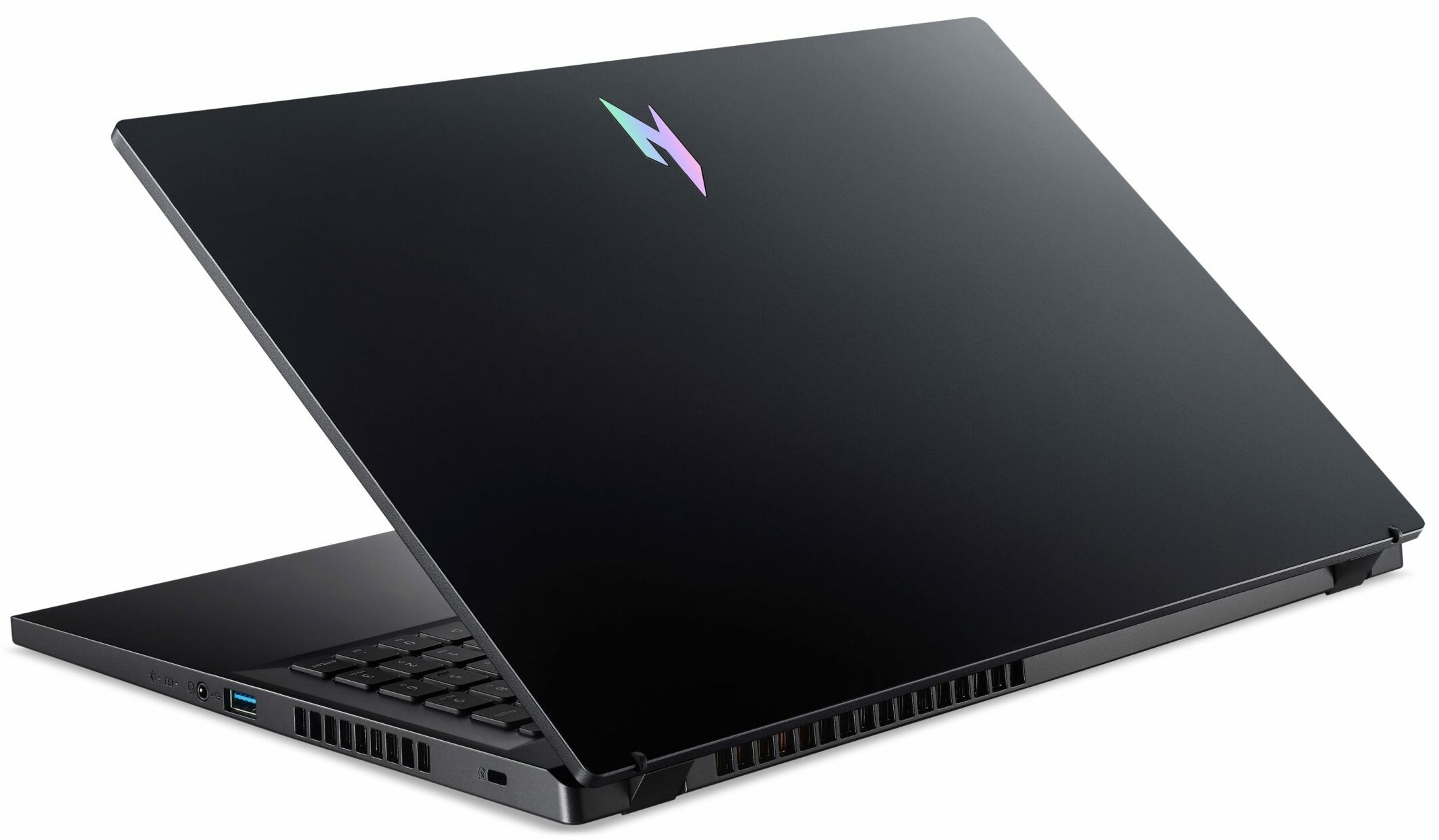
- Date Published: 19 Sep 2024
- AMD Ryzen 5 7535HS
- NVIDIA GeForce RTX 4050 (Laptop, 75W)
- 15.6", Full HD (1920 x 1080), 165 Hz, IPS
- 1000GB SSD
- 16GB RAM
- 2.10 kg (4.6 lbs)
Review
Acer Nitro V 15 in-depth review
The Acer Nitro V 15 (ANV15-41) is meant for budget-conscious gamers who want to play their favorite titles without breaking the bank. This laptop isn't a powerhouse but it's offered with decently snappy AMD Zen 3+ CPUs (Rembrandt-HS Refresh) and with a plethora of different GPUs including NVIDIA RTX 2000, 3000, and 4000 chips. The upgradability is surprisingly good for the class as well as the port selection with its 4 USB connectors.The capabilities of the two-fan cooling are enhanced thanks to the lid with a lever design and the inlet keyboard. There are no high-res displays here so you have to settle for a 1080p screen which sounds fine for this kind of price tag. Two IPS panels are available - one 144Hz and one 165Hz. We chose the latter since the manufacturer promises good sRGB co[...]
Read the full review
Pros
- Good performance for the class
- Decent build quality
- 2x M.2 slots, 2x DDR5 RAM SODIMMs + Wi-Fi 6
- 165Hz refresh rate and wide viewing angles (AUOE2A7)
- PWM-free (AUOE2A7)
- 97% sRGB coverage alongside accurate colors with our "Design and Gaming" profile (AUOE2A7)
- 6.8 ms pixel response times + 341 nits max brightness (AUOE2A7)
- Decent input devices
- The keyboard remains cool after long gaming sessions
- Acceptable noise levels during gaming
- Long battery life given the small 57Wh capacity = 9 hours of videos
- Capable cooling solution
- High CPU clocks and power limits during any kind of load
- The Acer Nitro Sence app offers a good amount of customization including 3 performance presets and a custom fan curve
- Great "Quiet" preset - 3.30 GHz CPU clock + low noise
Cons
- All-plastic build
- Loud fans in CPU-intensive tasks
- One of the M.2 slots is for Gen 3 SSDs
- 92°C CPU temperature in long loads
- The SSD also gets hot during benchmarking
Disassembly, maintenance and upgrade options
Opening the DeviceUndo the 11 Phillips-head screws securing the bottom panel. Pop the zones behind the hinges with a lever tool. Pry the sides and the front, leaving the rear for last.More info: Under the hood, this laptop resembles the Acer Aspire 7 (A715-76G).Battery RemovalThe battery is not secured with screws, as there is a dedicated socket for it on the inside of the bottom panel that keeps it in place. Detach the connector from the motherboard. Lift the battery unit away from the base.Note: The laptop has a 57Wh battery, providing approxim[...]
Read more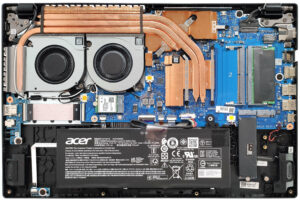
DISPLAY: 15.6-inch, 1920 x 1080, IPS
- Name
- AUO B156HAN12.H (AUOE2A7)
- Diagonal
- 15.6"
- Pixel density
- 141.21 ppi
- Brightness
- 341 cd/m2
- sRGB
- 97%
- Panel Type
- IPS
- Resolution
- 1920 x 1080
- Becomes "Retina" from
- 24 inches (62 cm)
- Contrast
- 1280:1
- dE Color Checker
- 4.4 1.1

Buy our profiles for AUO B156HAN12.H (AUOE2A7)
In addition to receiving efficient and health-friendly profiles, by buying LaptopMedia's products you also support the development of our labs, where we test devices in order to produce the most objective reviews possible.

Office Work
Office Work should be used mostly by users who spend most of the time looking at pieces of text, tables or just surfing. This profile aims to deliver better distinctness and clarity by keeping a flat gamma curve (2.20), native color temperature and perceptually accurate colors.

Design and Gaming
This profile is aimed at designers who work with colors professionally, and for games and movies as well. Design and Gaming takes display panels to their limits, making them as accurate as possible in the sRGB IEC61966-2-1 standard for Web and HDTV, at white point D65.

Health-Guard
Health-Guard eliminates the harmful Pulse-Width Modulation (PWM) and reduces the negative Blue Light which affects our eyes and body. Since it’s custom tailored for every panel, it manages to keep the colors perceptually accurate. Health-Guard simulates paper so the pressure on the eyes is greatly reduced.



![[June 2026] Best-Selling Laptop Brands on Amazon Global – Apple’s Unrivaled Dominance in Units and Revenue](https://laptopmedia.com/wp-content/uploads/2026/07/GLOBAL-Best-Brands-400x225.jpg)
![[June 2026] Amazon Global: Top 10 Best-Selling Laptops – Apple’s New MacBook Neo Storms to #1, Reshaping the Market with Affordability](https://laptopmedia.com/wp-content/uploads/2026/07/Best-Selling-Laptops-GLOBAL-Top-10-400x225.jpg)
![[June 2026] Amazon Global: Top 10 Best-Selling Gaming Laptops – Acer’s Nitro V 16S AI Dominates Sales, While ASUS Leads Overall Revenue](https://laptopmedia.com/wp-content/uploads/2026/07/Best-Selling-Gaming-Laptops-GLOBAL-Top-10-400x225.jpg)
![[June 2026] Global Ranking of Best-Selling Laptop GPUs on Amazon – NVIDIA RTX 5060 is the Top-Selling Dedicated GPU](https://laptopmedia.com/wp-content/uploads/2026/07/Best-Selling-GPUs-GLOBAL-Top-10-400x225.jpg)
![[June 2026] Global Ranking of Best-Selling Laptop CPUs on Amazon – Apple M5 Dominates, AMD Ryzen 7 260 Gets Solid Premium Share](https://laptopmedia.com/wp-content/uploads/2026/07/Best-Selling-CPUs-GLOBAL-Top-10-400x225.jpg)
