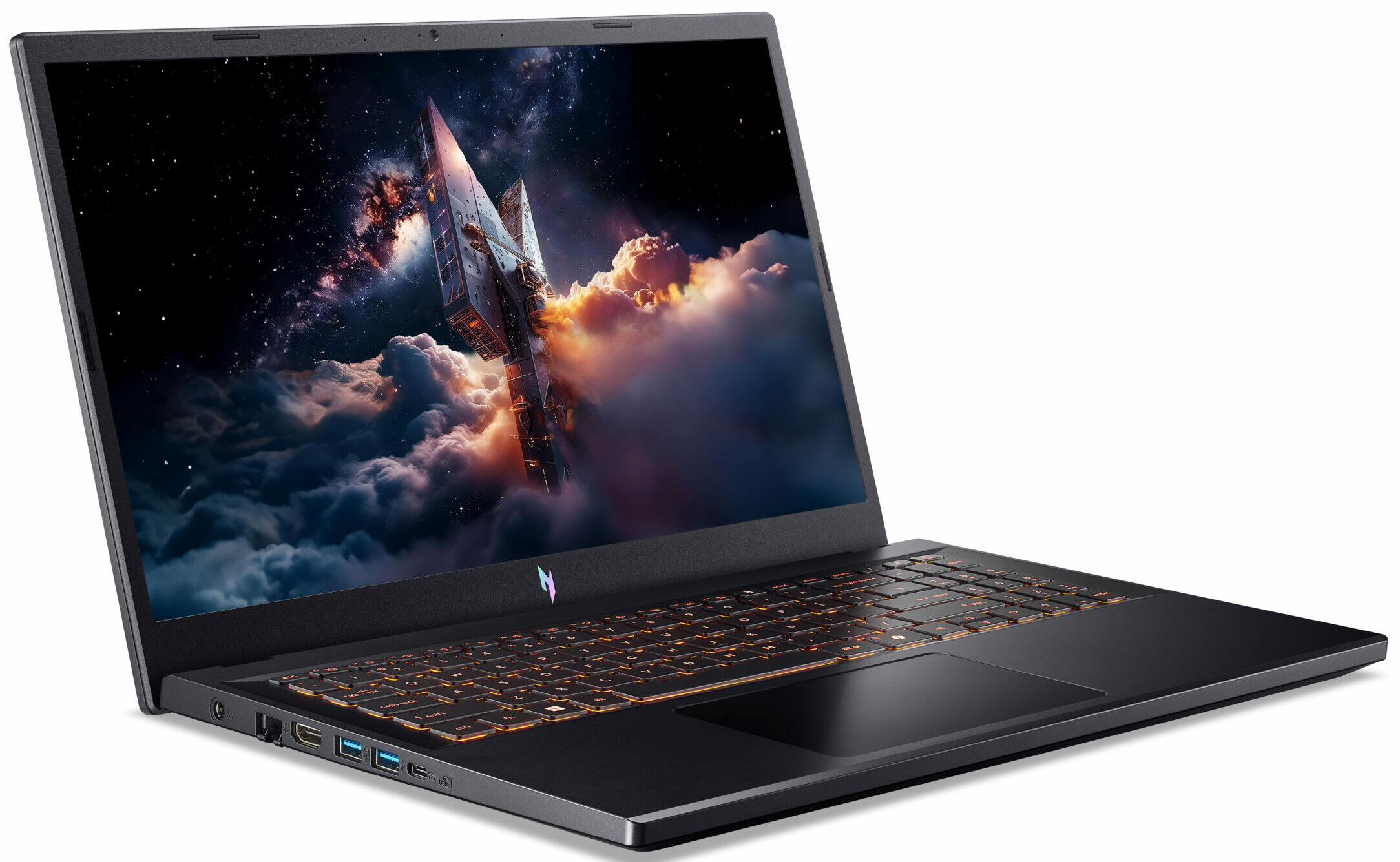
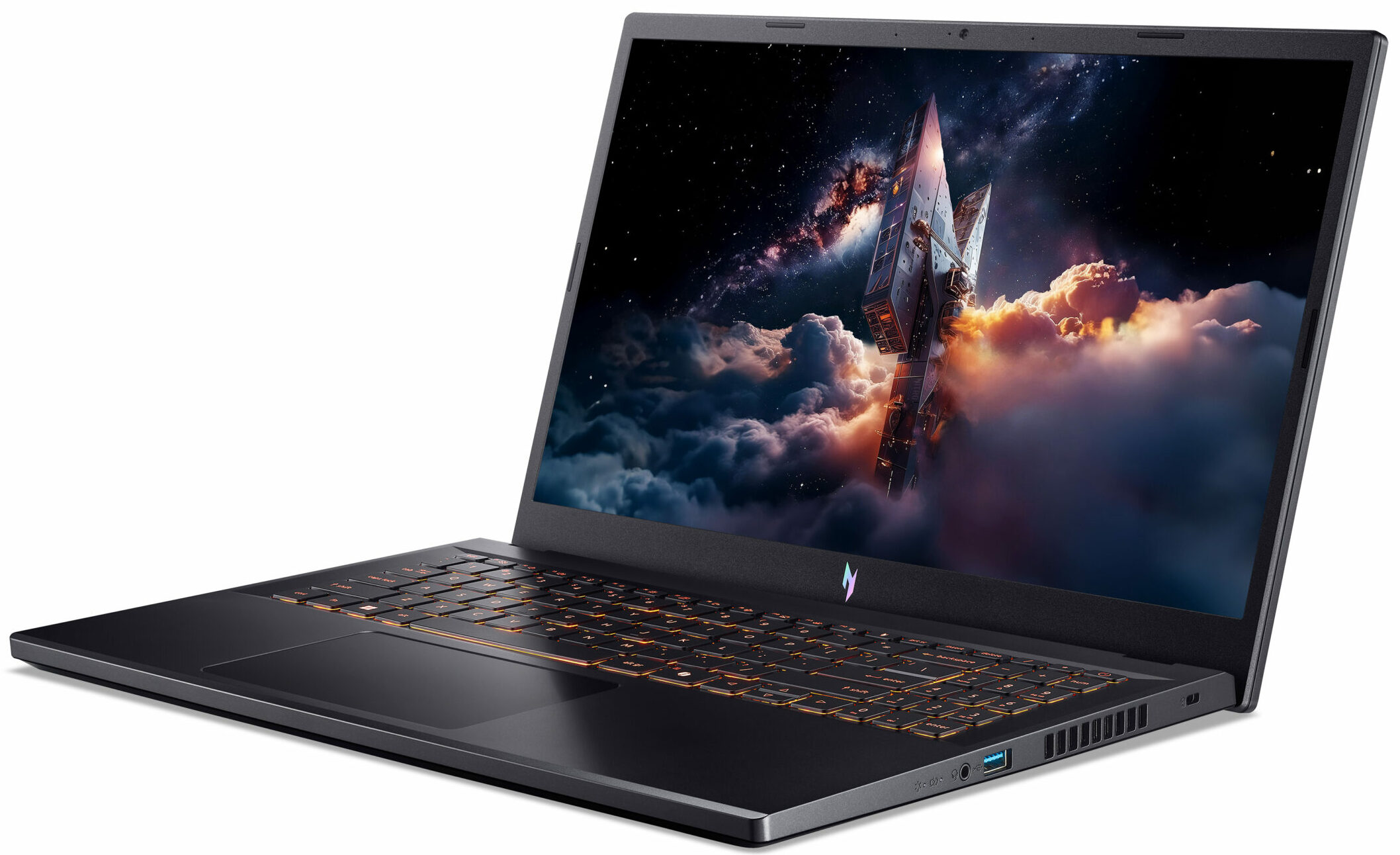
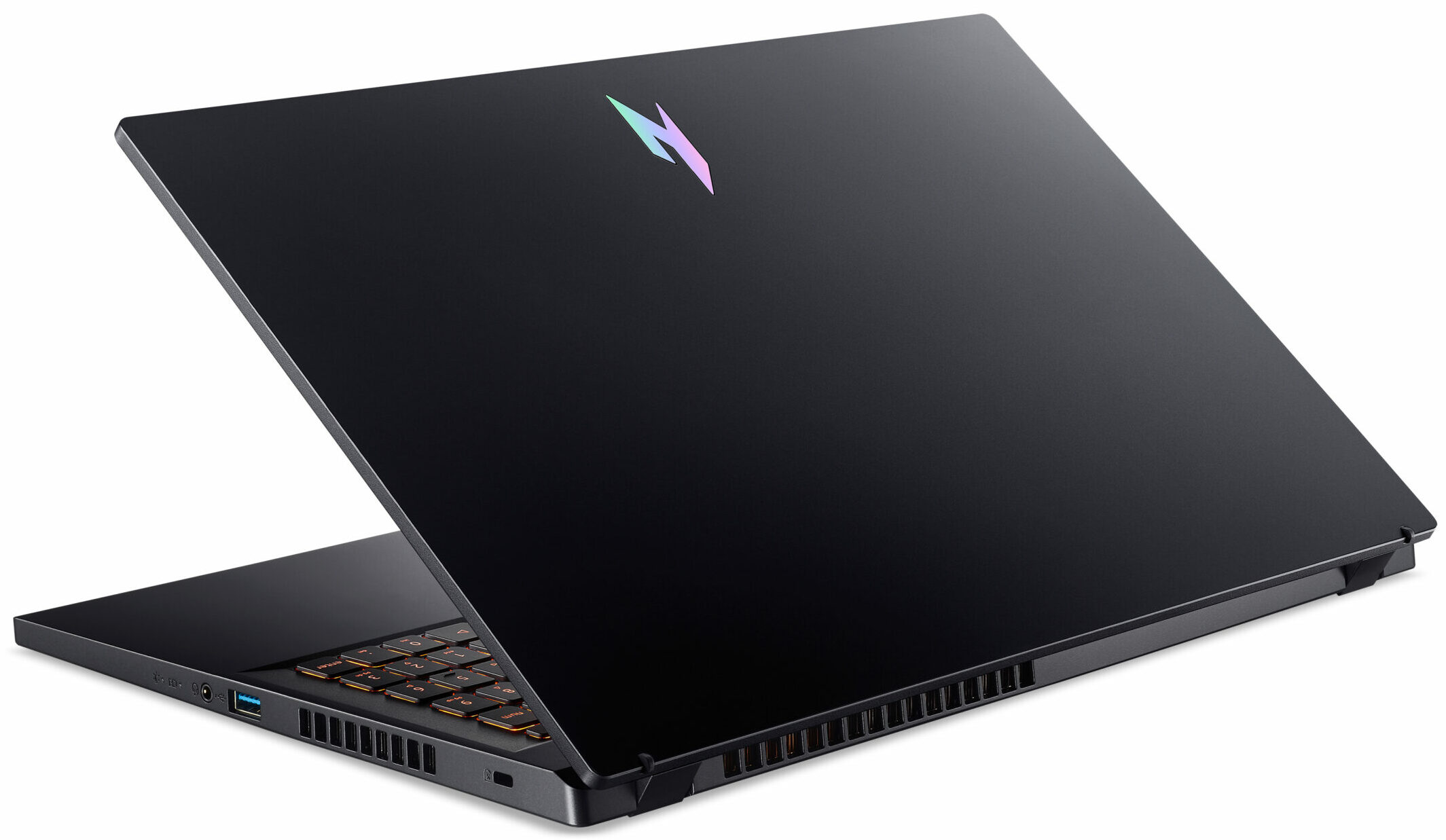
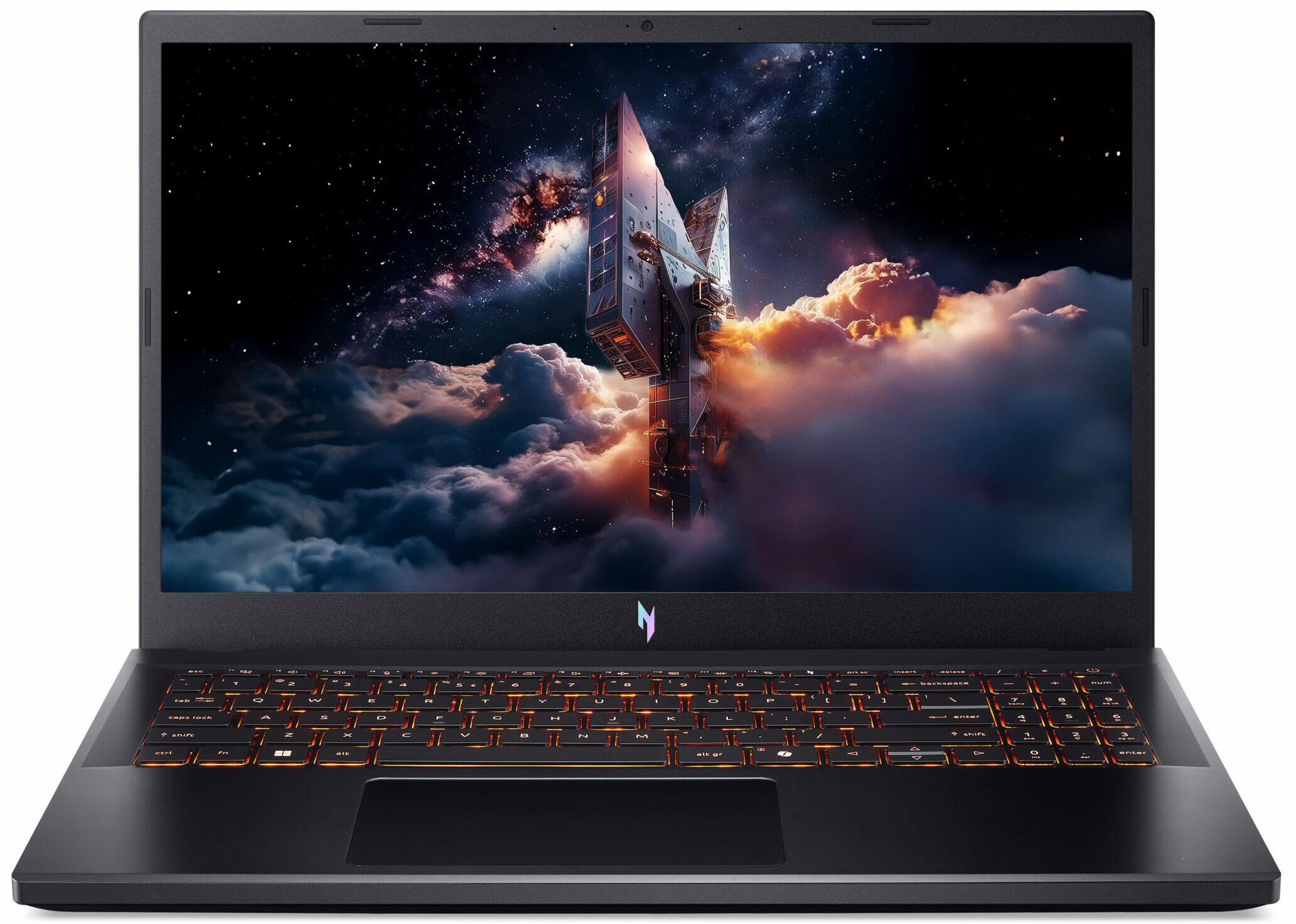
Acer Nitro V 15 AI
- Date Published: 20 May 2026
- AMD Ryzen 7 7445HS
- NVIDIA GeForce RTX 4050 (Laptop, 75W)
- 15.6", Full HD (1920 x 1080), 165 Hz, IPS
- 512GB SSD
- 16GB RAM
- 2.10 kg (4.6 lbs)
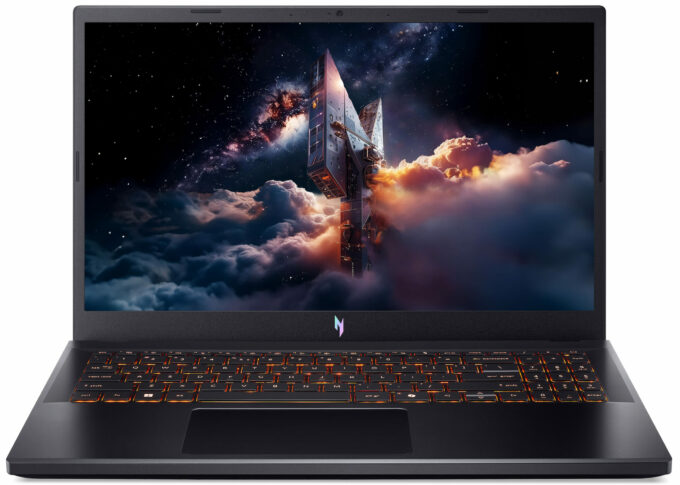
Specs
- HDD/SSD
- 512GB SSD
- M.2 Slot
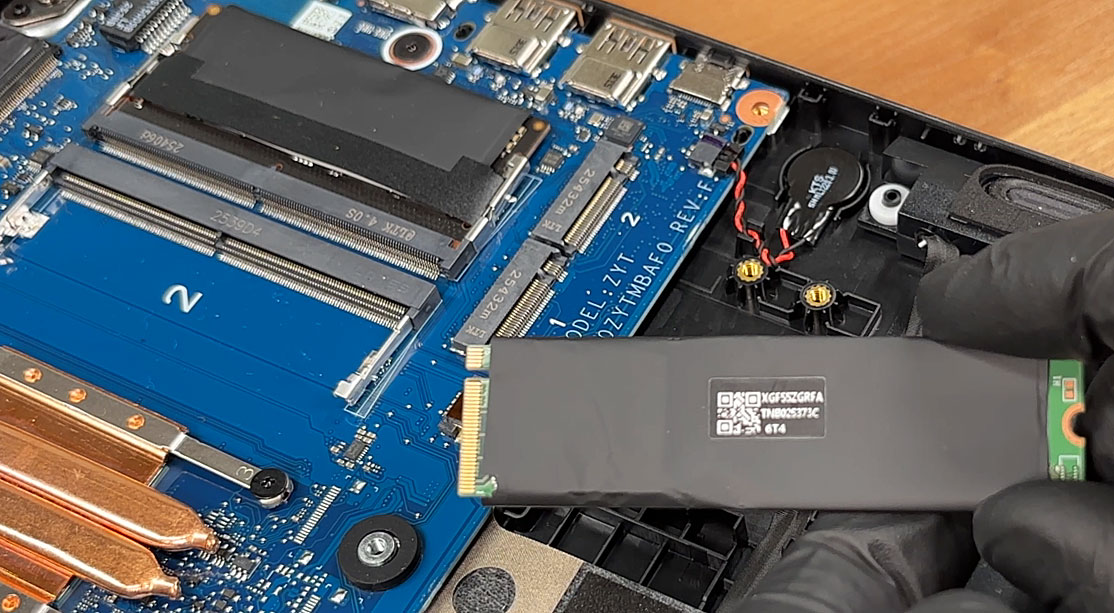
- 2x 2280 M.2 NVMe PCIe 4.0 x4 See photo
- RAM
- 16GB RAM
- OS
- No OS
- Body Material
- Plastic / Polycarbonate, Aluminum
- Dimensions
- 362.3 x 239.89 x 15.7 - 23.5 mm (14.26" x 9.44" x 0.62")
- Weight
- 2.10 kg (4.6 lbs)
- Ports and connectivity
- USB
- 1x USB Type-A
- HDMI
- Card Reader
- Ethernet LAN
- 10, 100, 1000 Mbit/s
- Wi-Fi
- Wi-Fi 6E
- Bluetooth
- 5.3
- Audio jack
- 3.5mm Combo Jack
- Features
- Fingerprint reader
- Web camera
- HD IR
- Backlit keyboard
- Microphone
- Speakers
- 2x Stereo Speakers, DTS:X Ultra
- Security Lock slot
Portability
Review
Acer Nitro V 15 AI in-depth review
The budget and mid-range gaming laptop market is often a chaotic race for the highest possible specs at the lowest possible price, frequently resulting in machines that run hot, loud, and feature displays that cause eye strain. The Acer Nitro V 15 AI (ANV15-42) takes a surprisingly mature step back from this frenzy. It aims to be a reliable, cool-running workhorse that prioritizes long-term comfort over fleeting benchmark records. By combining a capable RTX 4050 with a cooling system that actually works and, crucially, a display that is completely free of harmful PWM flickering, Acer has created a machine designed for marathon sessions. But does this focus on stability and eye safety make it the smart choice for budget-conscious gamers, or have they sacrificed too much raw power in the[...]
Read the full review
Pros
- Excellent thermal management keeps the system very cool and stable
- Good upgradeability with two RAM and two M.2 slots
- Premium-feeling metal lid with good fingerprint resistance
- Future-proof connectivity including a USB4 port
- PWM-free display is great for eye comfort
- Nitro Wireless Controller included in the box (region dependent)
Cons
- Base display has very poor color coverage (56% sRGB)
- Poor battery life (under 4.5 hours)
- Frustrating half-height, cramped arrow keys
- No biometric login or physical webcam shutter
Disassembly, maintenance and upgrade options
Step 1: Removing the bottom panelPower off the laptop and place it on a soft, clean surface. Remove the bottom-panel screws and release the clips around the perimeter with a thin plastic pry tool. Lift the bottom cover away from the chassis.More info: Once inside, the layout is clean and roomy, with direct access to the cooling system, memory, storage, Wi-Fi card, and battery. Step 2: Battery removalDisconnect the battery connector from the motherboard before touching any other internal component. Lift the battery out of the chassis.M[...]
Read more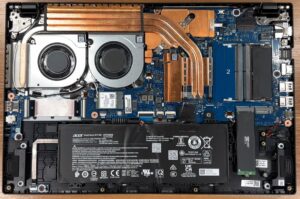


![[June 2026] Best-Selling Laptop Brands on Amazon Global – Apple’s Unrivaled Dominance in Units and Revenue](https://laptopmedia.com/wp-content/uploads/2026/07/GLOBAL-Best-Brands-400x225.jpg)
![[June 2026] Amazon Global: Top 10 Best-Selling Laptops – Apple’s New MacBook Neo Storms to #1, Reshaping the Market with Affordability](https://laptopmedia.com/wp-content/uploads/2026/07/Best-Selling-Laptops-GLOBAL-Top-10-400x225.jpg)
![[June 2026] Amazon Global: Top 10 Best-Selling Gaming Laptops – Acer’s Nitro V 16S AI Dominates Sales, While ASUS Leads Overall Revenue](https://laptopmedia.com/wp-content/uploads/2026/07/Best-Selling-Gaming-Laptops-GLOBAL-Top-10-400x225.jpg)
![[June 2026] Global Ranking of Best-Selling Laptop GPUs on Amazon – NVIDIA RTX 5060 is the Top-Selling Dedicated GPU](https://laptopmedia.com/wp-content/uploads/2026/07/Best-Selling-GPUs-GLOBAL-Top-10-400x225.jpg)
![[June 2026] Global Ranking of Best-Selling Laptop CPUs on Amazon – Apple M5 Dominates, AMD Ryzen 7 260 Gets Solid Premium Share](https://laptopmedia.com/wp-content/uploads/2026/07/Best-Selling-CPUs-GLOBAL-Top-10-400x225.jpg)