Acer Nitro V 16
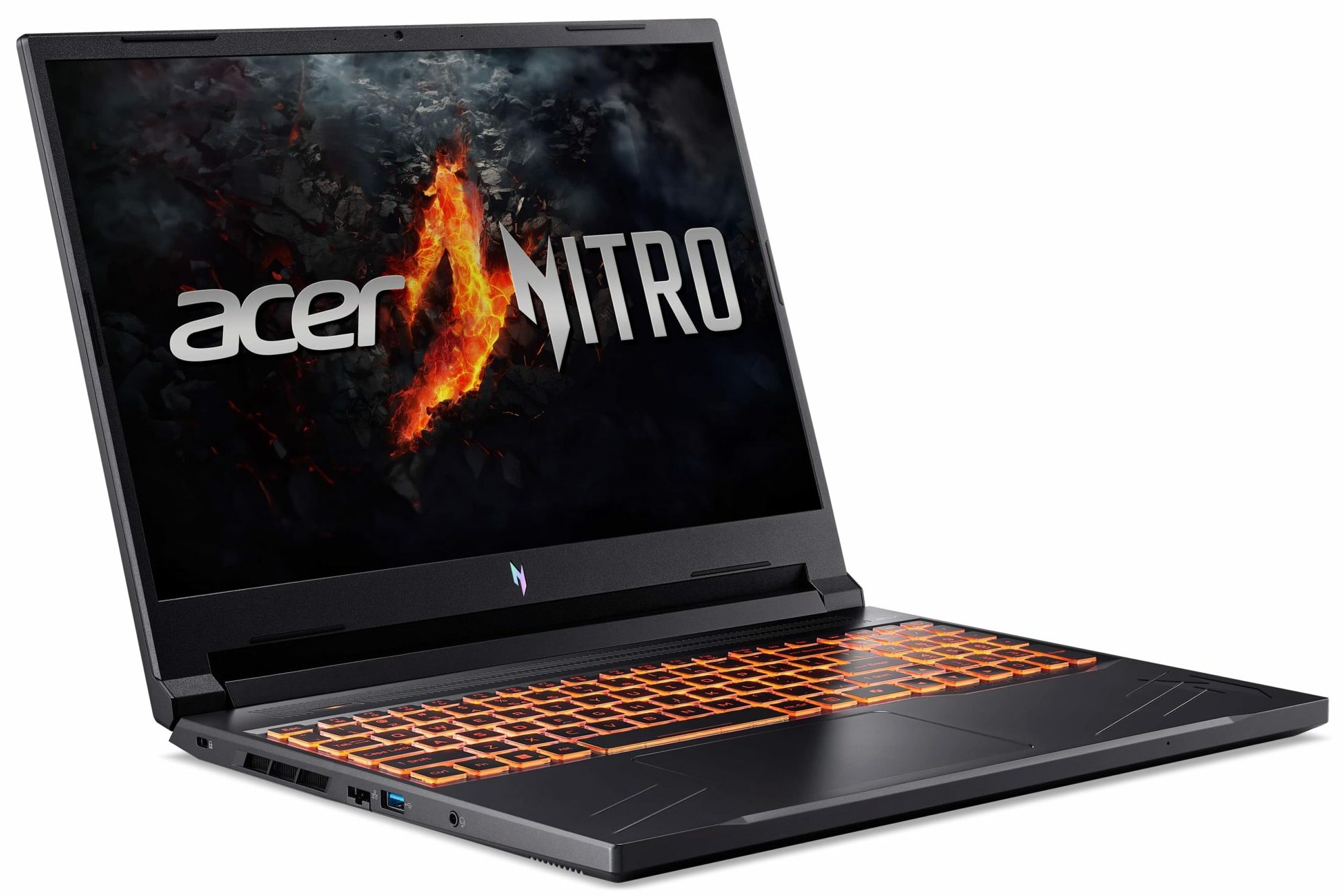
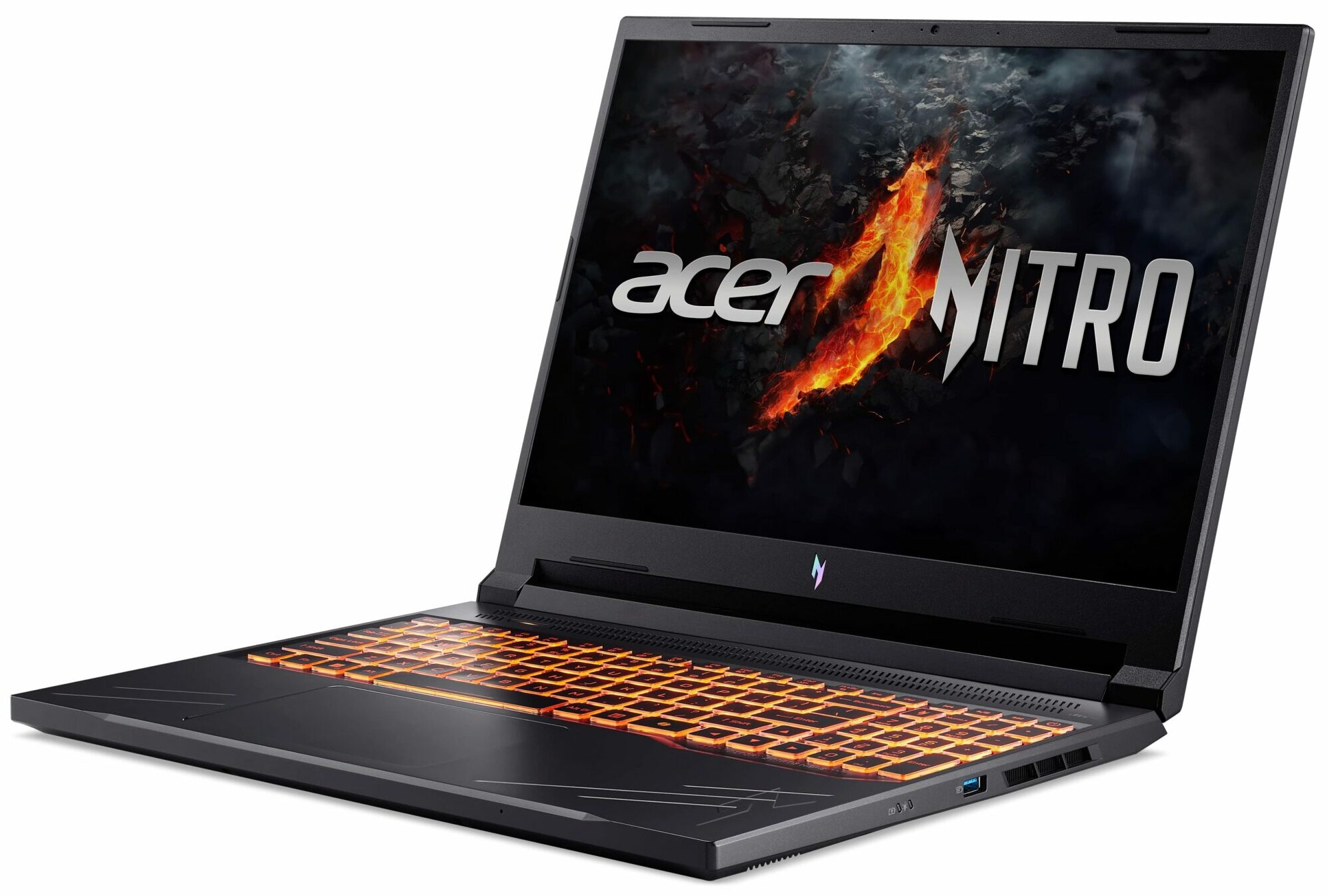
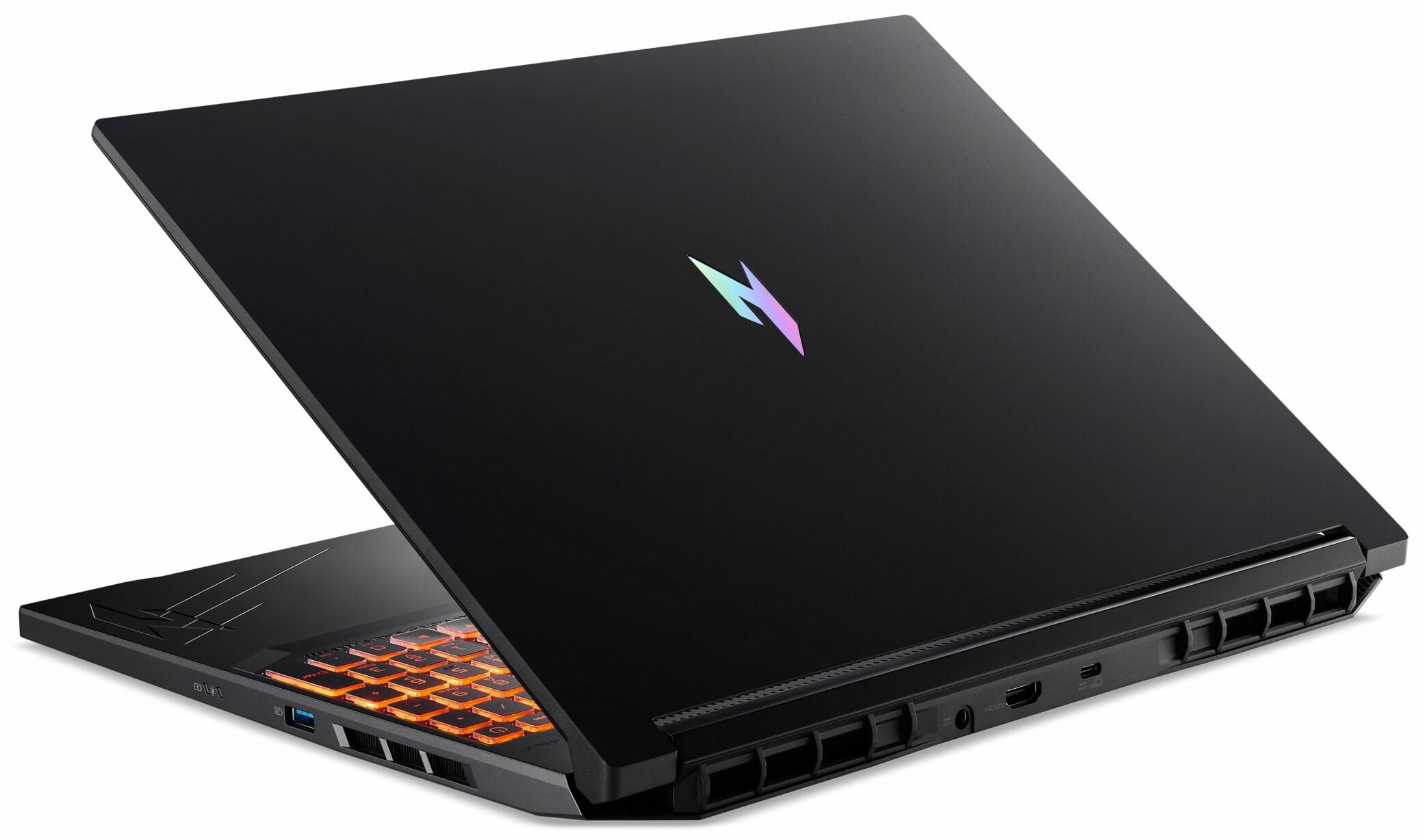
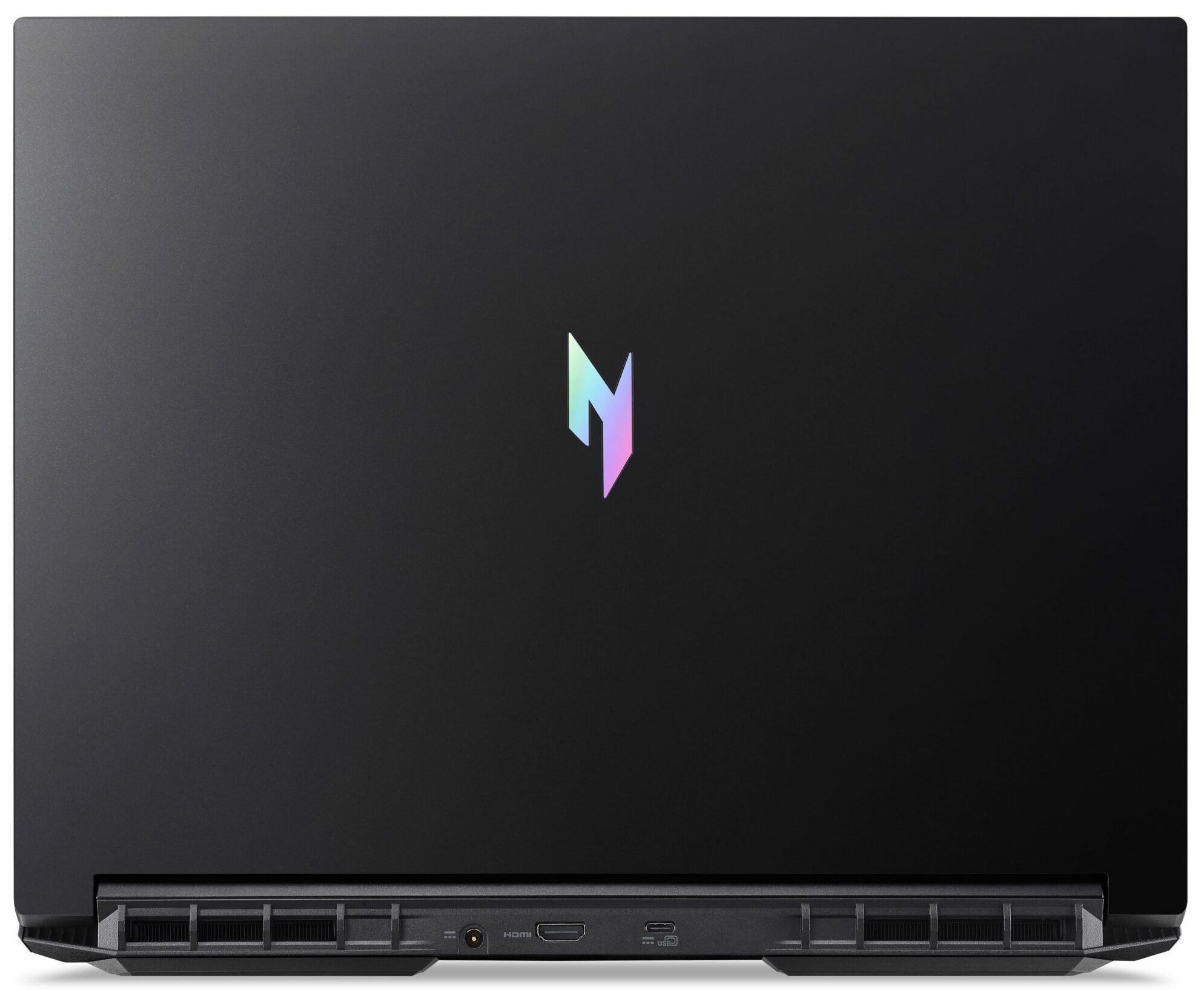
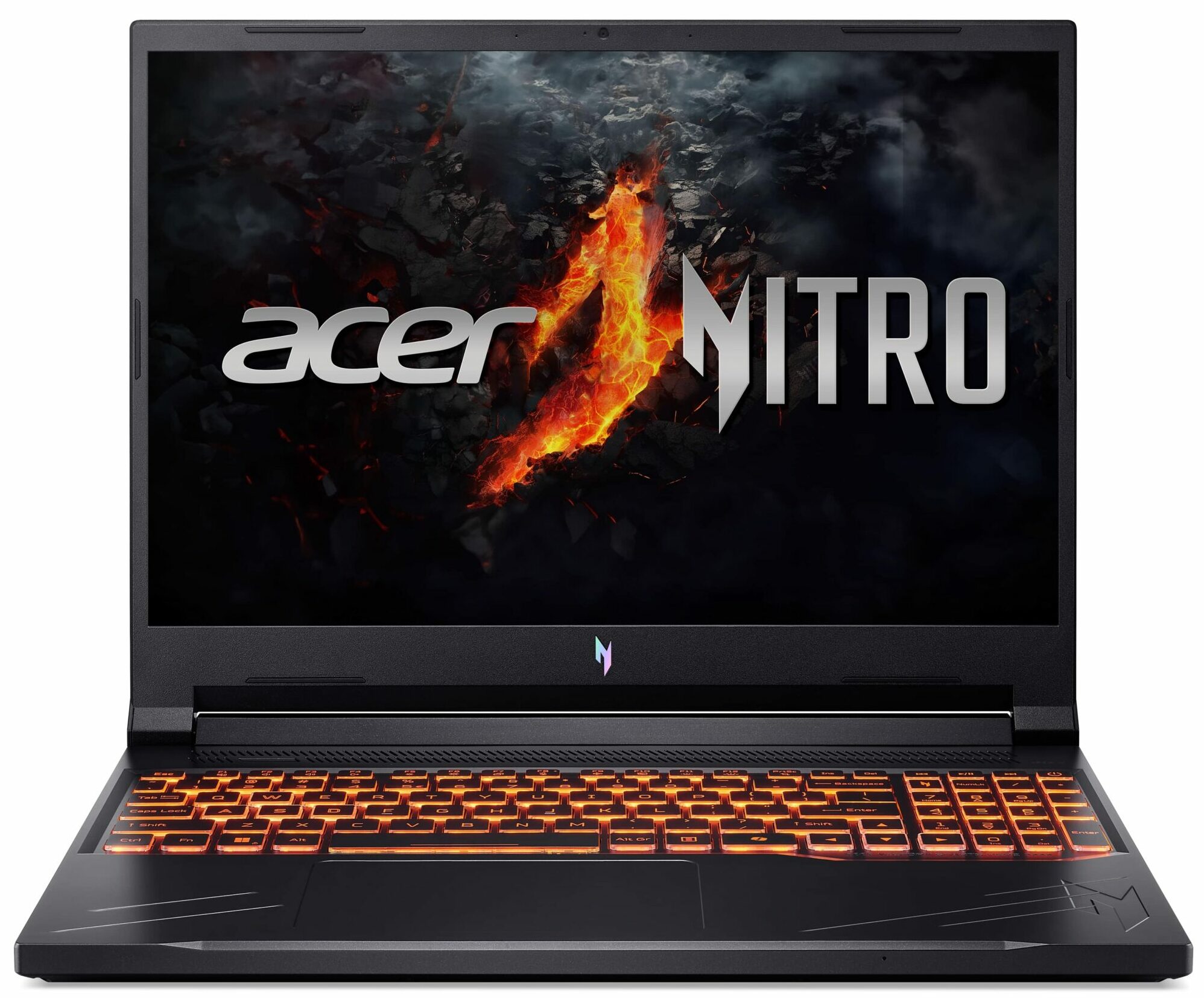
- Date Published: 22 Jan 2025
- AMD Ryzen 7 8845HS
- NVIDIA GeForce RTX 4060 (Laptop, 85W)
- 16.0″, WUXGA (1920 x 1200), 165 Hz, IPS
- 2000GB SSD
- 32GB RAM
- 2.50 kg (5.5 lbs)
Specs

- HDD/SSD
- 2000GB SSD
- M.2 Slot
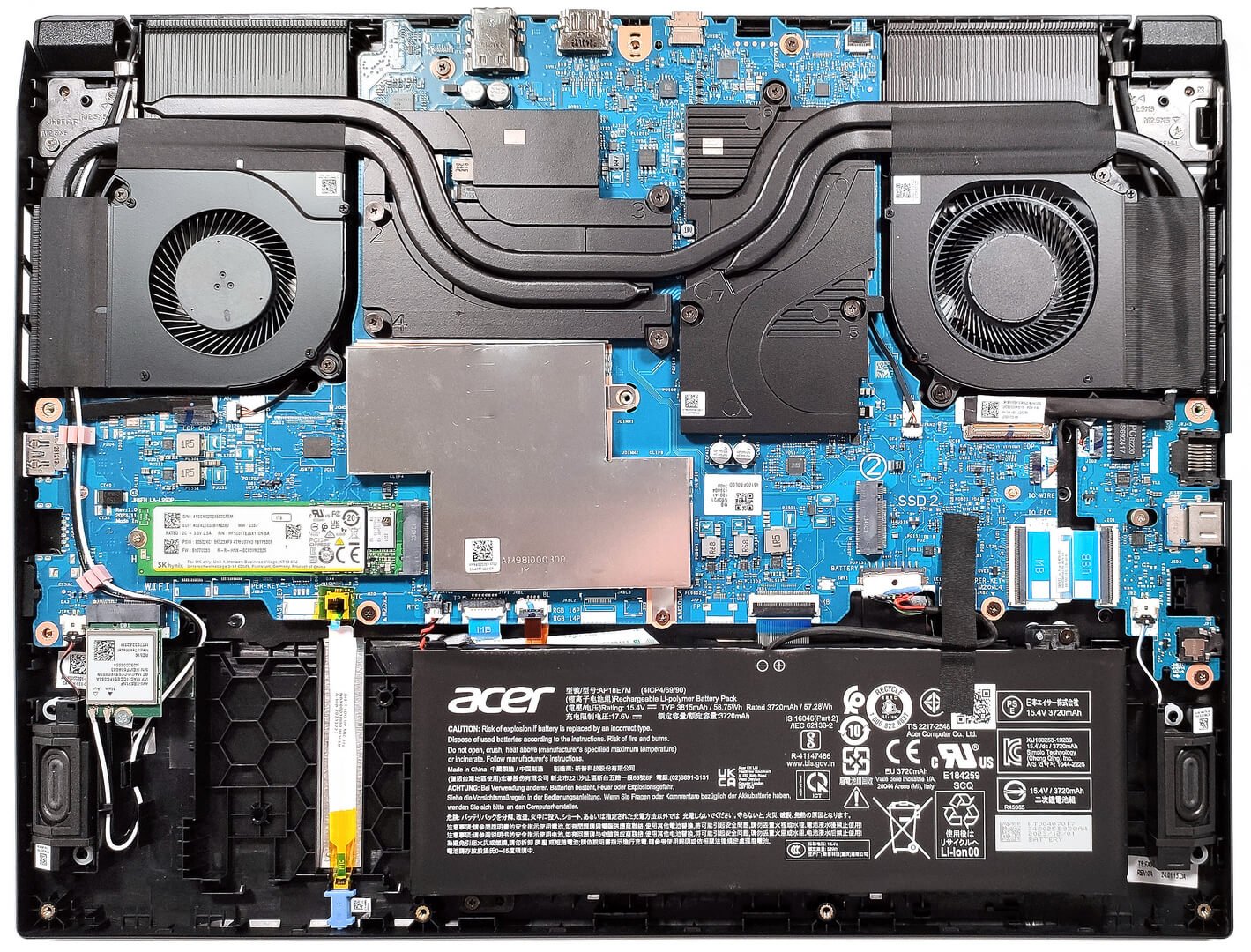
- 2x 2280 M.2 NVMe PCIe 4.0 x4 See photo
- RAM
- 32GB RAM
- OS
- Windows 11 Pro
- Body Material
- Plastic / Polycarbonate
- Dimensions
- 361.24 x 278.4 x 24.74 - 25.46 mm (14.22" x 10.96" x 0.97")
- Weight
- 2.50 kg (5.5 lbs)
- Ports and connectivity
- 1x USB Type-A
- 3.2 Gen 2 (10 Gbps)
- 1x USB Type-A
- 3.2 Gen 2 (10 Gbps), Sleep and Charge
- 1x USB Type-C
- 4.0, Power Delivery (PD), DisplayPort
- HDMI
- 2.1
- Card Reader
- Ethernet LAN
- 10, 100, 1000 Mbit/s
- Wi-Fi
- Wi-Fi 6E
- Bluetooth
- 5.3
- Audio jack
- 3.5mm Combo Jack
- Features
- Fingerprint reader
- Web camera
- HD
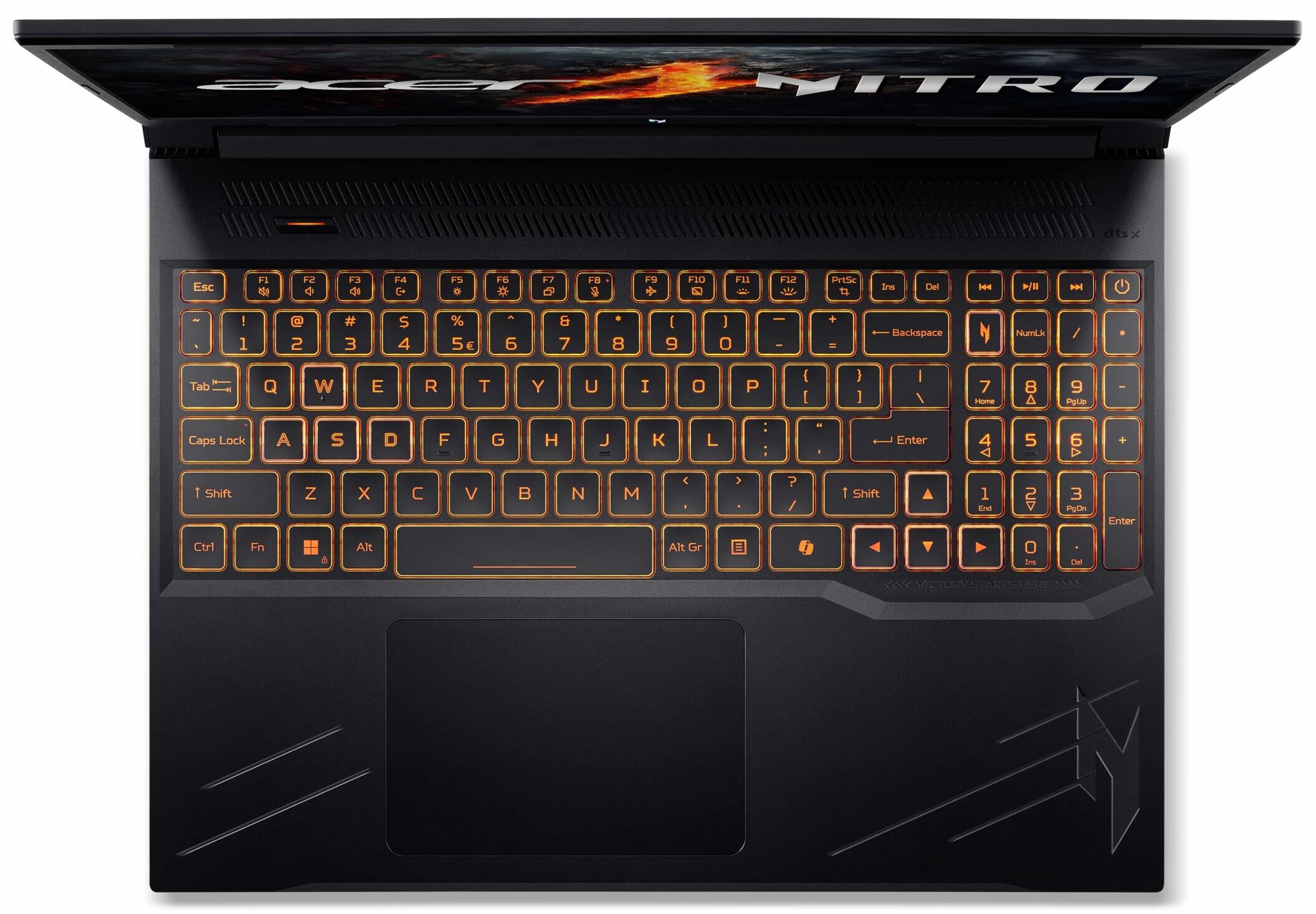
- Backlit keyboard
- Microphone
- 3x Microphone Array with AI noise-canceling
- Speakers
- Stereo Speakers, DTS X: Ultra
- Security Lock slot
- Kensington Lock
- Gifts
- Microsoft Office Lifetime License, Cefesfy Accessories
Portability
Review
Acer Nitro V 16 in-depth review
The gap between the Acer Predator devices and their Nitro siblings is getting smaller year after year. This is quite good, but some Nitro machines aren't budget offerings anymore since they are full of powerful hardware and other useful extras. Not all hope is lost because the V-series of the Nitro lineup is striking the laptop market with devices that boast modern hardware at a fair price. In 2023, we saw that the Acer Nitro V 15 (ANV15-51) is a well-performing machine with some compromises here and there. Specs-wise, the Nitro V 16 (ANV16-41) looks even better with its Zen 4 Hawk Point-HS CPUs, tons of GPU options (including some RTX 4000 chips), and good upgradability. The device isn't full of ports but there is no sign of 5Gbps connectors which is great, especially for such a not-so-e[...]
Read the full review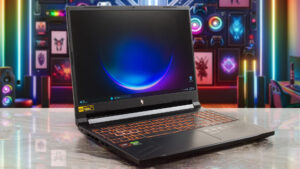
Pros
- 2x M.2 Gen 4 slots + 2x DDR5 RAM SODIMMs
- Covers 100% of the sRGB color gamut and has accurate color representation with our "Design and Gaming" profile (AUO80AD)
- Fast panel with quick response times and 165Hz refresh rate (AUO80AD)
- No PWM (AUO80AD)
- High max brightness of 353 nits (AUO80AD)
- MUX switch
- Modern port selection - USB4 + two Gen 2 connectors
- Comfortable input devices
- Good battery life given the small capacity and the snappy hardware
- Solid base
- The CPU can maintain high frequencies during full load (4.50 GHz)
- The fans aren't too noisy even in "Turbo" mode
Cons
- The lid could be more stable
- Plastic build
Disassembly, maintenance and upgrade options
Opening the DeviceUndo the 11 Phillips-head screws securing the bottom panel. Carefully raise the bottom panel while holding firmly the two plastic exhausts on the rear. The panel should be fully popped to the level of the LAN connector. Avoid pushing too hard to prevent breaking the panel. Use a thin plastic tool to pry the rest of the panel, including the front side. Alternatively, lift the plate near one of the top two corners to open a small gap, then pry and lift the back and work your way around the other sides.More info: On the inside of the bottom plate, there [...]
Read more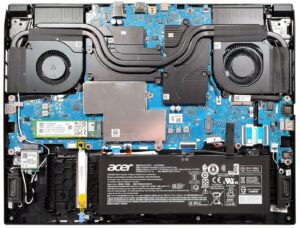


![[June 2026] Best-Selling Laptop Brands on Amazon Global – Apple’s Unrivaled Dominance in Units and Revenue](https://laptopmedia.com/wp-content/uploads/2026/07/GLOBAL-Best-Brands-400x225.jpg)
![[June 2026] Amazon Global: Top 10 Best-Selling Laptops – Apple’s New MacBook Neo Storms to #1, Reshaping the Market with Affordability](https://laptopmedia.com/wp-content/uploads/2026/07/Best-Selling-Laptops-GLOBAL-Top-10-400x225.jpg)
![[June 2026] Amazon Global: Top 10 Best-Selling Gaming Laptops – Acer’s Nitro V 16S AI Dominates Sales, While ASUS Leads Overall Revenue](https://laptopmedia.com/wp-content/uploads/2026/07/Best-Selling-Gaming-Laptops-GLOBAL-Top-10-400x225.jpg)
![[June 2026] Global Ranking of Best-Selling Laptop GPUs on Amazon – NVIDIA RTX 5060 is the Top-Selling Dedicated GPU](https://laptopmedia.com/wp-content/uploads/2026/07/Best-Selling-GPUs-GLOBAL-Top-10-400x225.jpg)
![[June 2026] Global Ranking of Best-Selling Laptop CPUs on Amazon – Apple M5 Dominates, AMD Ryzen 7 260 Gets Solid Premium Share](https://laptopmedia.com/wp-content/uploads/2026/07/Best-Selling-CPUs-GLOBAL-Top-10-400x225.jpg)