Acer Predator Triton 14
_000055.jpg)


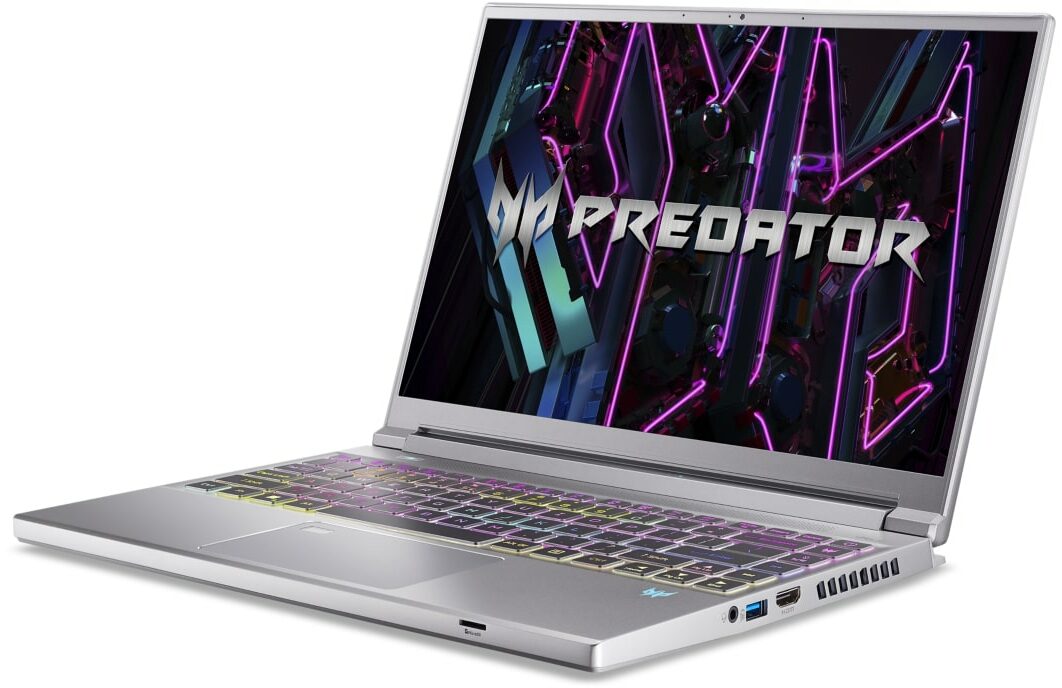
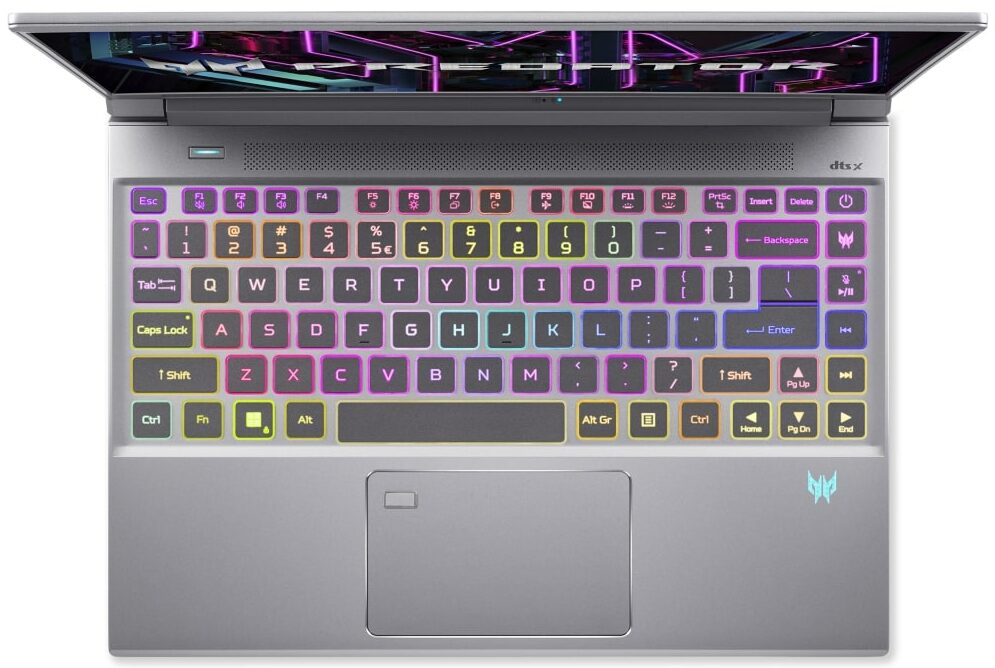
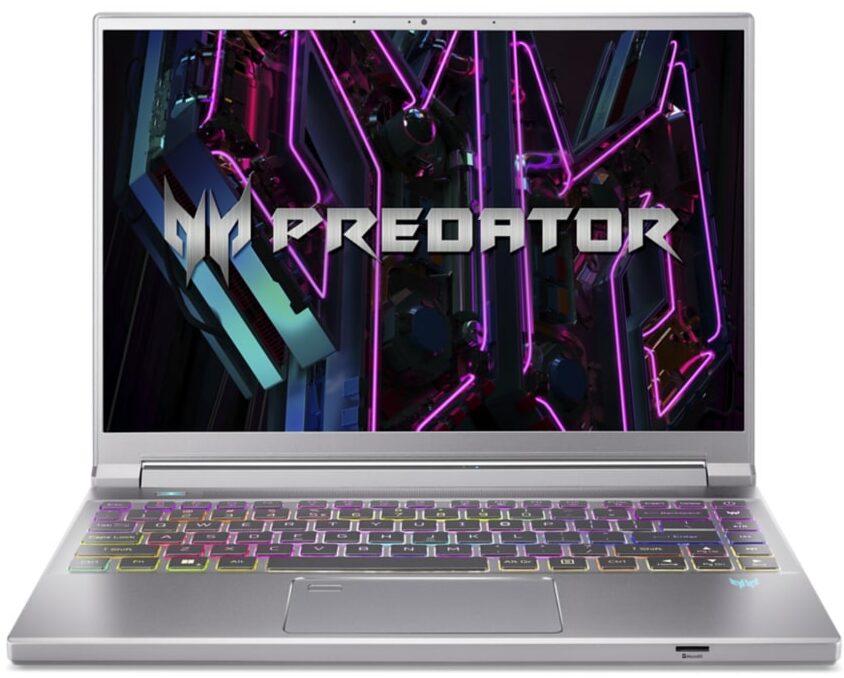
- Date Published: 22 Dec 2023
- Intel Core i9-13900H
- NVIDIA GeForce RTX 4070 (Laptop, 105W)
- 14.0”, WQXGA (2560 x 1600), 165 Hz, IPS + G-Sync
- 1000GB SSD
- 32GB LPDDR5
- 1.70 kg (3.7 lbs)
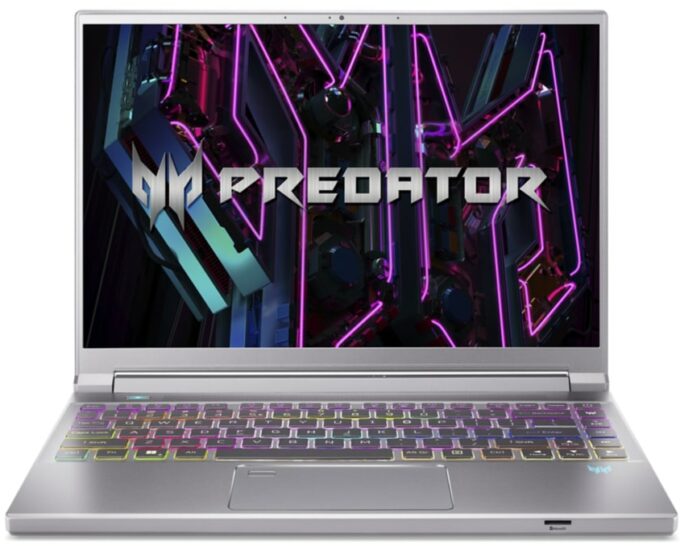
Review
Acer Predator Triton 14 in-depth review
You can find a lot of capable gaming laptops but in most cases, they are at least 15-inchers. If you want something powerful yet compact, your options are limited. Still, the Acer Predator Triton 14 (PT14-51) is one of the possible variants. This 14-inch fella has (almost) everything that a bigger gaming laptop can offer.Like a fast 1600p Mini LED display with 250Hz refresh rate (option), an Intel Raptor Lake-H CPU, GeForce RTX 4000 GPU options, and tons of other extras. This includes a MUX switch, Nvidia Advanced Optimus, G-Sync support, Wi-Fi 6E, a fancy keyboard, a fingerprint reader, etc. Where is the catch? Well, there is no catch, except for the high price and the limited upgrade options. That's kind of expected since we are talking about a small gaming notebook that has to be as[...]
Read the full review
Pros
- Great performance
- Liquid metal on the CPU
- Optional Mini LED display with 16:10 aspect ratio, 1600p resolution and a 250Hz refresh rate (AUO B140QAN06.V (AUO77A8))
- Covers 100% of DCI-P3 (AUO B140QAN06.V (AUO77A8))
- High maximum brightness and contrast ratio (AUO B140QAN06.V (AUO77A8))
- Capable cooling that allows high CPU clocks and a stable 105W GPU TGP
- Fast pixel response times (AUO B140QAN06.V (AUO77A8))
- Aluminum build
- Modern I/O + MicroSD card slot
- Quiet and comfortbale 3-zone per-key RGB keyboard
- Smooth touchpad with Corning Gorilla Glass surface and build-in fingerprint reader
- The PredatorSense app offers plenty of customizations
- Has a MUX switch and supports Nvidia Advanced Optimus and G-Sync
Cons
- Soldered memory and just one M.2 slot
- Expensive
- Uses PWM (AUO B140QAN06.V (AUO77A8))
Disassembly, maintenance and upgrade options
Step 1: Accessing the Internal ComponentsEnsure the Acer Predator Triton 14 (PT14-51) is powered off and placed on a soft, clean surface to prevent scratches or damage. Remove the 9 Torx-head screws from the bottom of the laptop. Start prying the bottom panel off from the front or carefully raise it while holding the two plastic vents on the back to pop it up.Hint: Be gentle during this process to avoid damaging the internal clips or the laptop casing.Step 2: Removing the BatteryDisconnect the battery by detaching its connector from the motherboard. Lift th[...]
Read more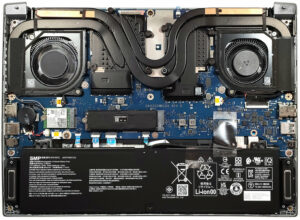


![[June 2026] Best-Selling Laptop Brands on Amazon Global – Apple’s Unrivaled Dominance in Units and Revenue](https://laptopmedia.com/wp-content/uploads/2026/07/GLOBAL-Best-Brands-400x225.jpg)
![[June 2026] Amazon Global: Top 10 Best-Selling Laptops – Apple’s New MacBook Neo Storms to #1, Reshaping the Market with Affordability](https://laptopmedia.com/wp-content/uploads/2026/07/Best-Selling-Laptops-GLOBAL-Top-10-400x225.jpg)
![[June 2026] Amazon Global: Top 10 Best-Selling Gaming Laptops – Acer’s Nitro V 16S AI Dominates Sales, While ASUS Leads Overall Revenue](https://laptopmedia.com/wp-content/uploads/2026/07/Best-Selling-Gaming-Laptops-GLOBAL-Top-10-400x225.jpg)
![[June 2026] Global Ranking of Best-Selling Laptop GPUs on Amazon – NVIDIA RTX 5060 is the Top-Selling Dedicated GPU](https://laptopmedia.com/wp-content/uploads/2026/07/Best-Selling-GPUs-GLOBAL-Top-10-400x225.jpg)
![[June 2026] Global Ranking of Best-Selling Laptop CPUs on Amazon – Apple M5 Dominates, AMD Ryzen 7 260 Gets Solid Premium Share](https://laptopmedia.com/wp-content/uploads/2026/07/Best-Selling-CPUs-GLOBAL-Top-10-400x225.jpg)
