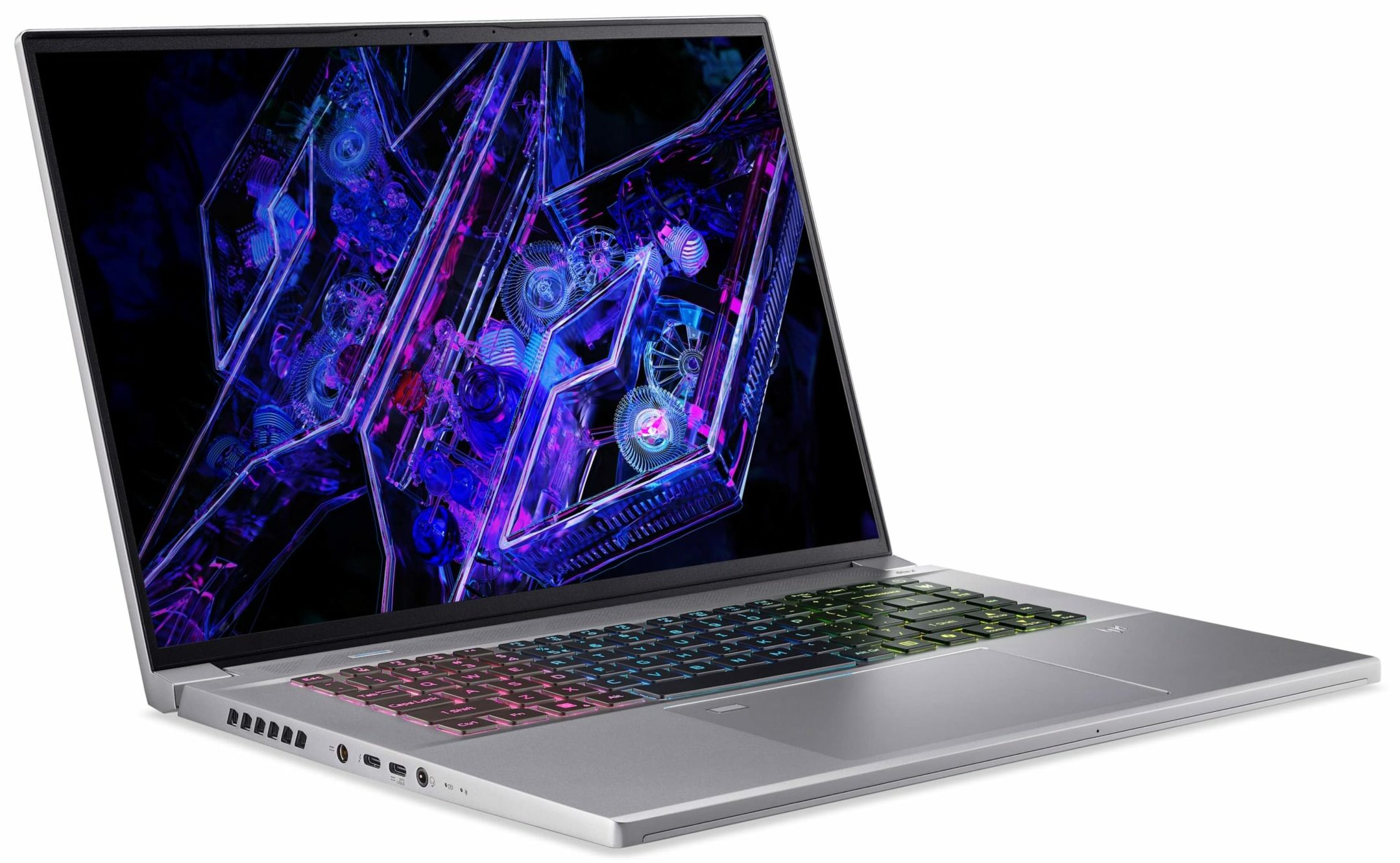
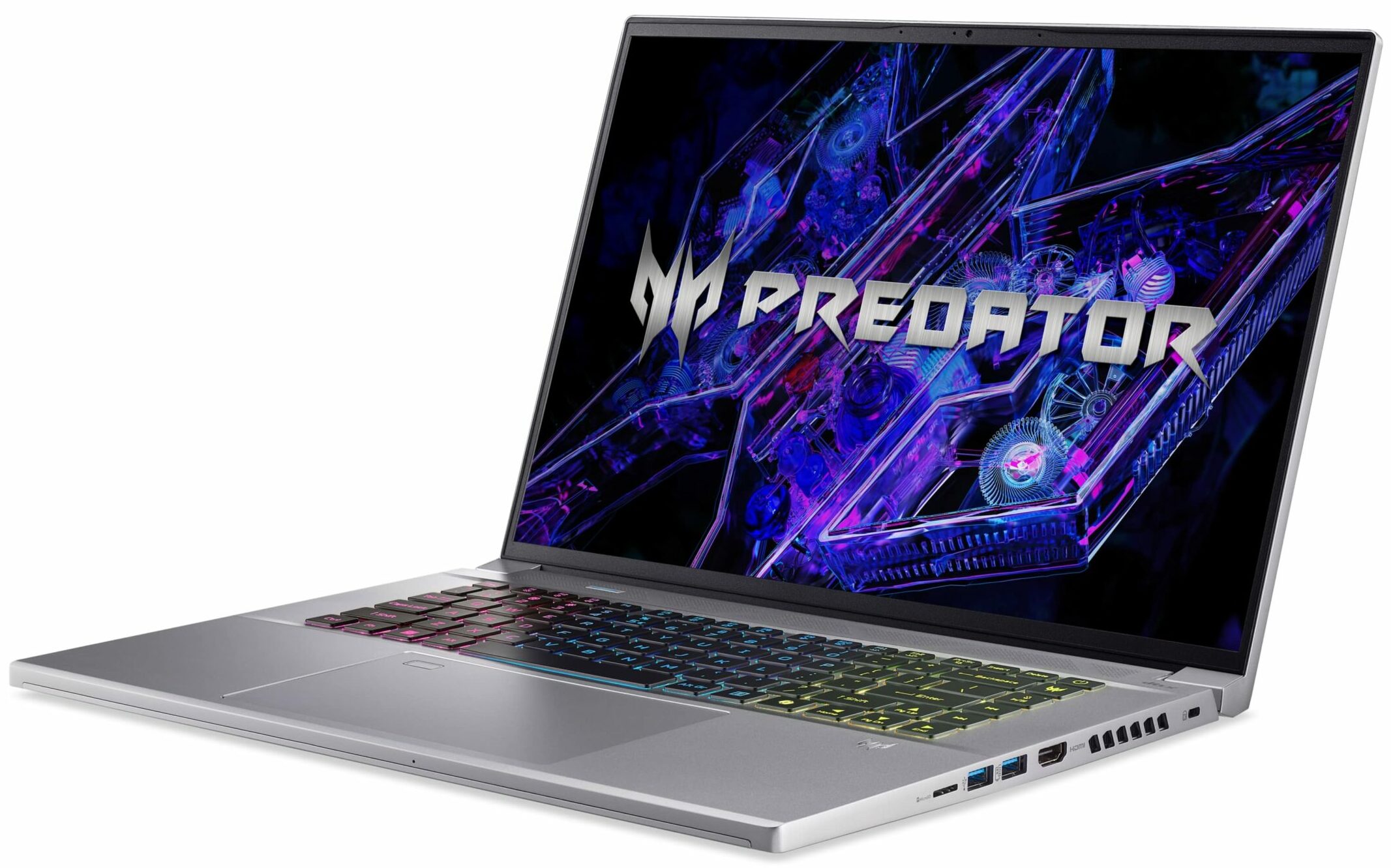
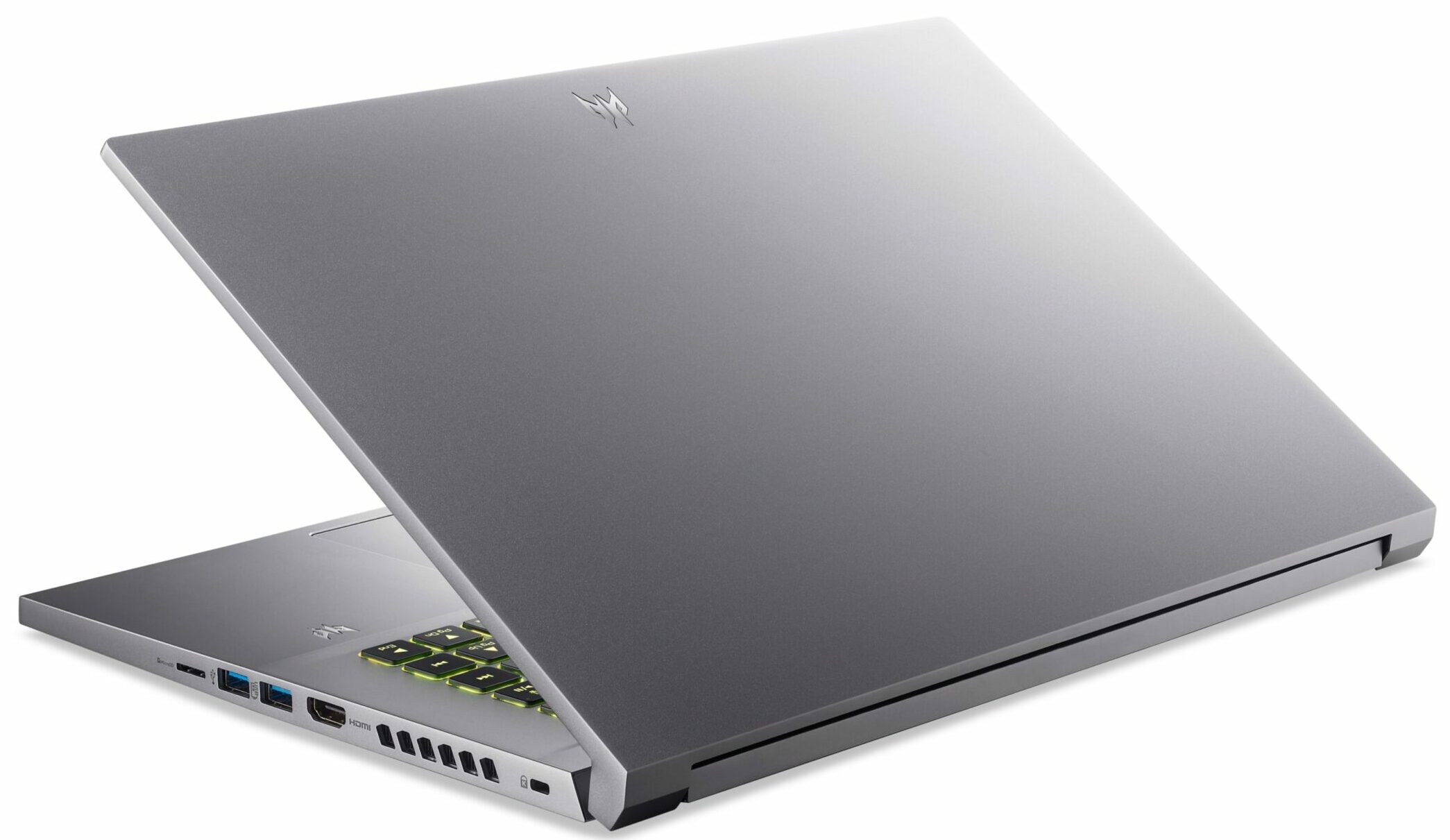
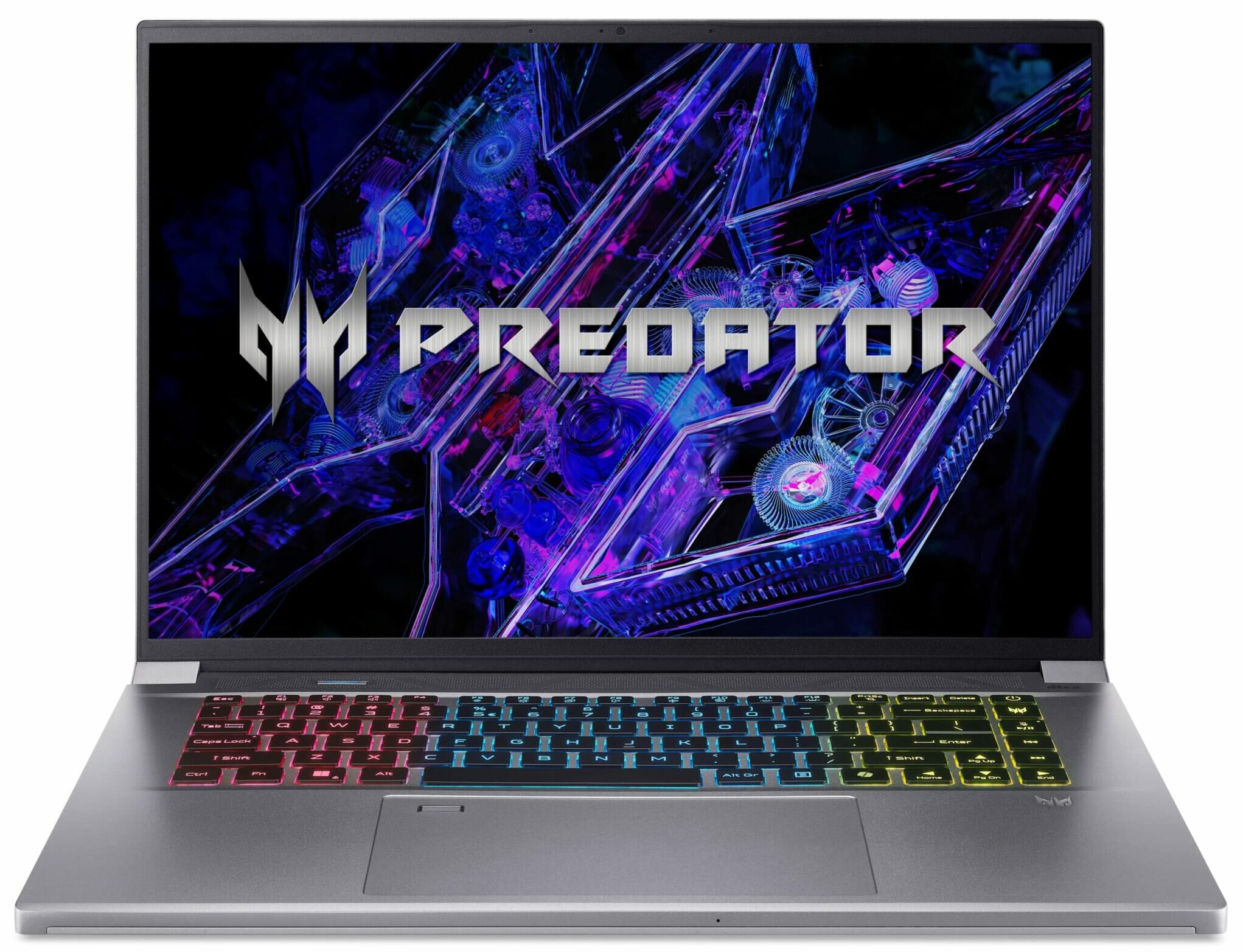
Acer Predator Triton Neo 16
- Date Published: 07 Feb 2025
- Intel Core Ultra 9 185H
- NVIDIA GeForce RTX 4070 (Laptop, 110W)
- 16.0", WQXGA (2560 x 1600), 240 Hz, IPS
- 4000GB SSD
- 32GB RAM
- 2.05 kg (4.5 lbs)
Specs
- HDD/SSD
- 4000GB SSD
- M.2 Slot
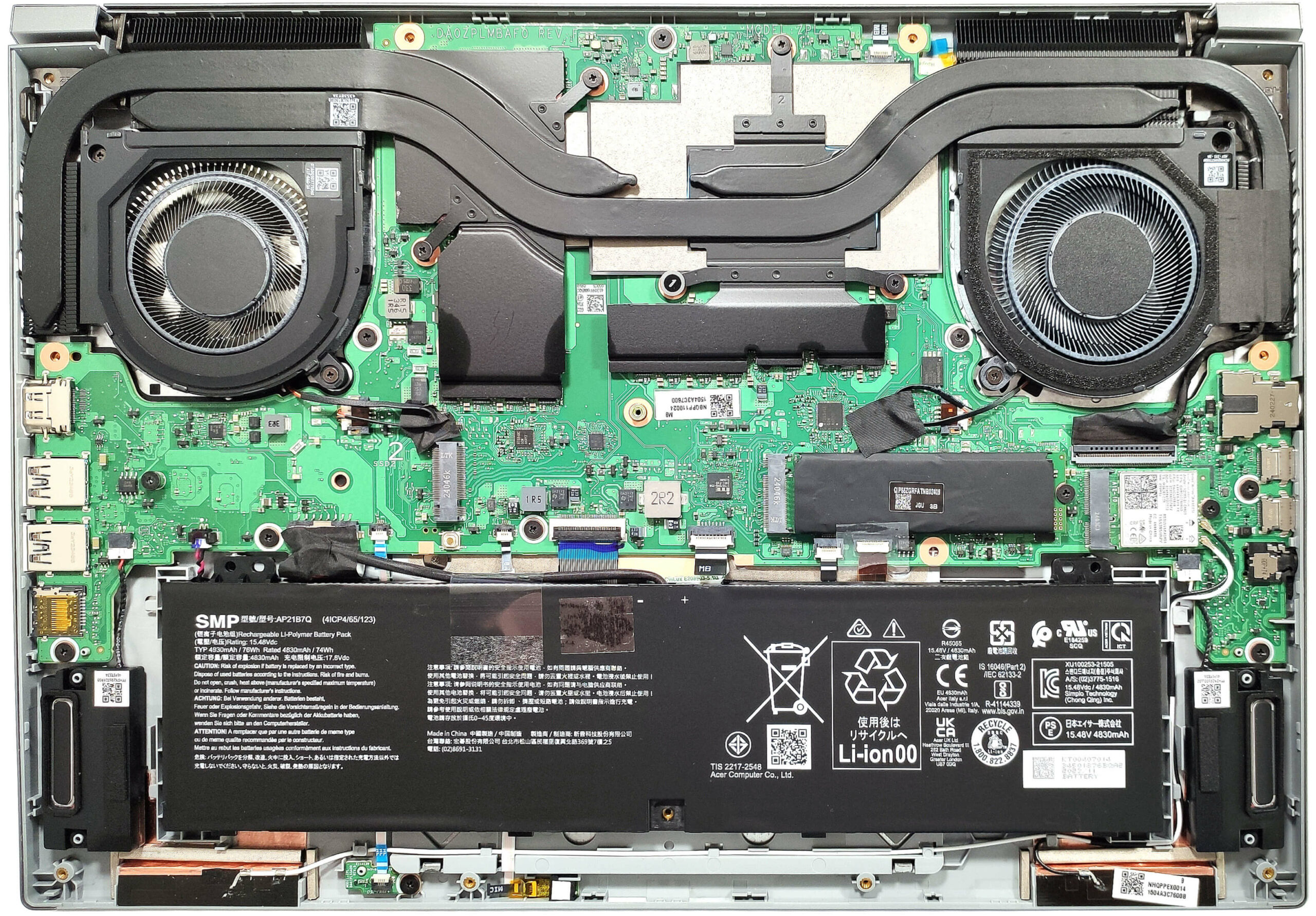
- 2x 2280 M.2 NVMe PCIe 4.0 x4 See photo
- RAM
- 32GB RAM
- OS
- Windows 11 Pro
- Body Material
- Aluminum
- Dimensions
- 356 x 249.17 x 18.82 - 20.83 mm (14.02" x 9.81" x 0.74")
- Weight
- 2.05 kg (4.5 lbs)
- Ports and connectivity
- 1x USB Type-A
- 3.2 Gen 2 (10 Gbps)
- 1x USB Type-A
- 3.2 Gen 2 (10 Gbps), Sleep and Charge
- 1x USB Type-C
- 3.2 Gen 2 (10 Gbps), Power Delivery (PD), DisplayPort
- 1x USB Type-C
- 3.2 Gen 2x2 (20 Gbps), Thunderbolt 4, Power Delivery (PD), DisplayPort
- HDMI
- 2.1
- Card Reader
- microSD (microSD, microSDHC, microSDXC)
- Ethernet LAN
- Wi-Fi
- Wi-Fi 6E
- Bluetooth
- 5.3
- Audio jack
- 3.5mm Combo Jack
- Features
- Fingerprint reader
- Web camera
- FHD
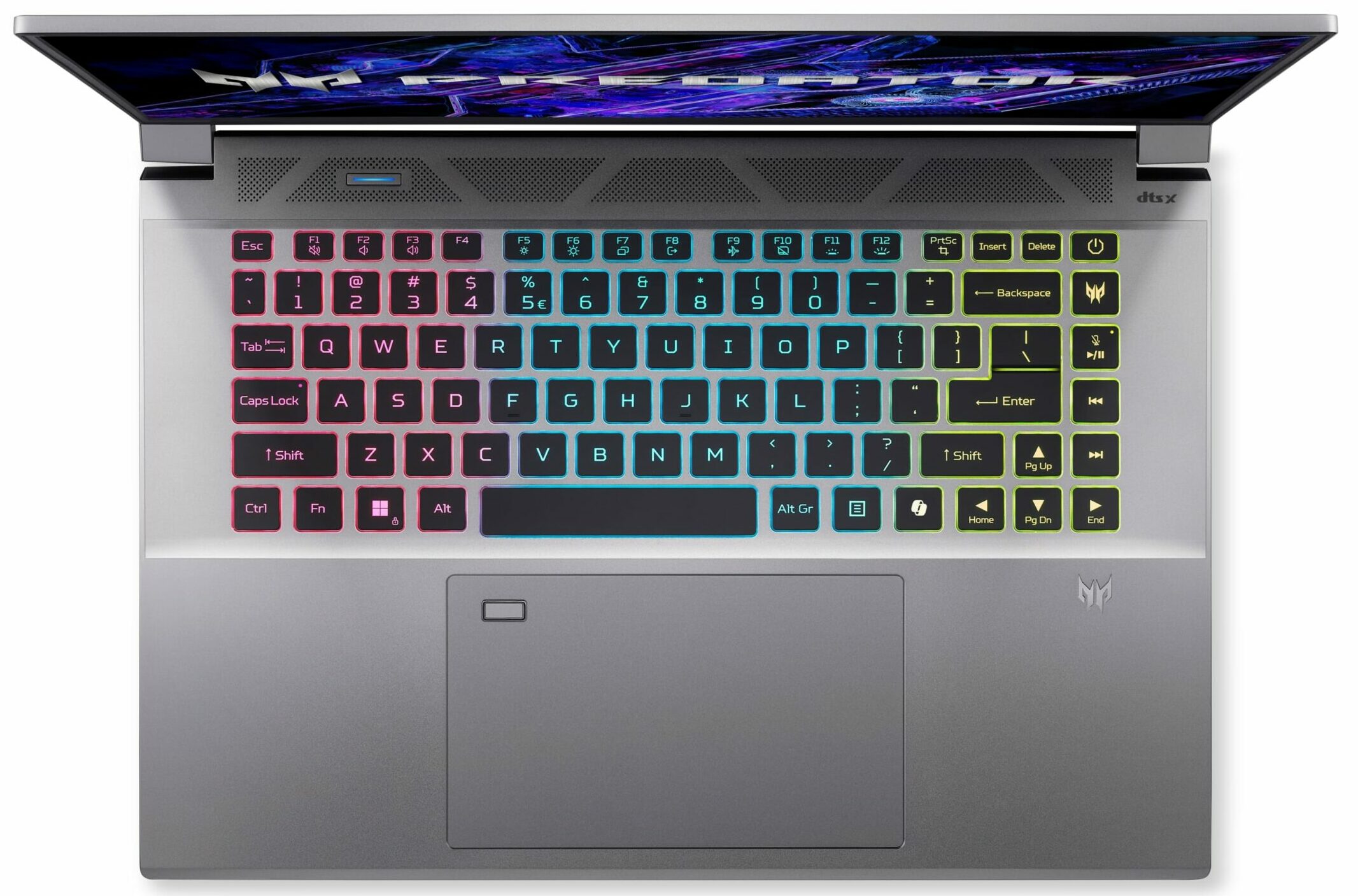
- Backlit keyboard
- Microphone
- Dual Built-in Microphones with Acer Purified Voice
- Speakers
- Speaker System optimized by DTS X:Ultra Audio
- Security Lock slot
- Kensington Lock
- Gifts
- Microsoft Office Lifetime License
Portability
Review
Acer Predator Triton Neo 16 in-depth review
Finding a thin and capable gaming laptop was a hard task years ago. Now, things are much better since every manufacturer offers such machines. Acer Predator Triton Neo 16 (PTN16-51) boasts compact dimensions for a 16-incher and you can pick it with modern powerful hardware under the bonnet. The top-end configurations are configured with Intel Core Ultra 9 185H and GeForce RTX 4070. Actually, our laptop has exactly the same chips because as always, we want to torture the cooling system. The latter looks pretty competent, at least at first sight. It has a pair of big fans with metal blades and vector heat pipes with wider contact surfaces. Acer has also preapplied liquid metal on the CPU die. You get a choice of three IPS displays. The base one is a 165Hz 1200p unit, followed by a 240Hz 160[...]
Read the full review
Pros
- 2x M.2 Gen 4 slots
- 100% sRGB and 98% DCI-P3 coverage + accurate colors with our "Design and Gaming" profile (AUOF1A7)
- 165Hz 2000p IPS display with snappy pixel response times of 8 ms (AUOF1A7)
- PWM-free + high max brightness of 437 nits and wide viewing angles (AUOF1A7)
- G-SYNC+ MUX switch + NVIDIA Advanced Optimus
- Modern port selection with two Type-C connectors + two Type-A Gen 2 ports
- Comfortable input devices
- Decently rigid aluminum chassis
- High CPU and GPU clocks during max loads (~3.30 GHz for the P cores) + 110W TGP for the RTX 4070
- The fans aren't noisy in "Balanced" mode which also offers decent processor clocks
- The bottom plate can be easily opened
- Great overall performance for such a thin laptop
- The PredatorSense app offers many useful extras
- Long battery life
- Fingerprint reader + 1080p@60FPS Web camera
Cons
- Noisy fans in "Turbo" mode
- The right side of the keyboard gets a bit hot during gaming
Disassembly, maintenance and upgrade options
Opening the DeviceUndo the 11 Torx-head screws securing the bottom panel. Raise one of the top two corners with a thin plastic tool to create a gap. Hold the tool in place and use another tool to pry the side. Repeat the process for the other side. Pry the front and the back to remove the bottom panel.More info: On the inside of the bottom plate, there is a dedicated socket for the battery that secures it to the base.Battery RemovalUnplug the battery connector from the mainboard. Lift the battery to remove it from the chassis.Note: The device has[...]
Read more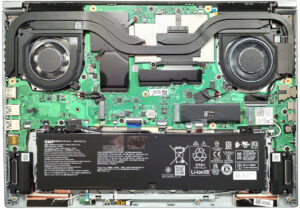


![[June 2026] Best-Selling Laptop Brands on Amazon Global – Apple’s Unrivaled Dominance in Units and Revenue](https://laptopmedia.com/wp-content/uploads/2026/07/GLOBAL-Best-Brands-400x225.jpg)
![[June 2026] Amazon Global: Top 10 Best-Selling Laptops – Apple’s New MacBook Neo Storms to #1, Reshaping the Market with Affordability](https://laptopmedia.com/wp-content/uploads/2026/07/Best-Selling-Laptops-GLOBAL-Top-10-400x225.jpg)
![[June 2026] Amazon Global: Top 10 Best-Selling Gaming Laptops – Acer’s Nitro V 16S AI Dominates Sales, While ASUS Leads Overall Revenue](https://laptopmedia.com/wp-content/uploads/2026/07/Best-Selling-Gaming-Laptops-GLOBAL-Top-10-400x225.jpg)
![[June 2026] Global Ranking of Best-Selling Laptop GPUs on Amazon – NVIDIA RTX 5060 is the Top-Selling Dedicated GPU](https://laptopmedia.com/wp-content/uploads/2026/07/Best-Selling-GPUs-GLOBAL-Top-10-400x225.jpg)
![[June 2026] Global Ranking of Best-Selling Laptop CPUs on Amazon – Apple M5 Dominates, AMD Ryzen 7 260 Gets Solid Premium Share](https://laptopmedia.com/wp-content/uploads/2026/07/Best-Selling-CPUs-GLOBAL-Top-10-400x225.jpg)