Acer Swift 3
_1 50.jpg)

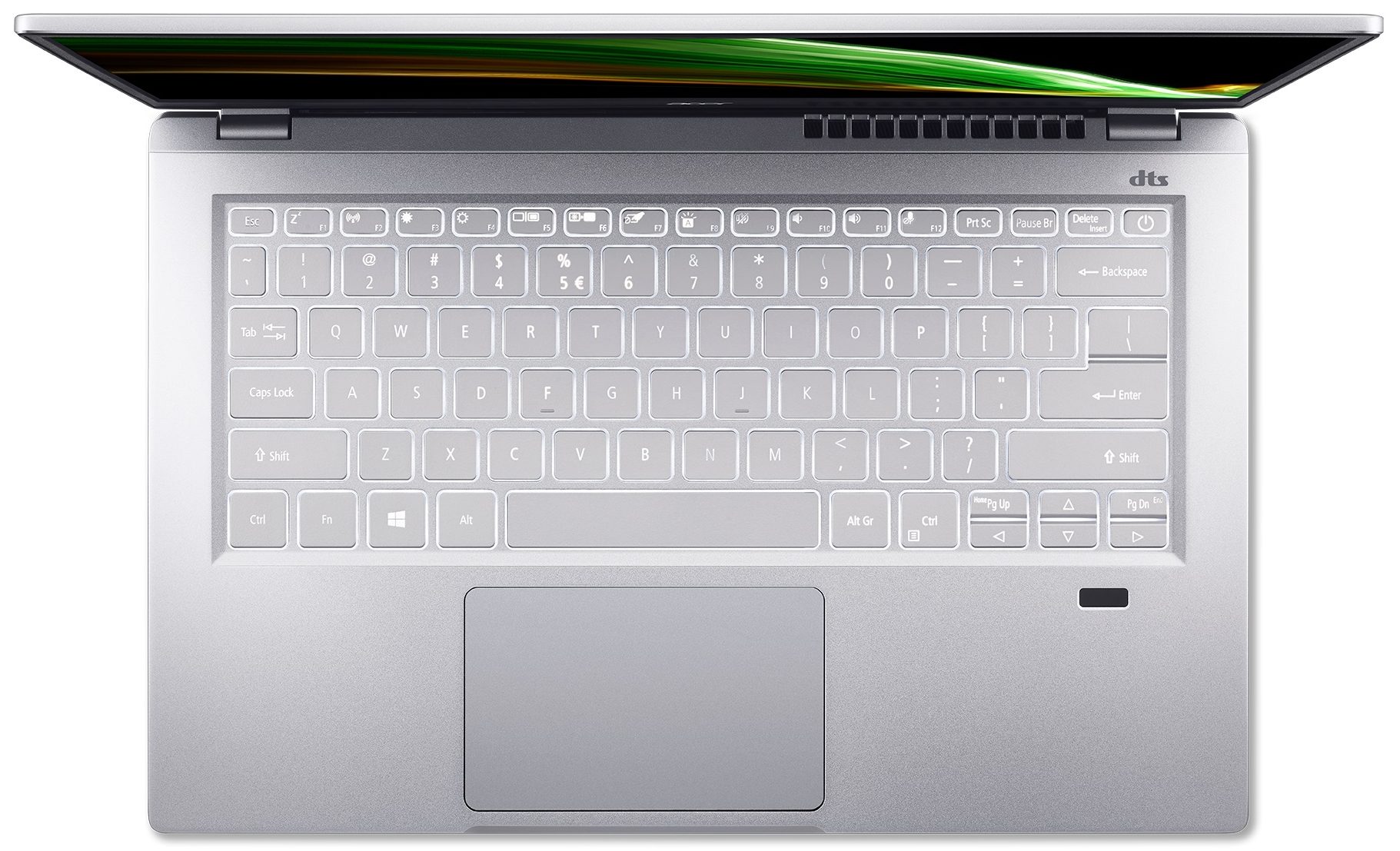
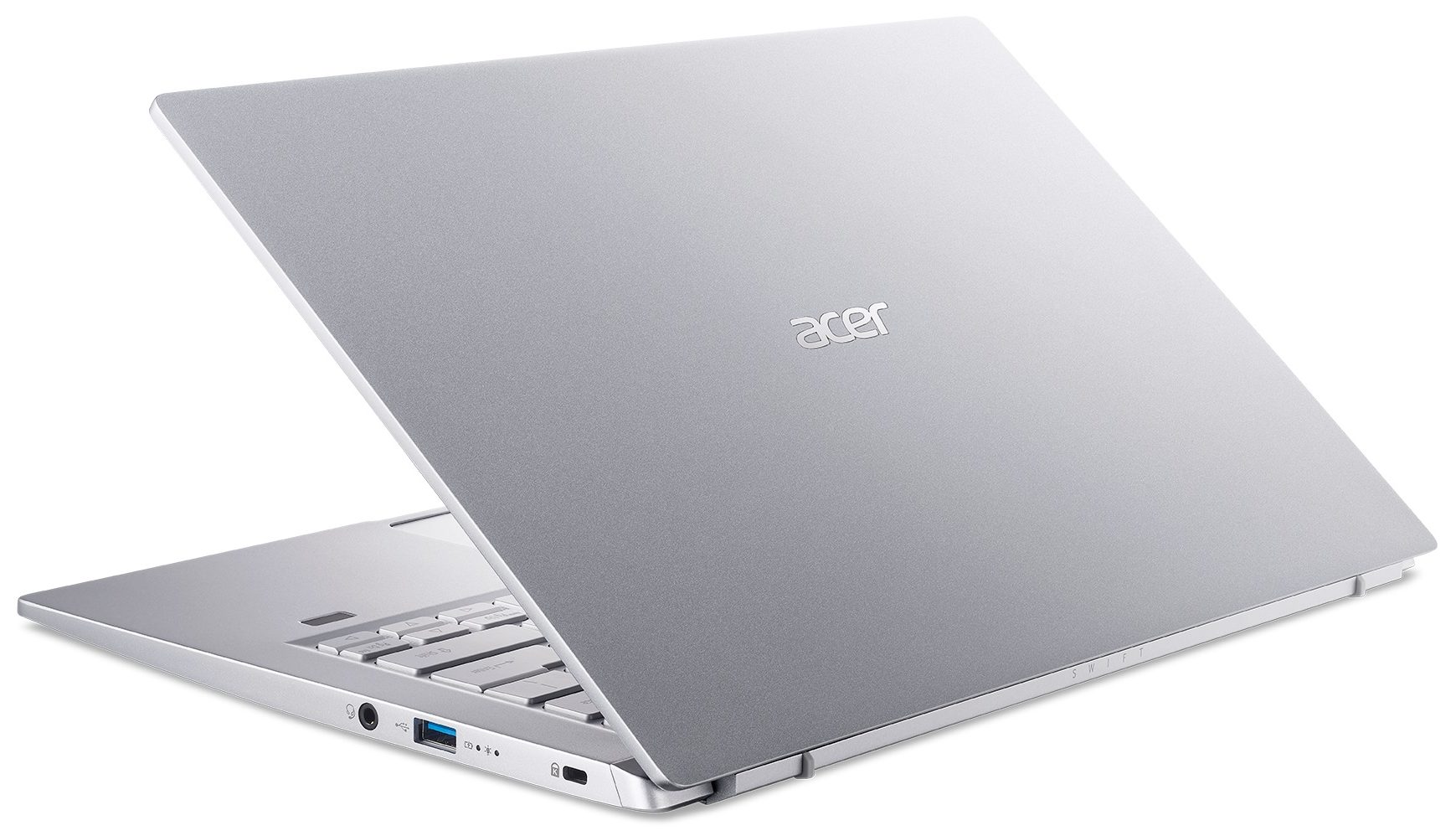
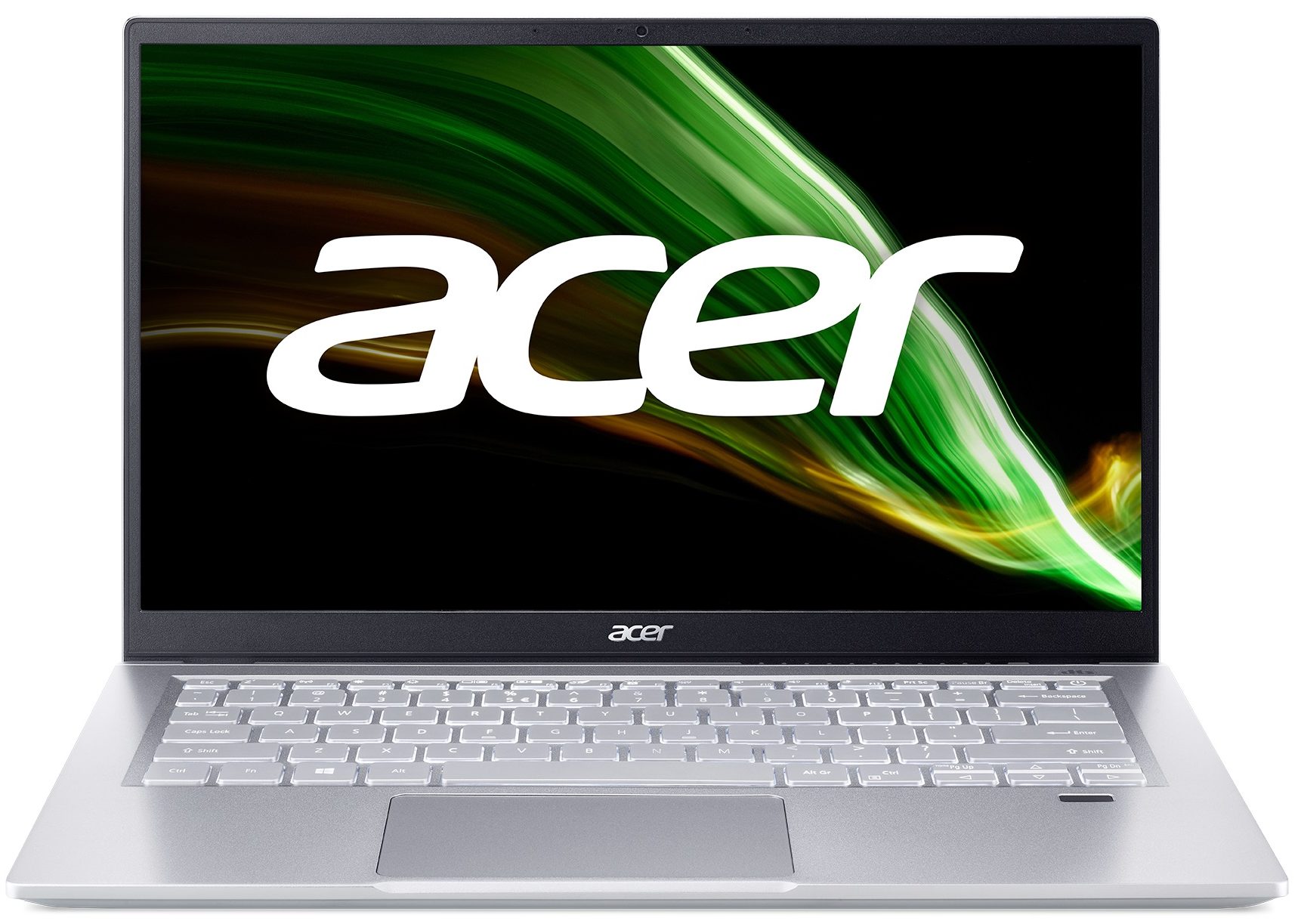
- Date Published: 01 Jun 2021
- Intel Core i7-1165G7
- Intel Iris Xe Graphics G7 (96EU)
- 14.0”, Full HD (1920 x 1080), IPS
- 512GB SSD
- 8GB LPDDR4x
- 1.20 kg (2.6 lbs)
Specs

- HDD/SSD
- 512GB SSD
- M.2 Slot
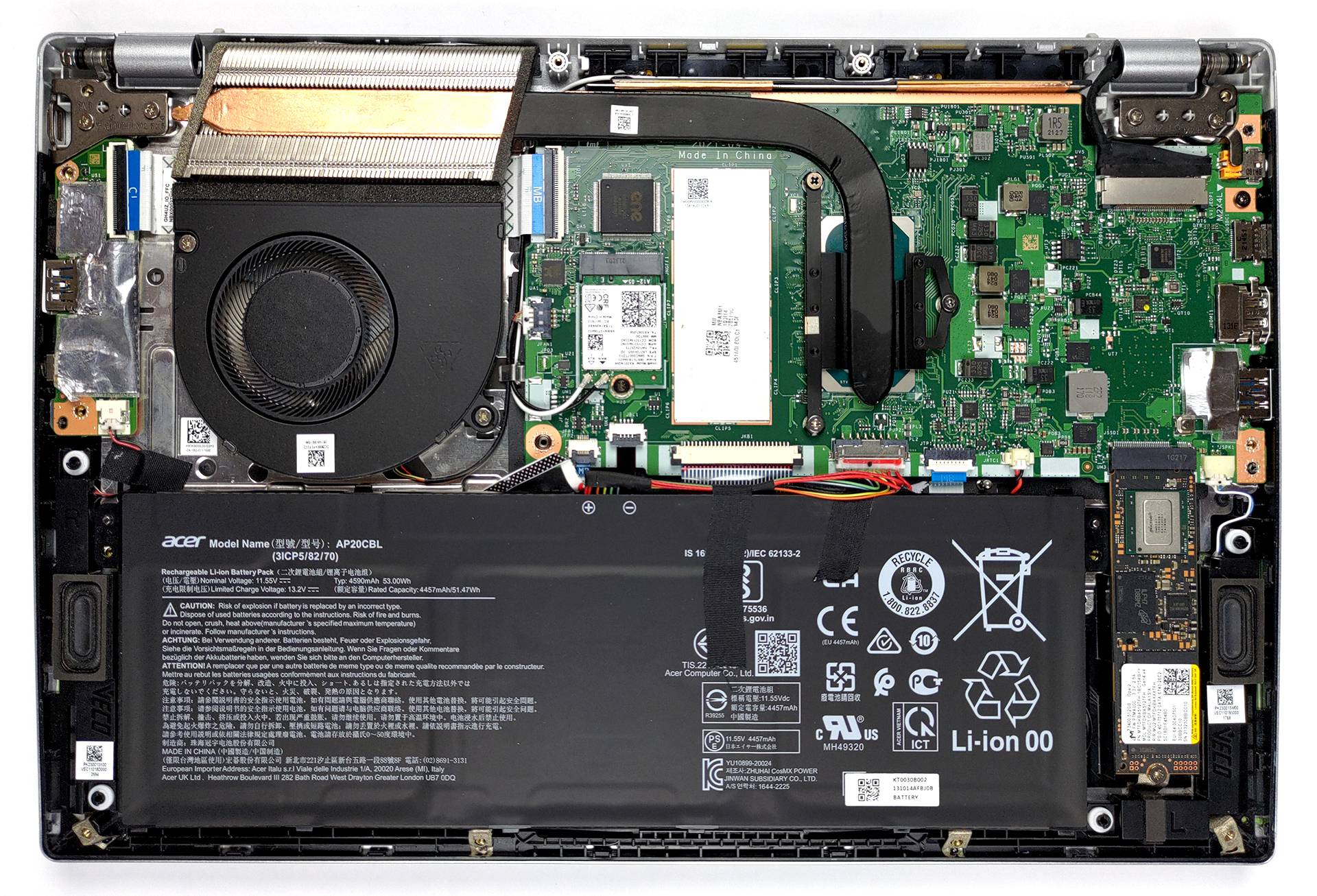
- 1x 2280 M.2 PCIe 4.0 x4 See photo
- RAM
- 8GB LPDDR4x
- OS
- Windows 10 Home
- Body Material
- Aluminum
- Dimensions
- 322.8 x 212.2 x 15.9 mm (12.71" x 8.35" x 0.63")
- Weight
- 1.20 kg (2.6 lbs)
- Ports and connectivity
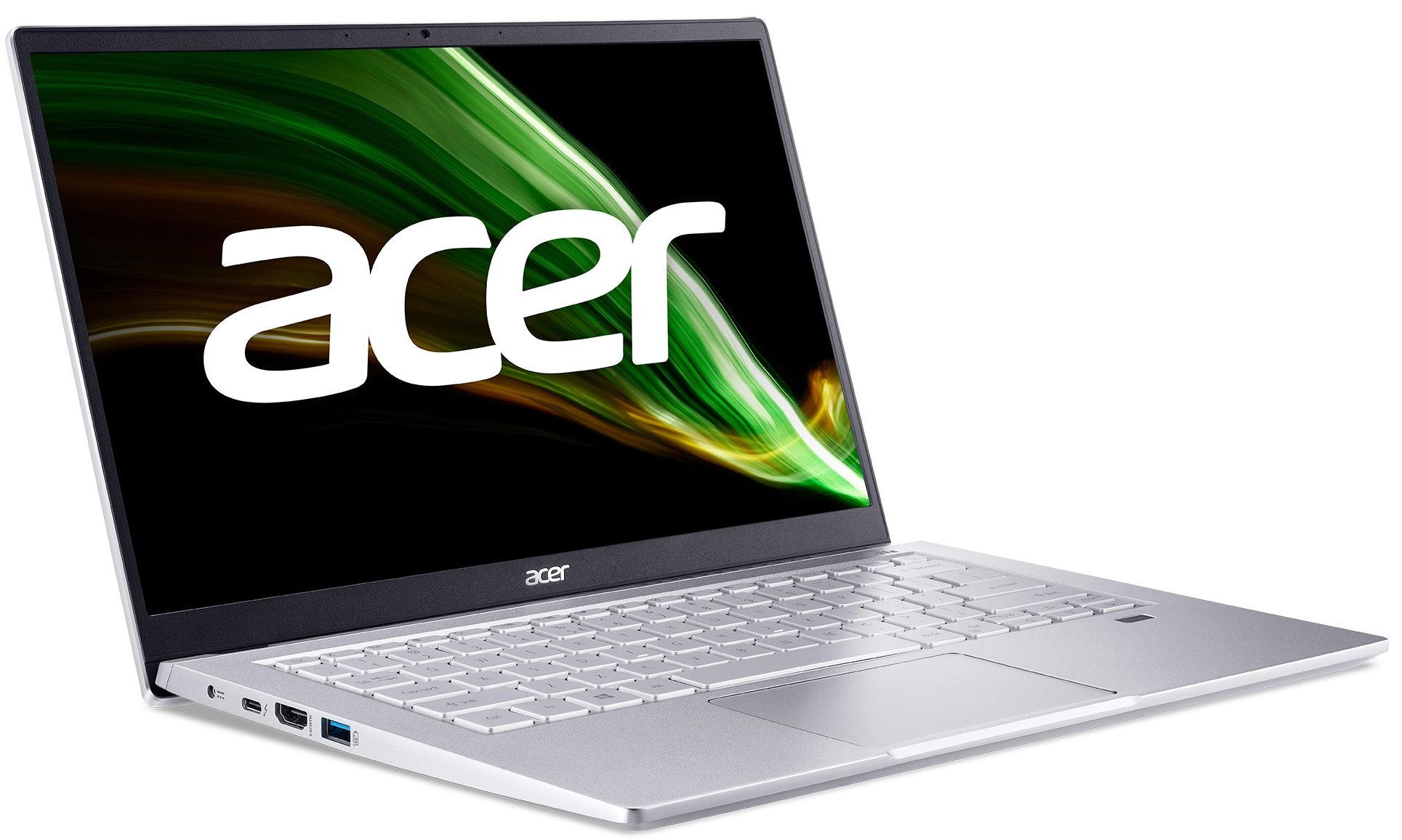
- 1x USB Type-A
- 3.2 Gen 1 (5 Gbps)
- 1x USB Type-A
- 3.2 Gen 1 (5 Gbps), Sleep and Charge
- 1x USB Type-C
- 3.2 Gen 2 (10 Gbps), Thunderbolt 4, Power Delivery (PD), DisplayPort
- HDMI
- 2.0
- Wi-Fi
- 802.11ax
- Bluetooth
- 5.1
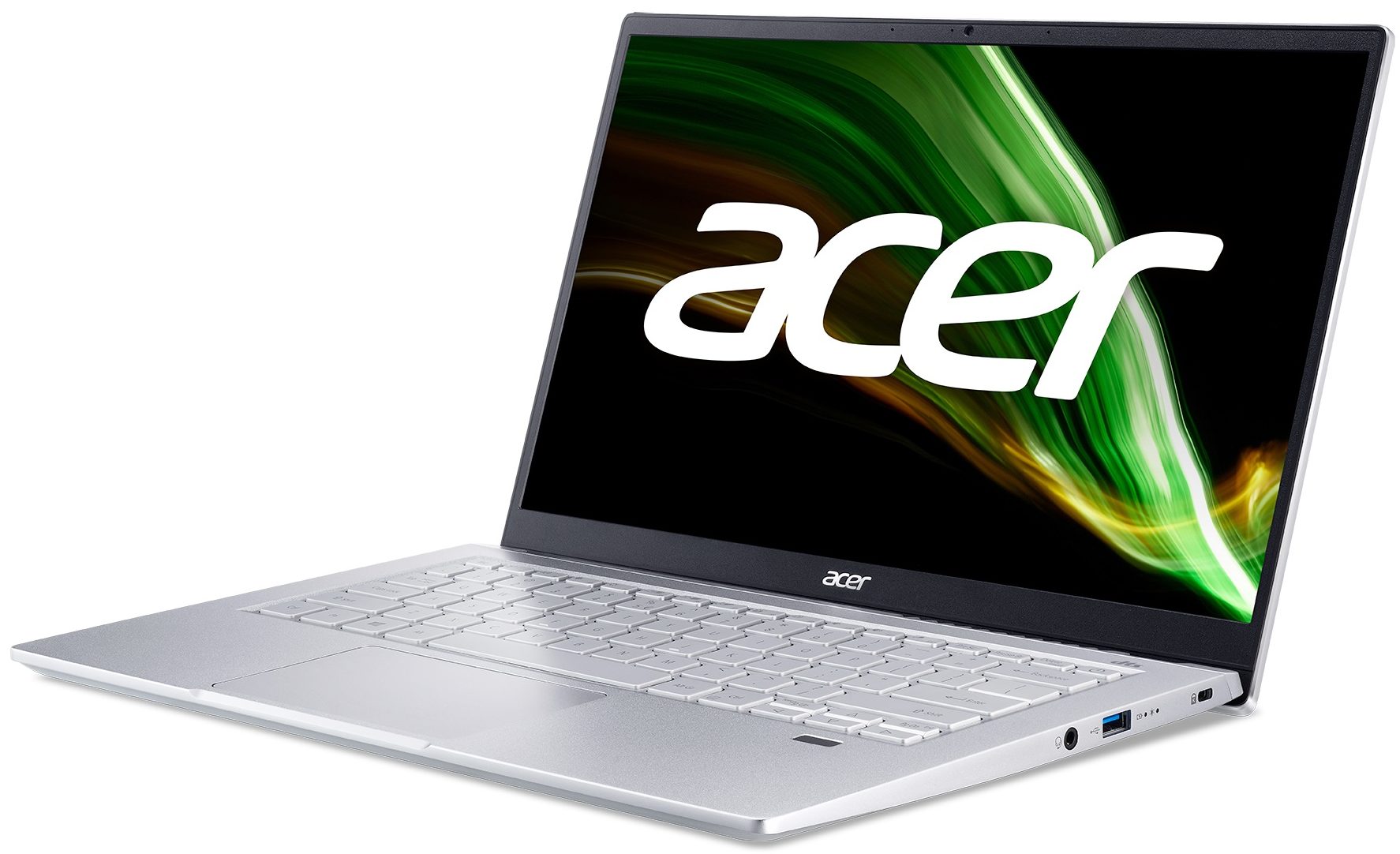
- Audio jack
- 3.5mm Combo Jack
- Features
- Fingerprint reader
- Web camera
- HD
- Backlit keyboard
- Microphone
- 2 Microphones
- Speakers
- Speakers by DTS Audio
- Optical drive
- Security Lock slot
- Kensington Lock Slot
Portability
Review
Acer Swift 3 in-depth review
Acer's Swift 3 lineup has probably been one of the most featured series by us. Ultimately, it has always been a thin and light notebook, that is aimed at a young user base, that needs something fast on the go. And to be honest, Acer has been pretty consistent with the good execution of their plans.But what is going to make the Swift 3 (SF314-511) more appealing than its predecessors? Well, for starters, we are talking about Tiger Lake-U chips and support for Intel's Evo platform.In addition to that, the laptop comes equipped with a 1080p IPS panel. Acer promises 100% sRGB coverage, 300 nits of brightness, and DC dimming, essentially taking harmful PWM usage out of the equation. Of course, further in the review, we take a look at this, and we want to say that Acer was pretty honest[...]
Read the full review
Pros
- Good performance
- Doesn't use PWM for brightness adjustment (Innolux N140HCG-EQ1 (CMN1408))
- Light and thin metal build
- Thunderbolt 4 and HDMI 2.0
- Fingerprint reader
- Covers 98% of sRGB colors and offers accurate color representation thanks to our Gaming and Web design profile (Innolux N140HCG-EQ1 (CMN1408))
- Decent battery life
Cons
- Not the best input devices
- Memory is soldered to the motherboard (although it works in quad-channel mode)
Disassembly, maintenance and upgrade options
There is not much to do inside of this laptop, mainly because of the soldered memory.Check out all Acer Swift 3 (SF314-511) prices and configurations in our Specs System or read more in our In-Depth review.1. Remove the bottom plate This notebook's bottom panel is held in place by 11 Torx-head screws. After you undo them, pry the panel with a plastic tool, and lift it away from the chassis.2. Battery Here, you get a 53Wh battery. It lasted us for nearly 11 hours of Web browsing, or more than 9 hours of video playback. As you can see, removing it is a simple task, as it's [...]
Read more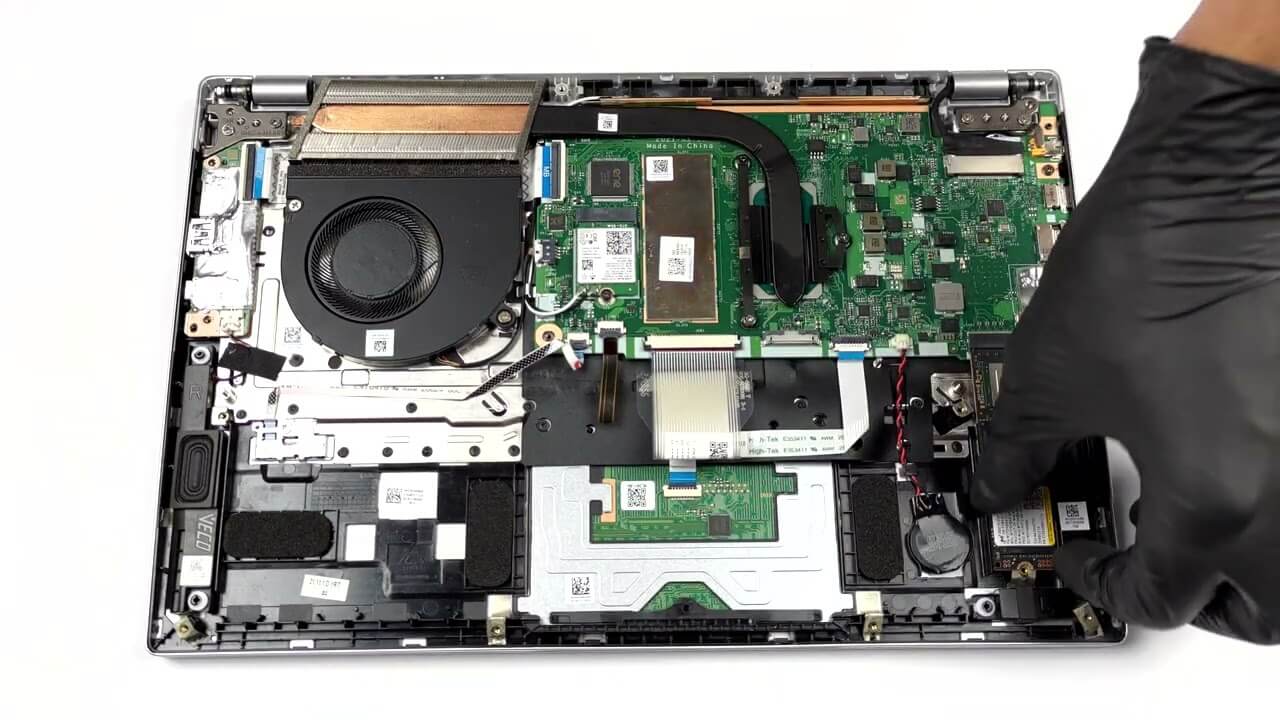


![[June 2026] Best-Selling Laptop Brands on Amazon Global – Apple’s Unrivaled Dominance in Units and Revenue](https://laptopmedia.com/wp-content/uploads/2026/07/GLOBAL-Best-Brands-400x225.jpg)
![[June 2026] Amazon Global: Top 10 Best-Selling Laptops – Apple’s New MacBook Neo Storms to #1, Reshaping the Market with Affordability](https://laptopmedia.com/wp-content/uploads/2026/07/Best-Selling-Laptops-GLOBAL-Top-10-400x225.jpg)
![[June 2026] Amazon Global: Top 10 Best-Selling Gaming Laptops – Acer’s Nitro V 16S AI Dominates Sales, While ASUS Leads Overall Revenue](https://laptopmedia.com/wp-content/uploads/2026/07/Best-Selling-Gaming-Laptops-GLOBAL-Top-10-400x225.jpg)
![[June 2026] Global Ranking of Best-Selling Laptop GPUs on Amazon – NVIDIA RTX 5060 is the Top-Selling Dedicated GPU](https://laptopmedia.com/wp-content/uploads/2026/07/Best-Selling-GPUs-GLOBAL-Top-10-400x225.jpg)
![[June 2026] Global Ranking of Best-Selling Laptop CPUs on Amazon – Apple M5 Dominates, AMD Ryzen 7 260 Gets Solid Premium Share](https://laptopmedia.com/wp-content/uploads/2026/07/Best-Selling-CPUs-GLOBAL-Top-10-400x225.jpg)