Acer Swift X
_000046.jpg)

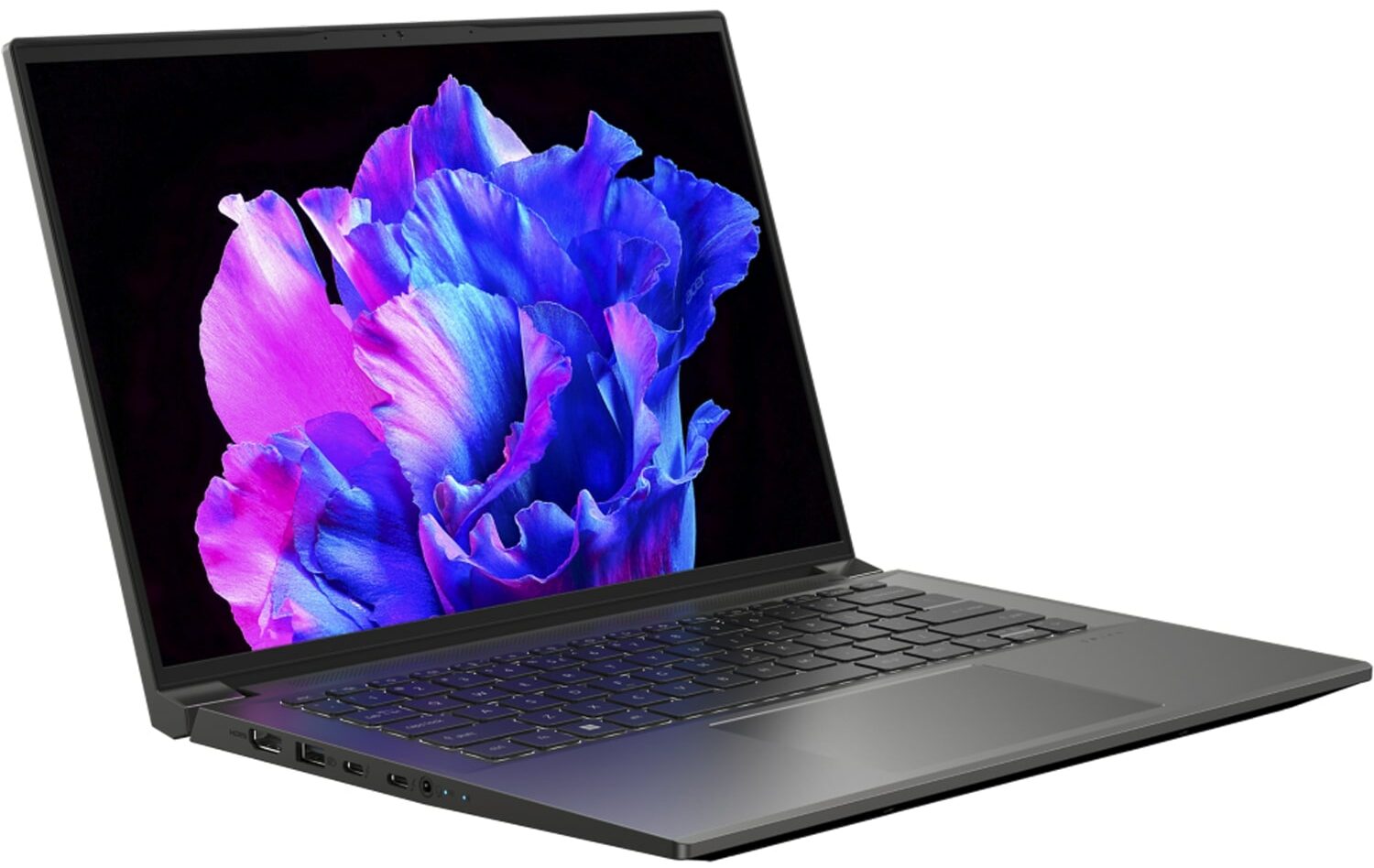
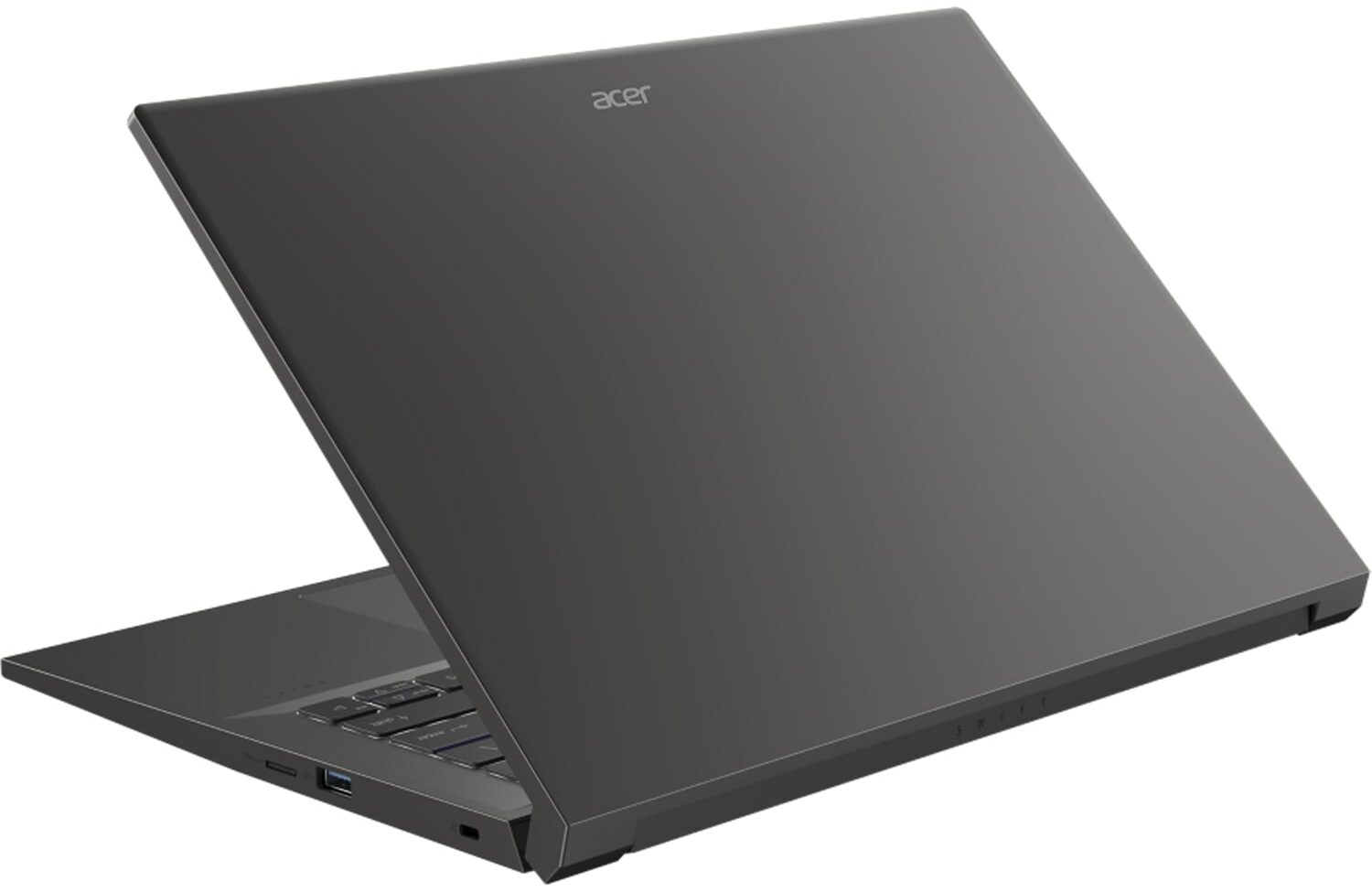


- Date Published: 29 Jan 2025
- Intel Core i7-13700H
- NVIDIA GeForce RTX 3050 (Laptop, 50W, 6GB)
- 14.5″, 2.8K (2880 x 1800), 120 Hz, OLED
- 1000GB SSD
- 16GB RAM
- 1.55 kg (3.4 lbs)
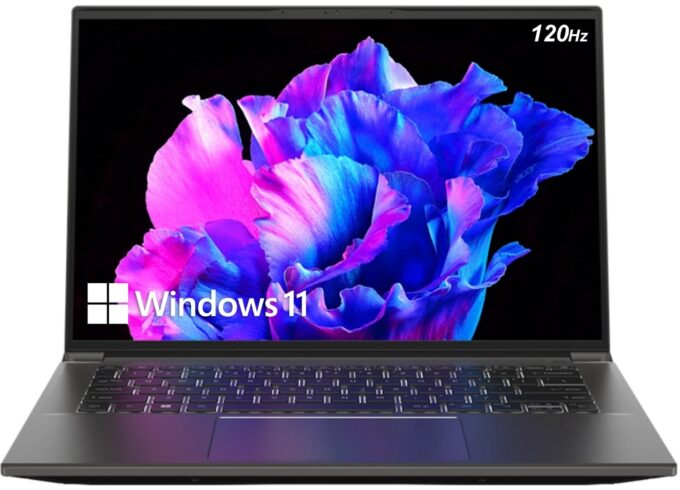
Review
Acer Swift X in-depth review
It is becoming more common nowadays for manufacturers to offer sleek 14-inch notebooks with beast hardware. Apparently, nobody is afraid of potentially throttling the processor, as far as it can offer the initial push of 45W (and more).Today, we are going to review the Acer Swift X 14 (SFX14-71G). It would be fairly easy to find it a competitor because we have just recently checked out the Lenovo Yoga Pro 7 (14", 2023). In contrast to Lenovo, Acer rely on Intel's 13th Gen processors.And there are no cut-down 15W CPUs on the radar - both available options are 45W units. Regardless of your choice (Core i5-13500H, or Core i7-13700H), you can expect a fantastic computational performance.Weirdly, you can configure the machine with either the RTX 3050 or RTX 4050. Both of the option[...]
Read the full review
Pros
- Decent battery life
- Super rigid chassis
- 98% sRGB coverage and accurate colors with our Gaming and Web design profile (AUO B145QAN01.J (AUOF3A7))
- No PWM (AUO B145QAN01.J (AUOF3A7))
- 2x Thunderbolt 4 + Gen 4 SSD support
- Fingerprint reader
- MicroSD card slot
Cons
- Abysmall P-core utilization
- Gets quite warm during gaming or heavy load
- Soldered memory
Disassembly, maintenance and upgrade options
Although it is pretty powerful, the Acer Swift X 14 (SFX14-71G) doesn't excel when it comes to upgrade options.Check out all Acer Swift X 14 (SFX14-71G) prices and configurations in our Specs System, or read more in our In-Depth review.1. Remove the bottom plate To get inside this device, you need to undo a total of 11 Torx-head screws. Then, pry the bottom panel with a plastic tool, and lift it away from the chassis.2. Remove the battery Here, you can see a 76Wh battery pack. To remove it, you just need to unplug the battery connector.3. Upgrade memory and storage [...]
Read more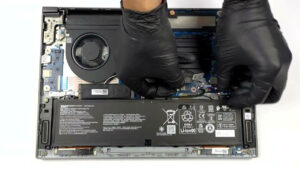


![[June 2026] Best-Selling Laptop Brands on Amazon Global – Apple’s Unrivaled Dominance in Units and Revenue](https://laptopmedia.com/wp-content/uploads/2026/07/GLOBAL-Best-Brands-400x225.jpg)
![[June 2026] Amazon Global: Top 10 Best-Selling Laptops – Apple’s New MacBook Neo Storms to #1, Reshaping the Market with Affordability](https://laptopmedia.com/wp-content/uploads/2026/07/Best-Selling-Laptops-GLOBAL-Top-10-400x225.jpg)
![[June 2026] Amazon Global: Top 10 Best-Selling Gaming Laptops – Acer’s Nitro V 16S AI Dominates Sales, While ASUS Leads Overall Revenue](https://laptopmedia.com/wp-content/uploads/2026/07/Best-Selling-Gaming-Laptops-GLOBAL-Top-10-400x225.jpg)
![[June 2026] Global Ranking of Best-Selling Laptop GPUs on Amazon – NVIDIA RTX 5060 is the Top-Selling Dedicated GPU](https://laptopmedia.com/wp-content/uploads/2026/07/Best-Selling-GPUs-GLOBAL-Top-10-400x225.jpg)
![[June 2026] Global Ranking of Best-Selling Laptop CPUs on Amazon – Apple M5 Dominates, AMD Ryzen 7 260 Gets Solid Premium Share](https://laptopmedia.com/wp-content/uploads/2026/07/Best-Selling-CPUs-GLOBAL-Top-10-400x225.jpg)
