Acer TravelMate B1
- Date Published: 01 Feb 2022
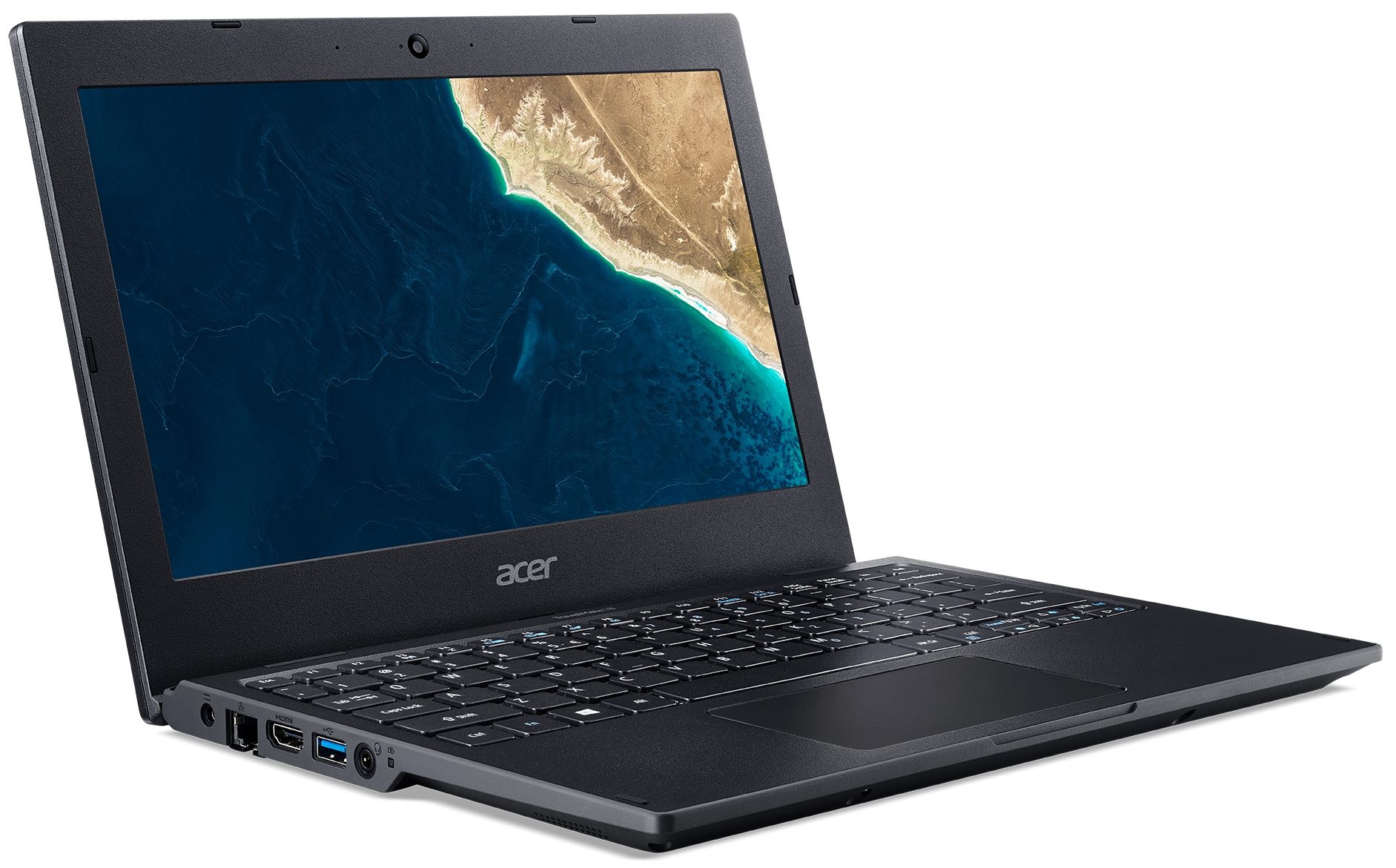
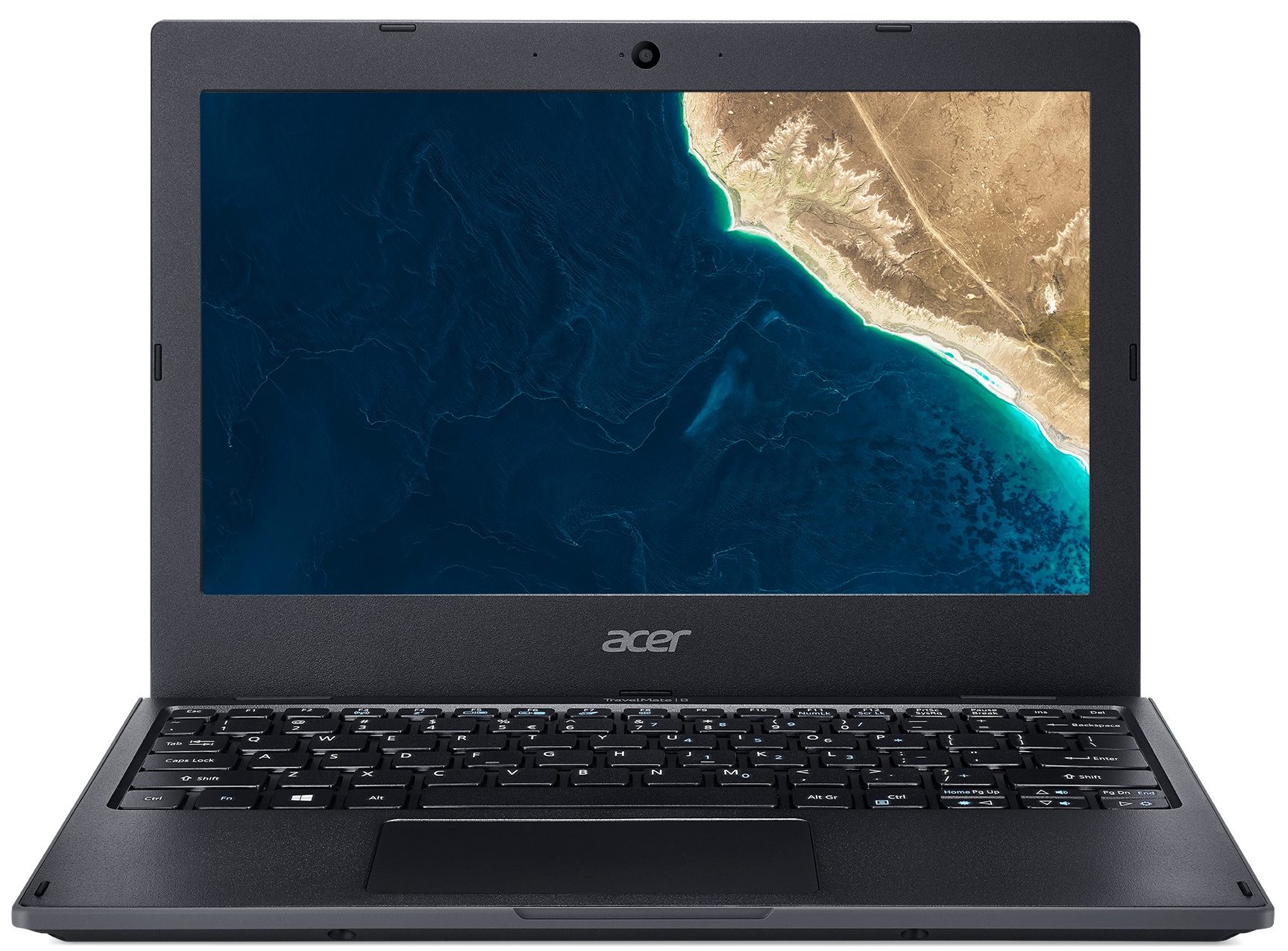
- Intel Celeron N4000
- Intel UHD Graphics 600
- 11.6”, HD (1366 x 768), TN
- 64GB SSD
- 4GB DDR4, 2133 MHz
- 1.53 kg (3.4 lbs)
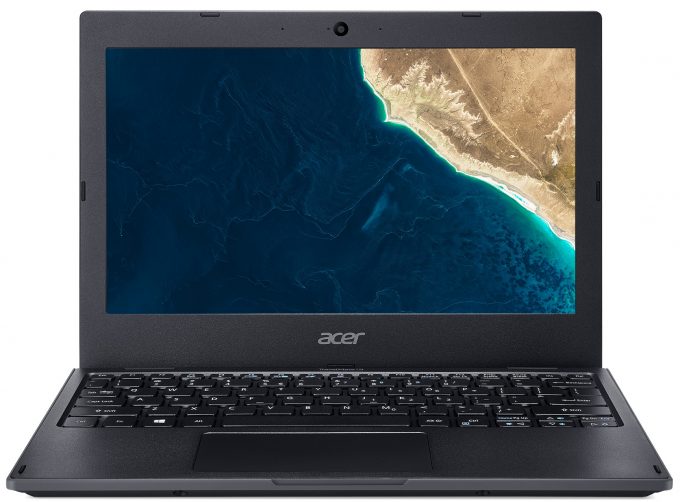
Specs
- Display

- HDD/SSD
- 64GB eMMC
- RAM
- 4GB DDR4, 2133 MHz
- OS
- Windows 10 Pro
- Dimensions
- 291 x 211 x 22.3 mm (11.46" x 8.31" x 0.88")
- Weight
- 1.53 kg (3.4 lbs)
- Ports and connectivity
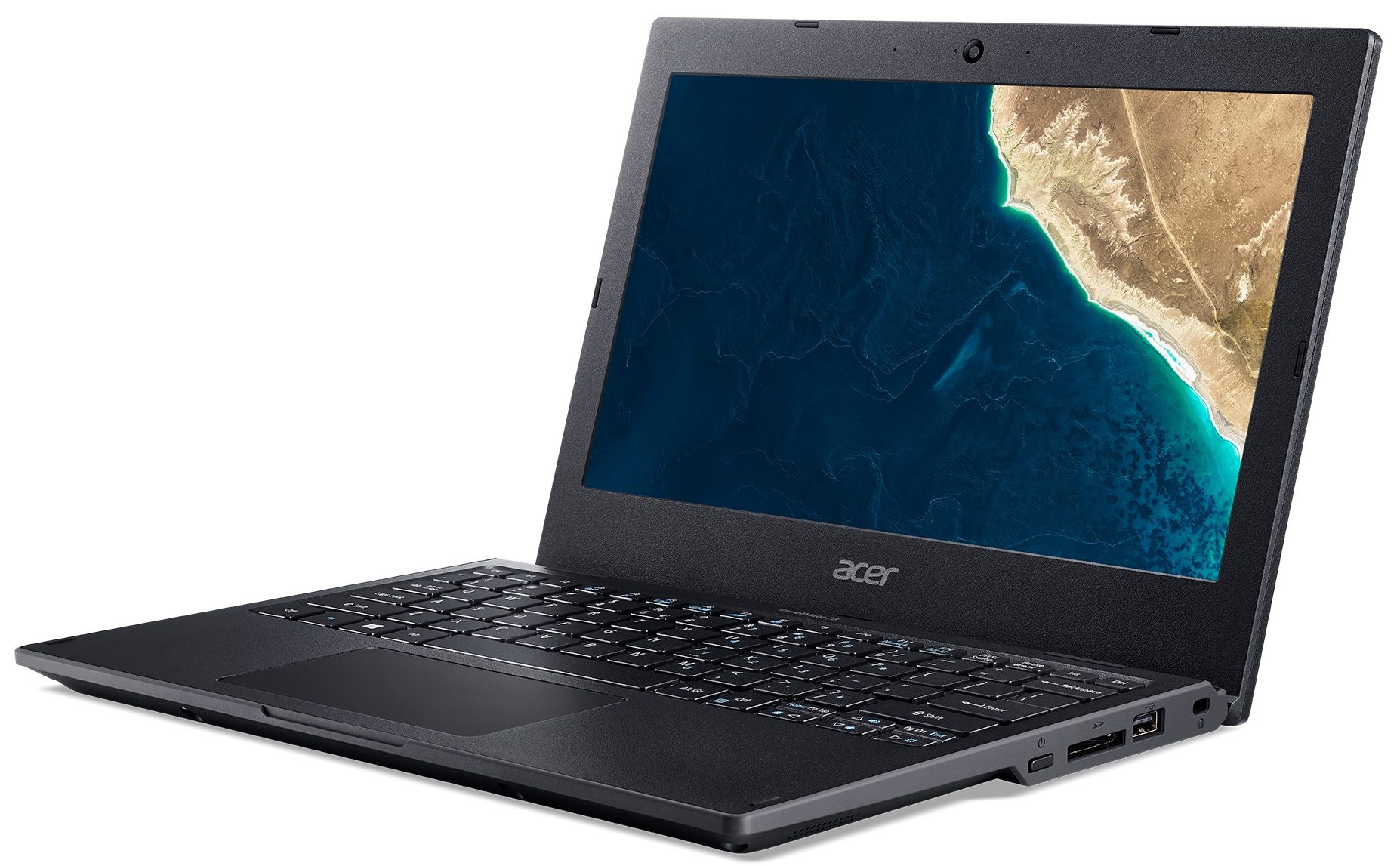
- 1x USB Type-A
- 2.0
- 1x USB Type-A
- 3.2 Gen 1 (5 Gbps)
- HDMI
- Card Reader
- SD
- Ethernet LAN
- 10, 100, 1000 Mbit/s
- Wi-Fi
- 802.11ac
- Bluetooth
- 4.0
- Audio jack
- 3.5 mm combo
- Features
- Fingerprint reader
- Web camera
- HD
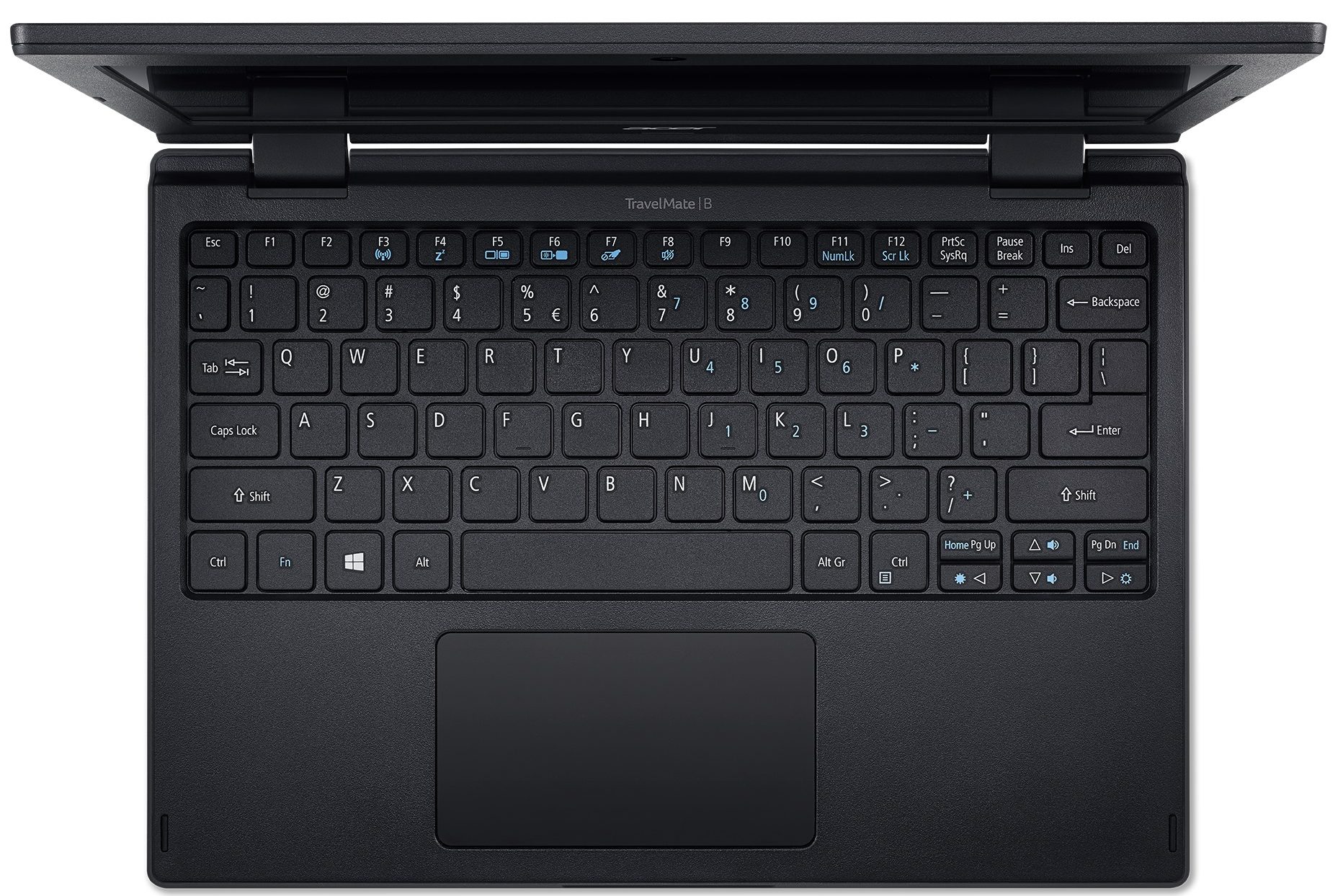
- Backlit keyboard
- Microphone
- Speakers
- 2 Stereo Speakers
- Optical drive
- Security Lock slot
- Kensington Lock
Portability
Review
Acer TravelMate B1 in-depth review
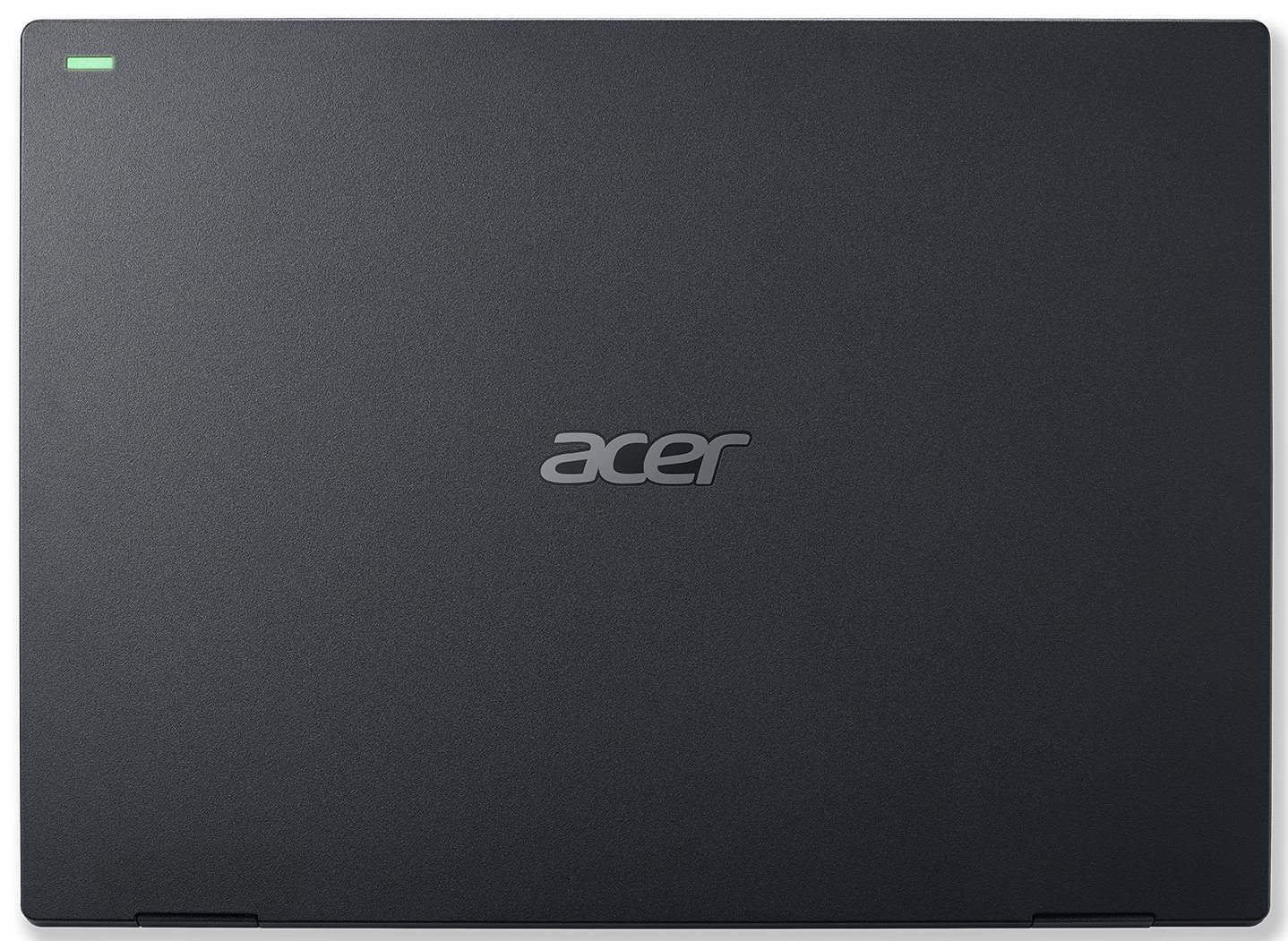
To be honest, the TravelMate B118 won't catch your eye from the first sight. It is clunky, plasticky and has a rubber all around it. In fact, it looks more like a toy, than as professional hardware. However, don't let your eyes fool you. Acer state that this notebook has passed is MIL-STD 810G compliant.What is more impressive is the numbers - a spill-resistant keyboard, which can protect against up to 330 ml of water, a rubber bumper, which should protect against 122cm drops, as well as a wide working range in terms of temperature - from -32C to +49C.Okay, but who is in the most need of such a device. In the first place, probably children. Indeed the hardware is not extremely powerful - just an Intel Pentium Silver N5000, but with all of the chassis enhancements, it should withst[...]
Read the full review
Pros
- Decent price tag
- Great keyboard
- SD card slot and Ethernet connection in a very well populated I/O
- Very good battery life
- Doesn't use harmful PWM for brightness adjustment
- Very rigid body with a rubber "bumper" and spill-resistant keyboard
Cons
- Dated design
- Covers only 51% of sRGB
- Poor viewing angles and contrast ratio
- Lacks a USB Type-C port
Disassembly, maintenance and upgrade options
This minion should survive quite the abuse, so you won't need to worry about bumps, hits, and even drops. This makes it ideal for professional use in a factory or danger zones. How about its upgradeability though?Check out all Acer TravelMate B1 (B118) prices and configurations in our Specs System or read more in our In-Depth review.1. Service lid Interestingly, this laptop has a service lid. A piece of smart designer thought, fading away in the menace of ultra-stylish aluminum/magnesium unibodies. Even though you won't be able to upgrade the RAM of this device, you still have t[...]
Read more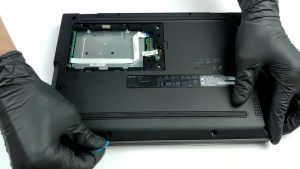


![[June 2026] Best-Selling Laptop Brands on Amazon Global – Apple’s Unrivaled Dominance in Units and Revenue](https://laptopmedia.com/wp-content/uploads/2026/07/GLOBAL-Best-Brands-400x225.jpg)
![[June 2026] Amazon Global: Top 10 Best-Selling Laptops – Apple’s New MacBook Neo Storms to #1, Reshaping the Market with Affordability](https://laptopmedia.com/wp-content/uploads/2026/07/Best-Selling-Laptops-GLOBAL-Top-10-400x225.jpg)
![[June 2026] Amazon Global: Top 10 Best-Selling Gaming Laptops – Acer’s Nitro V 16S AI Dominates Sales, While ASUS Leads Overall Revenue](https://laptopmedia.com/wp-content/uploads/2026/07/Best-Selling-Gaming-Laptops-GLOBAL-Top-10-400x225.jpg)
![[June 2026] Global Ranking of Best-Selling Laptop GPUs on Amazon – NVIDIA RTX 5060 is the Top-Selling Dedicated GPU](https://laptopmedia.com/wp-content/uploads/2026/07/Best-Selling-GPUs-GLOBAL-Top-10-400x225.jpg)
![[June 2026] Global Ranking of Best-Selling Laptop CPUs on Amazon – Apple M5 Dominates, AMD Ryzen 7 260 Gets Solid Premium Share](https://laptopmedia.com/wp-content/uploads/2026/07/Best-Selling-CPUs-GLOBAL-Top-10-400x225.jpg)
