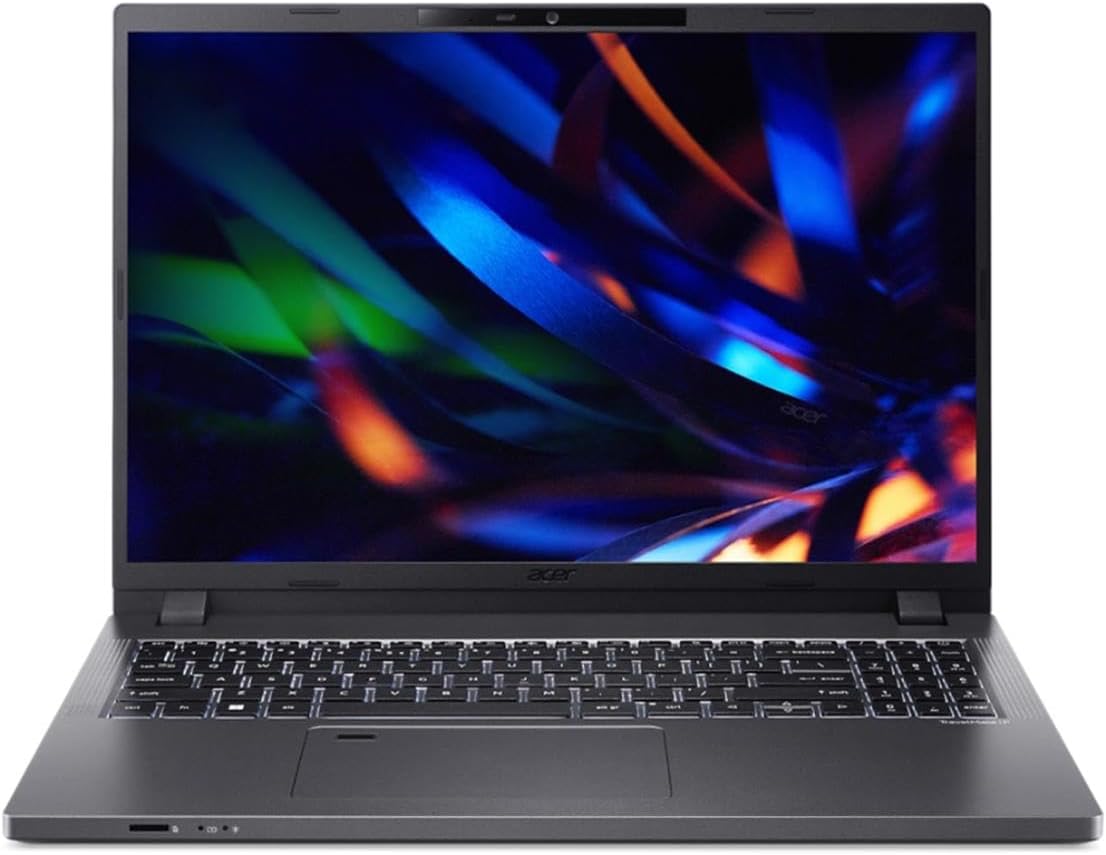
Acer TravelMate P2
- Date Published: 31 Jan 2025
- Intel Core i7-1355U
- Intel Iris Xe Graphics G7 (96EU)
- 14.0”, WUXGA (1920 x 1200), IPS
- 512GB SSD
- 32GB RAM
- 1.47 kg (3.2 lbs)
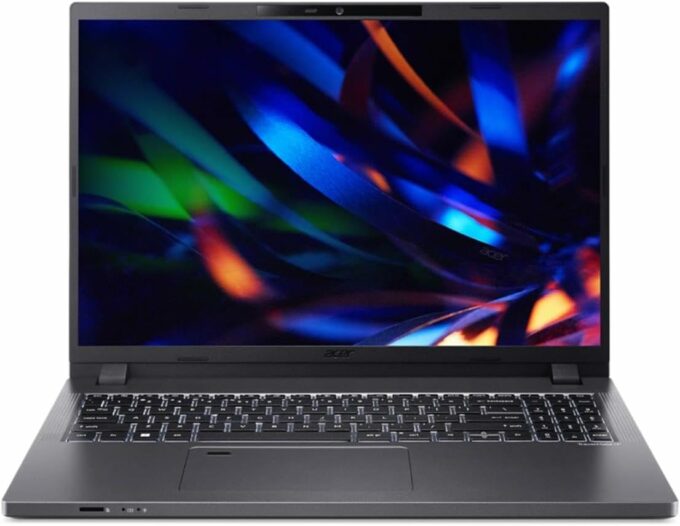
Specs
- Display

- HDD/SSD
- 512GB SSD
- M.2 Slot
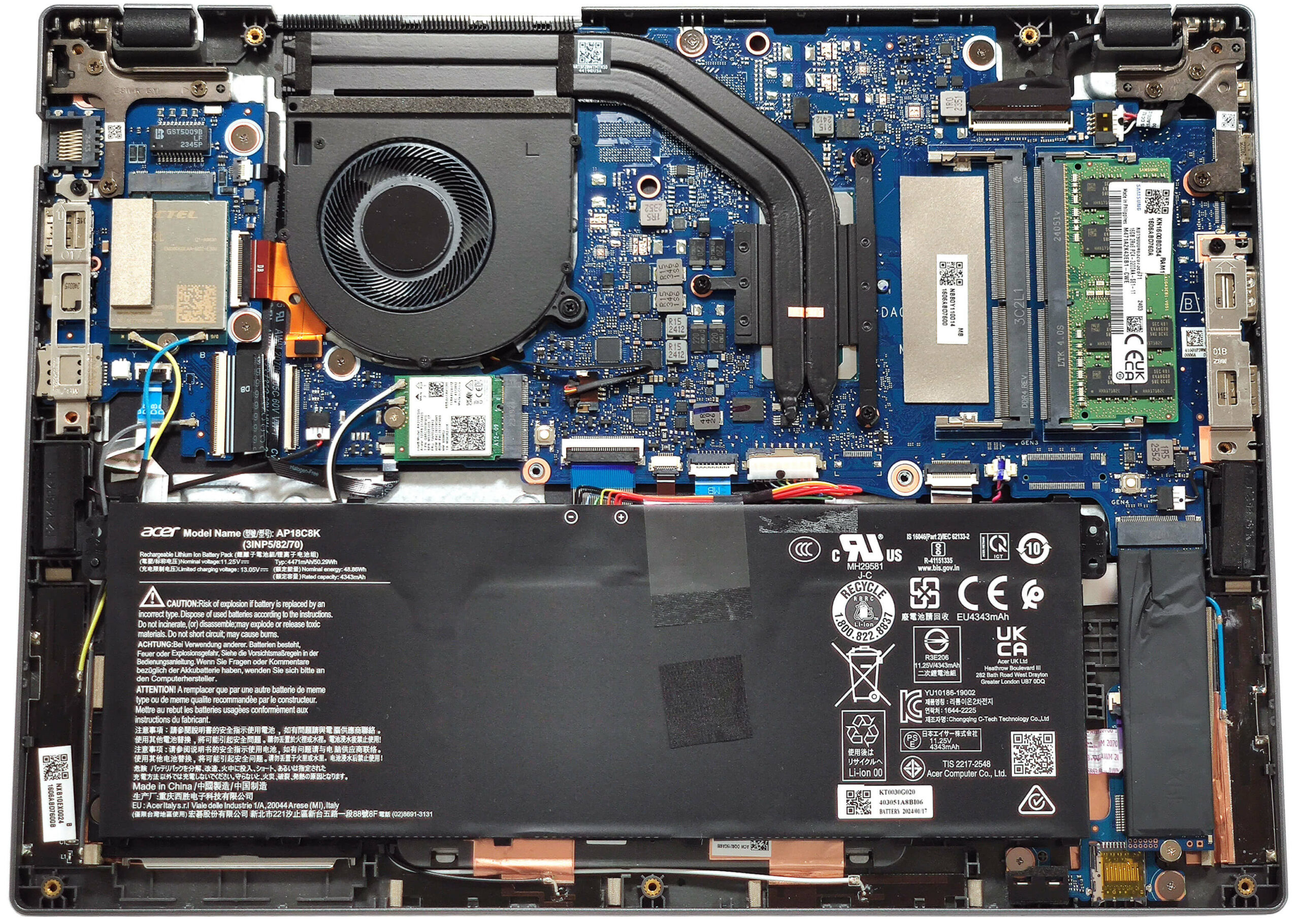
- 1x 2280 M.2 NVMe PCIe 4.0 x4 See photo
- RAM
- 32GB RAM
- OS
- No OS
- Body Material
- Plastic / Polycarbonate
- Dimensions
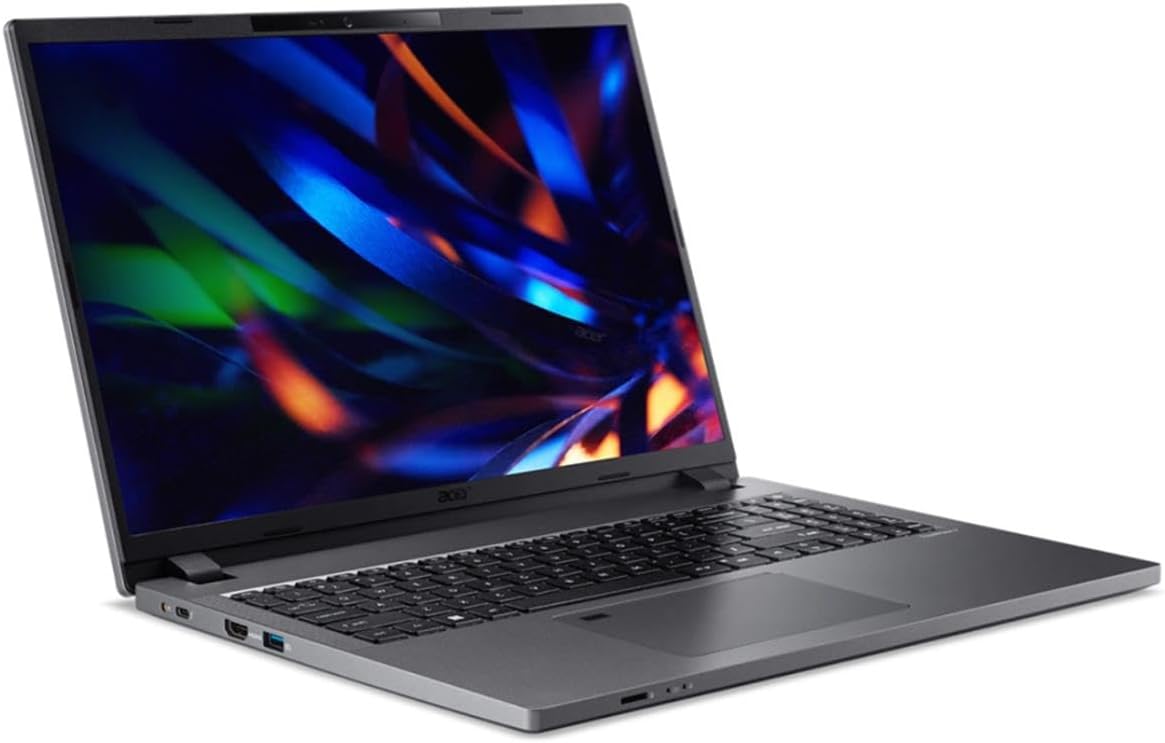
- 319.9 x 235.4 x 19.95 - 22.95 mm (12.59" x 9.27" x 0.79")
- Weight
- 1.47 kg (3.2 lbs)
- Ports and connectivity
- 1x USB Type-A
- 3.2 Gen 1 (5 Gbps)
- 1x USB Type-A
- 3.2 Gen 1 (5 Gbps), Sleep and Charge
- 1x USB Type-C
- Thunderbolt 4, Power Delivery (PD)
- HDMI
- 2.1
- Card Reader
- microSD (microSD, microSDHC, microSDXC)
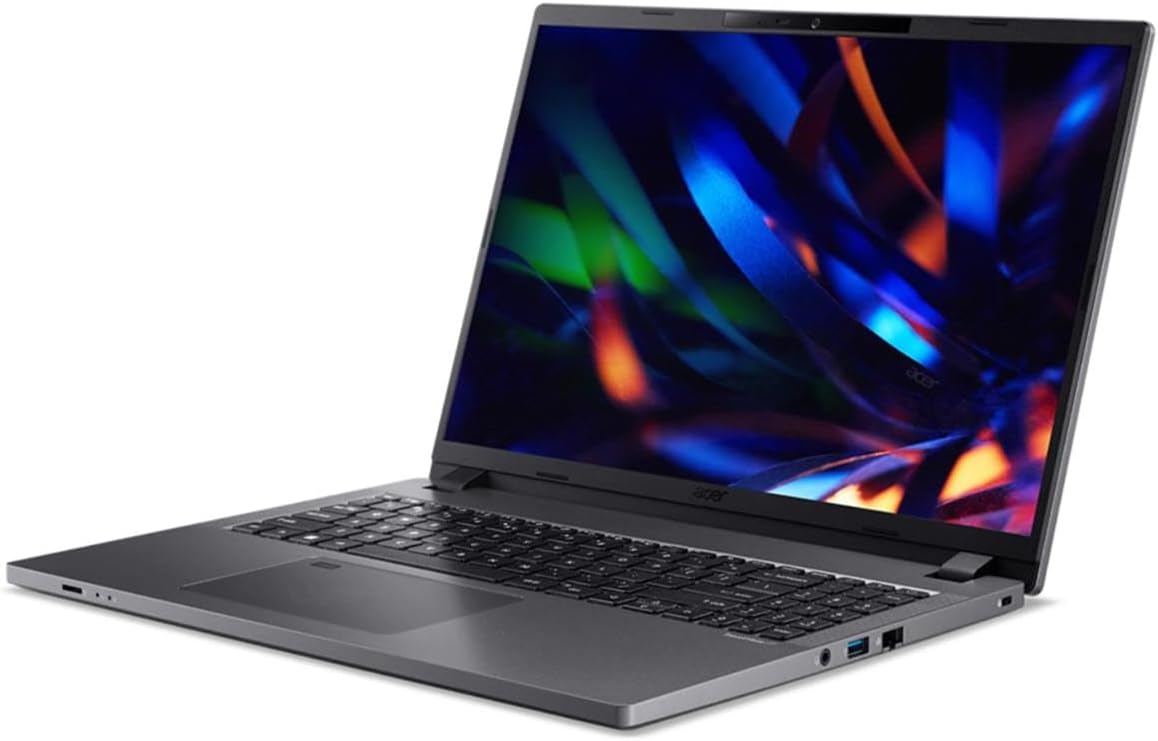
- Ethernet LAN
- 10, 100, 1000 Mbit/s
- Wi-Fi
- 802.11ax
- Bluetooth
- 5.1
- Audio jack
- 3.5mm Combo Jack
- Features
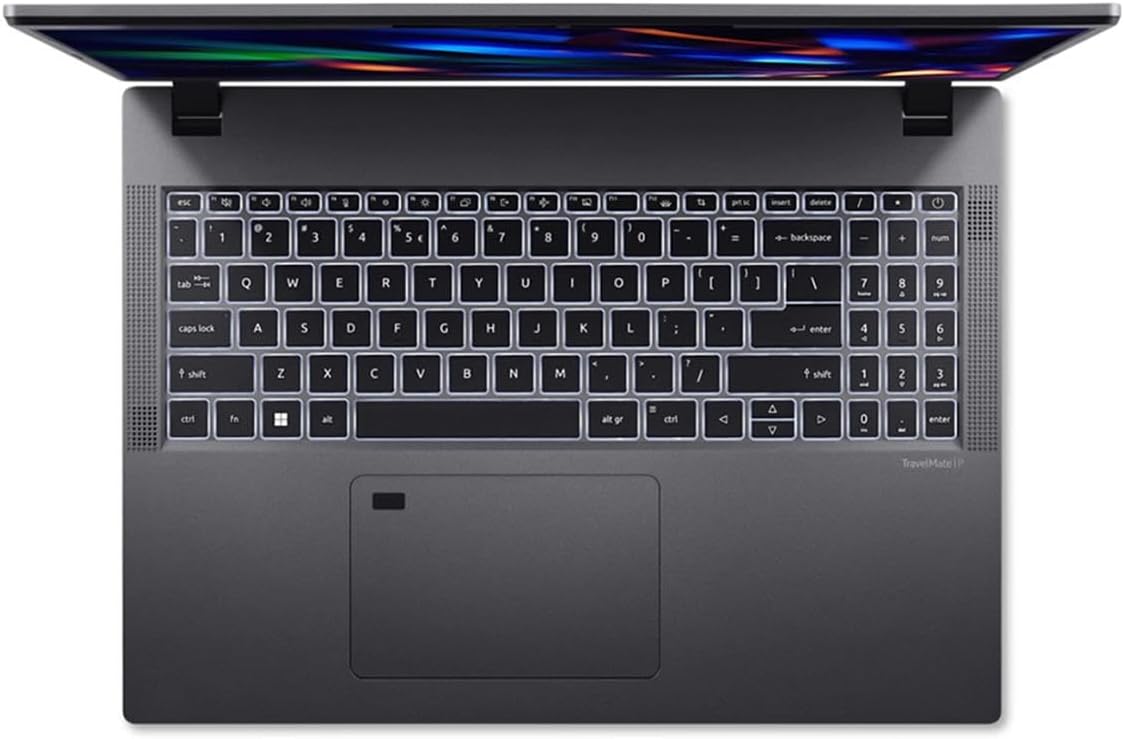
- Fingerprint reader
- Web camera
- FHD with Temporal Noise Reduction
- Backlit keyboard
- Microphone
- 2x Microphones with Acer Purified Voice
- Speakers
- 2x Stereo Speakers, DTS Audio
- Security Lock slot
Portability
Review
Acer TravelMate P2 in-depth review
There are many compact and powerful devices available, making it easy to find the right small machine for your office needs. The Acer TravelMate P2 (TMP214-55) is a 14-incher that is ready for work on the go. The device is powered by Intel Raptor Lake U-series CPU options. To keep the price at pleasant levels, the manufacturer uses DDR4 memory for this P2 series. Still, you get a pair of SODIMMs which makes the machine future-proof. When you add a good port selection to the mix, things look even better. The connectors are additionally reinforced with metal brackets which can be useful for harsh office usage that includes repeated use of many USB peripherals during the work day. Speaking of which, the Smart Card reader and the LTE connectivity are optional features.You get a choice of t[...]
Read the full review
Pros
- Long battery life given the small capacity of 50Wh - around 9 hours of video playback.
- Comfortable input devices
- Well-priced machine
- Rigid chassis
- 180-degree hinge
- PWM-free (HKC6091)
- Wide viewing angles and a very good contrast ratio of 1840:1 (HKC6091)
- Decent I/O
- Wi-Fi 6E + Bluetooth 5.1
- Optional fingerprint reader, 1080p@60FPS IR Web camera, Smart Card slot, and LTE functionality
- 2x SODIMMs
- A potent cooling system that allows impressively high CPU clocks during heavy processor stress (~3.00 GHz / 2.10 GHz P and E-core clock)
- Has a MicroSD card slot and optional LTE support
- Good comfort under load
- Dust Defender system
Cons
- High NVMe temperatures during benchmarking
- Plastic build
- Low sRGB coverage (HKC6091)
Disassembly, maintenance and upgrade options
Opening the DeviceUndo the 11 Phillips-head screws securing the bottom panel. Pop the zones behind the hinges with a lever tool to create gaps in the top two corners between the chassis and panel. Work your way around the sides, the front, and the rear to remove the bottom panel.More info: The battery is not secured with screws because there is a dedicated socket for it on the inside of the bottom plate.Battery RemovalDetach the battery connector from the motherboard. Lift the battery away from the base.Note: The device comes with a 50Wh battery, bu[...]
Read more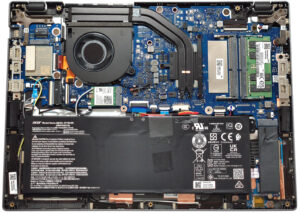


![[June 2026] Best-Selling Laptop Brands on Amazon Global – Apple’s Unrivaled Dominance in Units and Revenue](https://laptopmedia.com/wp-content/uploads/2026/07/GLOBAL-Best-Brands-400x225.jpg)
![[June 2026] Amazon Global: Top 10 Best-Selling Laptops – Apple’s New MacBook Neo Storms to #1, Reshaping the Market with Affordability](https://laptopmedia.com/wp-content/uploads/2026/07/Best-Selling-Laptops-GLOBAL-Top-10-400x225.jpg)
![[June 2026] Amazon Global: Top 10 Best-Selling Gaming Laptops – Acer’s Nitro V 16S AI Dominates Sales, While ASUS Leads Overall Revenue](https://laptopmedia.com/wp-content/uploads/2026/07/Best-Selling-Gaming-Laptops-GLOBAL-Top-10-400x225.jpg)
![[June 2026] Global Ranking of Best-Selling Laptop GPUs on Amazon – NVIDIA RTX 5060 is the Top-Selling Dedicated GPU](https://laptopmedia.com/wp-content/uploads/2026/07/Best-Selling-GPUs-GLOBAL-Top-10-400x225.jpg)
![[June 2026] Global Ranking of Best-Selling Laptop CPUs on Amazon – Apple M5 Dominates, AMD Ryzen 7 260 Gets Solid Premium Share](https://laptopmedia.com/wp-content/uploads/2026/07/Best-Selling-CPUs-GLOBAL-Top-10-400x225.jpg)