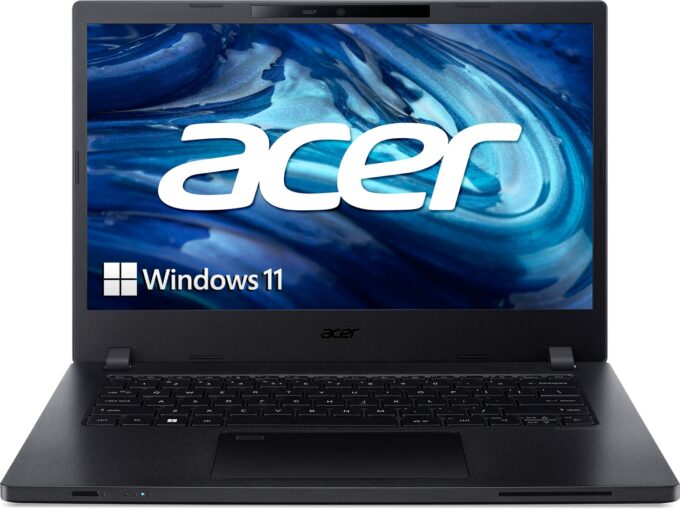
Acer TravelMate P2
_1 49.jpg)


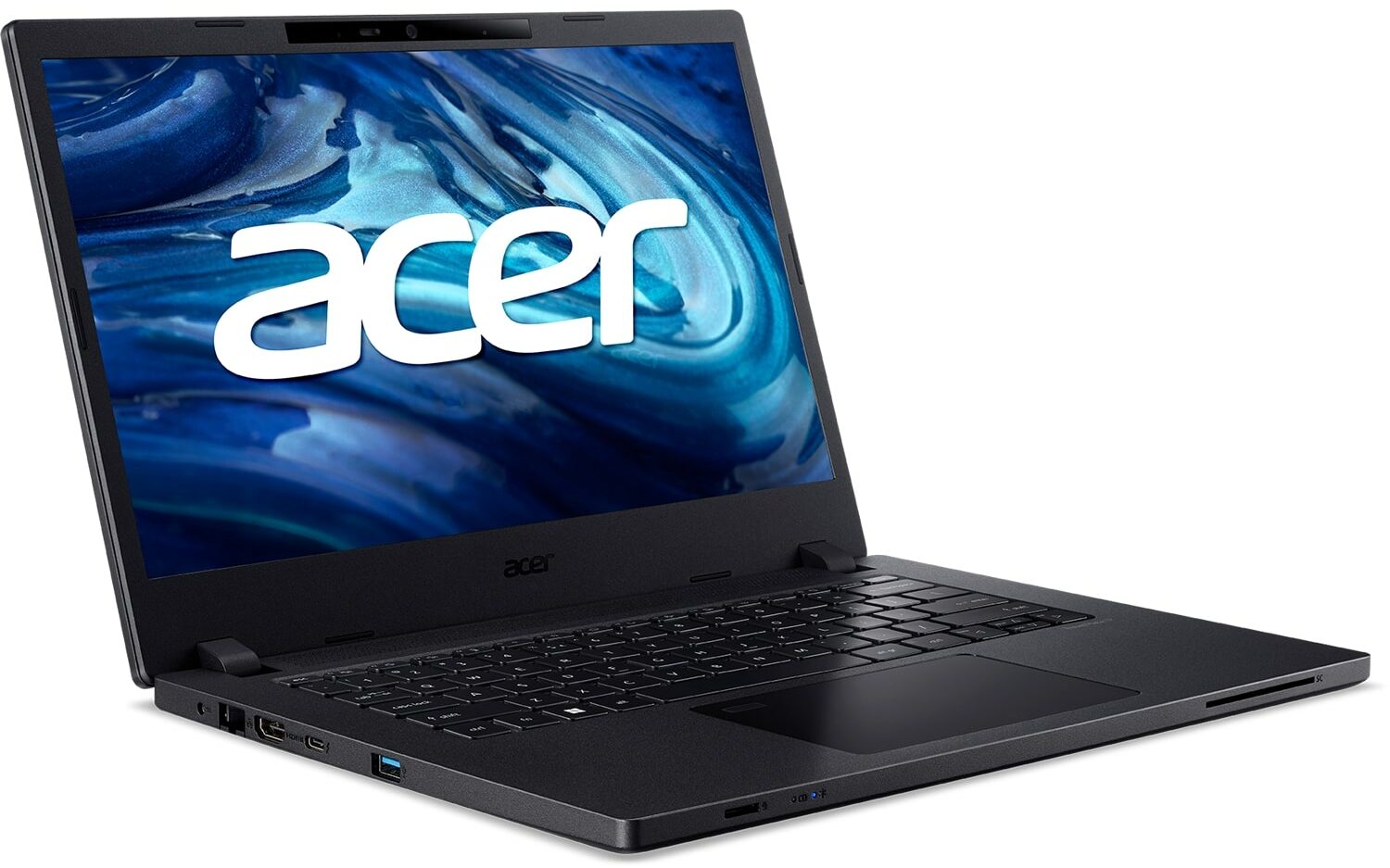
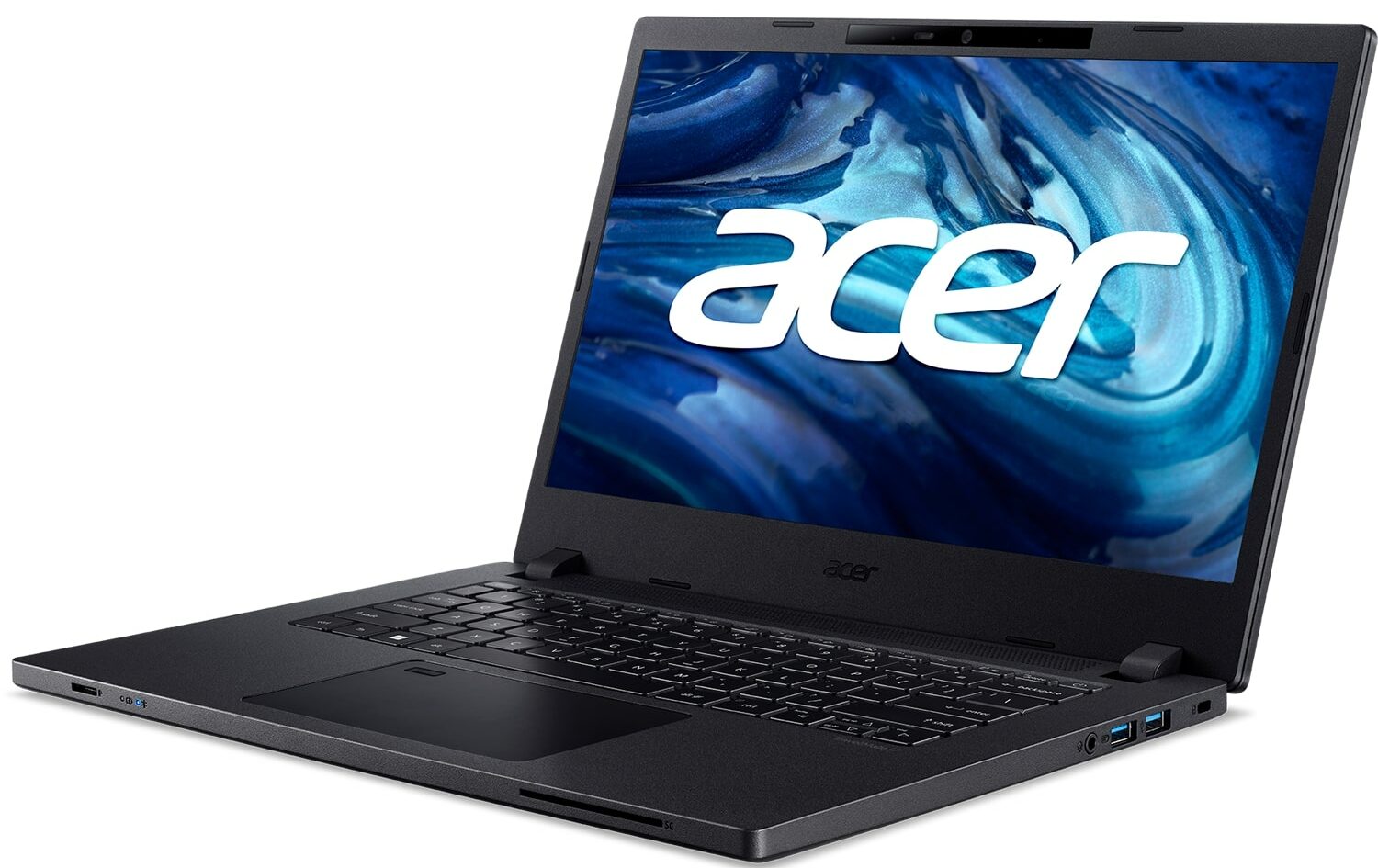
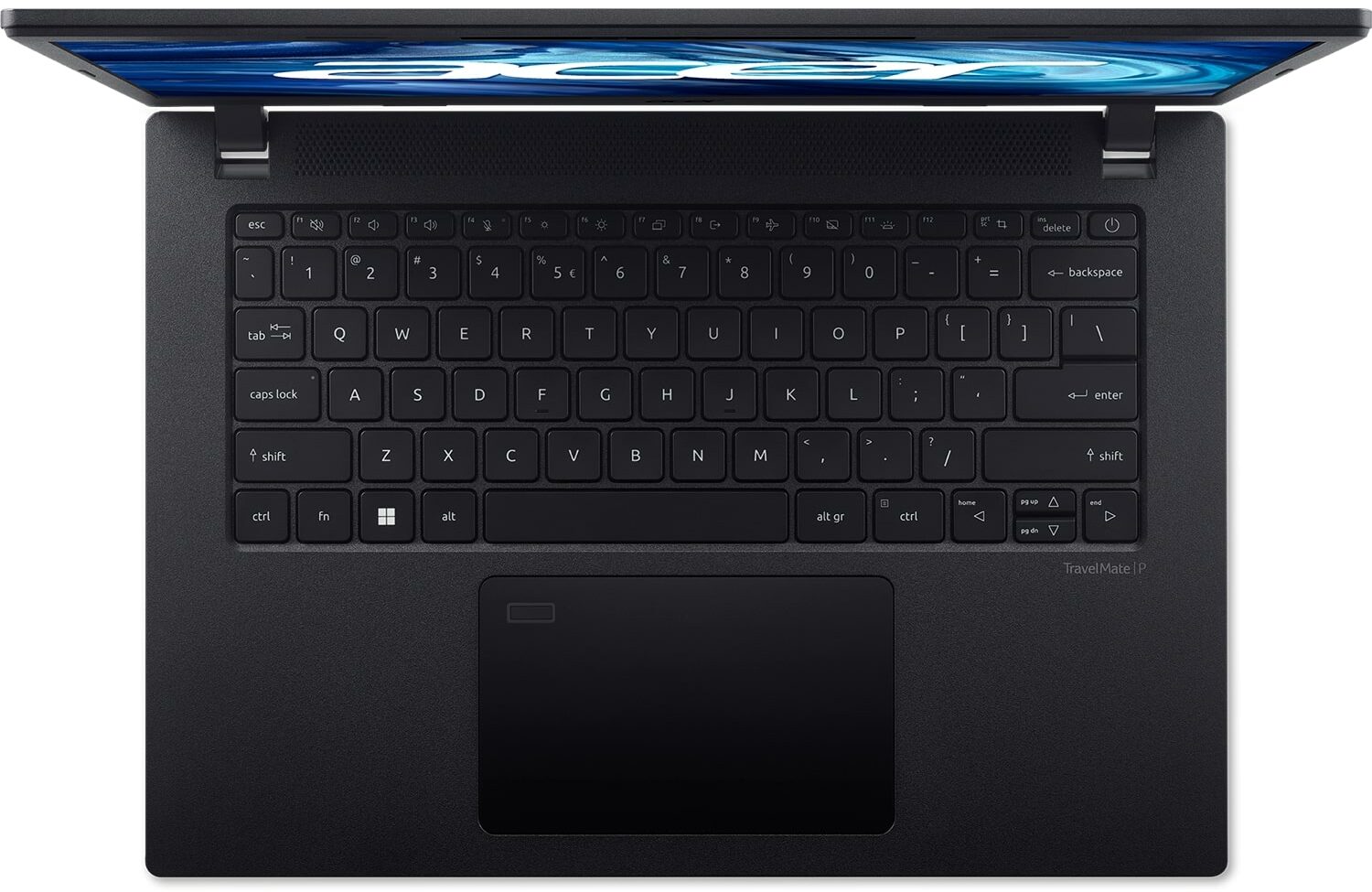
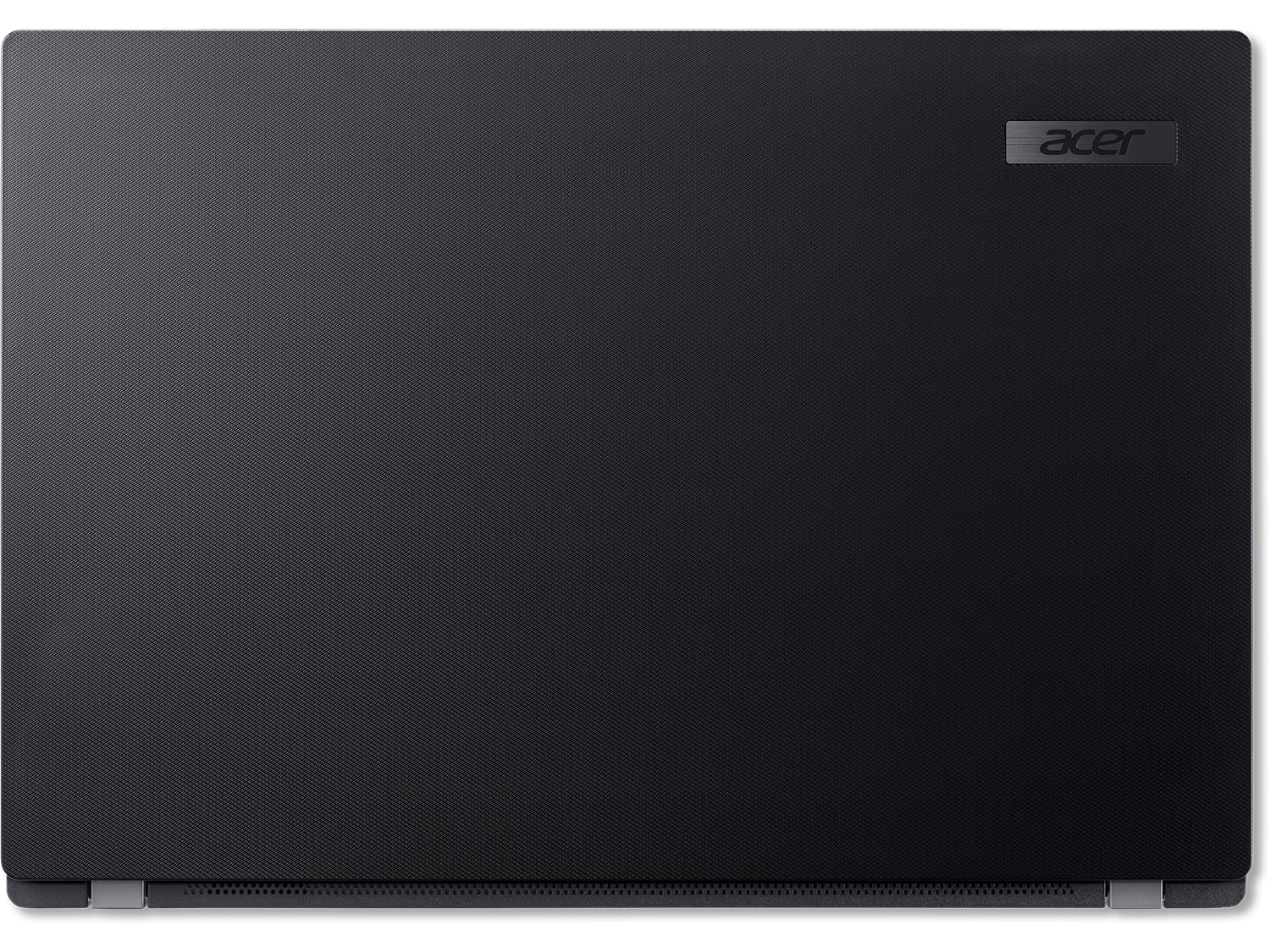

- Date Published: 10 Feb 2025
- Intel Core i5-1235U
- Intel Iris Xe Graphics G7 (80EU)
- 15.6”, Full HD (1920 x 1080), TN
- 512GB SSD
- 8GB RAM
- 1.70 kg (3.7 lbs)
Review
Acer TravelMate P2 in-depth review
Acer's TravelMate lineup is often being overlooked by business customers in favor of the ThinkPads of Lenovo and Latitudes of Dell. However, in our opinion, this is purely out of popularity and image, and not because of the lack of quality from the Acer devices.Today, we're going to review the TravelMate P2 (TMP215-54). It is a 15-inch business notebook, which sits at the bottom end of the price spectrum. Acer sells it with Alder Lake-U processors.Ultimately, there is nothing too shiny about its design. This means that the manufacturer is looking for something flashy. Instead, they want you to get the feel of a robust device, that will help you do whatever you need in your job.The 15W processors from this generation are really powerful, but the laptop isn't meant for heavy wor[...]
Read the full review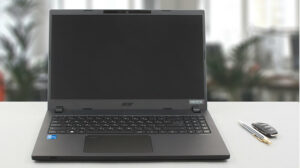
Pros
- Good upgradability with two SODIMMs, M.2, and SATA ports
- Great keyboard and touchpad
- No PWM (Innolux N156HCA-EAB (CMN15E7))
- Optional fingerprint reader + IR face recognition scanner
- Decent performance (despite 45W charger)
- Wide port selection with Thunderbolt 4 connector and MicroSD card slot
Cons
- Covers only 52% of sRGB (Innolux N156HCA-EAB (CMN15E7))
- Low-budget build
Disassembly, maintenance and upgrade options
Well, this is pretty much all you can want from a business notebook. It has two RAM slots, an M.2 PCIe x4 slot for fast SSDs, and a 2.5-inch SATA drive bay with provided mounting accessories. Now, we will show you how to access all of them.Check out all Acer TravelMate P2 (TMP215-54) prices and configurations in our Specs System, or read more in our In-Depth review.1. Remove the bottom plate To take this device apart, you need to undo 13 Phillips-head screws. Then, just pry the bottom panel with a plastic tool, and remove it from the chassis.2. Remove the battery Inside t[...]
Read more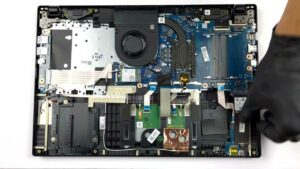


![[June 2026] Best-Selling Laptop Brands on Amazon Global – Apple’s Unrivaled Dominance in Units and Revenue](https://laptopmedia.com/wp-content/uploads/2026/07/GLOBAL-Best-Brands-400x225.jpg)
![[June 2026] Amazon Global: Top 10 Best-Selling Laptops – Apple’s New MacBook Neo Storms to #1, Reshaping the Market with Affordability](https://laptopmedia.com/wp-content/uploads/2026/07/Best-Selling-Laptops-GLOBAL-Top-10-400x225.jpg)
![[June 2026] Amazon Global: Top 10 Best-Selling Gaming Laptops – Acer’s Nitro V 16S AI Dominates Sales, While ASUS Leads Overall Revenue](https://laptopmedia.com/wp-content/uploads/2026/07/Best-Selling-Gaming-Laptops-GLOBAL-Top-10-400x225.jpg)
![[June 2026] Global Ranking of Best-Selling Laptop GPUs on Amazon – NVIDIA RTX 5060 is the Top-Selling Dedicated GPU](https://laptopmedia.com/wp-content/uploads/2026/07/Best-Selling-GPUs-GLOBAL-Top-10-400x225.jpg)
![[June 2026] Global Ranking of Best-Selling Laptop CPUs on Amazon – Apple M5 Dominates, AMD Ryzen 7 260 Gets Solid Premium Share](https://laptopmedia.com/wp-content/uploads/2026/07/Best-Selling-CPUs-GLOBAL-Top-10-400x225.jpg)
