Acer TravelMate P4

- Date Published: 07 Dec 2023
- Intel Core i7-1355U
- NVIDIA GeForce RTX 2050 (Laptop)
- 14.0″, 2.2K (2240 x 1400), IPS
- 512GB SSD
- 32GB DDR4
- 1.39 kg (3.1 lbs)

Review
Acer TravelMate P4 in-depth review
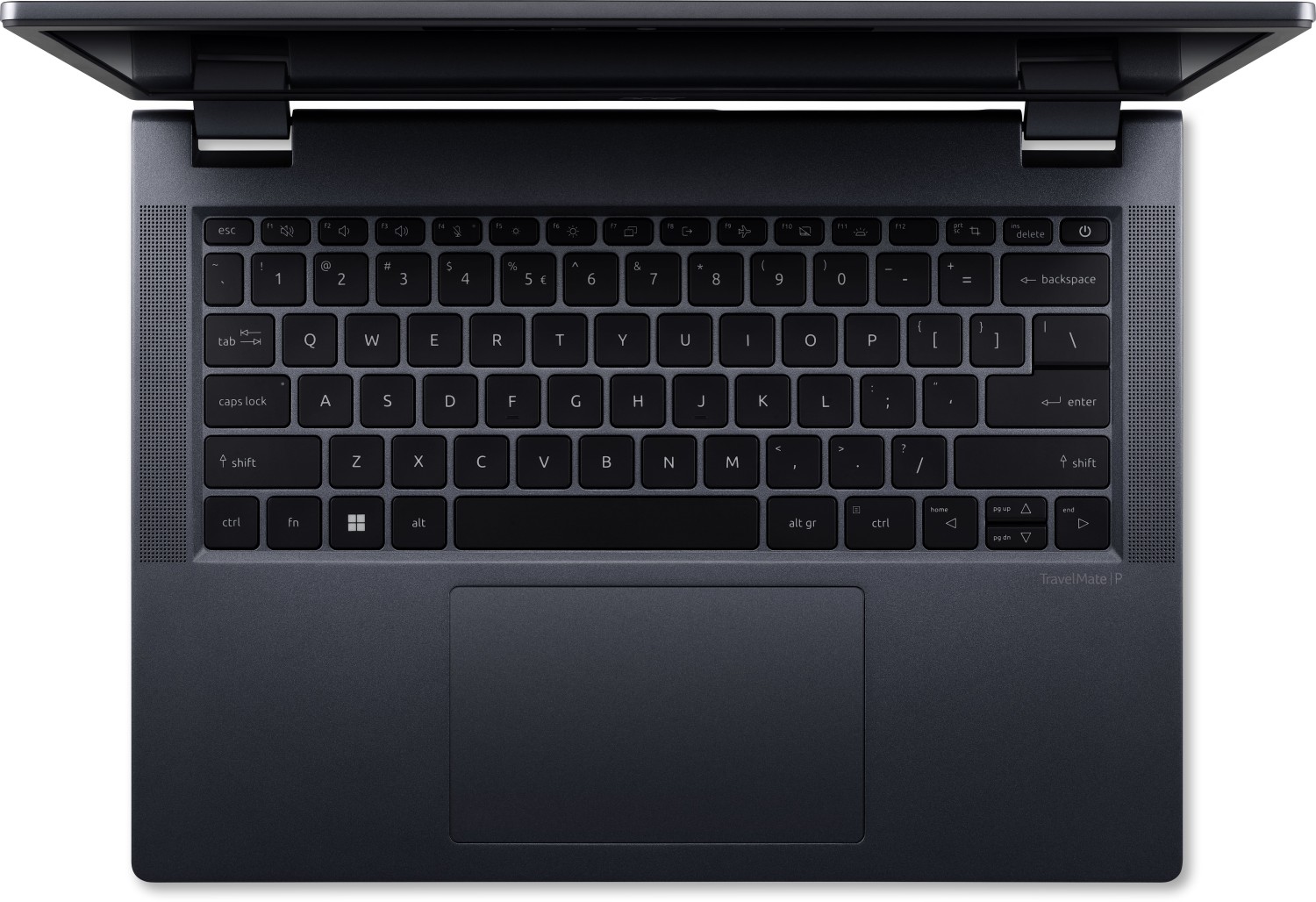
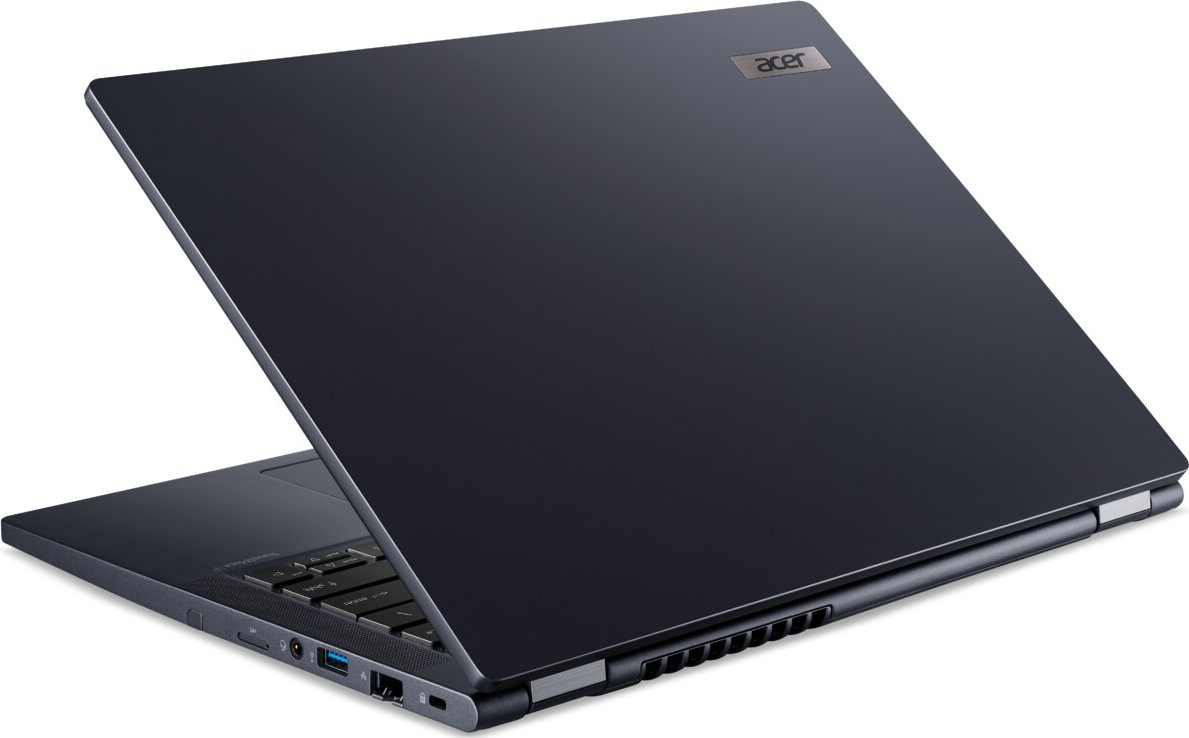
If you like the Acer TravelMate P4 Spin (TMP414RN-53) but don't need its transforming capabilities, you could save some bucks by choosing the TravelMate P4 (TMP414-53). It's the same device but it lacks a 360-degree hinge. The rest of the specs are almost the same. This means 13th gen Raptor Lake-U CPU options alongside upgradable RAM and Wi-Fi card. The port selection remains great for a 14" machine with two Thunderbolt 4s and a pair of Type-As.The useful Dust Defender system is on board. All you have to do is to open the Quick Access app and activate the "Clean" mode. Shortly after that, the fan spins counterclockwise and it blows out the dust through a small hole in the bottom plate. By the way, this function is triggered automatically after every six hours of continuous use.You[...]
Read the full review
Pros
- Solid chassis
- Comfortable spill-resistant backlit keyboard
- Smooth touchpad
- The fan isn't too noisy during heavy CPU stress in “Best performance” mode
- PWM-free (BOE0AE8)
- 16:10 aspect ratio and wide viewing angles (BOE0AE8)
- Light machine (1.39 kg)
- Fingerprint reader, privacy shutter, dTPM 2.0 chip, Lock slot
- Optional 1080p@60FPS IR Web camera
- 2x Thunderbolt 4 ports + MicroSD card reader + 2x Type-As
- Optional Smart Card reader
- Upgradable Wi-Fi card
- 2x SODIMMs
- Fast SSD (SK Hynix FS512GEJ9X125N)
- The overall performance is enough for normal daily or office usage
- Not expensive
- Long battery life (~ 10 hours of videos)
- Dust Defender system
- Metal lid
- The Core i5-1335U maintains a ~3.00 GHz / 2.10 GHz P and E core clock in long loads
- Very good "Silent" mode that offers low noise and 2.40 GHz / 1.80 GHz P and E core frequency
Cons
- Just 1x M.2 slot
- 83°C NVMe temperatures during benchmarking
- You can't open the lid with one hand
- Low sRGB coverage and max brightness (BOE0AE8)
Disassembly, maintenance and upgrade options
Opening the Acer TravelMate P4 Hint: Ensure the laptop is powered off and unplugged before starting.Undo the 10 Torx-head screws securing the bottom panel to the chassis. Insert a thin plastic tool into one of the top edges to create a gap. Use another tool to pry along the sides and the front, releasing the internal clips. Lift the tool slightly between the panel and base, then fully pry the rear to detach the bottom cover.More info: The bottom panel includes a socket for securing the battery in place and provides access to key upgradeable components.Batter[...]
Read more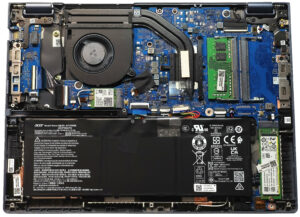


![[June 2026] Best-Selling Laptop Brands on Amazon Global – Apple’s Unrivaled Dominance in Units and Revenue](https://laptopmedia.com/wp-content/uploads/2026/07/GLOBAL-Best-Brands-400x225.jpg)
![[June 2026] Amazon Global: Top 10 Best-Selling Laptops – Apple’s New MacBook Neo Storms to #1, Reshaping the Market with Affordability](https://laptopmedia.com/wp-content/uploads/2026/07/Best-Selling-Laptops-GLOBAL-Top-10-400x225.jpg)
![[June 2026] Amazon Global: Top 10 Best-Selling Gaming Laptops – Acer’s Nitro V 16S AI Dominates Sales, While ASUS Leads Overall Revenue](https://laptopmedia.com/wp-content/uploads/2026/07/Best-Selling-Gaming-Laptops-GLOBAL-Top-10-400x225.jpg)
![[June 2026] Global Ranking of Best-Selling Laptop GPUs on Amazon – NVIDIA RTX 5060 is the Top-Selling Dedicated GPU](https://laptopmedia.com/wp-content/uploads/2026/07/Best-Selling-GPUs-GLOBAL-Top-10-400x225.jpg)
![[June 2026] Global Ranking of Best-Selling Laptop CPUs on Amazon – Apple M5 Dominates, AMD Ryzen 7 260 Gets Solid Premium Share](https://laptopmedia.com/wp-content/uploads/2026/07/Best-Selling-CPUs-GLOBAL-Top-10-400x225.jpg)
