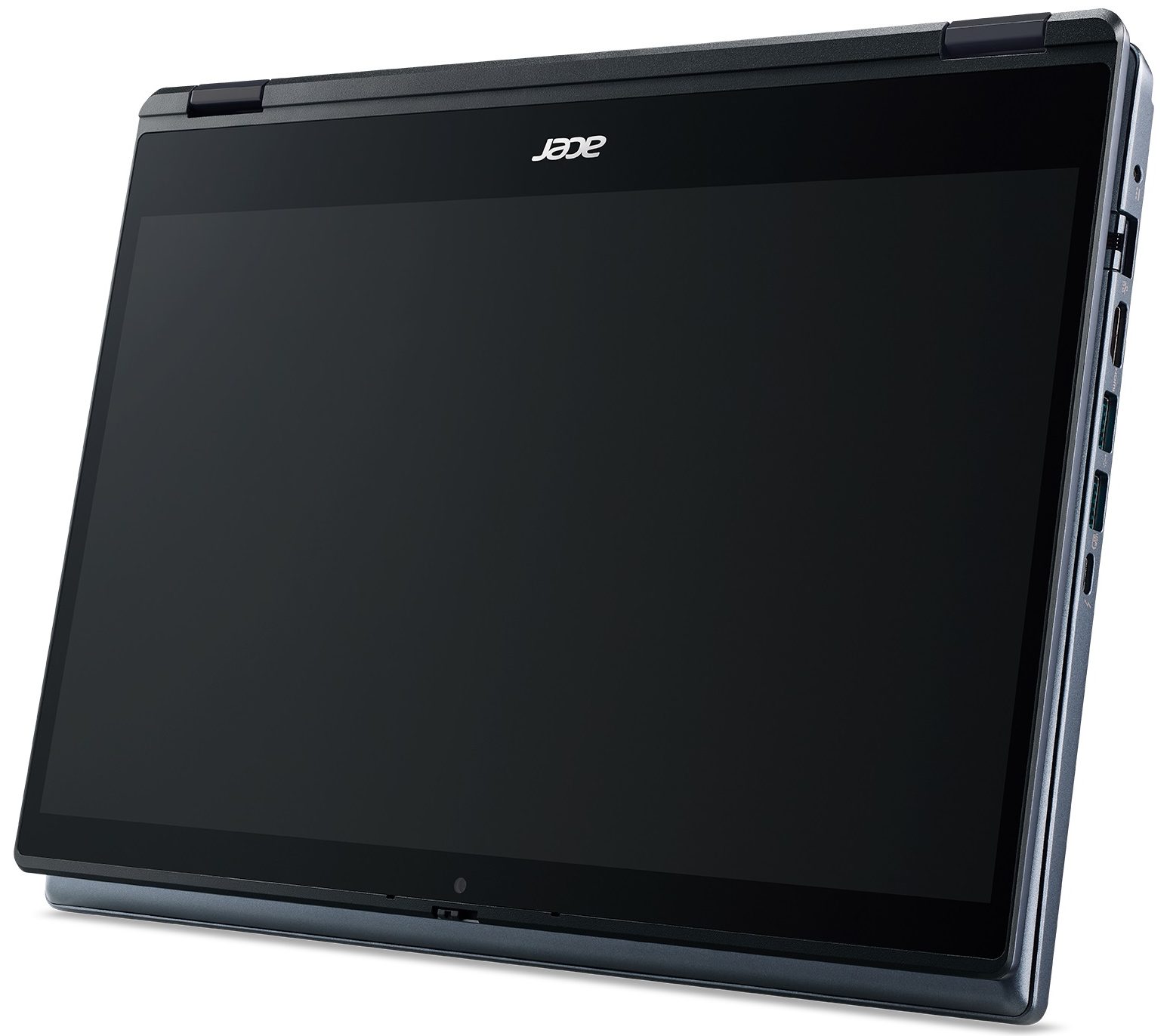
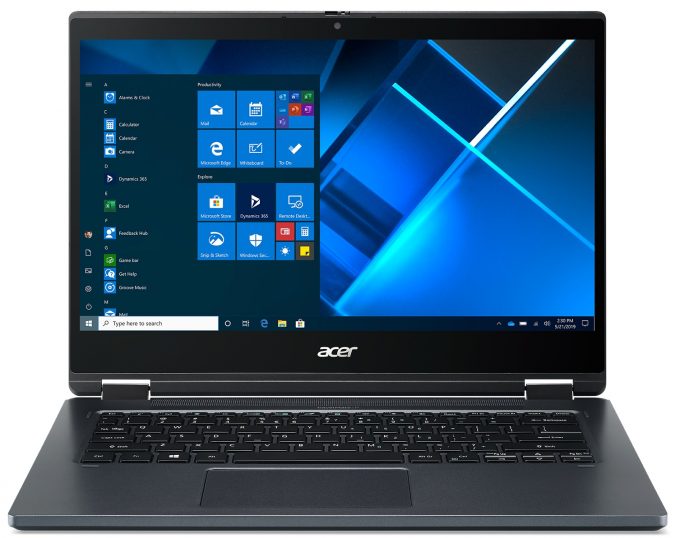
Acer TravelMate Spin P4
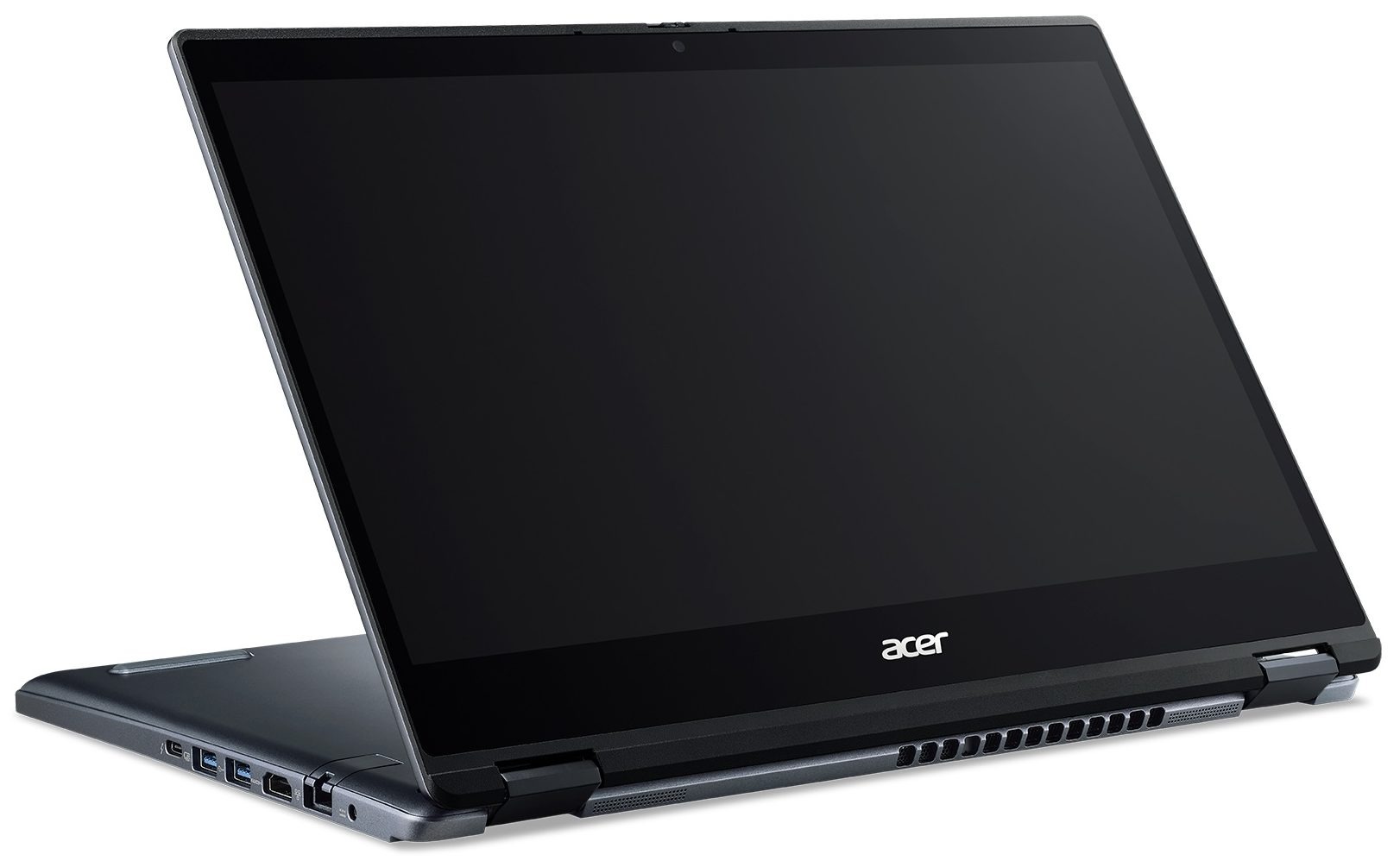
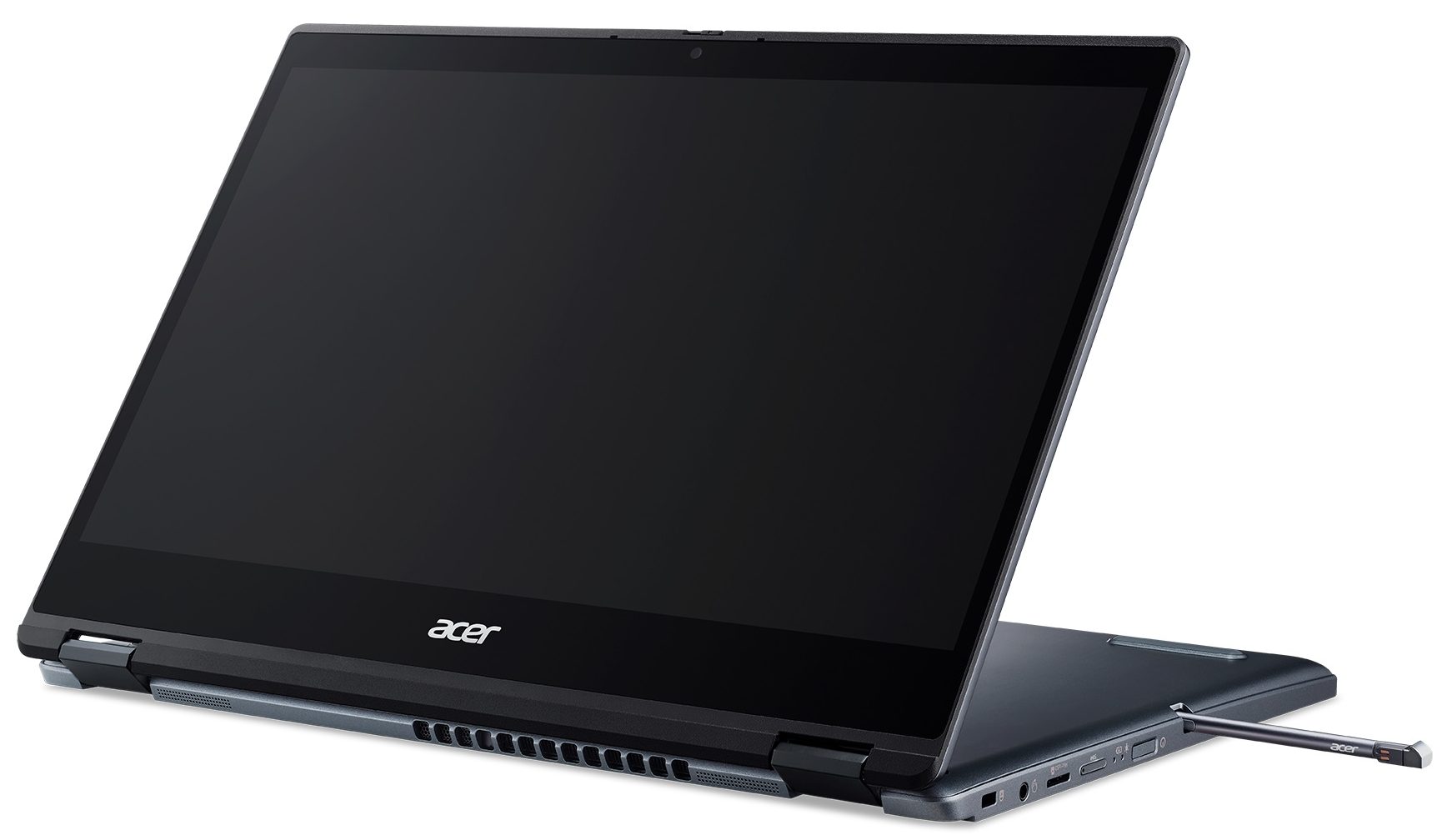
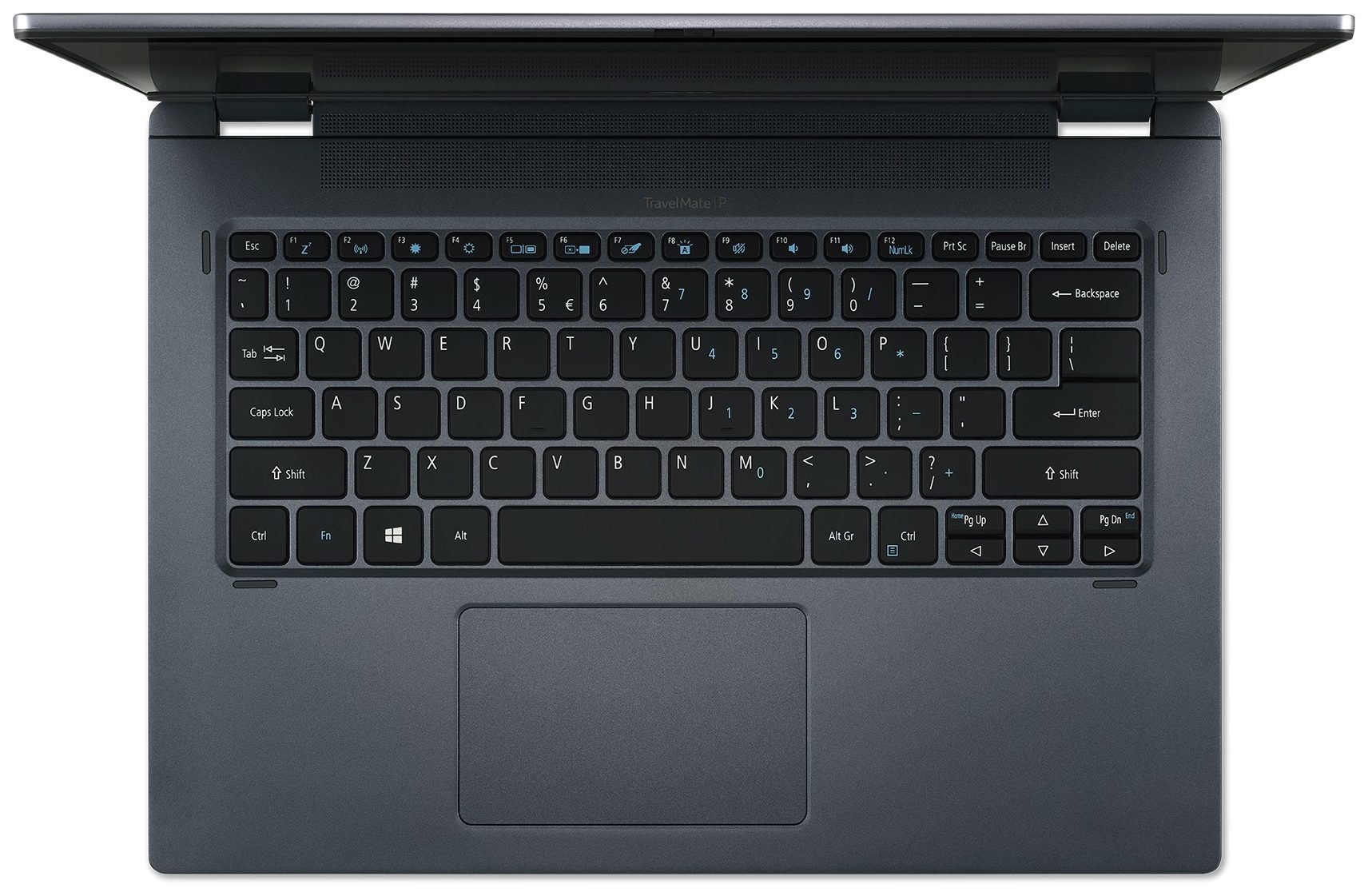
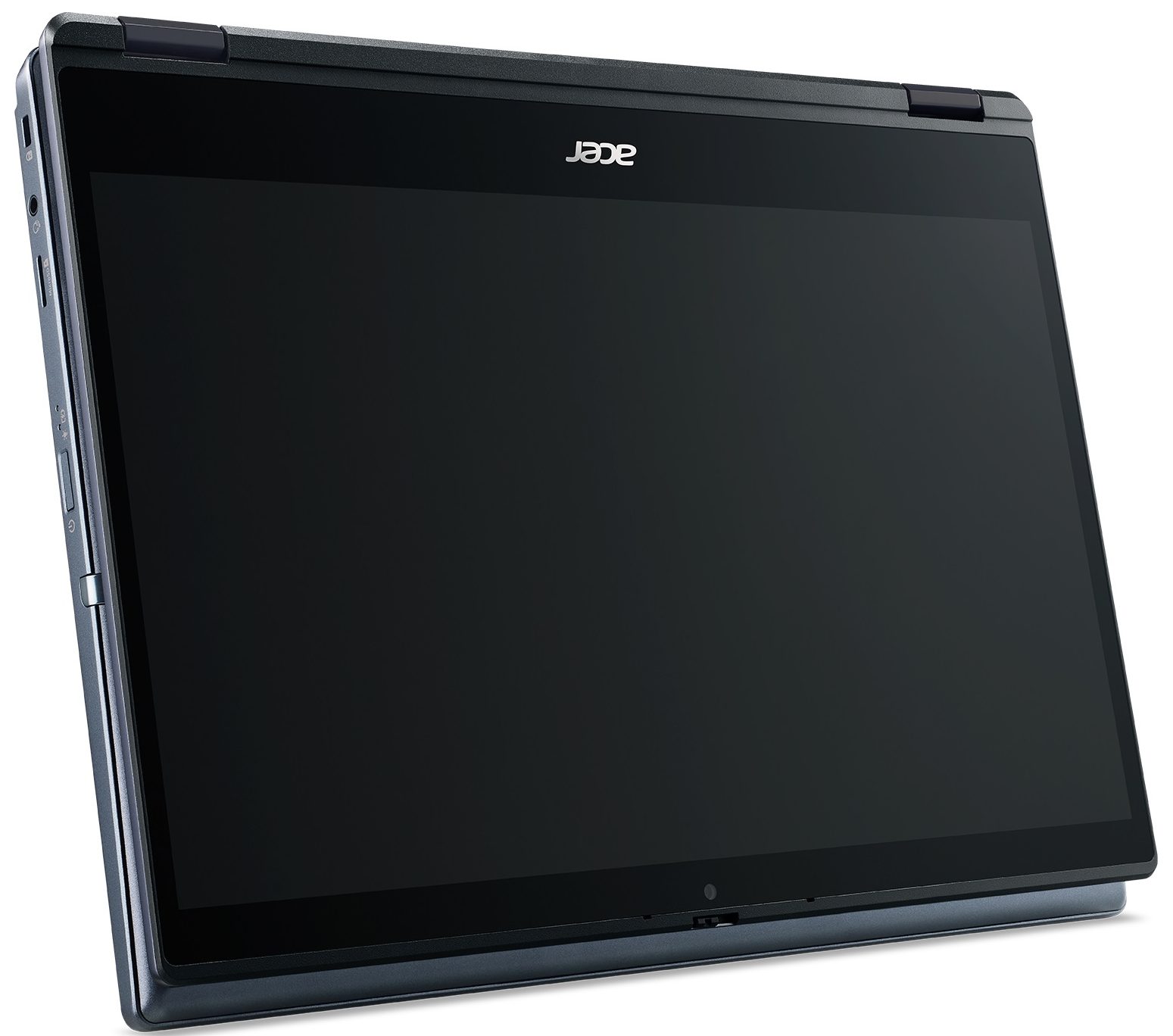

- Date Published: 08 Jun 2021
- Intel Core i3-1115G4
- Intel UHD Graphics
- 14.0”, Full HD (1920 x 1080), IPS
- 256GB SSD
- 8GB DDR4
- 1.40 kg (3.1 lbs)
Review
Acer TravelMate Spin P4 in-depth review
TravelMate Spin P4 is known for its relatively low price and uncompromised security. Ultimately, it is a 14-inch convertible that should be able to satisfy all of the small-to-medium business needs. It aims to do so via its Tiger Lake processors, and some magic on the software side.Unsurprisingly, 2-in-1s are becoming more and more popular in the business world. This is because of their versatility since it's easier than ever to show your work to your colleagues or clients. And if you are following us regularly, you would know, that some manufacturers, like Dell, are experimenting with "Detachables" (tablets with detachable keyboards).Yet, the 2-in-1s are still more convenient at this point. Not only because of their more comfortable form factor for daily usage but also due to the[...]
Read the full review
Pros
- Thunderbolt 4 and MicroSD card reader on board
- Included stylus
- Decent battery life
- Its Full HD IPS panel has comfortable viewing angles and a good contrast ratio (BOE NV140FHM-N48)
- Good aluminum build
- 2x RAM SODIMM slots + 1x M.2 PCIe x4 slot
Cons
- Thick top and bottom bezels
- Covers only 53% of sRGB (BOE NV140FHM-N48)
- Uses aggressive PWM for brightness adjustment (our Health-Guard profile fixes that) (BOE NV140FHM-N48)
Disassembly, maintenance and upgrade options
Convertibles are rarely any good when it comes to upgradability. However, the TravelMate Spin P4 (TMP414-51) is a genuine exception.Check out all Acer TravelMate Spin P4 (TMP414-51) prices and configurations in our Specs System or read more in our In-Depth review.1. Remove the bottom plate To get inside this device, you need to undo 12 Phillips-head screws. Then, remove the stylus from its housing, and pry the bottom panel with a plastic tool.2. Battery Here, we see a 56Wh battery pack that powers the notebook when it's not plugged.3. Мemory and storage In terms of[...]
Read more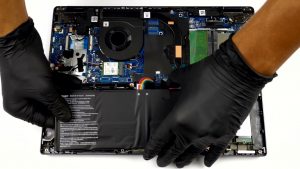
DISPLAY: 14.0-inch, 1920 x 1080, IPS
- Name
- BOE NV140FHM-N48
- Diagonal
- 14.0"
- Pixel density
- 157.35 ppi
- Refresh rate
- 60 Hz
- Brightness
- 279 cd/m2
- sRGB
- 54%%
- Panel Type
- IPS
- Resolution
- 1920 x 1080
- Becomes "Retina" from
- 22 inches (56 cm)
- Contrast
- 1180:1
- dE Color Checker
- 4.4 3.7

Buy our profiles for BOE NV140FHM-N48
In addition to receiving efficient and health-friendly profiles, by buying LaptopMedia's products you also support the development of our labs, where we test devices in order to produce the most objective reviews possible.

Office Work
Office Work should be used mostly by users who spend most of the time looking at pieces of text, tables or just surfing. This profile aims to deliver better distinctness and clarity by keeping a flat gamma curve (2.20), native color temperature and perceptually accurate colors.

Design and Gaming
This profile is aimed at designers who work with colors professionally, and for games and movies as well. Design and Gaming takes display panels to their limits, making them as accurate as possible in the sRGB IEC61966-2-1 standard for Web and HDTV, at white point D65.

Health-Guard
Health-Guard eliminates the harmful Pulse-Width Modulation (PWM) and reduces the negative Blue Light which affects our eyes and body. Since it’s custom tailored for every panel, it manages to keep the colors perceptually accurate. Health-Guard simulates paper so the pressure on the eyes is greatly reduced.



![[June 2026] Best-Selling Laptop Brands on Amazon Global – Apple’s Unrivaled Dominance in Units and Revenue](https://laptopmedia.com/wp-content/uploads/2026/07/GLOBAL-Best-Brands-400x225.jpg)
![[June 2026] Amazon Global: Top 10 Best-Selling Laptops – Apple’s New MacBook Neo Storms to #1, Reshaping the Market with Affordability](https://laptopmedia.com/wp-content/uploads/2026/07/Best-Selling-Laptops-GLOBAL-Top-10-400x225.jpg)
![[June 2026] Amazon Global: Top 10 Best-Selling Gaming Laptops – Acer’s Nitro V 16S AI Dominates Sales, While ASUS Leads Overall Revenue](https://laptopmedia.com/wp-content/uploads/2026/07/Best-Selling-Gaming-Laptops-GLOBAL-Top-10-400x225.jpg)
![[June 2026] Global Ranking of Best-Selling Laptop GPUs on Amazon – NVIDIA RTX 5060 is the Top-Selling Dedicated GPU](https://laptopmedia.com/wp-content/uploads/2026/07/Best-Selling-GPUs-GLOBAL-Top-10-400x225.jpg)
![[June 2026] Global Ranking of Best-Selling Laptop CPUs on Amazon – Apple M5 Dominates, AMD Ryzen 7 260 Gets Solid Premium Share](https://laptopmedia.com/wp-content/uploads/2026/07/Best-Selling-CPUs-GLOBAL-Top-10-400x225.jpg)
