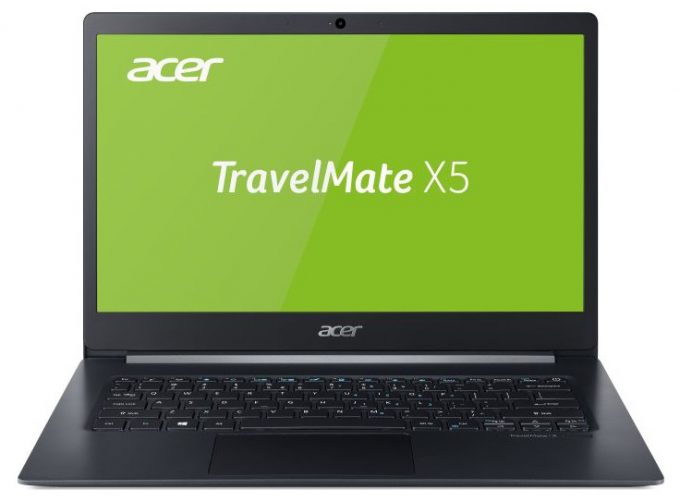
Acer TravelMate X5
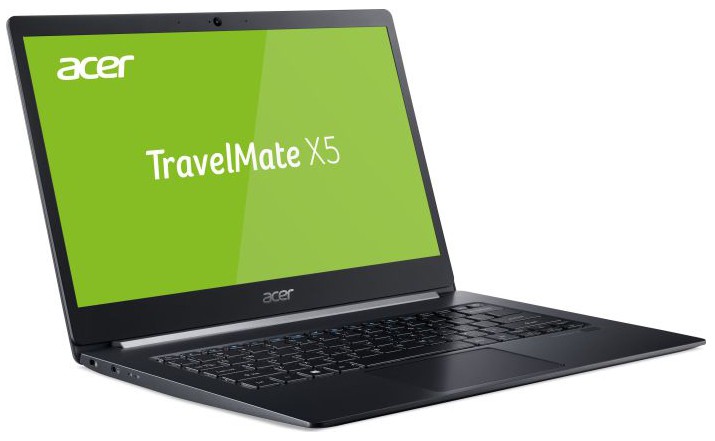
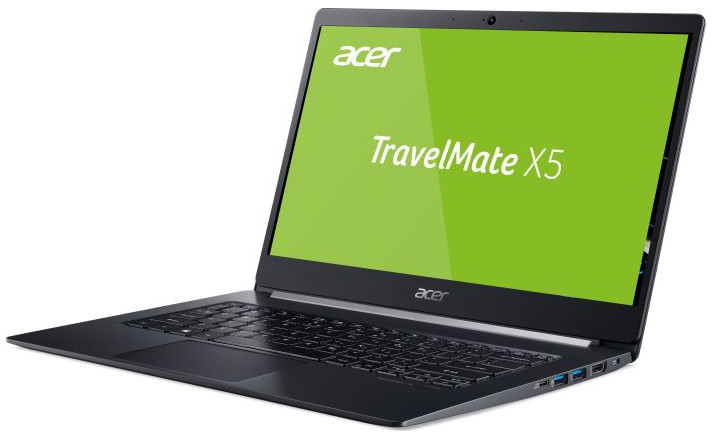
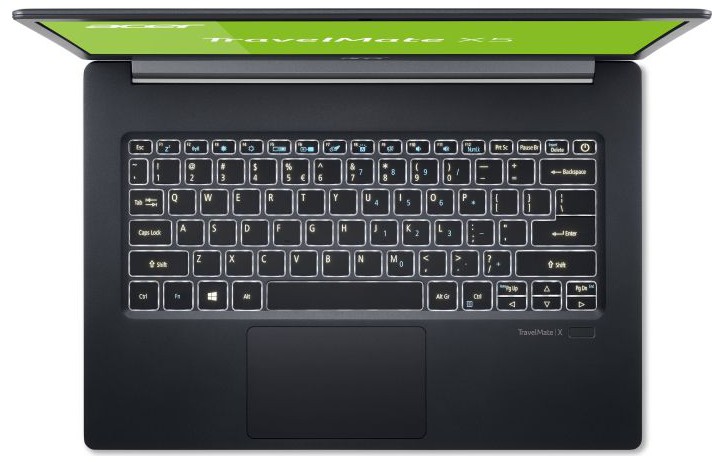
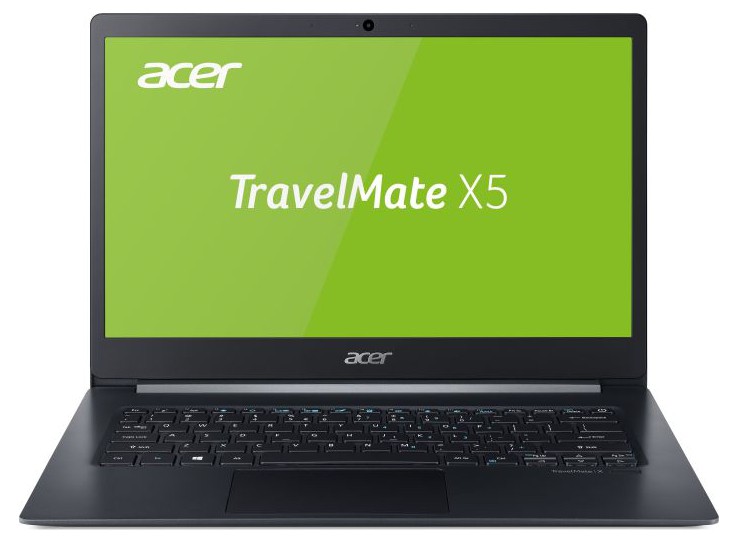
- Date Published: 25 Jun 2019
- Intel Core i7-8565U
- Intel UHD Graphics 620
- 14.0”, Full HD (1920 x 1080), IPS
- 1000GB SSD
- 16GB DDR4, 2666 MHz
- 0.98 kg (2.2 lbs)
Specs

- HDD/SSD
- 1TB SSD
- RAM
- 16GB DDR4, 2666 MHz
- OS
- Windows 10 Pro
- Body Material
- Magnesium-Lithium alloy
- Dimensions
- 329 x 228 x 14.9 mm (12.95" x 8.98" x 0.59")
- Weight
- 0.98 kg (2.2 lbs)
- Ports and connectivity
- 1x USB Type-C
- 3.2 Gen 2 (10 Gbps), DisplayPort, HDMI
- 2x USB Type-A
- 3.2 Gen 1 (5 Gbps)
- HDMI
- Wi-Fi
- 802.11ac
- Bluetooth
- 5.0
- Audio jack
- 3.5mm audio jack
- Features
- Fingerprint reader
- Web camera
- 720p HD
- Backlit keyboard
- Microphone
- Digital-array microphones
- Speakers
- Optical drive
- Security Lock slot
Portability
Review
Acer TravelMate X5 in-depth review
Say hello to the business version of the Acer Swift 5 (SF514-52). Today we are going to look at essentially the same laptop, carrying different branding and an updated CPU. At 970 grams Acer TravelMate X514-51 is the lightest TravelMate ever made.If you like the brand and the TravelMate marque, this may just be the notebook for you. With the help of the appropriate software utilities, small form factor, and high-end ULV CPU, you should have a sufficient business buddy, that will represent you flawlessly throughout all your meetings. Or at least it should. Since it is our job to evaluate the pros and cons of hardware, we won't be lenient towards the TravelMate X514-51 and we are going to treat it as if it is not as fragile as it is.You can check the prices and configurations in our[...]
Read the full review
Pros
- Lasts up to 12 hours and a half of web browsing
- Slim and light magnesium alloy body
- When the Gaming and Web design profile is applied average dE drops to under 1.0 (Innolux N14-HCE-N2)
- Lacks aggressive PWM for brightness adjustment (Innolux N14-HCE-N2)
- Covers around 98% of the sRGB color gamut
Cons
- The fan kicks in during slightest of loads
- Huge thermal incapability
- Lack of Type-C charging
- Coil whine when copying files


![[June 2026] Best-Selling Laptop Brands on Amazon Global – Apple’s Unrivaled Dominance in Units and Revenue](https://laptopmedia.com/wp-content/uploads/2026/07/GLOBAL-Best-Brands-400x225.jpg)
![[June 2026] Amazon Global: Top 10 Best-Selling Laptops – Apple’s New MacBook Neo Storms to #1, Reshaping the Market with Affordability](https://laptopmedia.com/wp-content/uploads/2026/07/Best-Selling-Laptops-GLOBAL-Top-10-400x225.jpg)
![[June 2026] Amazon Global: Top 10 Best-Selling Gaming Laptops – Acer’s Nitro V 16S AI Dominates Sales, While ASUS Leads Overall Revenue](https://laptopmedia.com/wp-content/uploads/2026/07/Best-Selling-Gaming-Laptops-GLOBAL-Top-10-400x225.jpg)
![[June 2026] Global Ranking of Best-Selling Laptop GPUs on Amazon – NVIDIA RTX 5060 is the Top-Selling Dedicated GPU](https://laptopmedia.com/wp-content/uploads/2026/07/Best-Selling-GPUs-GLOBAL-Top-10-400x225.jpg)
![[June 2026] Global Ranking of Best-Selling Laptop CPUs on Amazon – Apple M5 Dominates, AMD Ryzen 7 260 Gets Solid Premium Share](https://laptopmedia.com/wp-content/uploads/2026/07/Best-Selling-CPUs-GLOBAL-Top-10-400x225.jpg)
