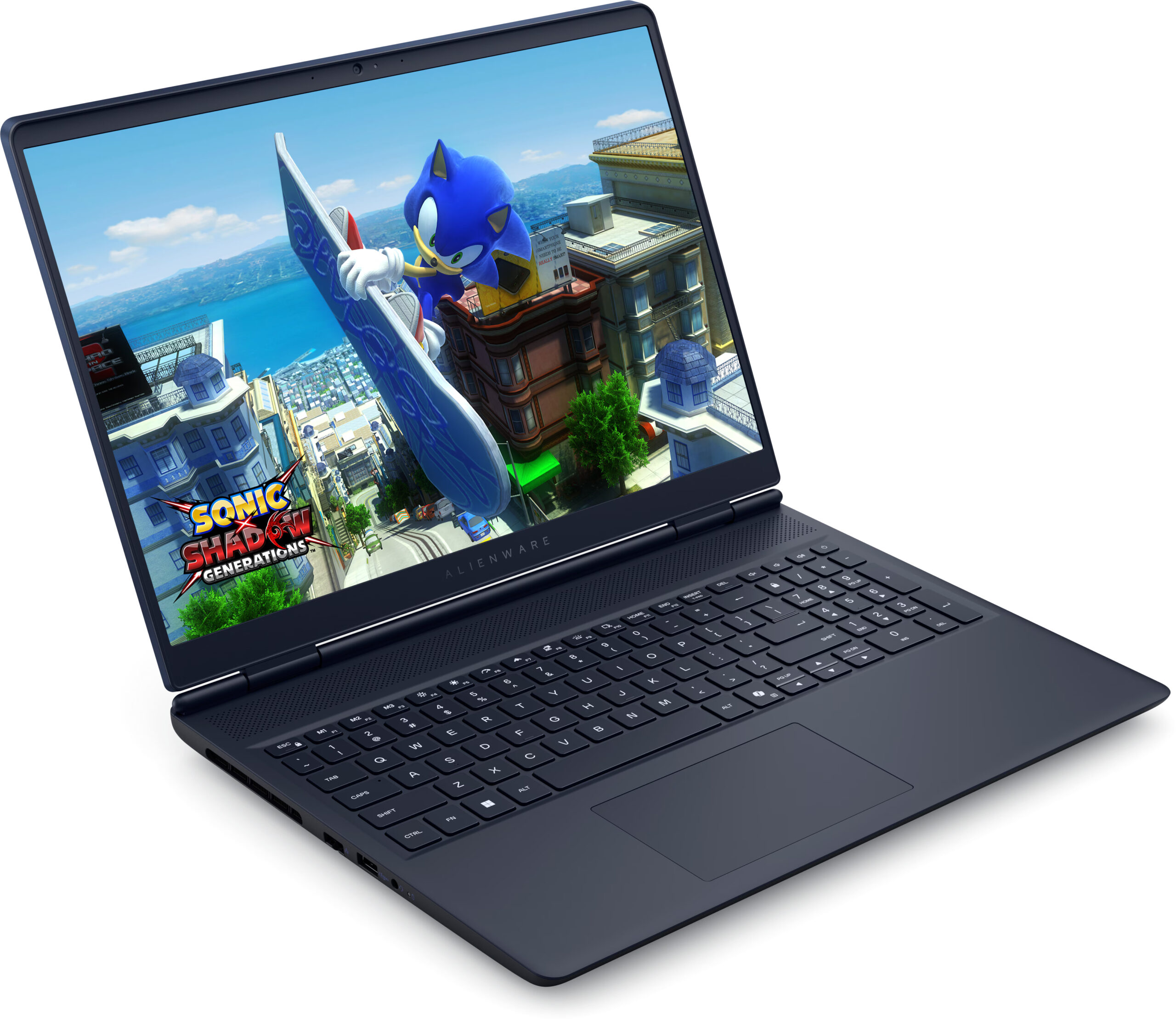
Alienware 16 Aurora

- Date Published: 12 Nov 2025
- Intel Core 7 240H
- NVIDIA GeForce RTX 5050 (Laptop)
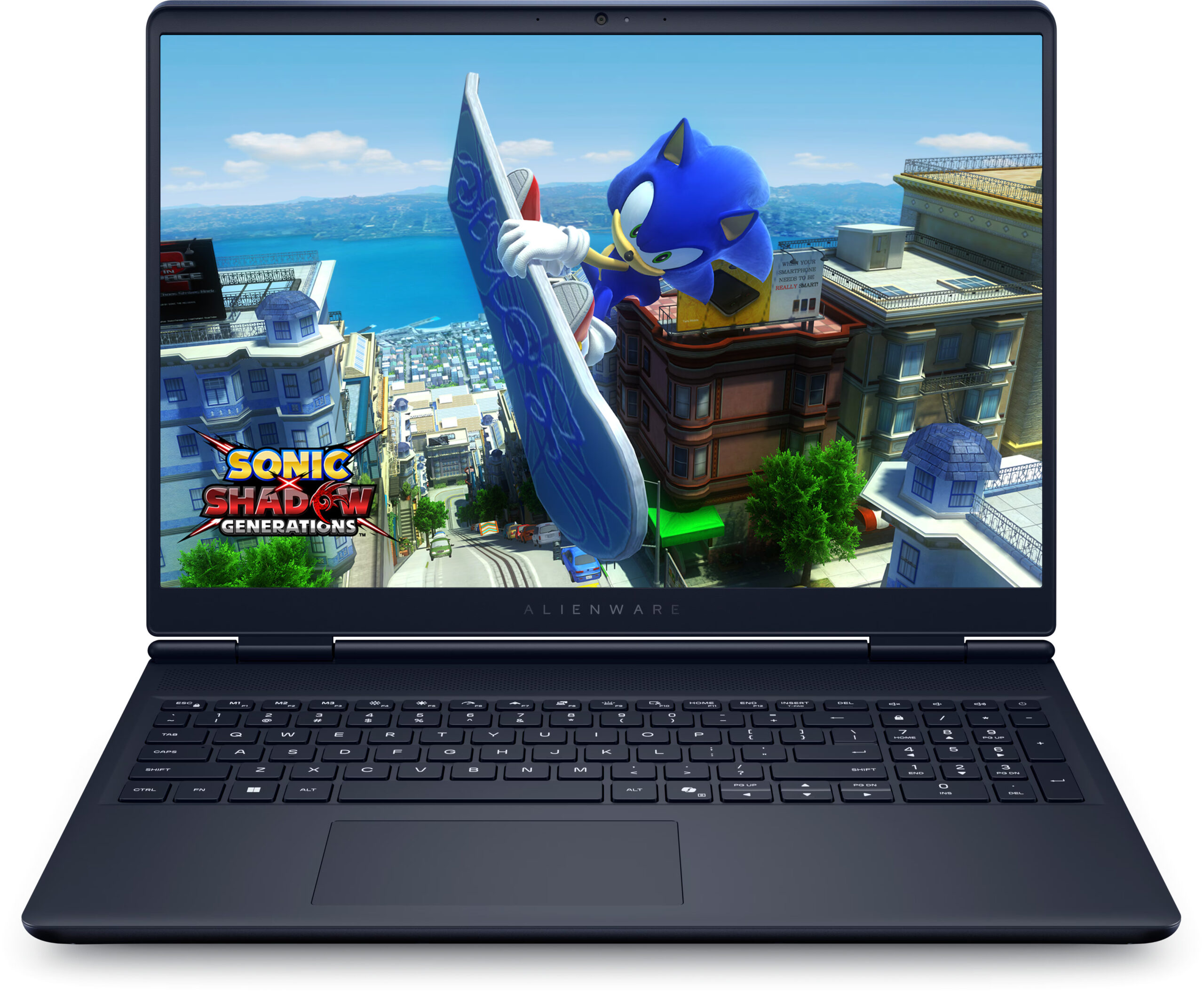
- 16.0", WQXGA (2560 x 1600), 120 Hz, IPS
- 2000GB SSD
- 64GB RAM
- 2.49 kg (5.5 lbs)
Review
Alienware 16 Aurora in-depth review
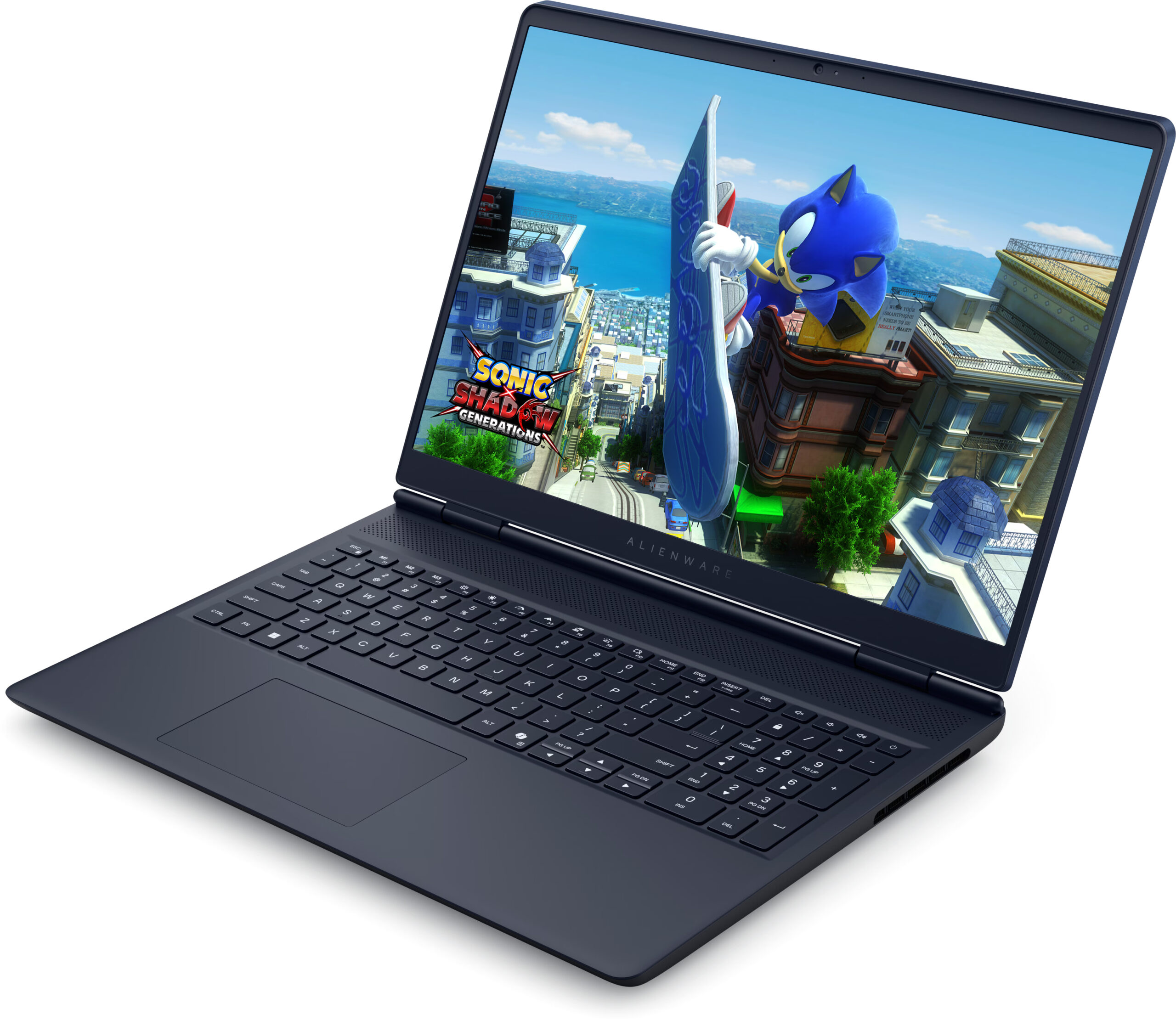
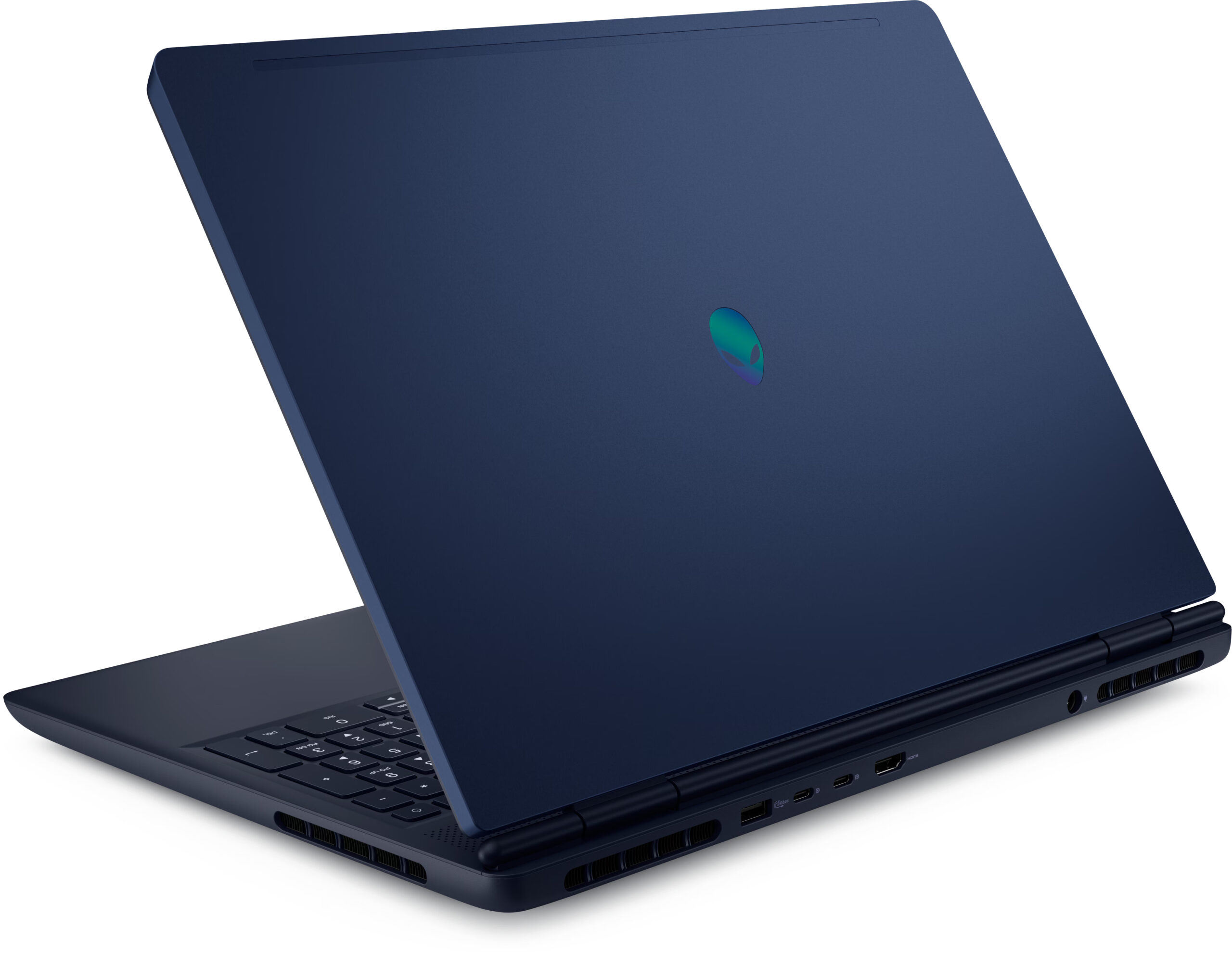
The Alienware 16 Aurora (AC16250) arrives with a mission to redefine what an Alienware laptop can be. Shedding the aggressive, sci-fi aesthetic of its predecessors, it opts for a sleek, understated "Interstellar Indigo" design that could almost pass for a business workstation. It promises a refined experience with a beautiful screen and exceptional battery life for a gaming machine. But in its quest for elegance, has it sacrificed too much of the raw power that defines the Alienware brand? We found a laptop of stark contradictions: one that excels in endurance and build quality but stumbles significantly when it comes to keeping its cool and delivering top-tier performance.You can check the prices and configurations in our Specs System: https://laptopmedia.com/series/alienware-16-a[...]
Read the full review
Pros
- Excellent battery life for a gaming laptop (7.5+ hours)
- Great color-accurate, PWM-free QHD+ display
- Sturdy build quality with magnesium alloy frame
- Two user-accessible RAM slots
- Rear port layout for clean cable management
- Sleek, understated design suitable for work
Cons
- CPU runs extremely hot (99°C) under load
- Lowest RTX 5070 performance in its class
- Storage limited to small M.2 2230 SSDs
- No physical privacy shutter or biometric login
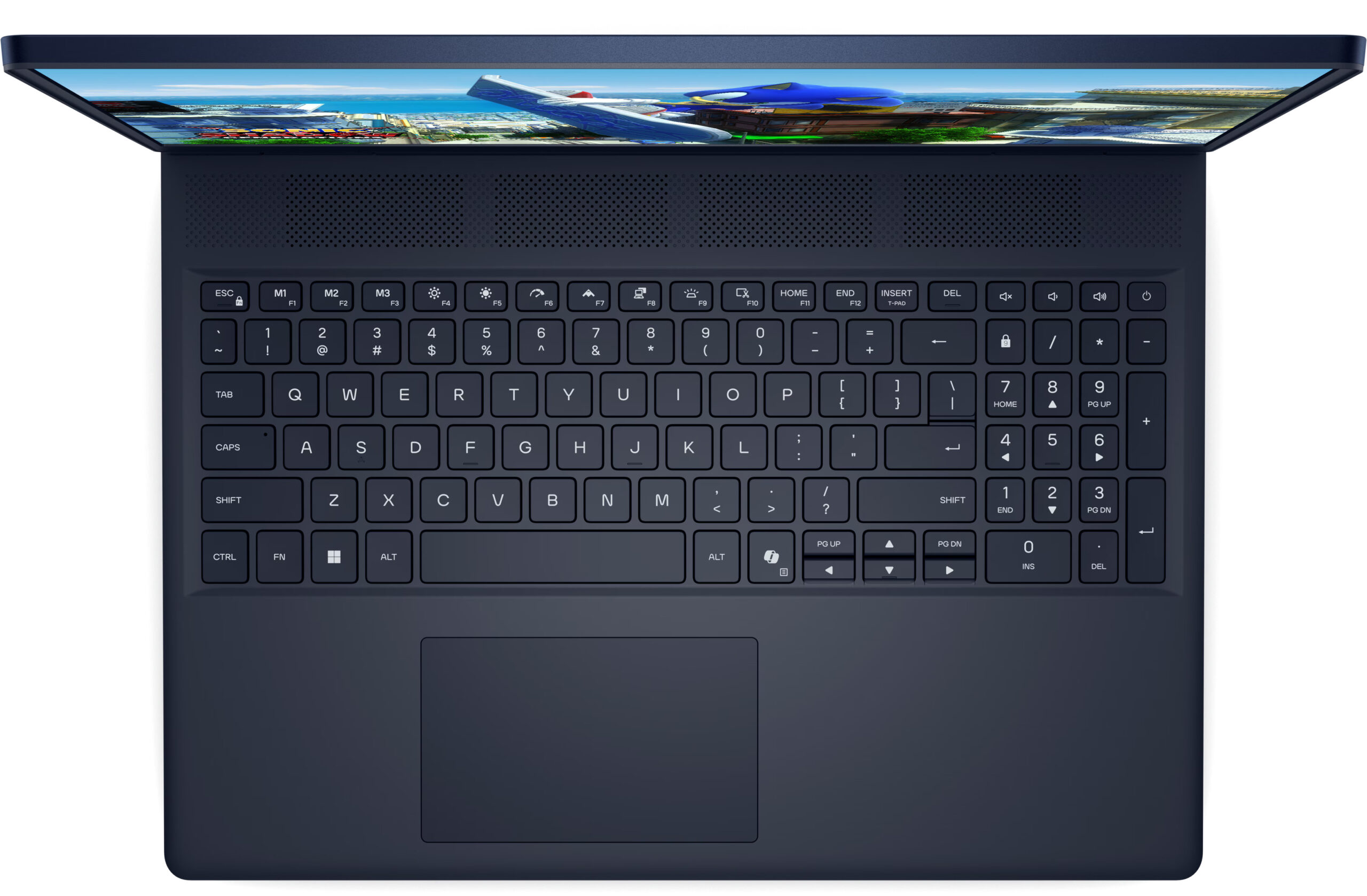
- Half-height arrow keys
Disassembly, maintenance and upgrade options
Before you start: Shut the laptop down completely, unplug the charger, and hold the power button for a few seconds to discharge residual power. Use a plastic pry tool, and keep track of screw lengths for reassembly. Opening the bottom panelRemove the screws securing the bottom cover. Work a thin plastic pick around the perimeter to release the clips, then lift the panel away. Take extra care near the rear edge where the cooling fin stacks sit close to the openings—avoid sliding the tool too deep to prevent bending the fins. Once the cover is off, d[...]
Read more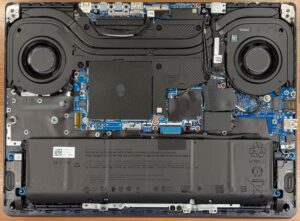



![[May 2026] Amazon Global: Top 10 Best-Selling Gaming Laptops – Budget-Friendly ASUS TUF Gaming A15 Dominates the Market](https://laptopmedia.com/wp-content/uploads/2026/06/Best-Selling-Gaming-Laptops-GLOBAL-Top-10-400x225.jpg)
![[May 2026] Amazon Global: Top 10 Best-Selling Laptops – Apple’s Affordable ‘MacBook Neo’ Takes the Crown Amidst Strong Air and Pro Sales](https://laptopmedia.com/wp-content/uploads/2026/06/Best-Selling-Laptops-GLOBAL-Top-10-400x225.jpg)
![[May 2026] Best-Selling Laptop Brands on Amazon Global – Apple Dominates in Units and Revenue](https://laptopmedia.com/wp-content/uploads/2026/06/GLOBAL-Best-Brands-400x225.jpg)