The Most Interesting Displays We Saw at COMPUTEX 2026: OLED, 1000Hz, Creator Panels, and Their Caveats
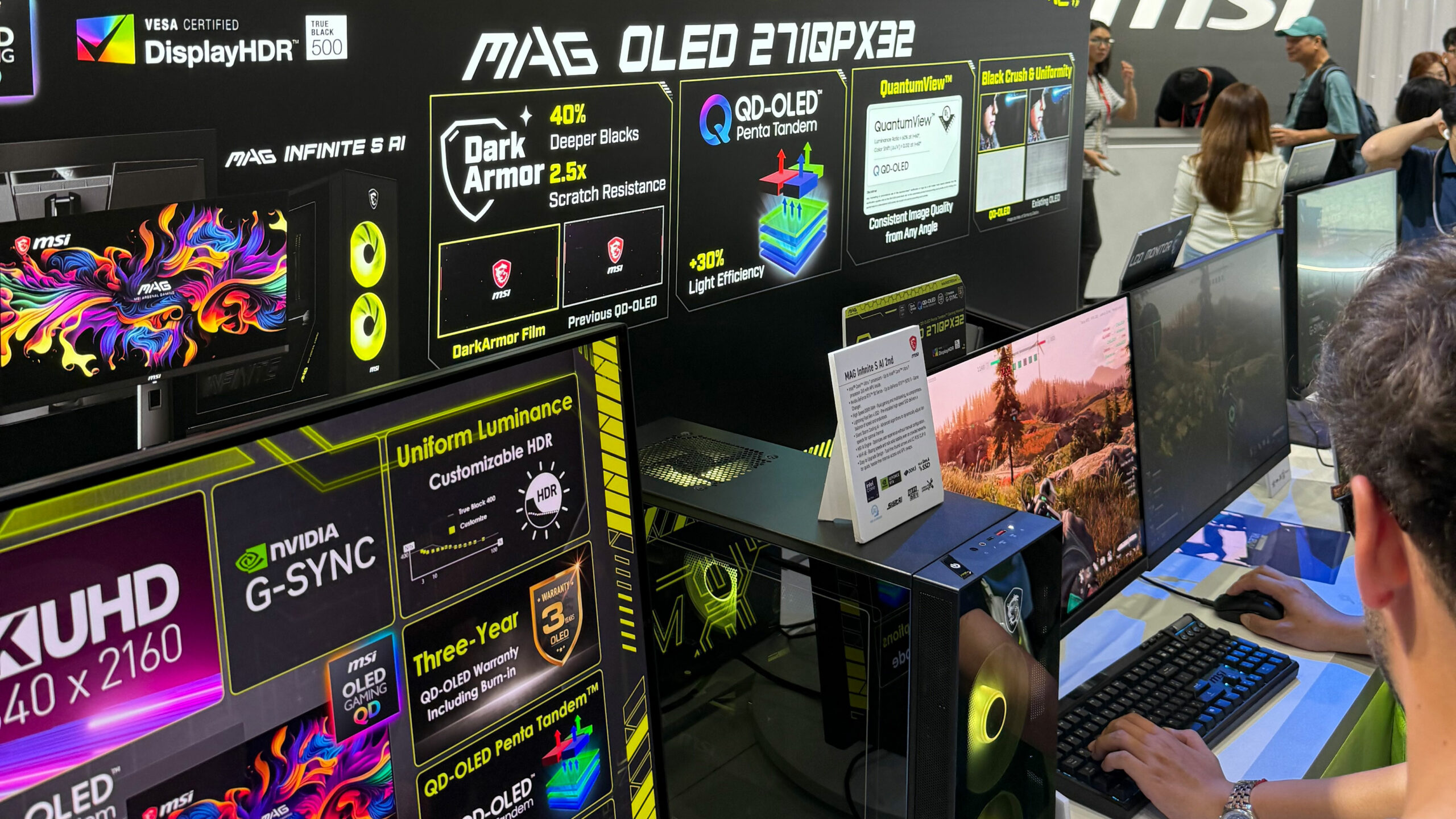 COMPUTEX 2026 had plenty of AI branding, new chips, gaming laptops, handhelds, and compact workstations. But some of the most useful hardware on the show floor was much simpler to understand: the displays.
That matters for LaptopMedia because display quality is not a side detail. A faster CPU can finish a task sooner, and a better GPU can push more frames, but the screen is what you actually look at while working, gaming, editing, reading, or watching content.
This year, the display race was not only about resolution. The most interesting panels at COMPUTEX 2026 were fighting on several fronts at once: extreme refresh rates, OLED response time, HDR brightness, text clarity, coating behavior, color accuracy, burn-in protection, and multi-mode flexibility.
Read our COMPUTEX 2026 recap here:
The Most Interesting Laptop and PC Hardware We Saw at COMPUTEX 2026
The monitor race is no longer just resolution
For years, monitor upgrades were easy to explain: higher resolution, higher refresh rate, better brightness, or wider color coverage. COMPUTEX 2026 showed that the next stage is more complex. Acer had the biggest number with a 1000Hz mode. Samsung Display showed a 4K QD-OLED panel running at 360Hz. MSI pushed Triple Mode QD-OLED. ROG brought OLED into both 4K gaming and esports. GIGABYTE showed multi-mode Mini LED. ASUS ProArt focused on creator accuracy. BenQ reminded us that some of the most useful displays are not gaming monitors at all, but complete workplace, classroom, and signage systems.
Most Interesting Displays at COMPUTEX 2026: Quick Comparison
| Product / panel | Main hook | Best use case | Important caveat |
| Acer Nitro XV273U F5 | 1000Hz via Dynamic Frequency Resolution | Esports / extreme refresh-rate testing | 1000Hz is at HD; native QHD mode is up to 540Hz |
| Samsung 31.5-inch 4K 360Hz QD-OLED | 4K + 360Hz + Dual Mode up to 680Hz | High-end gaming monitors | Text clarity, VRR flicker, HDR behavior, coating, and burn-in still need testing |
| MSI MPG OLED 322URDX36 | Triple Mode: 4K 360Hz / 1440p 520Hz / 1080p 680Hz | Flexible high-end gaming | 1440p scaling quality and brightness behavior will matter |
| ROG Swift OLED PG32UCWM | Tandem RGB OLED, 4K 240Hz / FHD 480Hz | Premium 4K gaming and desktop use | Glossy coating and text clarity need real-room testing |
| ROG Strix OLED XG259QWPG Ace | 24.5-inch OLED esports monitor, 540Hz | Competitive gaming | 1080p focus is intentional, but niche |
| GIGABYTE AORUS ELITE FM275K16P | 27-inch 5K Mini LED with multi-mode support | Sharp desktop use + flexible gaming | Mini LED behavior depends heavily on dimming quality and tuning |
| ASUS ProArt Display OLED PA32USD | 4K QD-OLED, 240Hz, 1000 nits peak, Delta E < 1 | Creators / video production | Needs uniformity, calibration, HDR workflow, and coating testing |
| BenQ Board CP05 | 4K interactive display with AI meeting and classroom tools | Meeting rooms, classrooms, collaboration spaces | Should be judged as a complete workflow device, not as a normal monitor |
| BenQ Pro Signage SL04 | Pantone Validated commercial signage display | Retail, public spaces, commercial signage, managed content | Color consistency, CMS, and 24/7 reliability matter more than refresh rate |
1000Hz is impressive, but read the fine print
The Acer Nitro XV273U F5 had the easiest spec to turn into a headline: 1000Hz. That number is real, but it needs context. The monitor is a 27-inch QHD IPS model that runs up to 540Hz at 2560 x 1440. The 1000Hz mode comes through Dynamic Frequency Resolution, dropping the resolution to 1280 x 720.
That does not make it fake, though. For competitive esports players chasing the lowest possible latency, 720p at 1000Hz can make sense in the right game. For most users, the native QHD 540Hz mode will probably be the more useful part of the monitor.
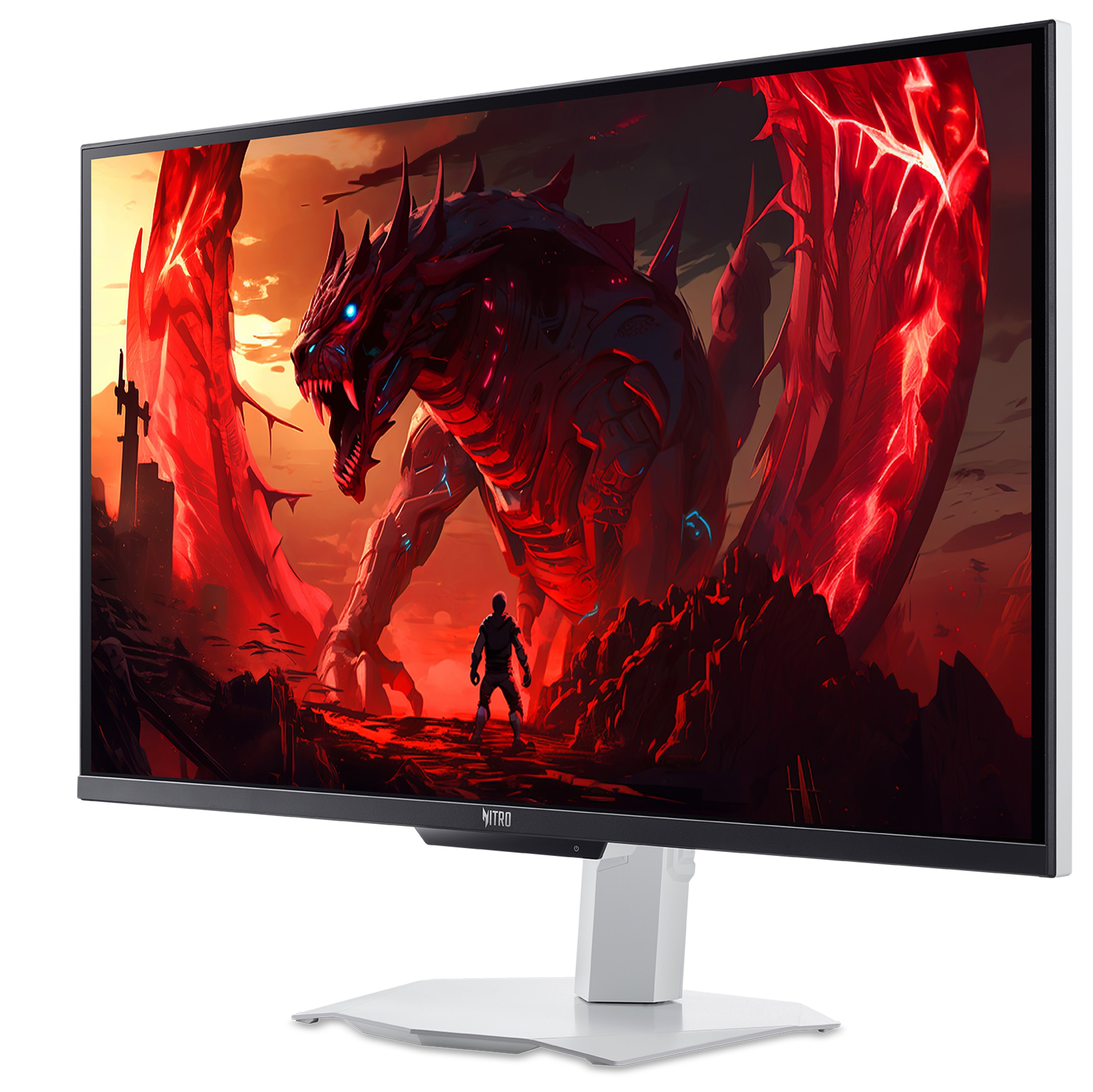
Acer Nitro XV273U F5: Key Specs
| Product | Acer Nitro XV273U F5 |
| Display size | 27 inches |
| Panel type | IPS |
| Native resolution | 2560 x 1440 / QHD |
| Native refresh rate | Up to 540Hz at QHD |
| DFR mode | 1280 x 720 at up to 1000Hz |
| Brightness | 400 nits native, up to 600 nits HDR peak |
| Color gamut | 95% DCI-P3 |
| Adaptive sync | AMD FreeSync Premium, NVIDIA G-SYNC Compatible |
| Surface | Matte |
OLED is moving beyond “great contrast”
OLED and QD-OLED still look excellent because of their contrast, pixel response, and deep blacks. But the more interesting part in 2026 is that manufacturers are now trying to solve the practical questions that make people hesitate: brightness, text clarity, lifespan, coatings, VRR behavior, and desktop usability.
Samsung Display’s 31.5-inch 4K 360Hz QD-OLED panel is a good example. It combines 4K resolution with a 360Hz refresh rate and adds a Dual Mode option up to 680Hz at FHD. Samsung also highlights a V-stripe pixel structure aimed at improving text readability, which matters for desktop work, coding, browsing, and spreadsheets.
MSI’s MPG OLED 322URDX36 takes a similar idea and adds more flexibility: 4K at 360Hz, 1440p at 520Hz, and 1080p at 680Hz. The 1440p mode may become the most useful middle ground if the scaling quality is good.
Samsung / MSI QD-OLED Direction: Key Points
| Product / panel | Native mode | High-speed modes | Why it matters |
| Samsung 31.5-inch 4K 360Hz QD-OLED | 4K at 360Hz | FHD up to 680Hz | Combines high resolution, high refresh rate, and improved text-readability focus |
| MSI MPG OLED 322URDX36 | 4K at 360Hz | 1440p at 520Hz / FHD at 680Hz | Triple Mode may be more flexible than simple 4K/FHD switching |
Multi-mode monitors may be the most practical trend
The most useful display trend at COMPUTEX 2026 may be multi-mode operation. Acer uses DFR to reach 1000Hz at HD. Samsung and ROG offer Dual Mode options. MSI goes further with Triple Mode. GIGABYTE is also pushing multi-mode Mini LED with the AORUS ELITE FM275K16P.
This matters because users do not always want the same thing. A single-player game benefits from higher resolution. A competitive shooter benefits from refresh rate and low latency. Desktop work needs sharp text. Creator work needs color accuracy and consistency. Multi-mode displays are an attempt to stop forcing users into one fixed compromise.
Multi-Mode Display Examples
| Display | Mode 1 | Mode 2 | Mode 3 |
| Acer Nitro XV273U F5 | QHD 540Hz | HD 1000Hz | — |
| Samsung 31.5-inch 4K 360Hz QD-OLED | 4K 360Hz | FHD 680Hz | — |
| MSI MPG OLED 322URDX36 | 4K 360Hz | 1440p 520Hz | FHD 680Hz |
| ROG Swift OLED PG32UCWM | 4K 240Hz | FHD 480Hz | — |
| GIGABYTE AORUS ELITE FM275K16P | 5K 165Hz | 4K 220Hz | QHD 330Hz |
Creator and commercial displays are judged by different rules
Gaming displays often sell themselves with refresh rate and response time. Creator and commercial displays need a different conversation. A creator monitor can be fast, but the most important questions are usually color accuracy, uniformity, calibration, coating, HDR workflow behavior, and connectivity. A workplace or signage display has another set of priorities: management, reliability, collaboration, content control, camera and audio integration, and long operating hours.
The ASUS ProArt Display OLED PA32USD is a good example of the creator side. It is a 31.5-inch 4K QD-OLED creator monitor with a 240Hz refresh rate, 1000-nit peak brightness, true 10-bit color, 99% DCI-P3, and a claimed Delta E < 1. It also includes dual 12G-SDI, which matters for professional video workflows where production connectivity is more important than esports features.
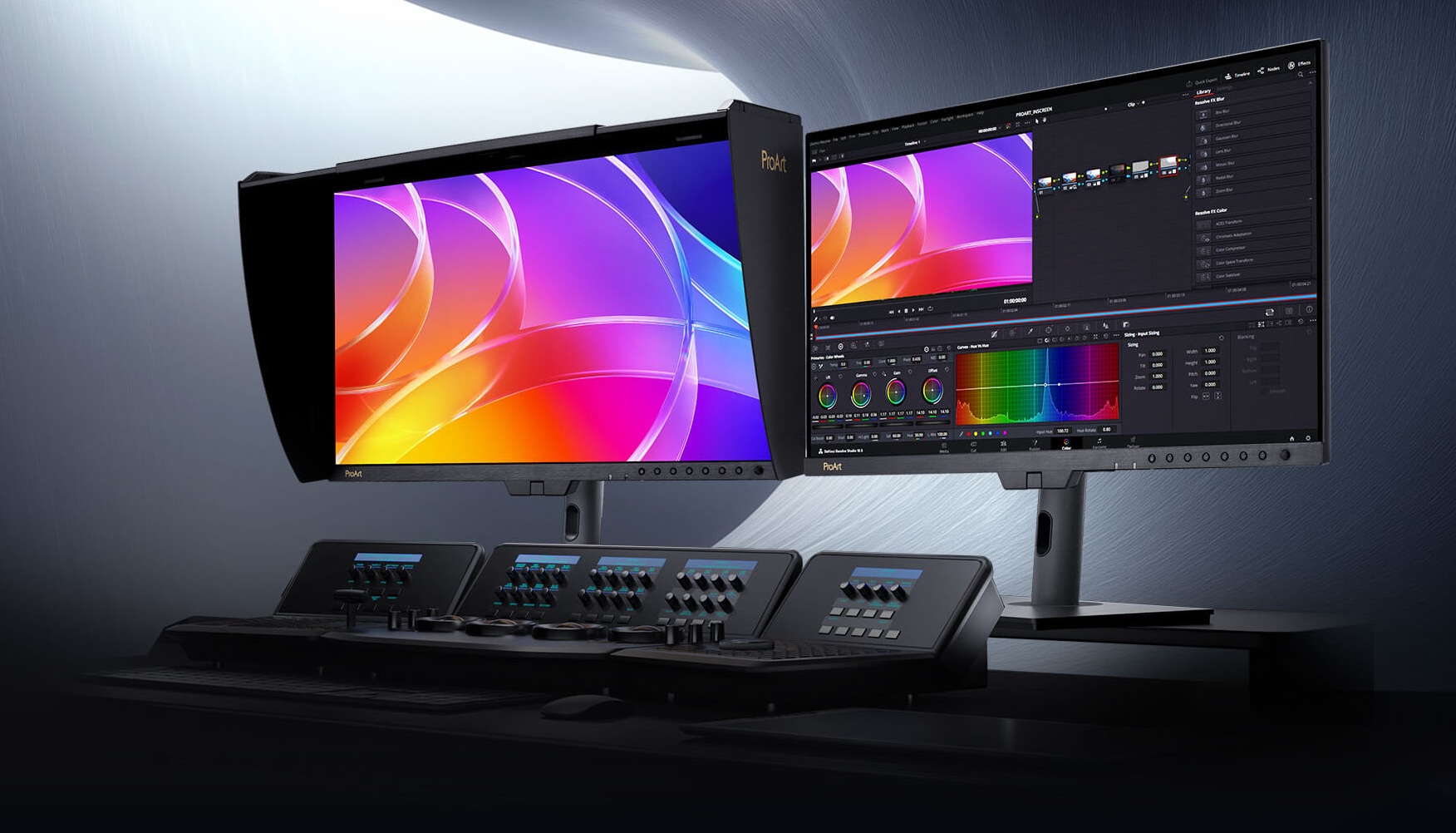
ASUS ProArt Display OLED PA32USD: Creator-Focused Specs
| Product | ASUS ProArt PA32USD |
| Display size | 31.5 inches |
| Panel type | QD-OLED |
| Resolution | 4K |
| Refresh rate | 240Hz |
| Peak brightness | 1000 nits |
| Color | True 10-bit, 99% DCI-P3 |
| Color accuracy | Delta E < 1 claim |
| Production connectivity | Dual 12G-SDI |
| Target user | Creators, editors, color-sensitive workflows |
…And something different
BenQ’s booth showed the other side of this category. The BenQ Board CP05 was interesting because it turned a large 4K display into a managed collaboration endpoint, with camera, microphones, speakers, whiteboarding, AI meeting tools, cloud login, screen sharing, NFC login, and remote management. A meeting-room screen can have a great panel and still be annoying if login is slow, audio is weak, screen sharing is unreliable, or meeting notes disappear after the call. BenQ’s direction was to treat the display as part of the room workflow, not just as a large screen on a wall.

BenQ Board CP05 and Pro Signage SL04: Key Display Ideas
| Product | Display / hardware focus | Why it matters |
| BenQ Board CP05 | 55-inch / 75-inch 4K interactive display, 450 nits, 90% NTSC / 95% DCI-P3, 50MP AI camera, 8-mic array, 90W 2.1-channel audio | Turns a display into a meeting-room or classroom endpoint, not just a big monitor |
| BenQ Pro Signage SL04 | Pantone Validated and Pantone SkinTone Validated commercial signage display, 500 nits, X-Sign Cloud CMS, 24/7 operation | Shows why signage displays should be judged by color consistency, content management, and reliability |
The BenQ Pro Signage SL04 is a good concept because in some enviroments a display may need reliable 24/7 operation, managed content delivery, portrait and landscape mounting, and predictable color behavior. That is a completely different set of priorities from a 1000Hz esports monitor, but it is still display technology doing important work.
Verdict
So, here’s what happened: Acer had the most extreme number with 1000Hz. Samsung Display pushed QD-OLED into 4K 360Hz territory. MSI made Triple Mode OLED feel like a serious idea. ROG split OLED into premium 4K gaming and pure esports. GIGABYTE showed that Mini LED still has a place when resolution, brightness, and multi-mode flexibility matter. ASUS ProArt reminded us that creators care more about accuracy and workflow than refresh-rate bragging. BenQ showed that displays are also becoming managed collaboration and signage systems, where reliability and workflow can matter more than raw panel specs.
We can’t wait to test them in our lab.
Read our COMPUTEX 2026 recap here:
The Most Interesting Laptop and PC Hardware We Saw at COMPUTEX 2026
 Author: Simeon NikolovEditor-in-Chief at LaptopMedia.com with 20+ years of experience in testing and analyzing laptops and mobile devices.

![[June 2026] Best-Selling Laptop Brands on Amazon Global – Apple’s Unrivaled Dominance in Units and Revenue](https://laptopmedia.com/wp-content/uploads/2026/07/GLOBAL-Best-Brands-400x225.jpg)
![[June 2026] Amazon Global: Top 10 Best-Selling Laptops – Apple’s New MacBook Neo Storms to #1, Reshaping the Market with Affordability](https://laptopmedia.com/wp-content/uploads/2026/07/Best-Selling-Laptops-GLOBAL-Top-10-400x225.jpg)
![[June 2026] Amazon Global: Top 10 Best-Selling Gaming Laptops – Acer’s Nitro V 16S AI Dominates Sales, While ASUS Leads Overall Revenue](https://laptopmedia.com/wp-content/uploads/2026/07/Best-Selling-Gaming-Laptops-GLOBAL-Top-10-400x225.jpg)
![[June 2026] Global Ranking of Best-Selling Laptop GPUs on Amazon – NVIDIA RTX 5060 is the Top-Selling Dedicated GPU](https://laptopmedia.com/wp-content/uploads/2026/07/Best-Selling-GPUs-GLOBAL-Top-10-400x225.jpg)
![[June 2026] Global Ranking of Best-Selling Laptop CPUs on Amazon – Apple M5 Dominates, AMD Ryzen 7 260 Gets Solid Premium Share](https://laptopmedia.com/wp-content/uploads/2026/07/Best-Selling-CPUs-GLOBAL-Top-10-400x225.jpg)
