BenQ’s Most Interesting COMPUTEX 2026 Product Wasn’t a Projector
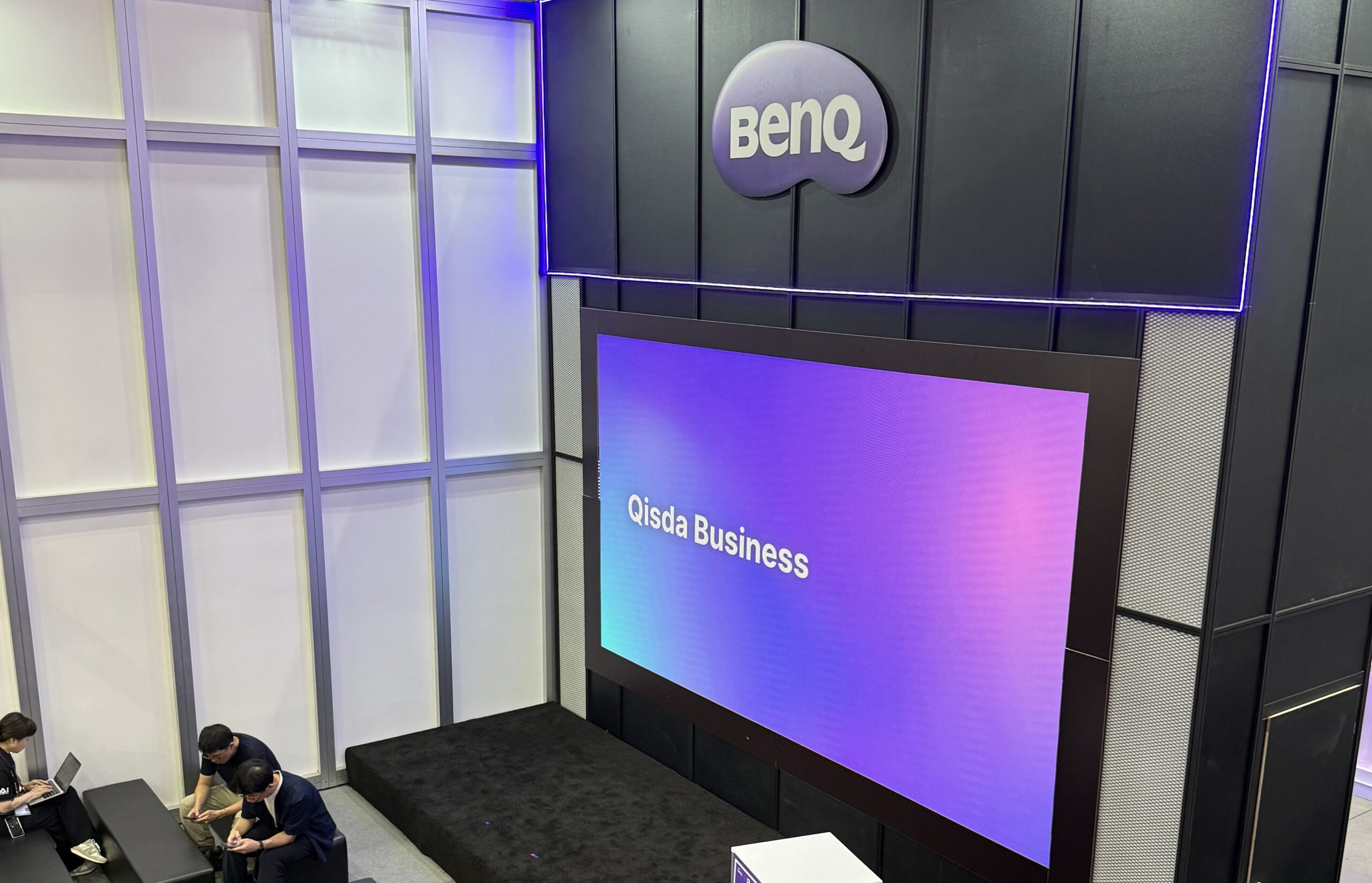 We all know BenQ as one of the most popular brands for projectors and monitors, but at COMPUTEX 2026, the company’s focus was somewhere else: complete working environments for meeting rooms, classrooms, signage, collaboration, and AI-assisted workflows.
Read our COMPUTEX 2026 recap here:
The Most Interesting Laptop and PC Hardware We Saw at COMPUTEX 2026
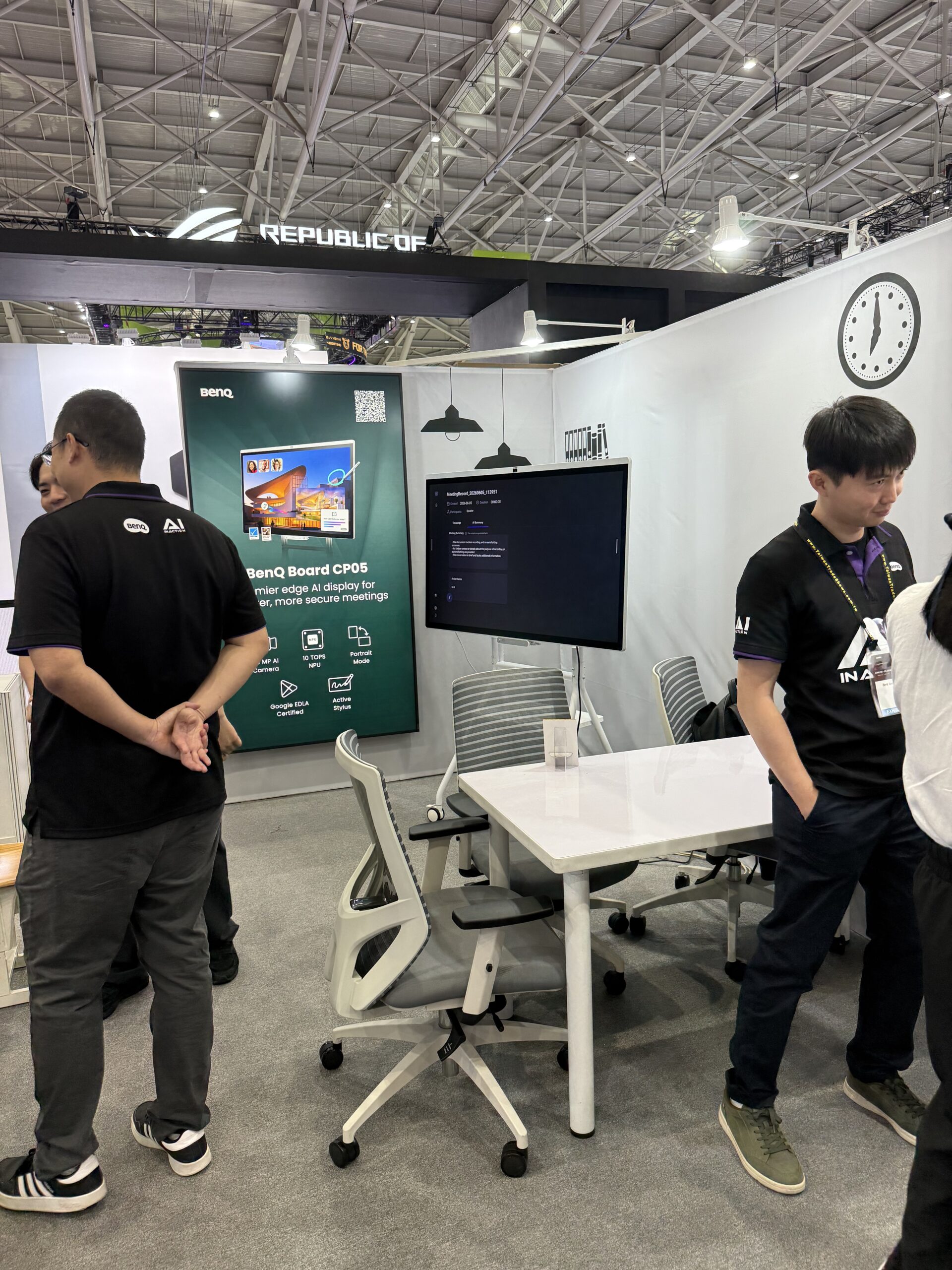
The strongest example was the BenQ Board CP05 Series, an interactive 4K display that combines screen, camera, microphones, speakers, cloud login, whiteboarding, screen sharing, and AI tools into one shared-space device.
BenQ Board CP05: the booth’s most relevant product
The CP05 is designed as a meeting-room and classroom endpoint. What’s important here is the workflow: logging in, starting a meeting, sharing content, writing on the board, summarizing discussions, and managing the device securely.

| Product | BenQ Board CP05 Series |
| Sizes | 55″ / 75″ |
| Resolution | 4K |
| SoC | MediaTek Genio 720 / G720 |
| AI performance | 10 TOPS NPU |
| Memory / Storage | 16GB RAM / 256GB ROM |
| Brightness | 450 nits |
| Color coverage | 90% NTSC / 95% DCI-P3 |
| Camera | 50MP AI camera, 160° field of view |
| Audio | 8-mic array, 90W 2.1-channel speaker system |
What makes the CP05 interesting is that BenQ is trying to solve the small problems that usually make shared displays annoying: account switching, unclear audio, messy screen sharing, lost meeting notes, and whiteboard content that disappears after the meeting.
| Feature | Why it matters |
| SummarAI | Turns meeting content into summaries and action points. |
| AI Q&A | Helps retrieve information from shared materials. |
| AI handwriting recognition / OCR | Makes whiteboard content easier to reuse and search. |
| Smart gestures | Reduces the need to touch controls during presentations. |
| InstaShare 2 AI content filtering | Adds control to wireless screen sharing. |
| NFC One-Tap Login | Makes shared meeting-room hardware easier to access securely. |
This is a more convincing use of AI than simply adding an “AI” sticker to a product. The CP05 tries to make AI part of the room itself – not a separate app that users have to manage.
Smart education: AI as a teaching assistant
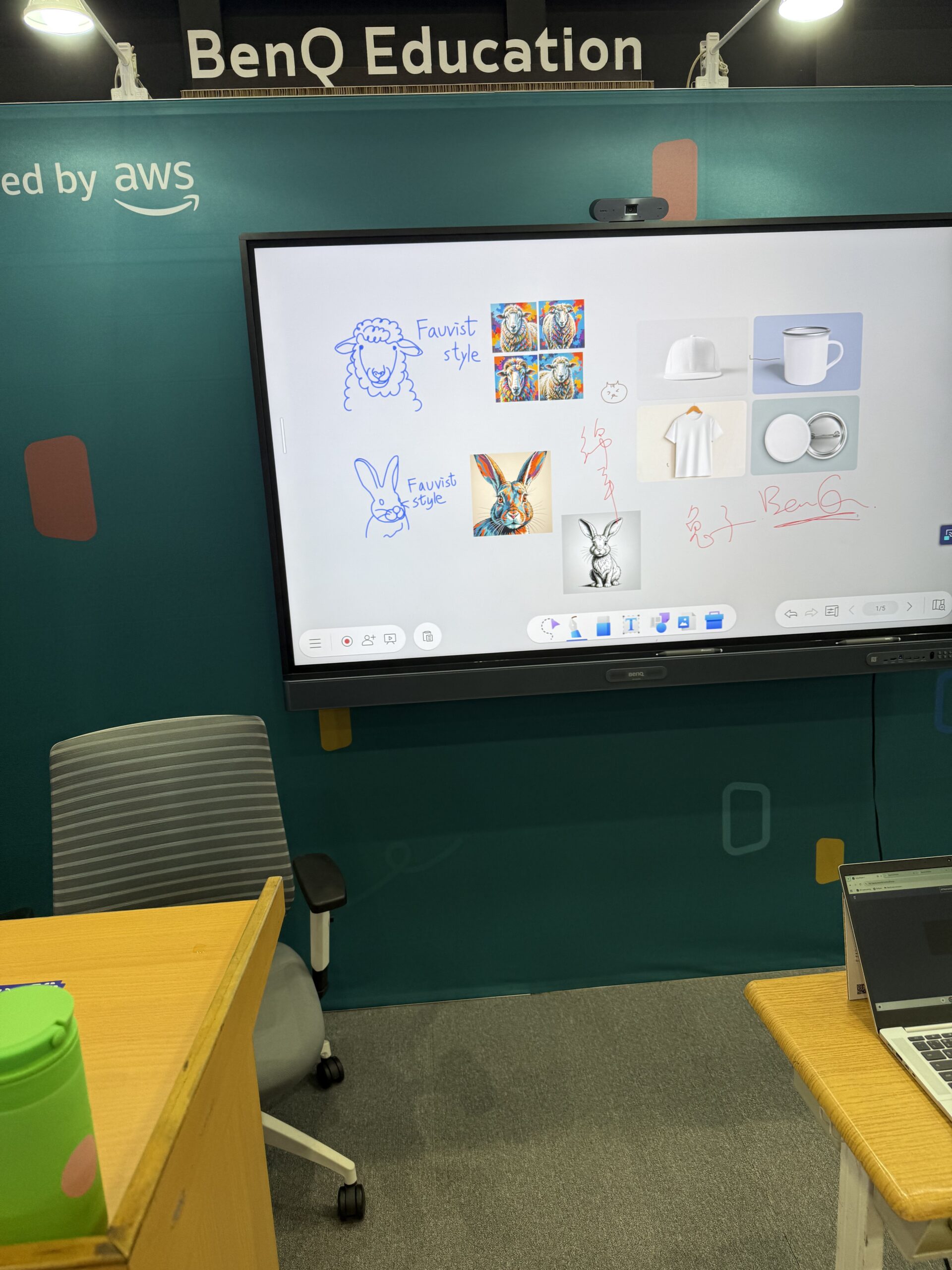
BenQ’s education area followed the same logic. The display was presented as a teaching hub, combining whiteboarding, drawing, content search, AI-assisted tools, classroom management, and environmental monitoring.
The booth material mentioned tools such as Ask AI, Lasso Search, AI Lens, and EZMath. BenQ also claims an average teaching-efficiency improvement of 20%. We would treat that as BenQ’s own scenario-based claim, not as an independent benchmark, but the direction is clear: reduce the time teachers lose switching tools, searching for content, or preparing materials.
| Education feature | Purpose |
| EZWrite 6 | Interactive whiteboard and lesson content tools. |
| AI handwriting recognition | Converts handwritten content into reusable digital material. |
| OCR / search tools | Makes classroom content easier to find and work with. |
| AMS / DMS | Account and device management for schools and organizations. |
| ClassroomCare | Air quality and classroom environment monitoring. |
| AWS integration | Cloud-based services for BenQ’s education environment. |
Smart workplace: a display built around collaboration
The workplace section showed the CP05 as part of a complete collaboration setup, not as a standalone screen. That distinction matters. A company buying this type of product needs secure login, video conferencing support, good microphones, reliable screen sharing, stylus support, cloud access, and remote management.
| Workplace focus | What it adds |
| Microsoft Teams / Zoom / Google Meet / Webex support | Compatibility with common meeting platforms. |
| 50MP AI camera | Wide-angle video capture for meeting rooms. |
| 8-mic array + 90W speaker system | Integrated audio without relying on separate devices. |
| NFC One-Tap Login | Faster access for shared users. |
| Cloud access | Easier access to personal and team materials. |
| Remote management | Useful for IT teams managing multiple rooms or classrooms. |
This is why the CP05 was the most relevant device at BenQ’s booth. It shows how large displays are becoming managed collaboration endpoints, not just oversized monitors.
Pro Signage SL04: color consistency for commercial spaces
BenQ also showed the Pantone Validated Pro Signage SL04. It was a quieter product compared to the AI meeting and education demos, but it fits BenQ’s broader display identity: specialized screens for specific environments.
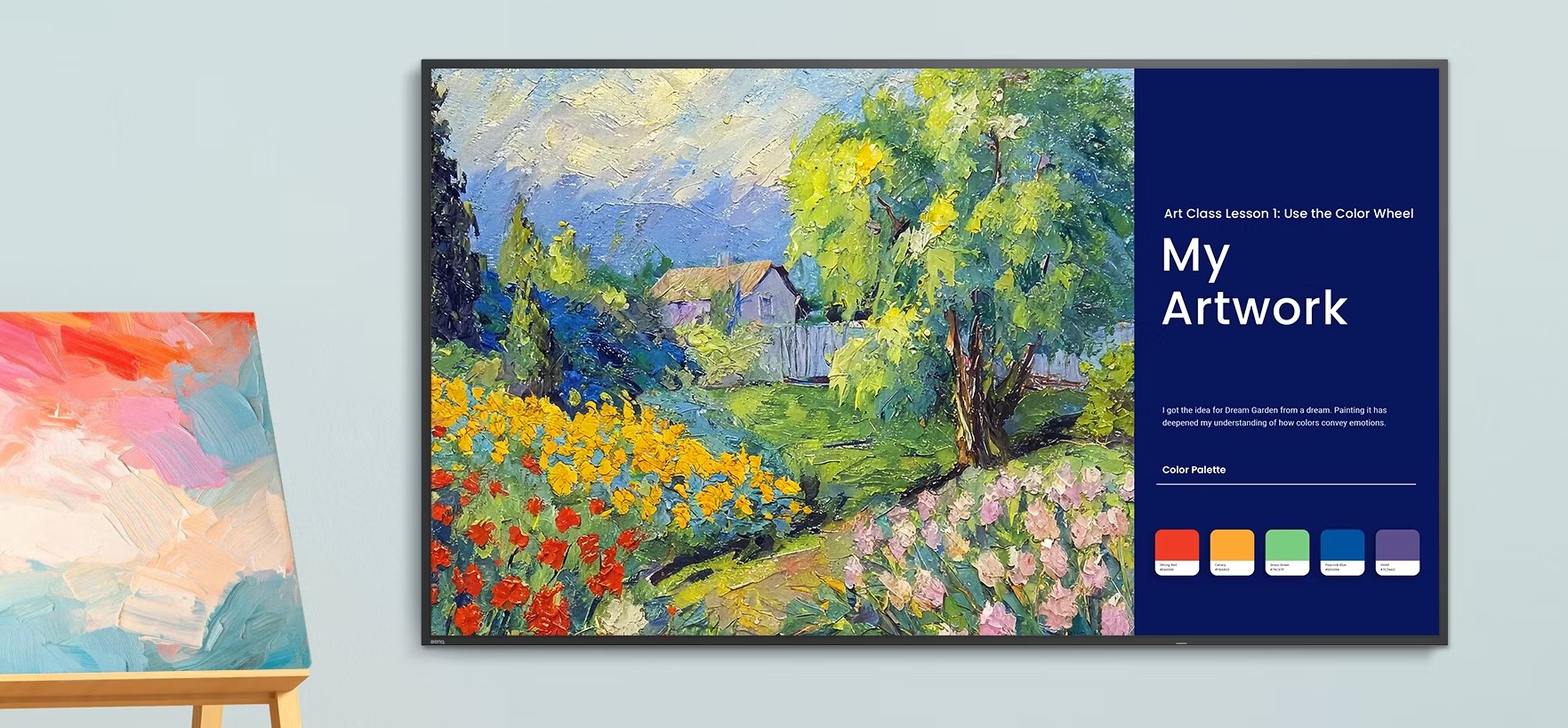
| Product | BenQ Pro Signage SL04 |
| Validation | Pantone Validated and Pantone SkinTone Validated |
| Certification | Google EDLA certified |
| Brightness | 500 nits |
| Color modes | Pantone / M-Book / High Detail / Sketch / Cinema |
| CMS | X-Sign Cloud CMS |
| Operation | 24/7 operation, portrait and landscape mounting |
This is not a consumer monitor, but the idea is relevant: a signage display should not be judged like a gaming monitor or a creator screen. For commercial use, color consistency, content management, reliability, and long operating hours can matter more than flashy headline specs.
Our takeaway
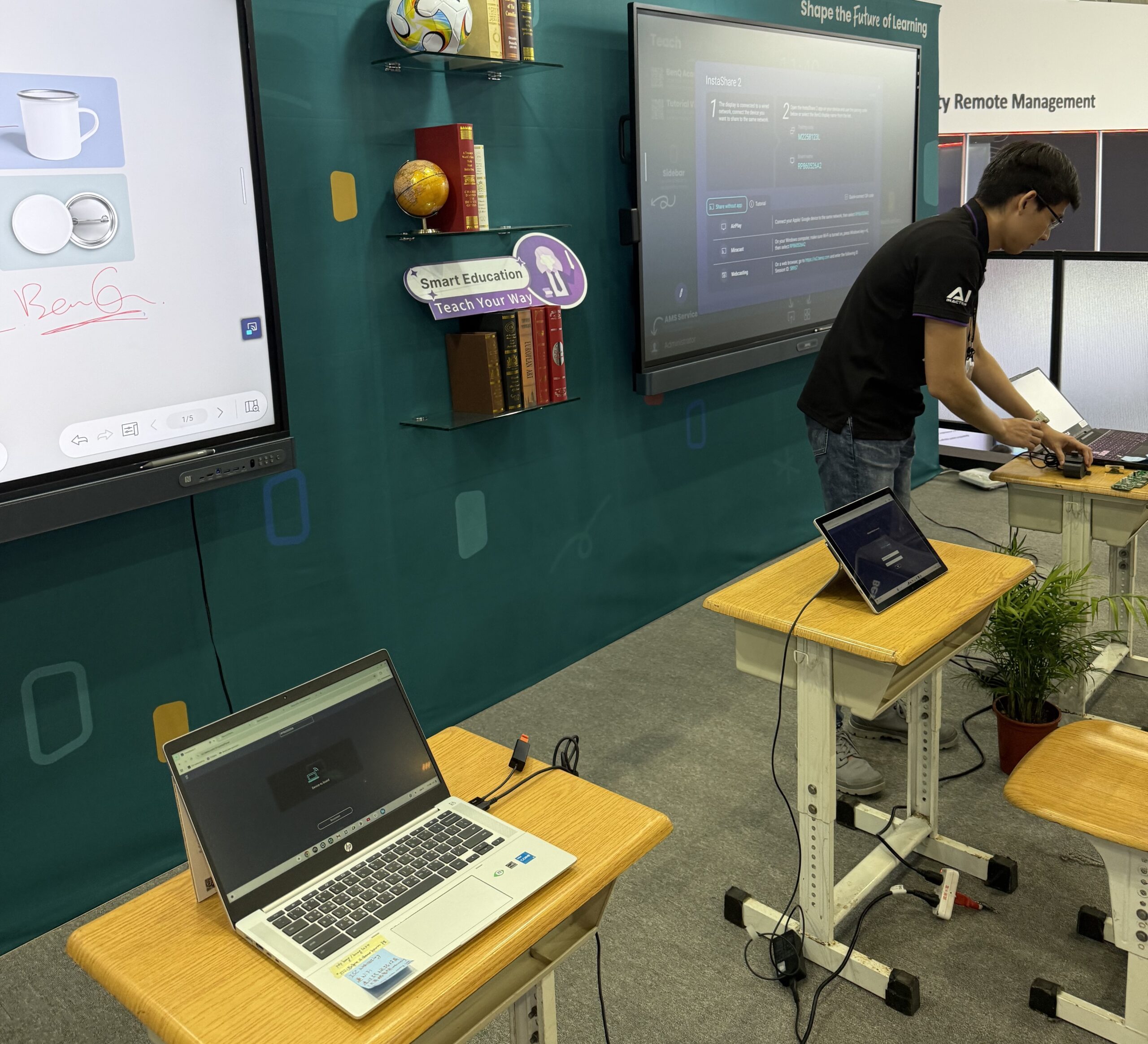
BenQ did not have the loudest booth at COMPUTEX 2026, but it had a clear message. The company is moving beyond individual monitors and projectors toward visual systems built for specific environments.
The CP05 was the best example: a 4K interactive display with camera, microphones, speakers, AI tools, NFC login, cloud access, whiteboarding, meeting support, and management features. That is a much more practical AI story than another generic productivity demo.
Read our COMPUTEX 2026 recap here:
The Most Interesting Laptop and PC Hardware We Saw at COMPUTEX 2026
 Author: Simeon NikolovEditor-in-Chief at LaptopMedia.com with 20+ years of experience in testing and analyzing laptops and mobile devices.

![[August 2026] Best-Selling Laptop Brands on Amazon Japan – Apple Dominates Market Share and Revenue Led by Strong Unit Sales](https://laptopmedia.com/wp-content/uploads/2026/09/CO.JP-Best-Brands-1-400x225.jpg)
![[August 2026] Best-Selling Laptop Brands on Amazon USA – Apple Dominates Market Revenue and Volume Despite Lower Model Diversity](https://laptopmedia.com/wp-content/uploads/2026/09/COM-Best-Brands-1-400x225.jpg)
![[August 2026] Amazon Germany: Top 8 Best-Selling Gaming Laptops – Acer Dominates the Market as the Premium Nitro V 17 AI Takes the #1 Spot](https://laptopmedia.com/wp-content/uploads/2026/09/Best-Selling-Gaming-Laptops-DE-Top-10-1-400x225.jpg)
![[August 2026] Best-Selling Laptop Brands on Amazon France – Apple Dominates Revenue Despite Lenovo and HP Leading in Catalog Breadth and Volume](https://laptopmedia.com/wp-content/uploads/2026/09/FR-Best-Brands-1-400x225.jpg)
![[August 2026] Amazon Italy: Top 10 Best-Selling Laptops – Apple MacBook Neo Claims the Crown as Budget and Mid-Range Windows Machines Dominate Volume](https://laptopmedia.com/wp-content/uploads/2026/09/Best-Selling-Laptops-IT-Top-10-400x225.jpg)

The key question is how easy it is for normal teachers or office workers to use it without IT help every time.
I hope you test the MSI OLED monitors for text clarity and PWM.