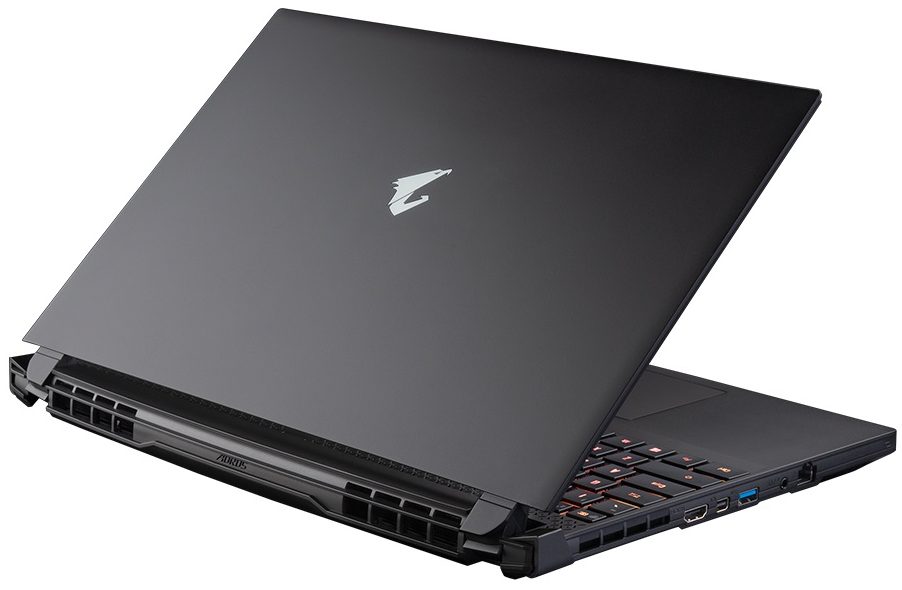
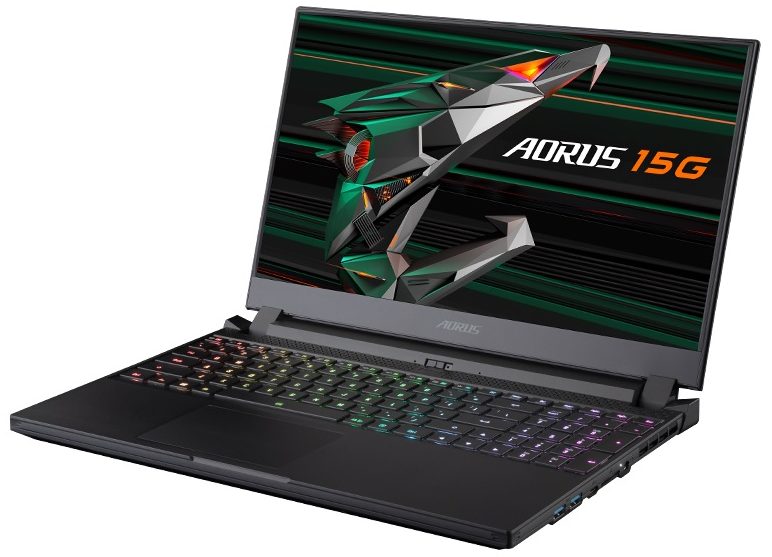
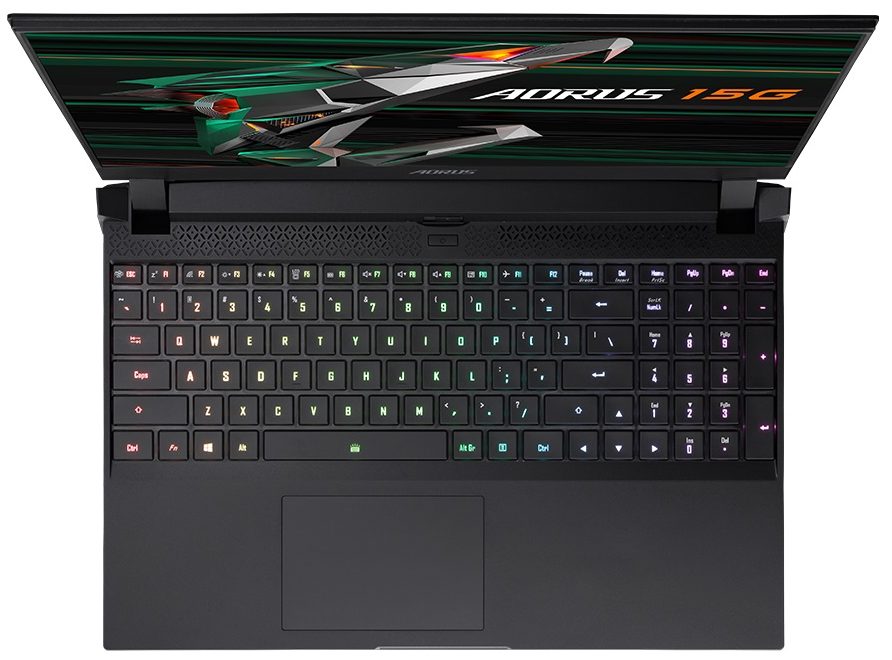
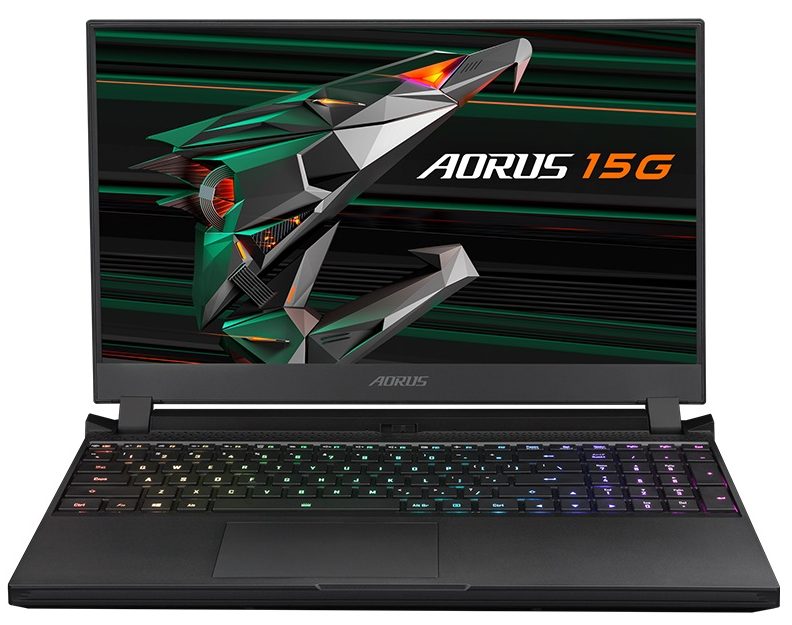
- Date Published: 26 Apr 2021
- Intel Core i7-10870H
- NVIDIA GeForce RTX 3070 (Laptop, 105W)
- 15.6”, Full HD (1920 x 1080), 240 Hz, IPS
- 2000GB SSD
- 32GB DDR4
- 2.00 kg (4.4 lbs)
Review
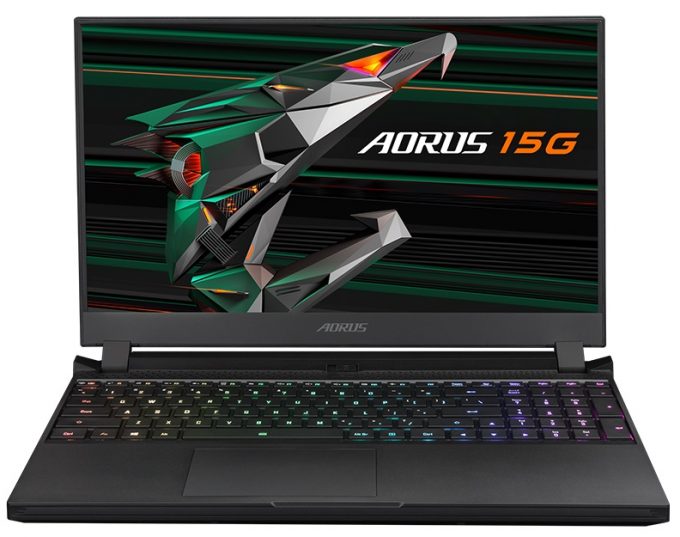
AORUS 15G in-depth review
Today, we say. Hello to the AORUS 15G from GIGABYTE. This is a brand highly associated with gaming, so we feel that the expectations are already set high. Obviously, if you want to be competitive, you need the best in terms of hardware. And while GIGABYTE provides you with the latest from NVIDIA in the form of the RTX 3060, RTX 3070, and RTX 3080, we were surprised to see that the processor of choice is the Core i7-10870H. Yep, there is only one option. Although it is slower in computational workloads compared to the Zen 3 and Tiger Lake H45 architectures, it is still a very good gaming CPU.So, the feature list doesn't stop here. You get a 240Hz refresh rate display by default and a 72% NTSC color coverage (this roughly translates to a full sRGB coverage). Also, the addition of the RT[...]
Read the full review
Pros
- 99% sRGB coverage and brilliant color accuracy
- Good performance
- Decent battery life
- Per-key RGB backlight
- 240Hz refresh rate with super-fast pixel response time
- SD card slot and generally wide I/O
- HD camera with a privacy shutter
- 2x RAM SODIMM slots + 2x M.2 storage slots
Cons
- Plastic body
- Horrid battery life
- No Thunderbolt connection
Disassembly, maintenance and upgrade options
Well, the AORUS 15G had its downsides but upgradability is definitely not one of them.Check out all GIGABYTE AORUS 15G (RTX 30) prices and configurations in our Specs System or read more in our In-Depth review.1. Remove the bottom plate To get inside of this device, you need to undo 12 Torx-head screws. Then, pry the bottom panel starting from the front side.2. Battery Here, we see a huge 99Wh battery pack.3. Мemory and storage Its two SODIMM slots support up to 64GB of dual-channel memory in total. Storage-wise, there are two M.2 slots. One of them fits only PCIe [...]
Read more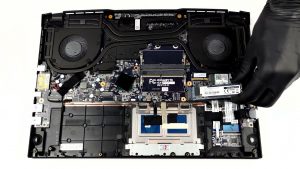
DISPLAY: 15.6-inch, 1920 x 1080, IPS
- Name
- Sharp LQ156M1JW26 (SHP1532)
- Diagonal
- 15.6"
- Pixel density
- 141.21 ppi
- Brightness
- 310 cd/m2
- sRGB
- 99%
- Panel Type
- IPS
- Resolution
- 1920 x 1080
- Becomes "Retina" from
- 24 inches (62 cm)
- Contrast
- 1120:1
- dE Color Checker
- 0.8 0.5

Buy our profiles for Sharp LQ156M1JW26 (SHP1532)
In addition to receiving efficient and health-friendly profiles, by buying LaptopMedia's products you also support the development of our labs, where we test devices in order to produce the most objective reviews possible.

Office Work
Office Work should be used mostly by users who spend most of the time looking at pieces of text, tables or just surfing. This profile aims to deliver better distinctness and clarity by keeping a flat gamma curve (2.20), native color temperature and perceptually accurate colors.

Design and Gaming
This profile is aimed at designers who work with colors professionally, and for games and movies as well. Design and Gaming takes display panels to their limits, making them as accurate as possible in the sRGB IEC61966-2-1 standard for Web and HDTV, at white point D65.

Health-Guard
Health-Guard eliminates the harmful Pulse-Width Modulation (PWM) and reduces the negative Blue Light which affects our eyes and body. Since it’s custom tailored for every panel, it manages to keep the colors perceptually accurate. Health-Guard simulates paper so the pressure on the eyes is greatly reduced.



![[June 2026] Best-Selling Laptop Brands on Amazon Global – Apple’s Unrivaled Dominance in Units and Revenue](https://laptopmedia.com/wp-content/uploads/2026/07/GLOBAL-Best-Brands-400x225.jpg)
![[June 2026] Amazon Global: Top 10 Best-Selling Laptops – Apple’s New MacBook Neo Storms to #1, Reshaping the Market with Affordability](https://laptopmedia.com/wp-content/uploads/2026/07/Best-Selling-Laptops-GLOBAL-Top-10-400x225.jpg)
![[June 2026] Amazon Global: Top 10 Best-Selling Gaming Laptops – Acer’s Nitro V 16S AI Dominates Sales, While ASUS Leads Overall Revenue](https://laptopmedia.com/wp-content/uploads/2026/07/Best-Selling-Gaming-Laptops-GLOBAL-Top-10-400x225.jpg)
![[June 2026] Global Ranking of Best-Selling Laptop GPUs on Amazon – NVIDIA RTX 5060 is the Top-Selling Dedicated GPU](https://laptopmedia.com/wp-content/uploads/2026/07/Best-Selling-GPUs-GLOBAL-Top-10-400x225.jpg)
![[June 2026] Global Ranking of Best-Selling Laptop CPUs on Amazon – Apple M5 Dominates, AMD Ryzen 7 260 Gets Solid Premium Share](https://laptopmedia.com/wp-content/uploads/2026/07/Best-Selling-CPUs-GLOBAL-Top-10-400x225.jpg)
