ASUS ExpertBook B1/L1


- Date Published: 25 Apr 2025
- Intel Core i5-1135G7
- Intel Iris Xe Graphics G7 (80EU)
- 14.0”, Full HD (1920 x 1080), TN
- 1000GB SSD
- 32GB RAM
- 1.45 kg (3.2 lbs)
Specs
- Display

- HDD/SSD
- 1000GB SSD
- M.2 Slot
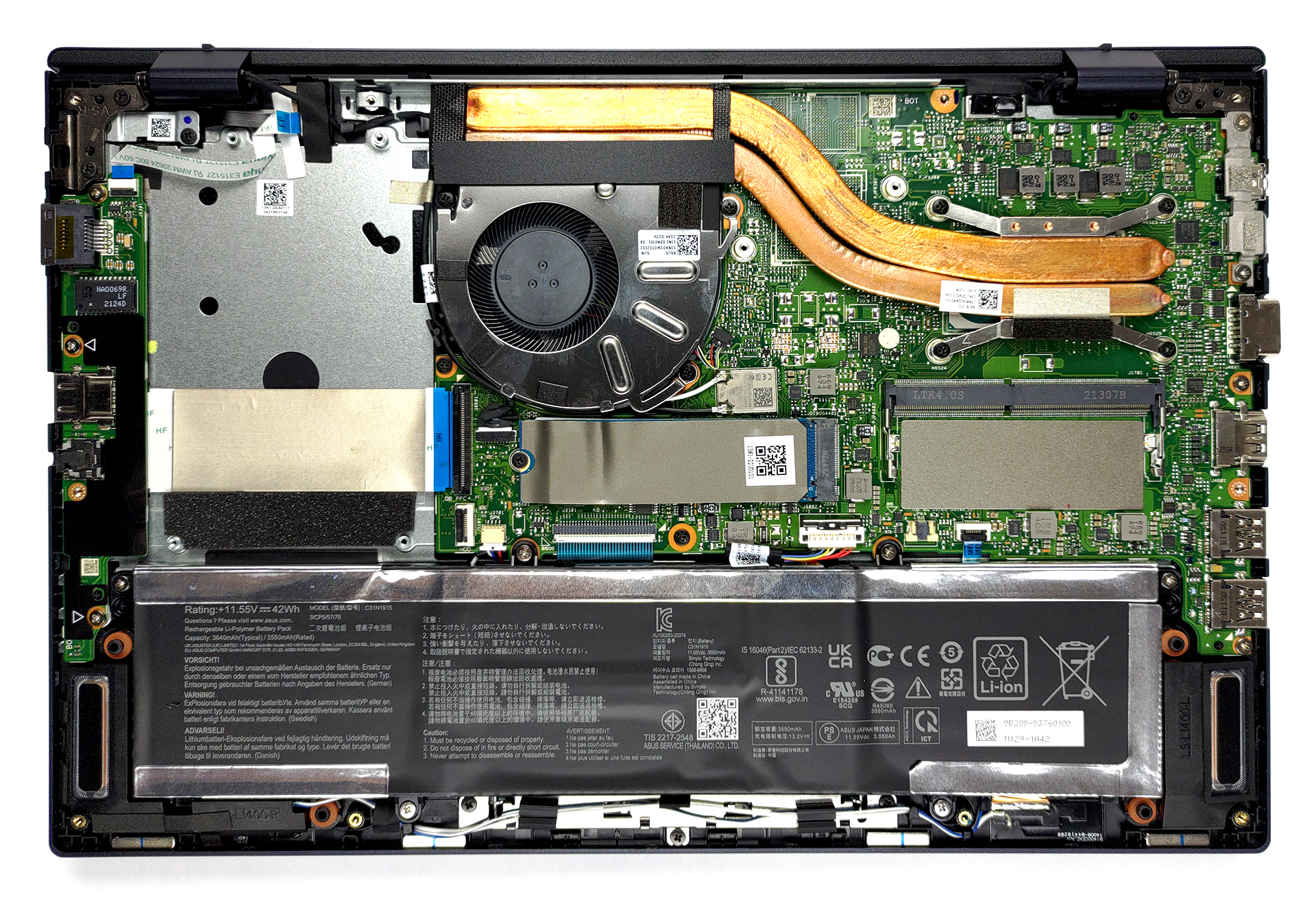
- 1x 2280 M.2 NVMe slot See photo
- RAM
- 32GB RAM
- OS
- Windows 10 Pro
- Body Material
- Plastic / Polycarbonate, Aluminum
- Dimensions
- 323.4 x 215.6 x 19.2 mm (12.73" x 8.49" x 0.76")
- Weight
- 1.45 kg (3.2 lbs)
- Ports and connectivity
- 1x USB Type-A
- 2.0
- 2x USB Type-A
- 3.2 Gen 2 (10 Gbps)
- 1x USB Type-C
- 3.2 Gen 2 (10 Gbps), Thunderbolt 4, Power Delivery (PD), DisplayPort
- HDMI
- 1.4
- Card Reader
- MicroSD
- Ethernet LAN
- 10/100/1000 Mbit/s
- Wi-Fi
- 802.11ax
- Bluetooth
- 5.0
- Audio jack
- 3.5 mm Combo Jack
- Features
- Fingerprint reader
- Web camera
- HD with Privacy Shutter
- Backlit keyboard
- Microphone
- Array microphone with Cortana voice-recognition support
- Speakers
- Security Lock slot
- Kensington Lock
- US MIL-STD 810H military-grade standard
Portability
Review
ASUS ExpertBook B1/L1 in-depth review
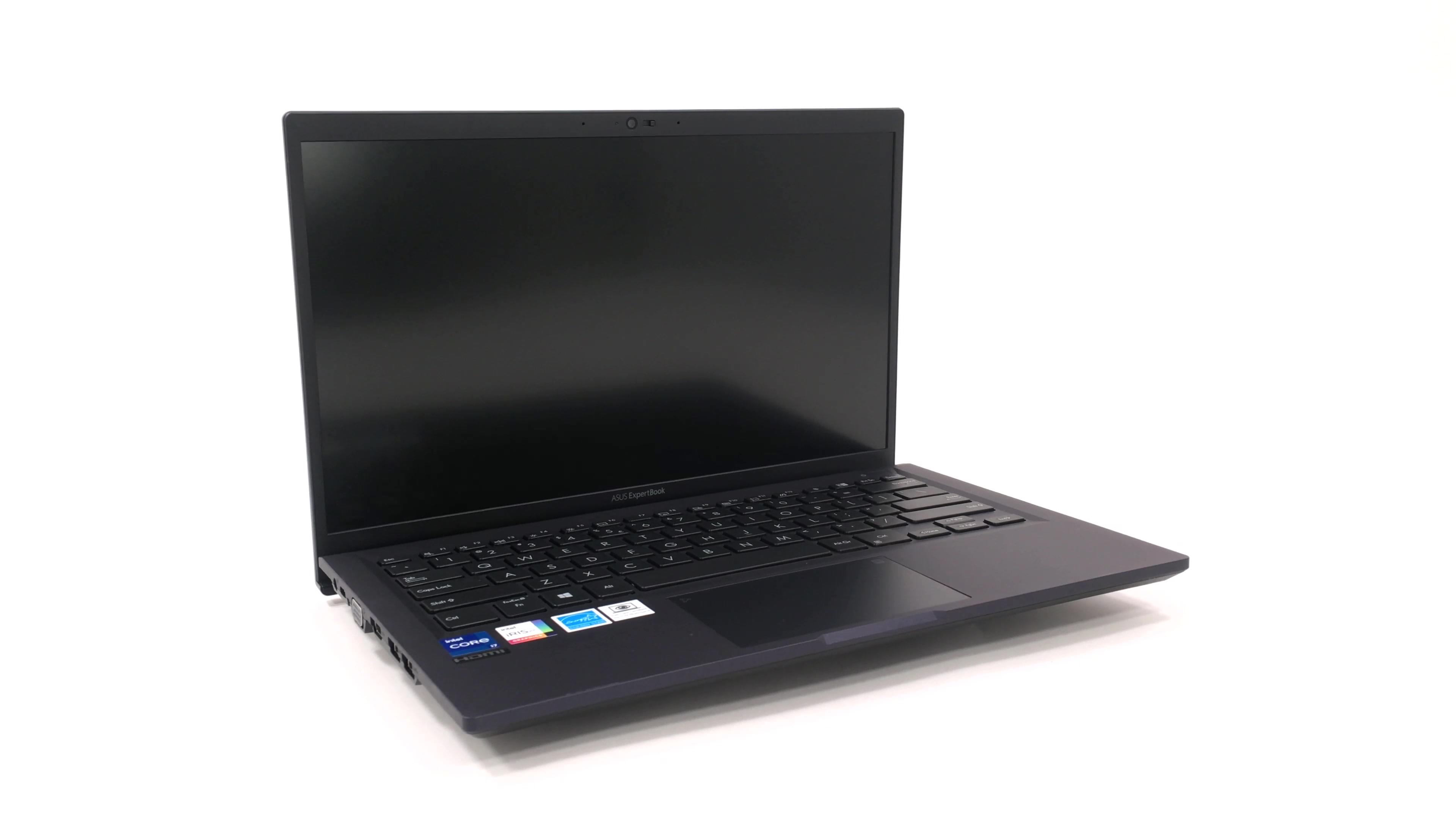
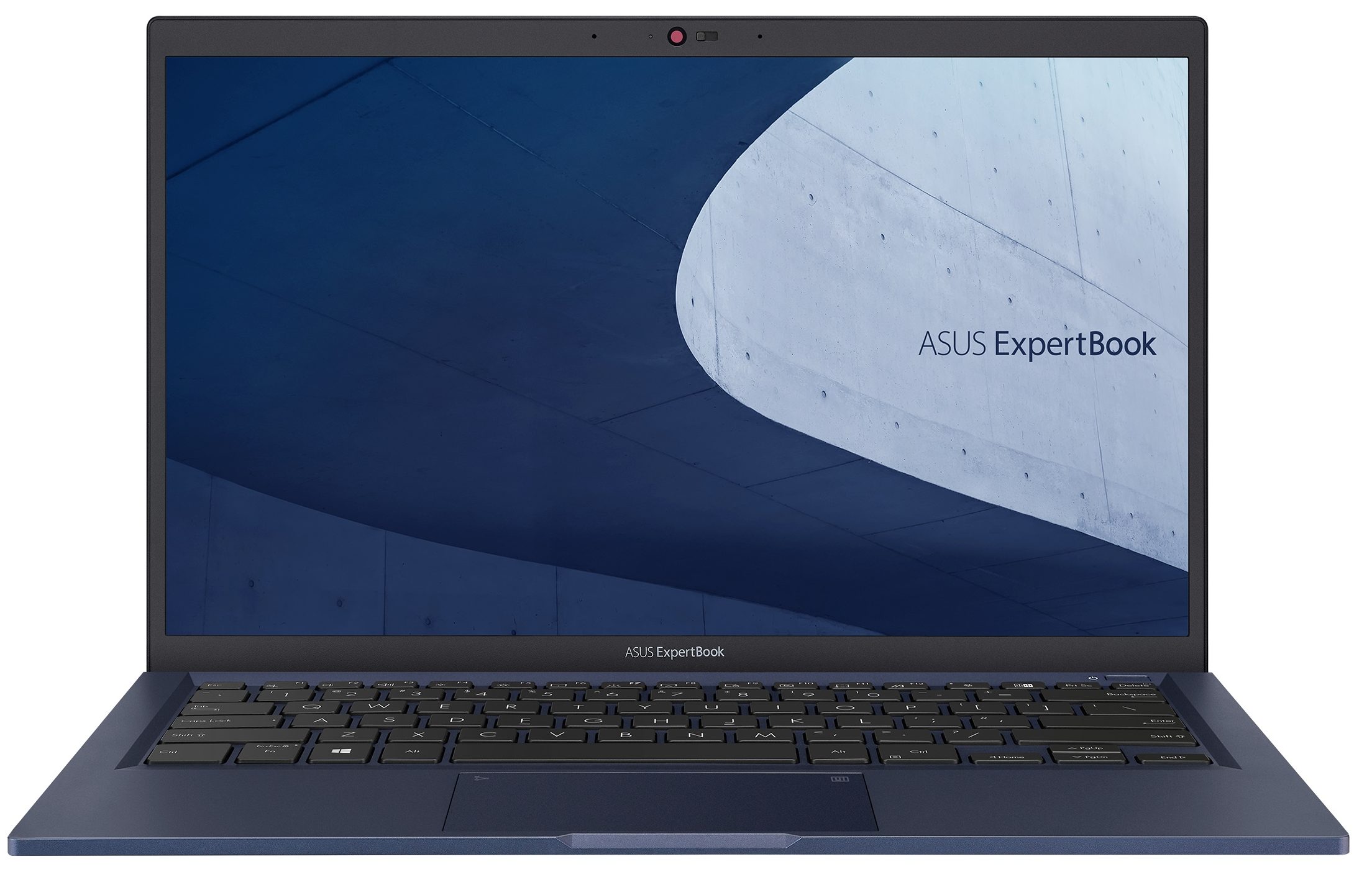
When we think of ASUS, ROG's gaming lineup is the first thing that comes to mind. Or perhaps one of the innovation champions of the past - the ZenBook? Well, today we have something different. Say hello to the ASUS ExpertBook B1 B1400. This is a 14-inch device designed for business computing.It is equipped with processors, coming from the Tiger Lake-U architecture of Intel. Ultimately, this provides you with decent computational performance, as well as the best integrated graphics solutions. And if you need extra power in the face of some CUDA cores and dedicated graphics memory, you can pair the laptop with the GeForce MX330.Another key feature of this device is the noise cancellation capabilities, buried in the MyASUS app. In addition to that, it allows you to pick from several [...]
Read the full review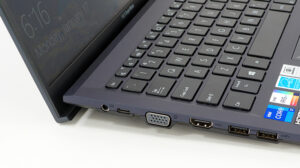
Pros
- Capable cooling and decent performance
- Privacy shutter + Fingerprint reader
- Thunderbolt 4
- No aggressive PWM (Innolux N140HGA-EA1 (CMN14E5))
- Abundance of ports
- Decent upgrade options
- NumberPad 2.0 + ErgoLift hinge + Noise cancellation
Cons
- Bendy body
- Narrow viewing angles (Innolux N140HGA-EA1 (CMN14E5))
- 53% of sRGB coverage (Innolux N140HGA-EA1 (CMN14E5))
Disassembly, maintenance and upgrade options
It's good to see that business laptops still have you covered in terms of future upgrades.Check out all ASUS ExpertBook B1 B1400 prices and configurations in our Specs System or read more in our In-Depth review.1. Remove the bottom plate To take this laptop apart, you need to undo 10 Phillips-head screws. After that, pry the bottom panel with a plastic tool. Then, you can lift it away from the chassis.2. Battery Inside, we see a 42Wh battery pack. If you need to remove the battery, first you need to unplug the connector from the motherboard. Then, undo all 6 Phillips-head[...]
Read more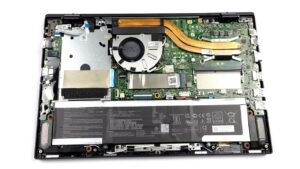


![[June 2026] Best-Selling Laptop Brands on Amazon Global – Apple’s Unrivaled Dominance in Units and Revenue](https://laptopmedia.com/wp-content/uploads/2026/07/GLOBAL-Best-Brands-400x225.jpg)
![[June 2026] Amazon Global: Top 10 Best-Selling Laptops – Apple’s New MacBook Neo Storms to #1, Reshaping the Market with Affordability](https://laptopmedia.com/wp-content/uploads/2026/07/Best-Selling-Laptops-GLOBAL-Top-10-400x225.jpg)
![[June 2026] Amazon Global: Top 10 Best-Selling Gaming Laptops – Acer’s Nitro V 16S AI Dominates Sales, While ASUS Leads Overall Revenue](https://laptopmedia.com/wp-content/uploads/2026/07/Best-Selling-Gaming-Laptops-GLOBAL-Top-10-400x225.jpg)
![[June 2026] Global Ranking of Best-Selling Laptop GPUs on Amazon – NVIDIA RTX 5060 is the Top-Selling Dedicated GPU](https://laptopmedia.com/wp-content/uploads/2026/07/Best-Selling-GPUs-GLOBAL-Top-10-400x225.jpg)
![[June 2026] Global Ranking of Best-Selling Laptop CPUs on Amazon – Apple M5 Dominates, AMD Ryzen 7 260 Gets Solid Premium Share](https://laptopmedia.com/wp-content/uploads/2026/07/Best-Selling-CPUs-GLOBAL-Top-10-400x225.jpg)