ASUS ExpertBook B5


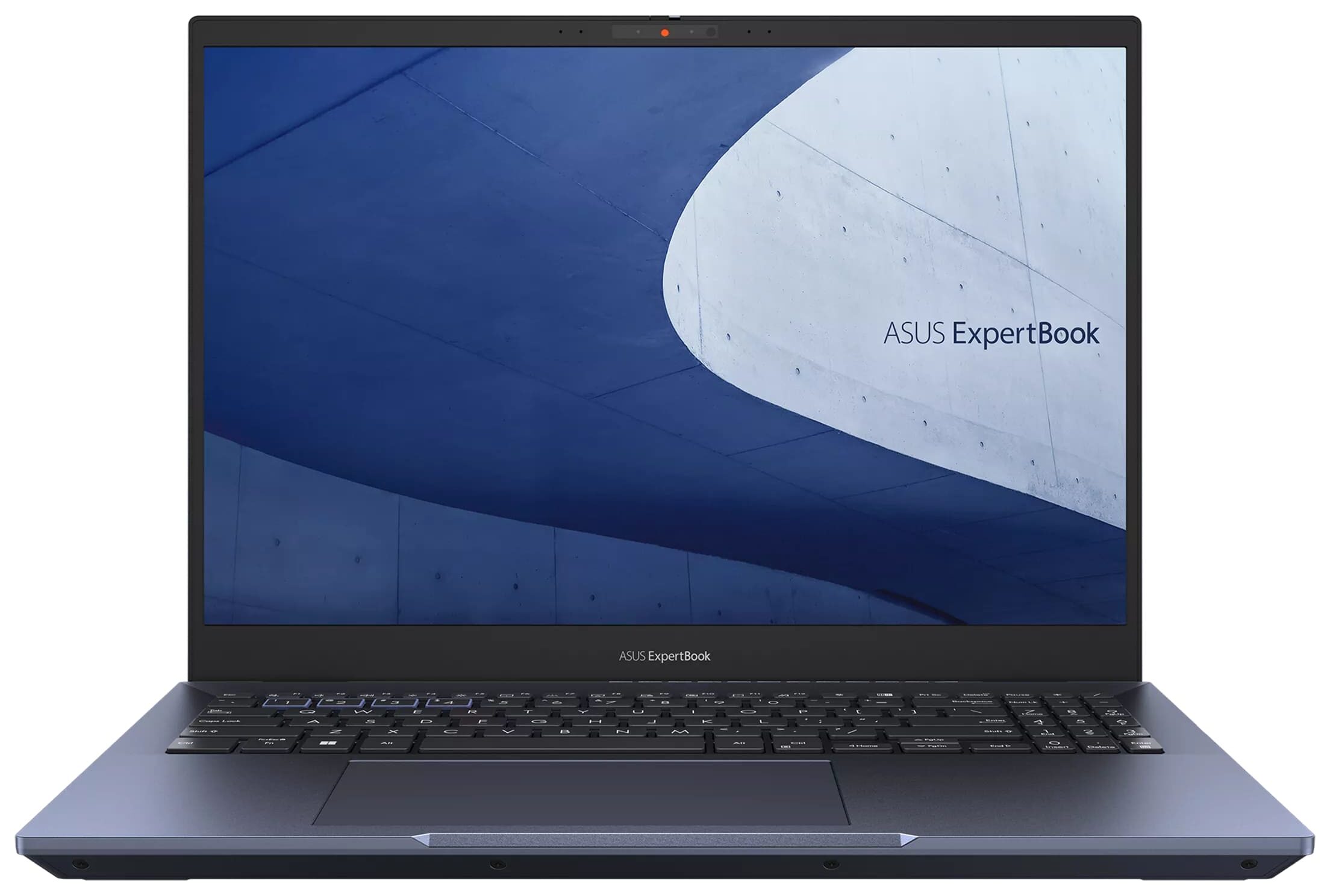
- Date Published: 15 Aug 2024
- Intel Core i5-1240P
- Intel Iris Xe Graphics G7 (80EU)
- 16.0”, WQUXGA (3840 x 2400), OLED
- 256GB SSD
- 8GB RAM
- 1.40 kg (3.1 lbs)

Specs

- HDD/SSD
- 256GB SSD
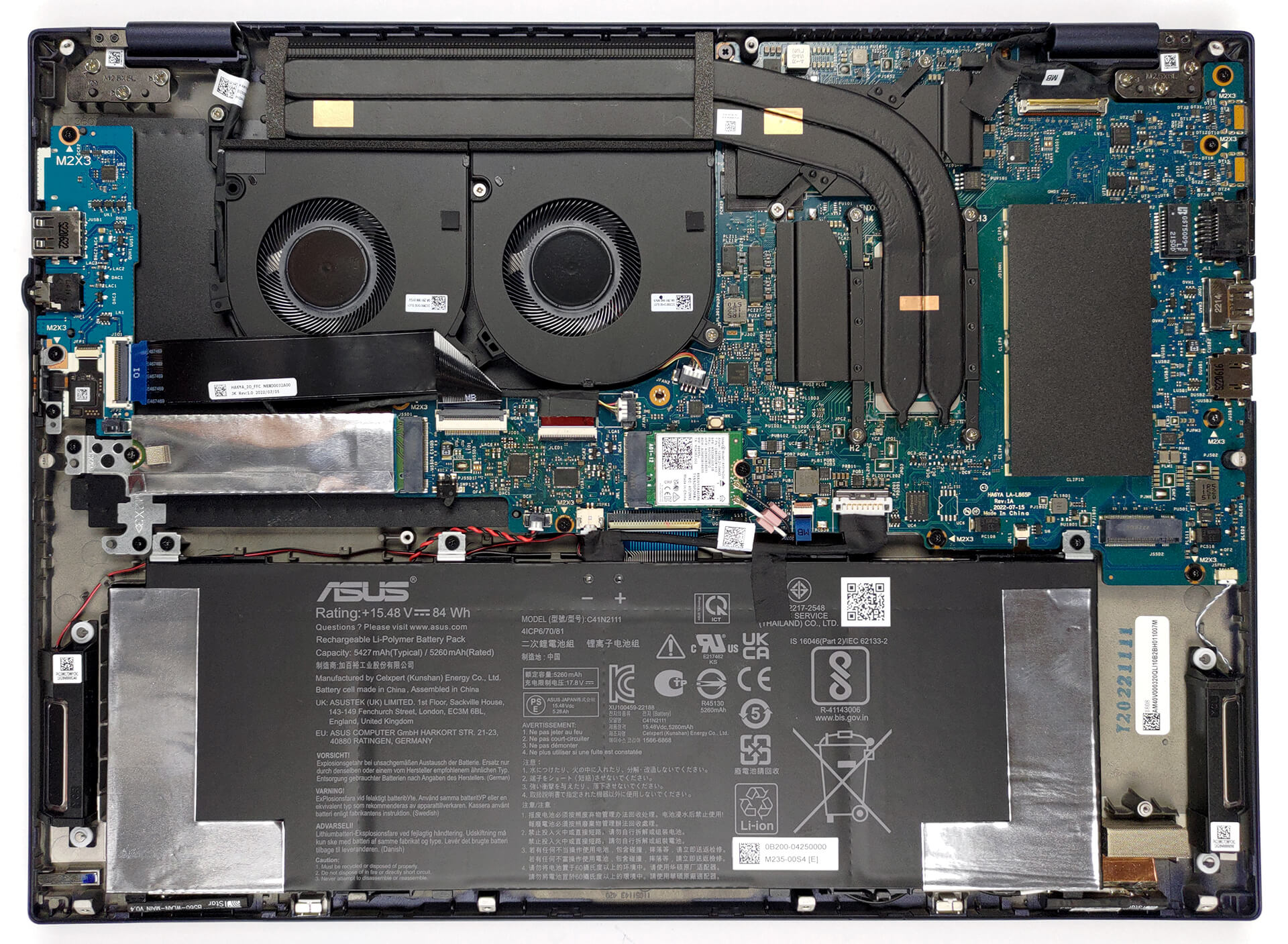
- M.2 Slot
- 2x 2280 PCIe NVMe 4.0 x4 See photo
- RAM
- 8GB RAM
- OS
- Windows 11 Home
- Dimensions
- 358.2 x 261.2 x19.9 mm (14.10" x 10.28" x 0.78")
- Weight
- 1.40 kg (3.1 lbs)
- Ports and connectivity
- 1x USB Type-A
- 2.0
- 1x USB Type-A
- 3.2 Gen 2 (10 Gbps)
- 2x USB Type-C
- Thunderbolt 4, Power Delivery (PD), DisplayPort
- HDMI
- 2.0b
- Card Reader
- microSD
- Ethernet LAN
- 10, 100, 1000 Mbit/s
- Wi-Fi
- 802.11ax
- Bluetooth
- 5.1
- Audio jack
- 3.5mm Combo Jack
- Features
- Fingerprint reader
- Web camera
- HD / FHD with IR fuction, with privacy shutter, support for Windows Hello
- Microphone
- Array Microphone with Cortana Support
- Speakers
- Stereo Speakers, Smart Amp Technology, Dolby Atmos
- Optical drive
- Security Lock slot
- Kensington Lock
Portability
Review
ASUS ExpertBook B5 in-depth review
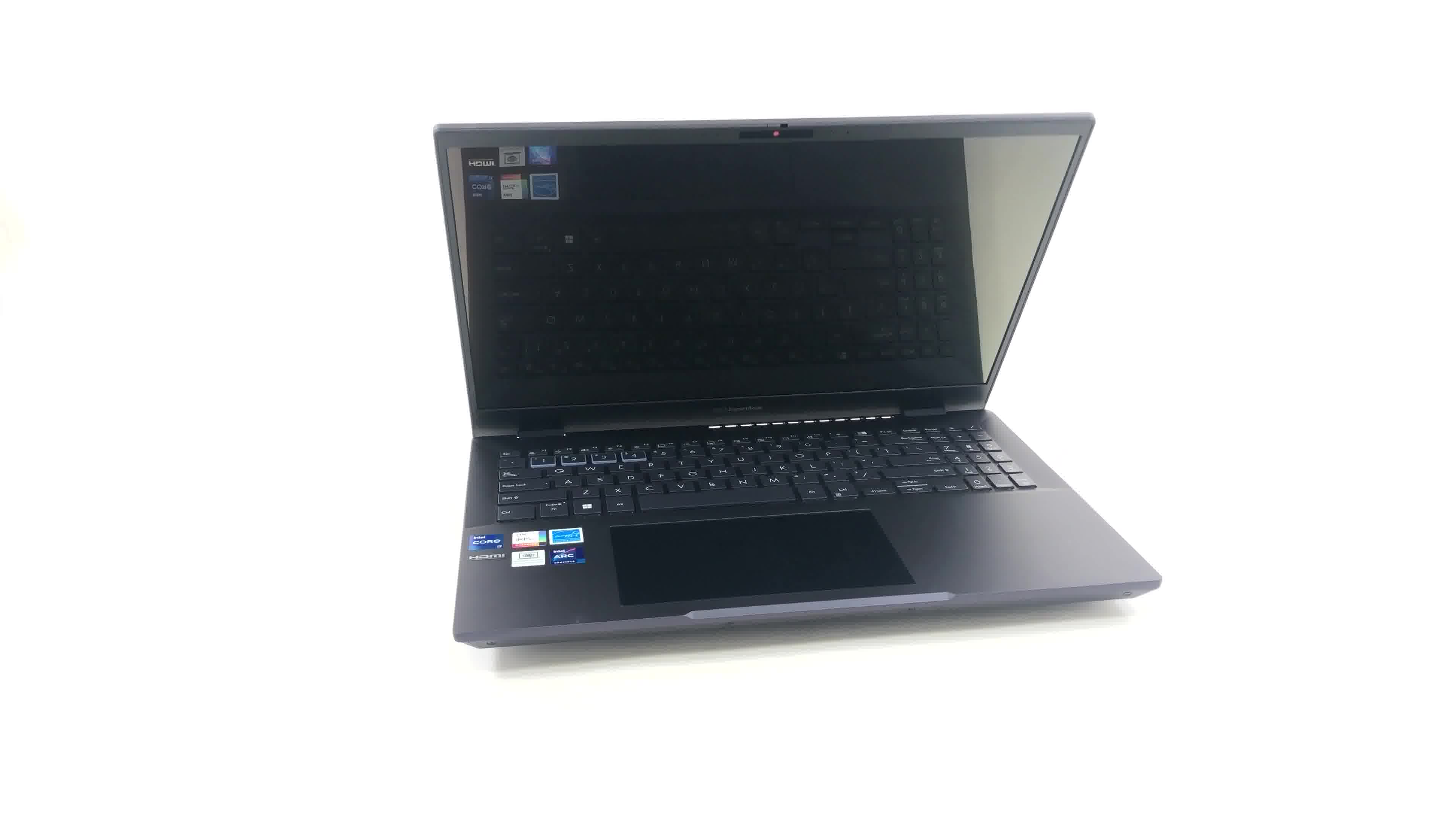
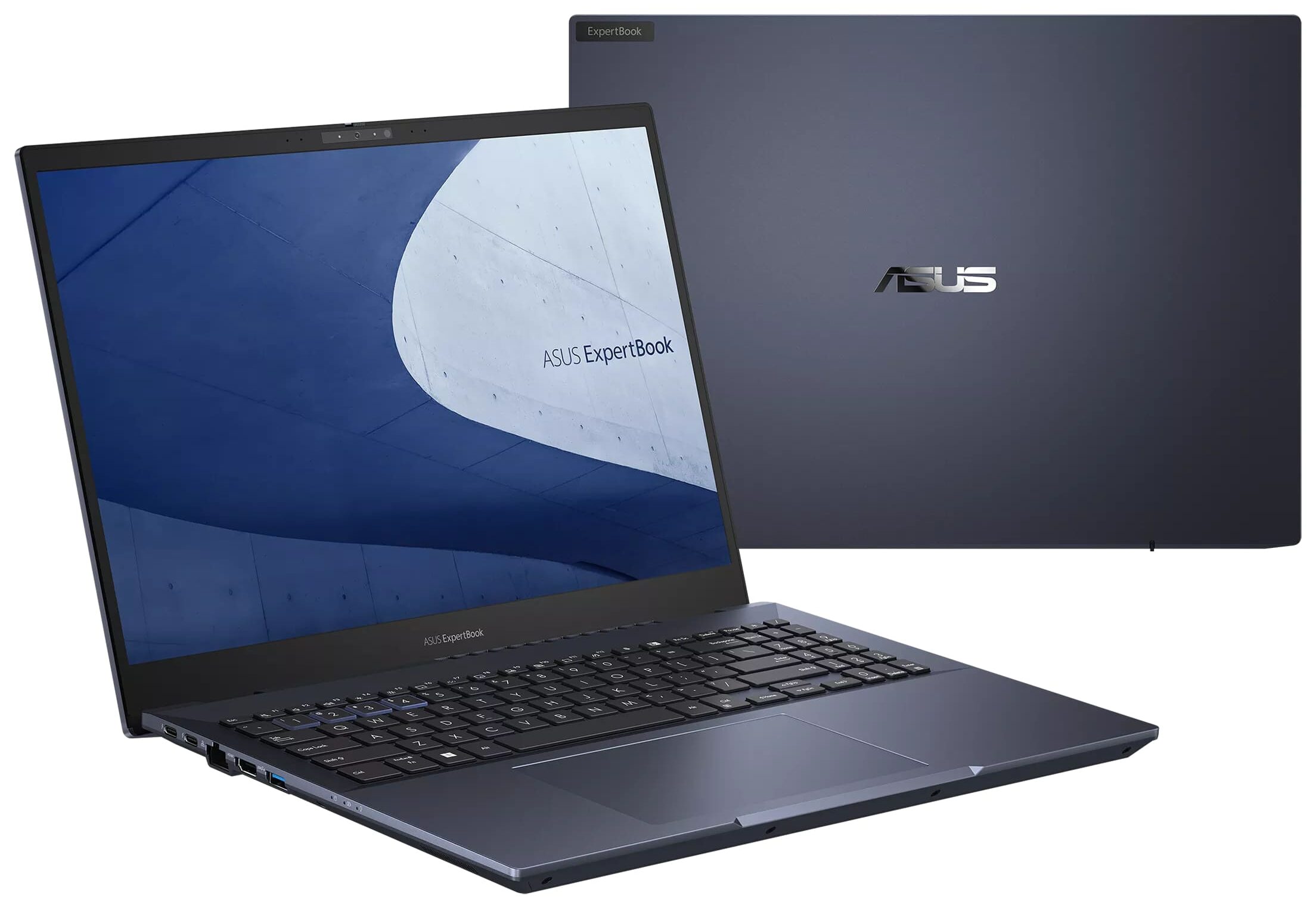
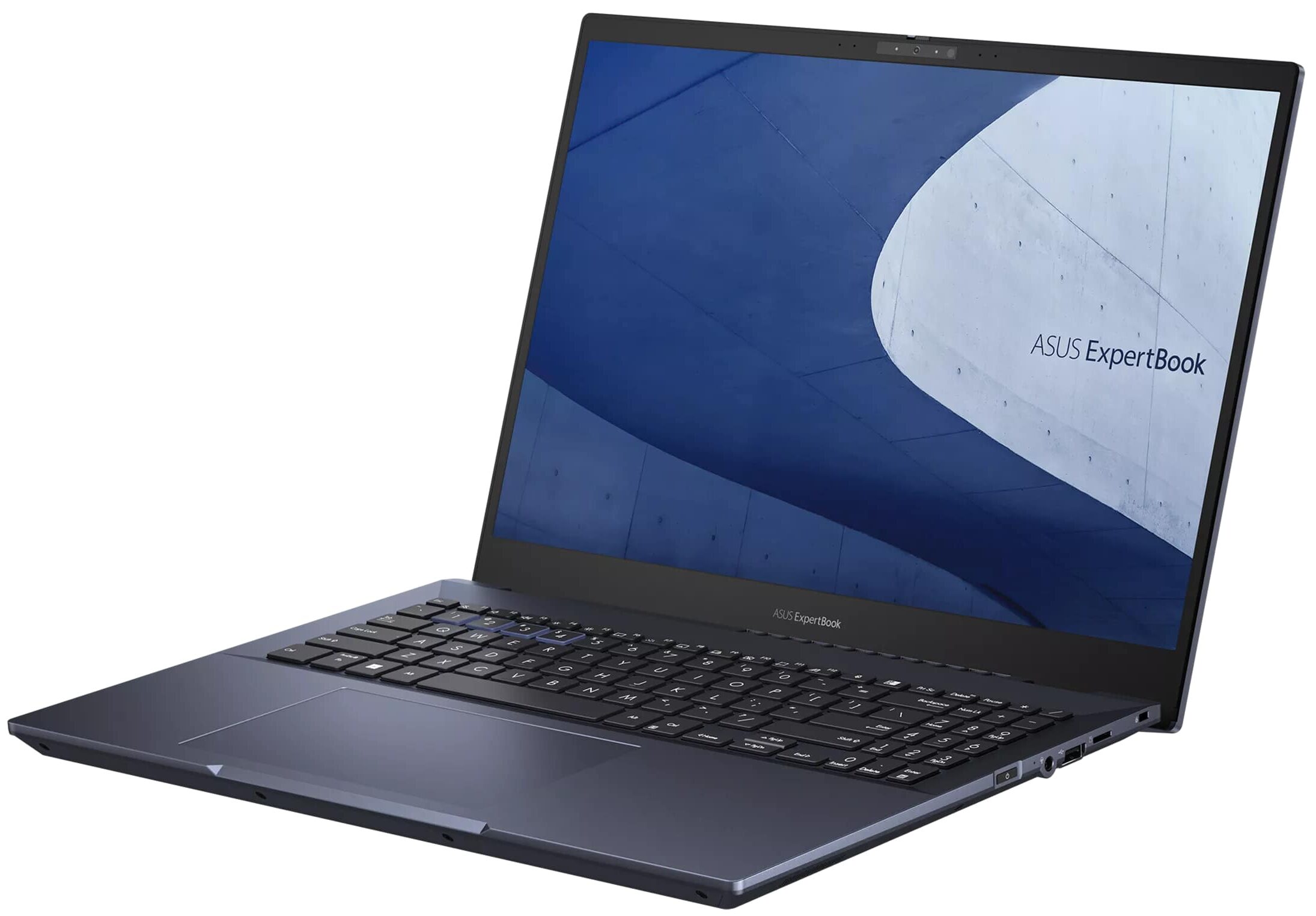
You all know ASUS as a leading brand in the world of laptops. However, not too many of you are familiar with the ExpertBook family of devices. Essentially, this is the manufacturer's response to Lenovo's ThinkPads and Dell's Latitudes.However, since the subbrand is considerably younger, you will notice a fresh point of view. Today, we have the ASUS ExpertBook B5 OLED (B5602). The first thing you need to know is made obvious by the name of the machine - it comes with an OLED panel.Although it may sound casual, this is a 4K OLED display with an alleged full DCI-P3 color coverage. This is legitimately a pro-grade panel. Besides that, our configuration is part of the series that include the 12th Gen Intel P-series of CPUs.As a result, you can expect plenty of power and very good e[...]
Read the full review
Pros
- Comfortable keyboard
- Very light magnesium-aluminum chassis
- 100% sRGB and DCI-P3 coverage + HDR support
- High resolution and 16:10 aspect ratio + fast pixel response times
- Virtually infinite contrast ratio
- 1x SODIMM + 2x M.2 PCIe x4 Gen 4 with RAID mode support
- IR face recognition + fingerprint reader
- 2x Thunderbolt 4 + MicroSD card slot
- Very cool and quiet even under extreme workload
- Good battery life
Cons
- Very high glare from the glossy screen
- Intel Arc GPU is not something to write home about
Disassembly, maintenance and upgrade options
1. Unscrewing the Back Panel To start, undo the 10 Phillips-head screws on the back of the ASUS ExpertBook B5 OLED (B5602) laptop using an appropriate screwdriver. These screws are holding the back panel in place.Hint: Use a magnetized screwdriver to easily handle the small screws.2. Removing the Back Panel Once the screws are out, use a plastic tool to pry the bottom panel off. It's best to start from the hinge gaps to avoid damaging the laptop's chassis or internal components.Caution: Be gentle during this step to avoid causing any damage.3. Disconnecting the Bat[...]
Read more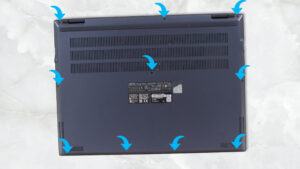


![[June 2026] Best-Selling Laptop Brands on Amazon Global – Apple’s Unrivaled Dominance in Units and Revenue](https://laptopmedia.com/wp-content/uploads/2026/07/GLOBAL-Best-Brands-400x225.jpg)
![[June 2026] Amazon Global: Top 10 Best-Selling Laptops – Apple’s New MacBook Neo Storms to #1, Reshaping the Market with Affordability](https://laptopmedia.com/wp-content/uploads/2026/07/Best-Selling-Laptops-GLOBAL-Top-10-400x225.jpg)
![[June 2026] Amazon Global: Top 10 Best-Selling Gaming Laptops – Acer’s Nitro V 16S AI Dominates Sales, While ASUS Leads Overall Revenue](https://laptopmedia.com/wp-content/uploads/2026/07/Best-Selling-Gaming-Laptops-GLOBAL-Top-10-400x225.jpg)
![[June 2026] Global Ranking of Best-Selling Laptop GPUs on Amazon – NVIDIA RTX 5060 is the Top-Selling Dedicated GPU](https://laptopmedia.com/wp-content/uploads/2026/07/Best-Selling-GPUs-GLOBAL-Top-10-400x225.jpg)
![[June 2026] Global Ranking of Best-Selling Laptop CPUs on Amazon – Apple M5 Dominates, AMD Ryzen 7 260 Gets Solid Premium Share](https://laptopmedia.com/wp-content/uploads/2026/07/Best-Selling-CPUs-GLOBAL-Top-10-400x225.jpg)