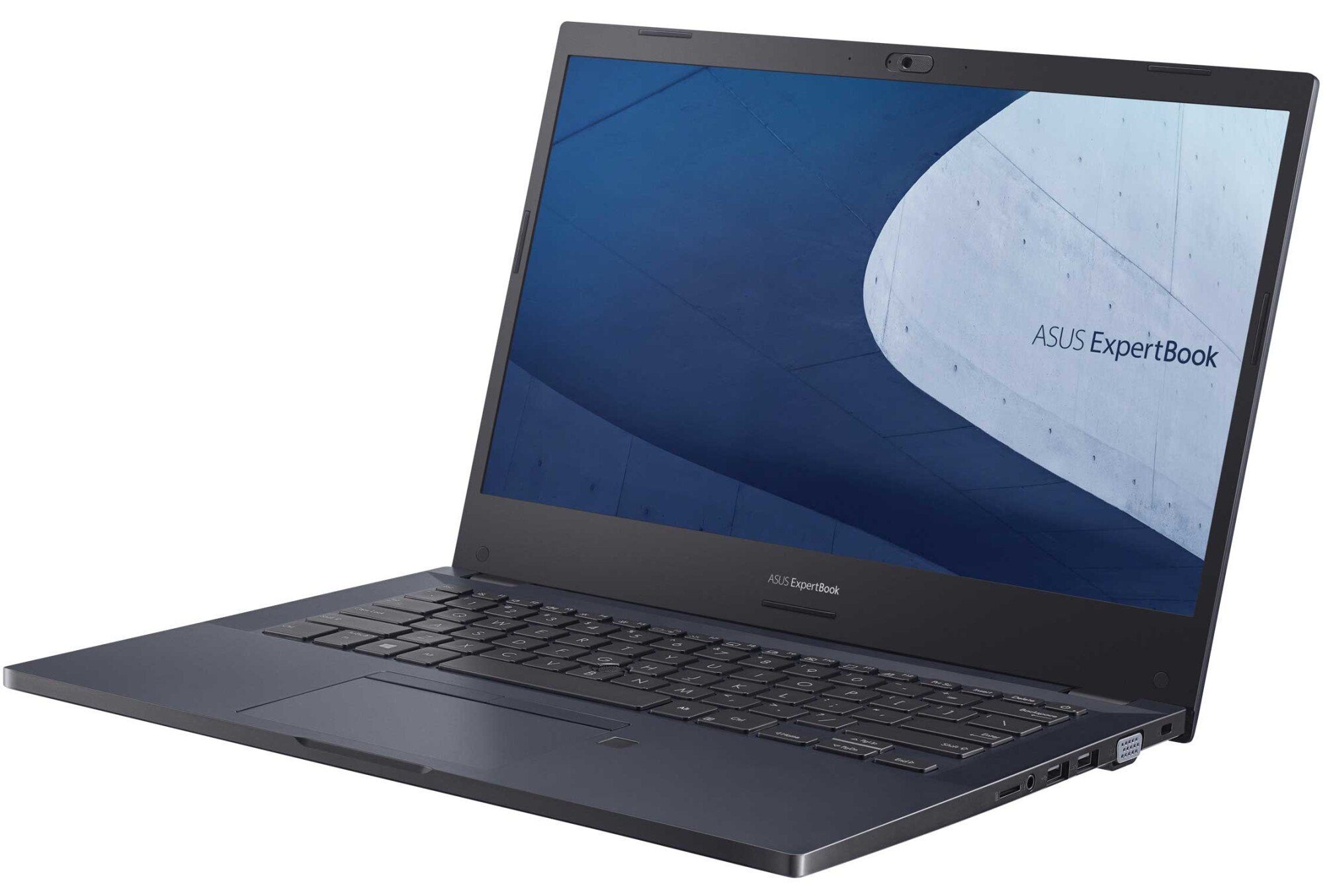
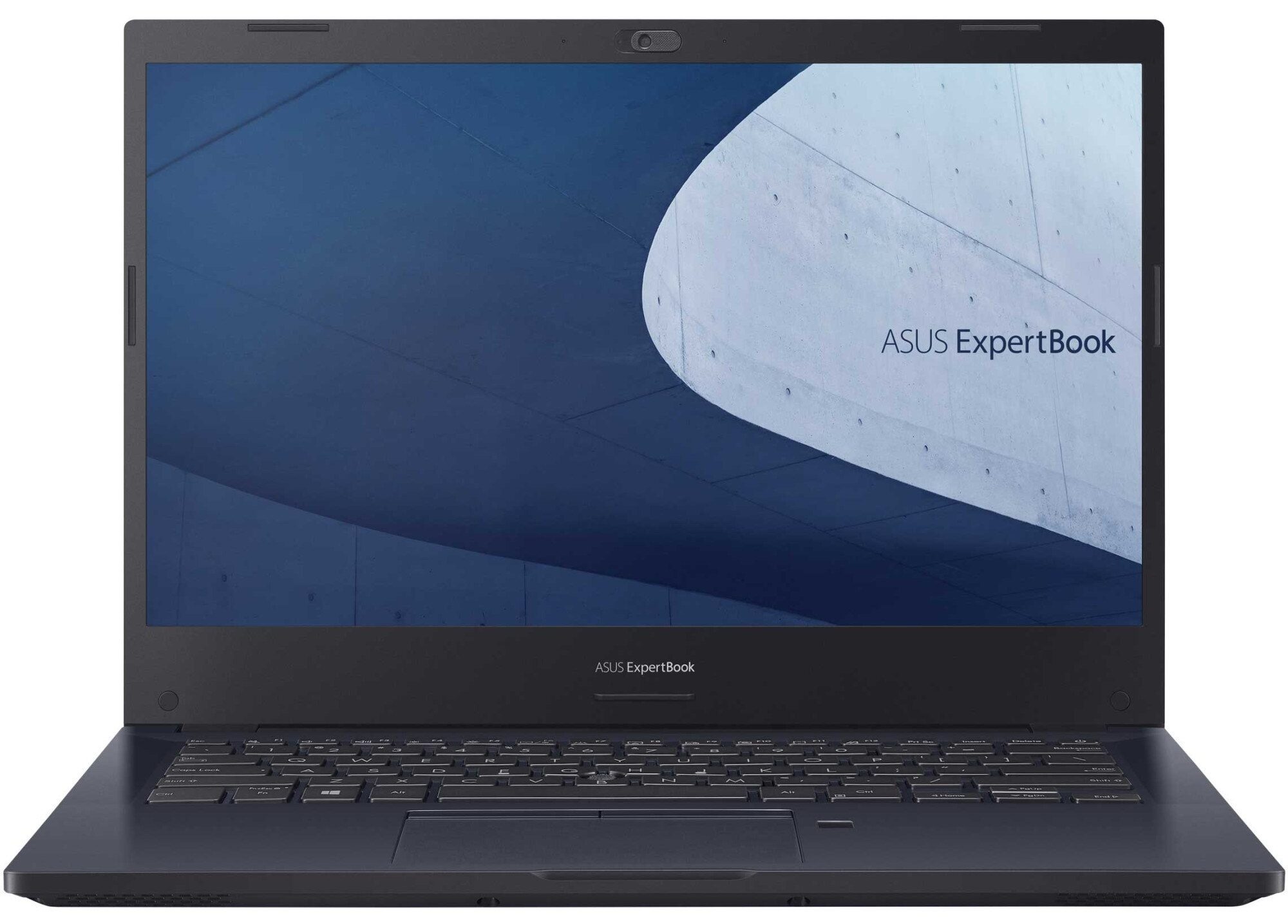
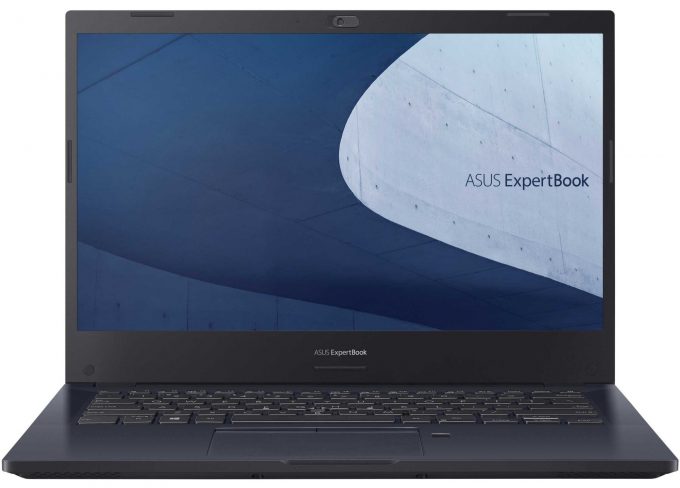
ASUS ExpertBook P2


- Date Published: 04 Jun 2021
- Intel Core i5-10210U
- NVIDIA GeForce MX110 (2GB GDDR5)
- 14.0”, Full HD (1920 x 1080), IPS
- 1000GB HDD
- 8GB DDR4
- 1.50 kg (3.3 lbs)
Specs
- HDD/SSD
- 1TB HDD, 7200 rpm
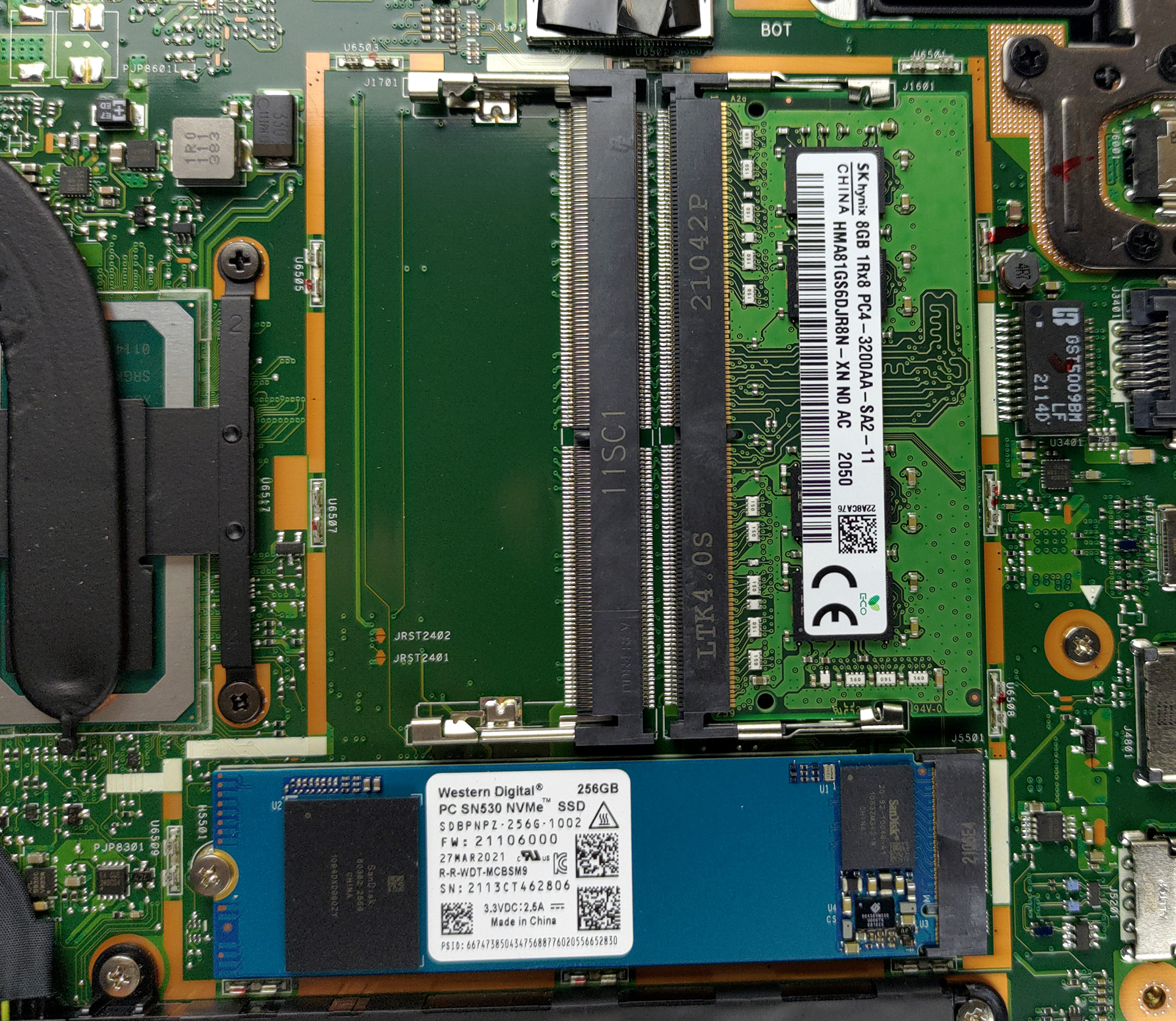
- M.2 Slot
- 1x M.2 NVMe slot See photo
- RAM
- 8GB DDR4
- OS
- No OS
- Body Material
- Plastic / Polycarbonate, Aluminum
- Dimensions
- 325.3 x 232.9 x 19.9 mm (12.81" x 9.17" x 0.78")
- Weight
- 1.50 kg (3.3 lbs)
- Ports and connectivity
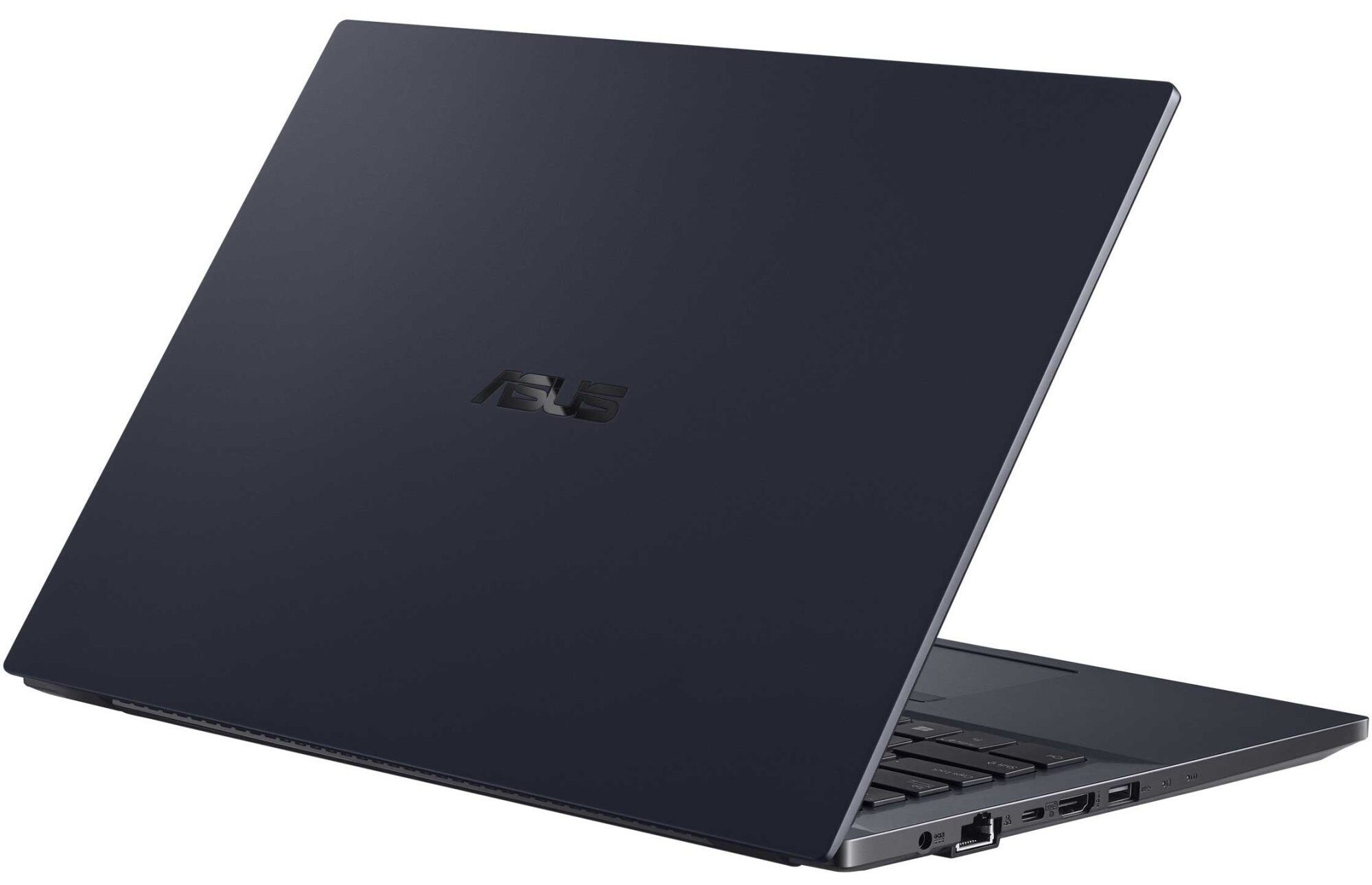
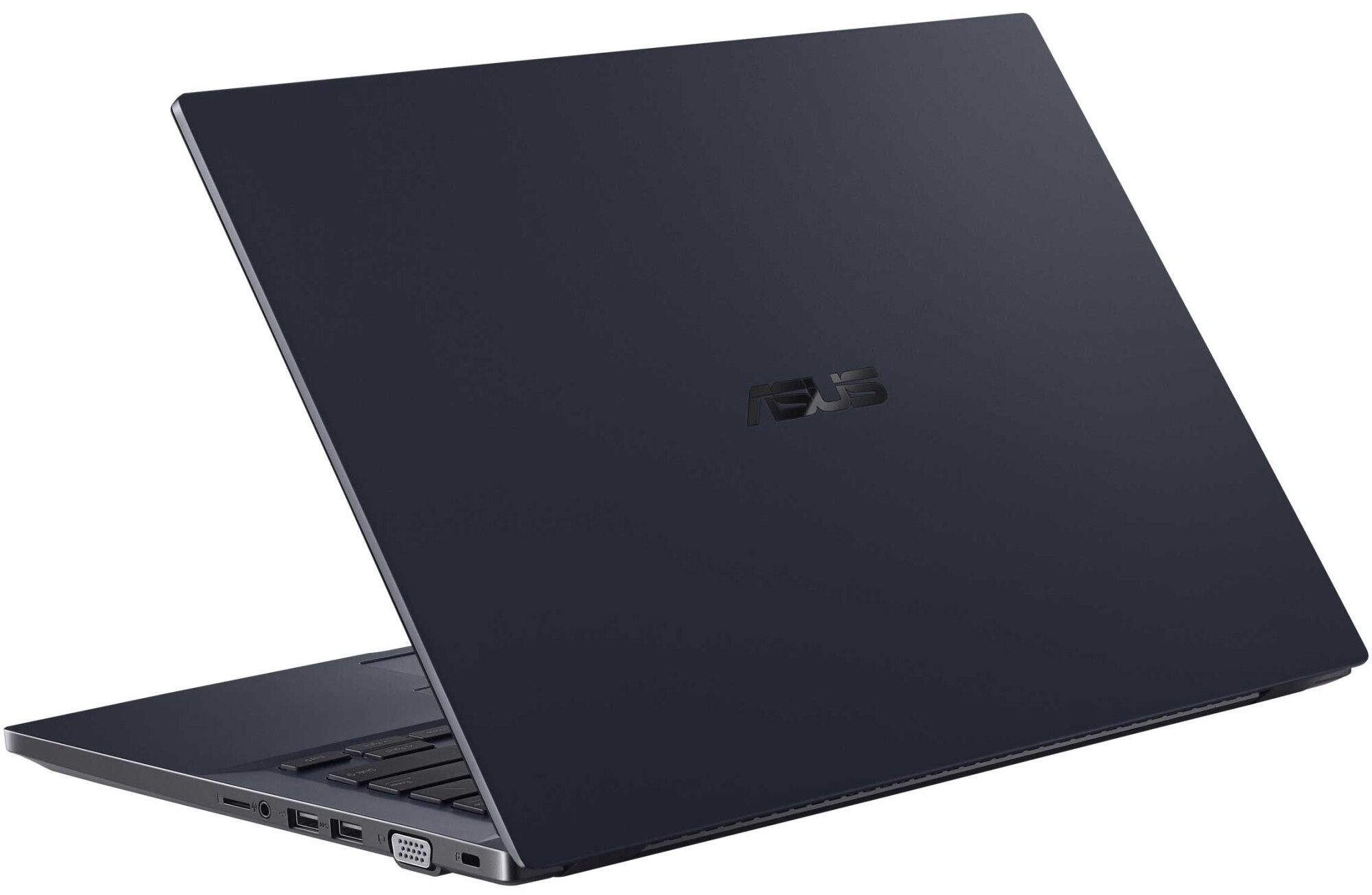
- 1x USB Type-A
- 2.0
- 1x USB Type-A
- 3.2 Gen 1 (5 Gbps)
- 1x USB Type-C
- 3.2 Gen 2 (10 Gbps), Power Delivery (PD), DisplayPort
- HDMI
- Card Reader
- MicroSD
- Wi-Fi
- 802.11ac/ax
- Bluetooth
- 5.0
- Audio jack
- 3.5mm Combo Jack
- Features
- Fingerprint reader
- Web camera
- HD
- Backlit keyboard
- Microphone
- Digital Array Microphone
- Speakers
- 2x 2W, ASUS SonicMaster Technology
- Optical drive
- Security Lock slot
- Kensington Lock
Portability
Review
ASUS ExpertBook P2 in-depth review
ASUS is not usually recognized for its business-centric devices. Through the years, the brand has become synonymous with gaming on the go, as well as style. This is thanks to their ROG and ZenBook subbrands. Today, we will show you something different. The device in question is the ExpertBook P2 P2451, and its ultimate goal is to attract small and large businesses to the brand, and show them that ASUS can be a viable choice in a world of ThinkPads, Latitudes, and EliteBooks.Looking at the specs sheet, we see that the ExpertBook P2 P2451 isn't exactly sitting on the cutting edge of technology. It uses an older Comet Lake-U processor, which is built on a 14nm manufacturing process. Although they are not as powerful as their Tiger Lake cousins, these CPUs were known for their stability a[...]
Read the full review
Pros
- 2x SODIMM slots, 1x M.2 slot, 1x 2.5-inch bay
- Great battery life
- Privacy shutter and fingerprint reader
- MicroSD card slot and a VGA port
- No aggressive PWM (Innolux N140HGA-EA1 (CMN14E5))
- Steel reinforcement of the chassis
- Abundance of ports
Cons
- Old CPUs
- Narrow viewing angles and poor contrast ratio (Innolux N140HGA-EA1 (CMN14E5))
- 52% of sRGB coverage (Innolux N140HGA-EA1 (CMN14E5))
Disassembly, maintenance and upgrade options
Despite its small size, the ExpertBook P2 P2451 offers a good amount of upgradability.Check out all ASUS ExpertBook P2 P2451 prices and configurations in our Specs System or read more in our In-Depth review.1. Remove the bottom plate To take this notebook apart you have to remove the bottom panel. It is held in place by 10 Phillips-head screws and a dozen of plastic clips.2. Battery Its battery has a capacity of 48Wh.3. Мemory and storage Here, the memory and SSD slots are hidden beneath a metal bracket. When you remove it, you will see two SODIMM slots for dual-ch[...]
Read more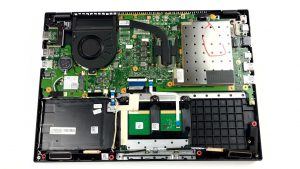


![[June 2026] Best-Selling Laptop Brands on Amazon Global – Apple’s Unrivaled Dominance in Units and Revenue](https://laptopmedia.com/wp-content/uploads/2026/07/GLOBAL-Best-Brands-400x225.jpg)
![[June 2026] Amazon Global: Top 10 Best-Selling Laptops – Apple’s New MacBook Neo Storms to #1, Reshaping the Market with Affordability](https://laptopmedia.com/wp-content/uploads/2026/07/Best-Selling-Laptops-GLOBAL-Top-10-400x225.jpg)
![[June 2026] Amazon Global: Top 10 Best-Selling Gaming Laptops – Acer’s Nitro V 16S AI Dominates Sales, While ASUS Leads Overall Revenue](https://laptopmedia.com/wp-content/uploads/2026/07/Best-Selling-Gaming-Laptops-GLOBAL-Top-10-400x225.jpg)
![[June 2026] Global Ranking of Best-Selling Laptop GPUs on Amazon – NVIDIA RTX 5060 is the Top-Selling Dedicated GPU](https://laptopmedia.com/wp-content/uploads/2026/07/Best-Selling-GPUs-GLOBAL-Top-10-400x225.jpg)
![[June 2026] Global Ranking of Best-Selling Laptop CPUs on Amazon – Apple M5 Dominates, AMD Ryzen 7 260 Gets Solid Premium Share](https://laptopmedia.com/wp-content/uploads/2026/07/Best-Selling-CPUs-GLOBAL-Top-10-400x225.jpg)