ASUS ProArt StudioBook 16
 48.jpg)


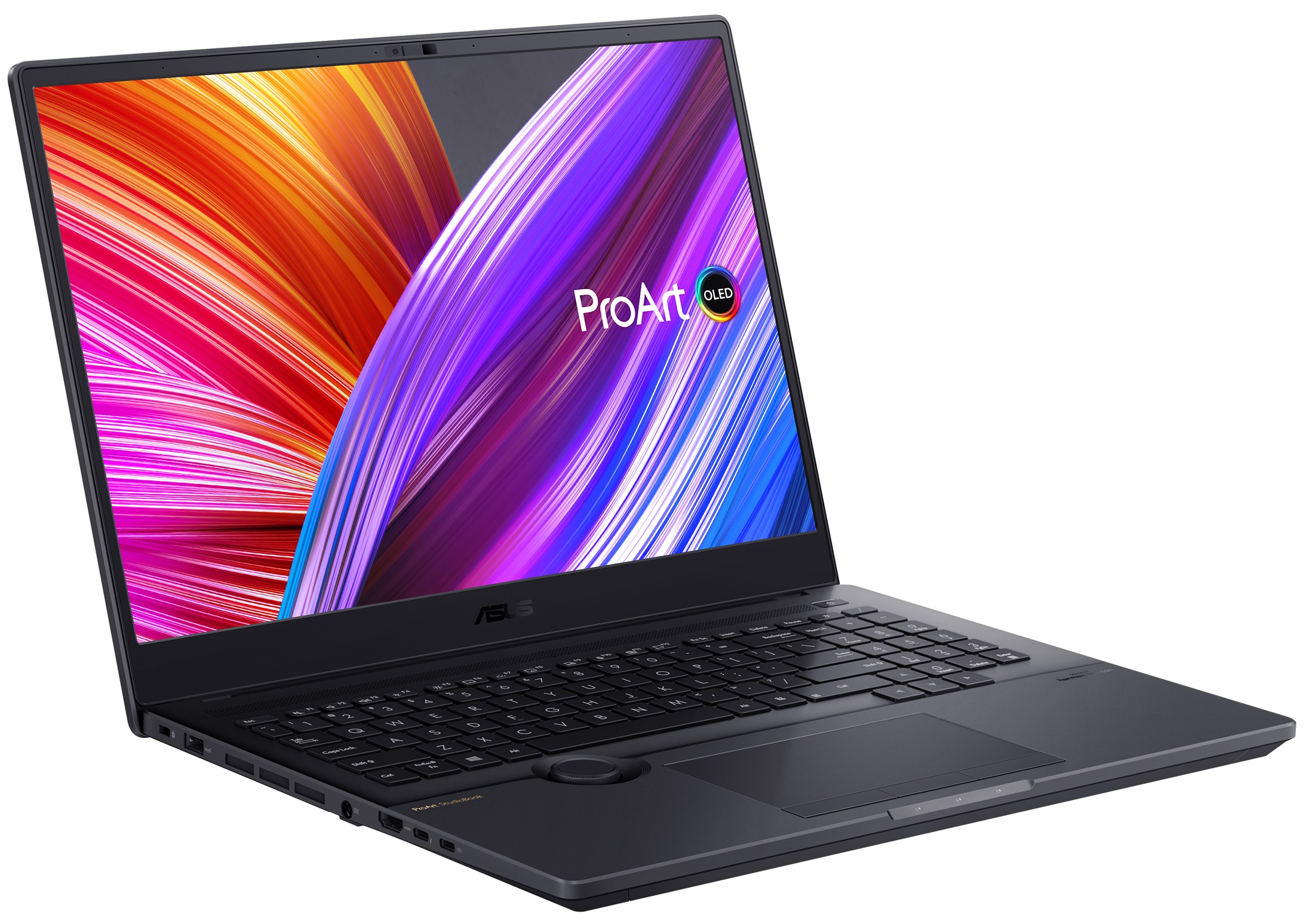
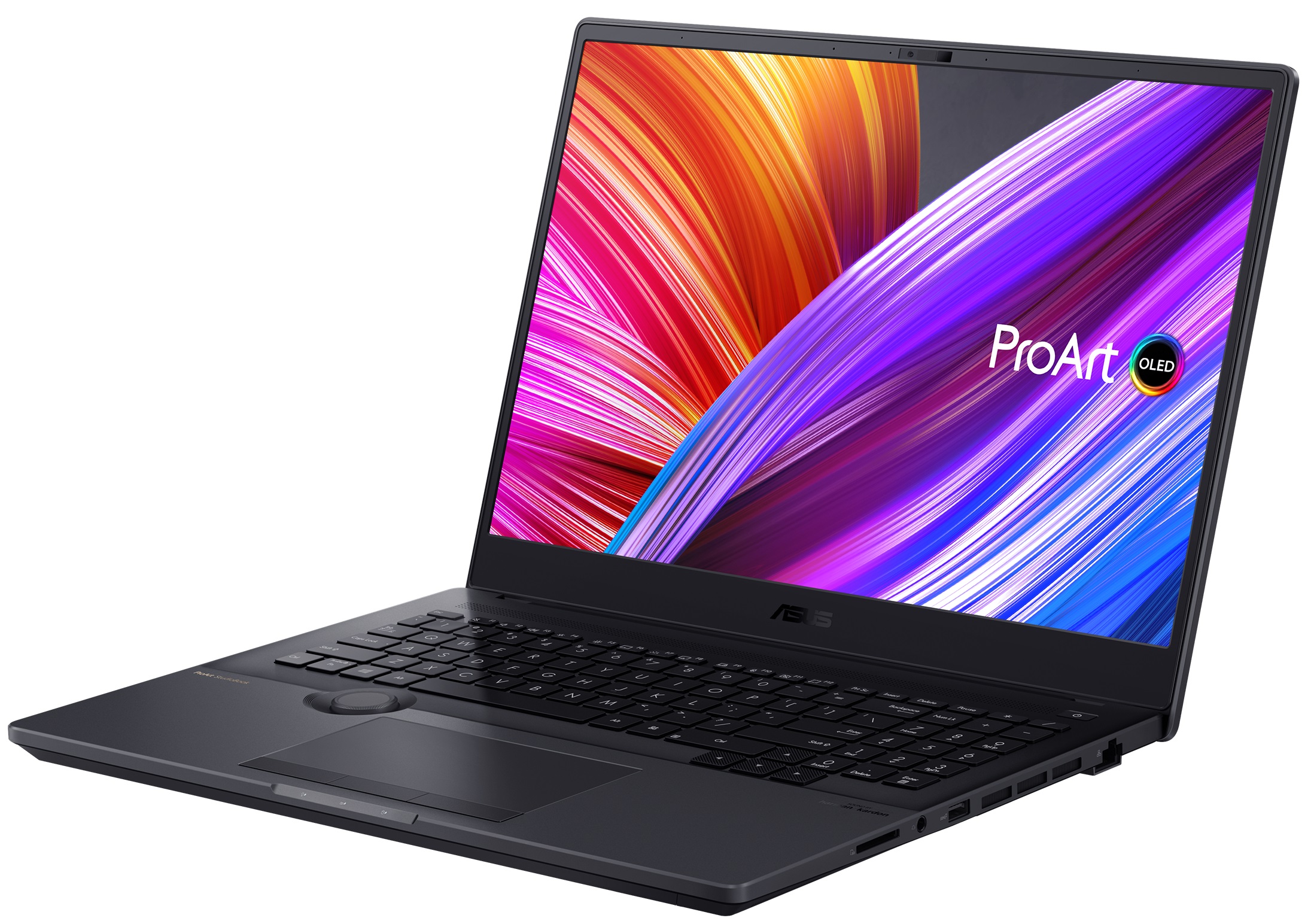
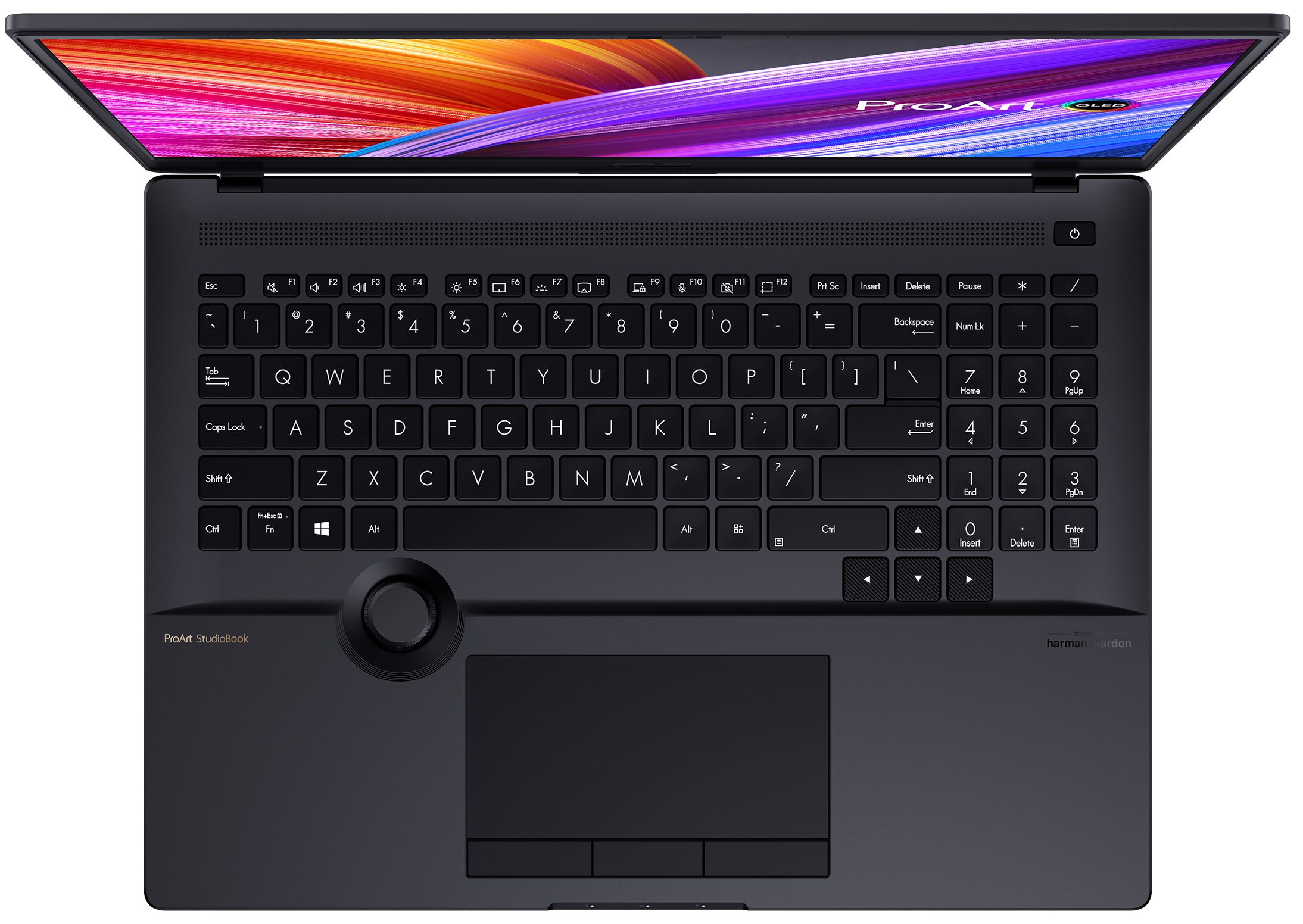
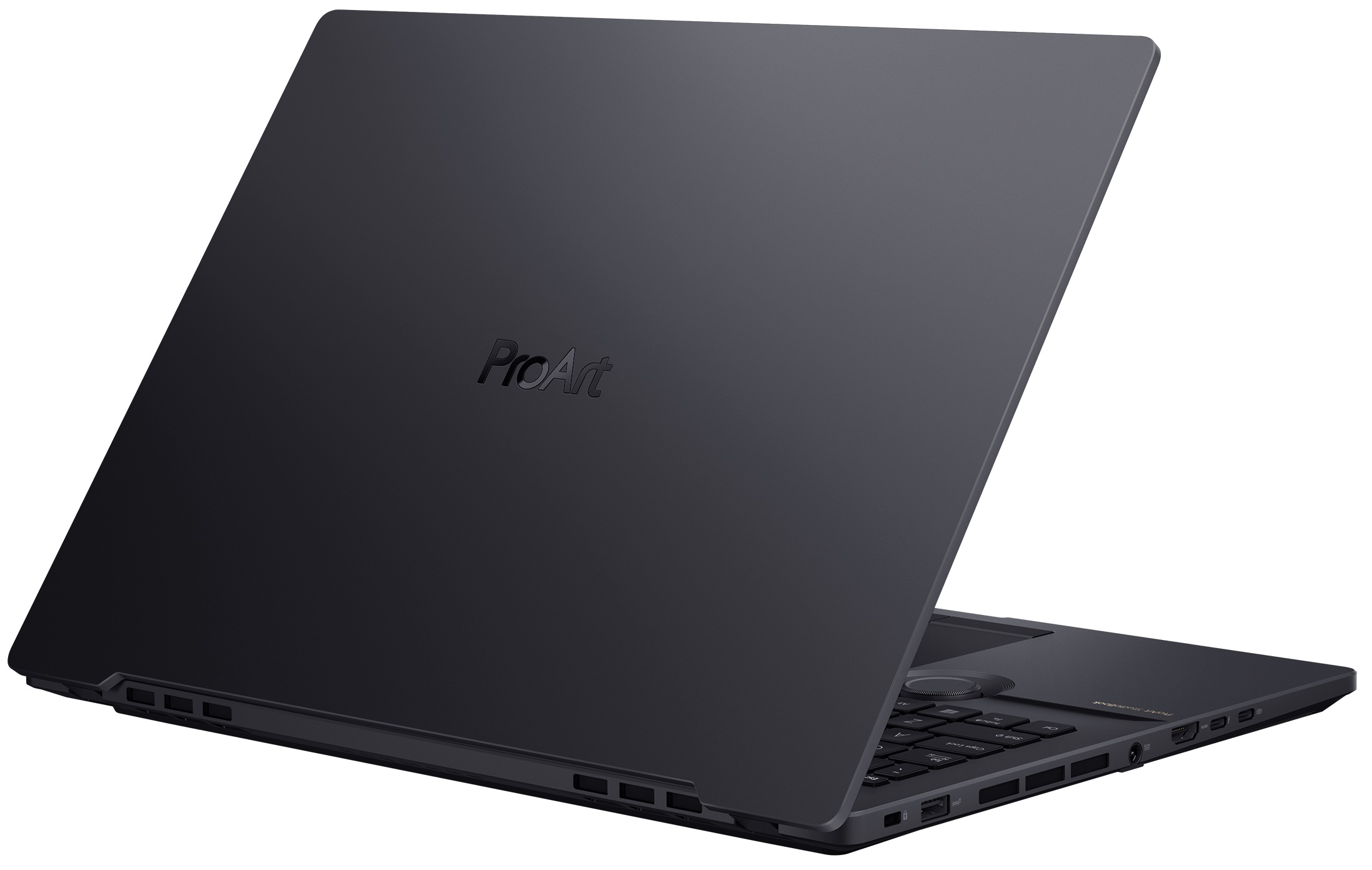

- Date Published: 03 Nov 2022
- Intel Core i7-12700H
- NVIDIA GeForce RTX 3070 Ti (Laptop)
- 16.0”, WQUXGA (3840 x 2400), OLED
- 2000GB SSD
- 16GB DDR5
- 2.40 kg (5.3 lbs)
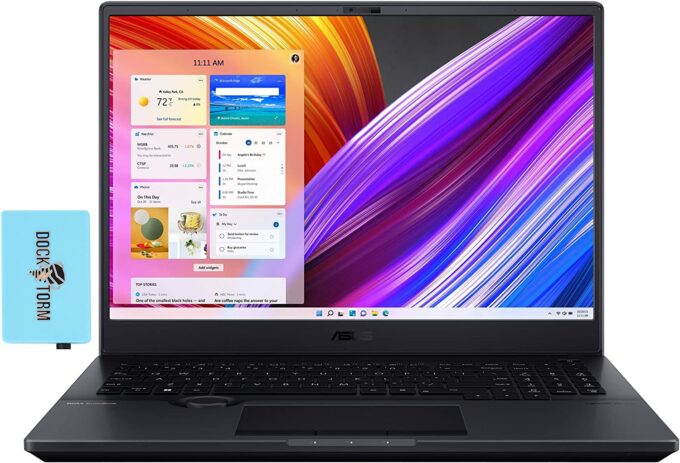
Specs

- HDD/SSD
- 2000GB SSD
- M.2 Slot
- 1x 2280 M.2 PCIe 4.0 x4 + 1x 2280 M.2 PCIe 3.0 x4 + RAID See photo
- RAM
- 16GB DDR5
- OS
- Windows 11 Pro
- Body Material
- Aluminum
- Dimensions
- 362 x 264 x 19.9 - 21.4 mm (14.25" x 10.39" x 0.78")
- Weight
- 2.40 kg (5.3 lbs)
- Ports and connectivity
- 2x USB Type-A
- 3.2 Gen 2 (10 Gbps)
- 1x USB Type-C
- 3.2 Gen 2 (10 Gbps), Power Delivery (PD), DisplayPort
- 1x USB Type-C
- Thunderbolt 4, Power Delivery (PD), DisplayPort
- HDMI
- 2.1
- Card Reader
- SD
- Ethernet LAN
- 10, 100, 1000 Mbit/s
- Wi-Fi
- 802.11ax
- Bluetooth
- 5.2
- Audio jack
- 3.5mm Combo Jack
- Features
- Fingerprint reader
- Web camera
- HD
- Backlit keyboard
- Microphone
- Array Microphone w/ Cortana or Alexa Voice Rec.
- Speakers
- Speakers by Harman Kardon
- Optical drive
- Security Lock slot
- Gifts
- Dockztorm USB Hub
Portability
Review
ASUS ProArt StudioBook 16 in-depth review
The ProArt brand is hardly as popular as its ZenBook and ROG cousins. However, it offers one of the most powerful laptops ASUS makes and is actually the brand, specifically intended for content creators.And we are not talking about photographers and videographers. No, this time, the target group is much bigger and spans even 3D model designers and architects. But what is the reason for ASUS' bold claims? Well, the ProArt Studiobook 16 OLED (W7600) is going to show you.Obviously, the display is a big selling point with its AMOLED technology, 16:10 aspect ratio, and 4K+ resolution. However, the hardware is something you simply can't overlook. We are talking about an Intel Xeon processor option, and a pro-grade graphics card of up to the RTX A5000 with 16GB of GDDR6 VRAM. Not to ment[...]
Read the full review
Pros
- Professional-grade hardware
- Super rigid structure
- 100% sRGB and DCI-P3 coverage + HDR support
- High resolution and 16:10 aspect ratio + fast pixel response times
- Deep blacks and virtually infinite contrast ratio
- ASUS Dial + stylus-enabled touchpad
- IR face recognition + fingerprint reader
- ISV and MIL-STD-810H certifications
- Extensive I/O with Thunderbolt 4, SD card slot, and HDMI 2.1 port
Cons
- Uses PWM below 110 nits
- Subpar battery life
Disassembly, maintenance and upgrade options
Not only do you get a good amount of upgrade options with this laptop, but you also have the option to use ECC RAM, should you pair it with the appropriate processor.Check out all ASUS ProArt Studiobook 16 OLED (W7600) prices and configurations in our Specs System or read more in our In-Depth review.1. Remove the bottom plate To get inside of this device, you need to undo 10 Torx-head screws. After that, carefully pry the bottom panel with a plastic tool, starting from the front corners.2. Battery Here, we see a 90Wh battery pack. Before you continue, it would be best to [...]
Read more


![[June 2026] Best-Selling Laptop Brands on Amazon Global – Apple’s Unrivaled Dominance in Units and Revenue](https://laptopmedia.com/wp-content/uploads/2026/07/GLOBAL-Best-Brands-400x225.jpg)
![[June 2026] Amazon Global: Top 10 Best-Selling Laptops – Apple’s New MacBook Neo Storms to #1, Reshaping the Market with Affordability](https://laptopmedia.com/wp-content/uploads/2026/07/Best-Selling-Laptops-GLOBAL-Top-10-400x225.jpg)
![[June 2026] Amazon Global: Top 10 Best-Selling Gaming Laptops – Acer’s Nitro V 16S AI Dominates Sales, While ASUS Leads Overall Revenue](https://laptopmedia.com/wp-content/uploads/2026/07/Best-Selling-Gaming-Laptops-GLOBAL-Top-10-400x225.jpg)
![[June 2026] Global Ranking of Best-Selling Laptop GPUs on Amazon – NVIDIA RTX 5060 is the Top-Selling Dedicated GPU](https://laptopmedia.com/wp-content/uploads/2026/07/Best-Selling-GPUs-GLOBAL-Top-10-400x225.jpg)
![[June 2026] Global Ranking of Best-Selling Laptop CPUs on Amazon – Apple M5 Dominates, AMD Ryzen 7 260 Gets Solid Premium Share](https://laptopmedia.com/wp-content/uploads/2026/07/Best-Selling-CPUs-GLOBAL-Top-10-400x225.jpg)

