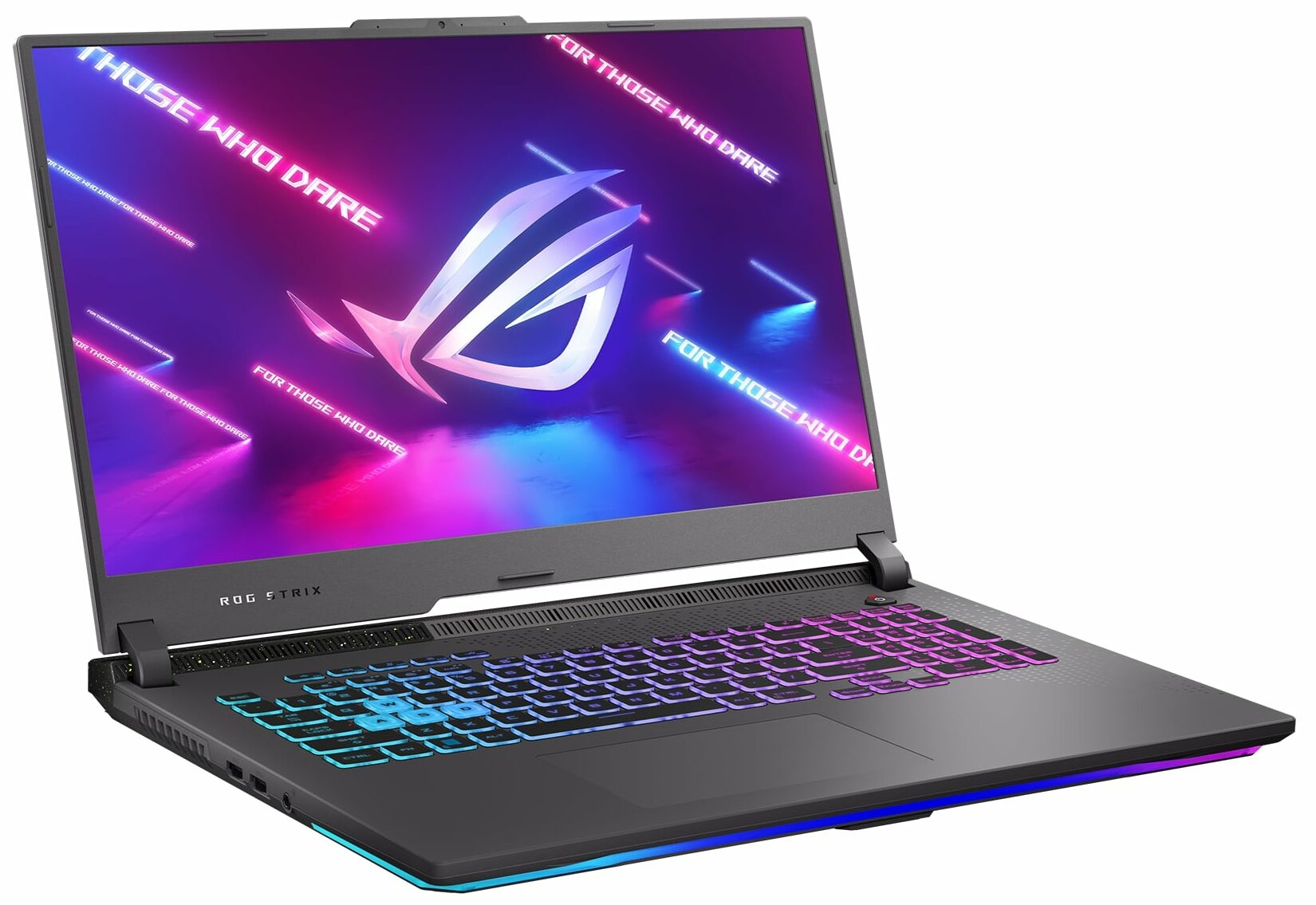
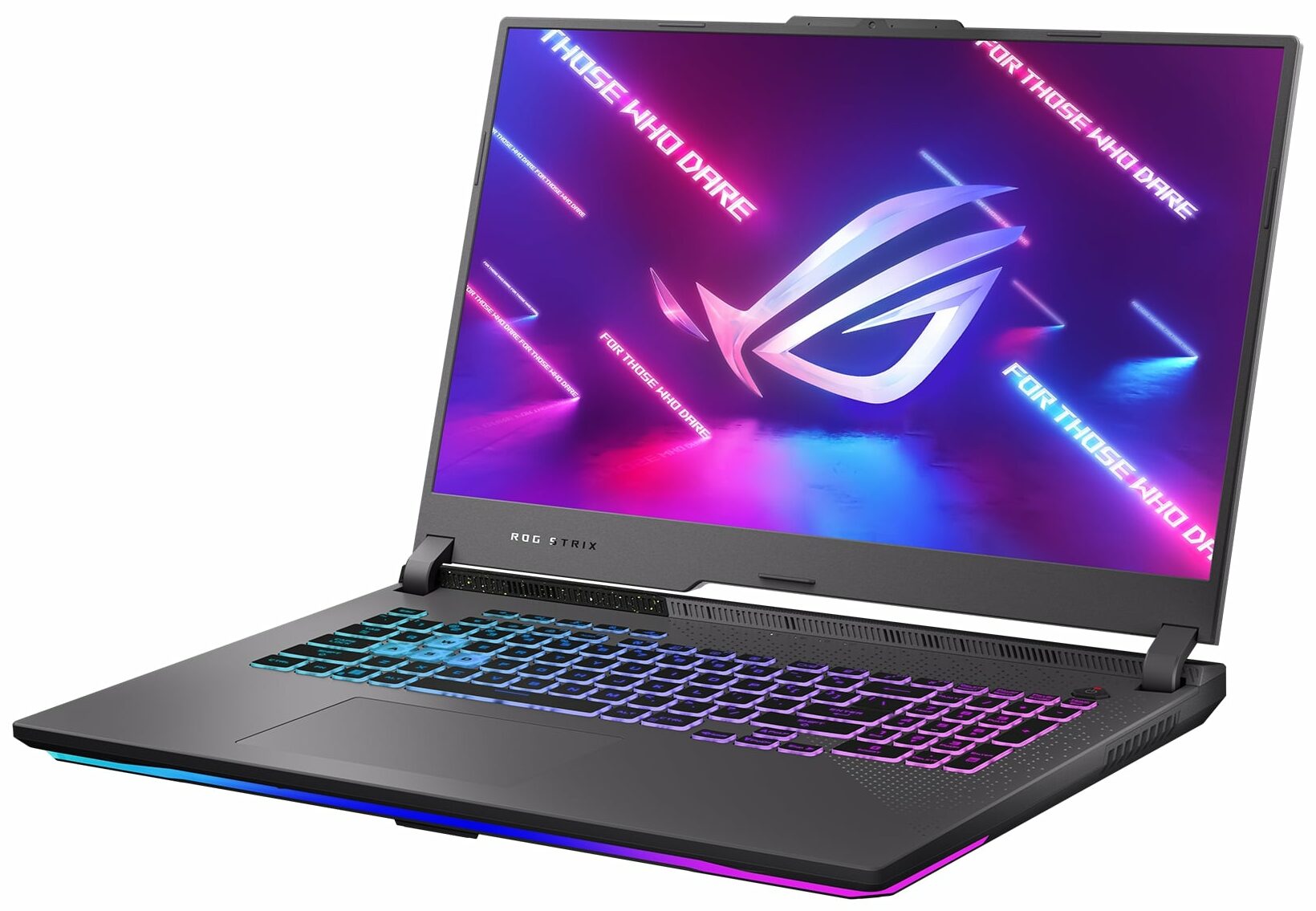
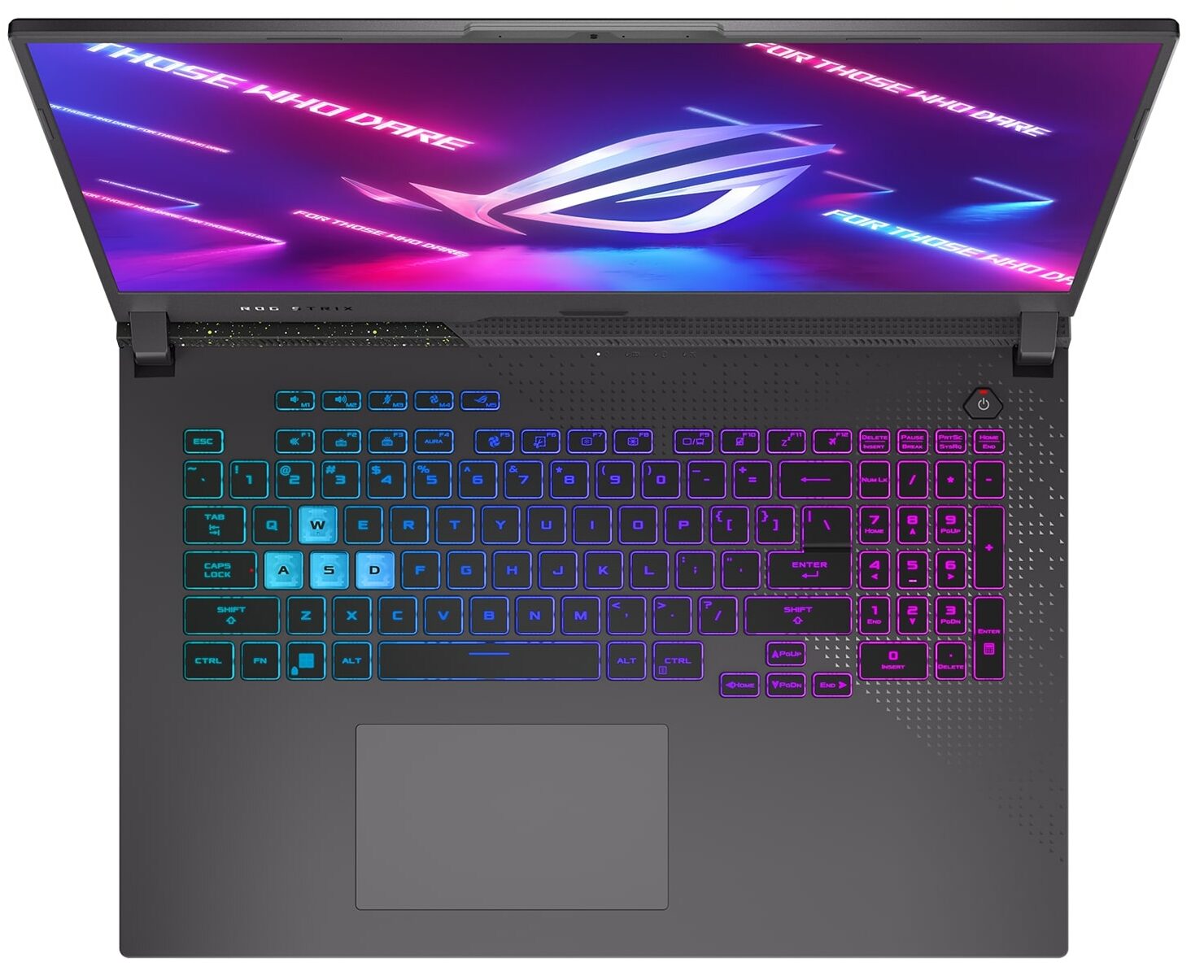
ASUS ROG Strix G17 G713P
_000047.jpg)

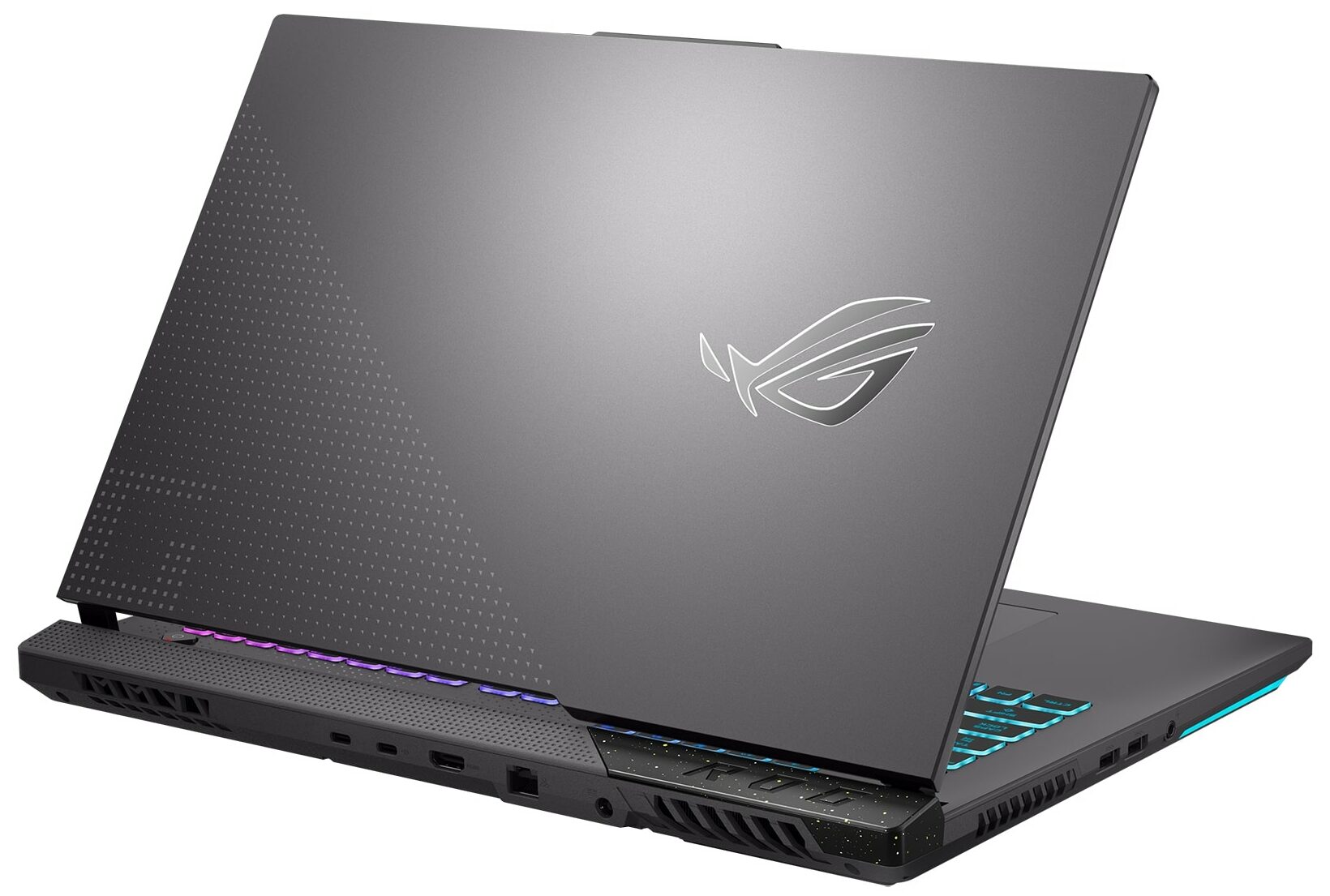
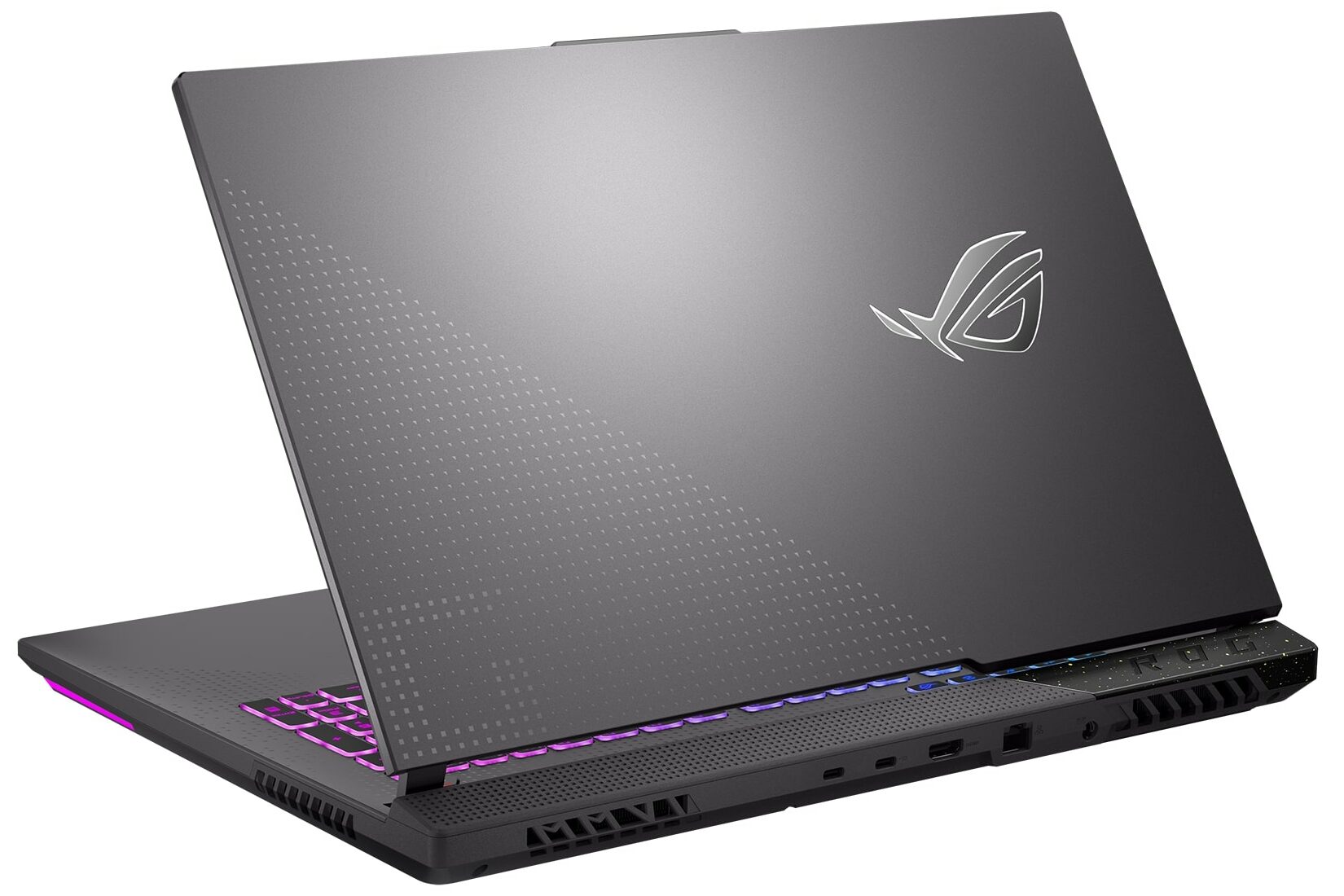

- Date Published: 27 Jun 2024
- AMD Ryzen 9 7845HX
- NVIDIA GeForce RTX 4060 (Laptop, 140W)
- 17.3", QHD (2560 x 1440), 240 Hz, IPS
- 4000GB SSD
- 64GB RAM
- 2.80 kg (6.2 lbs)
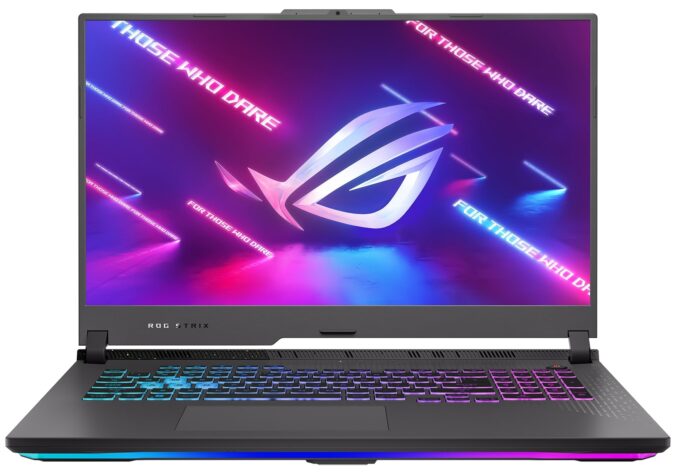
Specs

- HDD/SSD
- 4000GB SSD
- M.2 Slot
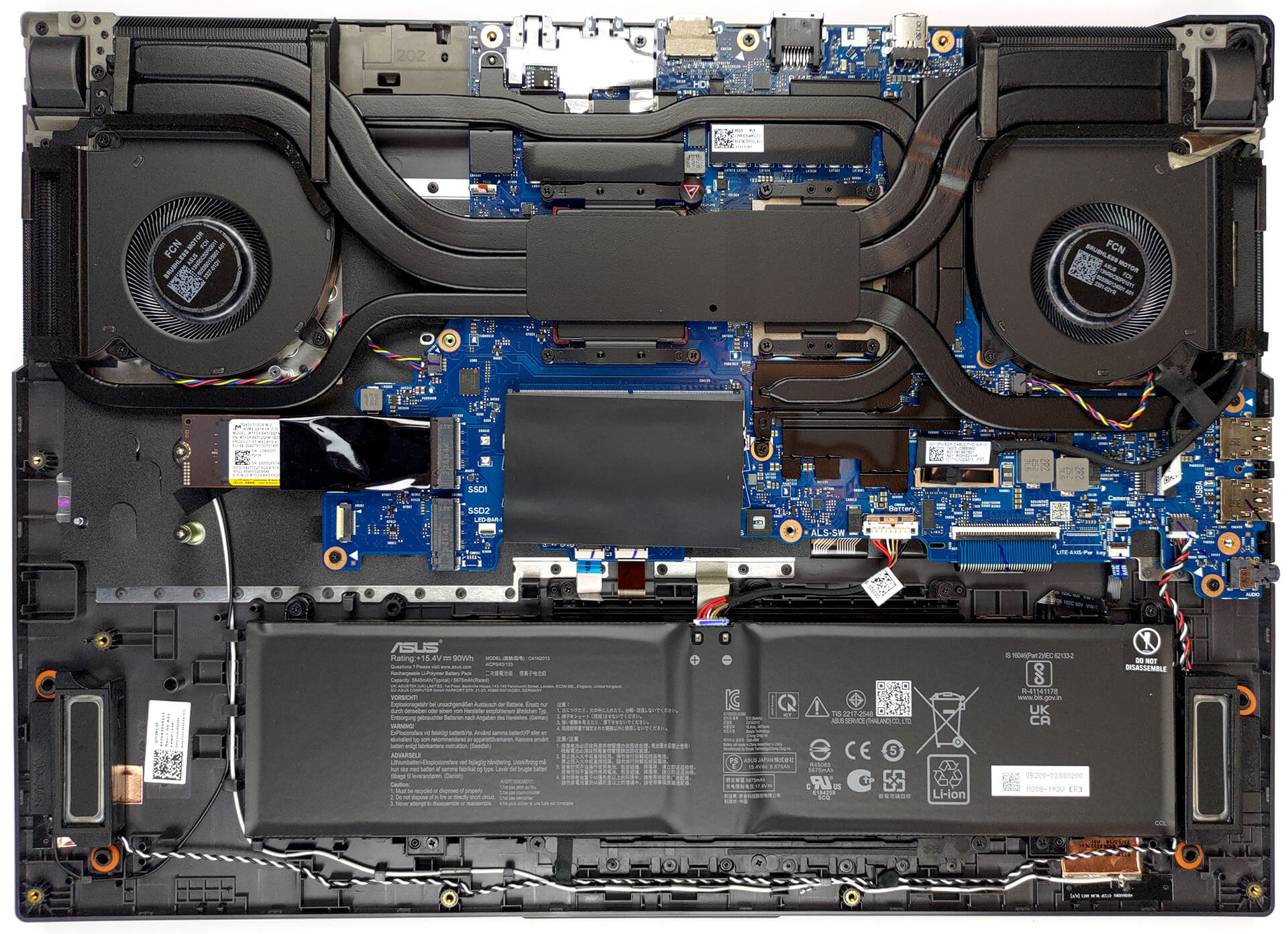
- 2x 2280 M.2 NVMe PCIe 4.0 x4 See photo
- RAM
- 64GB RAM
- OS
- Windows 11 Home
- Body Material
- Plastic / Polycarbonate, Aluminum
- Dimensions
- 395 x 282 x 23.4 - 30.8 mm (15.55" x 11.10" x 0.92")
- Weight
- 2.80 kg (6.2 lbs)
- Ports and connectivity
- 2x USB Type-A
- 3.2 Gen 1 (5 Gbps)
- 1x USB Type-C
- 3.2 Gen 2 (10 Gbps), DisplayPort
- 1x USB Type-C
- 3.2 Gen 2 (10 Gbps), Power Delivery (PD), DisplayPort
- HDMI
- 2.1
- Card Reader
- Ethernet LAN
- 10, 100, 1000, 2500 Mbit/s
- Wi-Fi
- 802.11ax
- Bluetooth
- 5.2
- Audio jack
- 3.5mm Combo Jack
- Features
- Fingerprint reader
- Web camera
- HD
- Backlit keyboard
- Microphone
- Array Microphone with AI Noise Cancelling
- Speakers
- 2x Stereo Speakers, Smart Amp, Dolby Atmos
- Security Lock slot
- Gifts
- 128GB Hotface Extension Set
Portability
Review
ASUS ROG Strix G17 G713P in-depth review
When we saw the first 16-inch and 18-inch ROG Strix laptops we really didn't expect the company to still make a 17-inch version. Well, ASUS did, and it is called the ASUS ROG Strix G17 G713P (2023).It is based on an AMD chipset and features the brand-new Zen 4 processors. They are built on the 4nm architecture, and we expect Team Red to finally put up some competition for Intel, after two years of mixed results.This might be a "make it, or break it" moment for ASUS (and for AMD to be honest), but when you make an entire army of gaming laptops, you can afford to experiment, can't you?And what brand to try something new other than ASUS? The company that made gaming convertibles, tablets, and foldable business notebooks. This particular example looks like a piece of cake.Also[...]
Read the full review
Pros
- High CPU clocks
- MUX Switch and G-Sync
- 2x M.2 PCIe x4 Gen 4 slot, 2x DDR5 RAM SODIMM slots in dual channel
- 95% DCI-P3 coverage and accurate colors (CSOT MNH301CA3-1 (CSO1702))
- 240Hz refresh rate (CSOT MNH301CA3-1 (CSO1702))
- No PWM (CSOT MNH301CA3-1 (CSO1702))
- Adequate build quality
Cons
- No SD card
- Horrible battery life
Disassembly, maintenance and upgrade options
1. Opening the Bottom Panel - Ensure the laptop is powered off and unplugged from any power source. - Using a Phillips-head screwdriver, remove the 11 screws that secure the bottom panel. Remember that one of these screws is captive and helps in lifting the bottom panel. - Start the prying process from the area where the captive screw lifted the panel. - Disconnect the LED ribbon cable before fully removing the bottom panel.2. Battery Removal - Begin by unplugging the battery connector from the motherboard. - Proceed to unscrew the four Phillips-head screws holding the 90Wh b[...]
Read more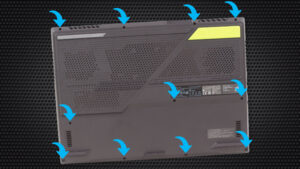


![[August 2026] Amazon Global: Top 10 Best-Selling Laptops – Apple MacBook Neo Dominates the Charts as Budget and Mid-Range Windows Portables Fight for Volume](https://laptopmedia.com/wp-content/uploads/2026/09/Best-Selling-Laptops-GLOBAL-Top-10-400x225.jpg)
![[August 2026] Best-Selling Laptop Brands on Amazon Global – Apple Dominates Revenue While HP Leads in Model Variety](https://laptopmedia.com/wp-content/uploads/2026/09/GLOBAL-Best-Brands-400x225.jpg)
![[August 2026] Amazon Global: Top 10 Best-Selling Gaming Laptops – HP Victus 15 Captures the Crown as Budget-Friendly Models Dominate the Charts](https://laptopmedia.com/wp-content/uploads/2026/09/Best-Selling-Gaming-Laptops-GLOBAL-Top-10-400x225.jpg)
![[August 2026] Best-Selling Laptop Brands on Amazon Japan – Apple Dominates Market Share and Revenue Led by Strong Unit Sales](https://laptopmedia.com/wp-content/uploads/2026/09/CO.JP-Best-Brands-1-400x225.jpg)
![[August 2026] Best-Selling Laptop Brands on Amazon USA – Apple Dominates Market Revenue and Volume Despite Lower Model Diversity](https://laptopmedia.com/wp-content/uploads/2026/09/COM-Best-Brands-1-400x225.jpg)