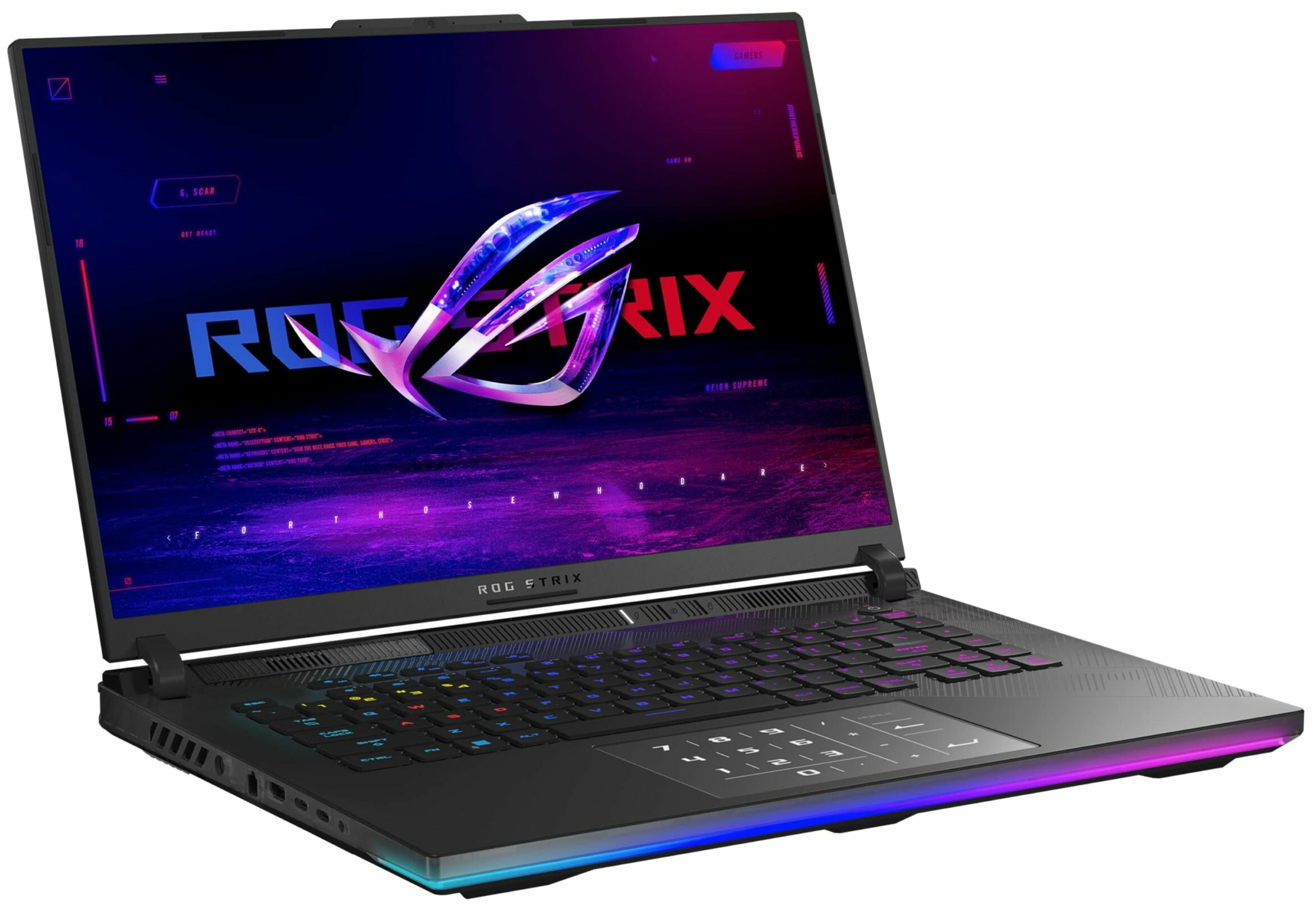
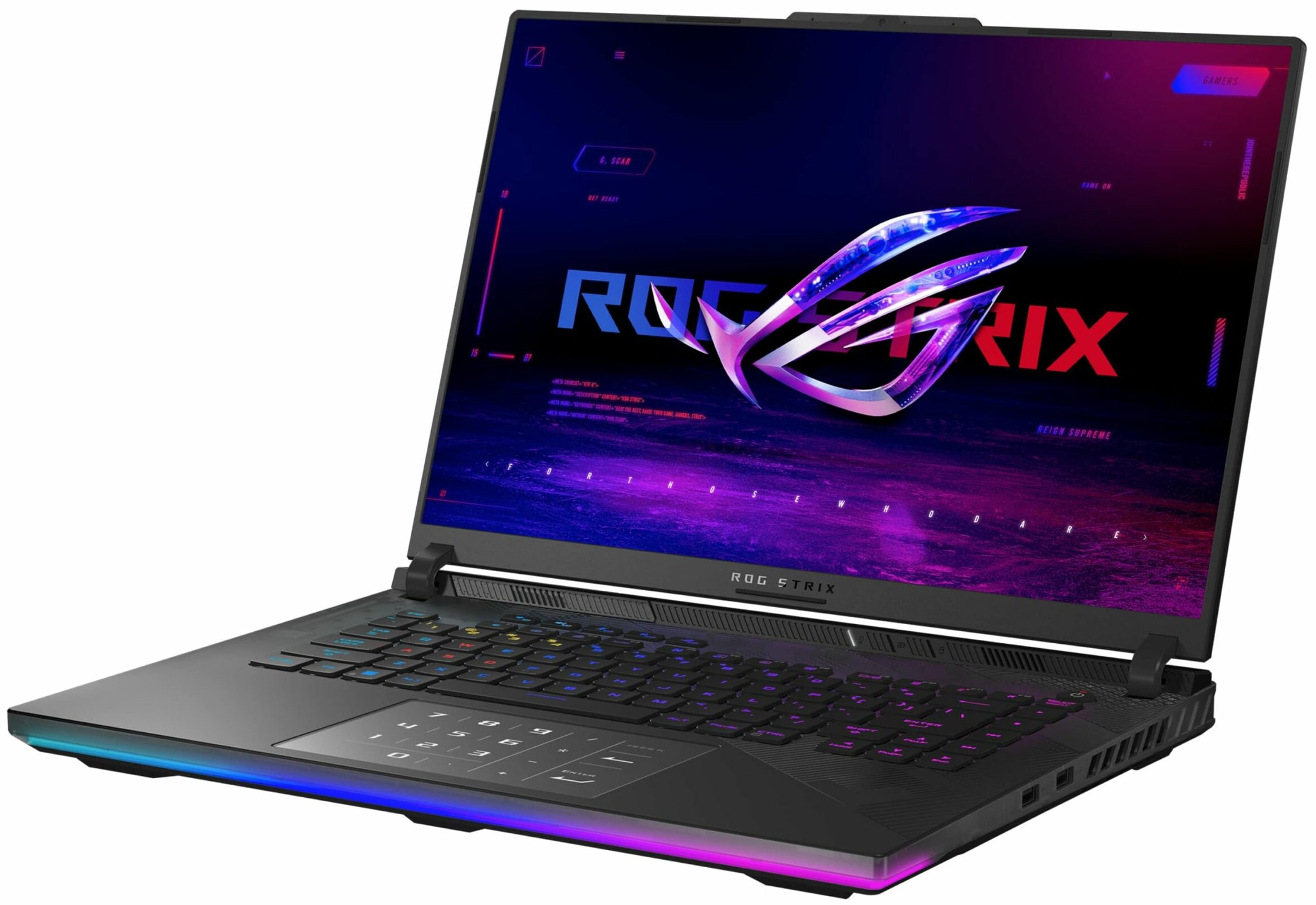
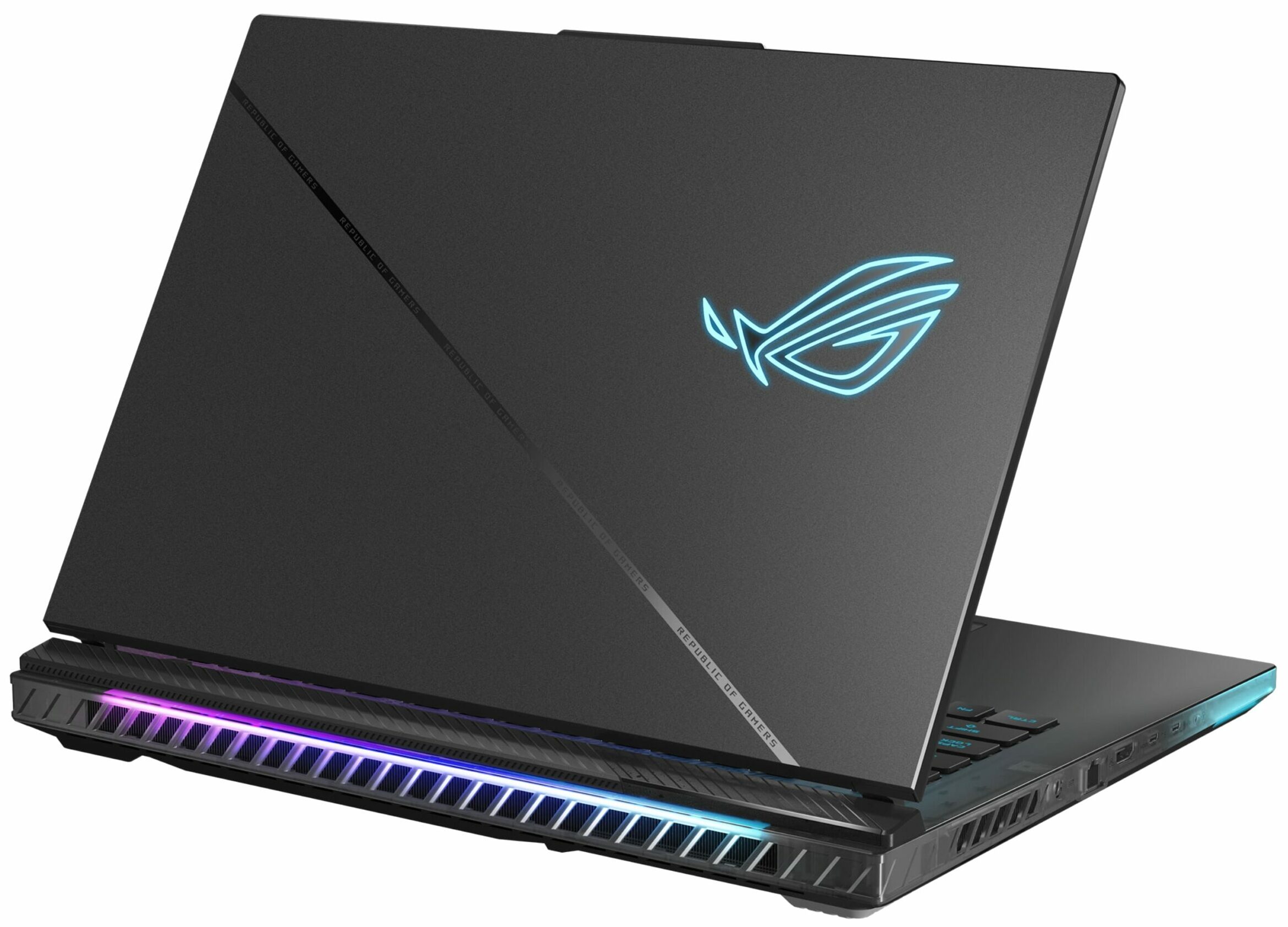
ASUS ROG Strix SCAR 16



- Date Published: 11 Mar 2024
- Intel Core i9-14900HX
- NVIDIA GeForce RTX 4090 (Laptop, 175W)
- 16.0", WQXGA (2560 x 1600), 240 Hz, Mini LED + G-Sync
- 2000GB SSD
- 64GB DDR5
- 2.65 kg (5.8 lbs)

Specs

- HDD/SSD
- 2000GB SSD
- M.2 Slot
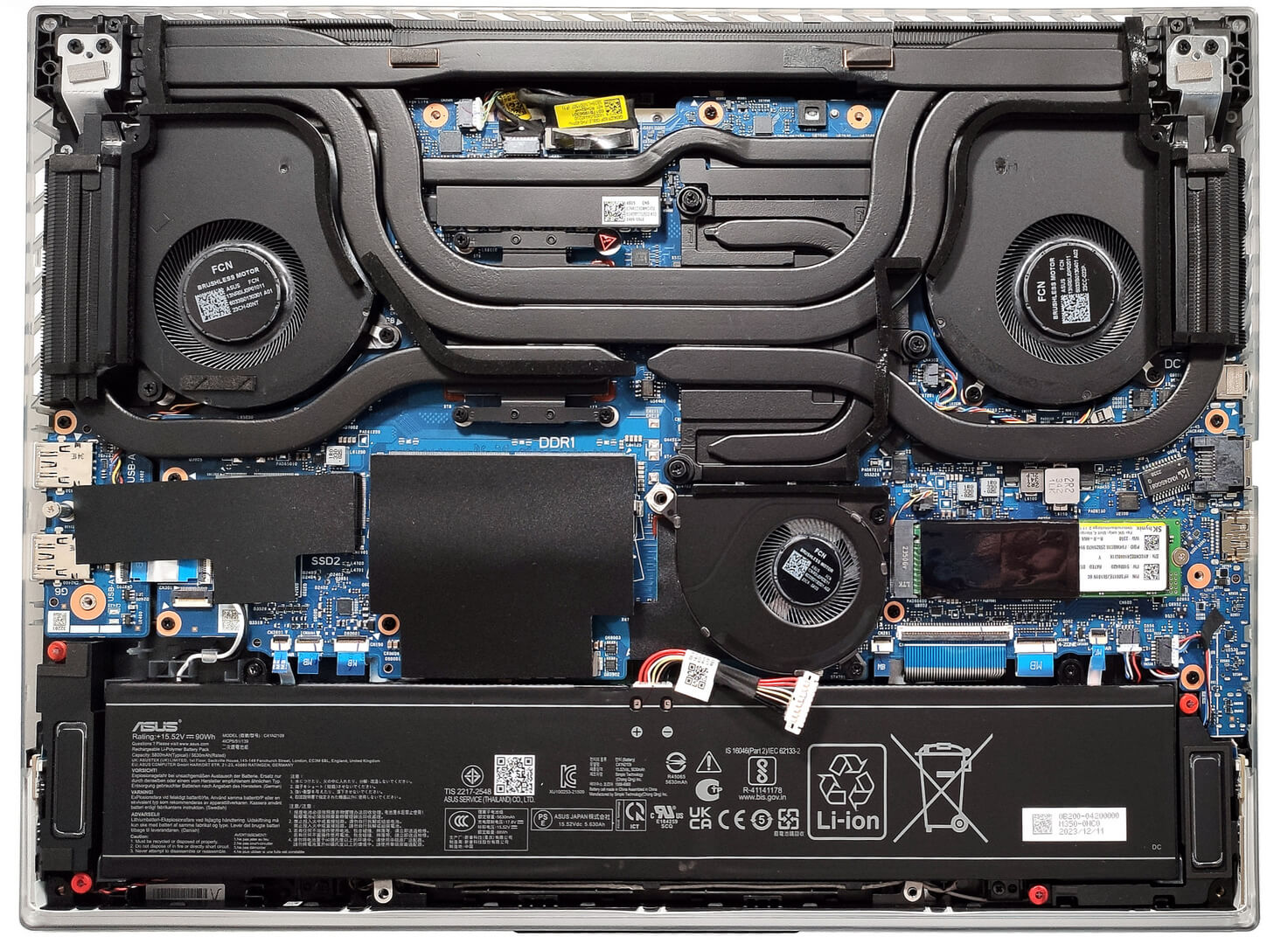
- 2x 2280 M.2 NVMe PCIe 4.0 x4 See photo
- RAM
- 64GB DDR5
- OS
- Windows 10 Pro
- Body Material
- Plastic / Polycarbonate, Aluminum
- Dimensions
- 354 x 264 x 22.6 - 30.4 mm (13.94" x 10.39" x 0.89")
- Weight
- 2.65 kg (5.8 lbs)
- Ports and connectivity
- 2x USB Type-A
- 3.2 Gen 2 (10 Gbps)
- 1x USB Type-C
- 3.2 Gen 2 (10 Gbps), Power Delivery (PD), DisplayPort
- 1x USB Type-C
- Thunderbolt 4, DisplayPort
- HDMI
- 2.1
- Card Reader
- Ethernet LAN
- 10, 100, 1000, 2500 Mbit/s
- Wi-Fi
- 802.11ax
- Bluetooth
- 5.3
- Audio jack
- 3.5mm Combo Jack
- Features
- Fingerprint reader
- Web camera
- HD
- Backlit keyboard
- Microphone
- Array Microphone with AI Noise Cancelling, support for Microsoft Cortana near field/Far Field
- Speakers
- 4x Stereo Speakers, Smart Amp, Dolby Atmos
- Optical drive
- Security Lock slot
- Gifts
- USB-C DV4K 100W Universal Docking Station
Portability
Review
ASUS ROG Strix SCAR 16 in-depth review
The ASUS ROG Strix SCAR 16 G634 (2024) is a powerful 16-incher that offers virtually the same hardware as its 18-inch sibling, the G834. This means a 32-thread Core i9-14900HX and the full-powered (175W) versions of the GeForce RTX 4080 or 4090. That sounds like a pretty potent combination, especially for such a form factor. Still, ASUS was able to fit an enormous cooling that looks practically identical to the one of the 18-inch "cousin". Conductonaut Extreme liquid metal has been applied on both CPU and GPU dies.There is just one display variant for this Strix series and that's the so-called ROG Nebula HDR Display. On paper, we have no complaints regarding this Mini LED HDR panel since it offers a 1600p resolution and a 240Hz refresh rate alongside G-SYNC and NVIDIA Advanced Optimus.[...]
Read the full review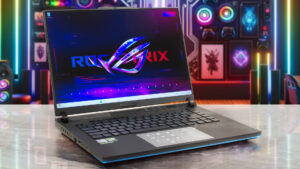
Pros
- Good upgrade options
- Performs at the levels of the 18-inch version
- High CPU frequencies and power limits during heavy loads in "Turbo" mode (3.40 GHz P-core clock + 141W)
- Great "Performance" preset - lower fan noise combined with 2.9 GHz P-core clock + 160W GPU TGP
- G-Sync + MUX Switch + NVIDIA Advanced Optimus
- Good port selection
- Full DCI-P3 coverage + accurate color with our "Design and Gaming" profile (BOE0C24)
- 240Hz refresh rate and 1600p resolution (BOE0C24)
- High max brightness of 546 nits in SDR and 1330 nits in HDR mode (BOE0C24)
- The Armoury crate app offers tons of customization options
- Comfortable and quiet RGB backlit keyboard + accurate touchpad
- Decent battery life given the powerful hardware (~7 hours of video playback)
- The fans aren't too noisy even in "Turbo mode"
- Many customizable RGBs
- Metal lid + stable base
- Huge cooling solution with a third fan over the chipset
- CPU undervolt option in the BIOS
Cons
- Hefty (22.6 - 30.4 mm / 2.65 kg)
- Lacks Wi-Fi 7, Gen 5 SSD slot, thermals pad for the memory, and bigger pads for the NVMe
- The battery connector is placed below the third fan
- Plastic base
- PWM usage (BOE0C24)
Disassembly, maintenance and upgrade options
Opening the DeviceUndo the 11 Philips-head screws securing the bottom panel. Note that the screw in the front right corner is captive and will slightly raise the panel up. Start prying the front with a thin plastic tool or a lever tool. Raise the two front corners a bit higher to pop the sides slightly past the end of the LED stripe. Fully pry the sides and the back to remove the bottom panel.More info: On the inside of the bottom panel, there are many plastic elements for greater internal structural support and dust filters for the three fans.Battery Removal[...]
Read more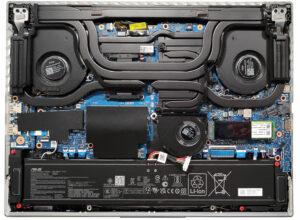


![[June 2026] Best-Selling Laptop Brands on Amazon Global – Apple’s Unrivaled Dominance in Units and Revenue](https://laptopmedia.com/wp-content/uploads/2026/07/GLOBAL-Best-Brands-400x225.jpg)
![[June 2026] Amazon Global: Top 10 Best-Selling Laptops – Apple’s New MacBook Neo Storms to #1, Reshaping the Market with Affordability](https://laptopmedia.com/wp-content/uploads/2026/07/Best-Selling-Laptops-GLOBAL-Top-10-400x225.jpg)
![[June 2026] Amazon Global: Top 10 Best-Selling Gaming Laptops – Acer’s Nitro V 16S AI Dominates Sales, While ASUS Leads Overall Revenue](https://laptopmedia.com/wp-content/uploads/2026/07/Best-Selling-Gaming-Laptops-GLOBAL-Top-10-400x225.jpg)
![[June 2026] Global Ranking of Best-Selling Laptop GPUs on Amazon – NVIDIA RTX 5060 is the Top-Selling Dedicated GPU](https://laptopmedia.com/wp-content/uploads/2026/07/Best-Selling-GPUs-GLOBAL-Top-10-400x225.jpg)
![[June 2026] Global Ranking of Best-Selling Laptop CPUs on Amazon – Apple M5 Dominates, AMD Ryzen 7 260 Gets Solid Premium Share](https://laptopmedia.com/wp-content/uploads/2026/07/Best-Selling-CPUs-GLOBAL-Top-10-400x225.jpg)