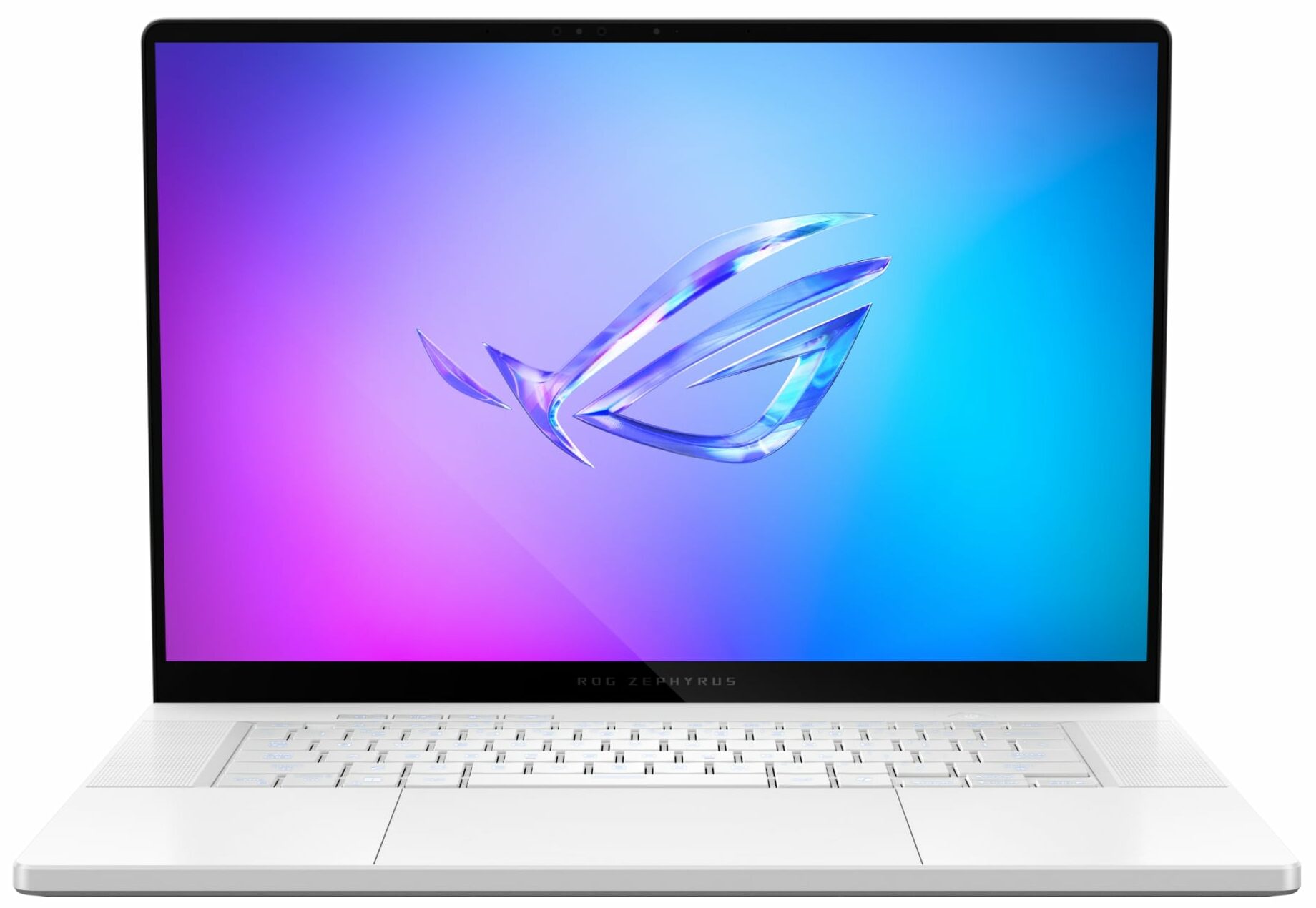
ASUS ROG Zephyrus G16 GA605
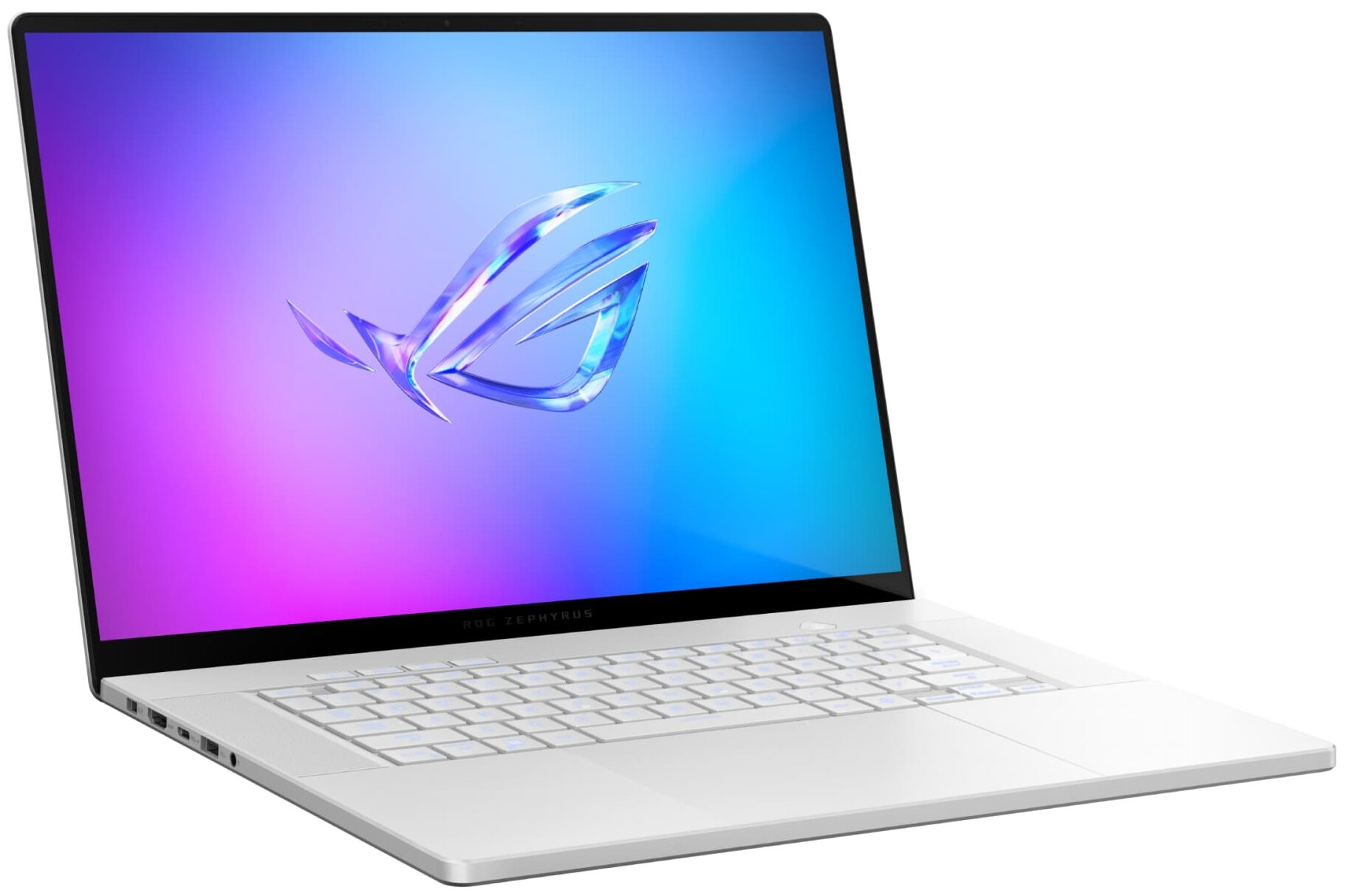
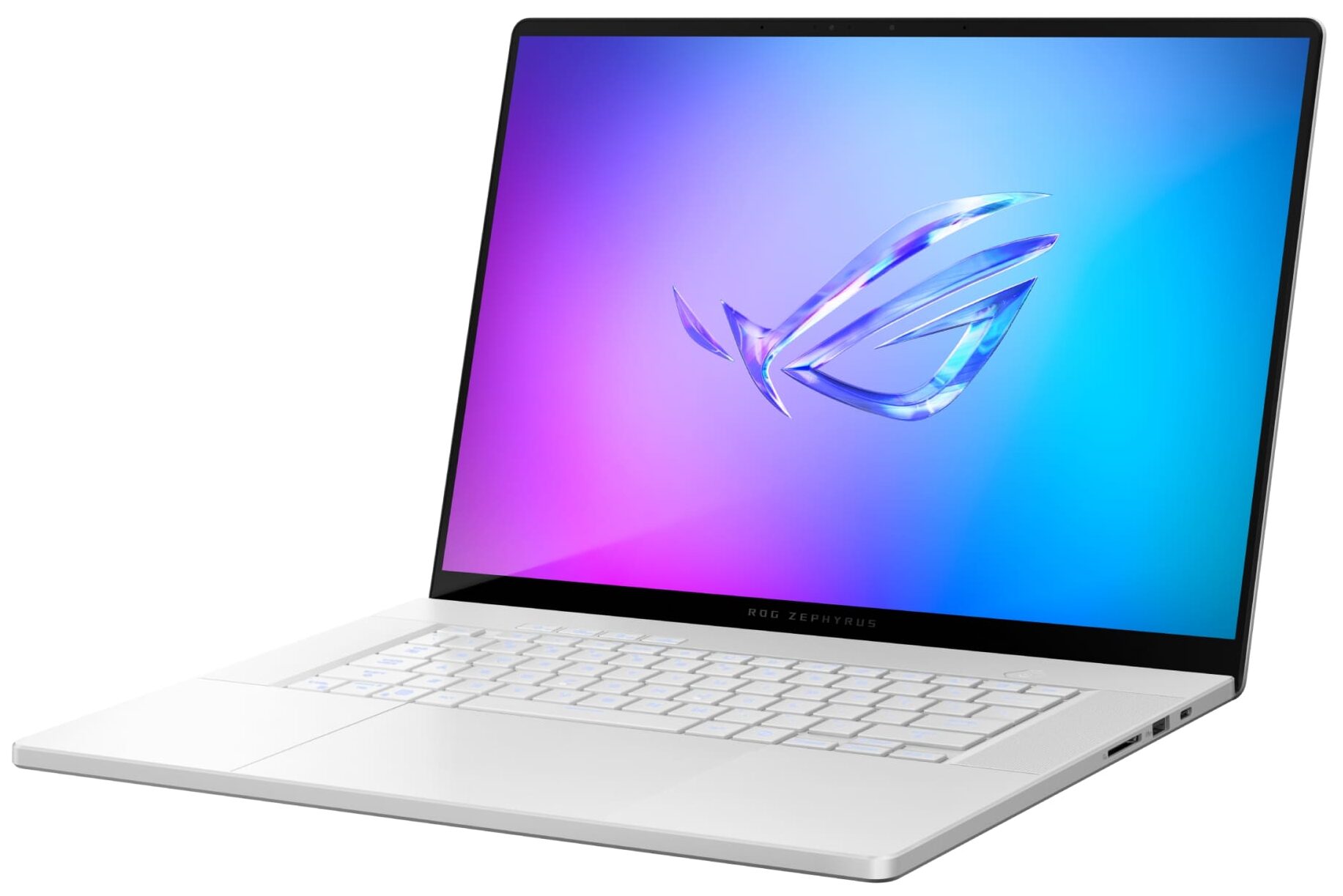
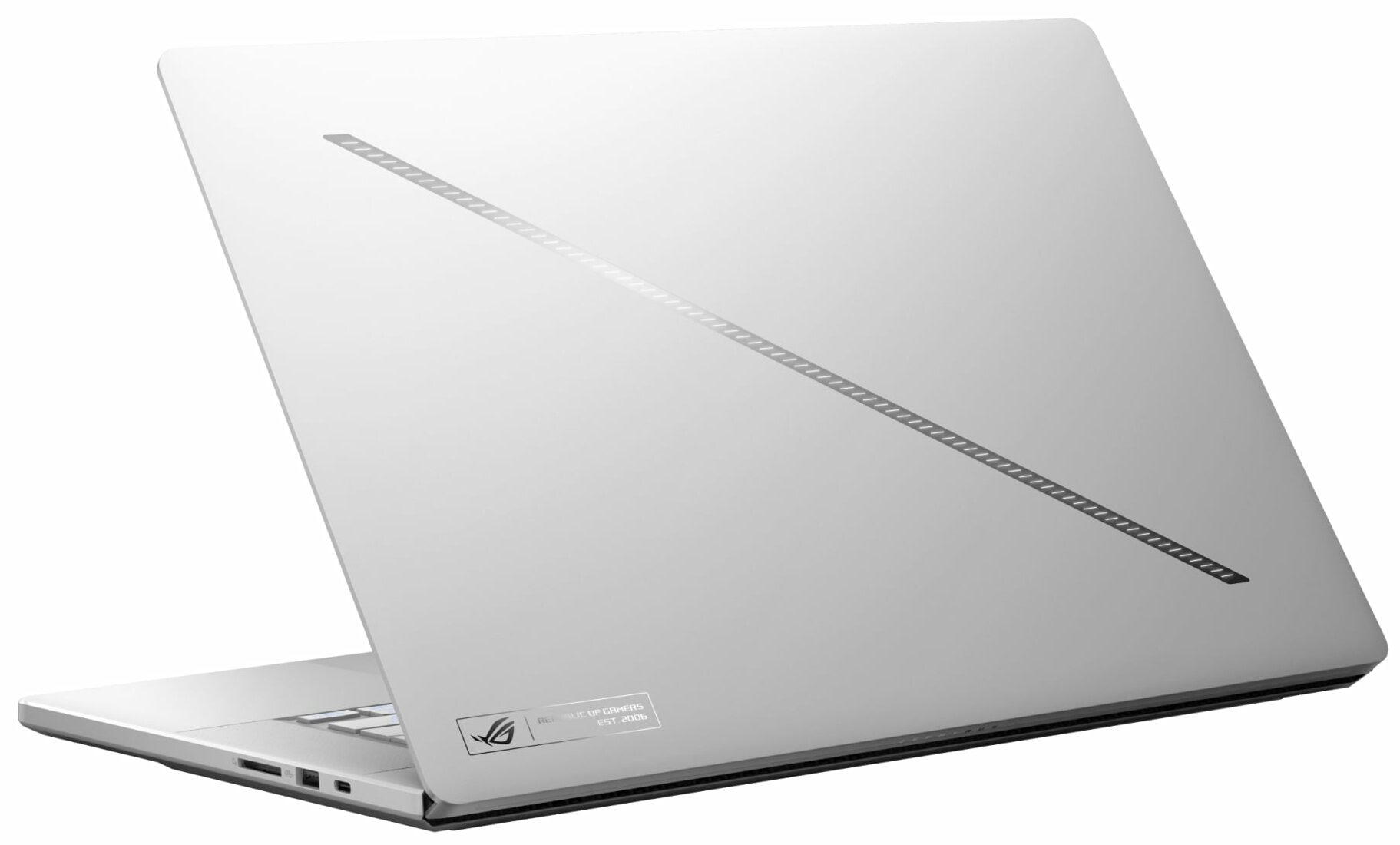
- Date Published: 09 Sep 2024
- AMD Ryzen AI 9 365
- NVIDIA GeForce RTX 4070 (Laptop, 105W)
- 16.0", WQXGA (2560 x 1600), 240 Hz, OLED
- 1000GB SSD
- 32GB RAM
- 1.85 kg (4.1 lbs)
Specs

- HDD/SSD
- 1000GB SSD
- M.2 Slot
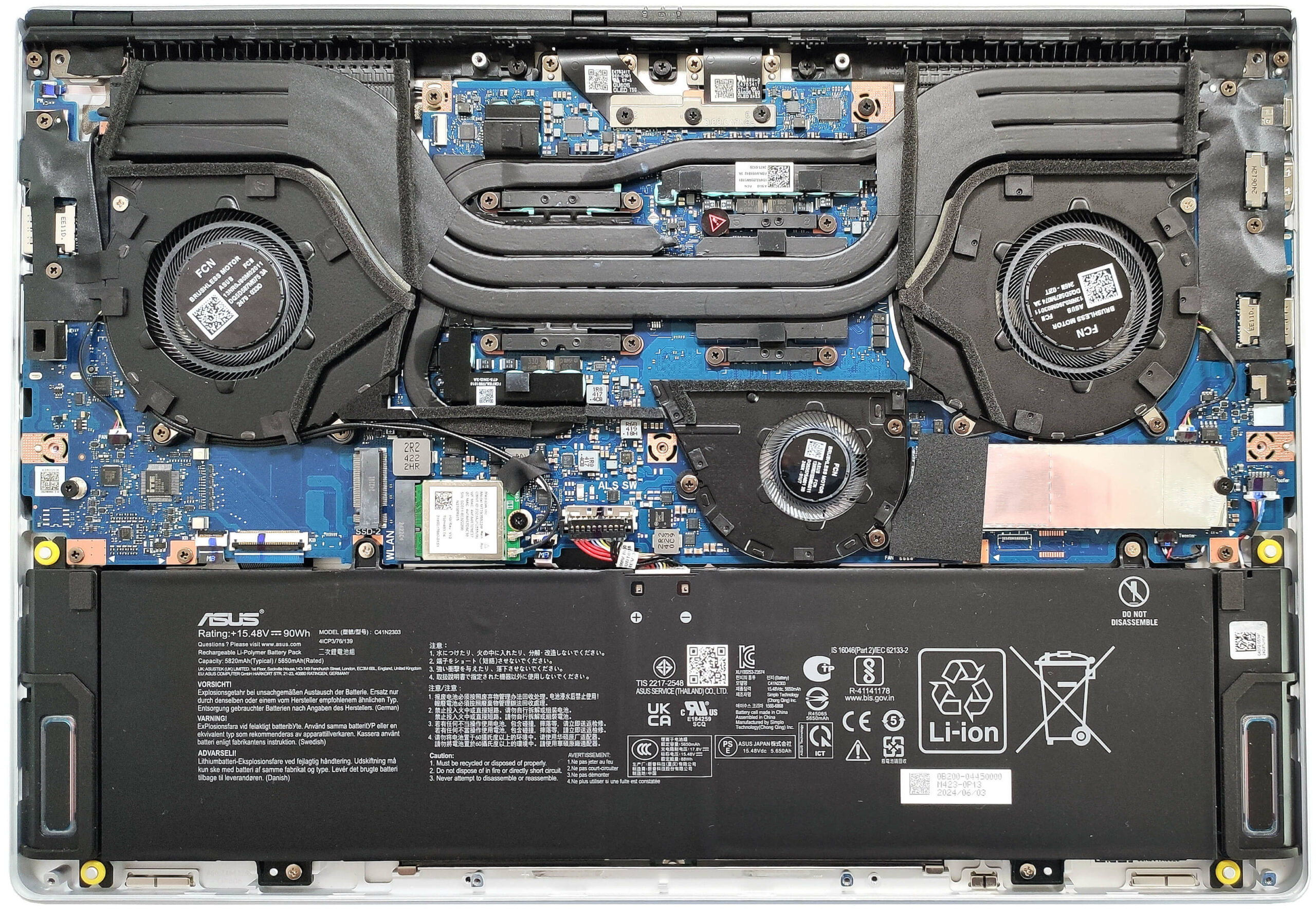
- 1x 2280 M.2 NVMe PCIe 4.0 x4 + 1x 2280 M.2 NVMe PCIe 4.0 x2 See photo
- RAM
- 32GB RAM
- OS
- Windows 11 Home
- Body Material
- Aluminum
- Dimensions
- 354 x 246 x 14.9 - 16.4 / 16.2 - 17.2 mm (13.94" x 9.69" x 0.59")
- Weight
- 1.85 kg (4.1 lbs)
- Ports and connectivity
- 2x USB Type-A
- 3.2 Gen 2 (10 Gbps)
- 1x USB Type-C
- 3.2 Gen 2 (10 Gbps), Power Delivery (PD), DisplayPort
- 1x USB Type-C
- 4.0, Power Delivery (PD), DisplayPort
- HDMI
- 2.1
- Card Reader
- SD (SD, SDHC, SDXC)
- Ethernet LAN
- Wi-Fi
- 802.11be
- Bluetooth
- 5.4
- Audio jack
- 3.5mm Combo Jack
- Features
- Fingerprint reader
- Web camera
- FHD IR with Windows Hello
- Backlit keyboard
- Microphone
- 3x Microphone Array with AI noise-canceling
- Speakers
- 4-speaker (dual force woofer) system with Smart Amplifier Technology, 2 Tweeters, Dolby Atmos
- Security Lock slot
Portability
Review
ASUS ROG Zephyrus G16 GA605 in-depth review
The ROG Zephyrus G16 GA605 is equipped with the all-new AMD Ryzen AI 9 HX 370 that has a powerful NPU with 50 TOPs. If you order a laptop with the most punchy GPU option you can rely on up to 321 TOPs for AI tasks. This is a very thin notebook and yes, the memory is soldered. The maximum amount here is 32GB LPDDR5x RAM. If you need 64GB memory, you can get the ASUS ProArt P16 (H7606) which boasts a similar design and dimensions. Speaking of which, the Meteor-Lake-based ROG Zephyrus G16 GU605 is the Team Blue sibling of the GA605. Unfortunately, the top-end GPUs like RTX 4080 and RTX 4090 are reserved for the Intel model.We picked a maxed-out configuration with an RTX 4070 and a 1600p 240Hz OLED screen. The latter is a superb piece of tech with very good color accuracy. For a lesser amo[...]
Read the full review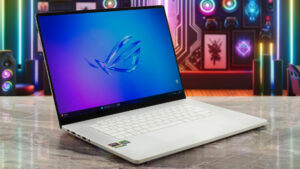
Pros
- 2x M.2 Gen 4 slots + replaceable Wi-Fi card
- Very good CPU performance
- Compact and light (14.9 - 16.4 mm / 1.85 kg)
- Zen 5 CPU
- High processor frequencies and power limits during heavy stress (4.26 GHz / 3.25 GHz P and E-core clock + 76W)
- The RTX 4070 can sustain a stable 105W during gaming
- MUX switch + NVIDIA Advanced Optimus + G-SYNC
- Four USBs + Wi-Fi 7 and Bluetooth 5.4
- OLED display with infinite contacts (SDC41AE)
- 2560 x 1600 resolution + 240Hz refresh rate (SDC41AE)
- Full sRGB and DCI-P3 coverage + good out-of-the-box color-accuracy (SDC41AE)
- 407 nits of max brightness (SDC41AE)
- The Armoury crate app offers tons of customization options
- Comfortable backlit keyboard + precise touchpad
- Long battery life (~12 hours of video)
- The fans don't spin during light loads in "Silent" mode
- Solid metal built
- Well-cooled SSD (Micron 2400E)
- Good audio qiality
Cons
- Soldered RAM + the left M.2 slot is limited to PCIe 4.0 x2
- Pricey
- High CPU temperature in medium and long loads (~92°C / 95°C)
- The display's hotspot on the bottom bezel reaches 61°C
- The real-life gaming performance on sub-Ultra details is a bit lower than expected
- QLC SSD in this price class is a non-optimal decision by the manufacturer
Disassembly, maintenance and upgrade options
Opening the Device Hint: Ensure the laptop is powered off and disconnected from any power source before starting.Undo the eleven Torx-head screws on the bottom panel of the laptop. Note that the top two screws in the middle are hidden underneath rubber caps and must be unglued first. After removing the screws, you will notice slight gaps in the bottom edges. Use a thin plastic tool to pry the front and the sides gently. Once the front and sides are pried open, proceed to pop the back panel. Insert a thin plastic tool between the plate and the chassis and slide it gently t[...]
Read more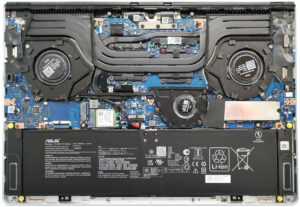


![[June 2026] Best-Selling Laptop Brands on Amazon Global – Apple’s Unrivaled Dominance in Units and Revenue](https://laptopmedia.com/wp-content/uploads/2026/07/GLOBAL-Best-Brands-400x225.jpg)
![[June 2026] Amazon Global: Top 10 Best-Selling Laptops – Apple’s New MacBook Neo Storms to #1, Reshaping the Market with Affordability](https://laptopmedia.com/wp-content/uploads/2026/07/Best-Selling-Laptops-GLOBAL-Top-10-400x225.jpg)
![[June 2026] Amazon Global: Top 10 Best-Selling Gaming Laptops – Acer’s Nitro V 16S AI Dominates Sales, While ASUS Leads Overall Revenue](https://laptopmedia.com/wp-content/uploads/2026/07/Best-Selling-Gaming-Laptops-GLOBAL-Top-10-400x225.jpg)
![[June 2026] Global Ranking of Best-Selling Laptop GPUs on Amazon – NVIDIA RTX 5060 is the Top-Selling Dedicated GPU](https://laptopmedia.com/wp-content/uploads/2026/07/Best-Selling-GPUs-GLOBAL-Top-10-400x225.jpg)
![[June 2026] Global Ranking of Best-Selling Laptop CPUs on Amazon – Apple M5 Dominates, AMD Ryzen 7 260 Gets Solid Premium Share](https://laptopmedia.com/wp-content/uploads/2026/07/Best-Selling-CPUs-GLOBAL-Top-10-400x225.jpg)