ASUS TUF Gaming F16 FX607

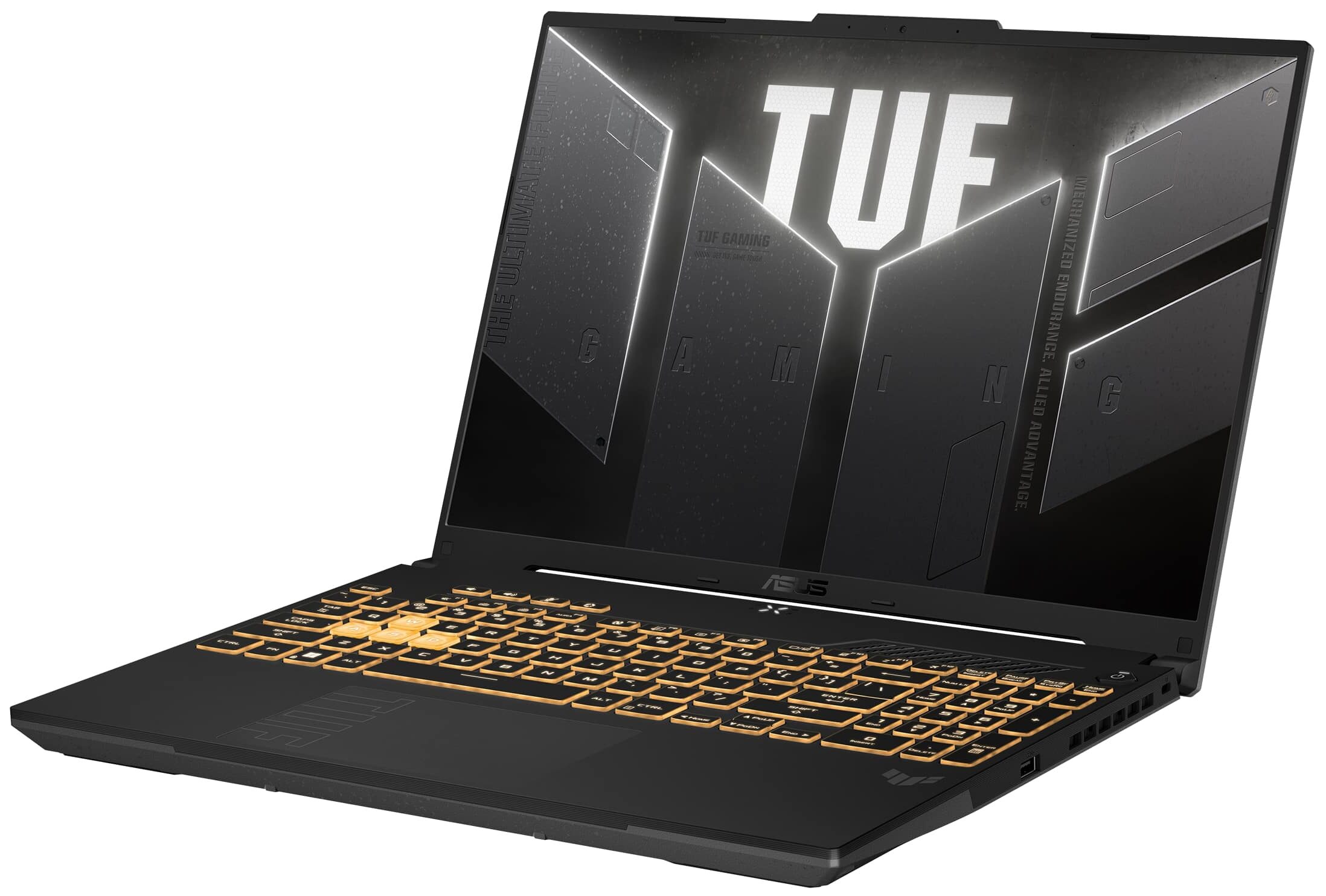

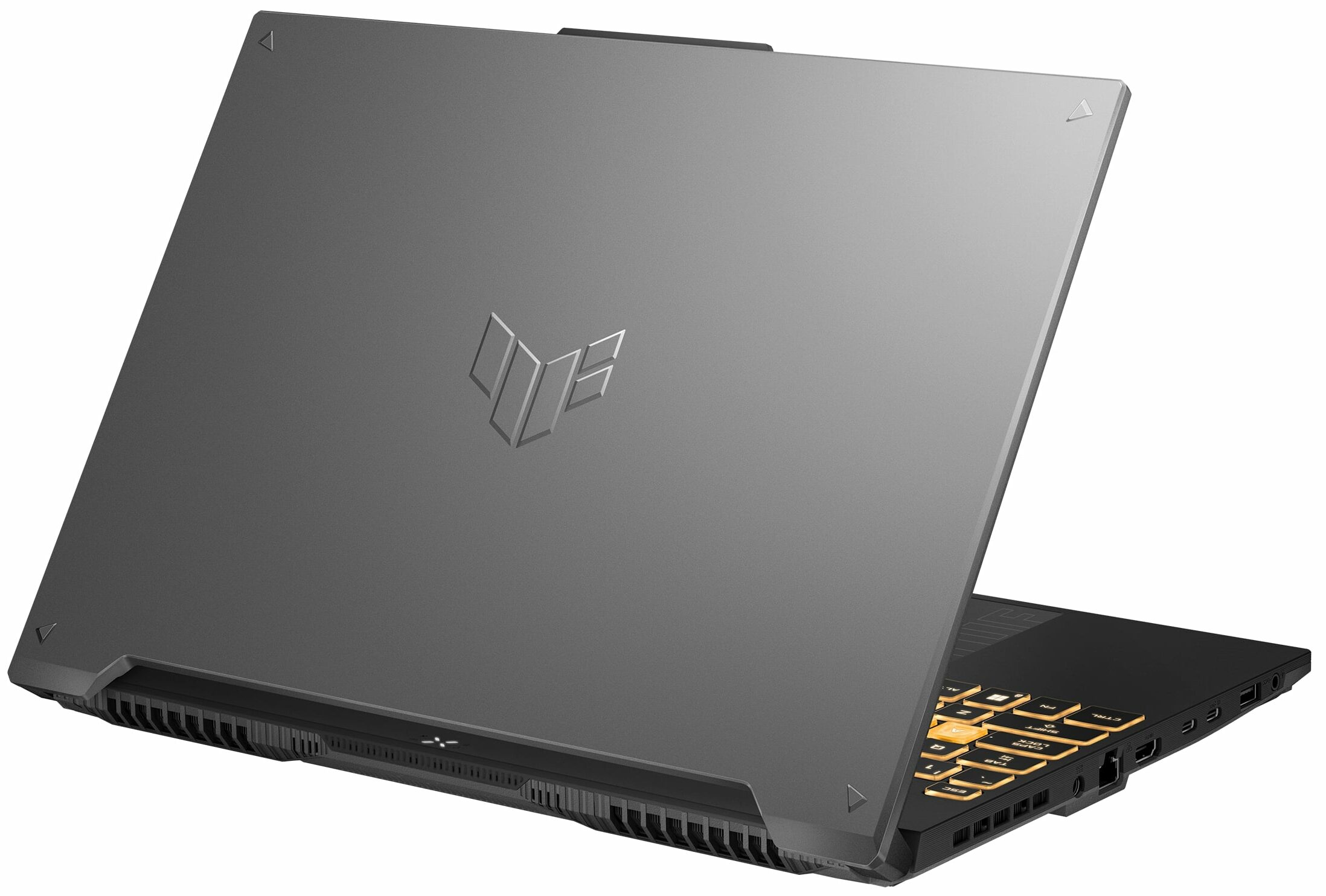

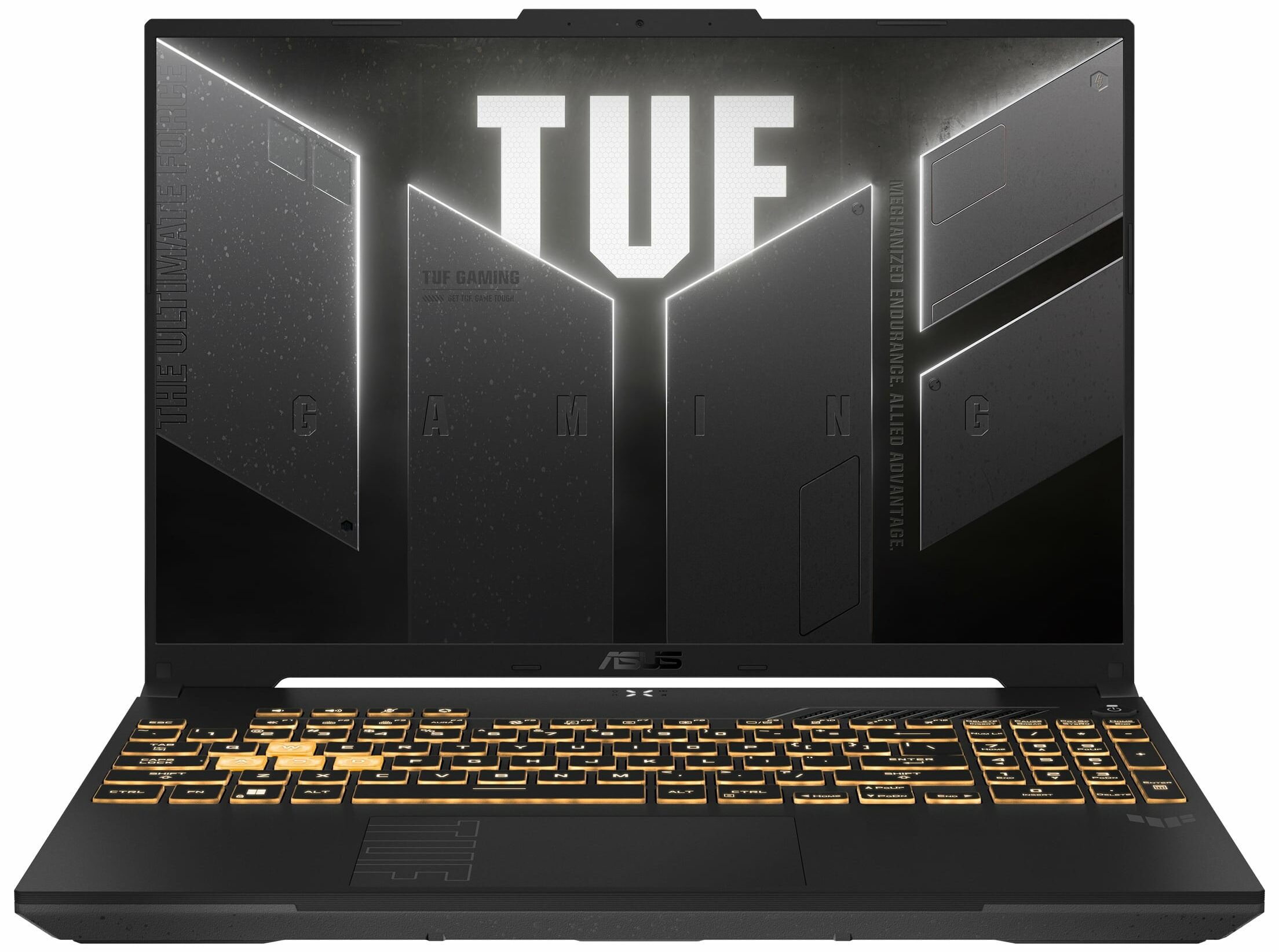
- Date Published: 30 Jul 2026
- Intel Core 5 210H
- NVIDIA GeForce RTX 4050 (Laptop, 130W)
- 16.0″, WUXGA (1920 x 1200), 144 Hz, IPS
- 4000GB SSD
- 64GB RAM
- 2.27 kg (5 lbs)
Review
ASUS TUF Gaming F16 FX607 in-depth review
The ASUS TUF Gaming F16 FX607 (2024) is a laptop that shares a lot of similarities with its AMD-based sibling - the ASUS TUF Gaming A16 FA607. Of course, the FX607 iteration packs an Intel CPU. Actually, there is just one processor variant and that's the Intel Core i7-13650HX. That's fine since this chip offers six performance and eight efficient cores plus a 55W base power limit. All looks good in the GPU department, you get NVIDIA Ada Lovelace graphics cards with high TGPs.This is a proper gaming notebook and that's why it's not a surprise that goodies such as G-Sync, NVIDIA Advanced Optimus, and MUX switch are on board. The base display is a 165Hz 1200p unit but you can get the optional 1600p unit that has the same refresh rate as the default model. This device will not stretch your[...]
Read the full review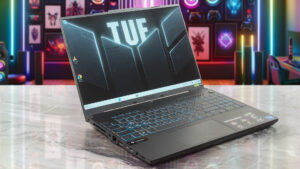
Pros
- 2x SODIMMs + 2x M.2 Gen 4 slots
- Very good overall performance alongside high CPU / GPU clocks and power limits during heavy stress
- Has a MUX switch
- Adequate I/O + Wi-Fi 6 and Bluetooth 5.2
- 95% sRGB coverage + accurate colors with our "Design and Gaming" profile (CSOT MNG007QA1-1 (CSW1639))
- Snappy panel + 165Hz refresh rate (CSOT MNG007QA1-1 (CSW1639))
- PWM-free (CSOT MNG007QA1-1 (CSW1639))
- G-Sync and NVIDIA Advanced Optimus support
- The Armoury crate app offers tons of customization options
- Comfortable quiet backlit keyboard + precise touchpad
- Great battery life
- The fans don't spin when the system is in an idle state
- Solid build quality
Cons
- Noisy fans in Turbo mode
- High NVMe temperature during benchmarking
- The max brightness isn't great (CSOT MNG007QA1-1 (CSW1639))
Disassembly, maintenance and upgrade options
Step 1: Opening the ASUS TUF Gaming F16 FX607 (2024)Power off the laptop and place it on a clean, flat surface. Remove 12 Philips-head screws from the bottom panel. Note that the screw in the lower right corner is captive and will slightly lift the panel to start the prying process. Use a plastic tool to gently pry the sides and then the back of the panel to fully remove it.Step 2: Battery RemovalDisconnect the battery by detaching the connector from the motherboard. Remove the three Philips head screws and take the battery out of its compartment.More info:[...]
Read more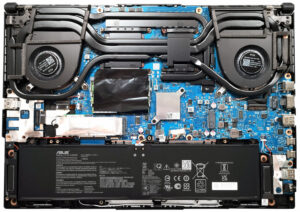


![[June 2026] Best-Selling Laptop Brands on Amazon Global – Apple’s Unrivaled Dominance in Units and Revenue](https://laptopmedia.com/wp-content/uploads/2026/07/GLOBAL-Best-Brands-400x225.jpg)
![[June 2026] Amazon Global: Top 10 Best-Selling Laptops – Apple’s New MacBook Neo Storms to #1, Reshaping the Market with Affordability](https://laptopmedia.com/wp-content/uploads/2026/07/Best-Selling-Laptops-GLOBAL-Top-10-400x225.jpg)
![[June 2026] Amazon Global: Top 10 Best-Selling Gaming Laptops – Acer’s Nitro V 16S AI Dominates Sales, While ASUS Leads Overall Revenue](https://laptopmedia.com/wp-content/uploads/2026/07/Best-Selling-Gaming-Laptops-GLOBAL-Top-10-400x225.jpg)
![[June 2026] Global Ranking of Best-Selling Laptop GPUs on Amazon – NVIDIA RTX 5060 is the Top-Selling Dedicated GPU](https://laptopmedia.com/wp-content/uploads/2026/07/Best-Selling-GPUs-GLOBAL-Top-10-400x225.jpg)
![[June 2026] Global Ranking of Best-Selling Laptop CPUs on Amazon – Apple M5 Dominates, AMD Ryzen 7 260 Gets Solid Premium Share](https://laptopmedia.com/wp-content/uploads/2026/07/Best-Selling-CPUs-GLOBAL-Top-10-400x225.jpg)
