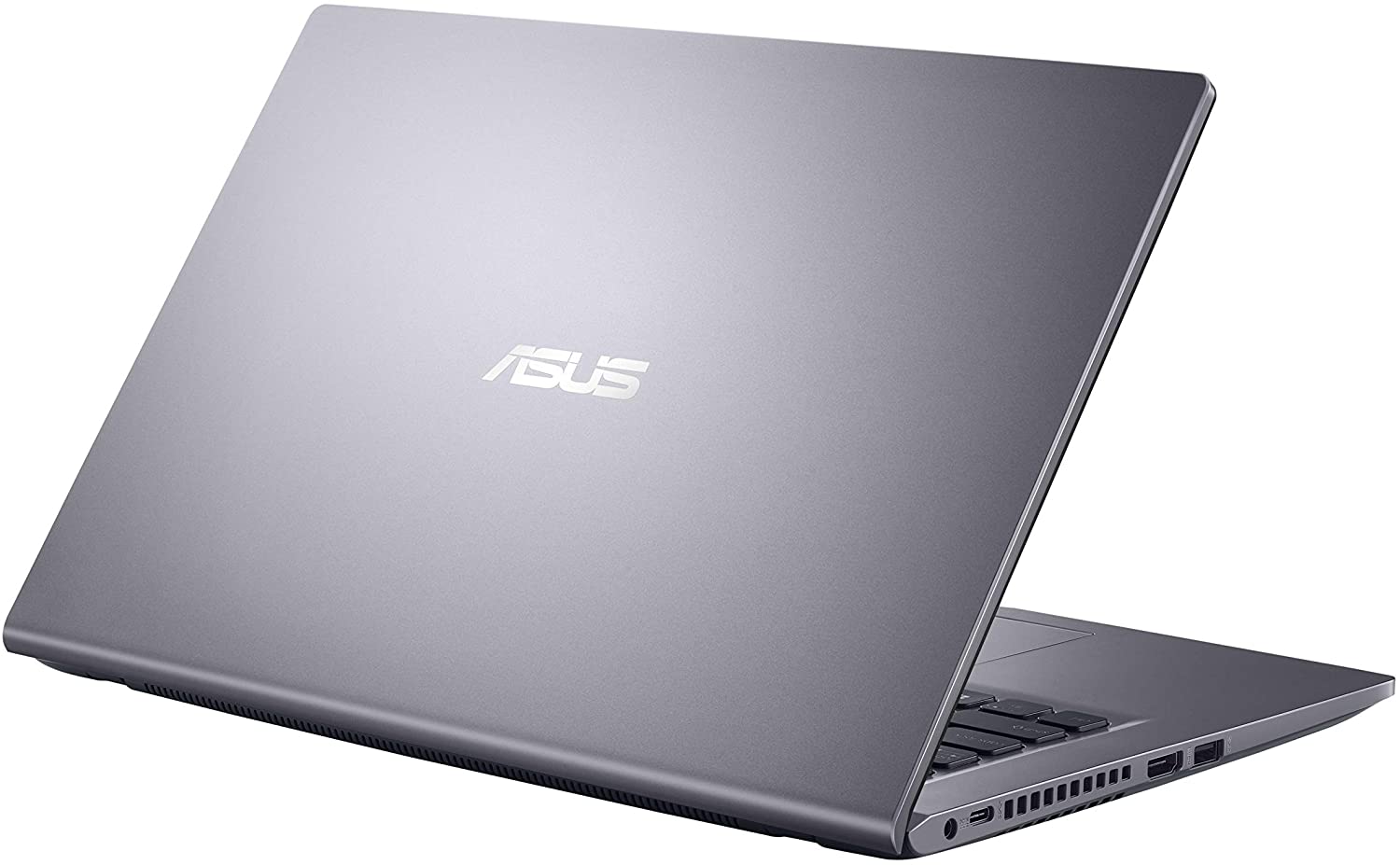
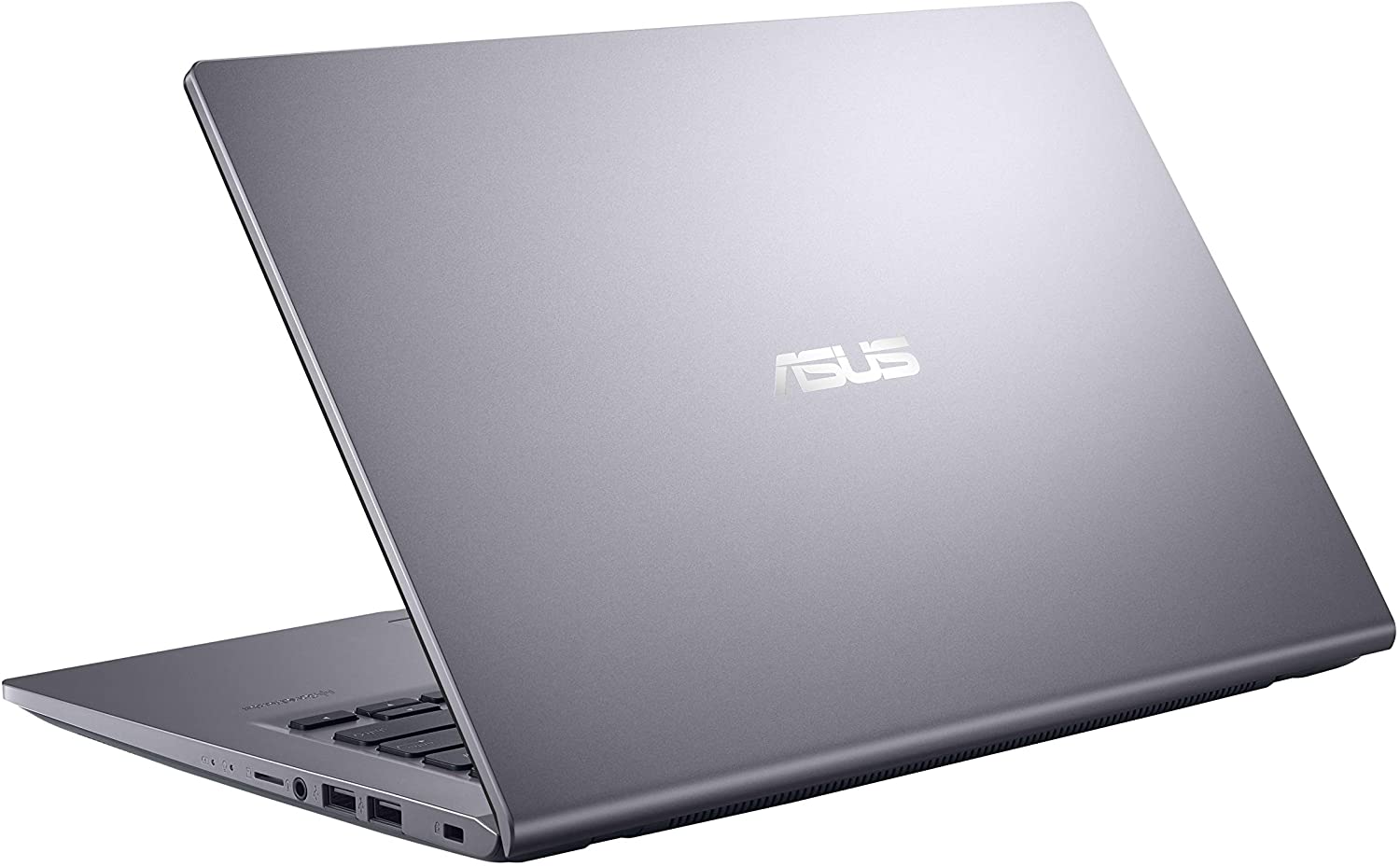
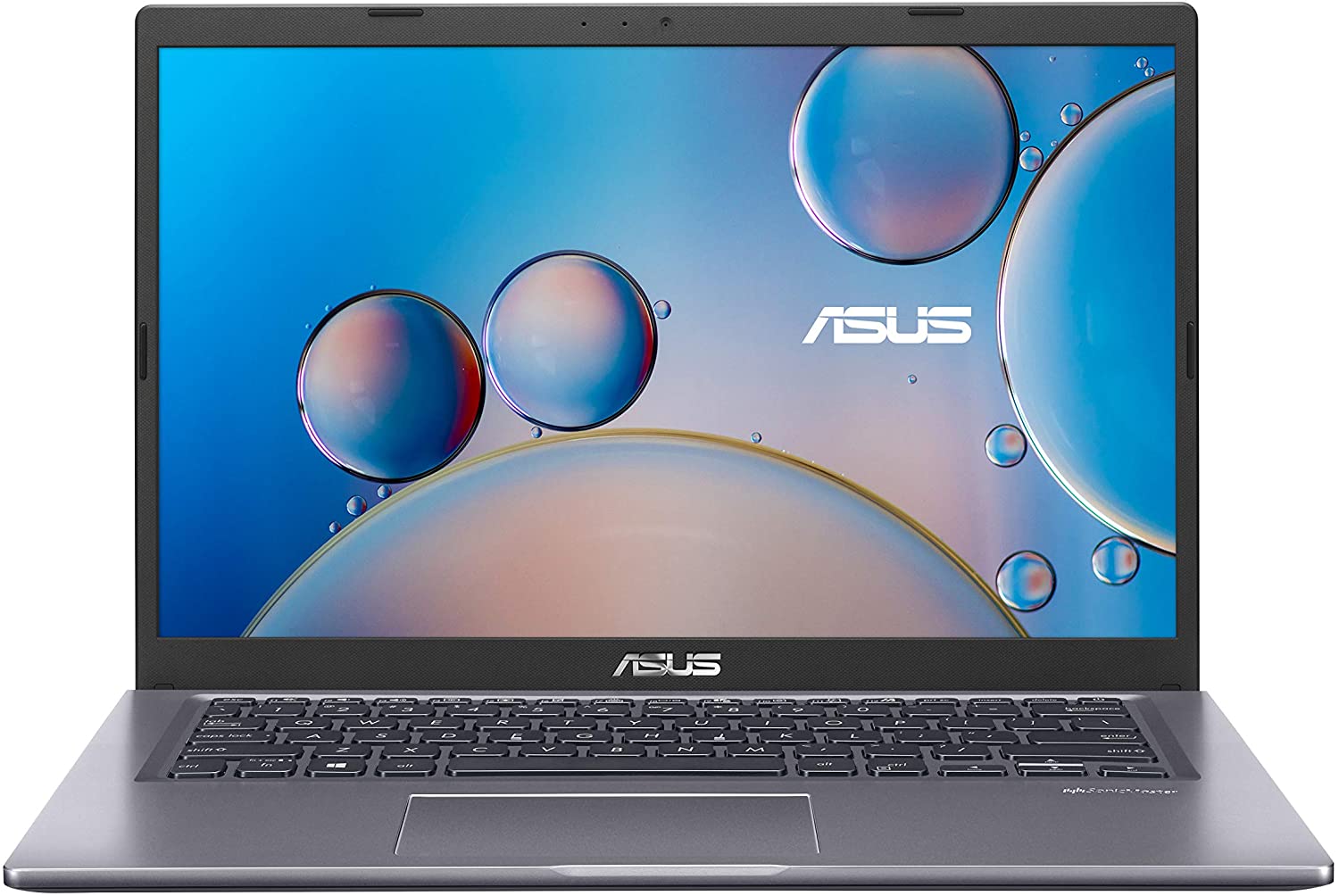
ASUS VivoBook 14
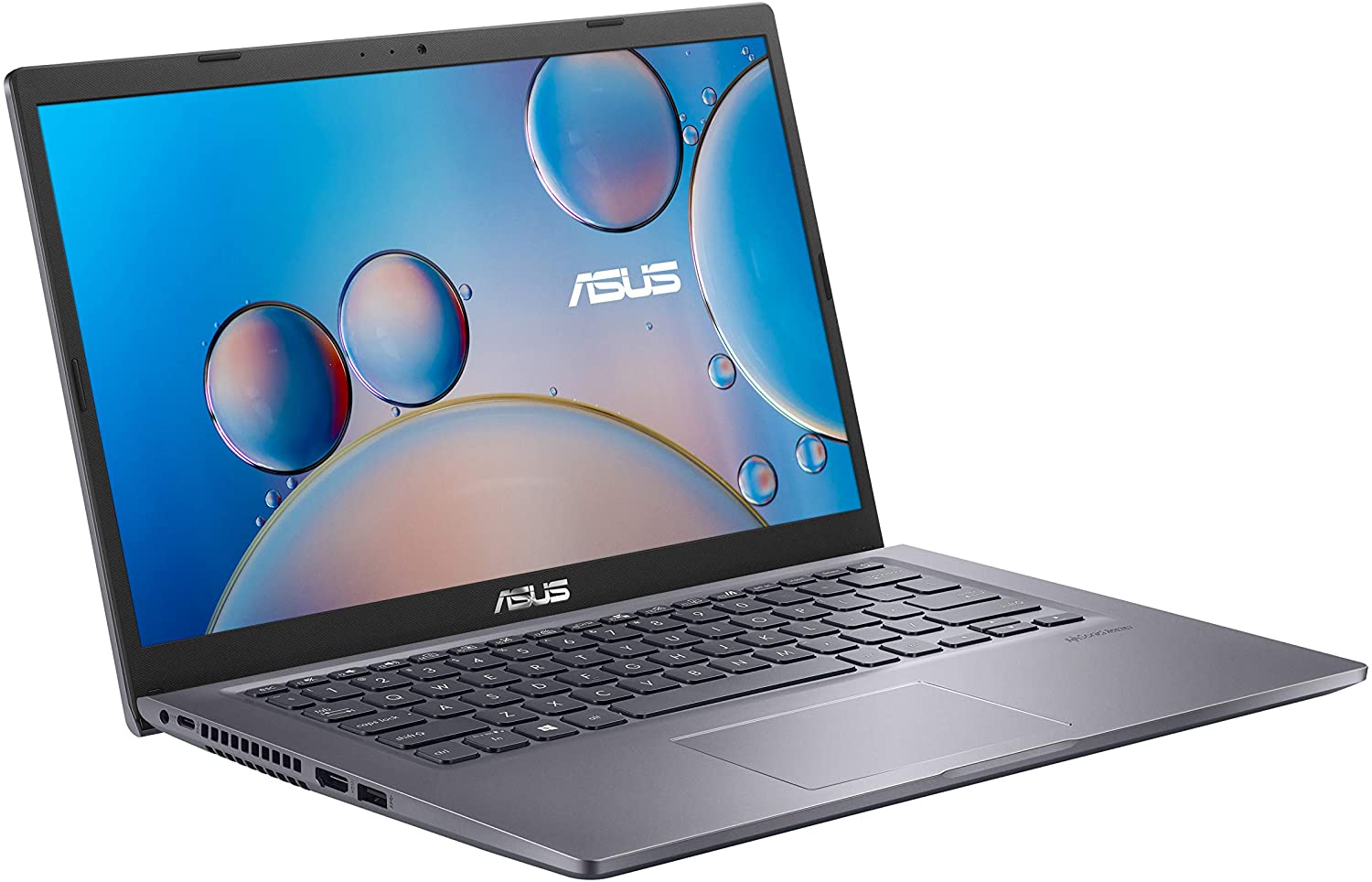
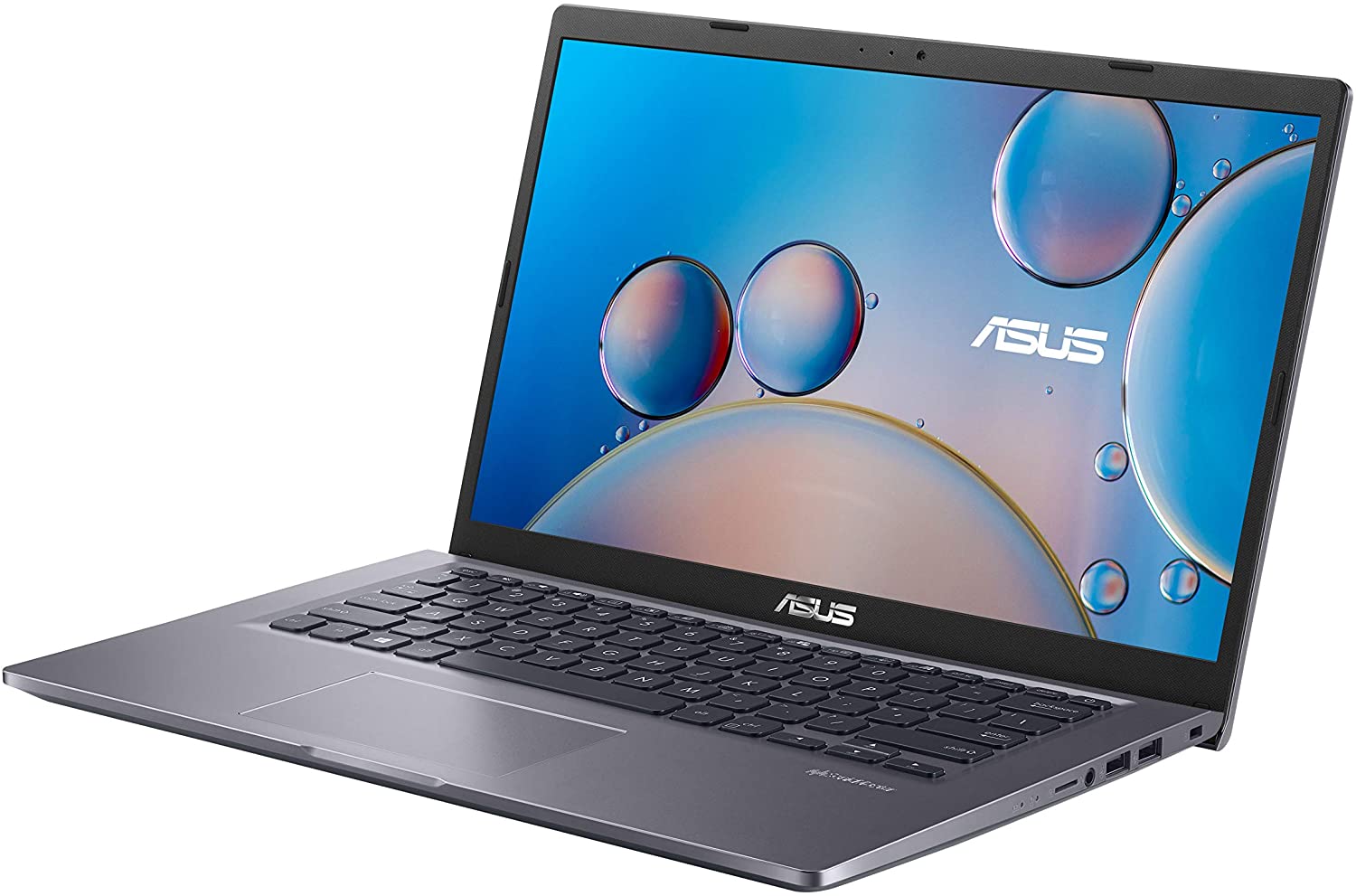
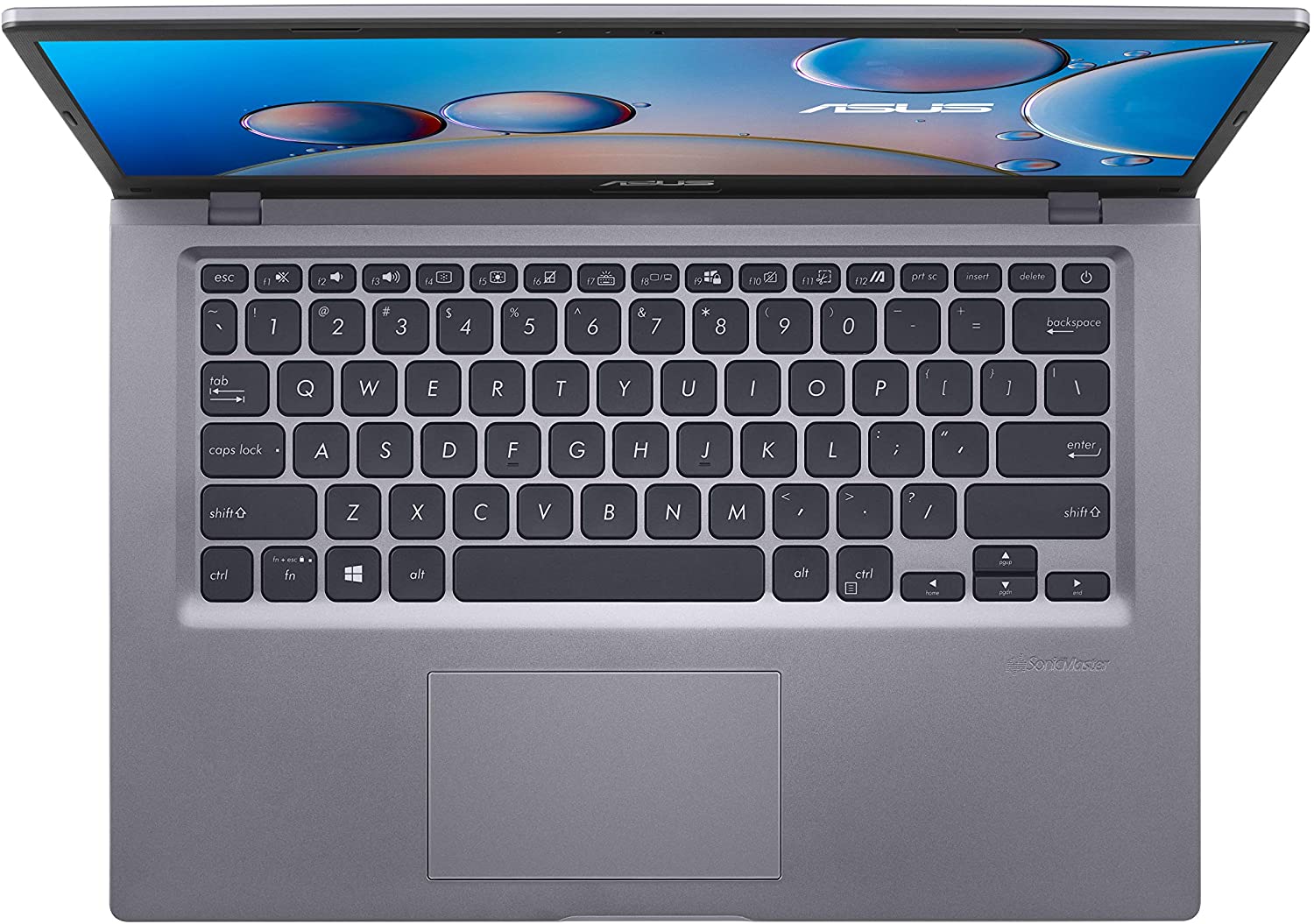
- Date Published: 30 Jan 2024
- Intel Core i3-1115G4
- Intel UHD Graphics Xe G4 (48EU)
- 14.0”, Full HD (1920 x 1080), IPS
- 4000GB SSD
- 36GB DDR4
- 1.55 kg (3.4 lbs)
Specs

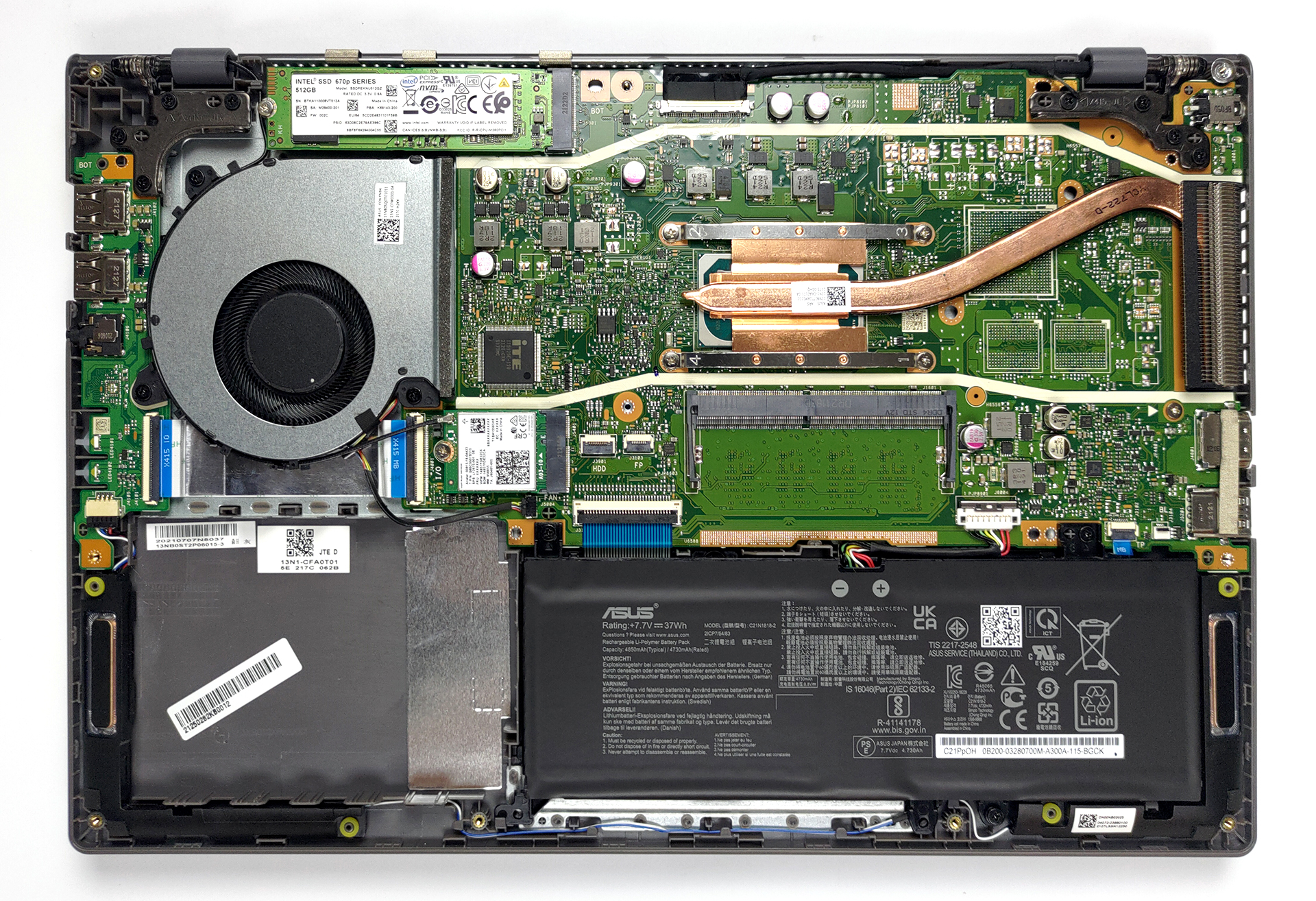
- HDD/SSD
- 4TB SSD
- M.2 Slot
- 1x M.2 NVMe slot See photo
- RAM
- 36GB DDR4
- OS
- Windows 11 Pro
- Body Material
- Plastic / Polycarbonate
- Dimensions
- 325.4 x 216 x 19.9 mm (12.81" x 8.50" x 0.78")
- Weight
- 1.55 kg (3.4 lbs)
- Ports and connectivity
- 2x USB Type-A
- 2.0
- 1x USB Type-A
- 3.2 Gen 1 (5 Gbps)
- 1x USB Type-C
- 3.2 Gen 1 (5 Gbps)
- HDMI
- 1.4
- Card Reader
- MicroSD
- Ethernet LAN
- Wi-Fi
- 802.11ac
- Bluetooth
- 4.1
- Audio jack
- 3.5mm Combo Jack
- Features
- Fingerprint reader
- Web camera
- VGA
- Backlit keyboard
- Microphone
- Microphone with Cortana support
- Speakers
- Speaker with SonicMaster
- Optical drive
- Security Lock slot
- Gifts
- 32GB USB Drive
Portability
Review
ASUS VivoBook 14 in-depth review
Today we have a laptop that may be found by different names. In some places, it is called the VivoBook 14 X415, while elsewhere it can be found as ASUS X415. Regardless of what you call it, though, it's made for one purpose - to satisfy your mobile computing needs. Well, this is where we open huge parenthesis because computing needs is a very broad statement. Some people need a laptop for gaming, others for processing large 3D objects... No, the X415 is definitely not meant to do that.Instead, you get a relatively low-budget solution, which can be paired with up to the Core i7-1165G7, and a GeForce MX330 dedicated GPU. And while we doubt that this machine is going to be a performance king, what we are most excited about is the upgradability. According to ASUS, this is one of the few 1[...]
Read the full review
Pros
- Fine upgradeability
- Decent cooling solution
- Appetizing price tag
- Can be configured wit capable hardware
- No PWM (N140HCA-EAC)
Cons
- Two of the USB ports work at only 2.0 speeds
- No SD card reader
- Covers only 52% of sRGB (N140HCA-EAC)
- No 2.5-inch SATA device connecting hardwear in the box
Disassembly, maintenance and upgrade options
Although the upgrade options are not bad, there are some cost-cutting measures, that we're not sure we like.Check out all ASUS VivoBook 14 X415 prices and configurations in our Specs System or read more in our In-Depth review.1. Remove the bottom plate There are 10 Phillips-head screws that hold this notebook's bottom panel in place. After you undo them, pry the panel with a plastic tool and remove it from the chassis.2. Battery Here, we see a rather small 37Wh battery pack.3. Мemory and storage When it comes to memory, this notebook comes with either 4 or 8GB of R[...]
Read more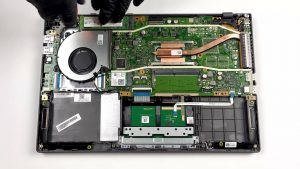


![[June 2026] Best-Selling Laptop Brands on Amazon Global – Apple’s Unrivaled Dominance in Units and Revenue](https://laptopmedia.com/wp-content/uploads/2026/07/GLOBAL-Best-Brands-400x225.jpg)
![[June 2026] Amazon Global: Top 10 Best-Selling Laptops – Apple’s New MacBook Neo Storms to #1, Reshaping the Market with Affordability](https://laptopmedia.com/wp-content/uploads/2026/07/Best-Selling-Laptops-GLOBAL-Top-10-400x225.jpg)
![[June 2026] Amazon Global: Top 10 Best-Selling Gaming Laptops – Acer’s Nitro V 16S AI Dominates Sales, While ASUS Leads Overall Revenue](https://laptopmedia.com/wp-content/uploads/2026/07/Best-Selling-Gaming-Laptops-GLOBAL-Top-10-400x225.jpg)
![[June 2026] Global Ranking of Best-Selling Laptop GPUs on Amazon – NVIDIA RTX 5060 is the Top-Selling Dedicated GPU](https://laptopmedia.com/wp-content/uploads/2026/07/Best-Selling-GPUs-GLOBAL-Top-10-400x225.jpg)
![[June 2026] Global Ranking of Best-Selling Laptop CPUs on Amazon – Apple M5 Dominates, AMD Ryzen 7 260 Gets Solid Premium Share](https://laptopmedia.com/wp-content/uploads/2026/07/Best-Selling-CPUs-GLOBAL-Top-10-400x225.jpg)