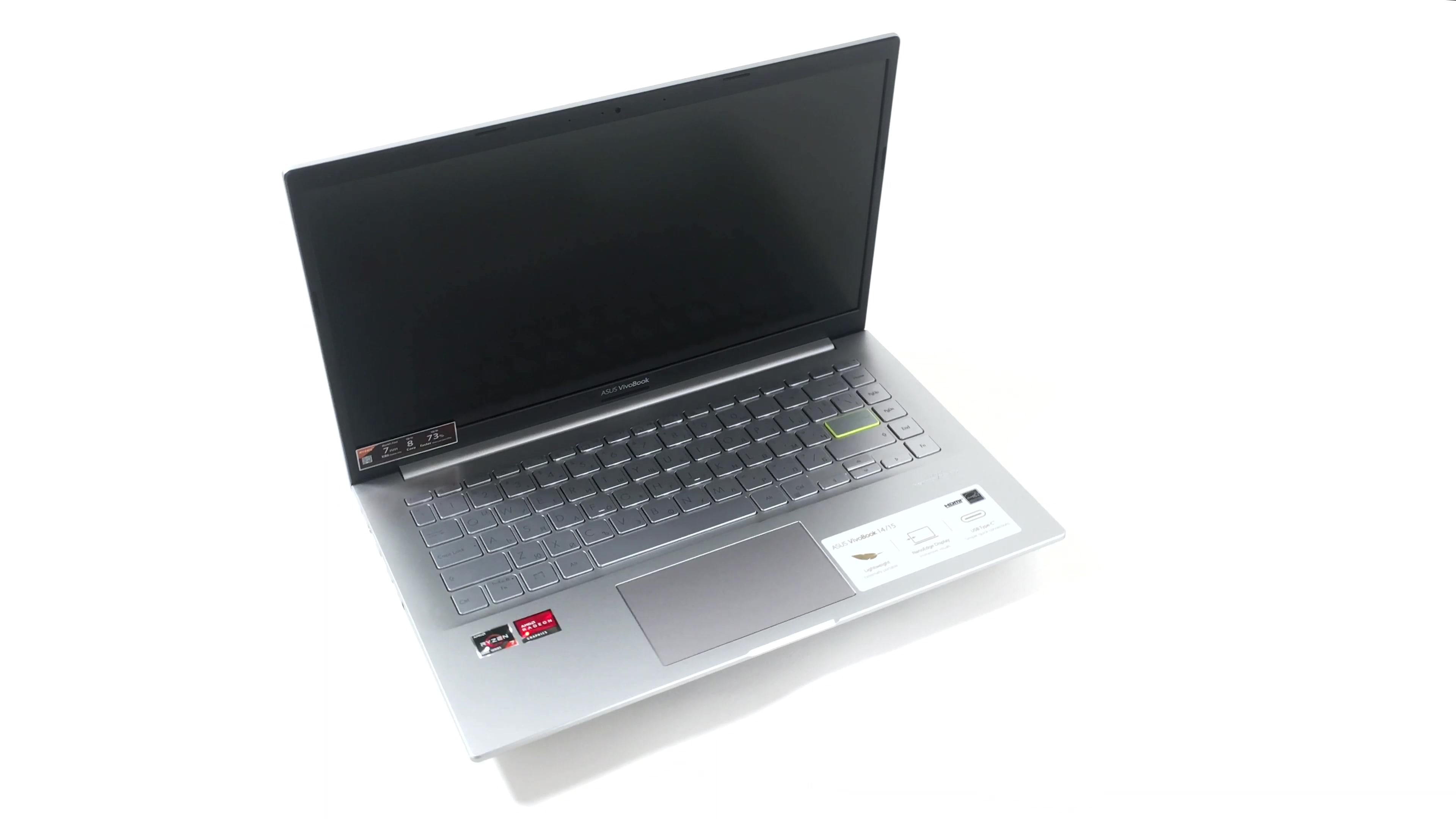
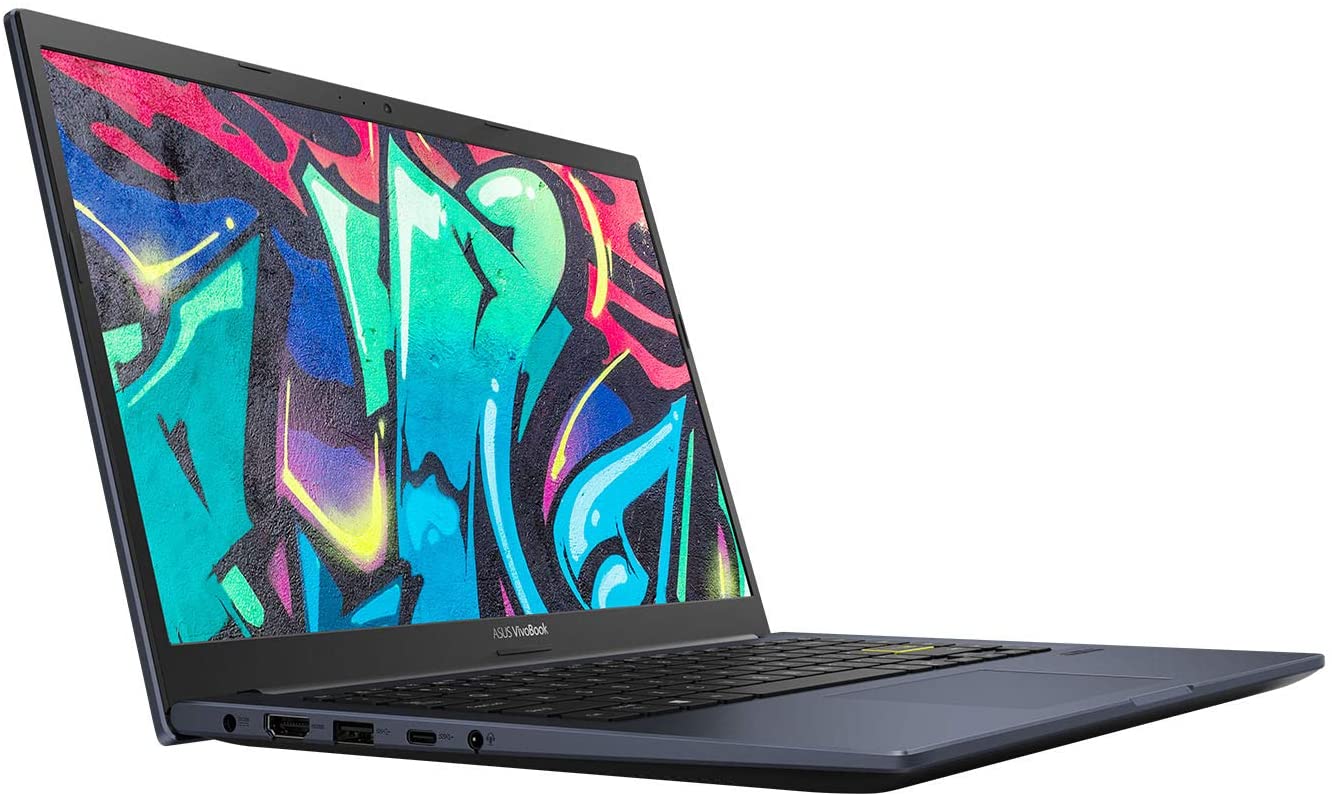
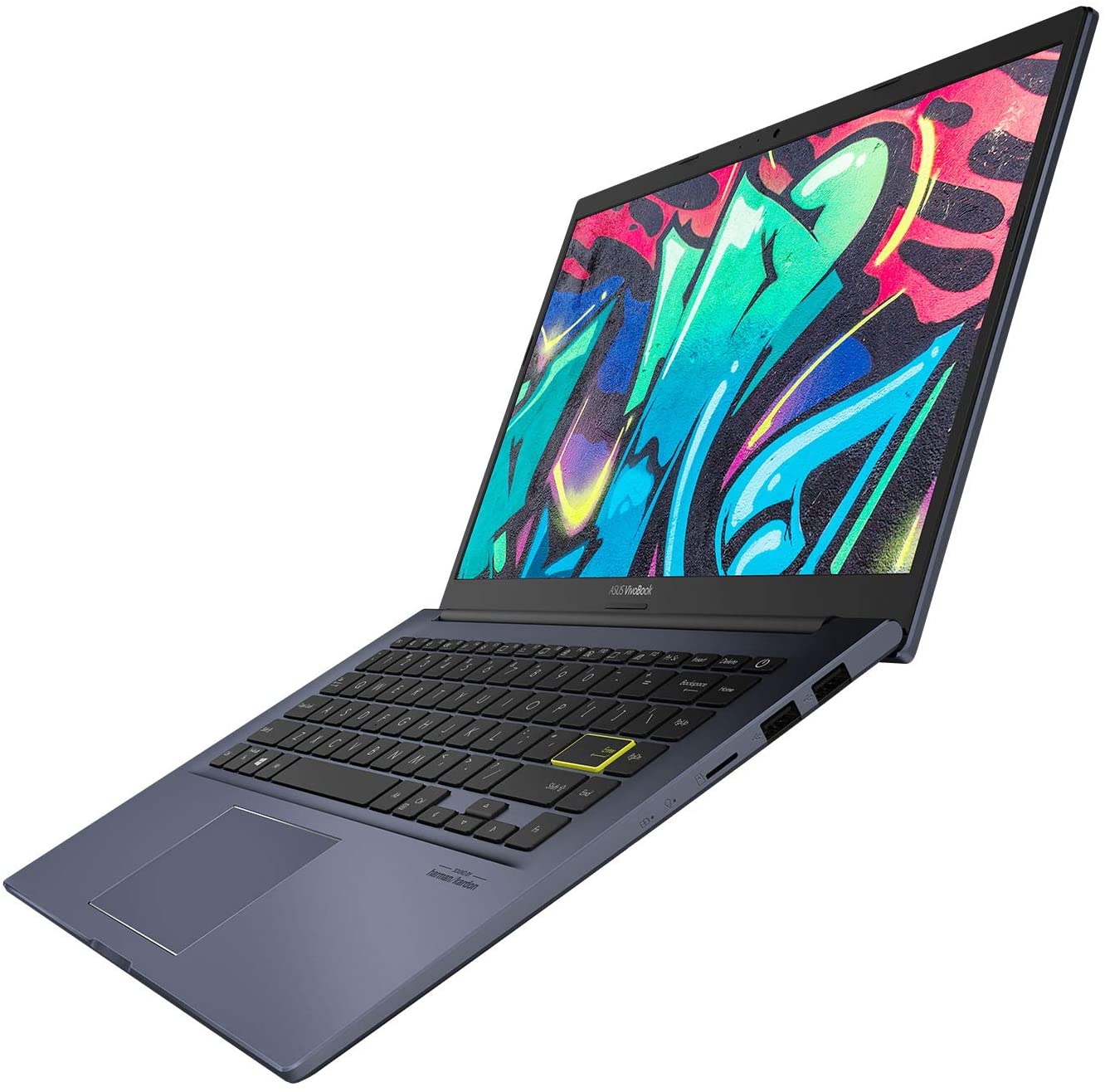
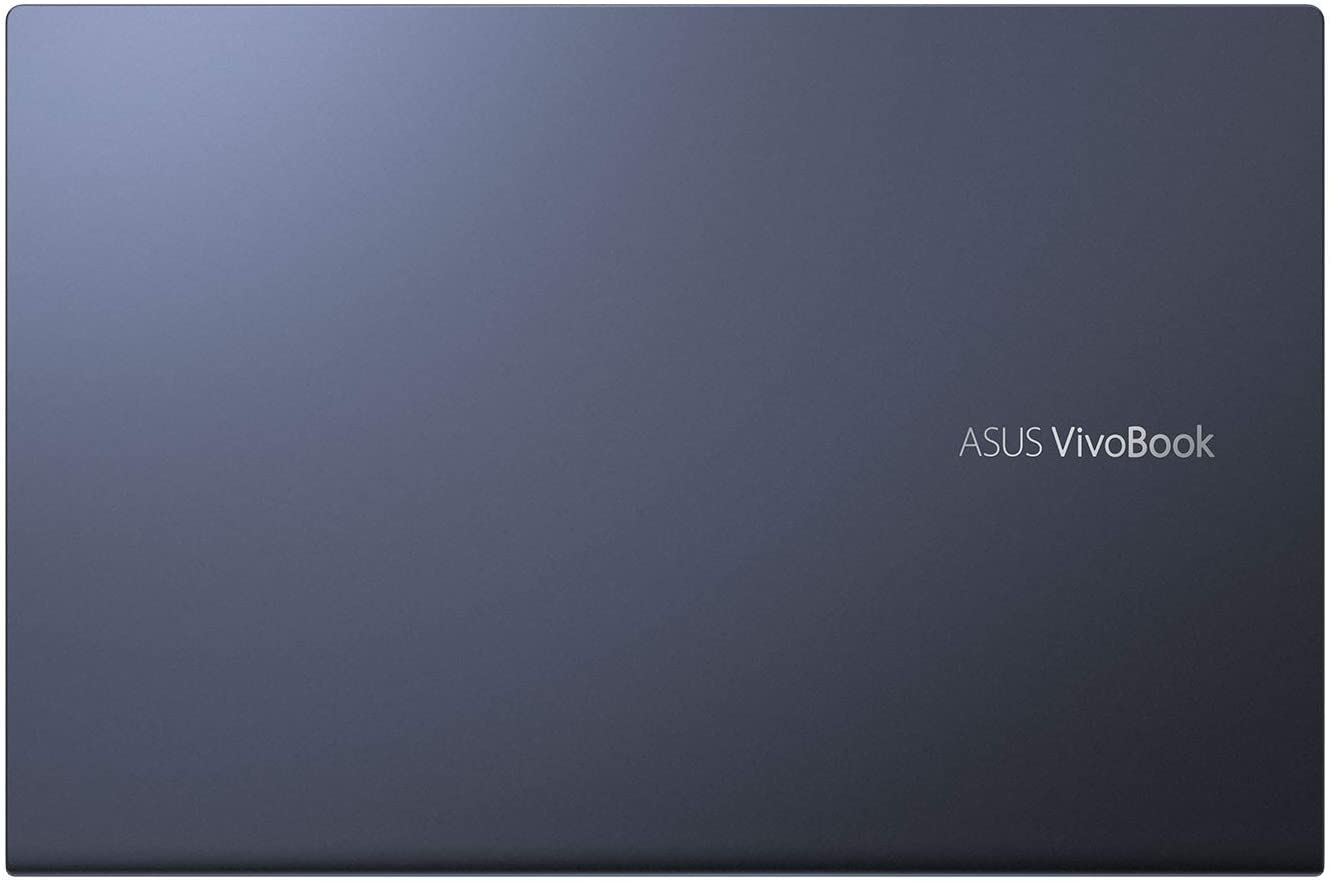
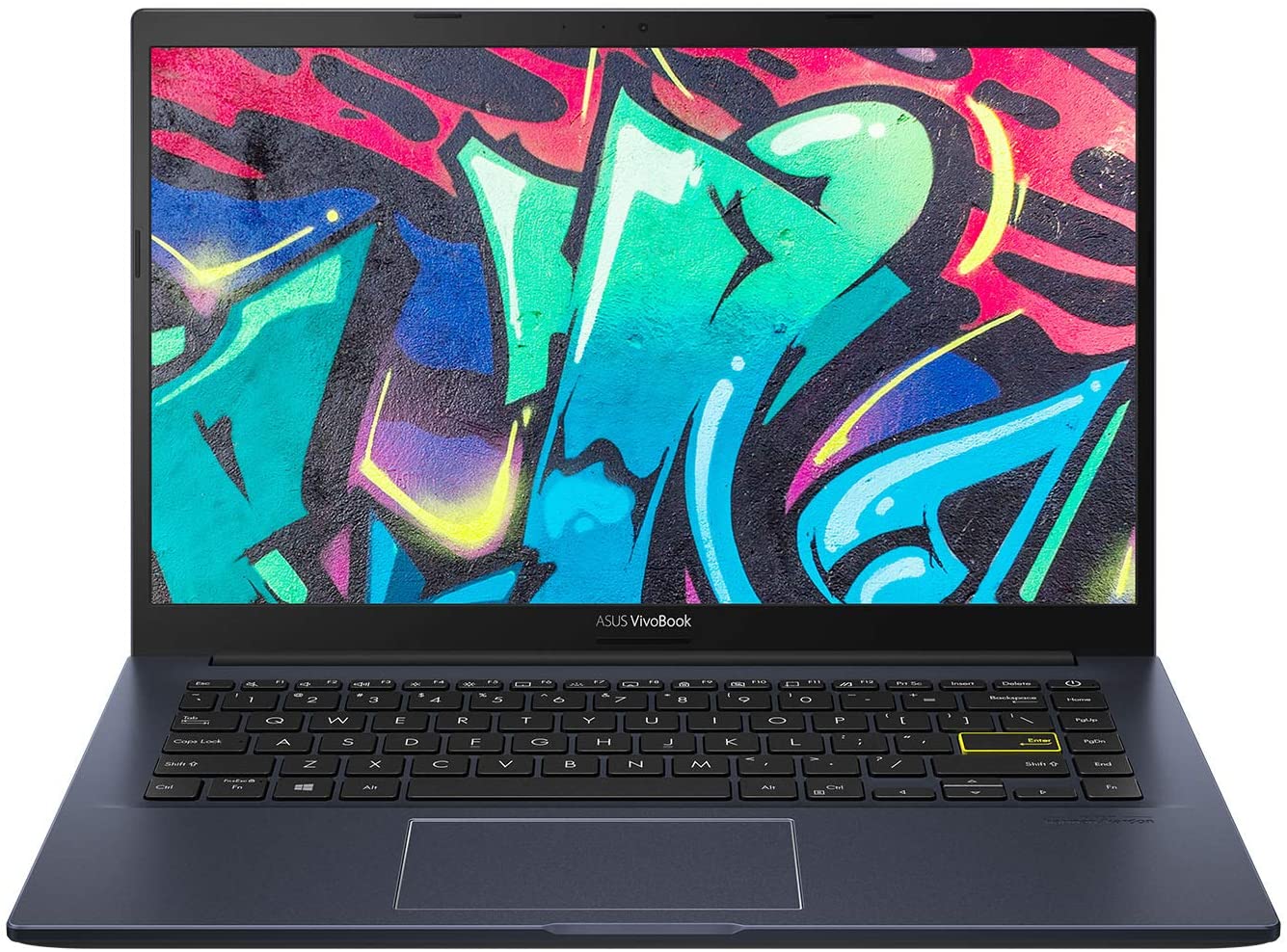
ASUS VivoBook 14 M413

- Date Published: 28 Jan 2021
- AMD Ryzen 5 3500U
- AMD Radeon RX Vega 8 (R2000/3000, 15W)
- 14.0”, Full HD (1920 x 1080), IPS
- 256GB SSD
- 8GB DDR4
- 1.40 kg (3.1 lbs)
Review
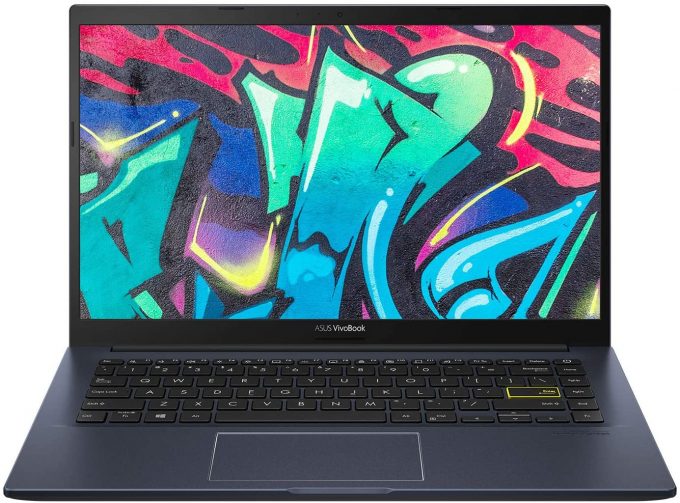
ASUS VivoBook 14 M413 in-depth review
ASUS does put this straight - the VivoBook 14 M413 is meant for students. As an education-designed notebook, it offers some color choices. After all, we know that personalization and customization are some of the most important things when you're at school.Well, education is a very vast environment, where you can only use your device for presentation and studying purposes (and procrastinating thanks to your favorite TV series), or you for code compilation, 3D modeling, and more. Well, in case you do the latter, ASUS has got you covered (presumably). You can spec up your device with up to the AMD Ryzen 7 4700U, which packs a whole lot of brute force, consuming only 15W.On the other hand, there are display options like the 768p and 1080p TN panels, which you should stay away from. T[...]
Read the full review
Pros
- Ryzen 7 4700U at a very adequate price
- Reasonably comfortable keyboard with optional backlight
- Lack of PWM (BOE NT140FHM-N44)
- Two M.2 PCIe x4 slots for storage upgrades
- Even the Ryzen 3 4300U provides a decent performance
Cons
- Poor viewing angles from the TN panel
- Covers only 52% of sRGB (BOE NT140FHM-N44)
- Memory is soldered to the motherboard
- Two of its three USB Type-A ports are of 2.0 speeds
Disassembly, maintenance and upgrade options
This VivoBook M413 is a rather budget notebook that brings a touch of performance to your daily usage.Check out all ASUS VivoBook M413 prices and configurations in our Specs System or read more in our In-Depth review.1. Remove the bottom plate This laptop's back cover is held in place by 9 Phillips-head screws. After you undo them, carefully pry the panel with a plastic tool.2. Battery Battery-wise, there's a 42Wh unit.3. Memory and storage Unfortunately, the memory is soldered to the motherboard. It comes in configurations of 4, 8, or 16GB of DDR4 RAM. On the brig[...]
Read more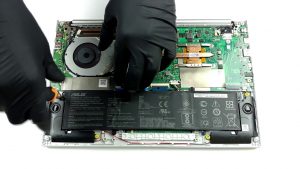


![[June 2026] Best-Selling Laptop Brands on Amazon Global – Apple’s Unrivaled Dominance in Units and Revenue](https://laptopmedia.com/wp-content/uploads/2026/07/GLOBAL-Best-Brands-400x225.jpg)
![[June 2026] Amazon Global: Top 10 Best-Selling Laptops – Apple’s New MacBook Neo Storms to #1, Reshaping the Market with Affordability](https://laptopmedia.com/wp-content/uploads/2026/07/Best-Selling-Laptops-GLOBAL-Top-10-400x225.jpg)
![[June 2026] Amazon Global: Top 10 Best-Selling Gaming Laptops – Acer’s Nitro V 16S AI Dominates Sales, While ASUS Leads Overall Revenue](https://laptopmedia.com/wp-content/uploads/2026/07/Best-Selling-Gaming-Laptops-GLOBAL-Top-10-400x225.jpg)
![[June 2026] Global Ranking of Best-Selling Laptop GPUs on Amazon – NVIDIA RTX 5060 is the Top-Selling Dedicated GPU](https://laptopmedia.com/wp-content/uploads/2026/07/Best-Selling-GPUs-GLOBAL-Top-10-400x225.jpg)
![[June 2026] Global Ranking of Best-Selling Laptop CPUs on Amazon – Apple M5 Dominates, AMD Ryzen 7 260 Gets Solid Premium Share](https://laptopmedia.com/wp-content/uploads/2026/07/Best-Selling-CPUs-GLOBAL-Top-10-400x225.jpg)
