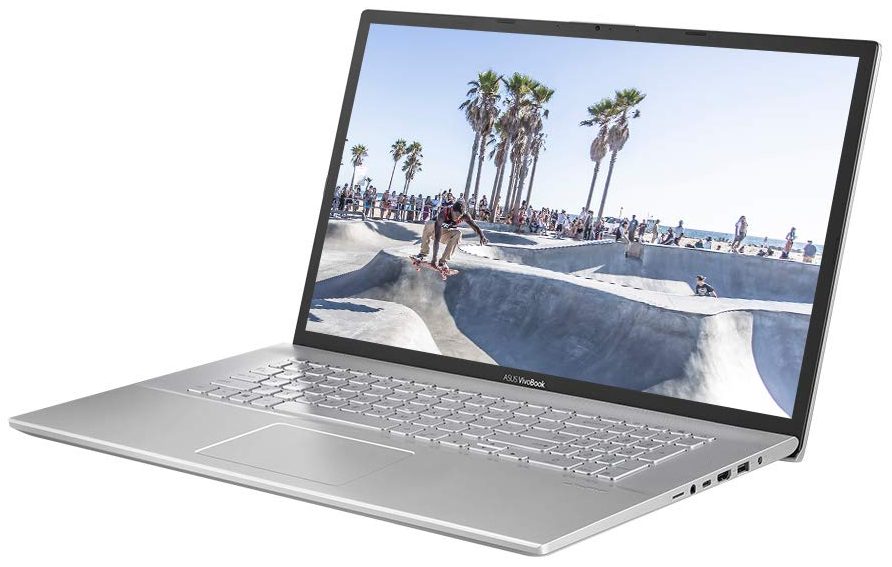
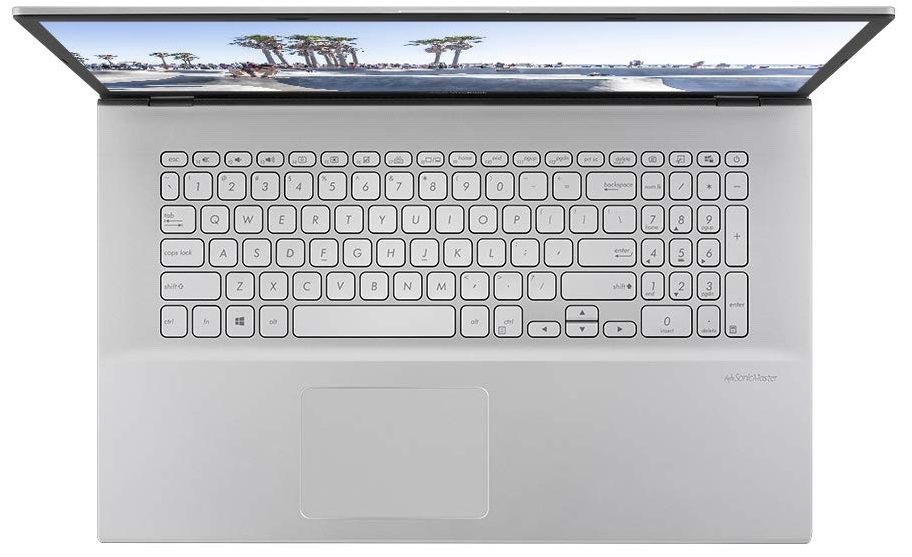
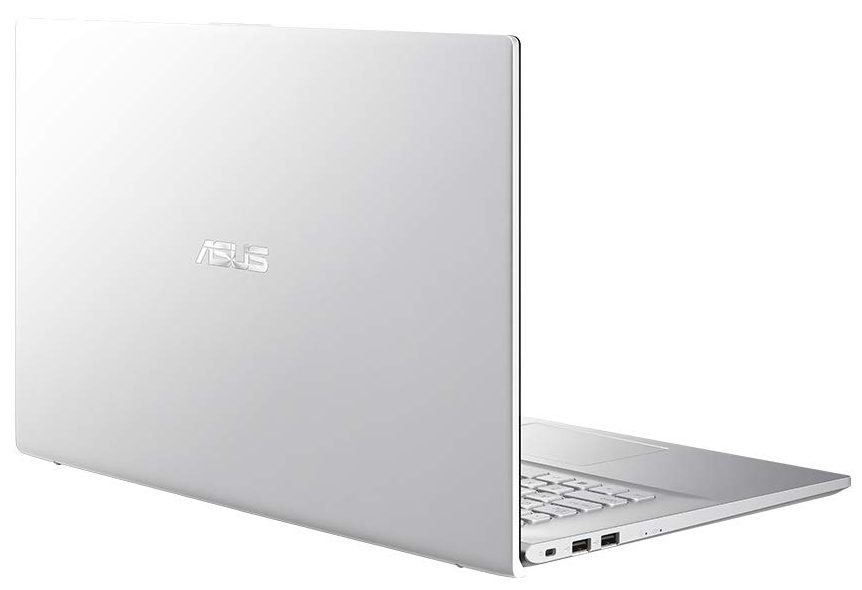
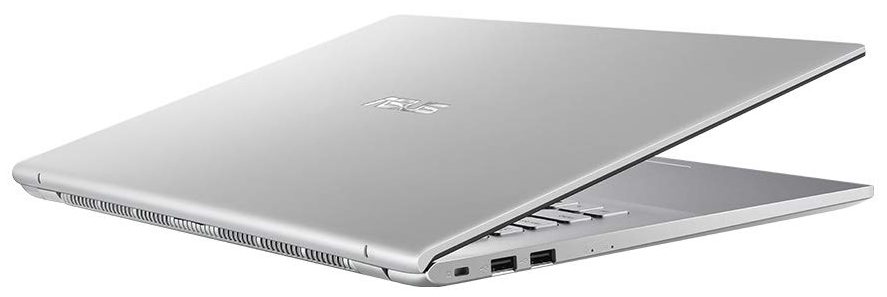
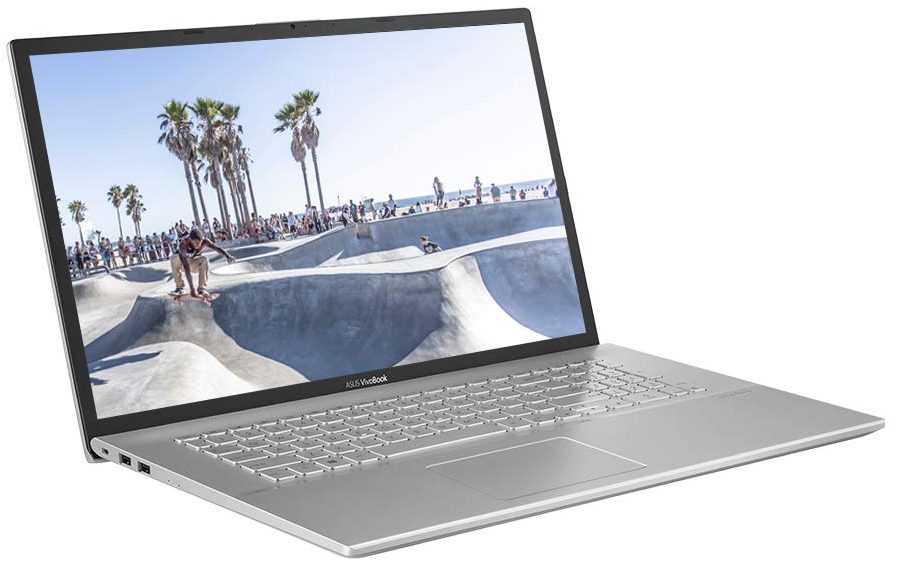
ASUS Vivobook 17
- Date Published: 14 Jun 2024
- Intel Core i5-1035G1
- Intel UHD Graphics G1
- 17.3”, HD+ (1600 x 900), TN
- 4000GB HDD
- 36GB RAM
- 2.30 kg (5.1 lbs)
Review
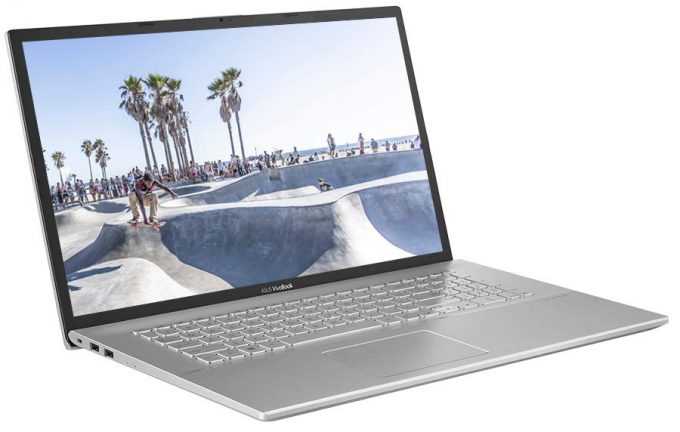
ASUS Vivobook 17 in-depth review
Today, we have a device that is easy on the budget and aims to be a great home multimedia machine. It is the VivoBook 17 X712 from ASUS, and uses a year (or two)-old design, and can be found with a ton of different processors from a portfolio of architectures. However, we will be focusing on the Tiger Lake models, as our particular device comes equipped with the Core i3-1115G4.Ultimately, you can pair your VivoBook 17 X712 with a more powerful CPU, but then you miss the whole point of this type of laptop. What is good about it is that it offers a lot of screen real estate, which really reduces the need for an external monitor. This way, your kid can easily go to school from home when needed.Well, if you want to do that, you would need a good display, won't you? Ultimately, ASUS of[...]
Read the full review
Pros
- Adequate pricing
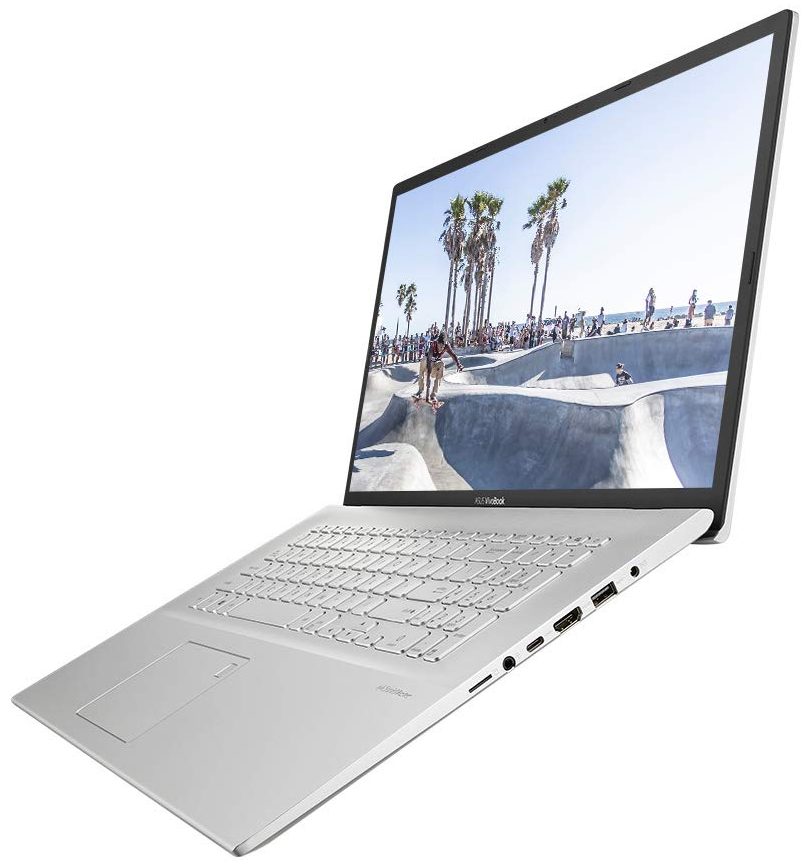
- 1x RAM SODIMM + 1x M.2 NVMe + 2.5-inch SATA drive bay
- MicroSD card reader
- No PWM (BOE NT173WDM-N24 (BOE091A))
Cons
- Battery life is only average (still respectable given the tiny 32Wh unit)
- 2/3 USB Type-A ports are slow
- Narrow viewing angles and poor contrast ratio (BOE NT173WDM-N24 (BOE091A))
- Not a great build quality
Disassembly, maintenance and upgrade options
The hardware inside of this machine is a bit of a mixed bag. It has a small battery and relatively good upgrade options. However, ASUS opted against making it even better. Check out why.Check out all ASUS VivoBook 17 X712 prices and configurations in our Specs System or read more in our In-Depth review.1. Remove the bottom plate To get inside of this device, you need to undo 10 Phillips-head screws. After that, just pry the bottom panel with a plastic tool and remove it from the body.2. Battery This rather large notebook is powered by a tiny 32Wh battery pack. Before you [...]
Read more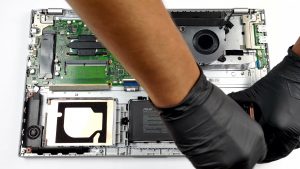
DISPLAY: 17.3-inch, 1600 x 900, TN
- Name
- BOE NT173WDM-N24 (BOE091A)
- Diagonal
- 17.3"
- Pixel density
- 106.11 ppi
- Brightness
- 293 cd/m2
- sRGB
- 71%
- Panel Type
- TN
- Resolution
- 1600 x 900
- Becomes "Retina" from
- 33 inches (83 cm)
- Contrast
- 290:1
- dE Color Checker
- 5.8 3.1

Buy our profiles for BOE NT173WDM-N24 (BOE091A)
In addition to receiving efficient and health-friendly profiles, by buying LaptopMedia's products you also support the development of our labs, where we test devices in order to produce the most objective reviews possible.

Office Work
Office Work should be used mostly by users who spend most of the time looking at pieces of text, tables or just surfing. This profile aims to deliver better distinctness and clarity by keeping a flat gamma curve (2.20), native color temperature and perceptually accurate colors.

Design and Gaming
This profile is aimed at designers who work with colors professionally, and for games and movies as well. Design and Gaming takes display panels to their limits, making them as accurate as possible in the sRGB IEC61966-2-1 standard for Web and HDTV, at white point D65.

Health-Guard
Health-Guard eliminates the harmful Pulse-Width Modulation (PWM) and reduces the negative Blue Light which affects our eyes and body. Since it’s custom tailored for every panel, it manages to keep the colors perceptually accurate. Health-Guard simulates paper so the pressure on the eyes is greatly reduced.



![[August 2026] Amazon Global: Top 10 Best-Selling Laptops – Apple MacBook Neo Dominates the Charts as Budget and Mid-Range Windows Portables Fight for Volume](https://laptopmedia.com/wp-content/uploads/2026/09/Best-Selling-Laptops-GLOBAL-Top-10-400x225.jpg)
![[August 2026] Best-Selling Laptop Brands on Amazon Global – Apple Dominates Revenue While HP Leads in Model Variety](https://laptopmedia.com/wp-content/uploads/2026/09/GLOBAL-Best-Brands-400x225.jpg)
![[August 2026] Amazon Global: Top 10 Best-Selling Gaming Laptops – HP Victus 15 Captures the Crown as Budget-Friendly Models Dominate the Charts](https://laptopmedia.com/wp-content/uploads/2026/09/Best-Selling-Gaming-Laptops-GLOBAL-Top-10-400x225.jpg)
![[August 2026] Best-Selling Laptop Brands on Amazon Japan – Apple Dominates Market Share and Revenue Led by Strong Unit Sales](https://laptopmedia.com/wp-content/uploads/2026/09/CO.JP-Best-Brands-1-400x225.jpg)
![[August 2026] Best-Selling Laptop Brands on Amazon USA – Apple Dominates Market Revenue and Volume Despite Lower Model Diversity](https://laptopmedia.com/wp-content/uploads/2026/09/COM-Best-Brands-1-400x225.jpg)
