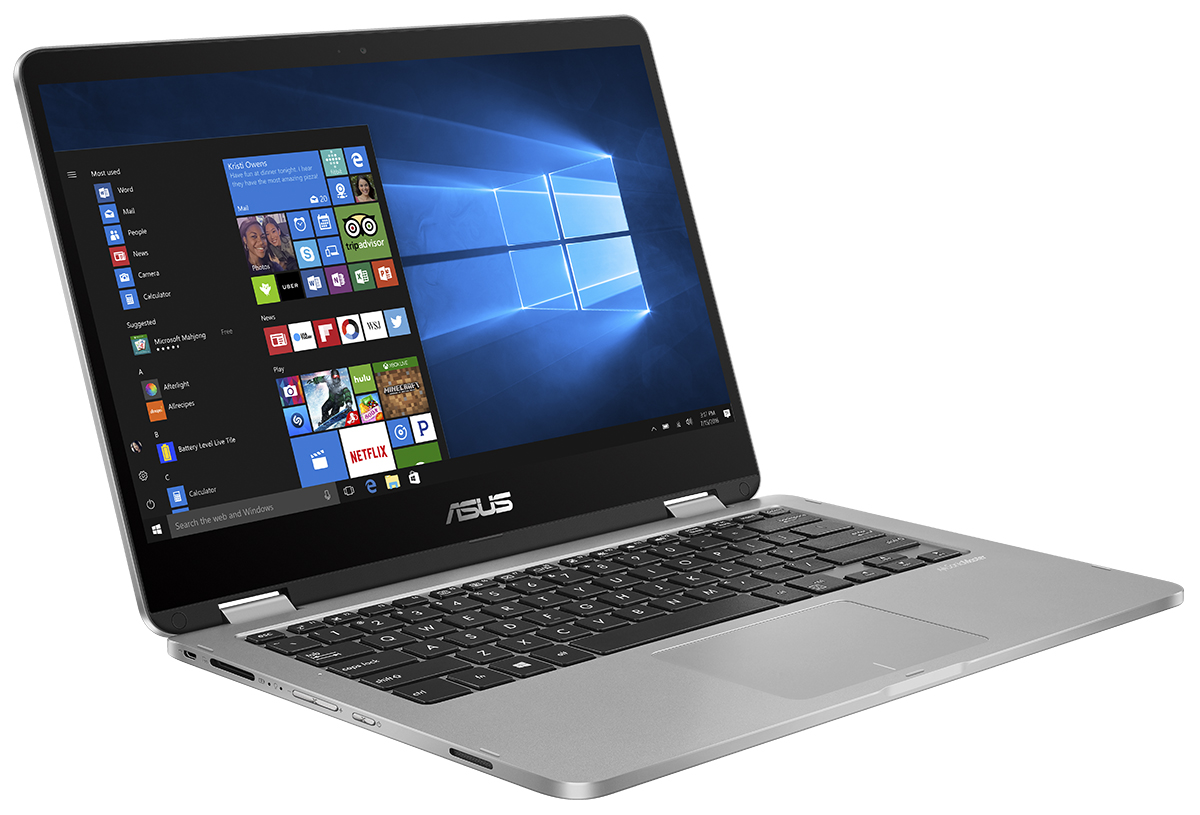
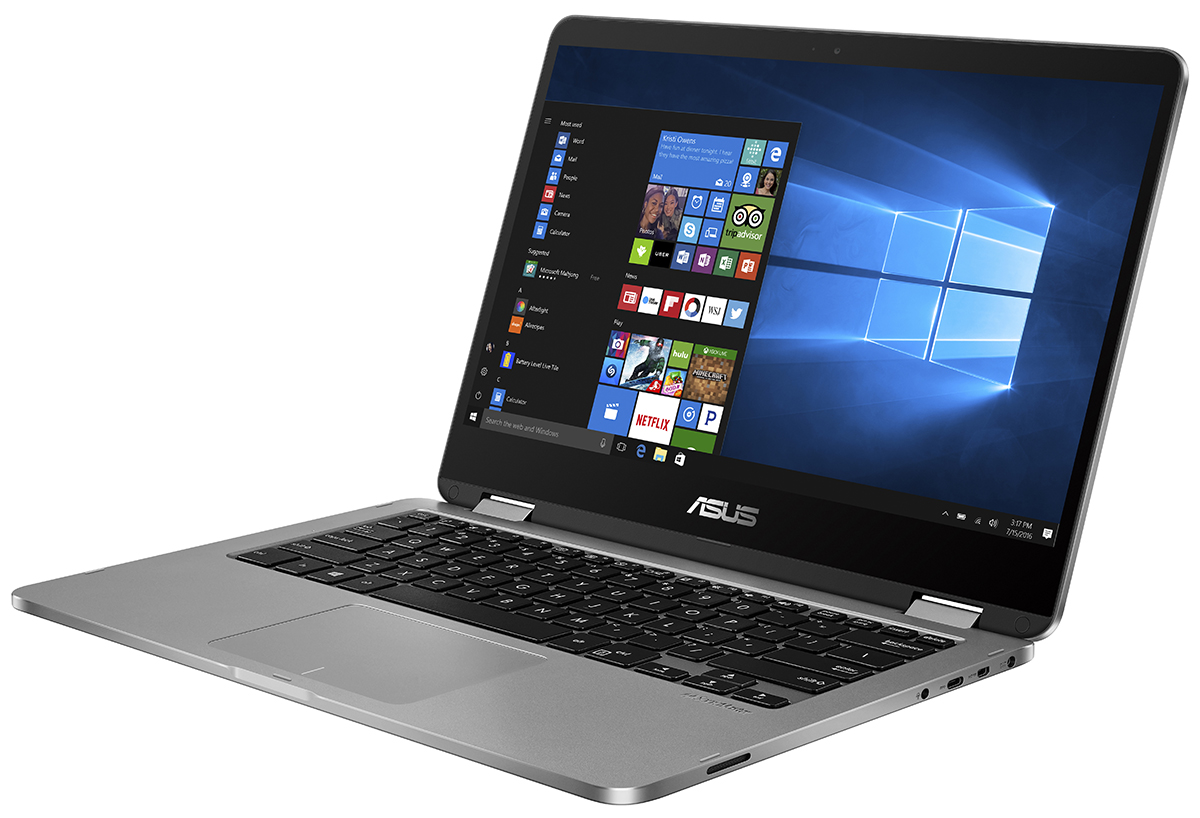
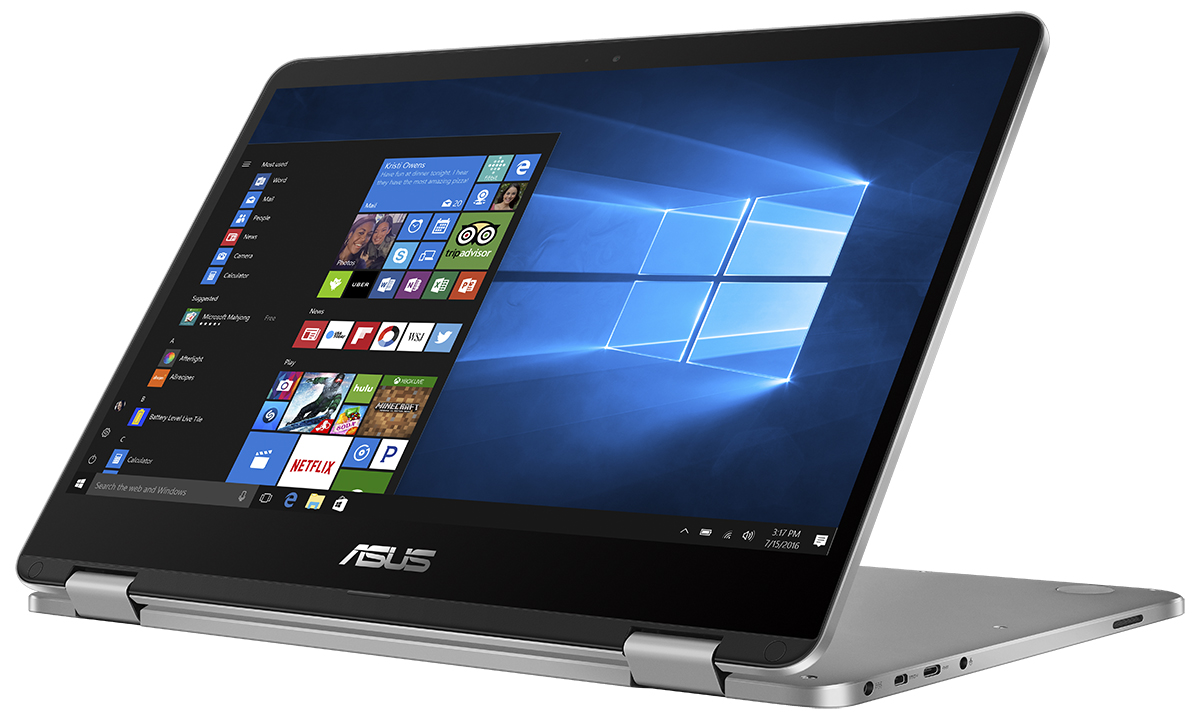
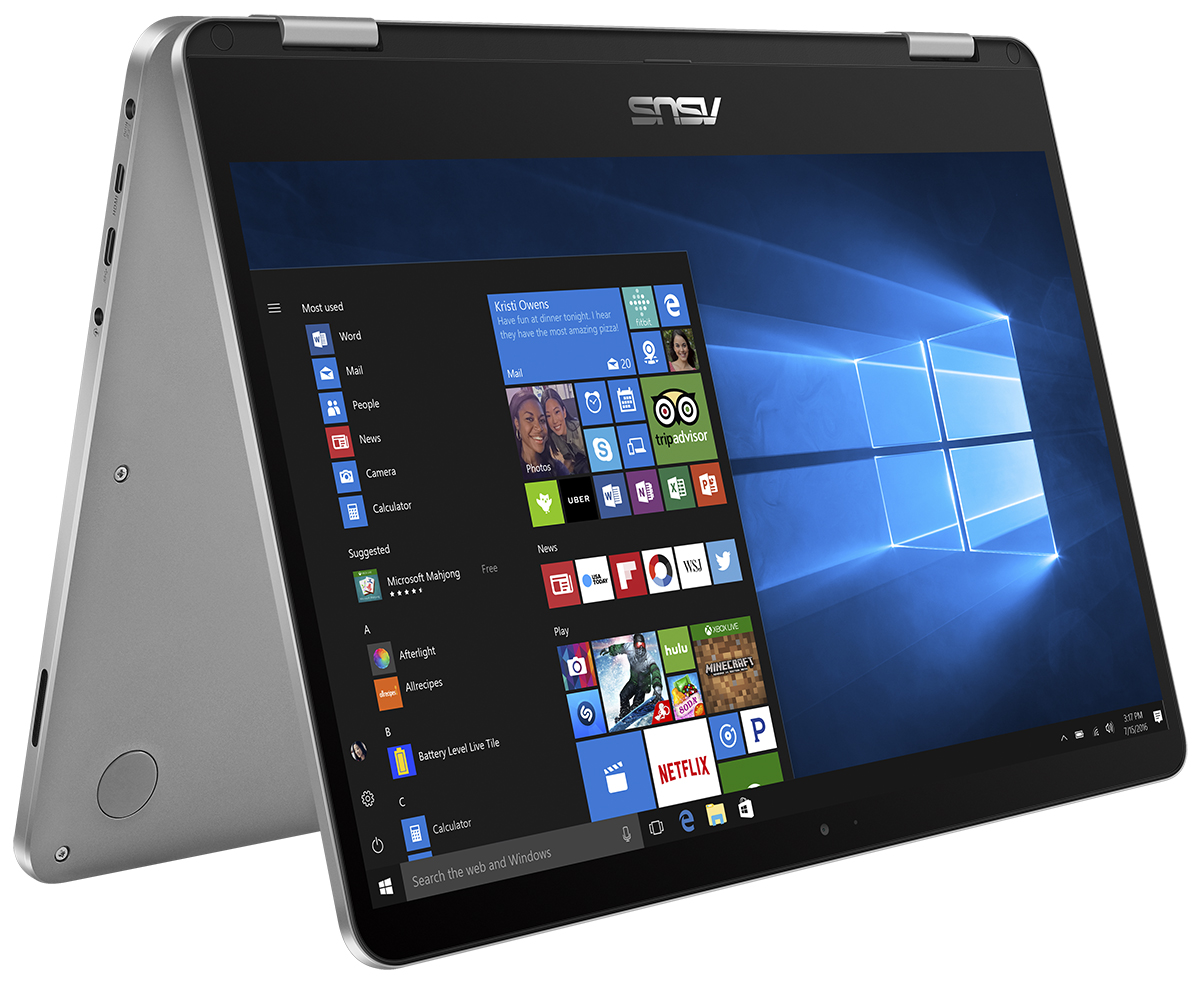
ASUS VivoBook Flip 14
- Date Published: 23 May 2025
- Intel Pentium Silver N5030
- Intel UHD Graphics 605
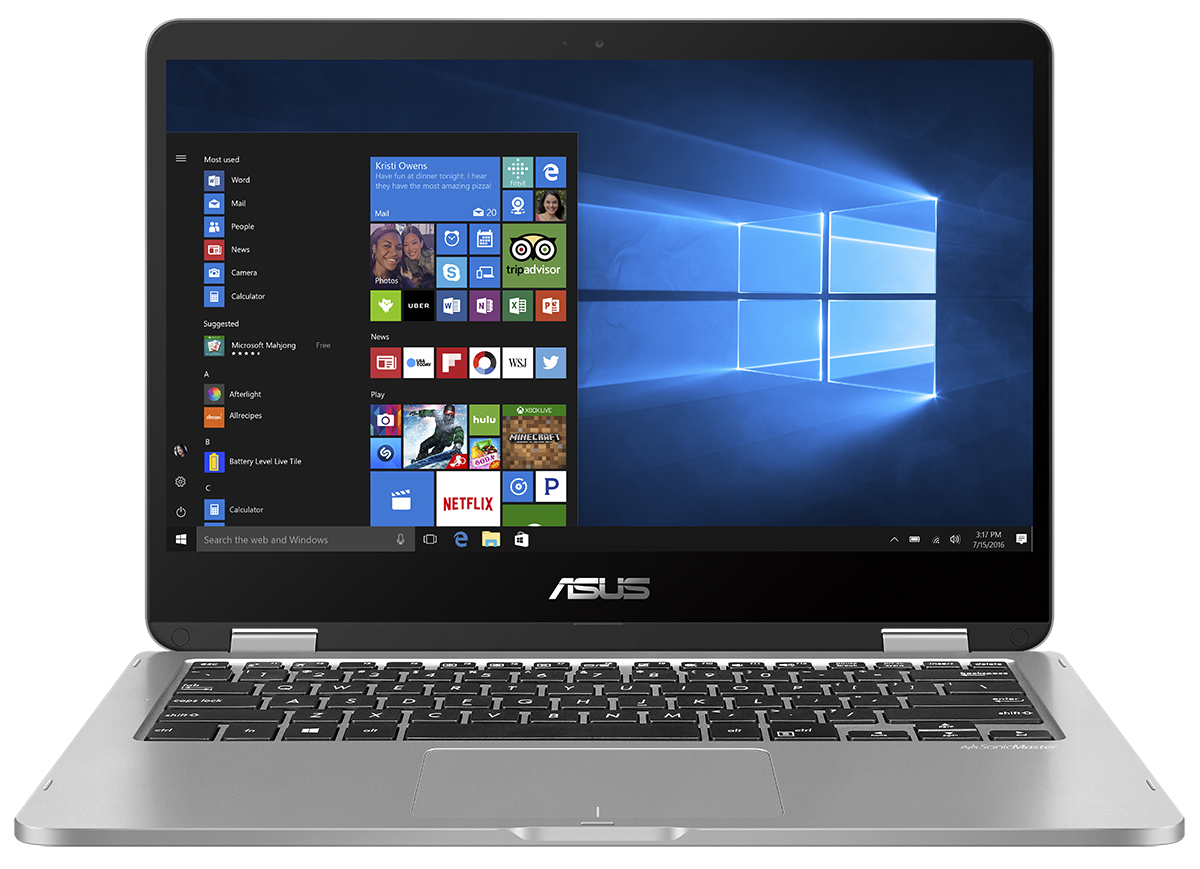
- 14.0”, Full HD (1920 x 1080), IPS
- 128GB SSD
- 4GB RAM
- 1.50 kg (3.3 lbs)

Specs
- HDD/SSD
- 128GB SSD
- RAM
- 4GB RAM
- OS
- Windows 10 Home
- Dimensions
- 327 x 226 x 15.4 mm (12.87" x 8.90" x 0.61")
- Weight
- 1.50 kg (3.3 lbs)
- Ports and connectivity
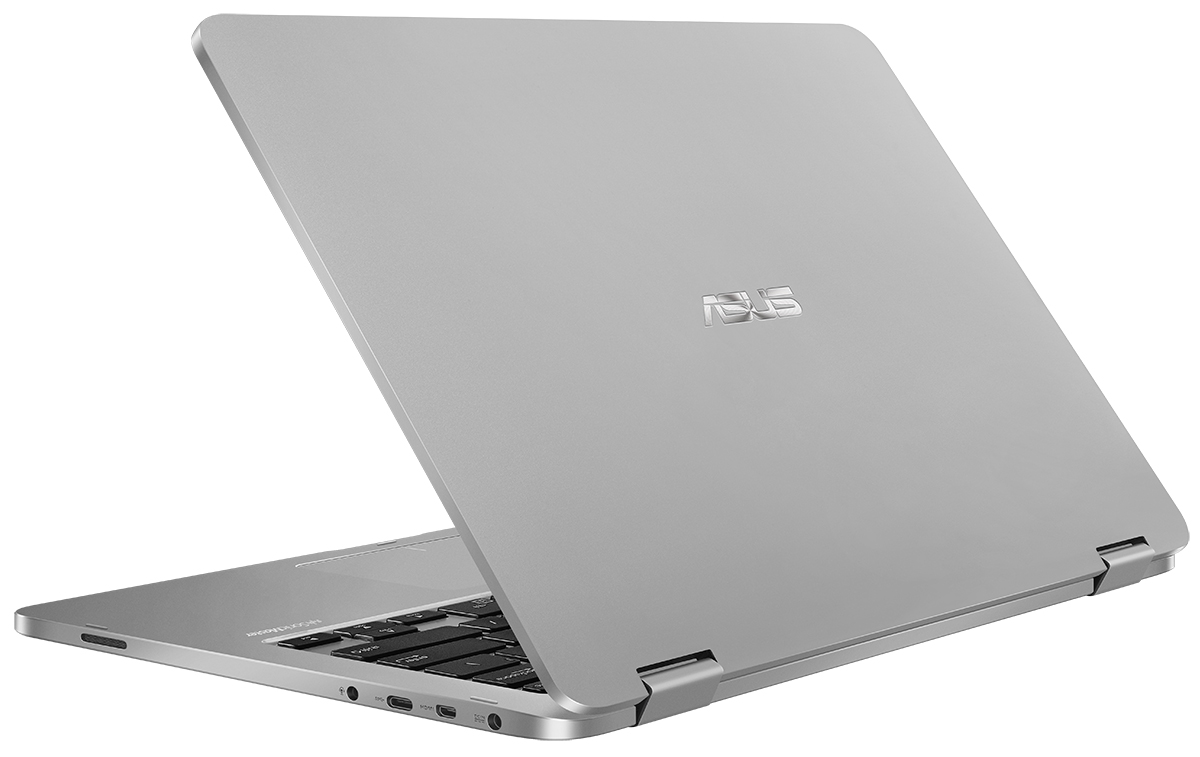
- 1x USB Type-C
- 3.2 Gen 2 (10 Gbps)
- 1x USB MicroUSB 3.0
- 3.2 Gen 1 (5 Gbps)
- HDMI
- Card Reader
- SD
- Ethernet LAN
- Audio jack
- headphone/microphone
- Features
- Fingerprint reader
- Web camera
- Backlit keyboard
- Microphone
- Speakers
- Gifts
- 1 Year Microsoft Office 365
Portability
Review
ASUS VivoBook Flip 14 in-depth review
ASUS is a strong player in the 2-in-1 game. Aimed at artsy people and creators, 2-in-1 devices are getting a lot of attention recently. Ever since all the big manufacturers like HP, Lenovo, Acer, Dell, and ASUS, of course, found out that there is a high demand in this segment, the battle began. The version of VivoBook Flip 14 TP401 we're going to review today is more budget oriented. It is equipped with the mobile Intel Core m3-7Y30 chip, which consists of two physical and four logical cores working at a base frequency of 1.00 GHz and being able to pump up to 2.60 GHz when boosted. The respective GPU here is Intel HD Graphics 615. When talking about Core m3 we should note that it's an ultra-low voltage chip. Using this CPU, provides the option of excluding the fan, making the VivoBook Fli[...]
Read the full review
Pros
- Cool aluminum design
- Good stylus usability
- Stereo speakers of excellent quality
- Decent mobile CPU
- 9 hours of Web surfing battery life
- Very good thermals for a passively cooled laptop
Cons
- Mediocre screen, not appropriate for a 360° concept
- Lack of a keyboard backlight
- Lack of the still most common USB Type-A port
- Mushy keyboard


![[June 2026] Best-Selling Laptop Brands on Amazon Global – Apple’s Unrivaled Dominance in Units and Revenue](https://laptopmedia.com/wp-content/uploads/2026/07/GLOBAL-Best-Brands-400x225.jpg)
![[June 2026] Amazon Global: Top 10 Best-Selling Laptops – Apple’s New MacBook Neo Storms to #1, Reshaping the Market with Affordability](https://laptopmedia.com/wp-content/uploads/2026/07/Best-Selling-Laptops-GLOBAL-Top-10-400x225.jpg)
![[June 2026] Amazon Global: Top 10 Best-Selling Gaming Laptops – Acer’s Nitro V 16S AI Dominates Sales, While ASUS Leads Overall Revenue](https://laptopmedia.com/wp-content/uploads/2026/07/Best-Selling-Gaming-Laptops-GLOBAL-Top-10-400x225.jpg)
![[June 2026] Global Ranking of Best-Selling Laptop GPUs on Amazon – NVIDIA RTX 5060 is the Top-Selling Dedicated GPU](https://laptopmedia.com/wp-content/uploads/2026/07/Best-Selling-GPUs-GLOBAL-Top-10-400x225.jpg)
![[June 2026] Global Ranking of Best-Selling Laptop CPUs on Amazon – Apple M5 Dominates, AMD Ryzen 7 260 Gets Solid Premium Share](https://laptopmedia.com/wp-content/uploads/2026/07/Best-Selling-CPUs-GLOBAL-Top-10-400x225.jpg)
