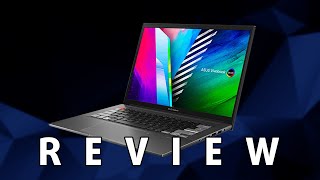
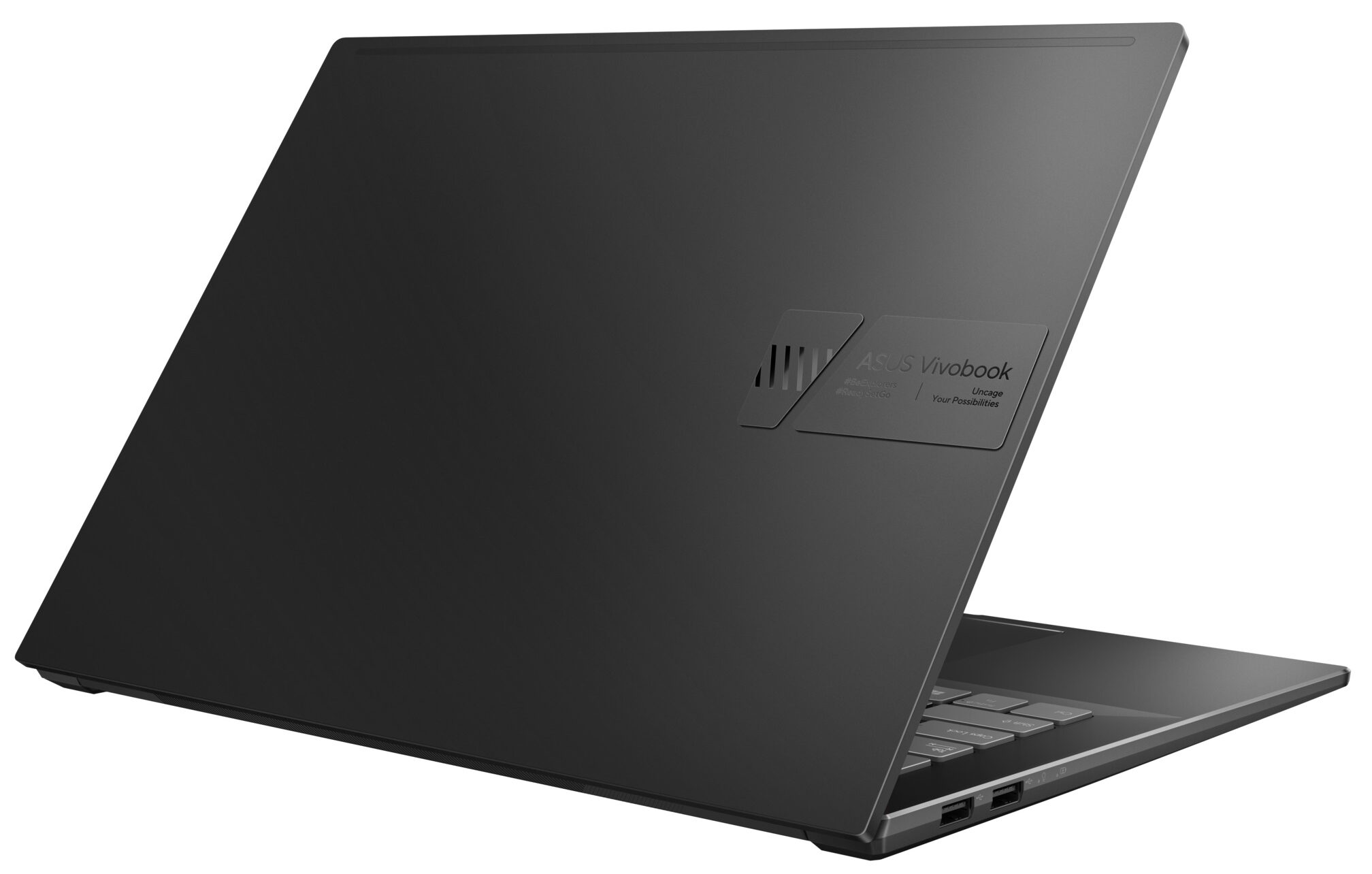
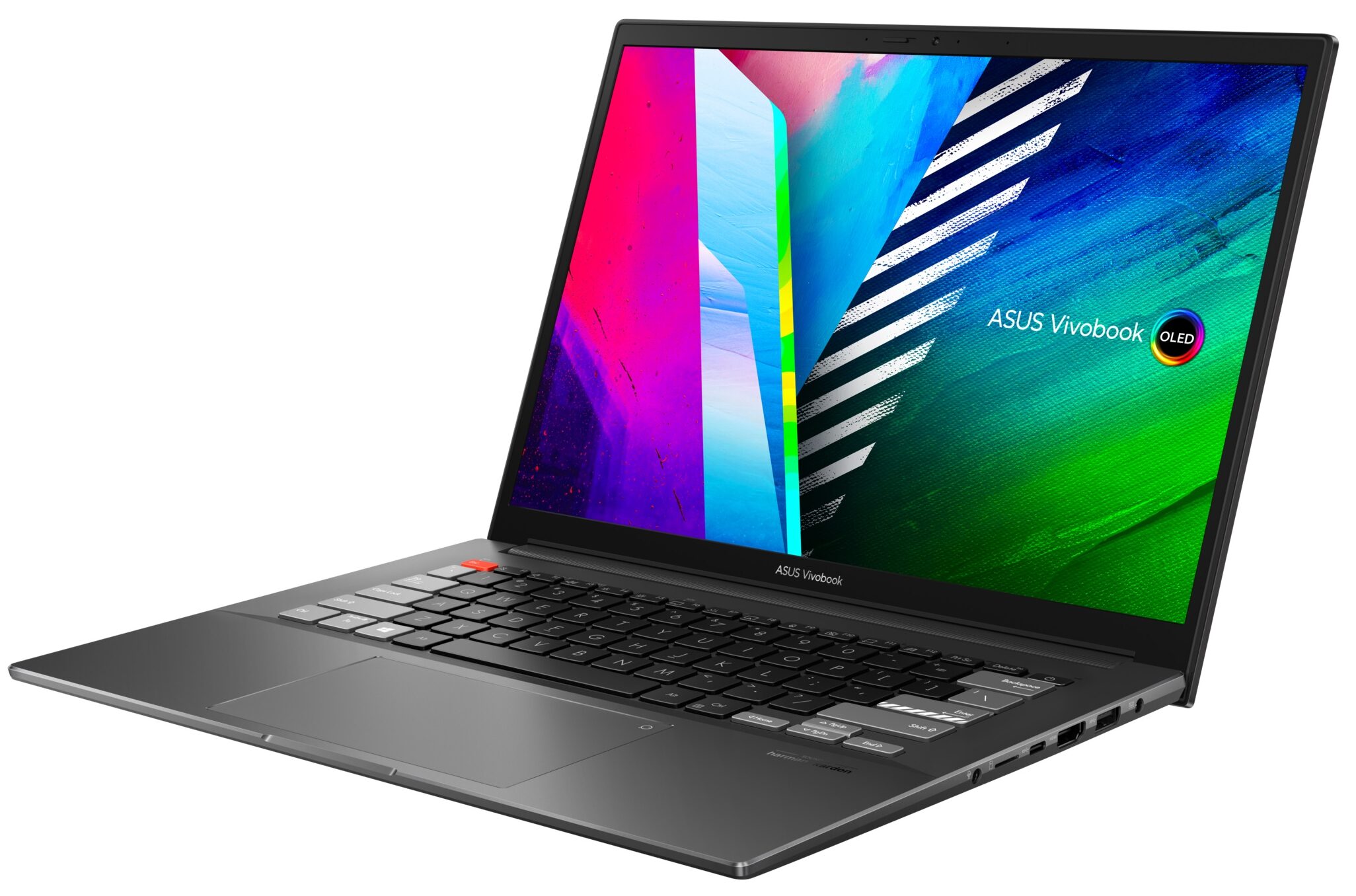
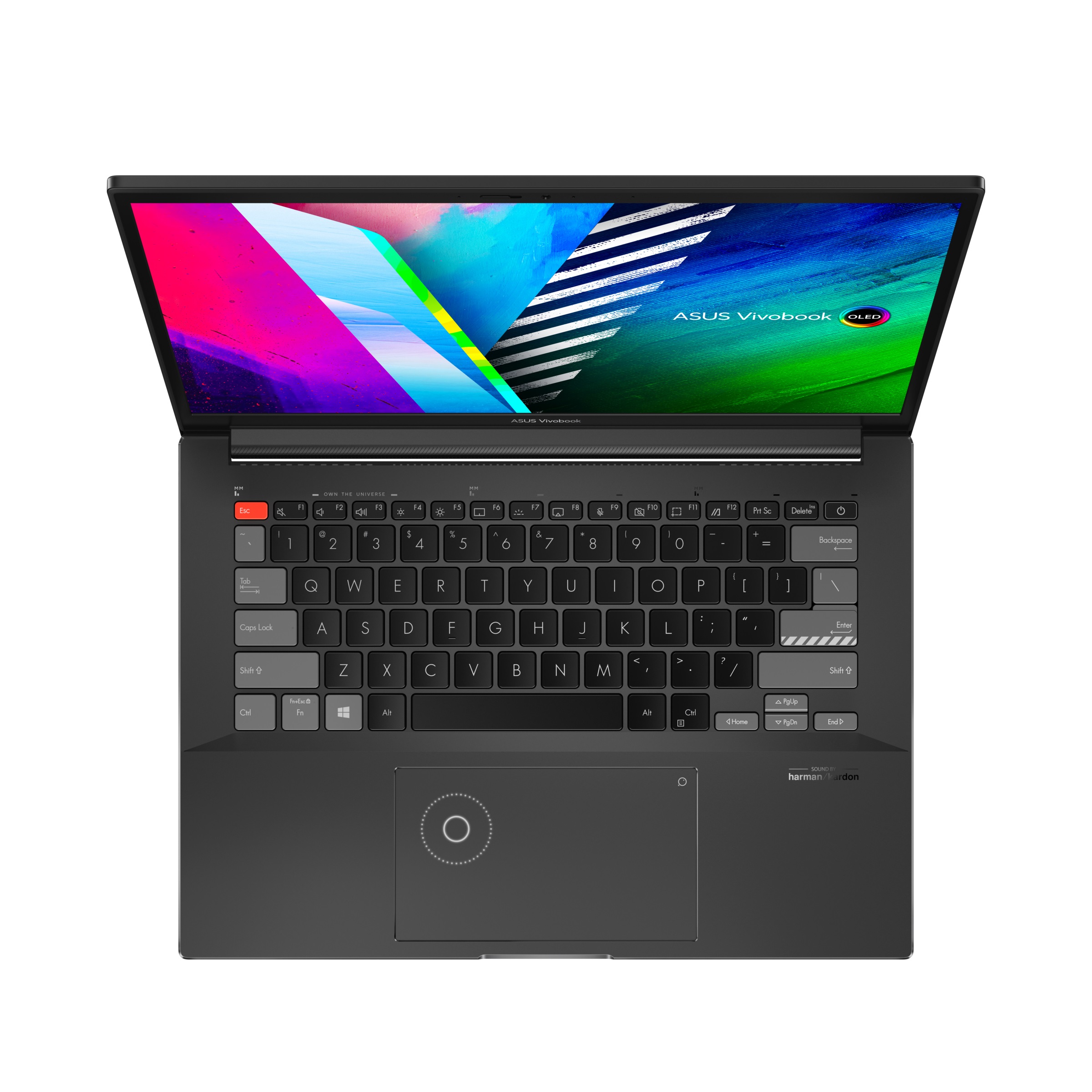
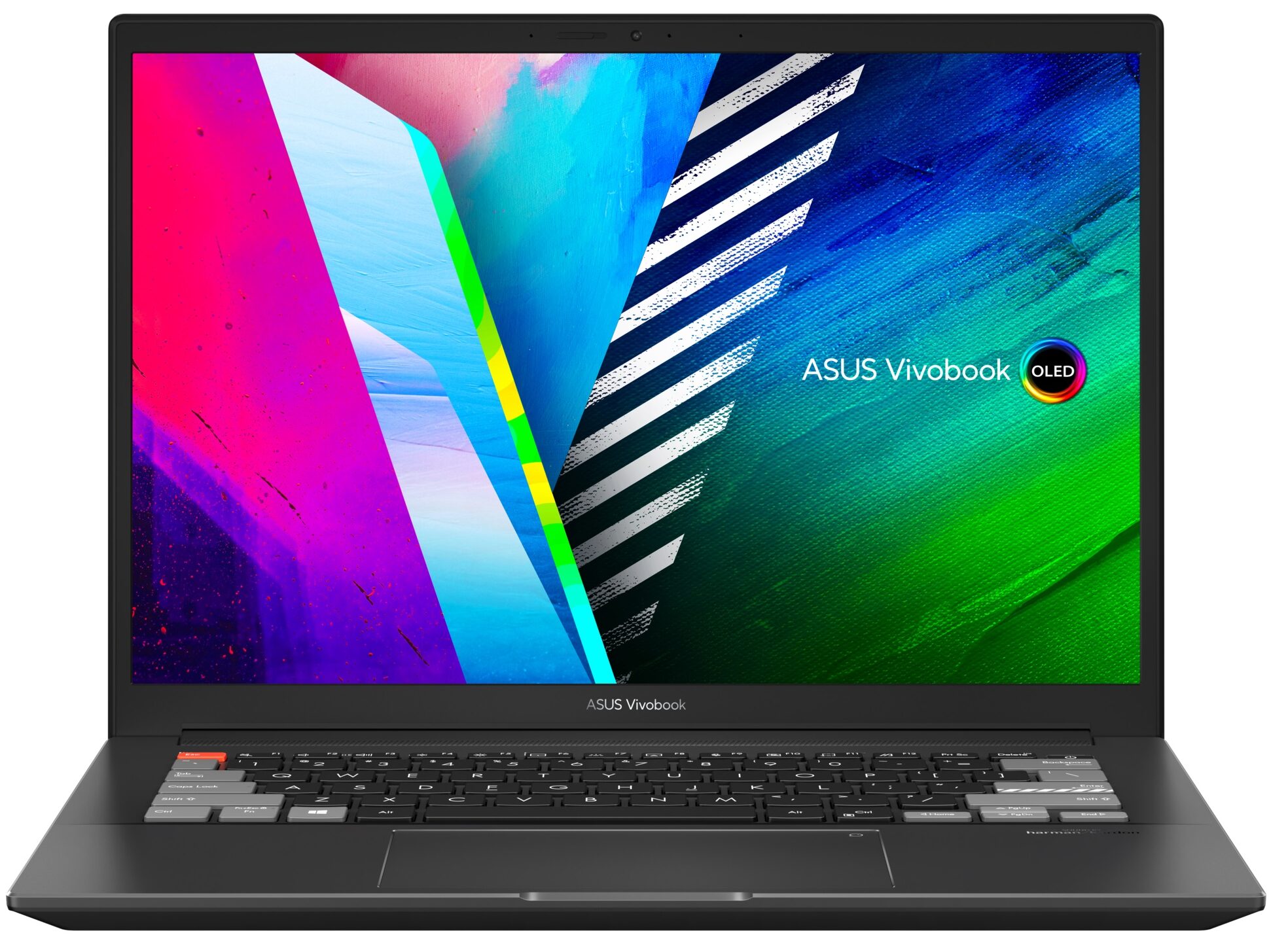
ASUS VivoBook Pro 14X

- Date Published: 25 Jun 2023
- AMD Ryzen 9 5900HX
- NVIDIA GeForce RTX 3050 (Laptop)
- 14.0″, 2.8K (2880 x 1800), 90 Hz, OLED
- 1000GB SSD
- 32GB DDR4
- 1.45 kg (3.2 lbs)
Review
ASUS VivoBook Pro 14X in-depth review
Creativity-inspired devices have now merged with daily drivers, gaming laptops, and why not even the mobile workstation industry. And the VivoBook Pro 14X OLED (M7400) is the real-life epitome of what we just said. This laptop looks super low-key but bears so much raw power, that we feel the chassis is going to explode. Why? Because it needs to handle the Ryzen 9 5900HX.However, this makes us really confused. ASUS uses 35W chips for their Intel model (the N7400). AMD also offers 35W iterations of their CPUs, but instead, the manufacturer went for the superior 45W ones. Why then, haven't they given their Intel machine the real deal and equal chances? This question might remain unanswered, and we will focus on the device we have in our office (which is the AMD one), but we are really co[...]
Read the full review
Pros
- Great price-to-performance ratio
- Strong aluminum chassis
- 100% sRGB and DCI-P3 coverage + HDR support
- High resolution and 16:10 aspect ratio
- Deep blacks and virtually infinite contrast ratio
- DialPad
- 90Hz refresh rate with fast pixel response times
- Fingerprint reader + MicroSD card slot
Cons
- Uses PWM below 95 nits
- 2 out of 3 USB Type-A ports run at 2.0 speeds
- Soldered memory
Disassembly, maintenance and upgrade options
This is one of the most exciting laptops this year. Unfortunately, the situation on the inside shows us that we won't be able to upgrade the RAM after purchase.Check out all ASUS VivoBook Pro 14X OLED (M7400) prices and configurations in our Specs System or read more in our In-Depth review.1. Remove the bottom plate There are 9 Torx-head screws, holding this laptop's bottom panel in place. After you undo them, pry the panel with a plastic tool and remove it from the chassis.2. Battery Inside, we see a 63Wh battery pack. To remove it, undo all 6 Phillips-head screws and un[...]
Read more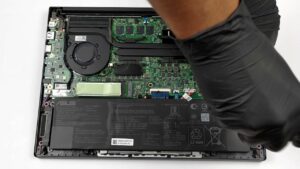
DISPLAY: 14.0-inch, 2880 x 1800, OLED
- Name
- Samsung ATNA40YK04-0 (SDC4154)
- Diagonal
- 14.0"
- Pixel density
- 242.59 ppi
- Refresh rate
- 90 Hz
- Brightness
- 400 cd/m2
- sRGB
- 100%
- Panel Type
- OLED
- Resolution
- 2880 x 1800
- Becomes "Retina" from
- 14 inches (36 cm)
- Contrast
- infinite
- dE Color Checker
- 2.2

Buy our profiles for Samsung ATNA40YK04-0 (SDC4154)
In addition to receiving efficient and health-friendly profiles, by buying LaptopMedia's products you also support the development of our labs, where we test devices in order to produce the most objective reviews possible.

Office Work
Office Work should be used mostly by users who spend most of the time looking at pieces of text, tables or just surfing. This profile aims to deliver better distinctness and clarity by keeping a flat gamma curve (2.20), native color temperature and perceptually accurate colors.

Design and Gaming
This profile is aimed at designers who work with colors professionally, and for games and movies as well. Design and Gaming takes display panels to their limits, making them as accurate as possible in the sRGB IEC61966-2-1 standard for Web and HDTV, at white point D65.

Health-Guard
Health-Guard eliminates the harmful Pulse-Width Modulation (PWM) and reduces the negative Blue Light which affects our eyes and body. Since it’s custom tailored for every panel, it manages to keep the colors perceptually accurate. Health-Guard simulates paper so the pressure on the eyes is greatly reduced.



![[June 2026] Best-Selling Laptop Brands on Amazon Global – Apple’s Unrivaled Dominance in Units and Revenue](https://laptopmedia.com/wp-content/uploads/2026/07/GLOBAL-Best-Brands-400x225.jpg)
![[June 2026] Amazon Global: Top 10 Best-Selling Laptops – Apple’s New MacBook Neo Storms to #1, Reshaping the Market with Affordability](https://laptopmedia.com/wp-content/uploads/2026/07/Best-Selling-Laptops-GLOBAL-Top-10-400x225.jpg)
![[June 2026] Amazon Global: Top 10 Best-Selling Gaming Laptops – Acer’s Nitro V 16S AI Dominates Sales, While ASUS Leads Overall Revenue](https://laptopmedia.com/wp-content/uploads/2026/07/Best-Selling-Gaming-Laptops-GLOBAL-Top-10-400x225.jpg)
![[June 2026] Global Ranking of Best-Selling Laptop GPUs on Amazon – NVIDIA RTX 5060 is the Top-Selling Dedicated GPU](https://laptopmedia.com/wp-content/uploads/2026/07/Best-Selling-GPUs-GLOBAL-Top-10-400x225.jpg)
![[June 2026] Global Ranking of Best-Selling Laptop CPUs on Amazon – Apple M5 Dominates, AMD Ryzen 7 260 Gets Solid Premium Share](https://laptopmedia.com/wp-content/uploads/2026/07/Best-Selling-CPUs-GLOBAL-Top-10-400x225.jpg)
