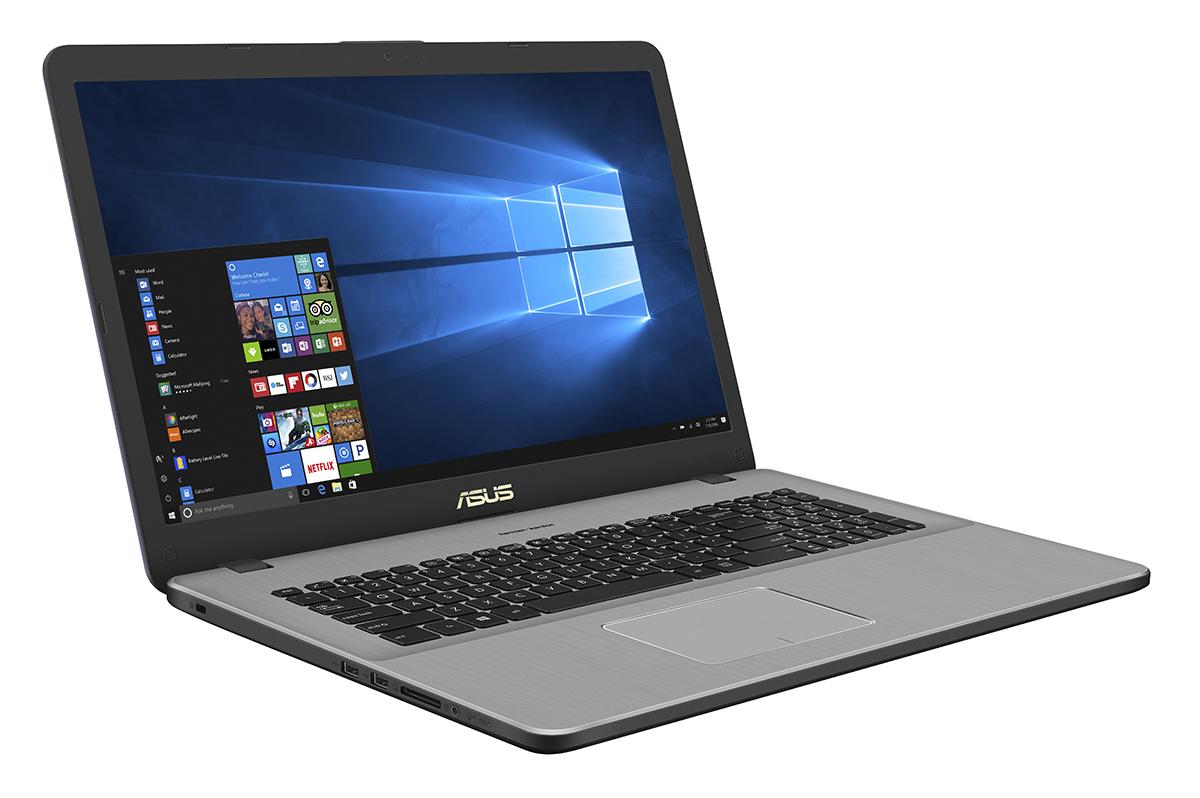
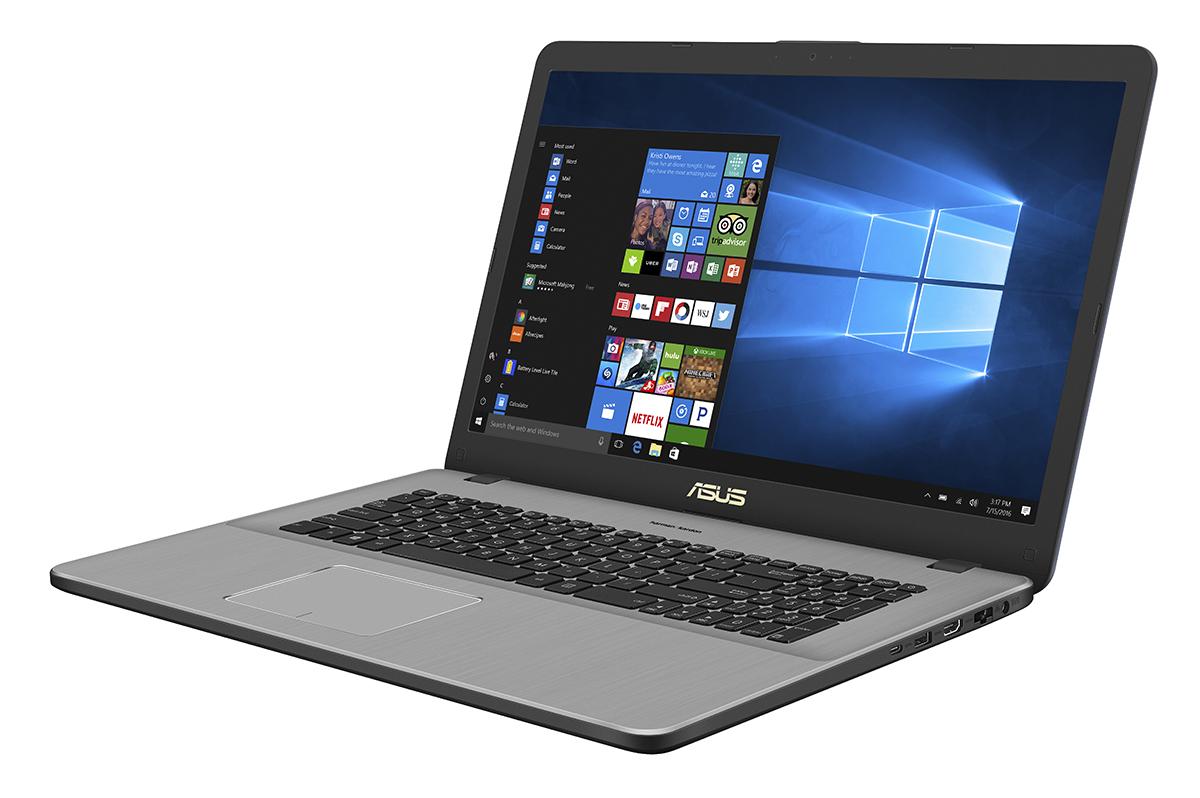
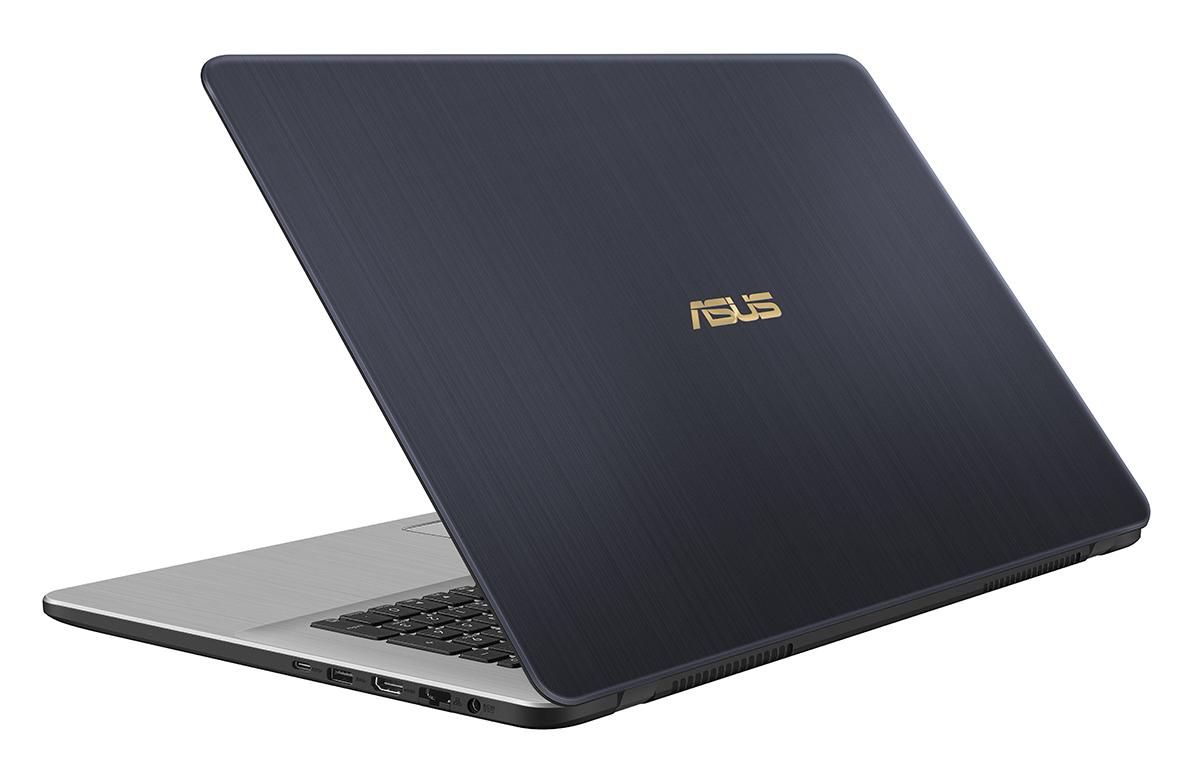
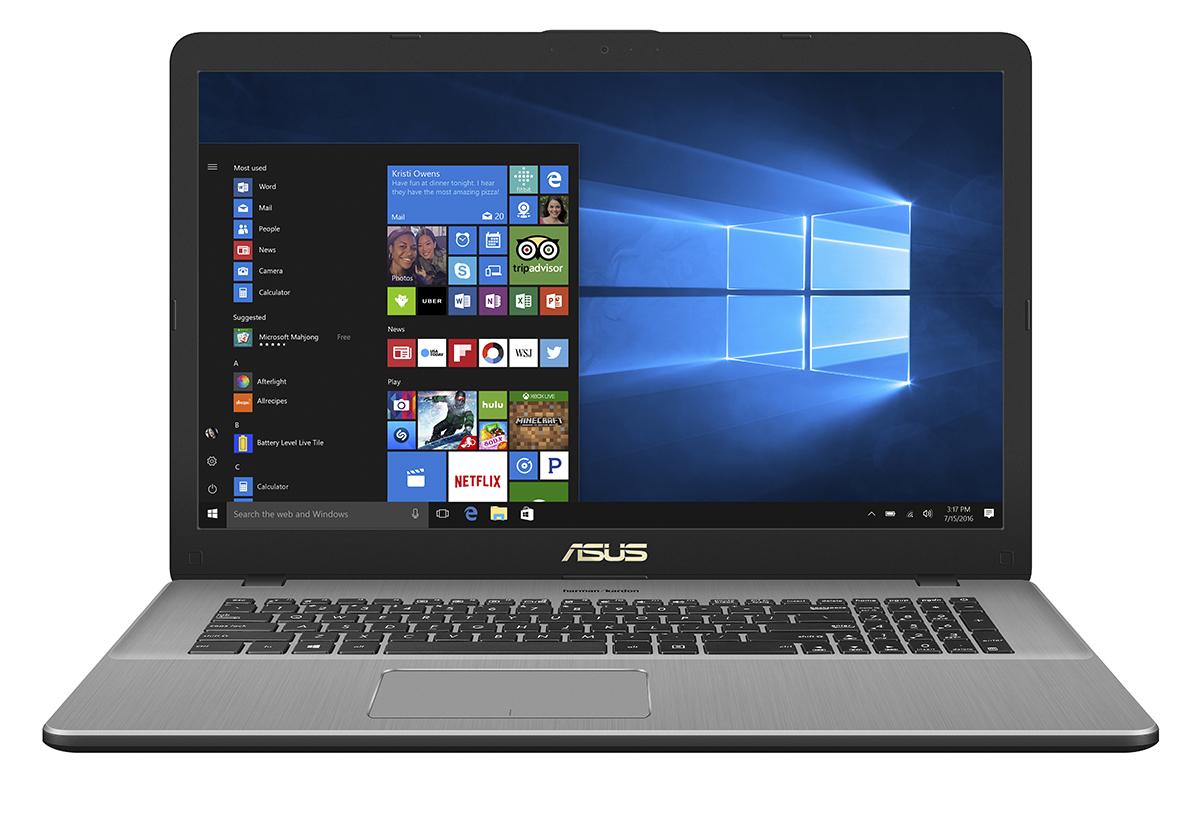
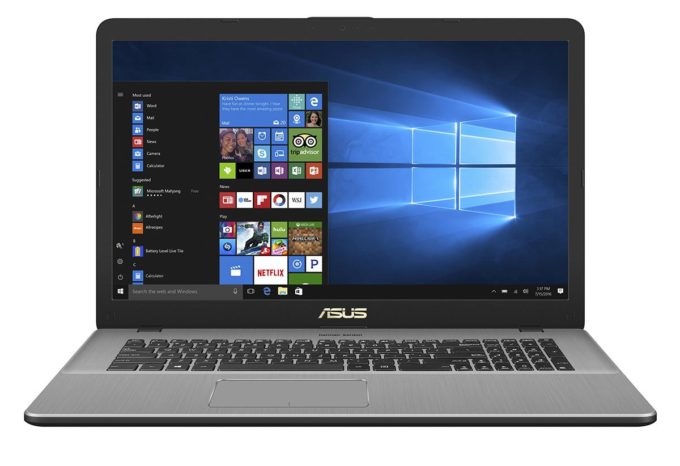
ASUS VivoBook Pro 17 N705
- Date Published: 16 Jul 2025
- Intel Celeron N4020
- Intel UHD Graphics 600
- 17.3”, HD+ (1600 x 900), TN
- 1000GB HDD
- 8GB RAM
- 2.10 kg (4.6 lbs)
Specs
- Display
- HDD/SSD
- 1000GB HDD
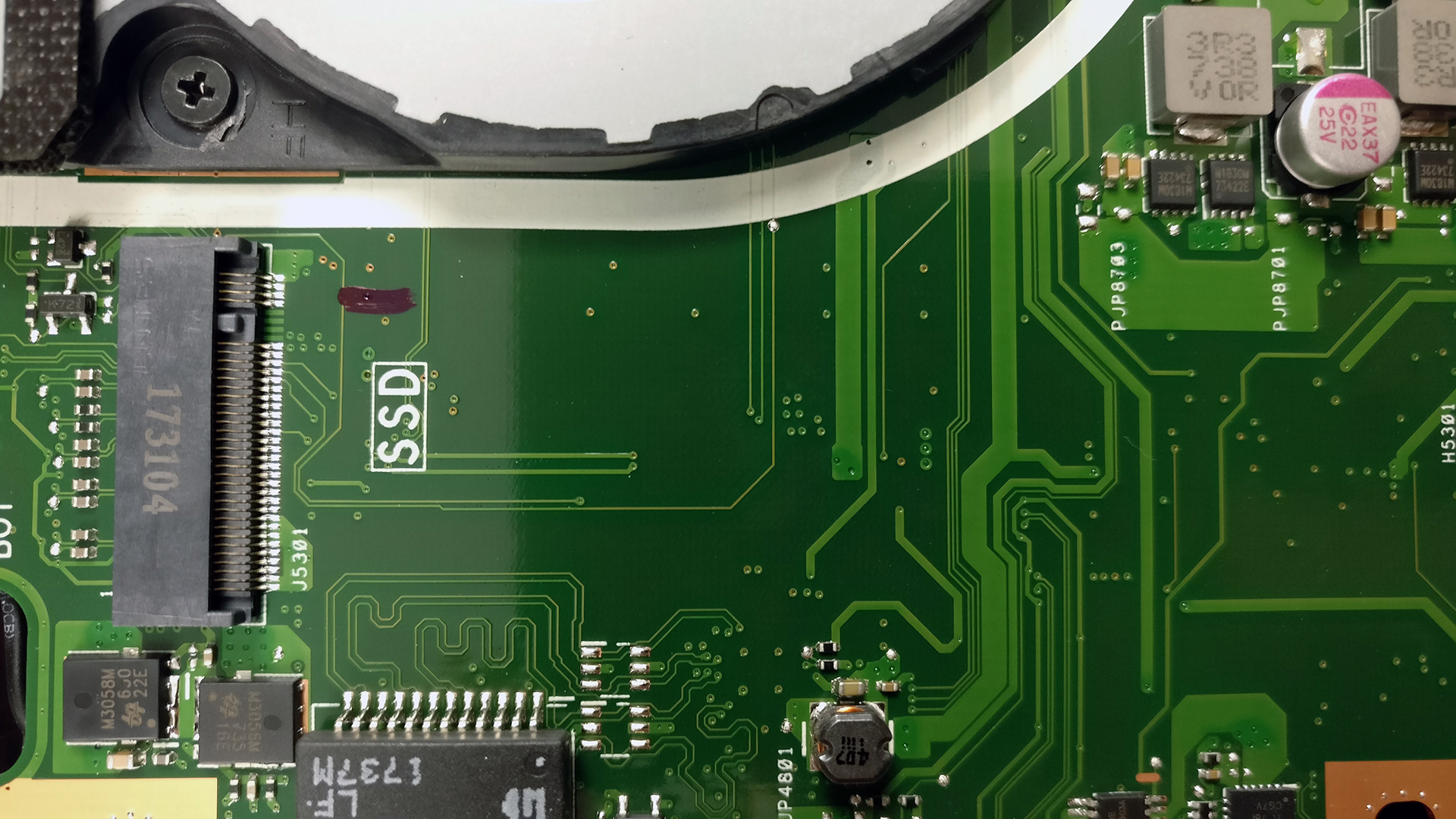
- M.2 Slot
- 1x 2280 M.2 PCIe NVMe SSD See photo
- RAM
- 8GB RAM
- OS
- Windows 10 Home
- Body Material
- Plastic / Polycarbonate, Aluminum (Aluminum lid and interior, plastic base)
- Dimensions
- 411 x 270 x 20.9 mm (16.18" x 10.63" x 0.82")
- Weight
- 2.10 kg (4.6 lbs)
- Ports and connectivity
- 2x USB Type-A
- 2.0
- 1x USB Type-A
- 3.2 Gen 1 (5 Gbps)
- 1x USB Type-C
- 3.2 Gen 2 (10 Gbps)
- HDMI
- Card Reader
- SD
- Ethernet LAN
- Wi-Fi
- Bluetooth
- Audio jack
- headphone/microphone
- Features
- Fingerprint reader
- Web camera
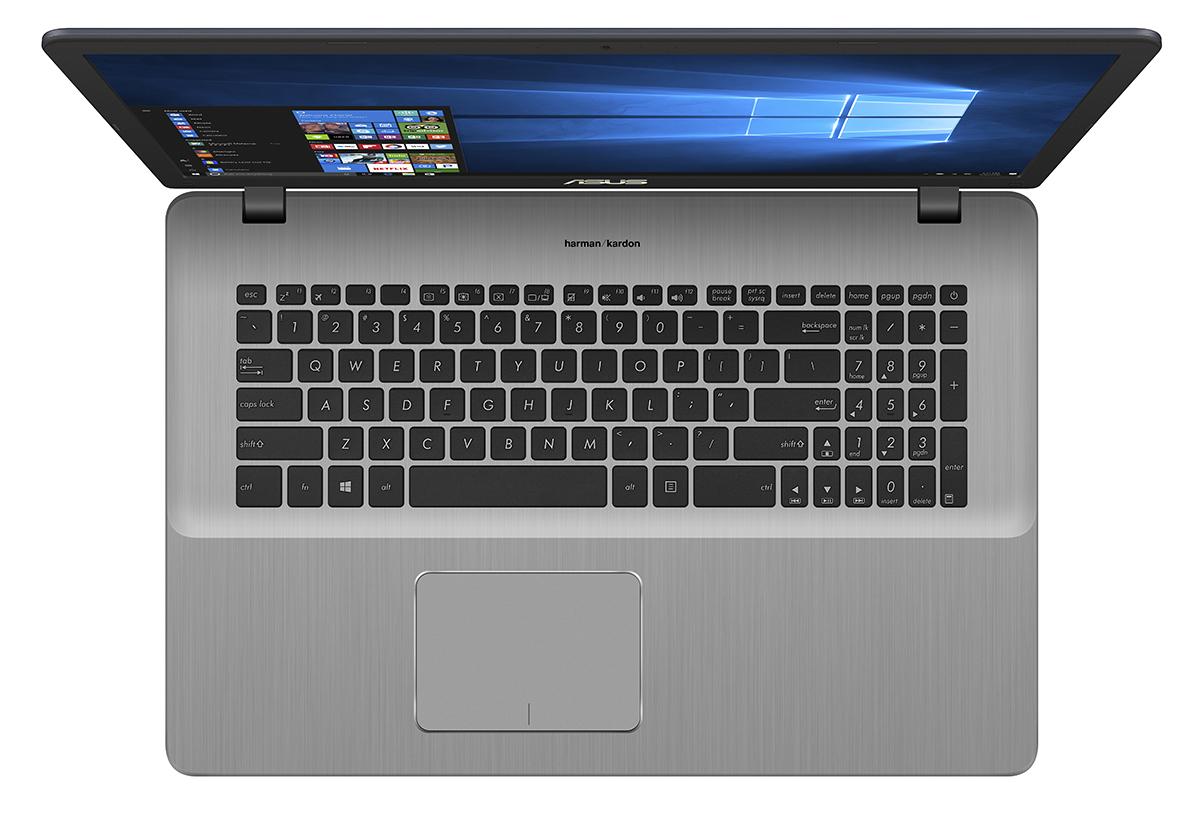
- Backlit keyboard
- Microphone
- Speakers
- Security Lock slot
- Gifts
- Carry Bag
Portability
Review
ASUS VivoBook Pro 17 N705 in-depth review
The ASUS VivoBook Pro 17 may sound familiar and you are probably expecting just a bigger version of the VivoBook Pro 15 but you are mistaken. It appears that the VivoBook Pro 17 is essentially different than the 15-inch model in a lot of ways and as always, the smaller model offers better price/performance ratio.However, there are some key selling points to the VivoBook Pro 17 that need to be considered. The main one is the brand new 8th Generation processor from Intel, which outperforms the Core i5-7300HQ in short workloads while being way more energy-efficient. But due to the bigger 17-inch panel, the VivoBook Pro 17 can't fully benefit from the improved power management. In any case, the VivoBook Pro 17 is immensely better than its direct predecessor, the ASUS N752VX in so many [...]
Read the full review
Pros
- Good build quality
- One of the most portable 17-inch notebooks on the market
- Good input devices
- A wide range of configurations with various GPUs and CPUs to fit your budget and needs
- Excellent image quality
- The screen doesn't use PWM for regulating brightness
- Great sound
Cons
- Some of the upgradable hardware is really hard to access


![[June 2026] Best-Selling Laptop Brands on Amazon Global – Apple’s Unrivaled Dominance in Units and Revenue](https://laptopmedia.com/wp-content/uploads/2026/07/GLOBAL-Best-Brands-400x225.jpg)
![[June 2026] Amazon Global: Top 10 Best-Selling Laptops – Apple’s New MacBook Neo Storms to #1, Reshaping the Market with Affordability](https://laptopmedia.com/wp-content/uploads/2026/07/Best-Selling-Laptops-GLOBAL-Top-10-400x225.jpg)
![[June 2026] Amazon Global: Top 10 Best-Selling Gaming Laptops – Acer’s Nitro V 16S AI Dominates Sales, While ASUS Leads Overall Revenue](https://laptopmedia.com/wp-content/uploads/2026/07/Best-Selling-Gaming-Laptops-GLOBAL-Top-10-400x225.jpg)
![[June 2026] Global Ranking of Best-Selling Laptop GPUs on Amazon – NVIDIA RTX 5060 is the Top-Selling Dedicated GPU](https://laptopmedia.com/wp-content/uploads/2026/07/Best-Selling-GPUs-GLOBAL-Top-10-400x225.jpg)
![[June 2026] Global Ranking of Best-Selling Laptop CPUs on Amazon – Apple M5 Dominates, AMD Ryzen 7 260 Gets Solid Premium Share](https://laptopmedia.com/wp-content/uploads/2026/07/Best-Selling-CPUs-GLOBAL-Top-10-400x225.jpg)