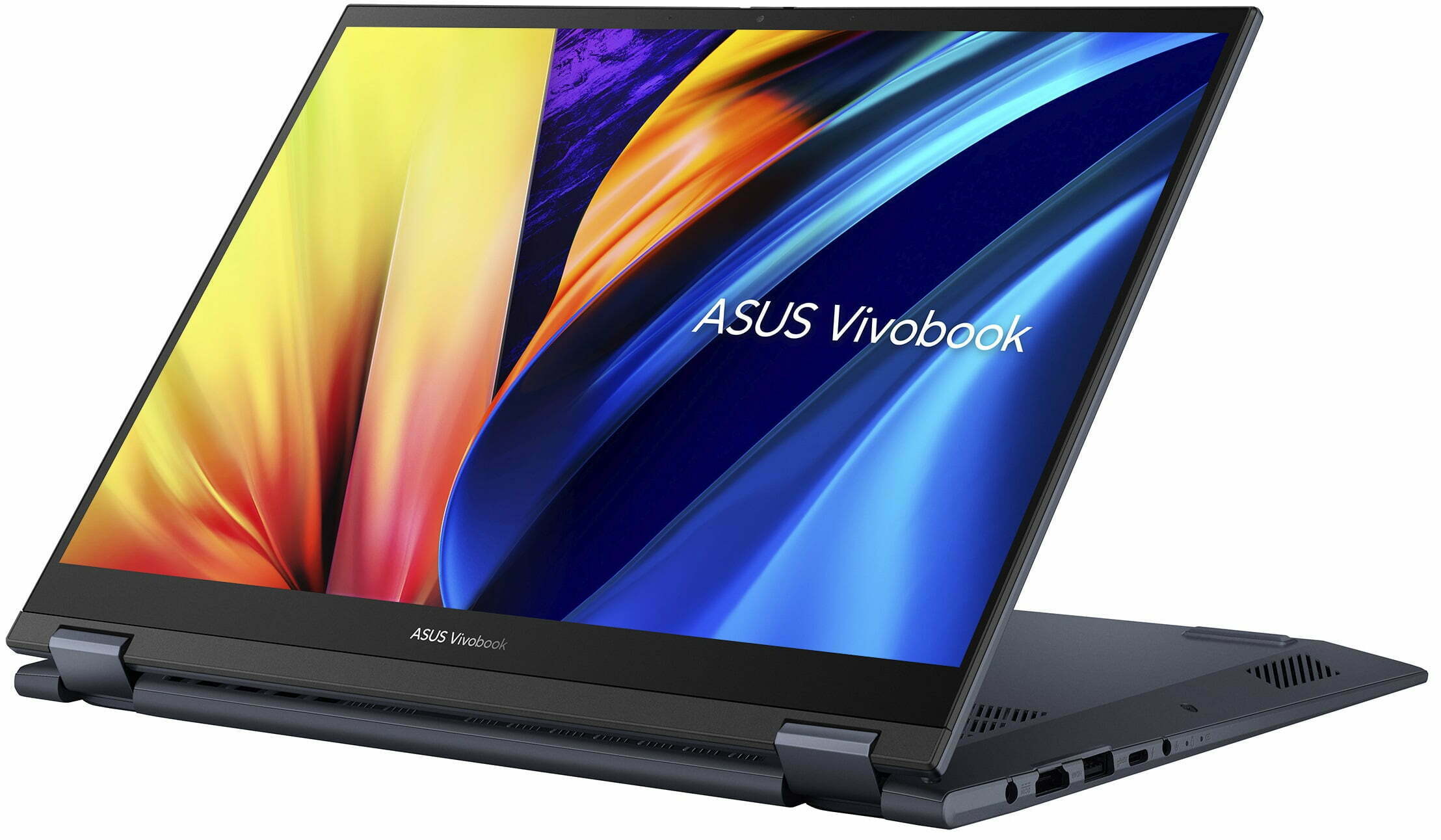
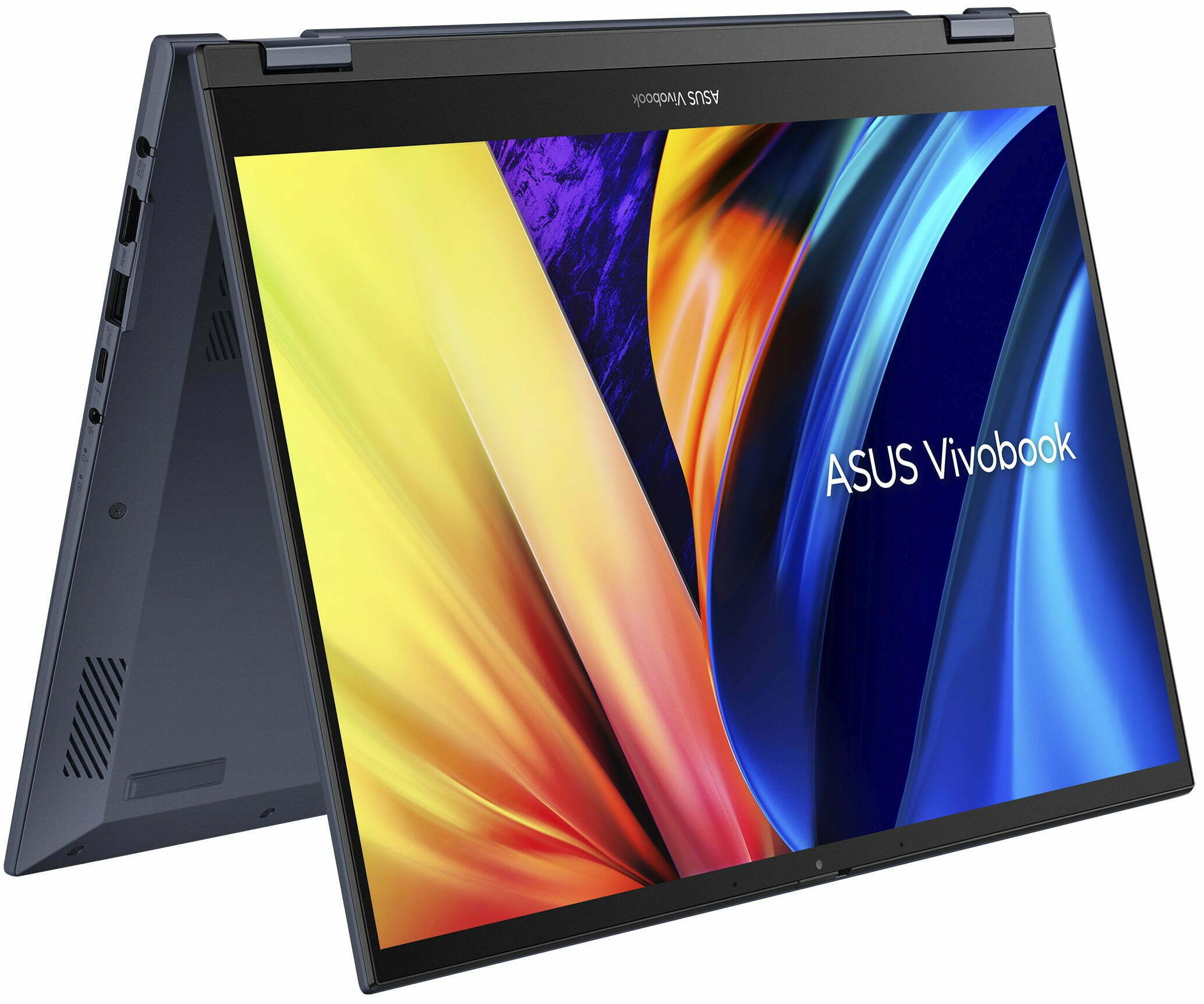
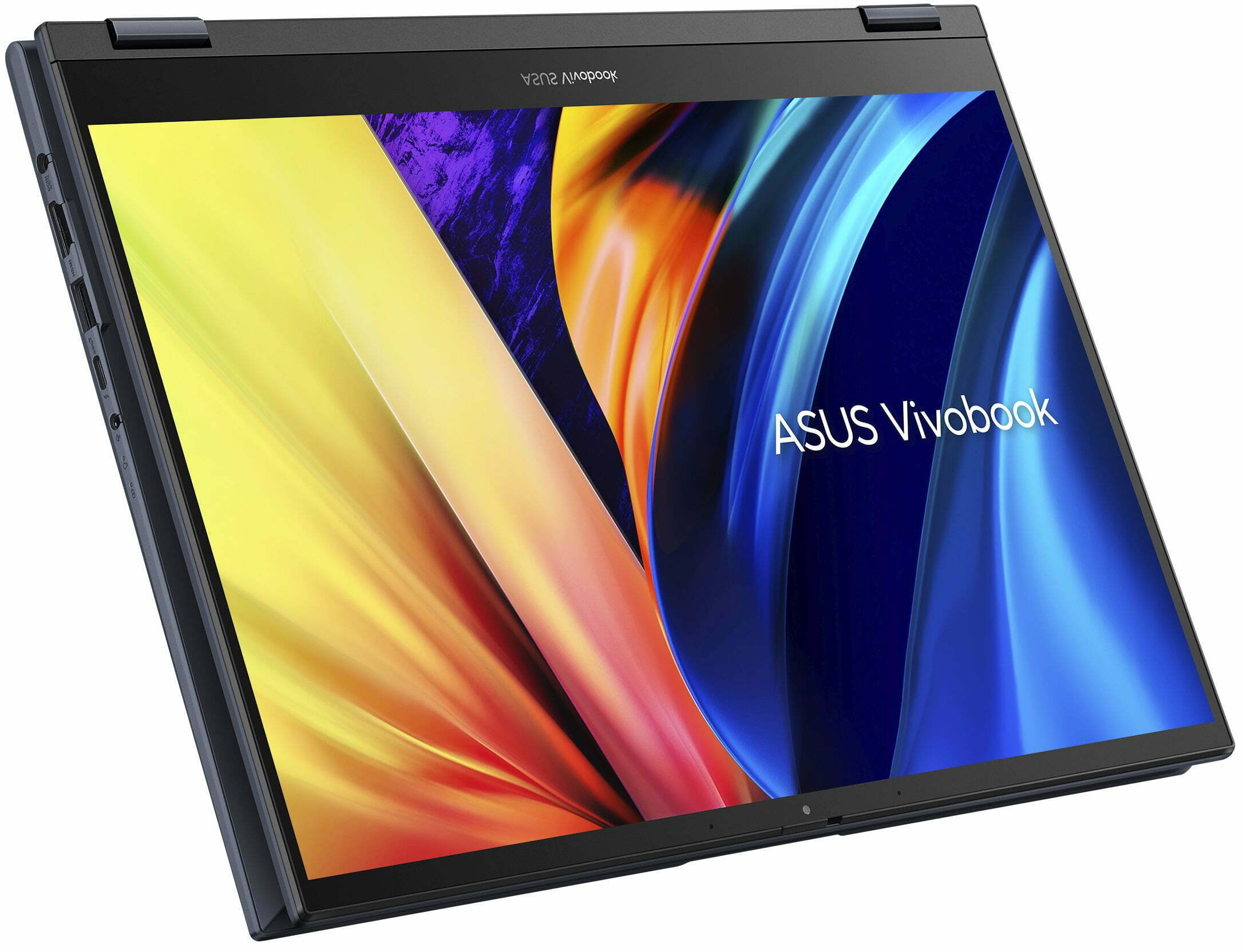
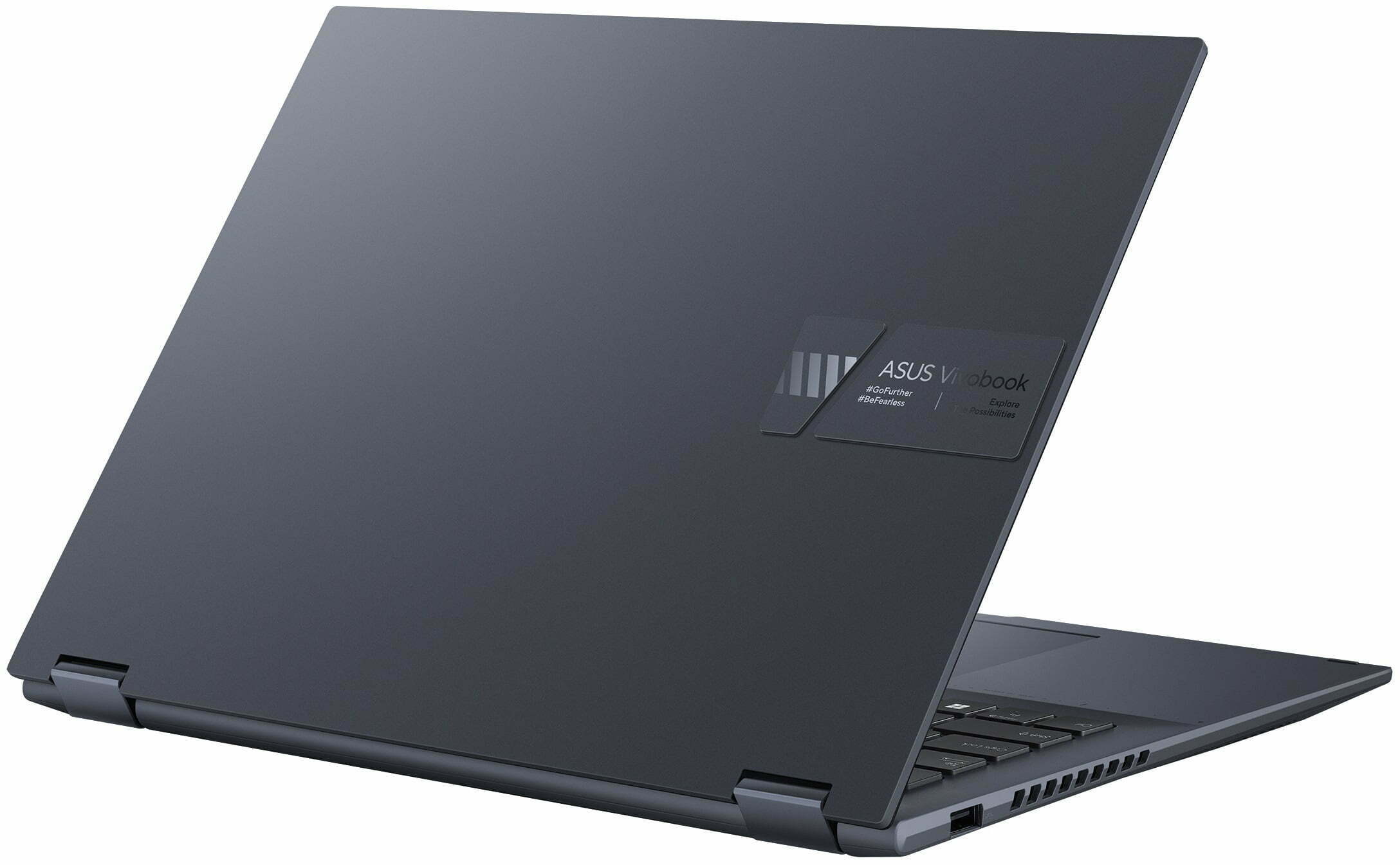
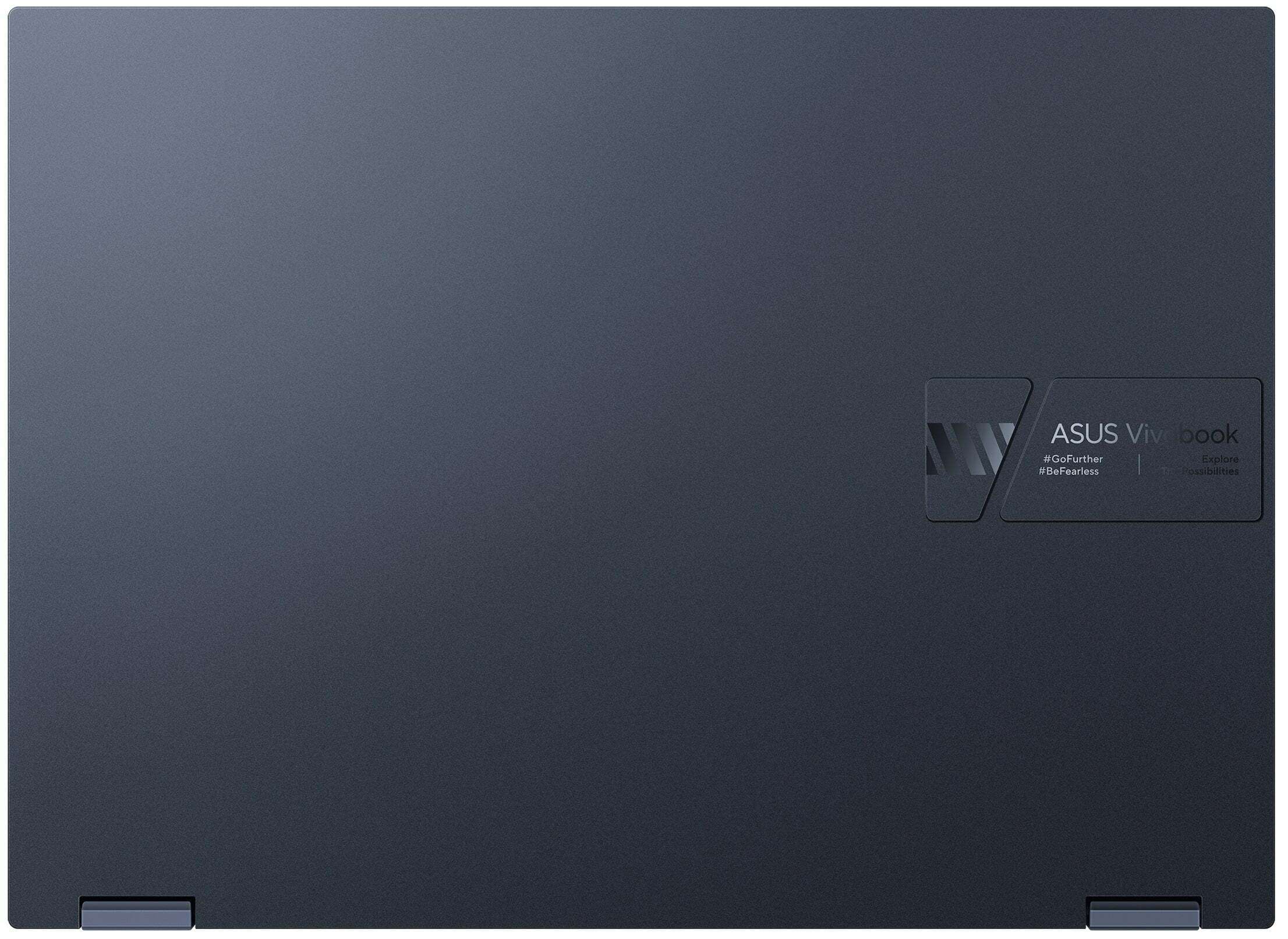
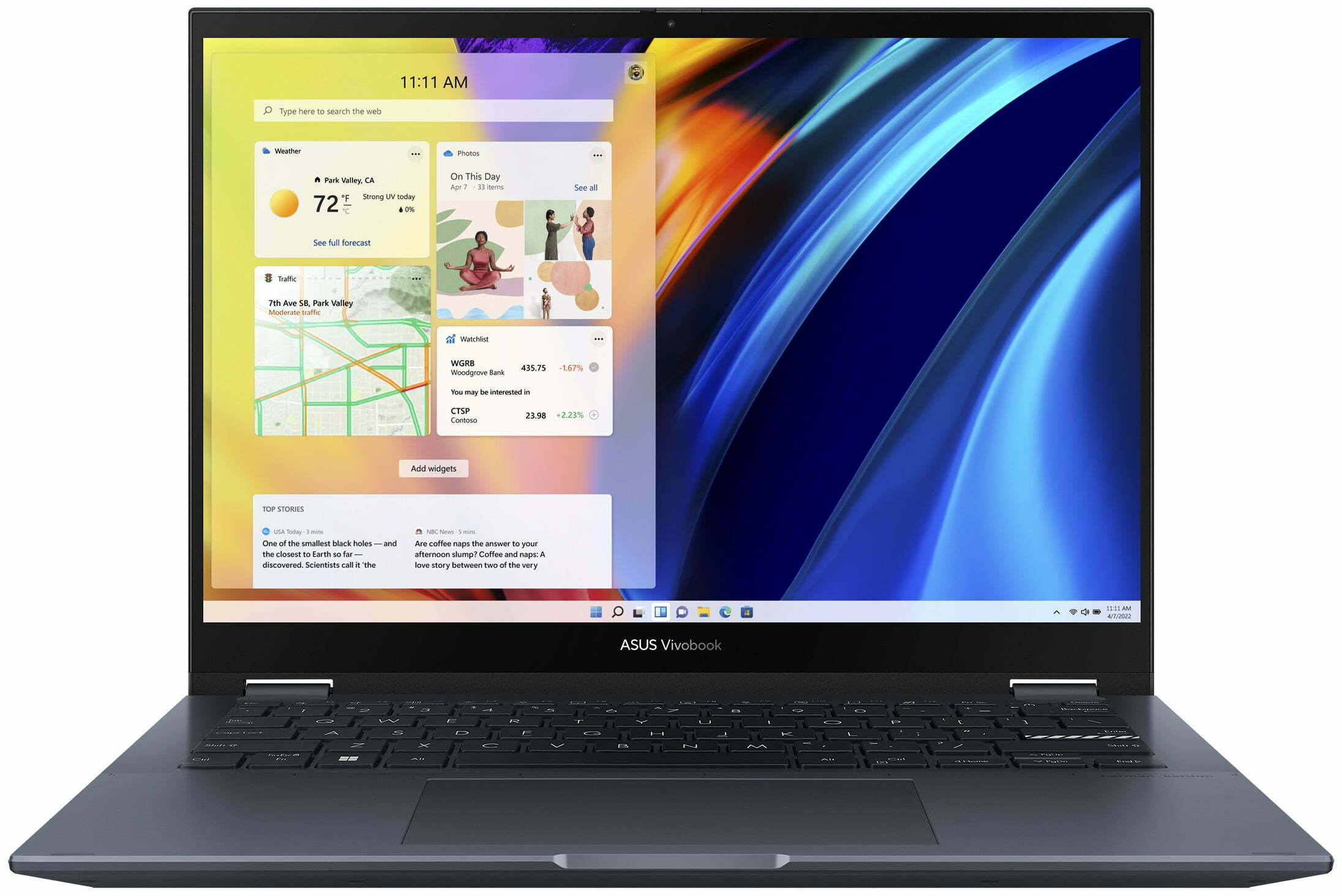
ASUS Vivobook S 14 Flip OLED
- Date Published: 26 Feb 2025
- Intel Core i9-13900H
- Intel Iris Xe Graphics G7 (96EU)
- 14.0”, WUXGA (1920 x 1200), IPS
- 4000GB SSD
- 40GB RAM
- 1.50 kg (3.3 lbs)
Specs
- Display
- HDD/SSD
- 4000GB SSD
- M.2 Slot
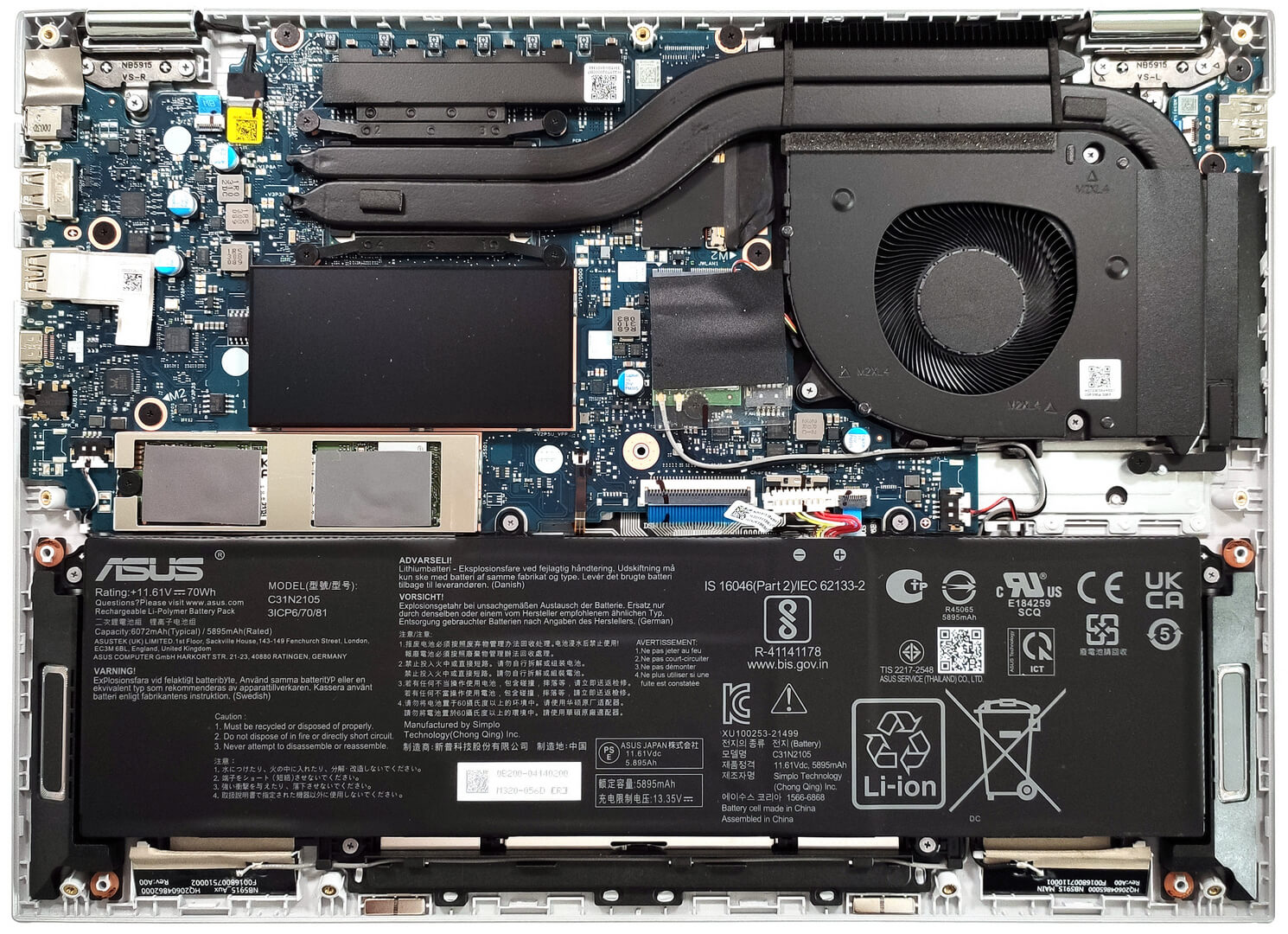
- 1x 2280 M.2 NVMe PCIe 3.0 x4 See photo
- RAM
- 40GB RAM
- OS
- Windows 11 Home
- Body Material
- Aluminum
- Dimensions
- 313.2 x 227.6 x 18.9 mm (12.33" x 8.96" x 0.74")
- Weight
- 1.50 kg (3.3 lbs)
- Ports and connectivity
- 1x USB Type-A
- 2.0
- 1x USB Type-A
- 3.2 Gen 2 (10 Gbps)
- 1x USB Type-C
- Thunderbolt 4, Power Delivery (PD), DisplayPort
- HDMI
- 2.1 TMDS
- Card Reader
- Ethernet LAN
- Wi-Fi
- 802.11ax
- Bluetooth
- 5.0
- Audio jack
- 3.5mm Combo Jack
- Features
- Fingerprint reader
- Web camera
- HD with privacy shutter
- Backlit keyboard
- Microphone
- Array Microphone with Cortana and Alexa voice rec.
- Speakers
- Stereo Speakers by harman/kardon, Smart Amp
- Security Lock slot
Portability
Review
ASUS Vivobook S 14 Flip OLED in-depth review
The ASUS Vivobook S 14 Flip OLED (TP3402) is a compact 2-in-1 laptop that is offered with powerful (optional) Intel Alder or Raptor Lake-H processors. The top dog for the series is the Intel Core i9-13900H. That sounds mouthwatering for a thin and light transformer. On the other hand, these 45W chips dissipate a lot of heat and that's why you'll find an ASUS IceCool cooling system with two decently sized heat pipes and a fluid-dynamics bearing fan. Still, if you don't need so much power, you can pick a device with a 15W or 28W CPU. This will bring down the end price and (perhaps) it'll also positively affect the battery life.As always, when it comes to such a notebook, the main event is the 360-degree hinge and the display. The panel here is an OLED touch unit with a 2880 x 1800 resolu[...]
Read the full review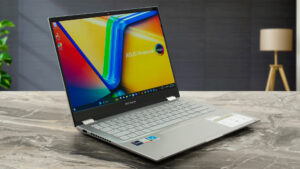
Pros
- Great OLED display with 100% sRGB and 99% DCI-P3 coverage (Samsung ATNA40YK07-1 (SDC4171))
- Infinite contrast ratio, 90Hz refresh rate, and 2880 x 1800 resolution (Samsung ATNA40YK07-1 (SDC4171))
- Good audio quality
- "OLED Flicker-Free Dimming" mode in MyASUS software
- Antibacterial coating
- Comfortable keyboard
- Smooth touchpad with optional ASUS Numberpad 2.0
- 1080p Web camera with a privacy shutter
- Good performance given the form factor and the transforming capabilities
- Quiet fan in "Whisper" mode
- 1x SODIMM for dual-channel memory
- Long battery life
- Adequate CPU clocks in short and medium loads
- Good build quality
Cons
- PWM usage without the "Flicker-Free Dimming" mode (Samsung ATNA40YK07-1 (SDC4171))
- Only one M.2 Gen 3 slot
- Our laptop has a QLC SSD
Disassembly, maintenance and upgrade options
Step 1: Accessing the ASUS Vivobook S 14 Flip OLED (TP3402) InternalsEnsure the ASUS Vivobook S 14 Flip OLED is powered off and placed on a soft surface to avoid scratches. Remove the 10 Phillips-head screws securing the bottom panel. Use a thin plastic tool to gently lift one of the top corners to create an opening. Then, employ a lever tool to carefully detach the bottom plate, starting from the zones behind the hinges and proceeding around the perimeter.Step 2: Battery RemovalDisconnect the battery by unplugging its connector from the motherboard. Remove the[...]
Read more


![[June 2026] Best-Selling Laptop Brands on Amazon Global – Apple’s Unrivaled Dominance in Units and Revenue](https://laptopmedia.com/wp-content/uploads/2026/07/GLOBAL-Best-Brands-400x225.jpg)
![[June 2026] Amazon Global: Top 10 Best-Selling Laptops – Apple’s New MacBook Neo Storms to #1, Reshaping the Market with Affordability](https://laptopmedia.com/wp-content/uploads/2026/07/Best-Selling-Laptops-GLOBAL-Top-10-400x225.jpg)
![[June 2026] Amazon Global: Top 10 Best-Selling Gaming Laptops – Acer’s Nitro V 16S AI Dominates Sales, While ASUS Leads Overall Revenue](https://laptopmedia.com/wp-content/uploads/2026/07/Best-Selling-Gaming-Laptops-GLOBAL-Top-10-400x225.jpg)
![[June 2026] Global Ranking of Best-Selling Laptop GPUs on Amazon – NVIDIA RTX 5060 is the Top-Selling Dedicated GPU](https://laptopmedia.com/wp-content/uploads/2026/07/Best-Selling-GPUs-GLOBAL-Top-10-400x225.jpg)
![[June 2026] Global Ranking of Best-Selling Laptop CPUs on Amazon – Apple M5 Dominates, AMD Ryzen 7 260 Gets Solid Premium Share](https://laptopmedia.com/wp-content/uploads/2026/07/Best-Selling-CPUs-GLOBAL-Top-10-400x225.jpg)