ASUS X507
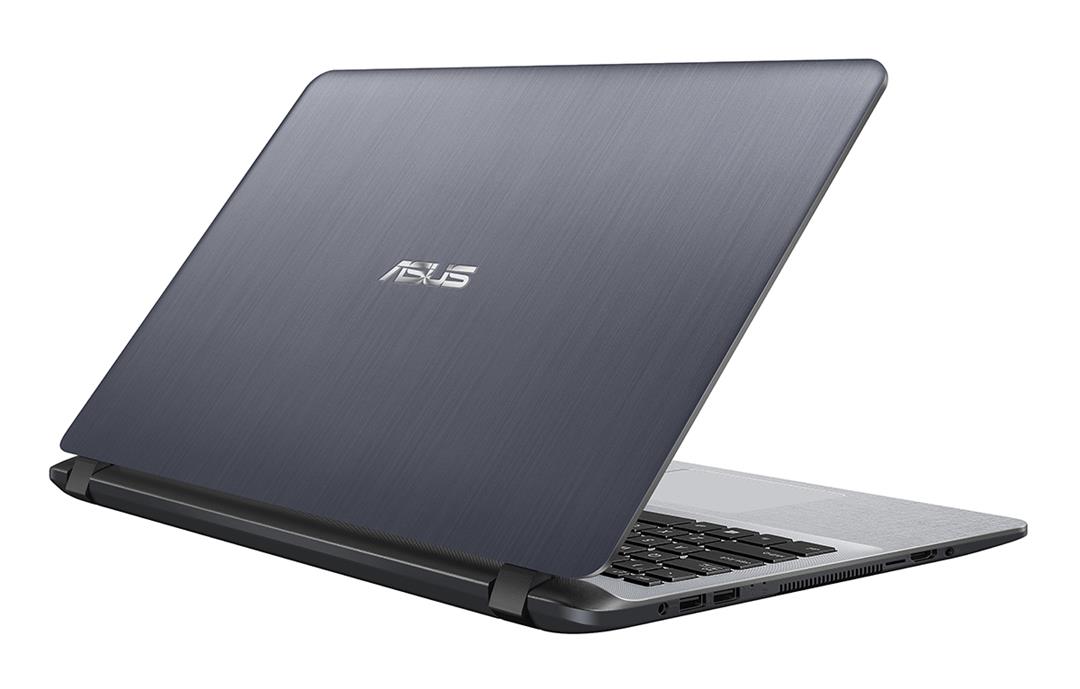
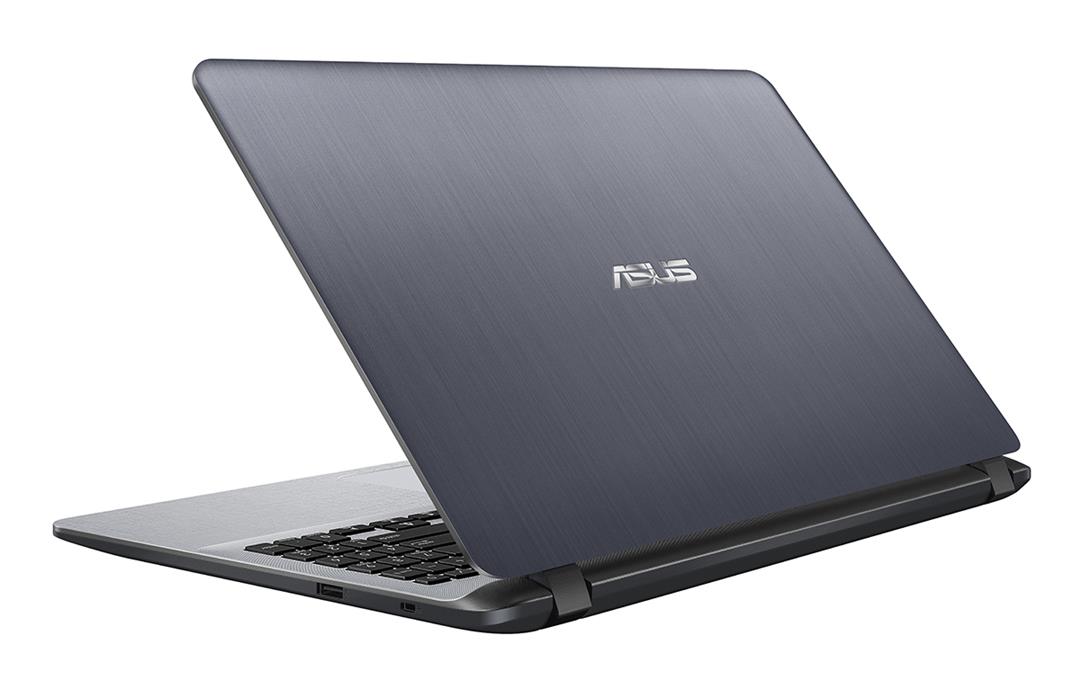
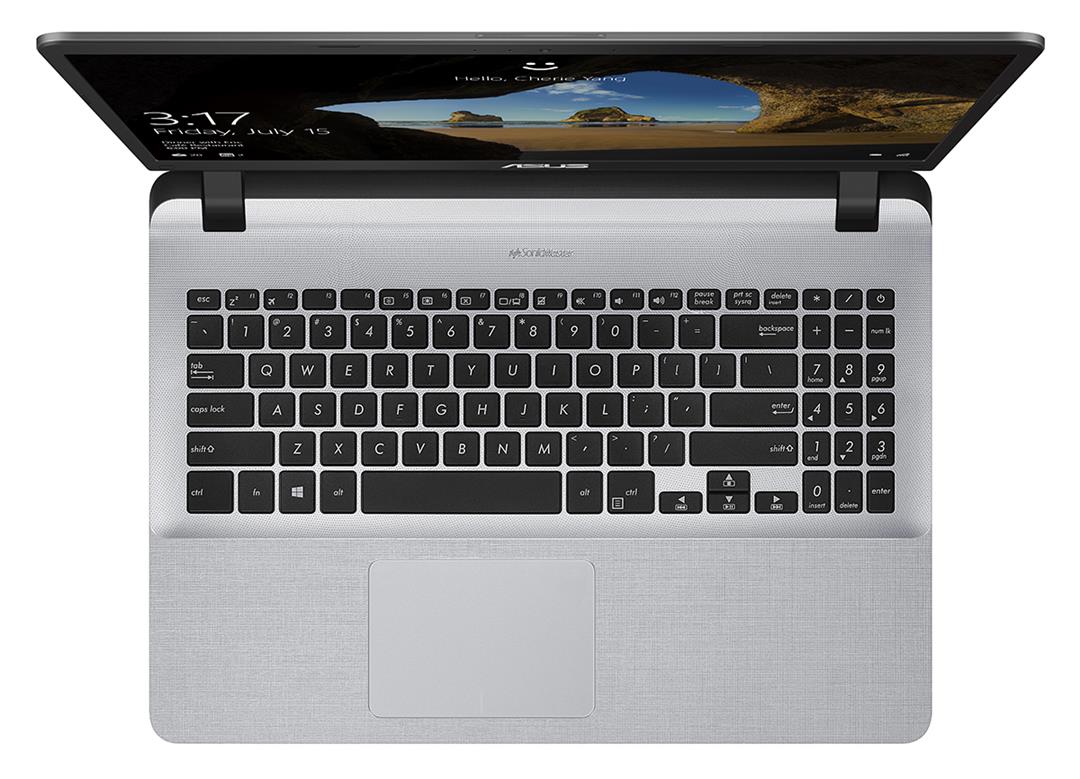
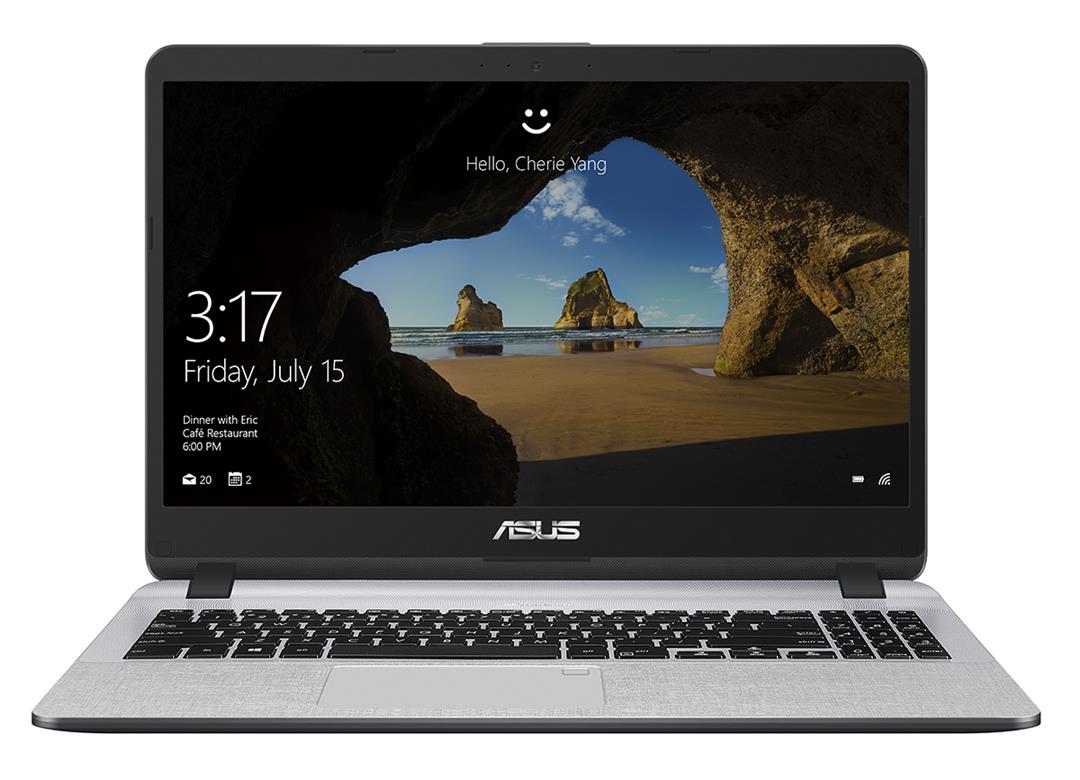
- Date Published: 27 Jun 2019
- Intel Pentium Silver N5000
- Intel UHD Graphics 605
- 15.6”, Full HD (1920 x 1080), IPS
- 1000GB SSD
- 4GB (1x 4096MB) - DDR4, 2400MHz
- 1.68 kg (3.7 lbs)
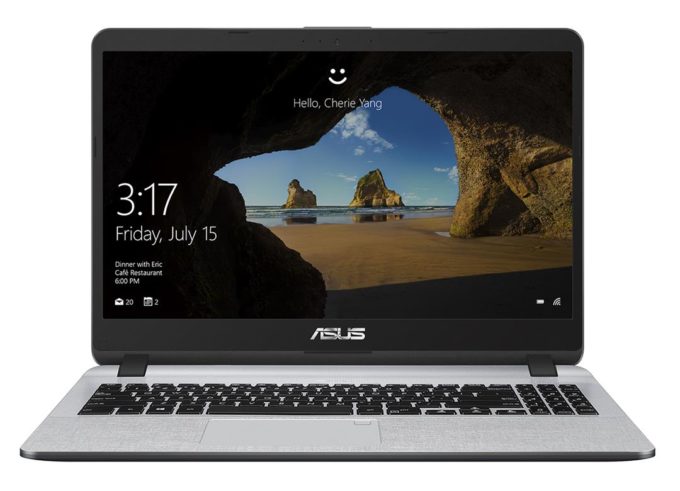
Review
ASUS X507 in-depth review
So, you are browsing the Web for an affordable everyday laptop. You stumble upon the ASUS X507 and see reasonable processor options, a dedicated graphics card around the corner and... a dated design. Is it worth the purchase or you should hard pass on this one?Well, naturally, it is our job to give you the most information we could about it, so you can make The decision. Of course, this laptop is not brand new. In fact, it is in store for quite some time now, but the sole fact that it is still offered by some retailers means that there is still interest in it.Now, let's see how ASUS has coped to keep the price so low on this unit. Did they make compromises with the build quality, the battery, the performance, or all of them?You can check the prices and configurations in our Sp[...]
Read the full review
Pros
- Very affordable
- Decent battery life
- Service lid for RAM upgrades
- Doesn't use aggressive PWM for brightness adjustment (Innolux N156HGA-EA3 (CMN15F5))
Cons
- Heats up quite rapidly during heavy load
- TN panel has naturally poor viewing angles (Innolux N156HGA-EA3 (CMN15F5))
- Poor contrast ratio and only 53% of sRGB color coverage (Innolux N156HGA-EA3 (CMN15F5))
- Cheap build quality
- You have to do a lot of work to get to the M.2 storage slot
Disassembly, maintenance and upgrade options
The ASUS X507 is one of the last unfallen soldiers to feature a service lid for quick RAM upgrades.Check out all ASUS X507 prices and configurations in our Specs System or read more in our In-Depth review.1. Remove the service lid and the bottom plate Similarly to the ASUS VivoBook K570, the X507 is one of the difficult laptops to disassemble. However, ASUS made sure that you rarely need to open it up, by putting a service door that hides the memory modules. If you need to get to the storage, on the other side, you will have a hard time.First, remove the rest of the scre[...]
Read more


![[August 2026] Best-Selling Laptop Brands on Amazon Japan – Apple Dominates Market Share and Revenue Led by Strong Unit Sales](https://laptopmedia.com/wp-content/uploads/2026/09/CO.JP-Best-Brands-1-400x225.jpg)
![[August 2026] Best-Selling Laptop Brands on Amazon USA – Apple Dominates Market Revenue and Volume Despite Lower Model Diversity](https://laptopmedia.com/wp-content/uploads/2026/09/COM-Best-Brands-1-400x225.jpg)
![[August 2026] Amazon Germany: Top 8 Best-Selling Gaming Laptops – Acer Dominates the Market as the Premium Nitro V 17 AI Takes the #1 Spot](https://laptopmedia.com/wp-content/uploads/2026/09/Best-Selling-Gaming-Laptops-DE-Top-10-1-400x225.jpg)
![[August 2026] Best-Selling Laptop Brands on Amazon France – Apple Dominates Revenue Despite Lenovo and HP Leading in Catalog Breadth and Volume](https://laptopmedia.com/wp-content/uploads/2026/09/FR-Best-Brands-1-400x225.jpg)
![[August 2026] Amazon Italy: Top 10 Best-Selling Laptops – Apple MacBook Neo Claims the Crown as Budget and Mid-Range Windows Machines Dominate Volume](https://laptopmedia.com/wp-content/uploads/2026/09/Best-Selling-Laptops-IT-Top-10-400x225.jpg)
