ASUS Zenbook 14
_000042.jpg)

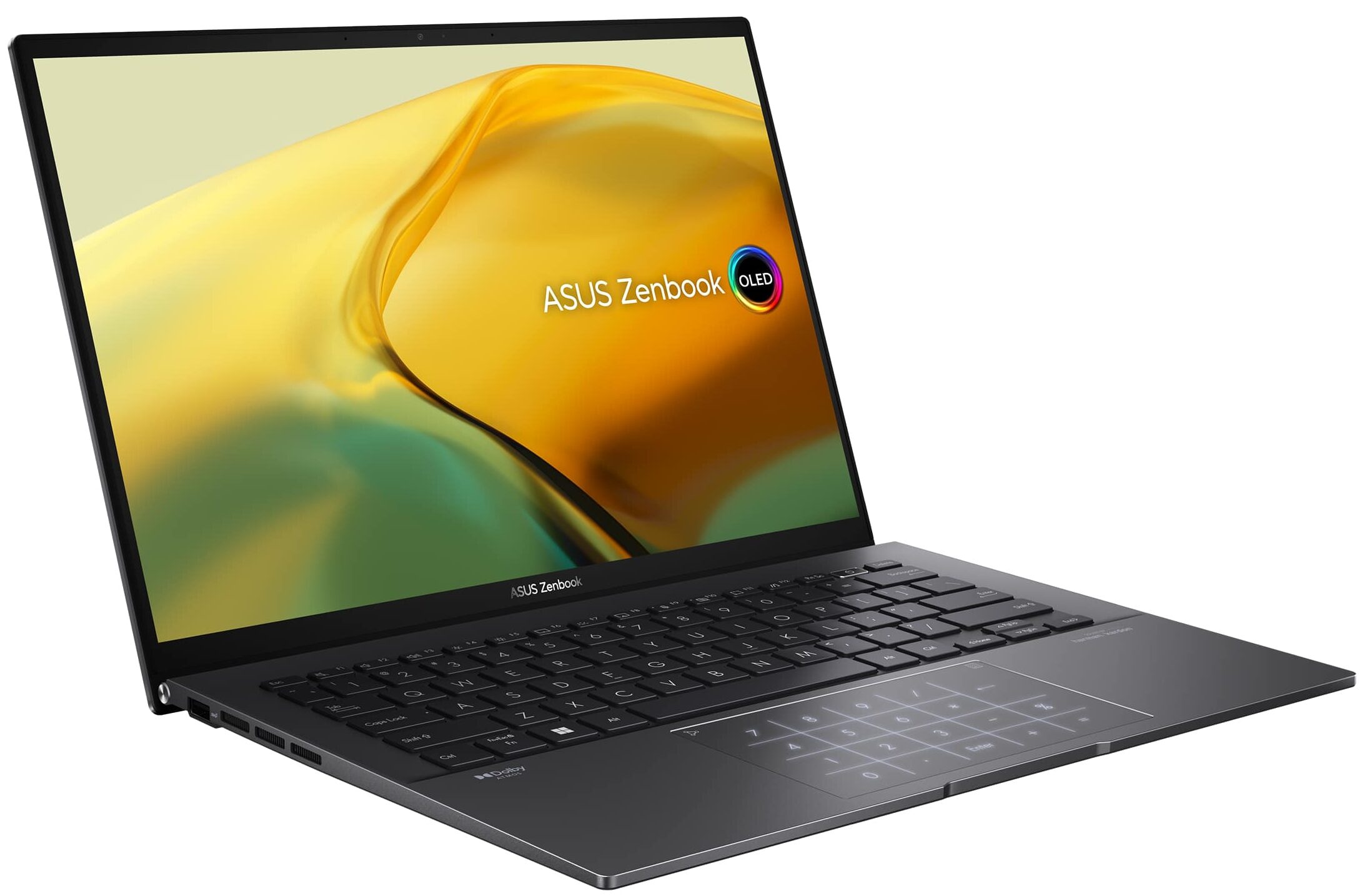

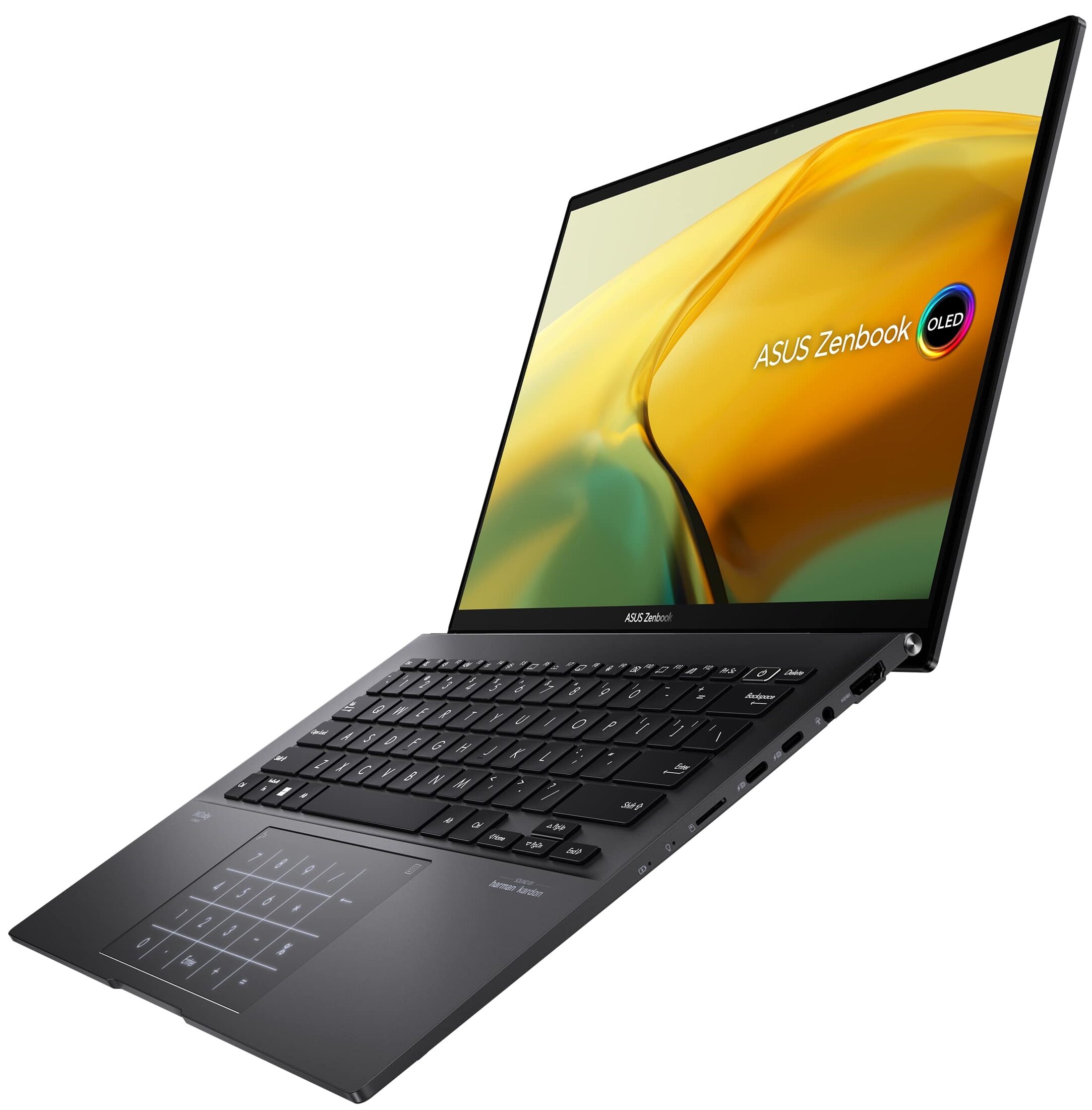
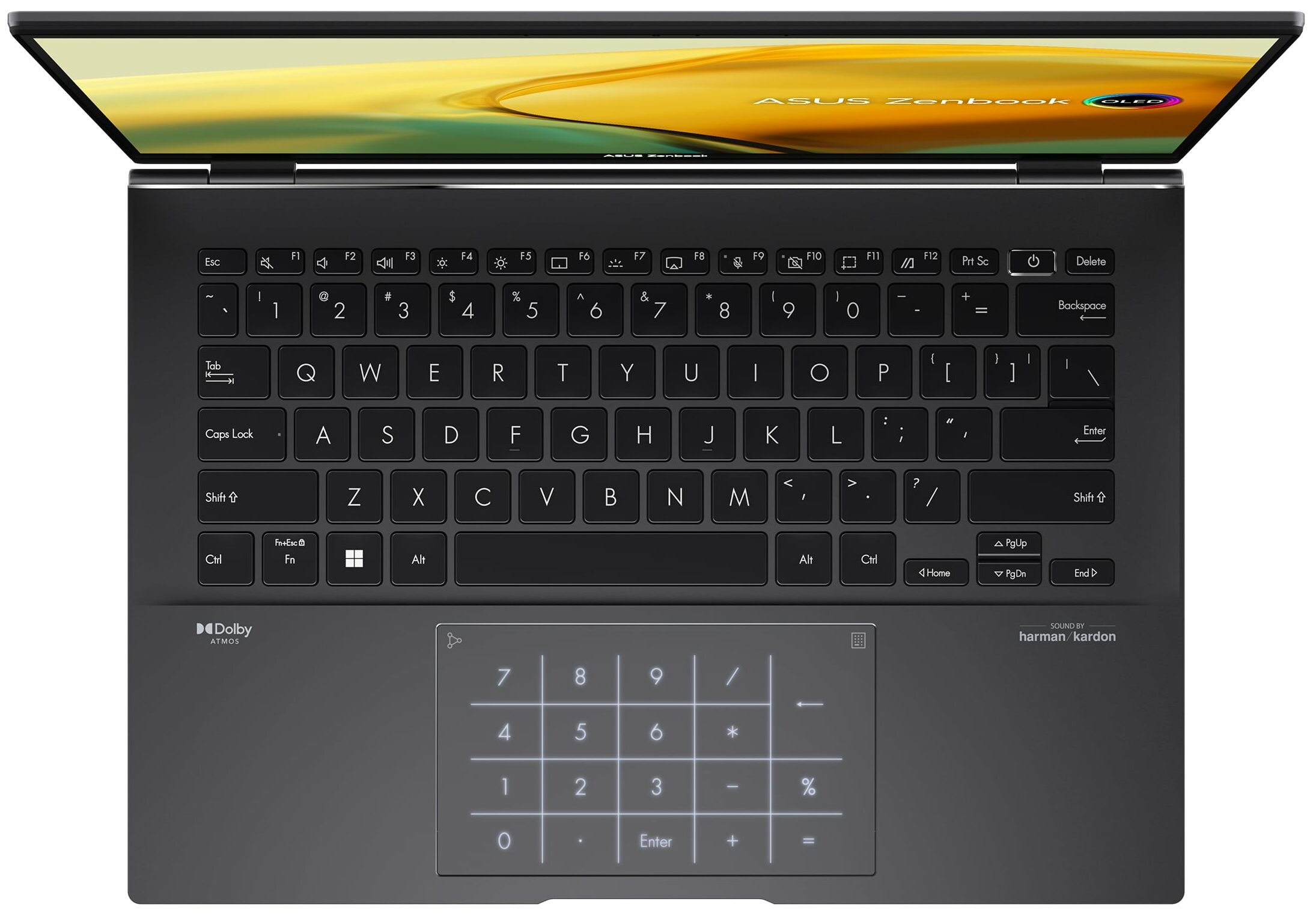
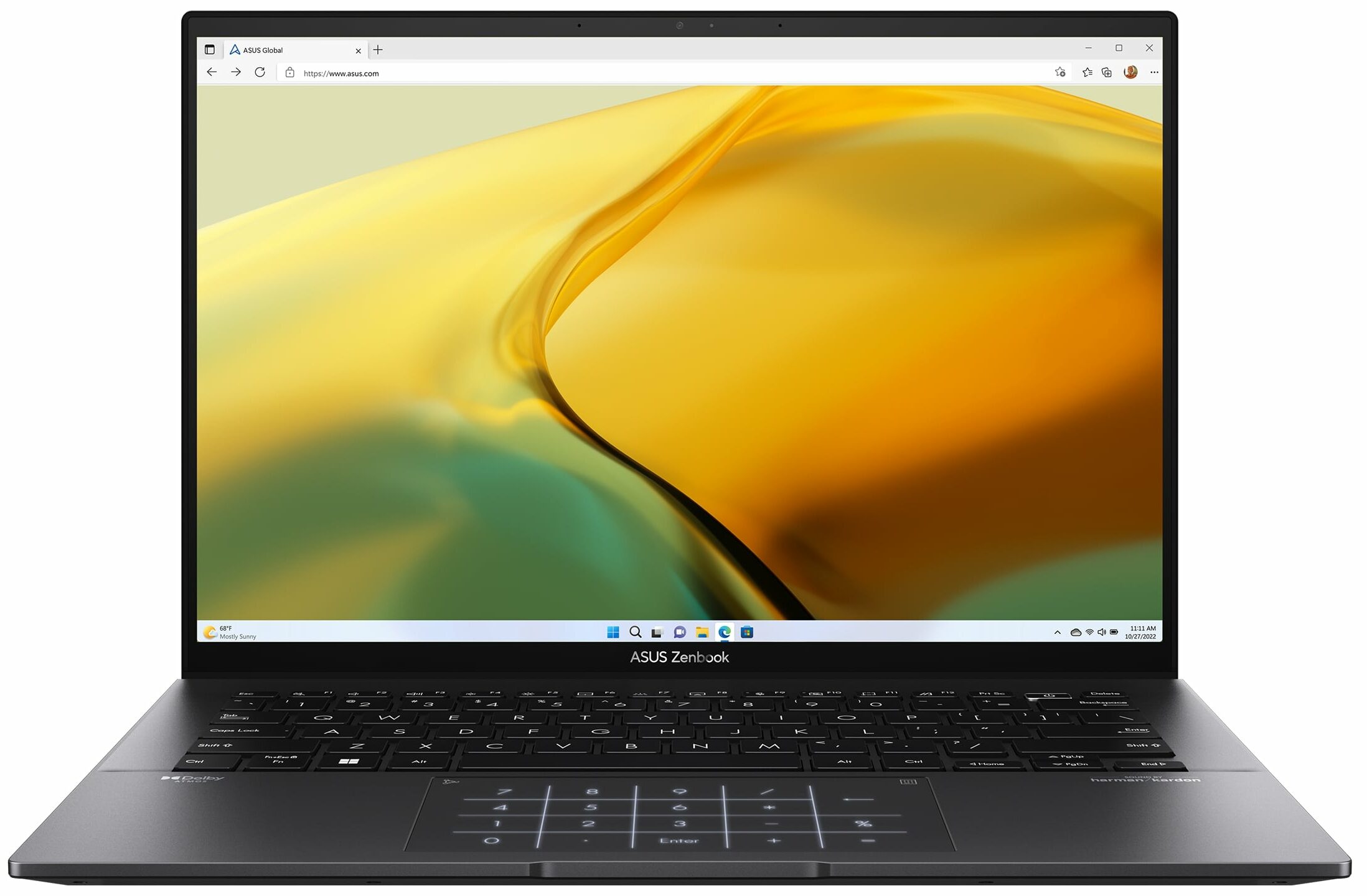
- Date Published: 13 Jun 2024
- AMD Ryzen 7 7730U
- AMD Radeon RX Vega 8 (R4000/5000, 15W)
- 14.0″, 2.8K (2880 x 1800), 90 Hz, OLED
- 2000GB SSD
- 16GB RAM
- 1.39 kg (3.1 lbs)

Specs
- HDD/SSD
- 2000GB SSD
- M.2 Slot
- 1x 2280 M.2 NVMe PCIe 3.0 x4 See photo
- RAM
- 16GB RAM
- OS
- Windows 11 Home
- Body Material
- Aluminum
- Dimensions
- 313.6 x 220.6 x 16.9 mm (12.35" x 8.69" x 0.67")
- Weight
- 1.39 kg (3.1 lbs)
- Ports and connectivity
- 1x USB Type-A
- 3.2 Gen 2 (10 Gbps)
- 2x USB Type-C
- 3.2 Gen 2 (10 Gbps), Power Delivery (PD), DisplayPort
- HDMI
- 2.1
- Card Reader
- microSD (microSD, microSDHC, microSDXC)
- Ethernet LAN
- Wi-Fi
- 802.11ax
- Bluetooth
- 5.3
- Audio jack
- 3.5mm Combo Jack
- Features
- Fingerprint reader
- Web camera
- HD / FHD
- Backlit keyboard
- Microphone
- Microphone with Cortana and Alexa voice-recognition
- Speakers
- Speakers by Harman Kardon
- Optical drive
- Security Lock slot
- Gifts
- ONT 32GB USB Drive
Portability
Review
ASUS Zenbook 14 in-depth review
The ASUS Zenbook 14 Flip OLED (UP3404) proved to us that it's a great 2-in-1 machine that is fast and well-built. Its main con however is the high price. Now it's time to test the ASUS Zenbook 14 (UM3402) which looks almost similar to its more premium sibling but it doesn't cost an arm and a leg.The device isn't that pricey because it's powered by AMD Zen 3+ Barcelo-U Refresh CPUs, it lacks the fancy 360-degree hinge, and the OLED panel is replaced by an IPS screen. All that sounds reasonable given the cost of the notebook. The Zen 3-based AMD Ryzen 7000 chips still offer a good amount of power and efficiency for office and daily tasks. The display is a 1600p 16:10 unit which is more than enough for entertainment, work, or casual usage as Web browsing. The battery is big for such a thi[...]
Read the full review
Pros
- Good performance
- Wide viewing angles, very good contrast ratio, and high maximum brightness (PANDA LM140GF-2L01 (NCP0061))
- 1600p resolution and 16:10 aspect ratio (PANDA LM140GF-2L01 (NCP0061))
- Covers 99% of the sRGB gamut and offers great color accuracy with our "Design and Gaming" profile (PANDA LM140GF-2L01 (NCP0061))
- PWM-free (PANDA LM140GF-2L01 (NCP0061))
- Aluminum build
- Wide I/O given the dimensions
- Comfortable and quiet backlit keyboard + fingerprint reader
- Large and smooth touchpad that doubles as a NumPad
- Pleasant price
- Very long battery life
Cons
- QLC NVMe
- Soldered memory and just one M.2 Gen 3 slot
Disassembly, maintenance and upgrade options
Step 1: Accessing the Internal ComponentsEnsure the ASUS Zenbook 14 (UM3402) is powered off and placed on a soft, clean surface to prevent scratches or damage. Remove the 7 Torx-head screws from the bottom of the laptop. Peel back the two rubber back feet to reveal and then remove the two Phillips-head screws located beneath them. Use a plastic tool to gently pry the bottom panel off, starting from an easier spot to insert the tool.Hint: Proceed with caution to avoid damaging the internal clips or the laptop casing.Step 2: Removing the BatteryDisconnect the[...]
Read more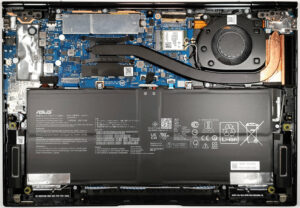


![[June 2026] Best-Selling Laptop Brands on Amazon Global – Apple’s Unrivaled Dominance in Units and Revenue](https://laptopmedia.com/wp-content/uploads/2026/07/GLOBAL-Best-Brands-400x225.jpg)
![[June 2026] Amazon Global: Top 10 Best-Selling Laptops – Apple’s New MacBook Neo Storms to #1, Reshaping the Market with Affordability](https://laptopmedia.com/wp-content/uploads/2026/07/Best-Selling-Laptops-GLOBAL-Top-10-400x225.jpg)
![[June 2026] Amazon Global: Top 10 Best-Selling Gaming Laptops – Acer’s Nitro V 16S AI Dominates Sales, While ASUS Leads Overall Revenue](https://laptopmedia.com/wp-content/uploads/2026/07/Best-Selling-Gaming-Laptops-GLOBAL-Top-10-400x225.jpg)
![[June 2026] Global Ranking of Best-Selling Laptop GPUs on Amazon – NVIDIA RTX 5060 is the Top-Selling Dedicated GPU](https://laptopmedia.com/wp-content/uploads/2026/07/Best-Selling-GPUs-GLOBAL-Top-10-400x225.jpg)
![[June 2026] Global Ranking of Best-Selling Laptop CPUs on Amazon – Apple M5 Dominates, AMD Ryzen 7 260 Gets Solid Premium Share](https://laptopmedia.com/wp-content/uploads/2026/07/Best-Selling-CPUs-GLOBAL-Top-10-400x225.jpg)

