ASUS Zenbook 14 OLED

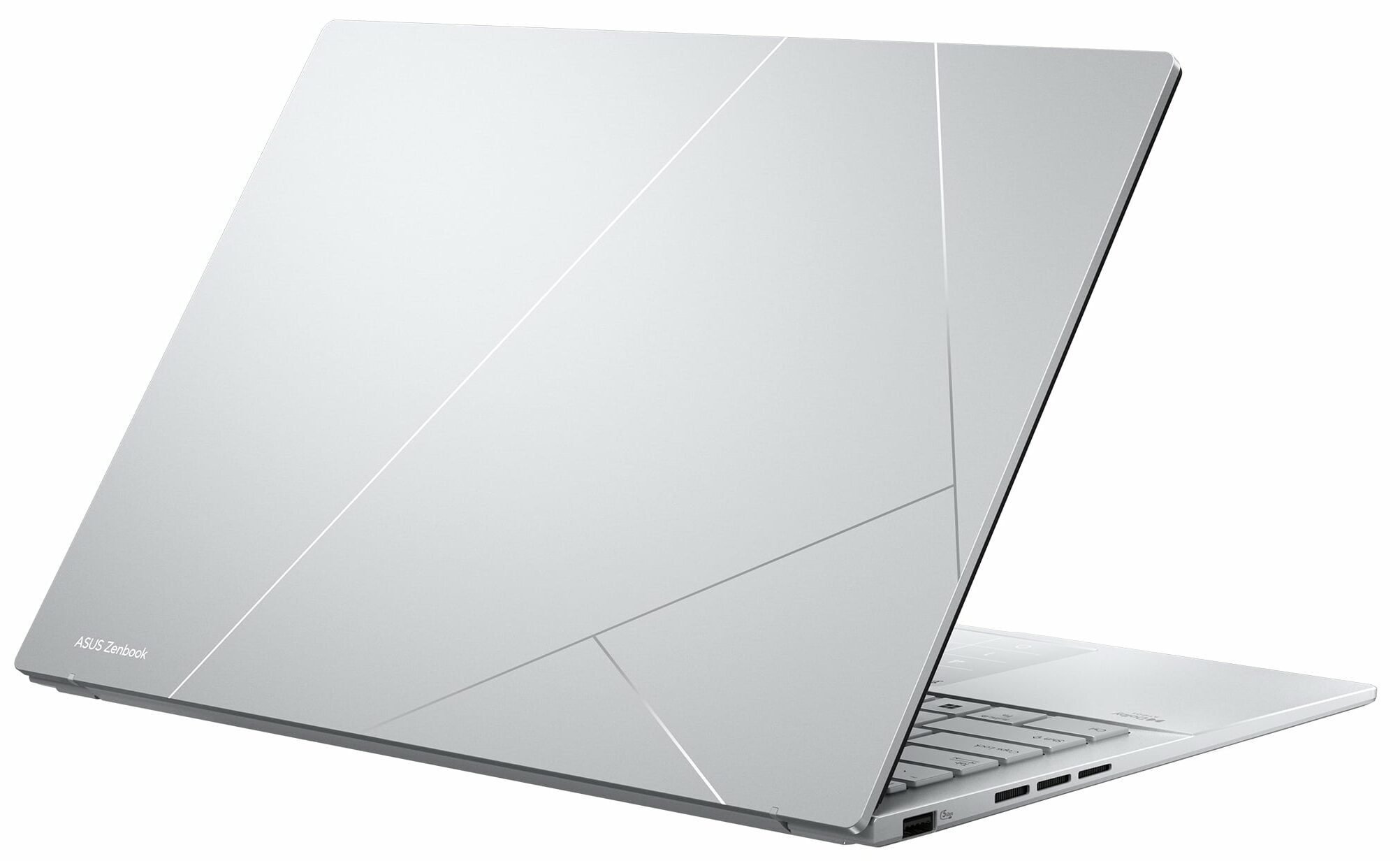


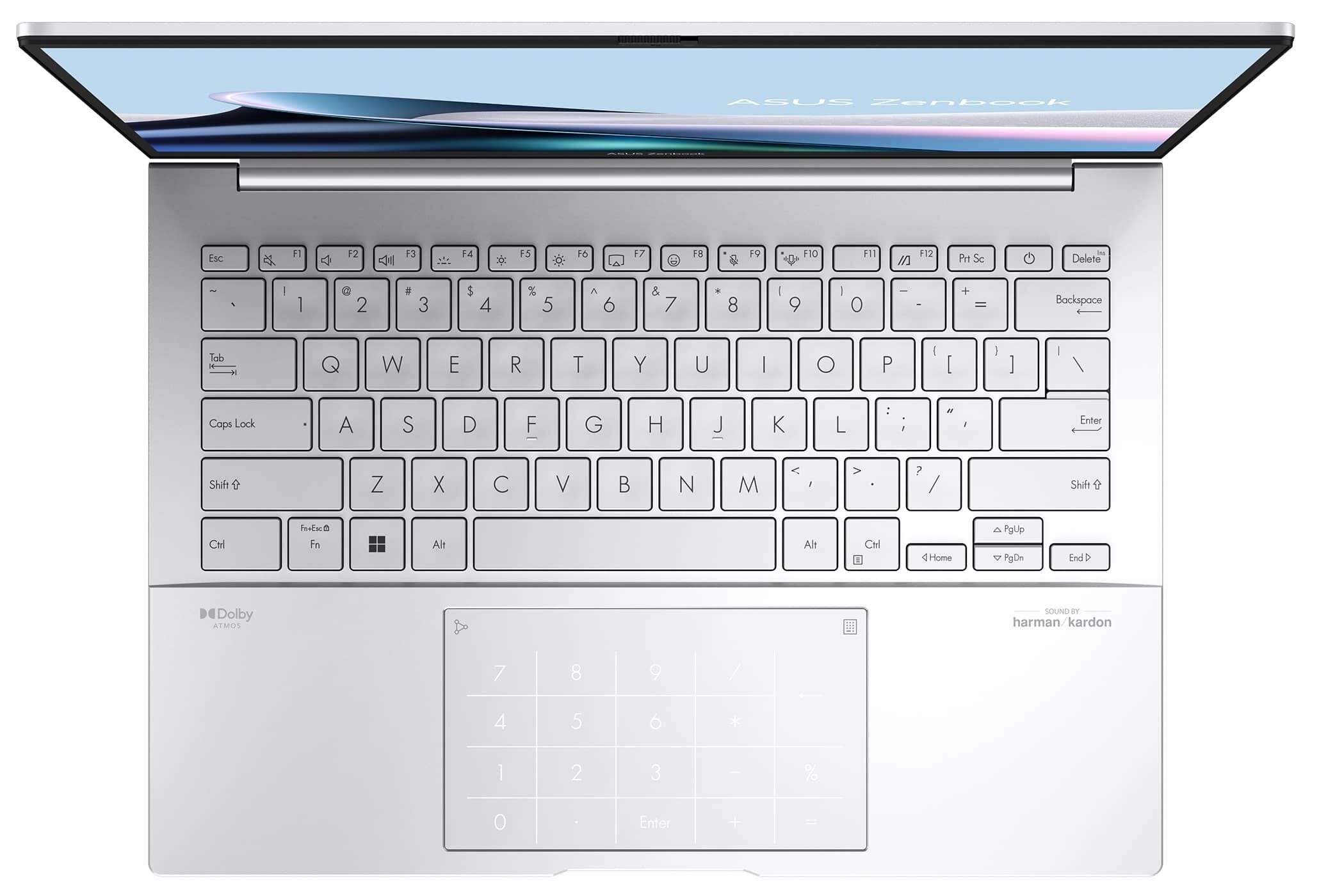
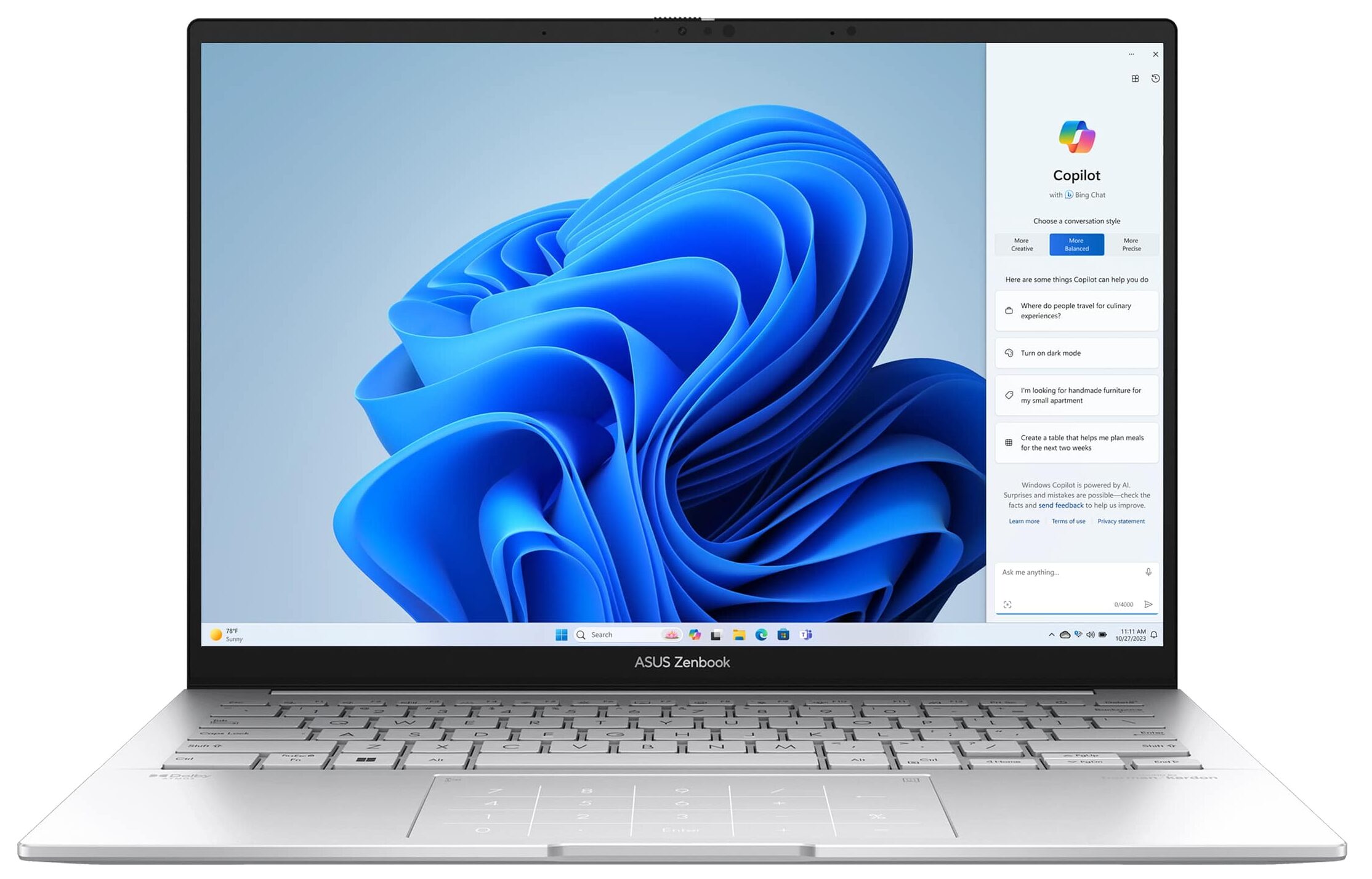
- Date Published: 02 Dec 2025
- Intel Core Ultra 7 255H
- Intel Arc Graphics 140V
- 14.0”, WUXGA (1920 x 1200), OLED
- 4000GB SSD
- 16GB RAM
- 1.20 kg (2.6 lbs)

Review
ASUS Zenbook 14 OLED in-depth review
The ASUS Zenbook 14 OLED (UX3405) is a new-gen laptop that is offered with the latest and greatest Intel Meteor Lake-H CPUs with a 7 nm production process. The laptop may be very thin but these processors have a base power of 28W and the max Turbo value is 115W. This may sound like a recipe for disaster when the chip is fitted in a sub 15 mm notebook chassis (just like this Zenbook machine).There are no IPS / Mini LED displays here. All panel options for the series are based on OLED technology. The default model is a 1200p unit while the other two have a 3K resolution (one of them is a touchscreen). The lack of dGPU choices is something expected but it looks like the all-new Intel Arc (8-Cores) and Intel Arc (7-Cores) are potent enough for more than light gaming. Actually, our laptop h[...]
Read the full review
Pros
- The iGPU is crazy-fast
- Infinite contrast ratio (Samsung ATNA40CU06-0 (SDC419D))
- 2880х1800K resolution and a 120Hz refresh rate (Samsung ATNA40CU06-0 (SDC419D))
- Full sRGB and DCI-P3 coverage (Samsung ATNA40CU06-0 (SDC419D))
- 180-degree hinge
- Comfortable input devices + optional ASUS NumberPad
- Modern I/O + Type-C charging
- Great battery life
- The fan is quiet in "Whisper mode"
- 1080p IR Web camera
- Good sound quality
- Meteor Lake CPU options
- Good processor clocks in short and medium loads
Cons
- PWM usage is observed if the “OLED Flicker-Free Dimming” option is turned off (Samsung ATNA40CU06-0 (SDC419D))
- Unimpressive CPU frequencies in prolonged periods of 100% stress
- High NVMe temperature during benchmarking
- The Intel Core Ultra 7 155H hits 102°C after 30 seconds of max load
- Soldered RAM and just one M.2 slot
Disassembly, maintenance and upgrade options
Step 1: Accessing the Internal ComponentsEnsure the ASUS Zenbook 14 OLED (UX3405) is powered off and placed on a soft, clean surface to prevent scratches or damage. Remove the 7 Torx-head screws from the laptop's bottom panel. Use a plastic tool to gently pop the plate at one of the top two corners, then start prying the sides before working your way around the front and the back.Hint: Be careful during this process to avoid damaging the internal clips or the laptop casing.Step 2: Removing the BatteryDisconnect the battery by unplugging its connector from the [...]
Read more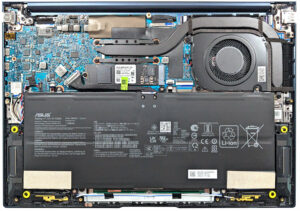


![[August 2026] Amazon Global: Top 10 Best-Selling Laptops – Apple MacBook Neo Dominates the Charts as Budget and Mid-Range Windows Portables Fight for Volume](https://laptopmedia.com/wp-content/uploads/2026/09/Best-Selling-Laptops-GLOBAL-Top-10-400x225.jpg)
![[August 2026] Best-Selling Laptop Brands on Amazon Global – Apple Dominates Revenue While HP Leads in Model Variety](https://laptopmedia.com/wp-content/uploads/2026/09/GLOBAL-Best-Brands-400x225.jpg)
![[August 2026] Amazon Global: Top 10 Best-Selling Gaming Laptops – HP Victus 15 Captures the Crown as Budget-Friendly Models Dominate the Charts](https://laptopmedia.com/wp-content/uploads/2026/09/Best-Selling-Gaming-Laptops-GLOBAL-Top-10-400x225.jpg)
![[August 2026] Best-Selling Laptop Brands on Amazon Japan – Apple Dominates Market Share and Revenue Led by Strong Unit Sales](https://laptopmedia.com/wp-content/uploads/2026/09/CO.JP-Best-Brands-1-400x225.jpg)
![[August 2026] Best-Selling Laptop Brands on Amazon USA – Apple Dominates Market Revenue and Volume Despite Lower Model Diversity](https://laptopmedia.com/wp-content/uploads/2026/09/COM-Best-Brands-1-400x225.jpg)
