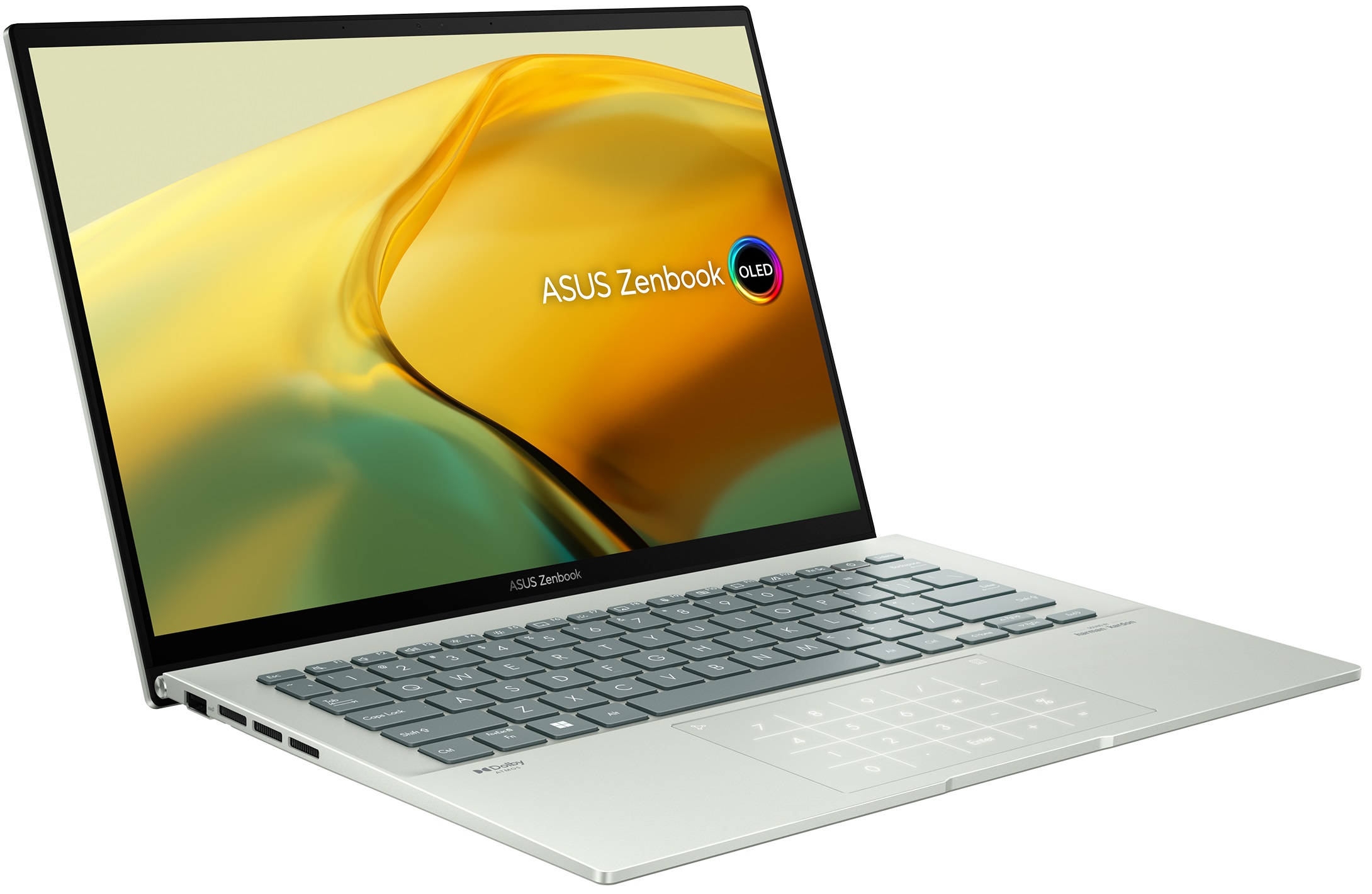
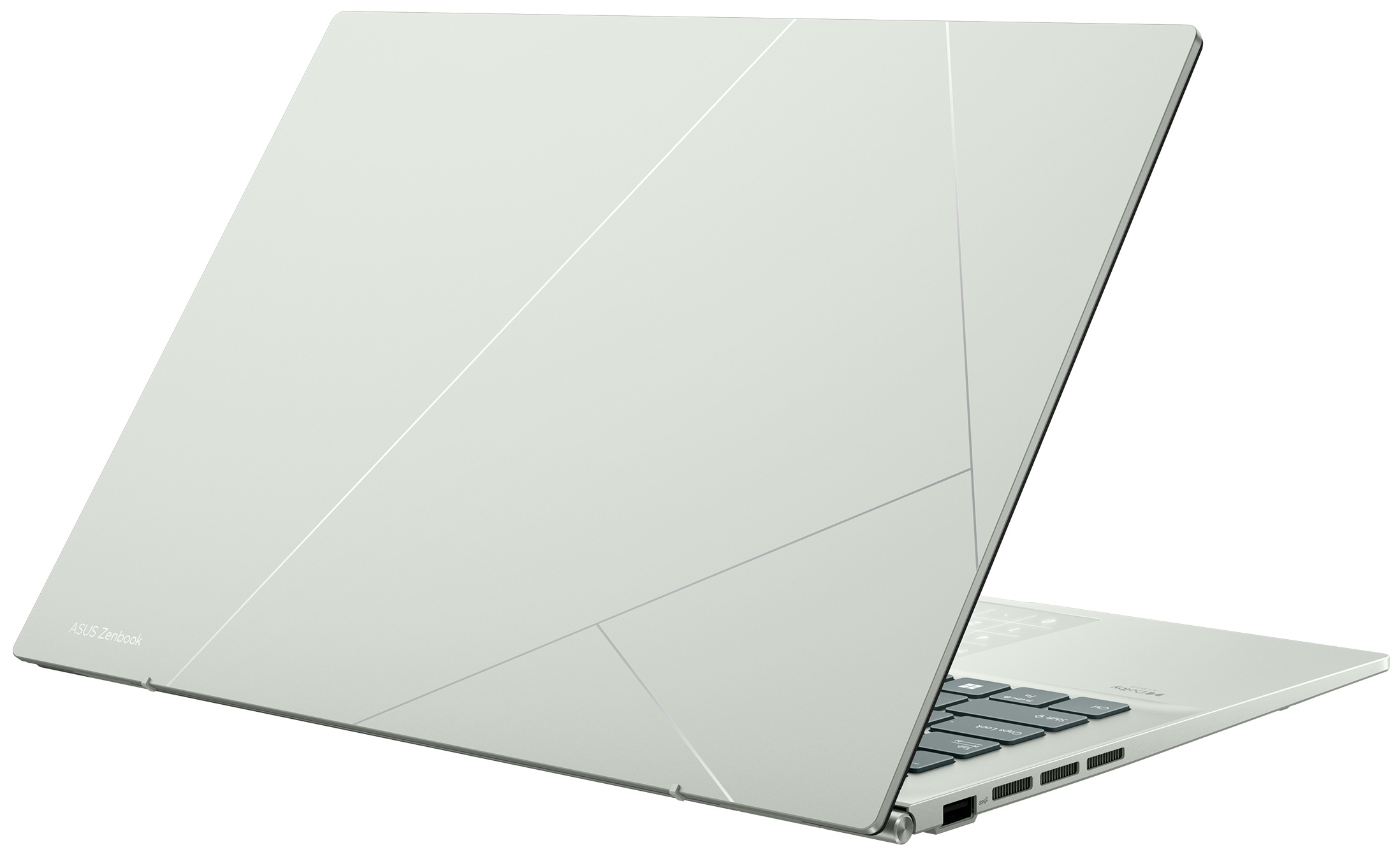
ASUS Zenbook 14 OLED
_000042.jpg)

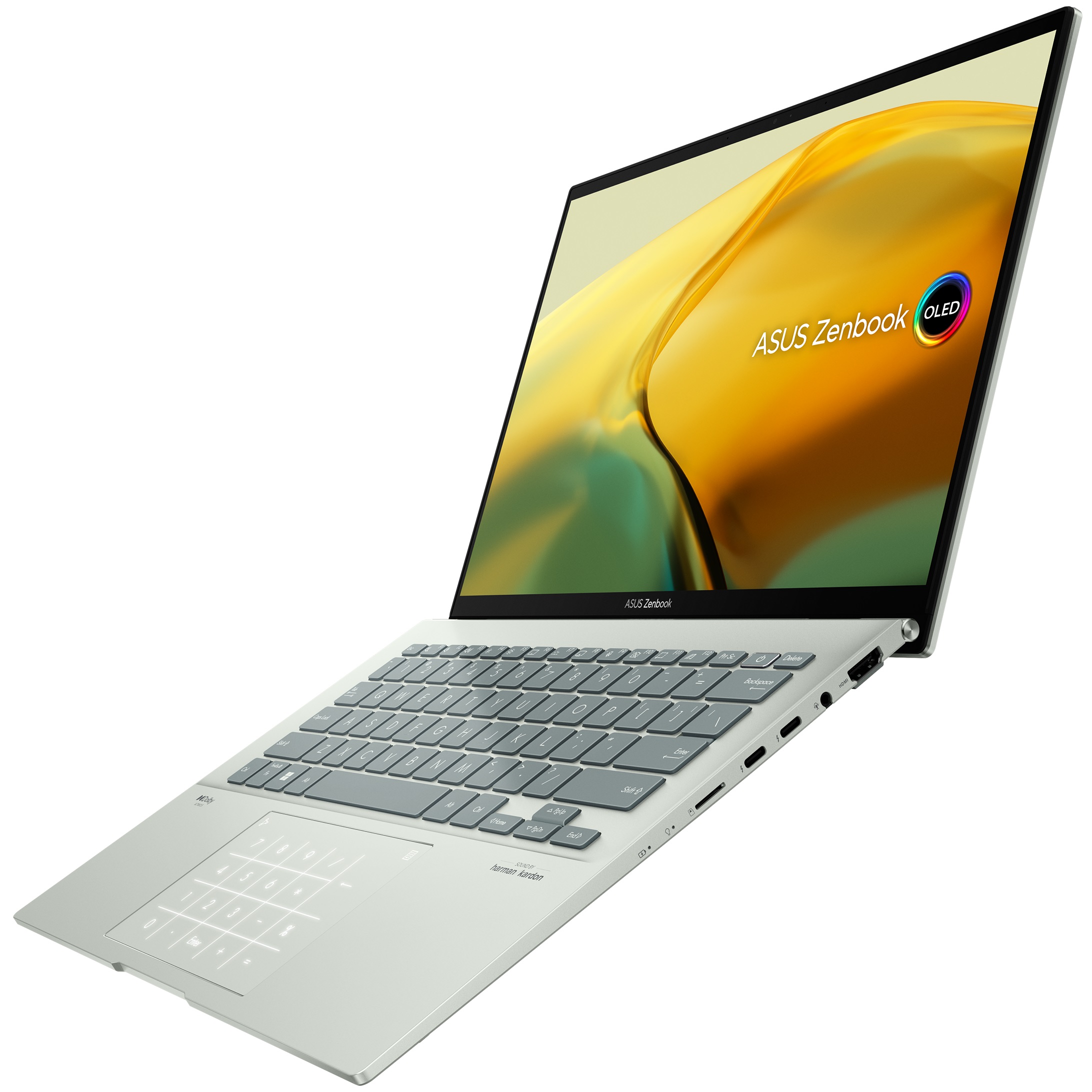
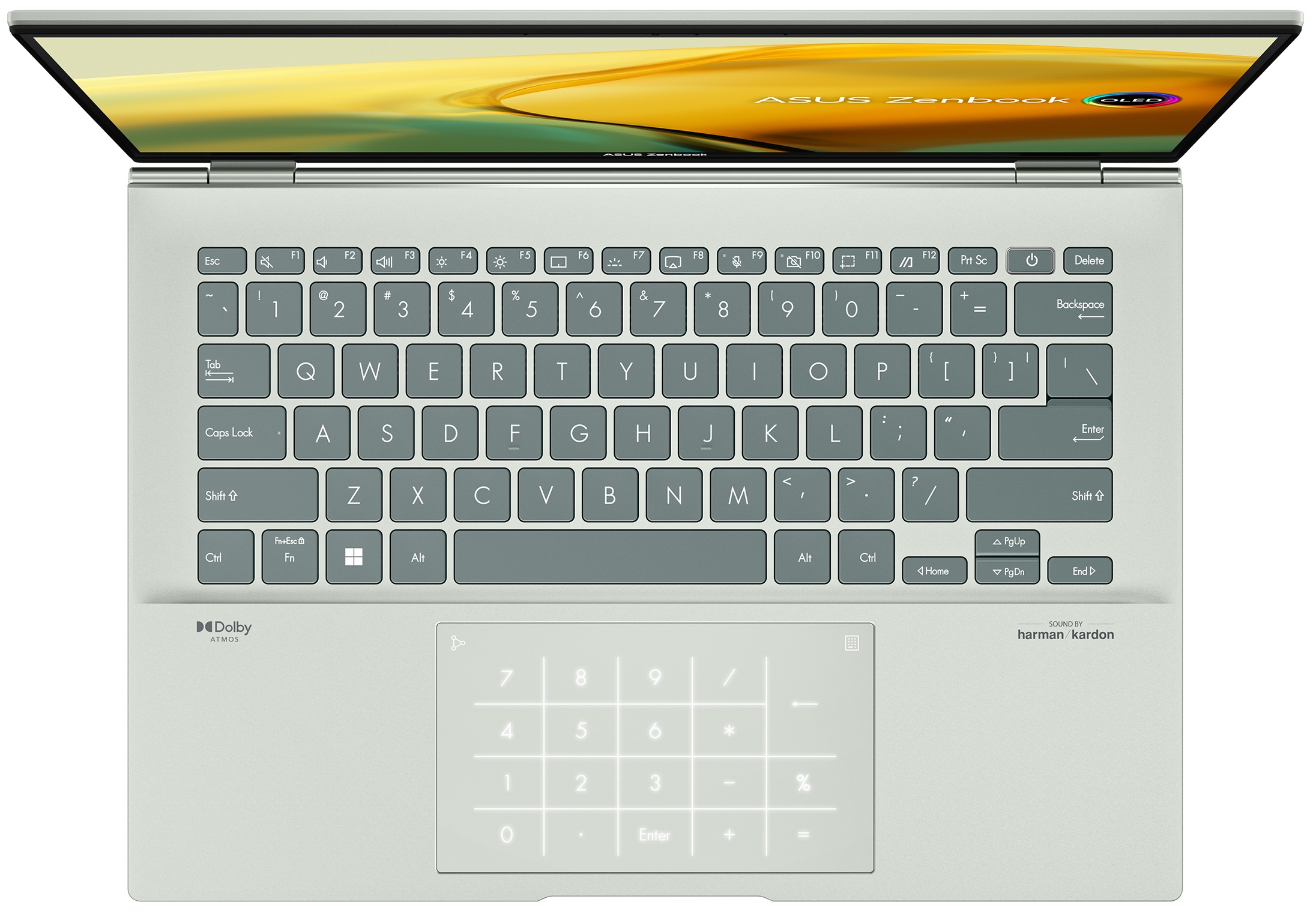
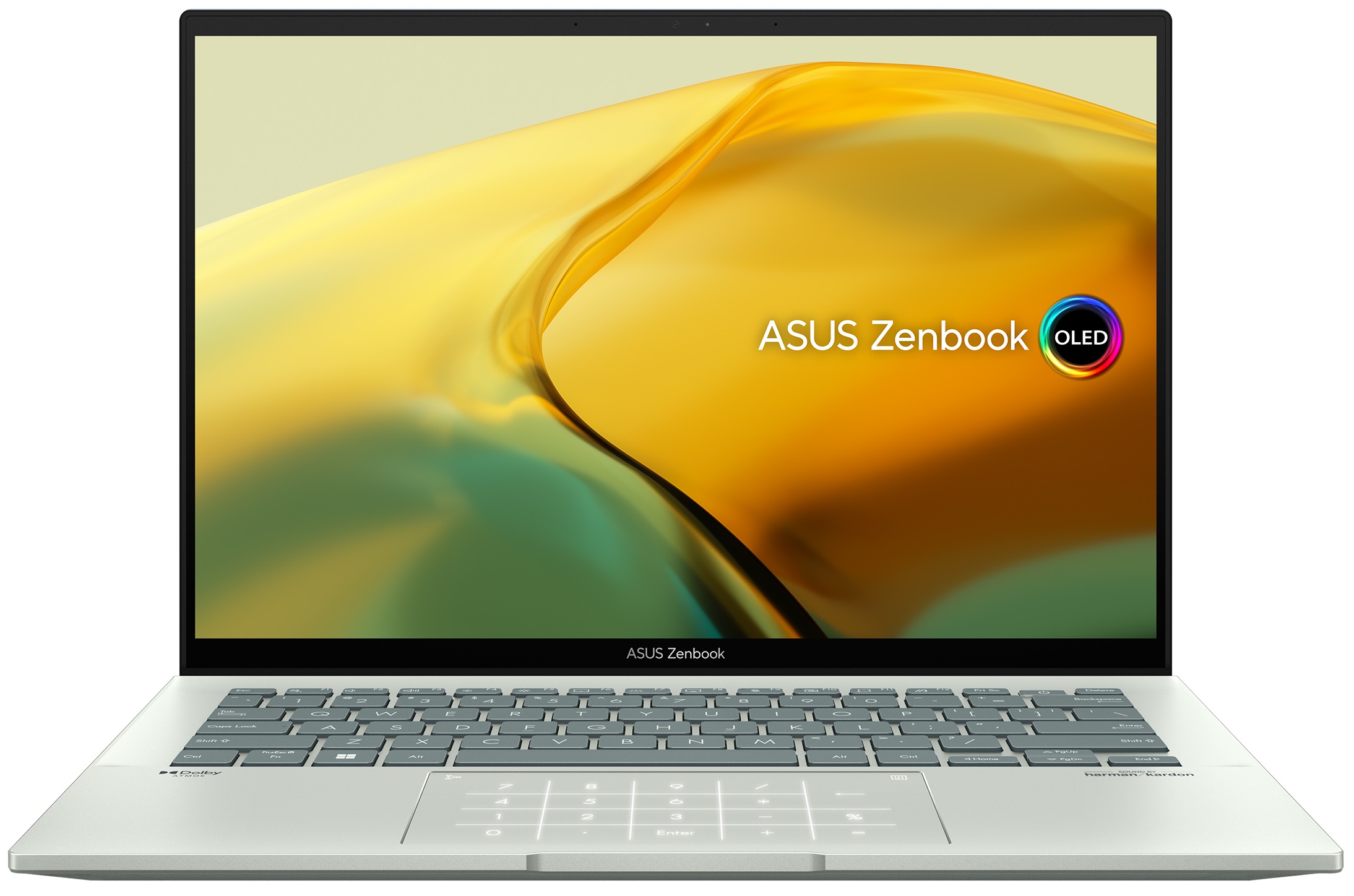
- Date Published: 03 Mar 2025
- Intel Core i9-13900H
- Intel Iris Xe Graphics G7 (96EU)
- 14.0″, 2.8K (2880 x 1800), 90 Hz, OLED
- 2000GB SSD
- 16GB RAM
- 1.39 kg (3.1 lbs)
Specs

- HDD/SSD
- 2000GB SSD
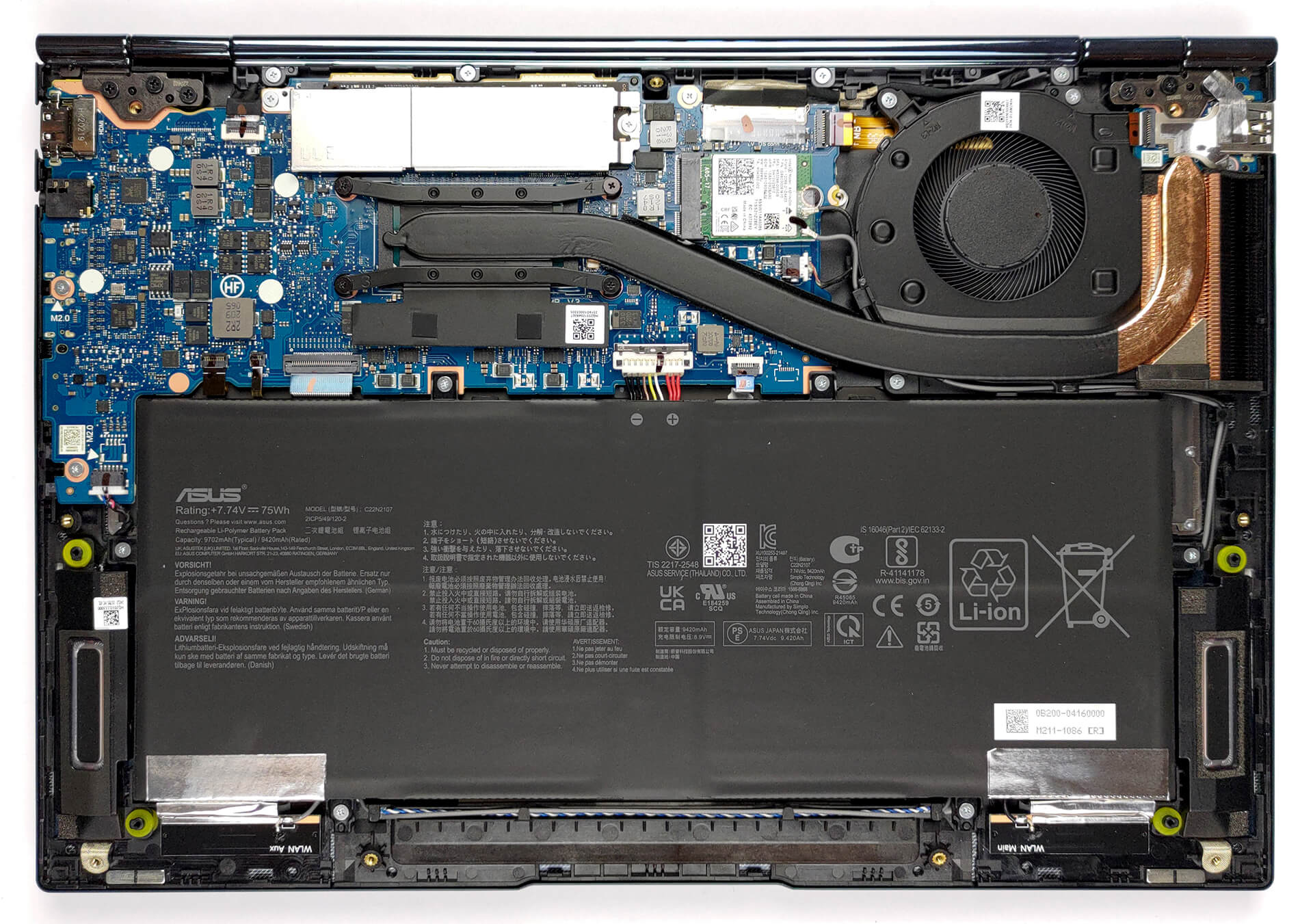
- M.2 Slot
- 1x 2280 M.2 PCIe 4.0 x4 See photo
- RAM
- 16GB RAM
- OS
- Windows 11 Pro
- Body Material
- Aluminum
- Dimensions
- 313.6 x 220.6 x 16.9 mm (12.35" x 8.69" x 0.67")
- Weight
- 1.39 kg (3.1 lbs)
- Ports and connectivity
- 1x USB Type-A
- 3.2 Gen 2 (10 Gbps)
- 2x USB Type-C
- 3.2 Gen 2 (10 Gbps), Thunderbolt 4, Power Delivery (PD), DisplayPort
- HDMI
- 2.0
- Card Reader
- MicroSD
- Ethernet LAN
- Wi-Fi
- 802.11ax
- Bluetooth
- 5.2
- Audio jack
- 3.5mm Combo Jack
- Features
- Fingerprint reader
- Web camera
- HD/FHD
- Backlit keyboard
- Microphone
- Microphone with Cortana and Alexa voice-recognition
- Speakers
- Speakers by Harman Kardon
- Security Lock slot
- Gifts
- HP P500 512GB Portable SSD
Portability
Review
ASUS Zenbook 14 OLED in-depth review
The Zenbook family has always been synonymous with elegance. If you are in the market for a Zenbook laptop, you are either a business person, or you really like to look after your image. Regardless of that, the Zenbook 14 OLED (UX3402) is a laptop, which will try to elevate your game, even before you turn it on.One thing is undoubtedly true, and it is that the display is one of the key selling points here. But this is not only because it has found its way to the name of the laptop. Instead, the reason for that lies both in the hardware and the software, provided by ASUS.Speaking of hardware, it is a good time to mention the chips, which are going to power your device. You get to choose between two 28W Alder Lake CPUs - the Core i5-1240P, and the Core i7-1260P. Both of them offer a[...]
Read the full review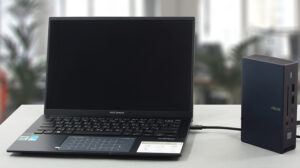
Pros
- Great performance from a ULV chip
- Fantastic input devices
- Strong aluminum chassis
- 100% sRGB and DCI-P3 coverage + HDR support
- High resolution and 16:10 aspect ratio
- True blacks and virtually infinite contrast ratio
- NumberPad
- 90Hz refresh rate with fast pixel response times
- Fingerprint reader + MicroSD card slot + 2x Thunderbolt 4
Cons
- Uses PWM below 95 nits (but offers a flicker-free function)
- Soldered memory
Disassembly, maintenance and upgrade options
As with most of the ultrabooks out there, upgradeability is not a strong point. On the bright side, the laptop has other perks, which you can see in our review.Check out all ASUS Zenbook 14 OLED (UX3402) prices and configurations in our Specs System, or read more in our In-Depth review.1. Remove the bottom plate To open this device, you first need to remove the back rubber feet. Then, undo the two Phillips-head screws that are revealed, as well as the 7 Torx-head screws, already visible. After that, pry the bottom panel with a plastic tool, starting from the front.2. Batte[...]
Read more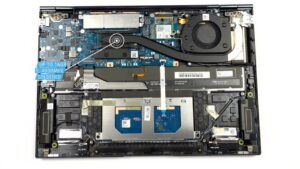


![[June 2026] Best-Selling Laptop Brands on Amazon Global – Apple’s Unrivaled Dominance in Units and Revenue](https://laptopmedia.com/wp-content/uploads/2026/07/GLOBAL-Best-Brands-400x225.jpg)
![[June 2026] Amazon Global: Top 10 Best-Selling Laptops – Apple’s New MacBook Neo Storms to #1, Reshaping the Market with Affordability](https://laptopmedia.com/wp-content/uploads/2026/07/Best-Selling-Laptops-GLOBAL-Top-10-400x225.jpg)
![[June 2026] Amazon Global: Top 10 Best-Selling Gaming Laptops – Acer’s Nitro V 16S AI Dominates Sales, While ASUS Leads Overall Revenue](https://laptopmedia.com/wp-content/uploads/2026/07/Best-Selling-Gaming-Laptops-GLOBAL-Top-10-400x225.jpg)
![[June 2026] Global Ranking of Best-Selling Laptop GPUs on Amazon – NVIDIA RTX 5060 is the Top-Selling Dedicated GPU](https://laptopmedia.com/wp-content/uploads/2026/07/Best-Selling-GPUs-GLOBAL-Top-10-400x225.jpg)
![[June 2026] Global Ranking of Best-Selling Laptop CPUs on Amazon – Apple M5 Dominates, AMD Ryzen 7 260 Gets Solid Premium Share](https://laptopmedia.com/wp-content/uploads/2026/07/Best-Selling-CPUs-GLOBAL-Top-10-400x225.jpg)