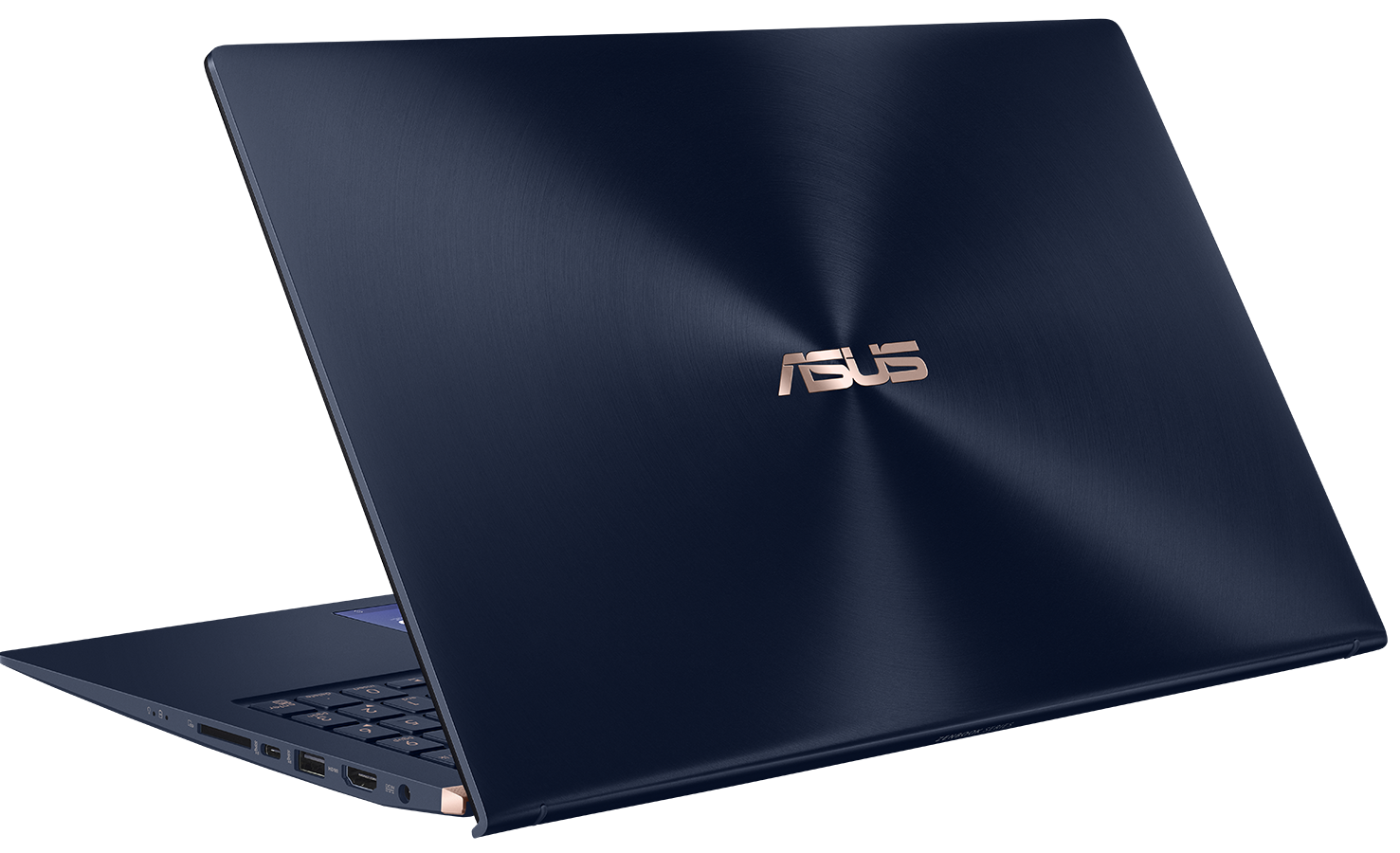
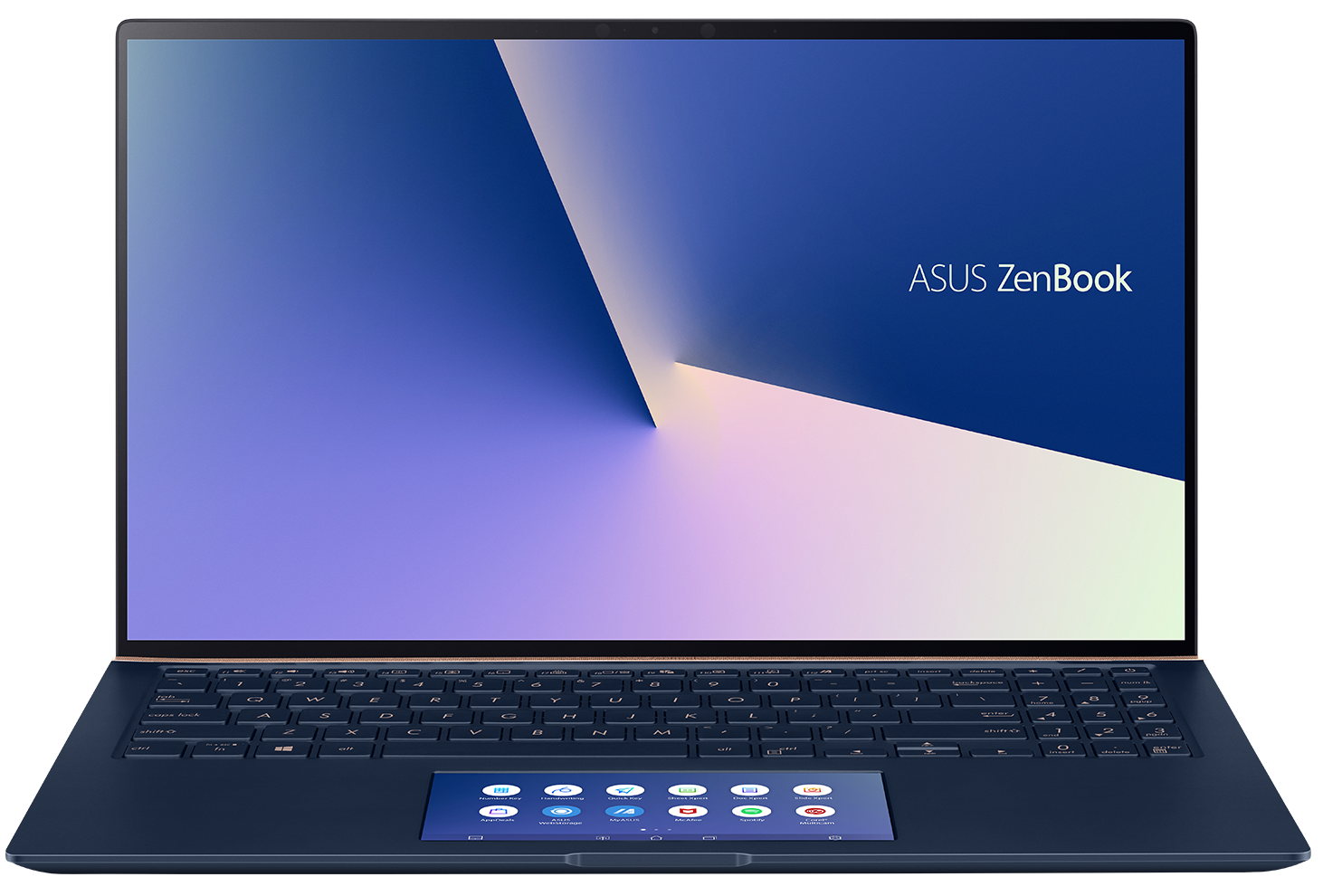
ASUS ZenBook 15 UX534
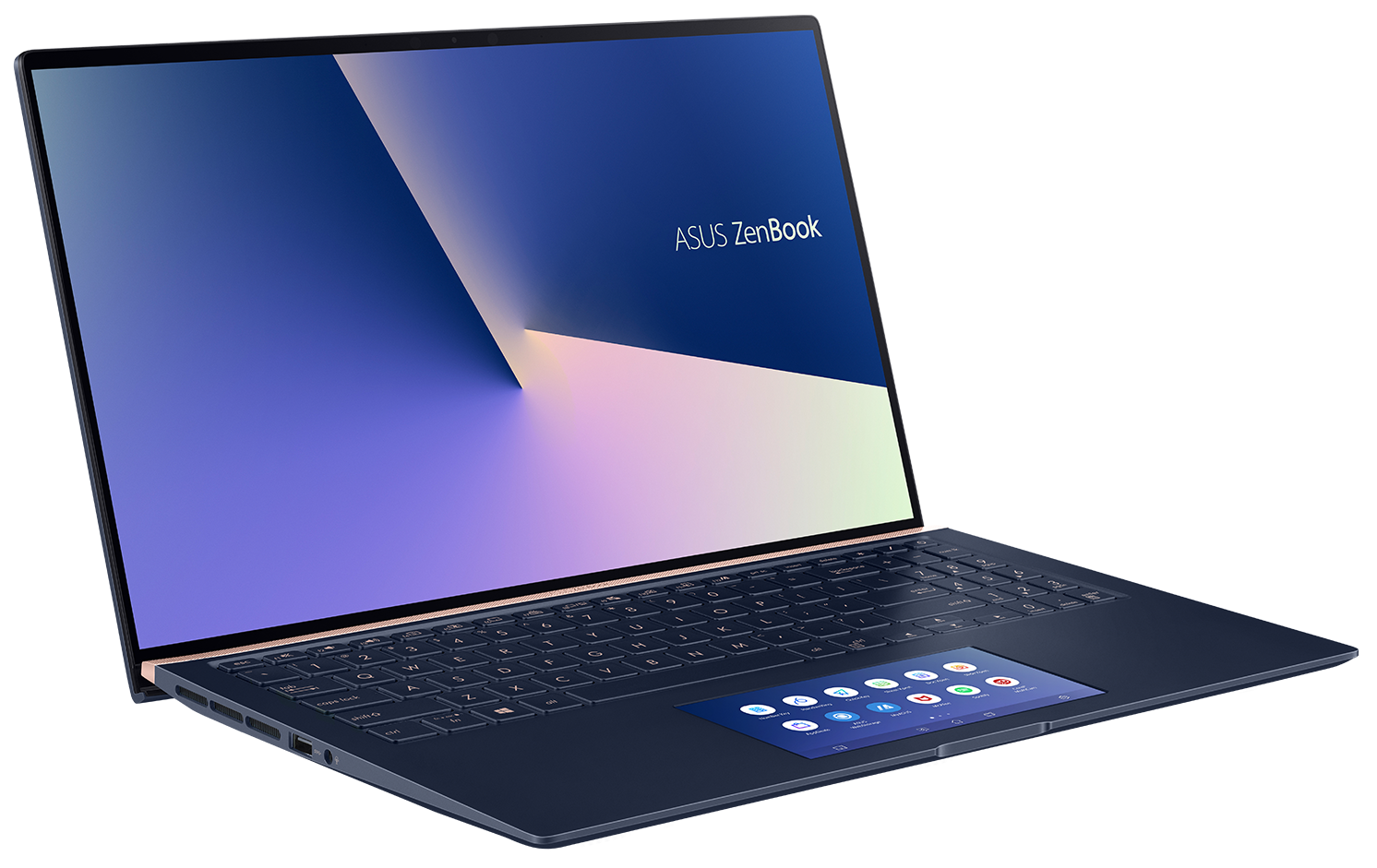
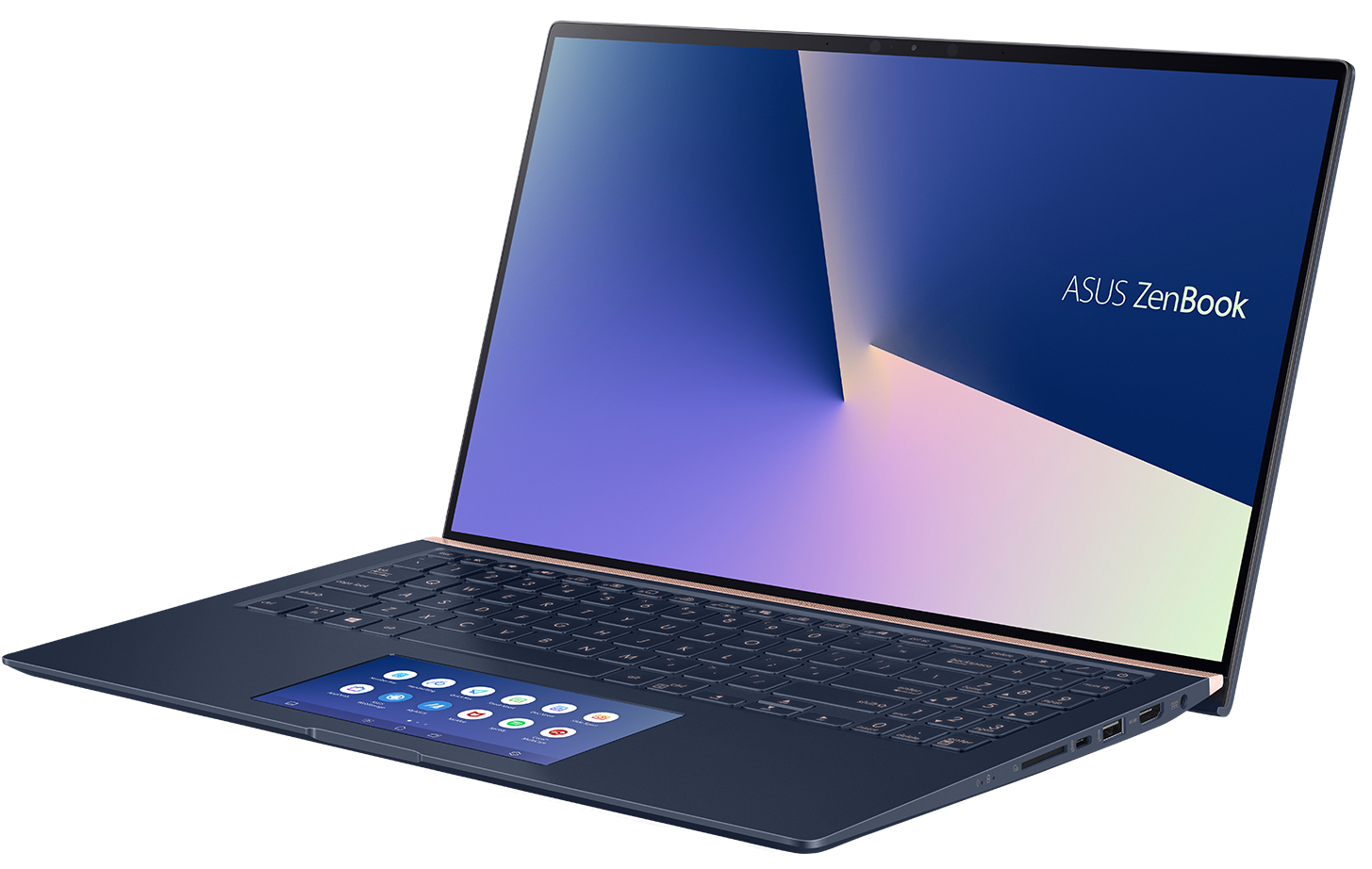
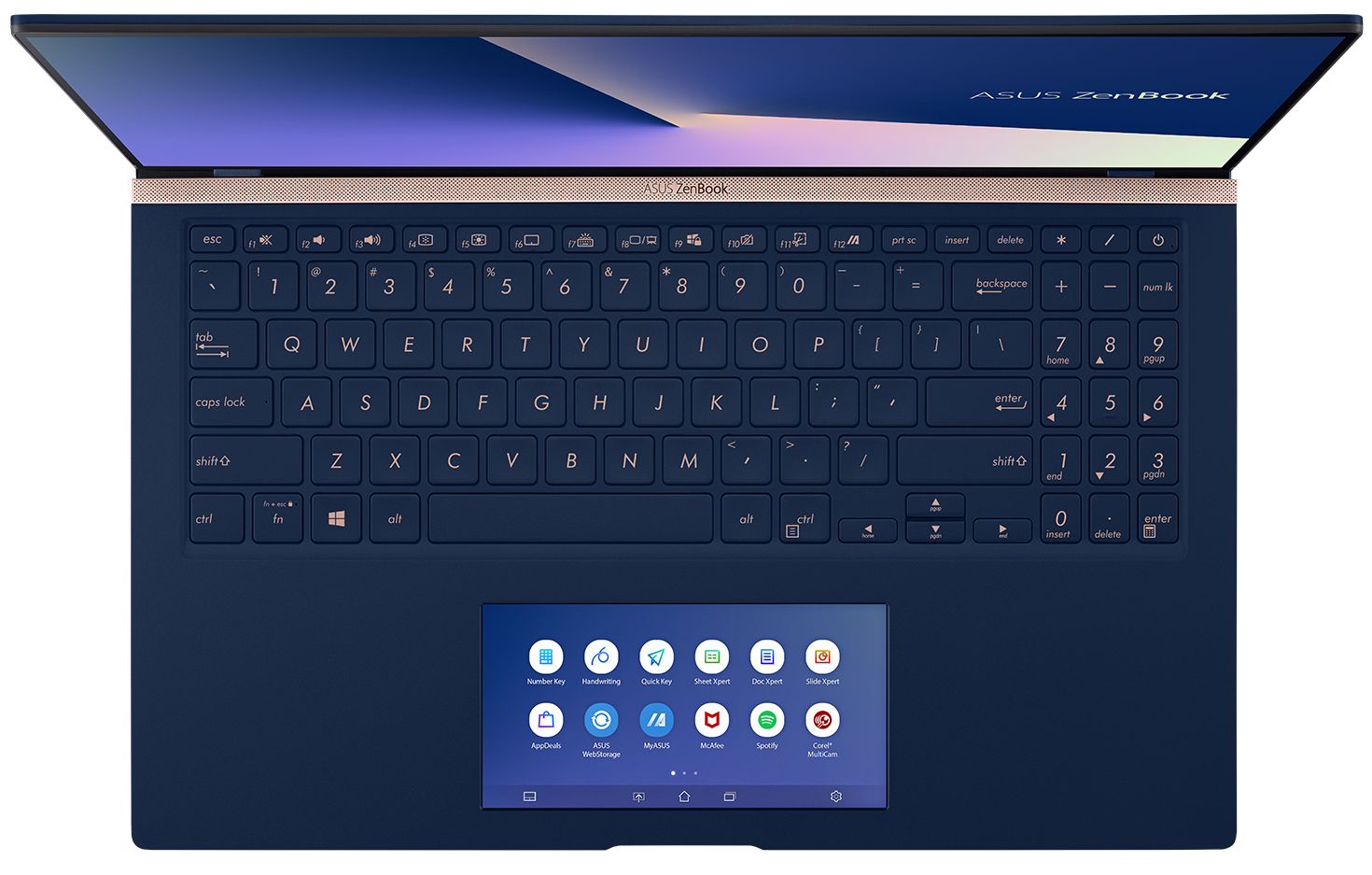
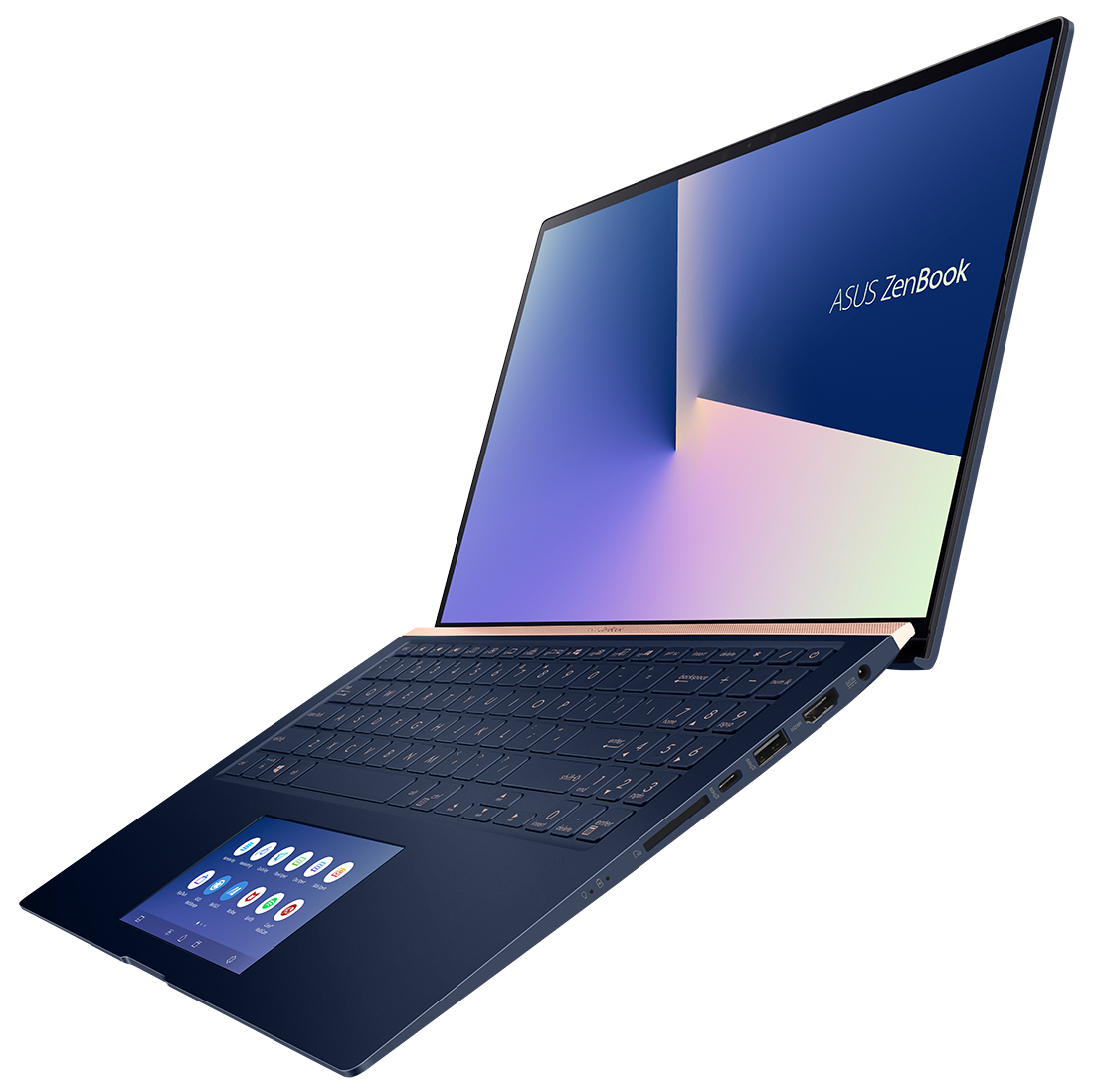
- Date Published: 24 Jun 2025
- Intel Core i7-10510U
- Intel UHD Graphics
- 15.6”, 4K UHD (3840 x 2160), IPS
- 512GB SSD
- 16GB RAM
- 1.60 kg (3.5 lbs)
Review
ASUS ZenBook 15 UX534 in-depth review
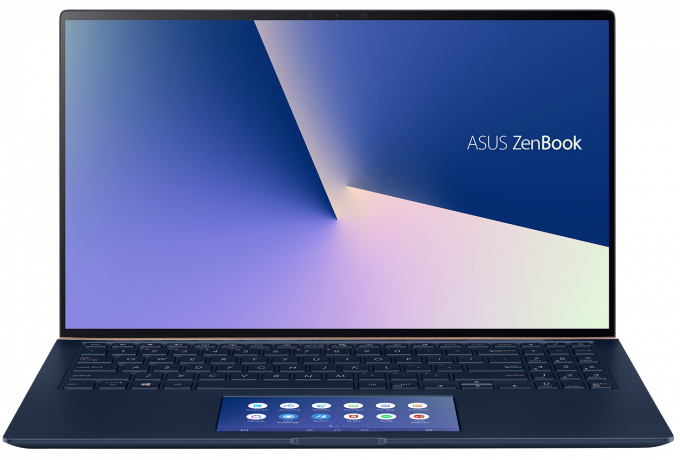
Stylish, powerful and potent - this is the ASUS ZenBook 15 UX534. It continues the legacy of the ZenBook 15 UX533 but is a little more than just a refresh. With that said, two things stand out in the specifications list of this laptop.As number one, we consider the obvious upgrade in the generations of NVIDIA GPUs, moving from last-years GTX 1050 Max-Q to the brand new GTX 1650 Max-Q. Thanks to the Turing 12nm architecture of NVIDIA, it manages to consume up to 35W and still perform on a decent level. More on that - later. The second big change is the ScreenPad 2.0. Now it debuts in the non-Pro version of the ZenBook and moreover, is an improved version - wider and more usable than ever.All of the aforementioned, combined with the Whiskey Lake CPUs, the 1080p (or 4K) IPS display a[...]
Read the full review
Pros
- ErgoLift hinge and a beautiful bezel-less design
- 92% sRGB coverage and no PWM for brightness adjustment (BOE NV156FHM-N63 (BOE07D8))
- ScreenPad that is basically adding a second screen to the laptop
- Great performance
- Long battery life
Cons
- Lacks a Thunderbolt support
- Its RAM is soldered and cannot be upgraded
Disassembly, maintenance and upgrade options
ASUS has created a very powerful design, in a super thin and light form factor. In under 19mm and 1.60kg, they manage to extract a huge amount of power from the Core i7-8565U as well as the GTX 1650 Max-Q. Let's see what do they have under the bonnet, shall we?Check out all ASUS ZenBook 15 UX534 prices and configurations in our Specs System, or read our In-Depth review.1. Remove the bottom plate ZenBook 15 UX534's bottom panel is held in place by 10 Torx-head screws. While the screwdriver you need is not the most common on the market, it is pretty easy to find it in repairs stor[...]
Read more


![[June 2026] Best-Selling Laptop Brands on Amazon Global – Apple’s Unrivaled Dominance in Units and Revenue](https://laptopmedia.com/wp-content/uploads/2026/07/GLOBAL-Best-Brands-400x225.jpg)
![[June 2026] Amazon Global: Top 10 Best-Selling Laptops – Apple’s New MacBook Neo Storms to #1, Reshaping the Market with Affordability](https://laptopmedia.com/wp-content/uploads/2026/07/Best-Selling-Laptops-GLOBAL-Top-10-400x225.jpg)
![[June 2026] Amazon Global: Top 10 Best-Selling Gaming Laptops – Acer’s Nitro V 16S AI Dominates Sales, While ASUS Leads Overall Revenue](https://laptopmedia.com/wp-content/uploads/2026/07/Best-Selling-Gaming-Laptops-GLOBAL-Top-10-400x225.jpg)
![[June 2026] Global Ranking of Best-Selling Laptop GPUs on Amazon – NVIDIA RTX 5060 is the Top-Selling Dedicated GPU](https://laptopmedia.com/wp-content/uploads/2026/07/Best-Selling-GPUs-GLOBAL-Top-10-400x225.jpg)
![[June 2026] Global Ranking of Best-Selling Laptop CPUs on Amazon – Apple M5 Dominates, AMD Ryzen 7 260 Gets Solid Premium Share](https://laptopmedia.com/wp-content/uploads/2026/07/Best-Selling-CPUs-GLOBAL-Top-10-400x225.jpg)
