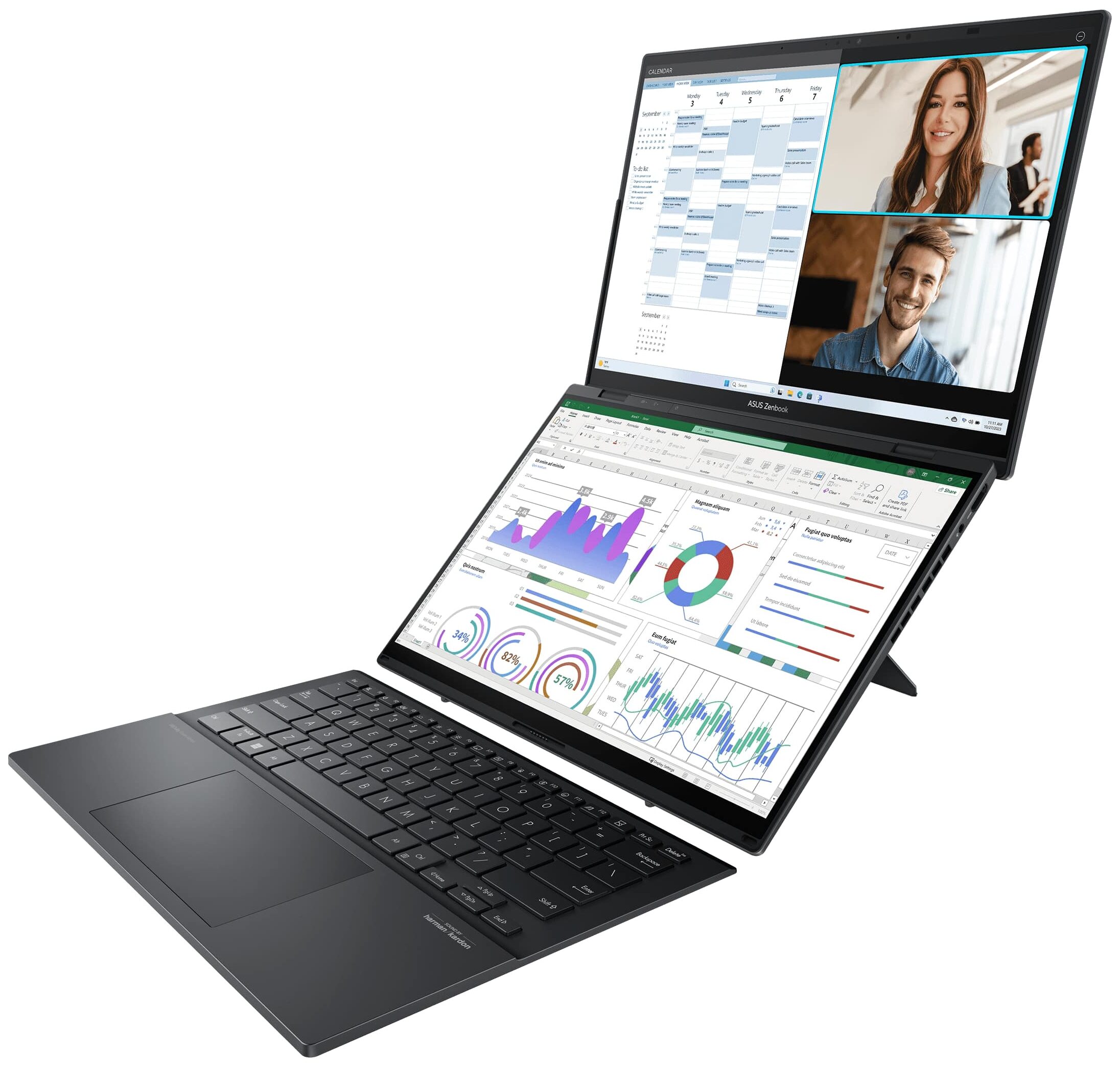
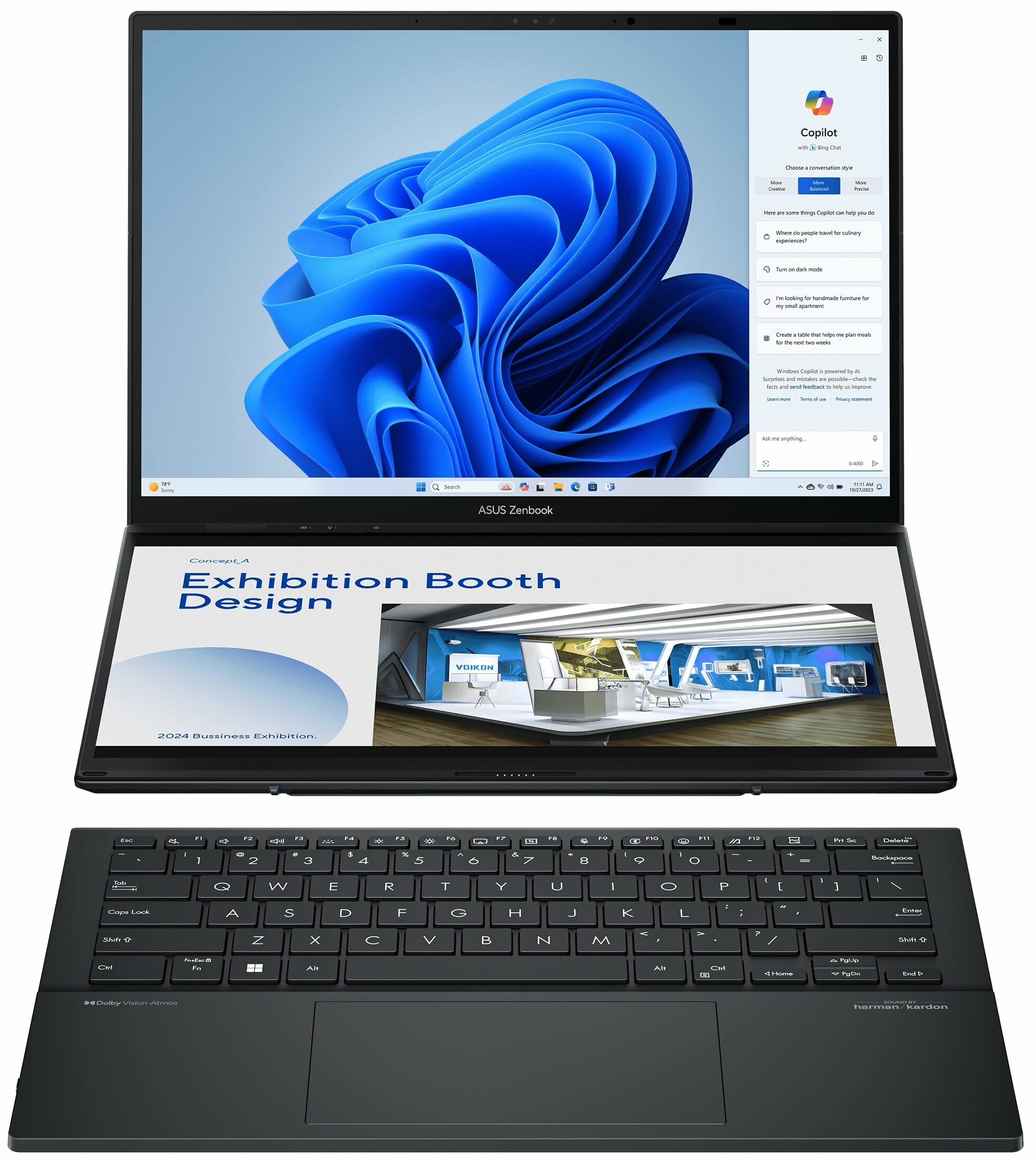
ASUS Zenbook DUO
_000041.jpg)



- Date Published: 08 Nov 2024
- Intel Core Ultra 9 185H
- Intel Arc (8-Cores)
- 14.0″, 2.8K (2880 x 1800), 120 Hz, OLED
- 1000GB SSD
- 32GB RAM
- 1.60 kg (3.5 lbs)
Specs

- HDD/SSD
- 1000GB SSD
- M.2 Slot
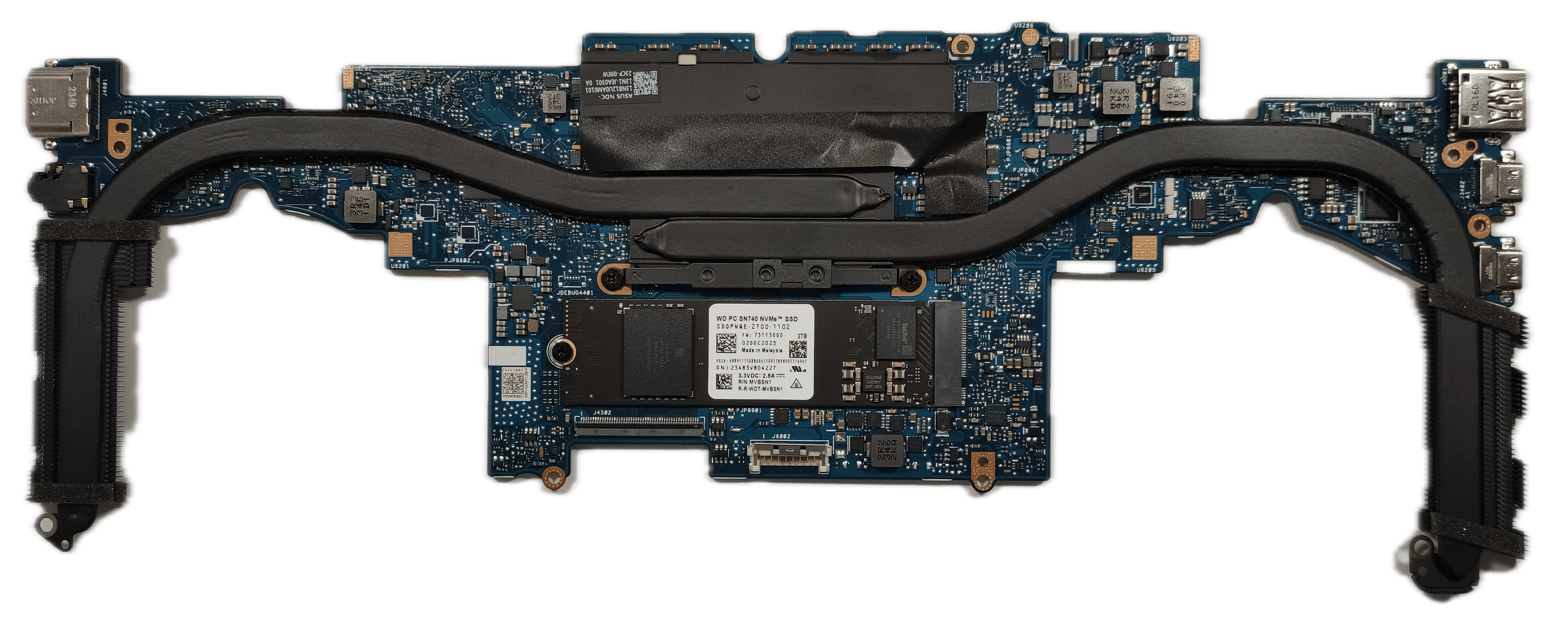
- 1x 2280 M.2 NVMe PCIe 4.0 x4 See photo
- RAM
- 32GB RAM
- OS
- Windows 11 Pro
- Body Material
- Aluminum, Magnesium alloy
- Dimensions
- 313.5 x 217.9 x 14.6 - 19.9 mm (12.34" x 8.58" x 0.57")
- Weight
- 1.60 kg (3.5 lbs)
- Ports and connectivity
- 1x USB Type-A
- 3.2 Gen 1 (5 Gbps)
- 2x USB Type-C
- Thunderbolt 4, Power Delivery (PD), DisplayPort
- HDMI
- 2.1
- Card Reader
- Ethernet LAN
- Wi-Fi
- Wi-Fi 6E / Wi-Fi 7
- Bluetooth
- 5.3 / 5.4
- Audio jack
- 3.5mm Combo Jack
- Features
- Fingerprint reader
- Web camera
- FHD IR with support for Windows Hello
- Backlit keyboard
- Microphone
- Array Microphone with Cortana Support
- Speakers
- Speaker, Smart Amp Technology, harman/kardon
- Security Lock slot
- Gifts
- USB-C Dock
Portability
Review
ASUS Zenbook DUO in-depth review
The UX8406C version is almost the same device as the Zenbook DUO (UX8406). The main difference between the two is the CPU platform. The UX8406C is based on the latest and greatest Intel Core Ultra Series 2 processors which are also known as Arrow Lake. At least for now, you can choose between the 45W and highly clocked Core Ultra 9 285H and the 28W Core Ultra 7 255H. The latter has the same core count and cache size as the 285H chip which makes it a perfect choice for people who don't require top-end performance for everyday tasks and want to save some money.Both CPUs have the same iGPU under the bonnet and that's the Intel Arc 140T. This one is based on the Xe+ architecture. Just for comparison, the Intel Arc Graphics 140V inside the Core Ultra 7 258V is based on the Xe2 architecture [...]
Read the full review
Pros
- The new Intel Arc 140T is good for entry-level gaming
- Exceptional build quality
- Infinite contrast ratio (SDC419D)
- 3K resolution and a 120Hz refresh rate (SDC419D)
- Full DCI-P3 coverage + great color accuracy (SDC419D)
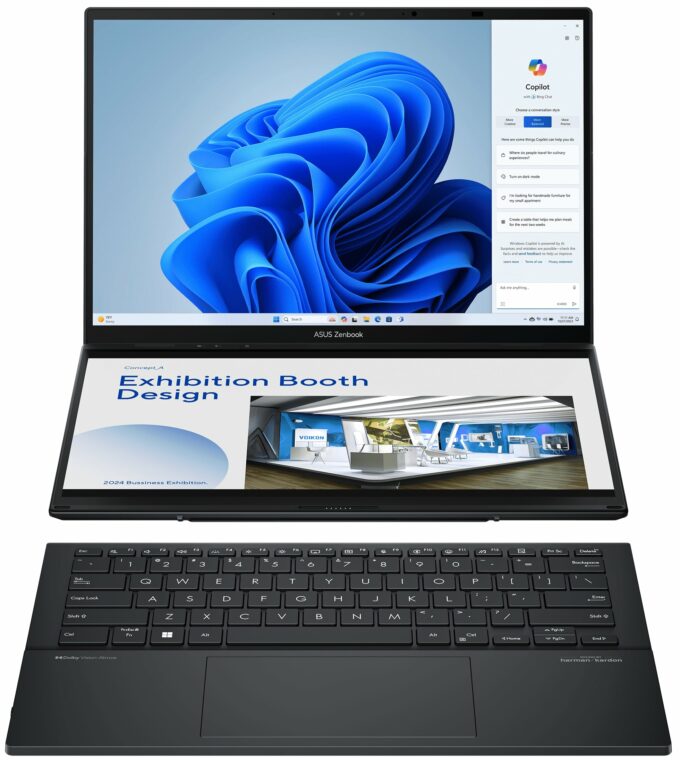
- Dual-screen design
- 180-degree hinge
- Nice external keyboard with a smooth and precise touchpad
- Modern I/O with two Thunderbolt 4 ports
- Long battery life given the Core Ultra 9 285H under the hood
- Quiet fans in "Whisper mode"
- The fans aren't too noisy in "Full-Speed mode"
- 1080p IR Web camera
- Arrow Lake CPU options
- High P and E-core clock in short and medium loads
- Impressive overall performance despite the two displays
- Low NVMe temperatures
- Up to 32GB LPDDR5x-7467 RAM which also boosts the iGPU performance
- Wi-Fi 7
Cons
- PWM usage when the “OLED Flicker-Free Dimming” function is turned off (Samsung ATNA40CU06-0)
- The processor frequencies in long loads are a bit below the official values
- Soldered RAM and just one M.2 slot
- Hard to open
- Inverted motherboard which complicates the potential SSD upgrade
Disassembly, maintenance and upgrade options
Step 1: Opening the ASUS Zenbook DUO (UX8406)Power off the ASUS Zenbook DUO (UX8406) and place it on a soft, clean surface to prevent scratches. Remove the 12 Torx-head screws from the laptop's bottom, including the one hidden beneath the kickstand. The kickstand is secured with two pairs of screws. Unscrew the two Torx-head screws to open the small service door. Detach the battery and the second display ribbon connector by flipping up its plastic cap before gently pulling it out. Use a thin plastic tool to pry open the zone around the second panel, starting from the ba[...]
Read more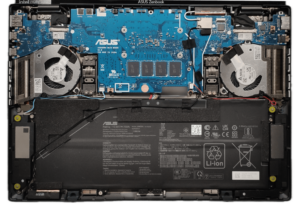


![[June 2026] Best-Selling Laptop Brands on Amazon Global – Apple’s Unrivaled Dominance in Units and Revenue](https://laptopmedia.com/wp-content/uploads/2026/07/GLOBAL-Best-Brands-400x225.jpg)
![[June 2026] Amazon Global: Top 10 Best-Selling Laptops – Apple’s New MacBook Neo Storms to #1, Reshaping the Market with Affordability](https://laptopmedia.com/wp-content/uploads/2026/07/Best-Selling-Laptops-GLOBAL-Top-10-400x225.jpg)
![[June 2026] Amazon Global: Top 10 Best-Selling Gaming Laptops – Acer’s Nitro V 16S AI Dominates Sales, While ASUS Leads Overall Revenue](https://laptopmedia.com/wp-content/uploads/2026/07/Best-Selling-Gaming-Laptops-GLOBAL-Top-10-400x225.jpg)
![[June 2026] Global Ranking of Best-Selling Laptop GPUs on Amazon – NVIDIA RTX 5060 is the Top-Selling Dedicated GPU](https://laptopmedia.com/wp-content/uploads/2026/07/Best-Selling-GPUs-GLOBAL-Top-10-400x225.jpg)
![[June 2026] Global Ranking of Best-Selling Laptop CPUs on Amazon – Apple M5 Dominates, AMD Ryzen 7 260 Gets Solid Premium Share](https://laptopmedia.com/wp-content/uploads/2026/07/Best-Selling-CPUs-GLOBAL-Top-10-400x225.jpg)