ASUS ZenBook Flip 13

- Date Published: 27 Jun 2019
- Intel Core i5-8265U
- Intel UHD Graphics 620
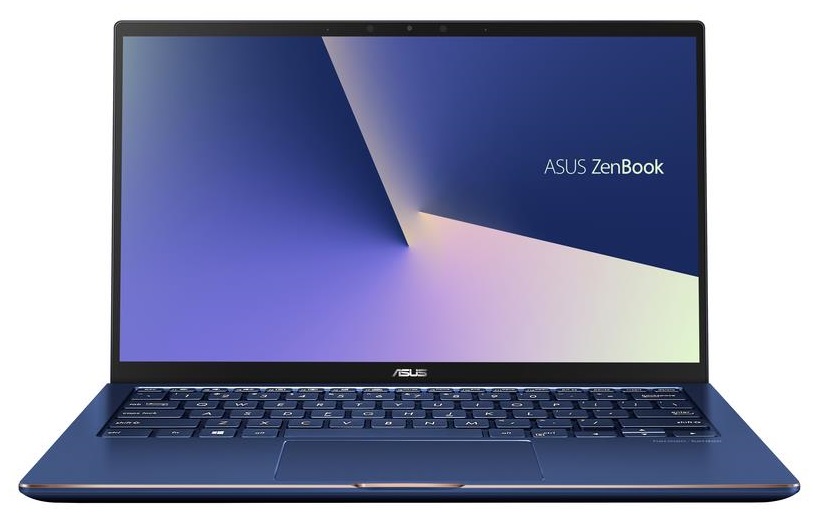
- 13.3”, Full HD (1920 x 1080), IPS
- 1000GB SSD
- 8GB LPDDR3, 2133 MHz
- 1.30 kg (2.9 lbs)

Specs

- HDD/SSD
- 1TB SSD
- M.2 Slot
- 1x 2280 M.2 NVMe slot See photo
- RAM
- 8GB LPDDR3, 2133 MHz
- OS
- Windows 10 Home
- Body Material
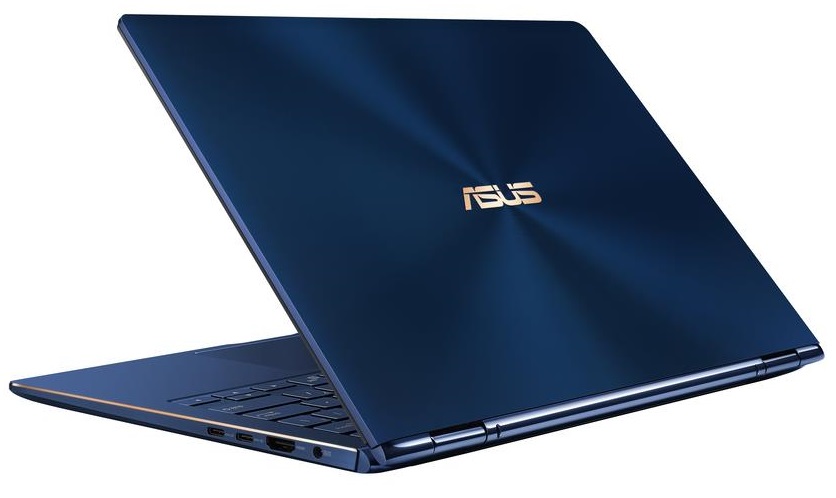
- Aluminum
- Dimensions
- 305 x 196 x 16.9 mm (12.01" x 7.72" x 0.67")
- Weight
- 1.30 kg (2.9 lbs)
- Ports and connectivity
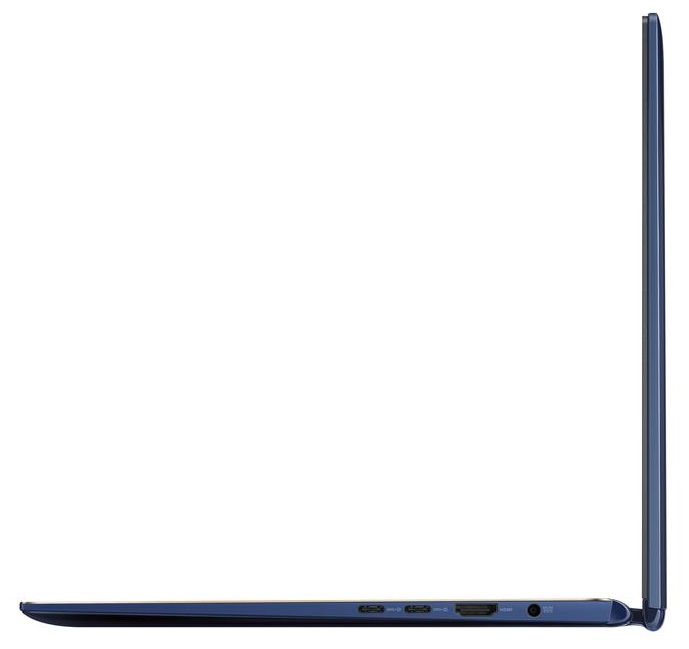
- 2x USB Type-C
- 3.2 Gen 1 (5 Gbps)
- 1x USB Type-A
- 2.0
- HDMI
- Card Reader
- Ethernet LAN
- Wi-Fi
- 802.11ac
- Bluetooth
- 5.0
- Audio jack
- combo audio / microphone jack
- Features
- Fingerprint reader
- Web camera
- HD 720p
- Backlit keyboard
- Microphone
- Speakers
- Optical drive
- Security Lock slot
Portability
Review
ASUS ZenBook Flip 13 in-depth review
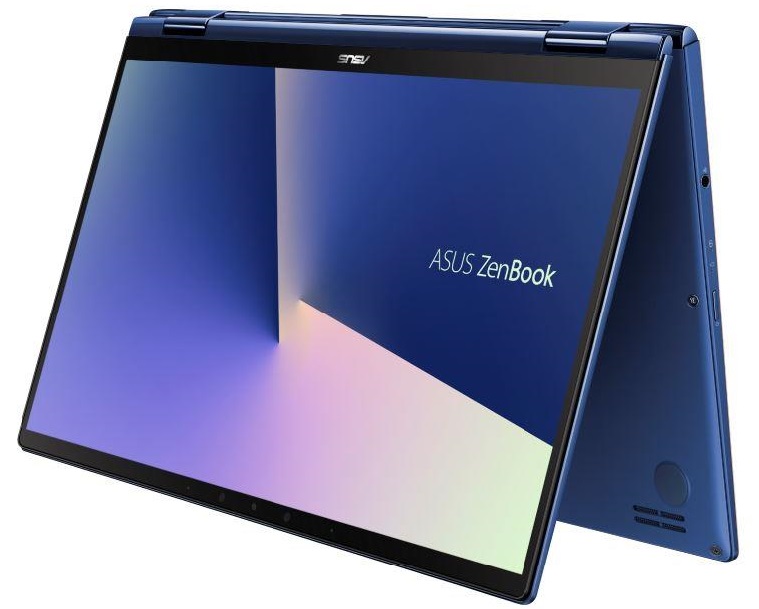
Today we are taking a look at what looks like a convertible version of the ASUS ZenBook 13 UX333. However, it has some distinctive features that distinguish the ZenBook Flip 13 UX362 from its non-Flip counterpart. Of course, the major one is the touchscreen, and we'll show you the others later on.Additionally, it is topped with Whiskey Lake CPUs which despite being ULV processors, still have a lot of power, especially compared to the Y-series CPU found in the ZenBook Flip UX360. Either way, this laptop comes in two variations, depending on the camera configuration - the first one has a "World facing" camera module, that apparently eats up a USB Type-A port and an HDMI connector. Respectively, the one that excludes this camera provides you with the aforementioned I/O options. Moreover,[...]
Read the full review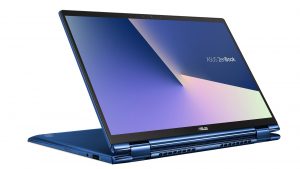
Pros
- Great aluminum build
- Very small footprint
- Great touchscreen with complimentary ASUS Pen
- A punchy screen which is very color accurate when paired with the Gaming and Web design profile (AUO B133HAN05.C (AUO5C2D))
- 12 hours of battery life during browsing the Web
- The screen doesn't use PWM to adjust brightness levels (AUO B133HAN05.C (AUO5C2D))
Cons
- The CPU throttles under heavy usage
- Poor palm rejection of the touchscreen, when using the ASUS Pen
- Forces you to use a dongle, due to the lack of USB Type-A ports (only with the "World Facing" camera edition
- No Thunderbolt support
- No Type-C charging unlike some direct competitors
Disassembly, maintenance and upgrade options
Today we are taking apart the ASUS ZenBook Flip 13 UX362. Laptops at this size are extremely difficult to design, especially when you want to give your customers some customization options. Let's get inside!Check out all ASUS ZenBook Flip 13 UX362 prices and configurations in our Specs System or read more in our In-depth Review.1. Remove the bottom plate The first thing you have to do with this laptop is to remove the bottom feet. They hide two Phillips-head screws, which accompany the other seven seen across the bottom plate. In order to remove the feet, you just need to unpry [...]
Read more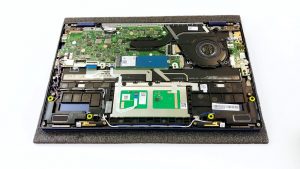


![[June 2026] Best-Selling Laptop Brands on Amazon Global – Apple’s Unrivaled Dominance in Units and Revenue](https://laptopmedia.com/wp-content/uploads/2026/07/GLOBAL-Best-Brands-400x225.jpg)
![[June 2026] Amazon Global: Top 10 Best-Selling Laptops – Apple’s New MacBook Neo Storms to #1, Reshaping the Market with Affordability](https://laptopmedia.com/wp-content/uploads/2026/07/Best-Selling-Laptops-GLOBAL-Top-10-400x225.jpg)
![[June 2026] Amazon Global: Top 10 Best-Selling Gaming Laptops – Acer’s Nitro V 16S AI Dominates Sales, While ASUS Leads Overall Revenue](https://laptopmedia.com/wp-content/uploads/2026/07/Best-Selling-Gaming-Laptops-GLOBAL-Top-10-400x225.jpg)
![[June 2026] Global Ranking of Best-Selling Laptop GPUs on Amazon – NVIDIA RTX 5060 is the Top-Selling Dedicated GPU](https://laptopmedia.com/wp-content/uploads/2026/07/Best-Selling-GPUs-GLOBAL-Top-10-400x225.jpg)
![[June 2026] Global Ranking of Best-Selling Laptop CPUs on Amazon – Apple M5 Dominates, AMD Ryzen 7 260 Gets Solid Premium Share](https://laptopmedia.com/wp-content/uploads/2026/07/Best-Selling-CPUs-GLOBAL-Top-10-400x225.jpg)

