ASUS Zenbook Pro 16X
_000041.jpg)


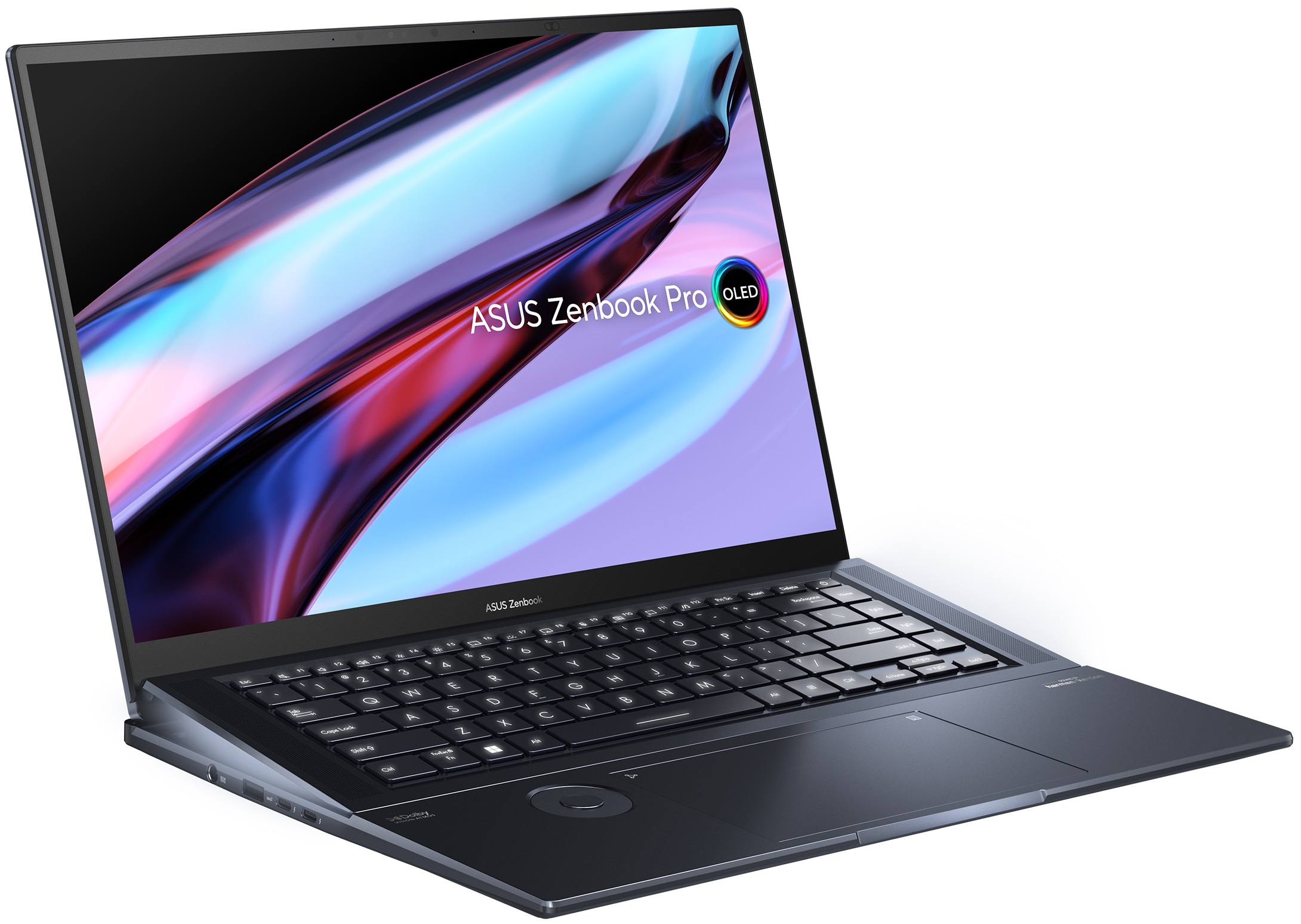
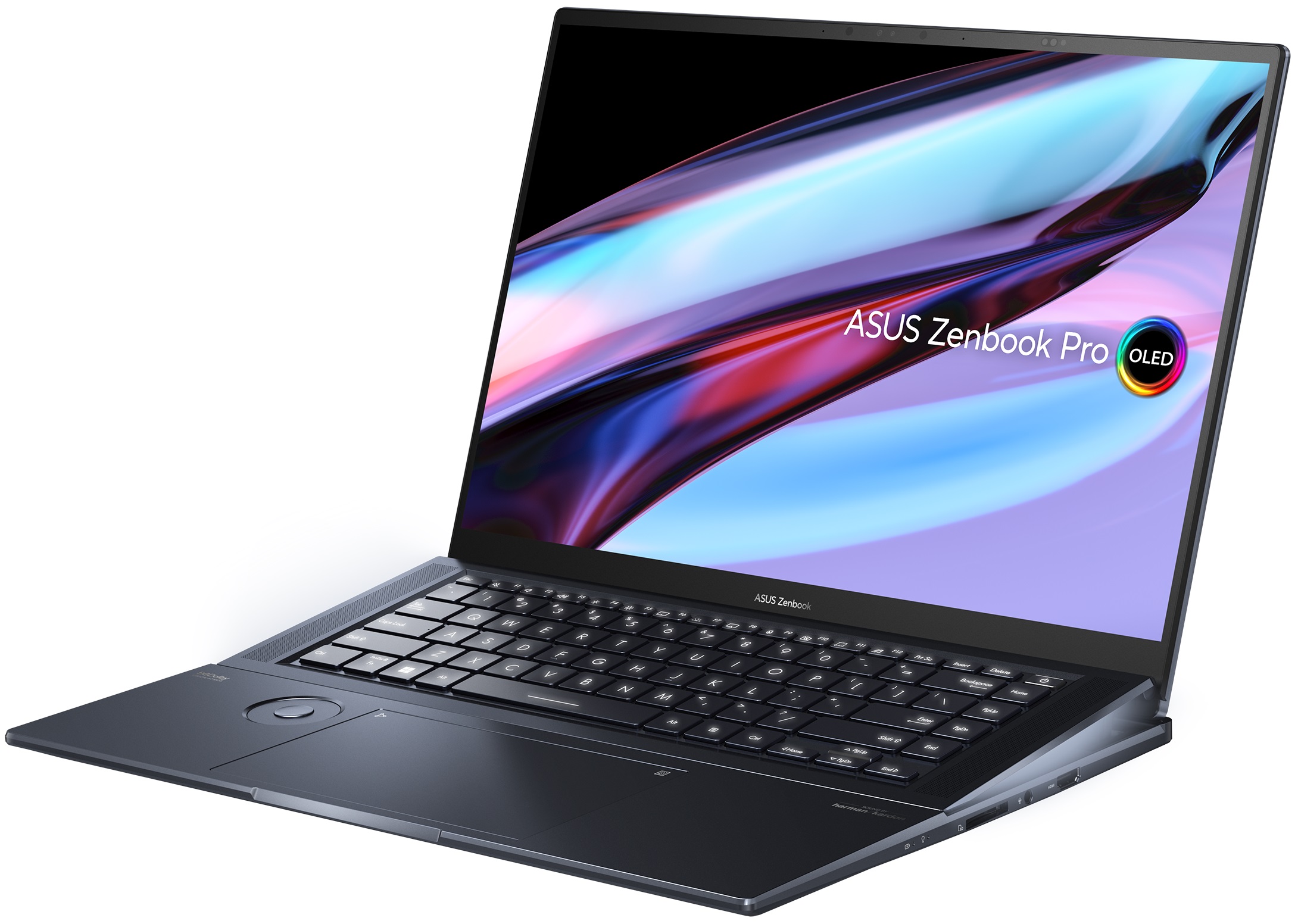

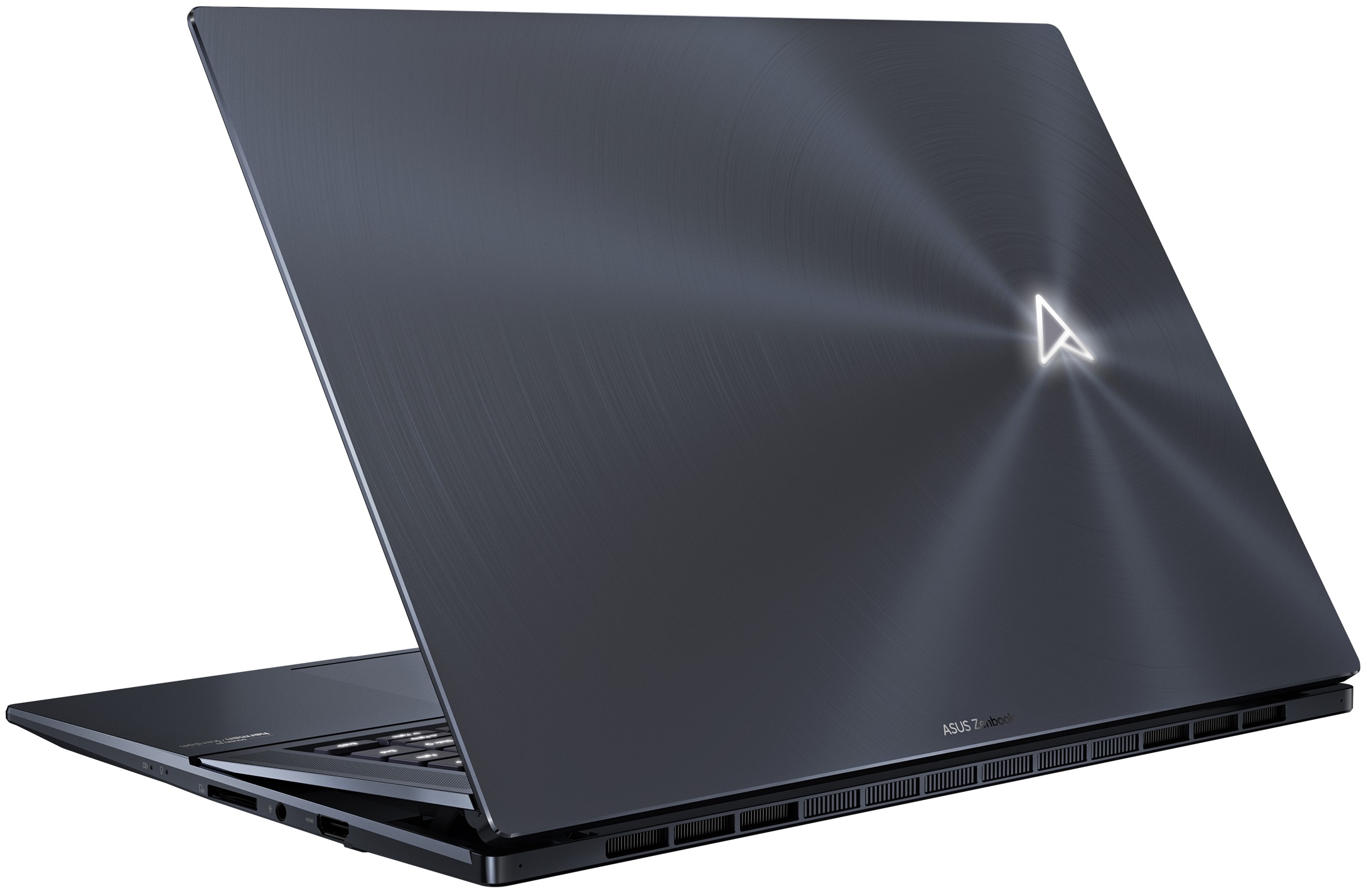
- Date Published: 09 Nov 2023
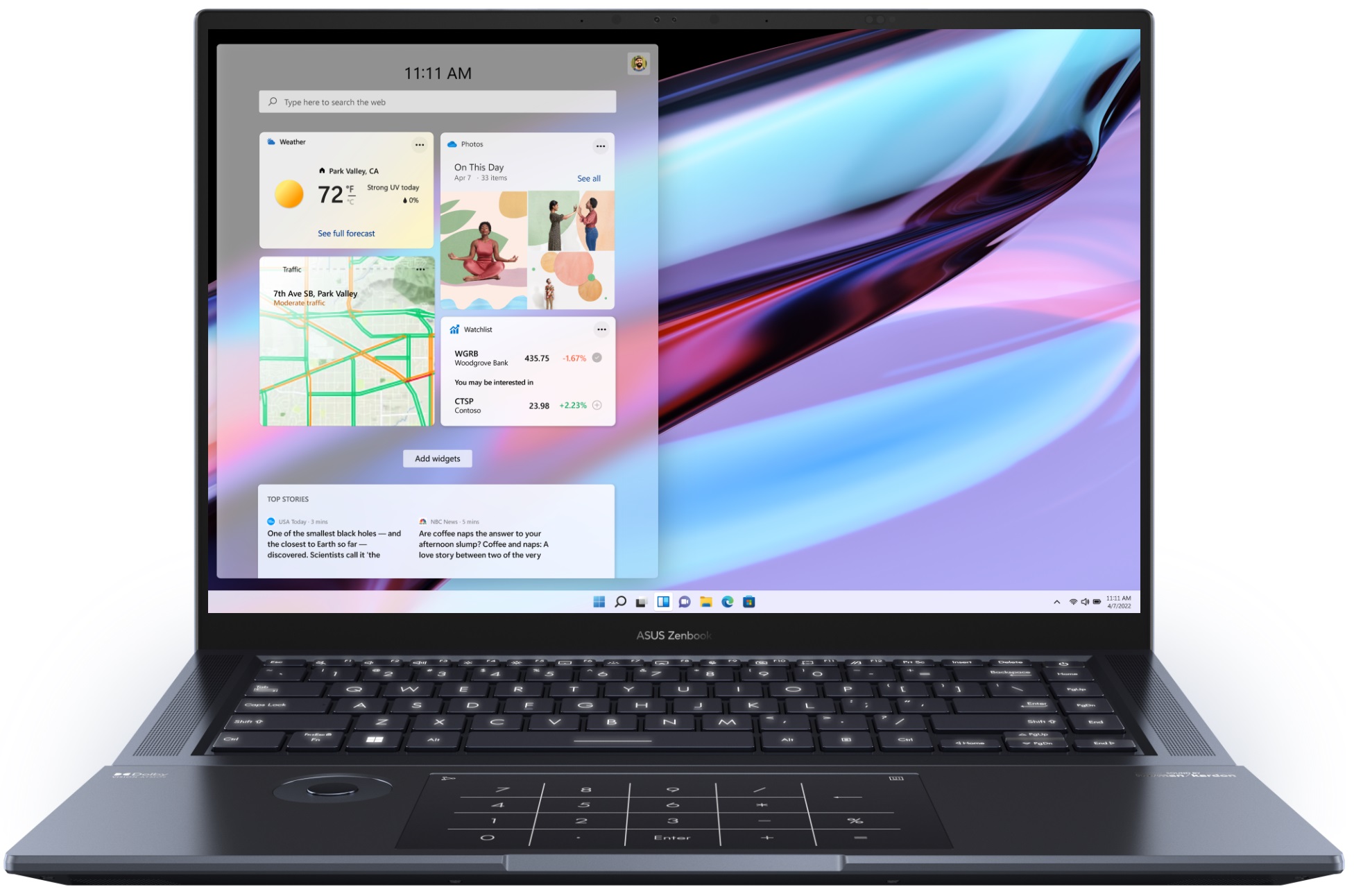
- Intel Core i9-13905H
- NVIDIA GeForce RTX 4080 (Laptop, 140W)
- 16.0″, 3.2K (3200 x 2000), 120 Hz, OLED
- 1000GB SSD
- 32GB LPDDR5
- 2.40 kg (5.3 lbs)
Review
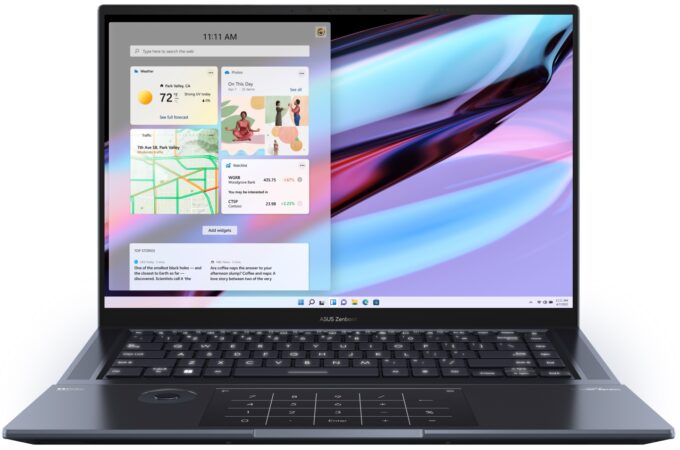
ASUS Zenbook Pro 16X in-depth review
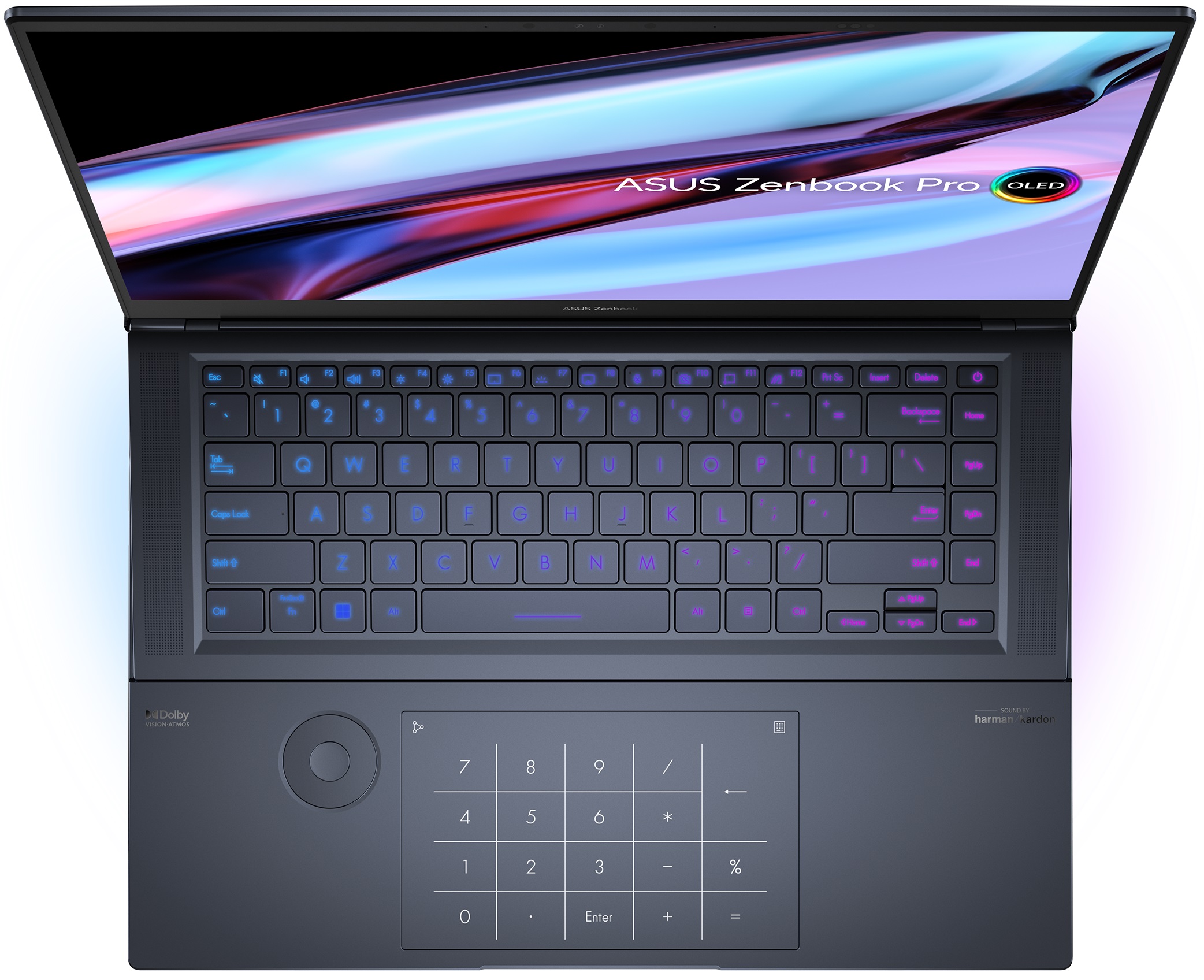
In the wide ocean of mobile computers, there are only a handful of products that really catch our eyes. That's regardless of whether it is because of their striking visuals, fantastic performance, or just outstanding innovation.Well, today's notebook - the Zenbook Pro 16X OLED (UX7602) may very well qualify for one or more of the aforementioned categories. It includes plenty of new technology, starting from the display, and going all the way to the cooling inside.Some features are more visible than others - you get a tilted keyboard, which has more than one benefit. Plus, there is a knob-style input device, which is super rare in the laptop world but can be very useful for creators.In fact, creators and young professionals are the main target group for ASUS with this particula[...]
Read the full review
Pros
- Comfortable keyboard
- Super rigid structure
- 100% sRGB and DCI-P3 coverage + HDR support
- High resolution and 16:10 aspect ratio + fast pixel response times
- True and virtually infinite contrast ratio
- ASUS Dial + touchpad with haptics
- IR face recognition + fingerprint reader
- Plethora of sensors
- 2x Thunderbolt 4 + SD card slot
- Capable vapor chamber cooling
Cons
- Soldered memory
Disassembly, maintenance and upgrade options
The inside of this device presents us with a bit of a mixed bag. Thankfully, there is a vapor chamber cooling system, but on the other hand, you won't be able to upgrade the memory.Check out all ASUS Zenbook Pro 16X OLED (UX7602) prices and configurations in our Specs System, or read more in our In-Depth review.1. Remove the bottom plate There are 10 Torx-head screws keeping this notebook's bottom panel in place. After you undo them, pry the panel with a plastic tool, and remove it from the chassis.2. Remove the battery Inside, we find a 96Wh battery pack. To remove it, u[...]
Read more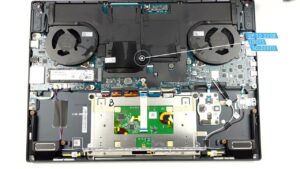


![[June 2026] Best-Selling Laptop Brands on Amazon Global – Apple’s Unrivaled Dominance in Units and Revenue](https://laptopmedia.com/wp-content/uploads/2026/07/GLOBAL-Best-Brands-400x225.jpg)
![[June 2026] Amazon Global: Top 10 Best-Selling Laptops – Apple’s New MacBook Neo Storms to #1, Reshaping the Market with Affordability](https://laptopmedia.com/wp-content/uploads/2026/07/Best-Selling-Laptops-GLOBAL-Top-10-400x225.jpg)
![[June 2026] Amazon Global: Top 10 Best-Selling Gaming Laptops – Acer’s Nitro V 16S AI Dominates Sales, While ASUS Leads Overall Revenue](https://laptopmedia.com/wp-content/uploads/2026/07/Best-Selling-Gaming-Laptops-GLOBAL-Top-10-400x225.jpg)
![[June 2026] Global Ranking of Best-Selling Laptop GPUs on Amazon – NVIDIA RTX 5060 is the Top-Selling Dedicated GPU](https://laptopmedia.com/wp-content/uploads/2026/07/Best-Selling-GPUs-GLOBAL-Top-10-400x225.jpg)
![[June 2026] Global Ranking of Best-Selling Laptop CPUs on Amazon – Apple M5 Dominates, AMD Ryzen 7 260 Gets Solid Premium Share](https://laptopmedia.com/wp-content/uploads/2026/07/Best-Selling-CPUs-GLOBAL-Top-10-400x225.jpg)
