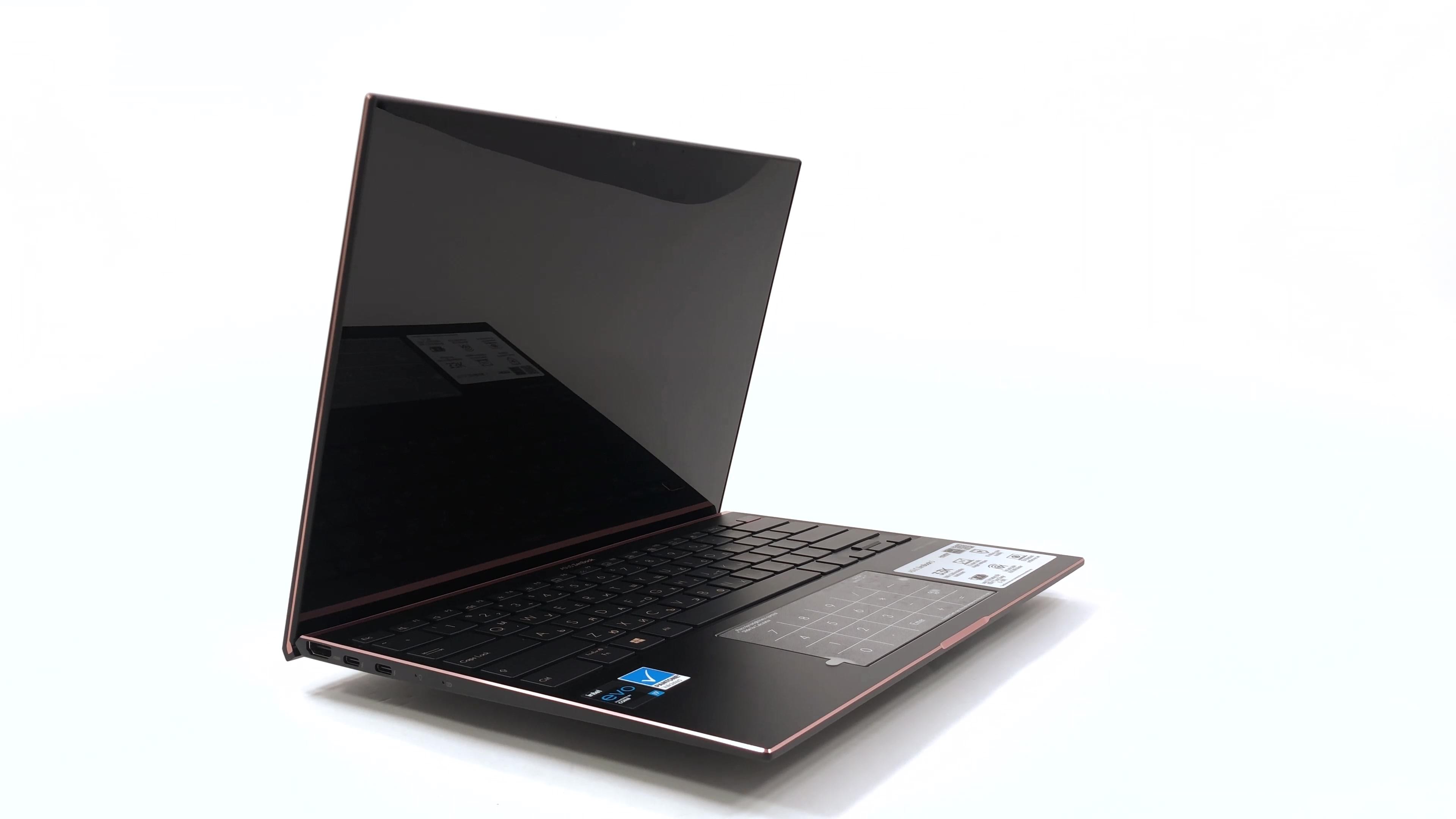
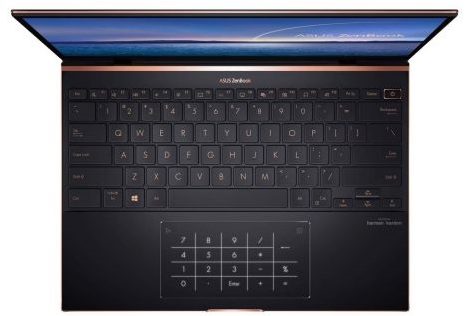
ASUS ZenBook S UX393JA-HK004T

- Date Published: 02 Dec 2020
- Intel Core i7-1065G7
- Intel Iris Plus Graphics G7
- 13.9”, 3K (3300 x 2200), IPS
- 1000GB SSD
- 16GB LPDDR4x
- 1.35 kg (3 lbs)
Specs
- Display

- HDD/SSD
- 1TB SSD
- M.2 Slot
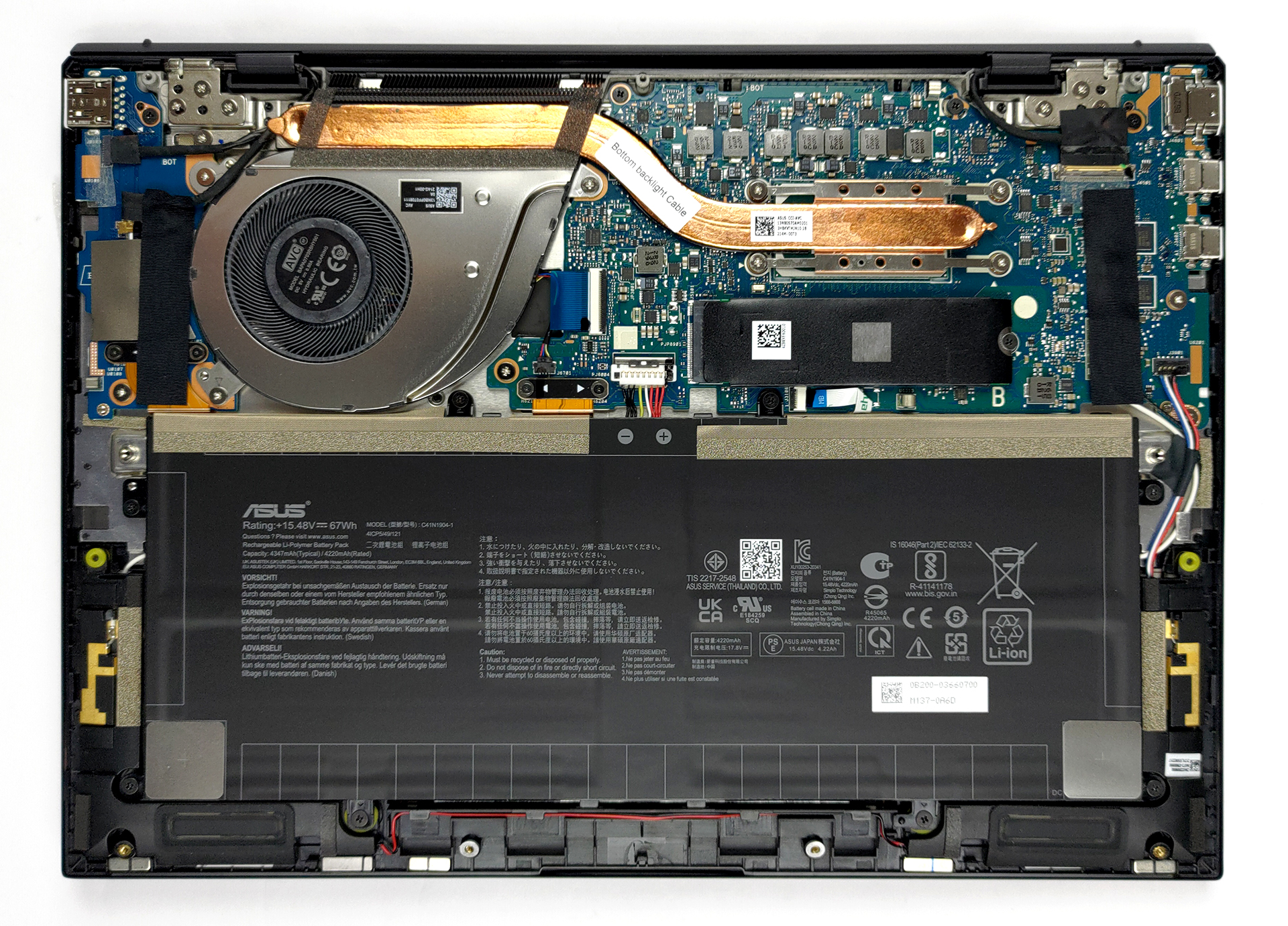
- 1x 2280 M.2 NVMe slot See photo
- RAM
- 16GB LPDDR4x
- OS
- Windows 10 Home
- Body Material
- Aluminum
- Dimensions
- 306 x 224 x 15.7 mm (12.05" x 8.82" x 0.62")
- Weight
- 1.35 kg (3 lbs)
- Ports and connectivity
- 1x USB Type-A
- 3.2 Gen 1 (5 Gbps)
- 2x USB Type-C
- 3.2 Gen 2 (10 Gbps), Thunderbolt 3
- HDMI
- Card Reader
- MicroSD
- Wi-Fi
- 802.11ax
- Bluetooth
- 5.0
- Audio jack
- 3.5 Combo Jack
- Features
- Web camera
- 3D IR HD
- Backlit keyboard
- Microphone
- Array Microphone w/ Cortana or Alexa Voice Rec.
- Speakers
- ASUS SonicMaster Technology
- Optical drive
- Gifts
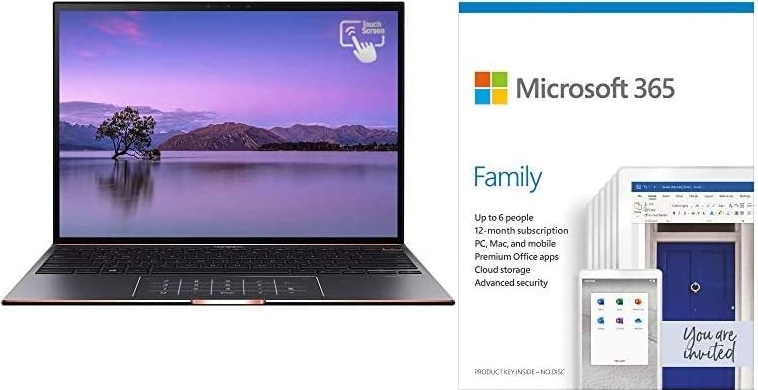
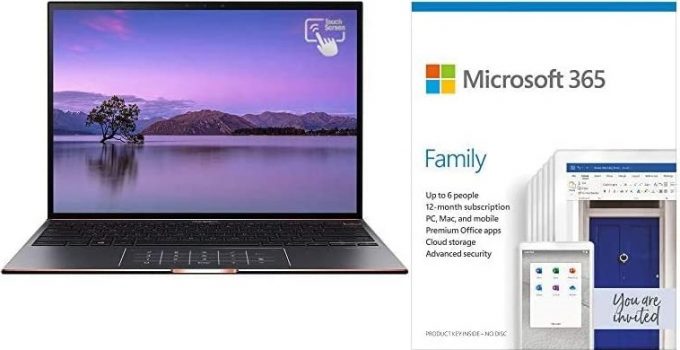
- Microsoft 365
Portability
Review
ASUS ZenBook S UX393JA-HK004T in-depth review
Every company out there has its own super-premium ultrabook. Dell has the XPS, Lenovo has the X1 series, while ASUS... well, ASUS has the ZenBook S. It is an exceptional device with a thin profile, a ton of features, and to some extent - quite powerful hardware.The choice of providing a high-res display with a 3:2 aspect ratio is another reason to think that the ZenBook S UX393 is aimed at professionals. Would it be for the IT industry, trading community, or even for presentation purposes, the more vertical space is always considered as a plus. Well, except for media consumption.Despite all of the features that it provides, it would mean nothing if the laptop isn't up to the standards. Both in terms of performance and construction. So, let's take our deep dive, and see what this l[...]
Read the full review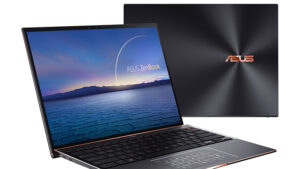
Pros
- Thin, light, and rigid chassis
- Charges via Type-C
- 2x Thunderbolt 4 + MicroSD card slot + HDMI port
- Good battery life
- Decent performance
- Full sRGB and DCI-P3 coverage with accurate color representation
- No PWM
- Fingerprint reader + optional IR face recognition sensor
Cons
- The bottom panel gets pretty warm in extreme scenarios
- Soldered memory
Disassembly, maintenance and upgrade options
Expectedly, you get no memory upgrade options. On the bright side, the SSD inside can be swapped.Check out all ASUS Zenbook S UX393 prices and configurations in our Specs System or read more in our In-Depth review.1. Remove the bottom plate To take this laptop apart, you need to undo a total of 9 Torx-head screws. After that, pry the bottom panel with a plastic tool, starting from the hinge gaps.2. Battery Inside, we see a 67Wh battery pack. It lasted us for 12 hours of Web browsing, or about 9 hours of video playback. So, if you need to take the battery out, you first ne[...]
Read more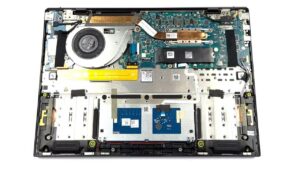


![[June 2026] Best-Selling Laptop Brands on Amazon Global – Apple’s Unrivaled Dominance in Units and Revenue](https://laptopmedia.com/wp-content/uploads/2026/07/GLOBAL-Best-Brands-400x225.jpg)
![[June 2026] Amazon Global: Top 10 Best-Selling Laptops – Apple’s New MacBook Neo Storms to #1, Reshaping the Market with Affordability](https://laptopmedia.com/wp-content/uploads/2026/07/Best-Selling-Laptops-GLOBAL-Top-10-400x225.jpg)
![[June 2026] Amazon Global: Top 10 Best-Selling Gaming Laptops – Acer’s Nitro V 16S AI Dominates Sales, While ASUS Leads Overall Revenue](https://laptopmedia.com/wp-content/uploads/2026/07/Best-Selling-Gaming-Laptops-GLOBAL-Top-10-400x225.jpg)
![[June 2026] Global Ranking of Best-Selling Laptop GPUs on Amazon – NVIDIA RTX 5060 is the Top-Selling Dedicated GPU](https://laptopmedia.com/wp-content/uploads/2026/07/Best-Selling-GPUs-GLOBAL-Top-10-400x225.jpg)
![[June 2026] Global Ranking of Best-Selling Laptop CPUs on Amazon – Apple M5 Dominates, AMD Ryzen 7 260 Gets Solid Premium Share](https://laptopmedia.com/wp-content/uploads/2026/07/Best-Selling-CPUs-GLOBAL-Top-10-400x225.jpg)