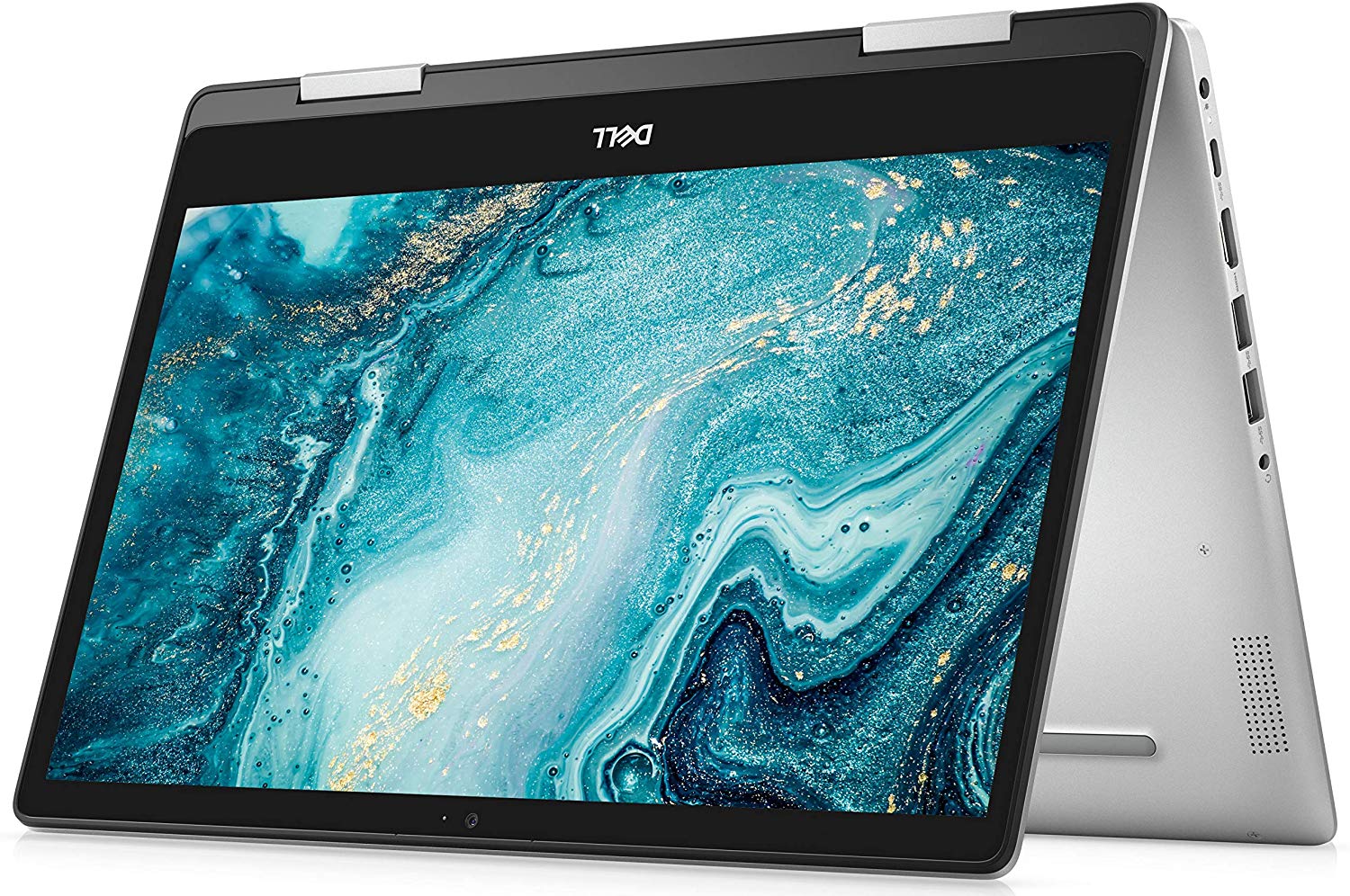
Dell Inspiron 14 5491 2-in-1
- Date Published: 20 Nov 2024
- Intel Core i3-10110U
- Intel UHD Graphics
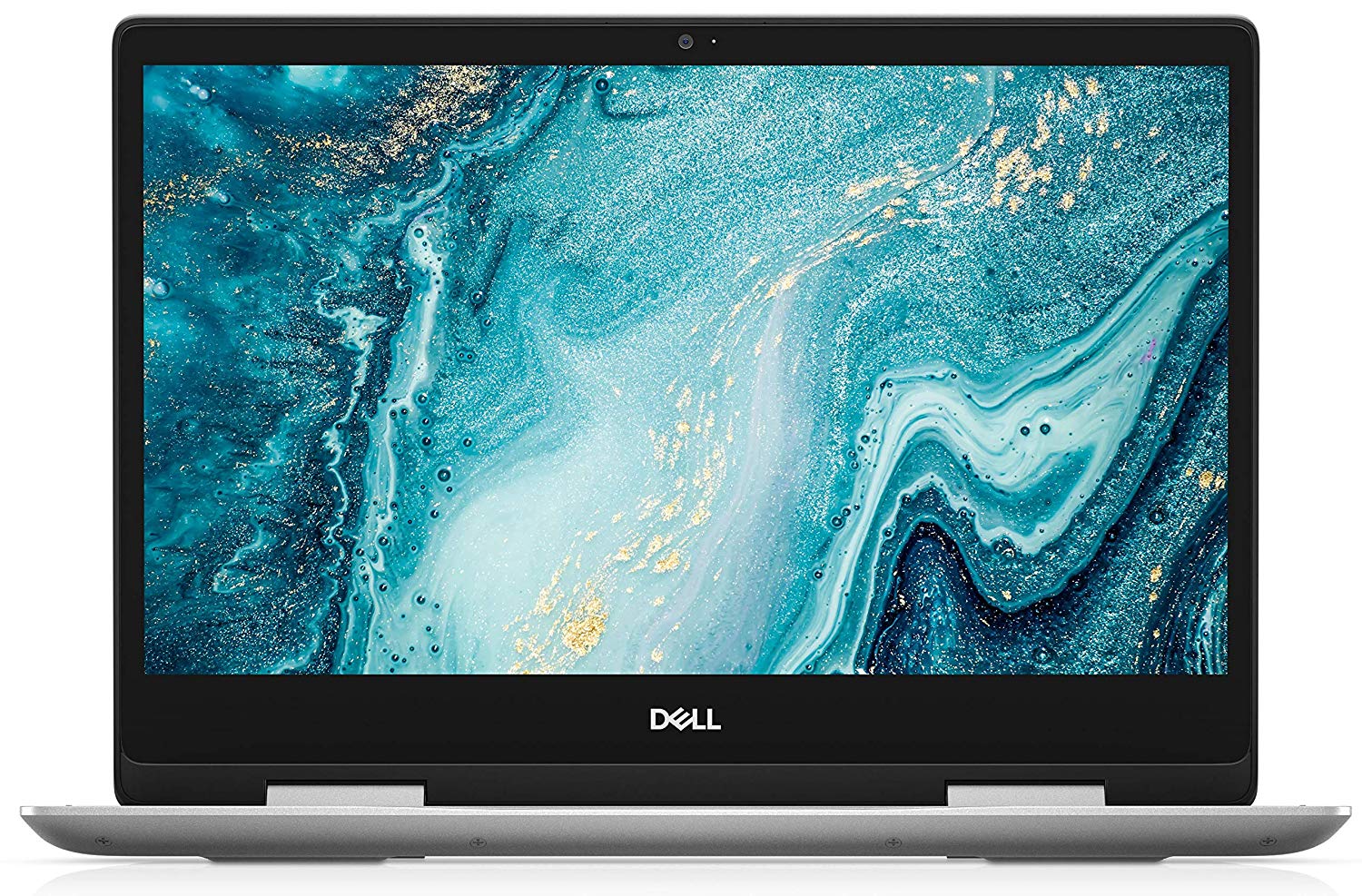
- 14.0”, Full HD (1920 x 1080), IPS
- 256GB SSD
- 4GB RAM
- 1.86 kg (4.1 lbs)
Specs

- HDD/SSD
- 256GB SSD
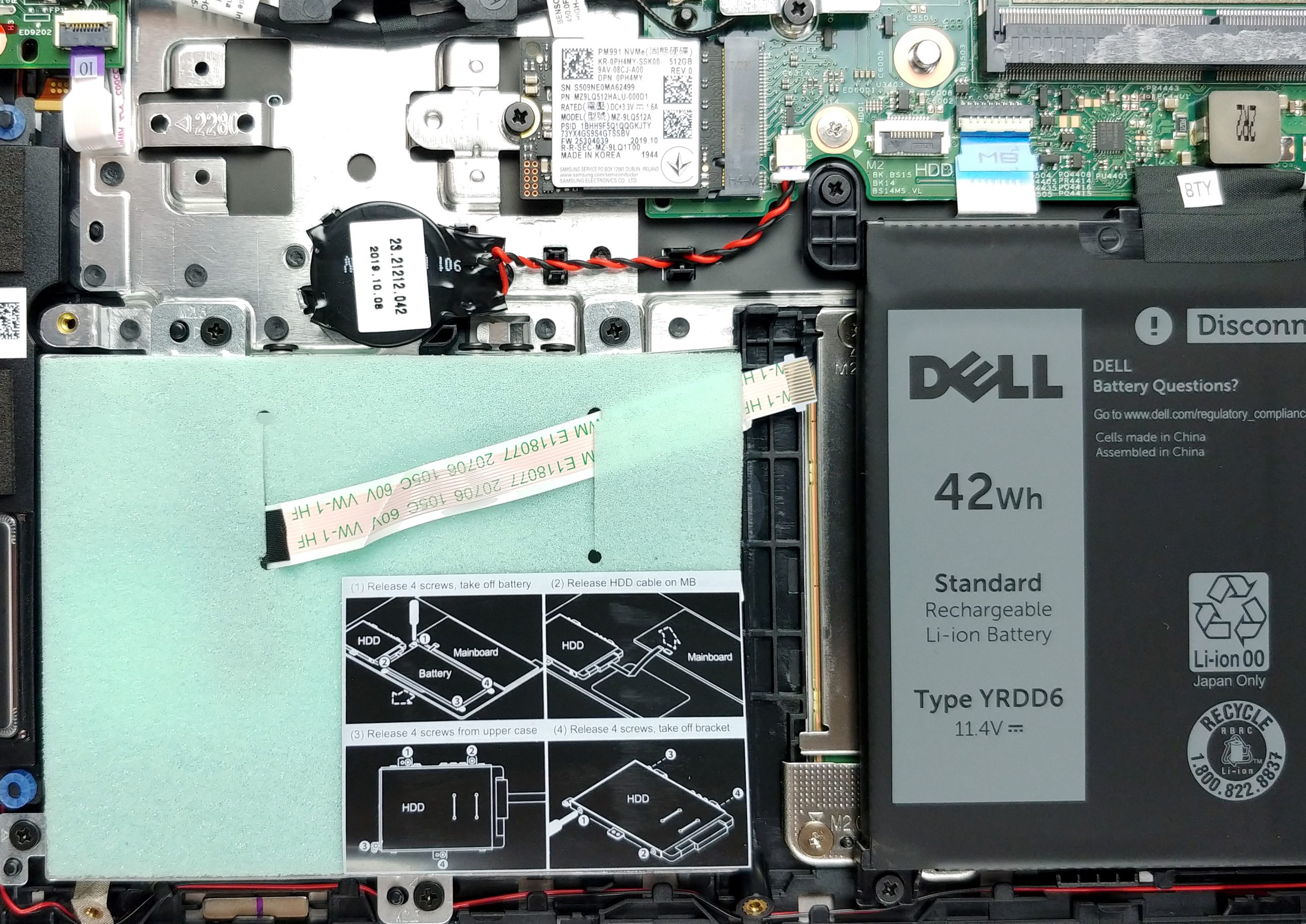
- M.2 Slot
- 1x 2280 PCIe NVMe 3.0 x4 See photo
- RAM
- 4GB RAM
- OS
- Windows 10 Home
- Body Material
- Plastic / Polycarbonate, Aluminum
- Dimensions
- 328 x 232.8 x 19.9 mm (12.91" x 9.17" x 0.78")
- Weight
- 1.86 kg (4.1 lbs)
- Ports and connectivity
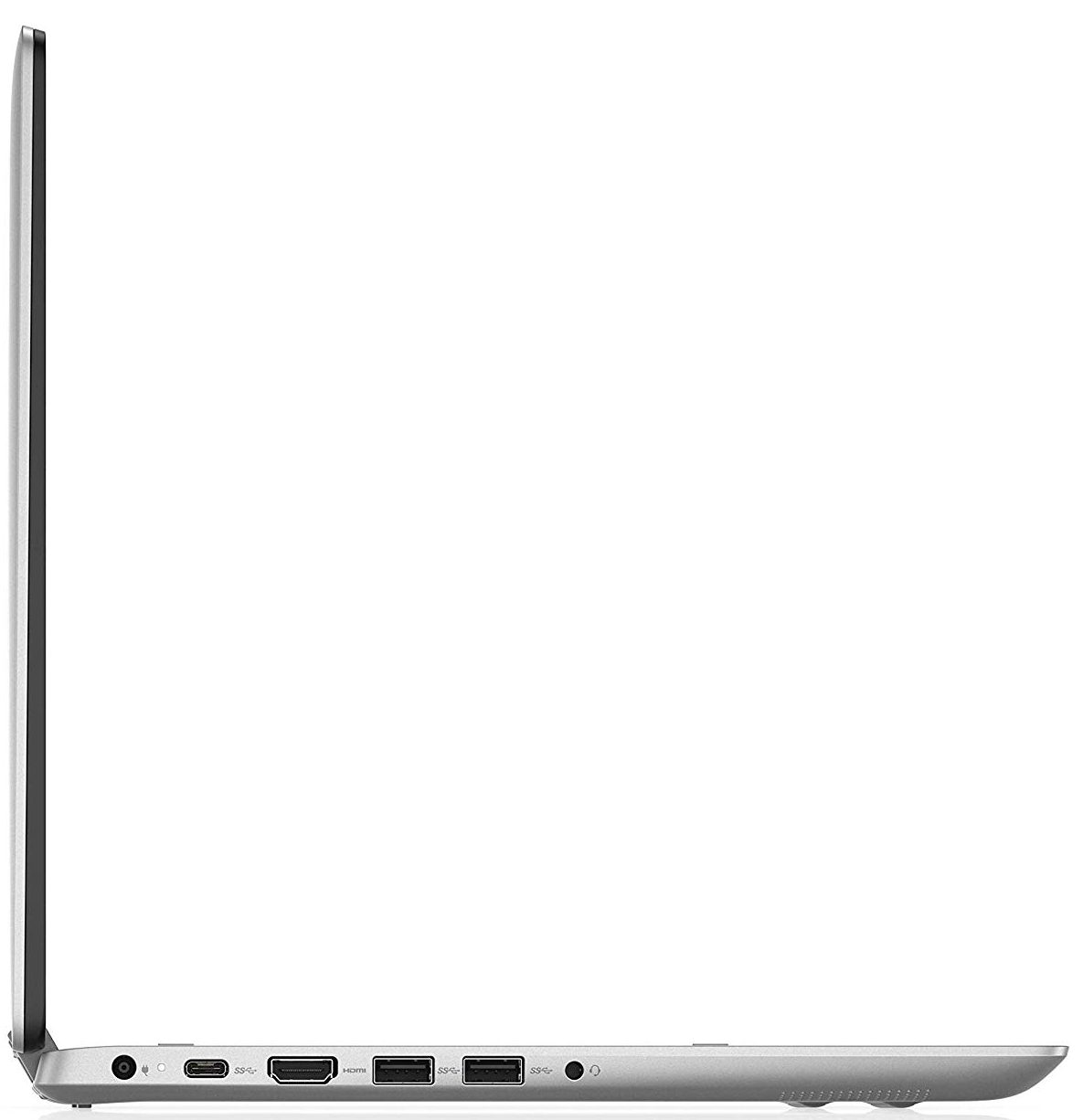
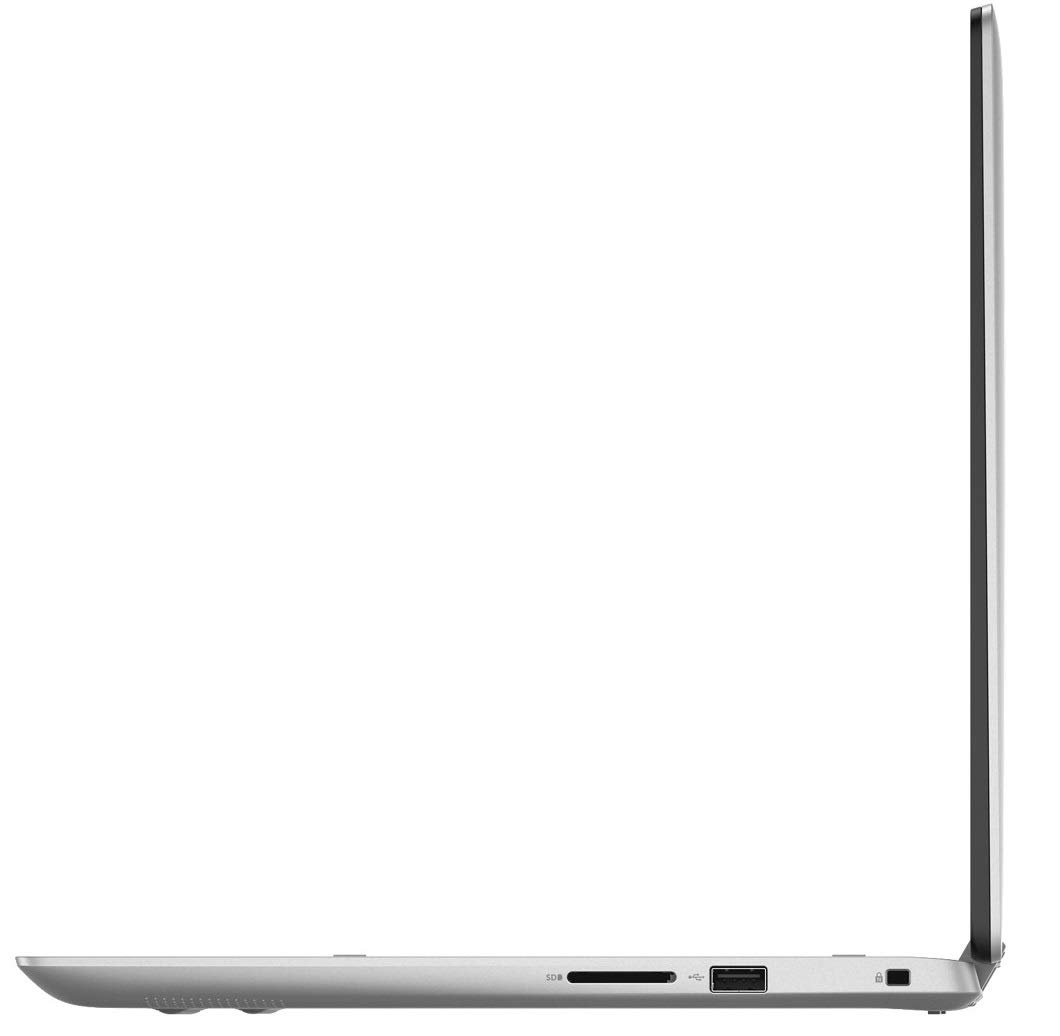
- 1x USB Type-A
- 2.0
- 2x USB Type-A
- 3.2 Gen 1 (5 Gbps)
- 1x USB Type-C
- 3.2 Gen 1 (5 Gbps), Power Delivery (PD), DisplayPort
- HDMI
- Card Reader
- SD, SDHC, SDXC
- Wi-Fi
- 802.11ac
- Bluetooth
- 5.0
- Audio jack
- 3.5 mm combo
- Features
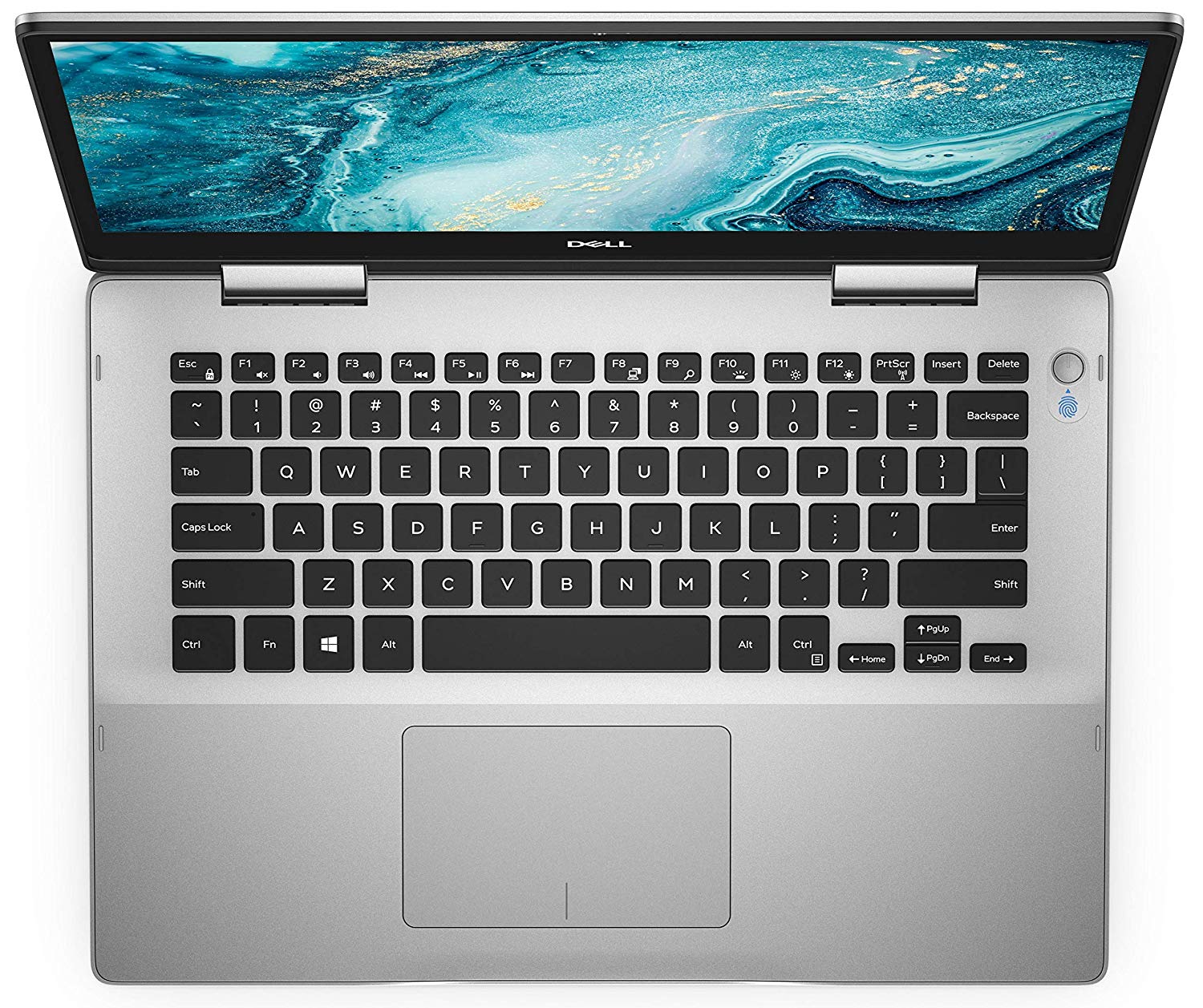
- Fingerprint reader
- Web camera
- HD
- Backlit keyboard
- Microphone
- Digital Array Microphone
- Speakers
- 2x 2W
- Security Lock slot
Portability
Review
Dell Inspiron 14 5491 2-in-1 in-depth review
Here comes the latest 14-inch Inspiron convertible. Its full name is Dell Inspiron 14 5491 2-in-1 - something that takes as long to pronounce as it is for a Target worker to wake up from its mid-isle nap. Nevertheless, this is a device that bears no significant changes to its predecessor on the outside.However, the most notable one is the hardware and more precisely - the CPU choice. Instead of the Whiskey Lake that Dell was fast to introduce more than a year ago, now we see a Comet Lake processor. Of course, you have a choice of sticking with the lowest-budget Core i3-10110U that has two cores and four threads or go for twice the core/thread count with either the Core i5-10210U or the Core i7-10510U.Let's not forget to mention the 1080p 14-inch IPS touchscreen panel that you g[...]
Read the full review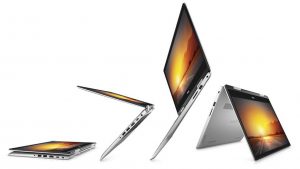
Pros
- Good build quality
- The screen doesn't use aggressive PWM for brightness adjustment (Chi Mei N140HAC-EAC (CNM14D4))
- Stylus inside the box (optional)
- Decent battery life
- Upgradability on point
- High-end fingerprint sensor
Cons
- The display (Chi Mei N140HAC-EAC (CNM14D4)) lacks half of the sRGB colors
- Not bright enough screen for outdoor use (Chi Mei N140HAC-EAC (CNM14D4))
- Heavy for a 14-inch convertible
- Input devices are of below-average quality
Disassembly, maintenance and upgrade options
As the Inspiron 14 5491 2-in-1 is a solid clunk of a device, that has great structural integrity, but slightly uncomfortable handling experience, we were wondering, if it is easy to get inside of it?Check out all Dell Inspiron 14 5491 2-in-1 prices and configurations in our Specs System or read more in our In-Depth review.1. Remove the bottom plate This device requires the removal of the entire back panel in order to access its internals. Thankfully, this is made easy by putting only 9 Phillips head-screws. As soon as you unscrew them, pry the plate with a plastic tool, and you [...]
Read more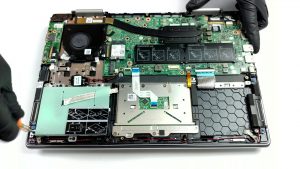


![[June 2026] Best-Selling Laptop Brands on Amazon Global – Apple’s Unrivaled Dominance in Units and Revenue](https://laptopmedia.com/wp-content/uploads/2026/07/GLOBAL-Best-Brands-400x225.jpg)
![[June 2026] Amazon Global: Top 10 Best-Selling Laptops – Apple’s New MacBook Neo Storms to #1, Reshaping the Market with Affordability](https://laptopmedia.com/wp-content/uploads/2026/07/Best-Selling-Laptops-GLOBAL-Top-10-400x225.jpg)
![[June 2026] Amazon Global: Top 10 Best-Selling Gaming Laptops – Acer’s Nitro V 16S AI Dominates Sales, While ASUS Leads Overall Revenue](https://laptopmedia.com/wp-content/uploads/2026/07/Best-Selling-Gaming-Laptops-GLOBAL-Top-10-400x225.jpg)
![[June 2026] Global Ranking of Best-Selling Laptop GPUs on Amazon – NVIDIA RTX 5060 is the Top-Selling Dedicated GPU](https://laptopmedia.com/wp-content/uploads/2026/07/Best-Selling-GPUs-GLOBAL-Top-10-400x225.jpg)
![[June 2026] Global Ranking of Best-Selling Laptop CPUs on Amazon – Apple M5 Dominates, AMD Ryzen 7 260 Gets Solid Premium Share](https://laptopmedia.com/wp-content/uploads/2026/07/Best-Selling-CPUs-GLOBAL-Top-10-400x225.jpg)