Dell Inspiron 3580
- Date Published: 16 Oct 2020
- Intel Celeron 4205U
- Intel HD Graphics 610
- 15.6”, HD (1366 x 768), TN
- 128GB SSD
- 8GB DDR4
- 2.28 kg (5 lbs)
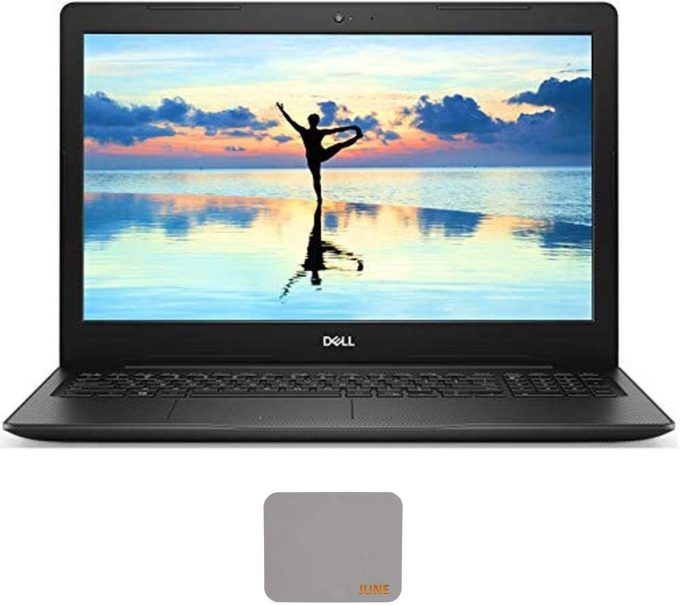
Specs
- Display
- HDD/SSD
- 128GB SSD
- M.2 Slot
- 1x 2280 M.2 NVMe slot See photo
- RAM
- 8GB DDR4
- OS
- Windows 10 Home
- Body Material
- Plastic / Polycarbonate
- Dimensions
- 380 x 258 x 20.66 - 20.70 mm (14.96" x 10.16" x 0.81")
- Weight
- 2.28 kg (5 lbs)
- Ports and connectivity
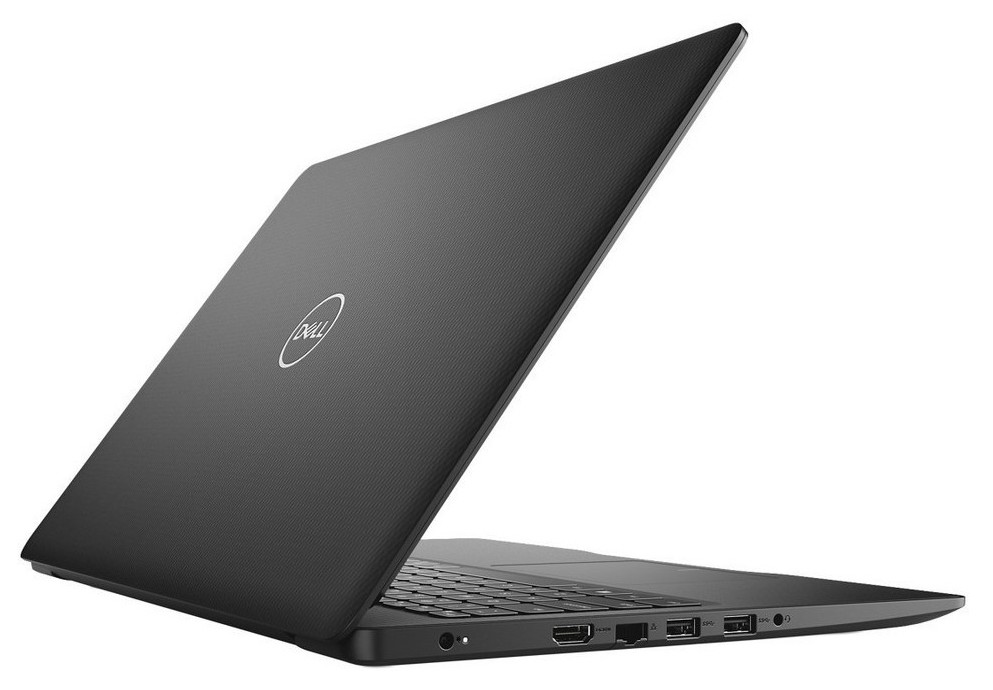
- 2x USB Type-A
- 3.2 Gen 1 (5 Gbps)
- 1x USB Type-A
- 2.0
- HDMI
- 1.4
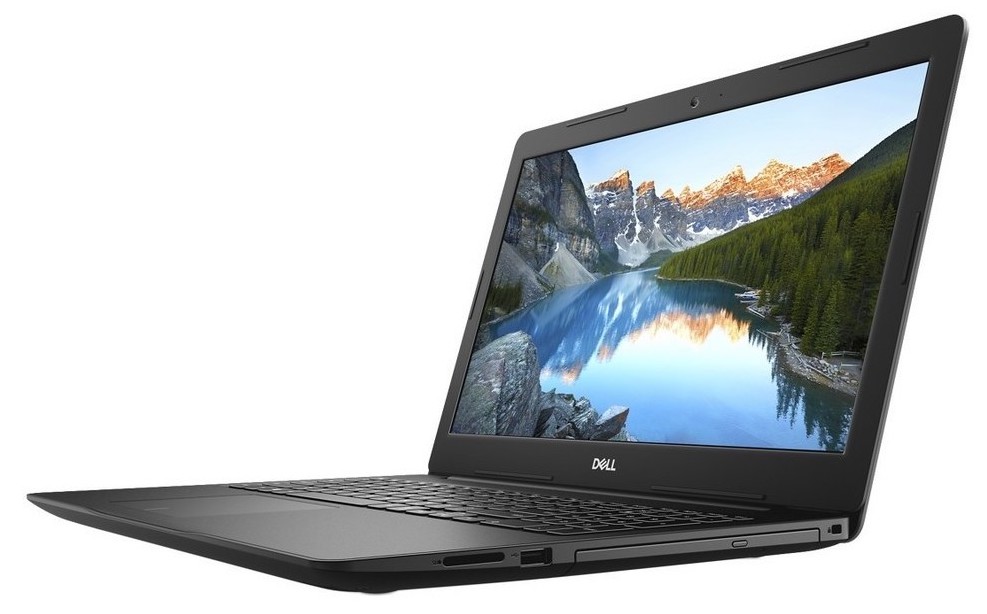
- Card Reader
- SD, SDHC, SDXC
- Ethernet LAN
- 10/100 Mbps
- Wi-Fi
- Bluetooth
- Audio jack
- 3.5mm audio jack
- Features
- Web camera
- HD 720p@30fps (78.6 degrees)
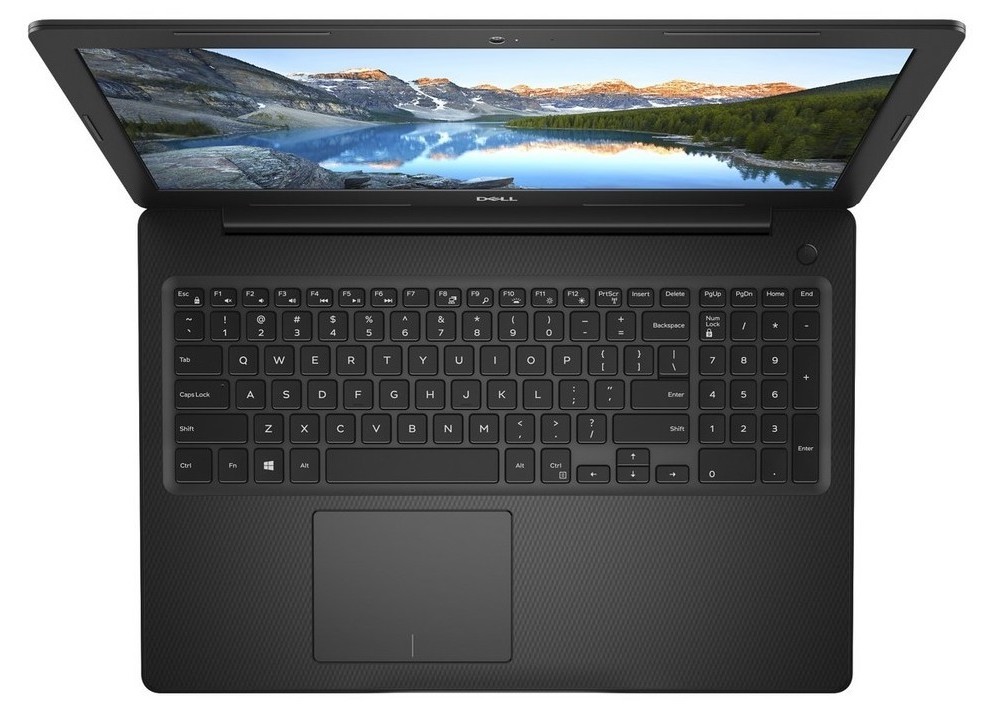
- Backlit keyboard
- Microphone
- Speakers
- 2x 2W
- Optical drive
- Security Lock slot
- Gifts
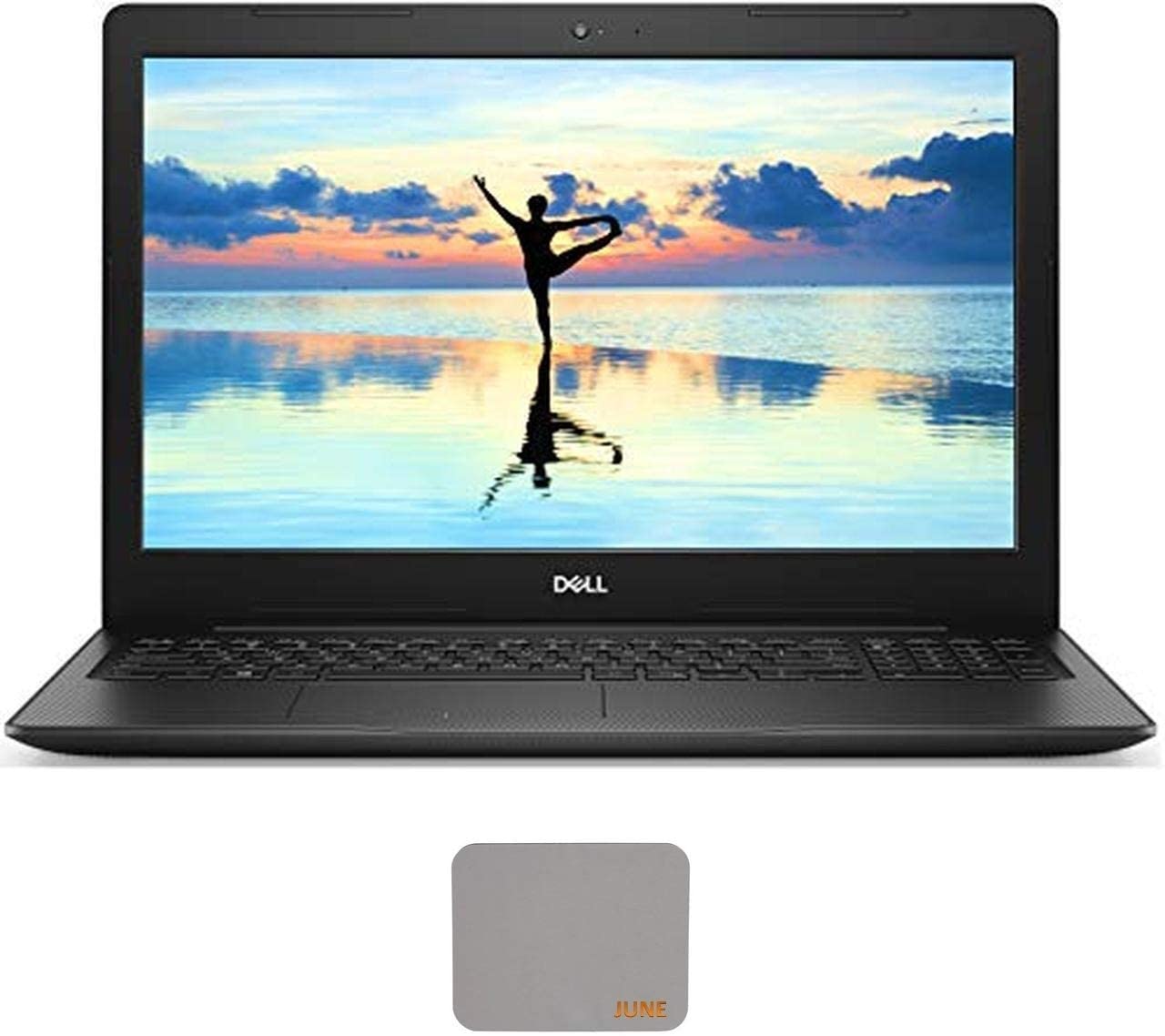
- Mouse Pad
Portability
Review
Dell Inspiron 3580 in-depth review
Inspiron 15 3000 series has long been one of the most popular budget laptops out there. And why wouldn't they be - they are sold an extremely low price and offer wide customizability. CPU-wise the Inspiron 15 3580 is available either with the low-end Pentium N4000 and Pentium Silver N5000 or with the slightly more powerful Core i3-7020U. It is even offered with the Core i5-8265U and the Core i7-8565U.However, cost-cutting requires the common sacrifices - no IPS panel (it tops out at a 1080p TN option), all plastic build quality and dated design. On the other side, like last year with the Inspiron 15 3576 - you can by the Inspiron 15 3580 with a Radeon 520 graphics solution.You can check the prices and configurations in our Specs System: https://laptopmedia.com/series/dell-inspiron[...]
Read the full review
Pros
- Starts at a very low price
- Doesn't use aggressive PWM to adjust screen brightness (BOE NT15N4-MP974 (BOE0802))
- Supports M.2 PCIe NVMe/SATA SSDs
- Adequate battery life
- Rigid body
Cons
- Plastic all the way
- Covers only 50% of sRGB (BOE NT15N4-MP974 (BOE0802))
- Poor contrast ratio and uncomfortable viewing angles (BOE NT15N4-MP974 (BOE0802))
- Shallow keyboard (though with a tactile feedback)
- Gets a little warm on the inside


![[August 2026] Global Ranking of Best-Selling Laptop GPUs on Amazon – Apple Reigns Supreme, NVIDIA’s RTX 5060 Tops Dedicated Chart](https://laptopmedia.com/wp-content/uploads/2026/09/Best-Selling-GPUs-GLOBAL-Top-10-400x225.jpg)
![[August 2026] Global Ranking of Best-Selling Laptop CPUs on Amazon – Apple Dominates Both Budget and Premium: A18 Pro and M5 Crush Intel and AMD in August 2026](https://laptopmedia.com/wp-content/uploads/2026/09/Best-Selling-CPUs-GLOBAL-Top-10-400x225.jpg)
![[August 2026] Amazon Global: Top 10 Best-Selling Laptops – Apple MacBook Neo Dominates the Charts as Budget and Mid-Range Windows Portables Fight for Volume](https://laptopmedia.com/wp-content/uploads/2026/09/Best-Selling-Laptops-GLOBAL-Top-10-400x225.jpg)
![[August 2026] Best-Selling Laptop Brands on Amazon Global – Apple Dominates Revenue While HP Leads in Model Variety](https://laptopmedia.com/wp-content/uploads/2026/09/GLOBAL-Best-Brands-400x225.jpg)
![[August 2026] Amazon Global: Top 10 Best-Selling Gaming Laptops – HP Victus 15 Captures the Crown as Budget-Friendly Models Dominate the Charts](https://laptopmedia.com/wp-content/uploads/2026/09/Best-Selling-Gaming-Laptops-GLOBAL-Top-10-400x225.jpg)

